
Second Stag for Genesis 9
- ダウンロード商品¥ 5,200

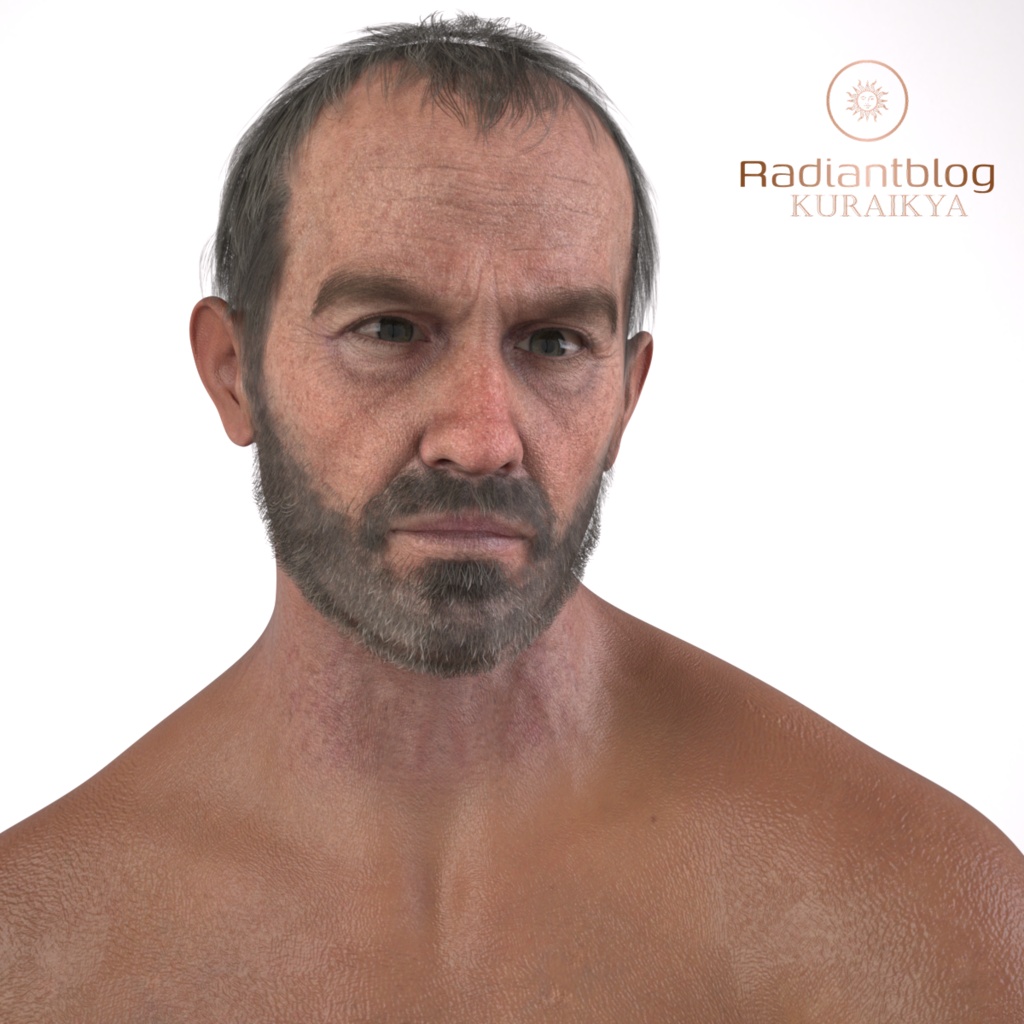
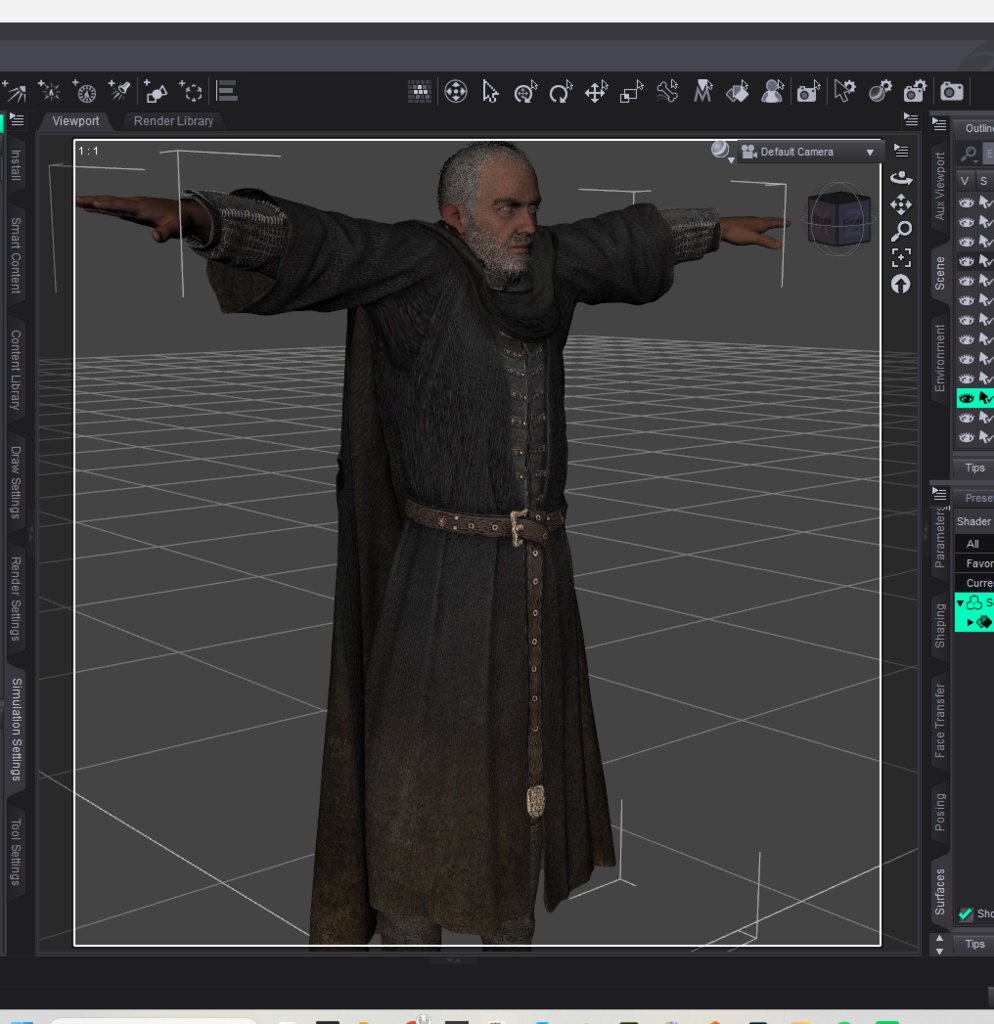
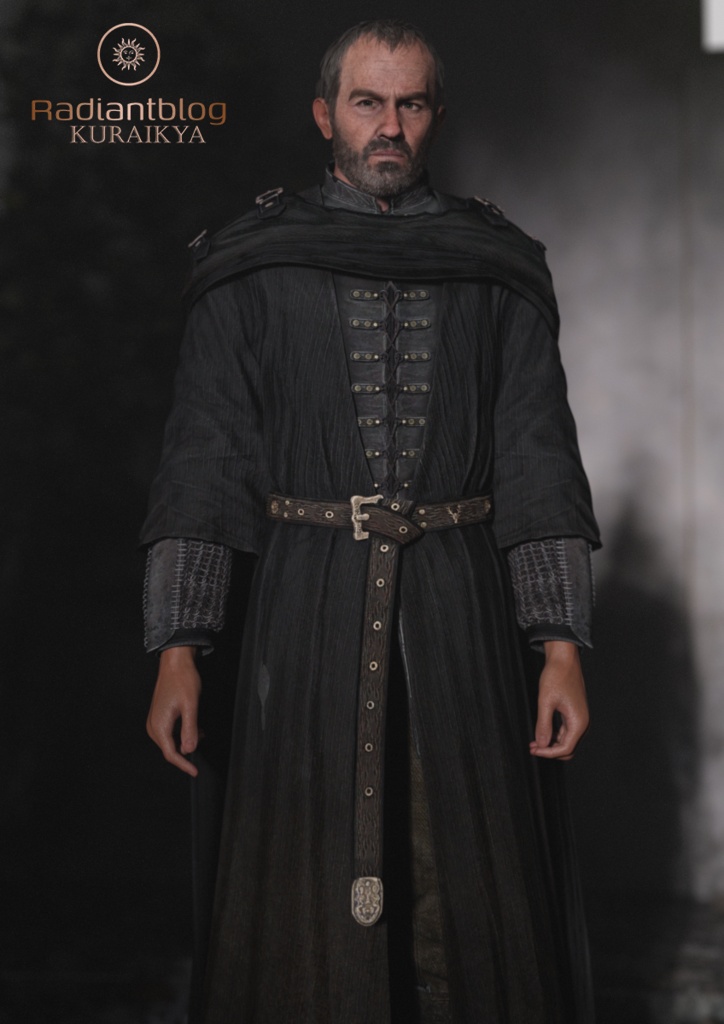
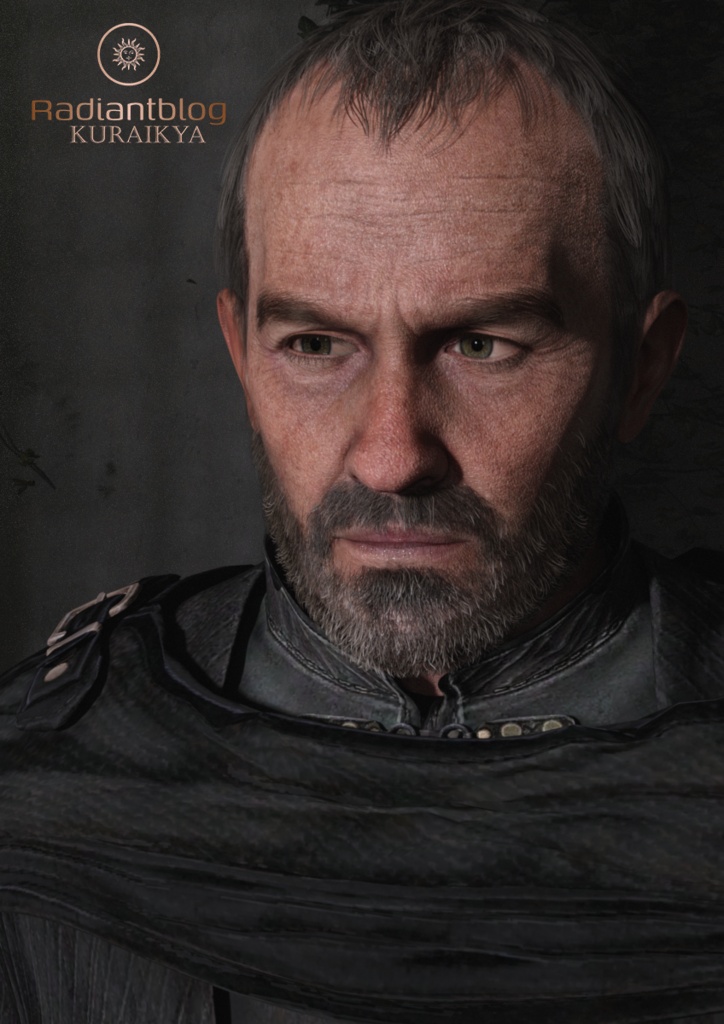
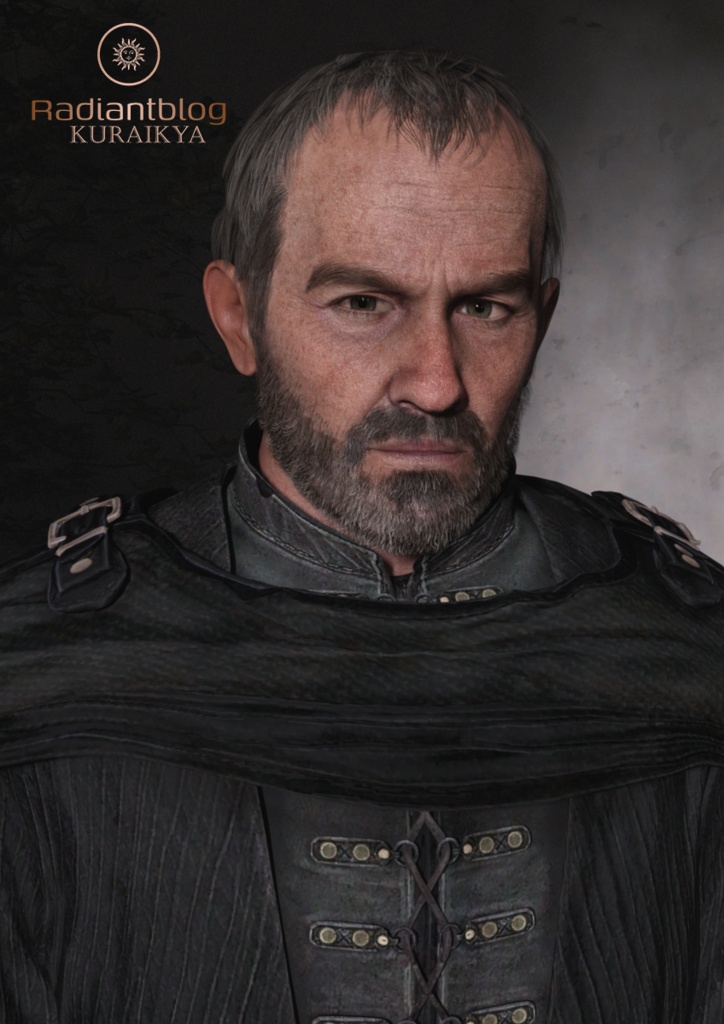
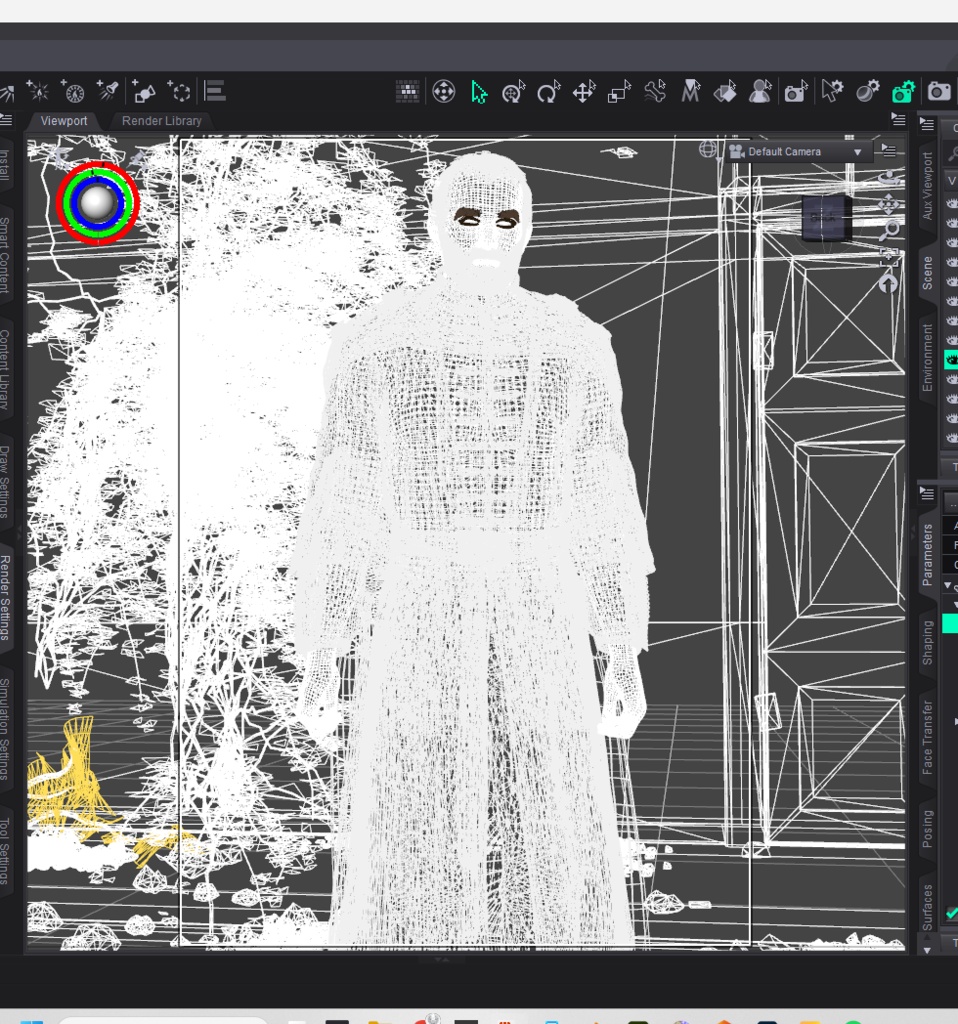


Second Stag for Genesis 9 Bring a stern, battle-tested commander and rightful leader to your 3D library with Second Stag for Genesis 9 by KuraiKya/Radiantblog. Inspired by the unyielding determination of medieval lords and fantasy monarchs, this character set comes complete with a full custom morph, detailed head assets, and an authentic multi-piece outfit. Package Includes: Root Folder Files: Character Preset (Folder) Clothing (Folder) Hair (Folder) KuraiKya_Store (Daz Script) README Important Information.txt Second Stag with Clothing.duf Second Stag without Clothing.duf 1. Character Folder (/Character Preset): Character Preset.duf Material Preset.duf Second Stag Eyes.duf Second Stag Mouth.duf Shaping Preset.duf 2. Clothing Folder (/Clothing): Second Stag Cape.duf (Features dForce) Second Stag Lower Part.duf (Utilizes auto-hide geometries for legs and hip) Second Stag Robe.duf (Features dForce) 3. Hair & Facial Hair Folder (/Hair): Second Stag Beard.duf Second Stag Eyebrows.duf Second Stag Eyelashes.duf Second Stag Hair.duf Features & Usage Notes: Full Morph: Custom full-body and head shaping built specifically for Genesis 9. dForce Setup: Both the Cape and Robe are dForce enabled for dynamic, realistic fabric simulations. Smart Geometries: The Lower Part of the outfit automatically hides base geometry (legs and hips) to prevent mesh clipping during posing and rendering. How to Extract Zip Files: Download the product .zip package to your computer. Right-click the .zip file and select "Extract All..." (Windows) or double-click to expand (macOS). Choose your DAZ 3D content library directory (e.g., My DAZ 3D Library) as the destination folder. Open DAZ Studio, navigate to Content Library > People > Genesis 9 > Characters > KuraiKya > Second Stag, and load your preset.