
AtelierKeep|クリスタの設定・素材を保存&復元
- ダウンロード商品¥ 480
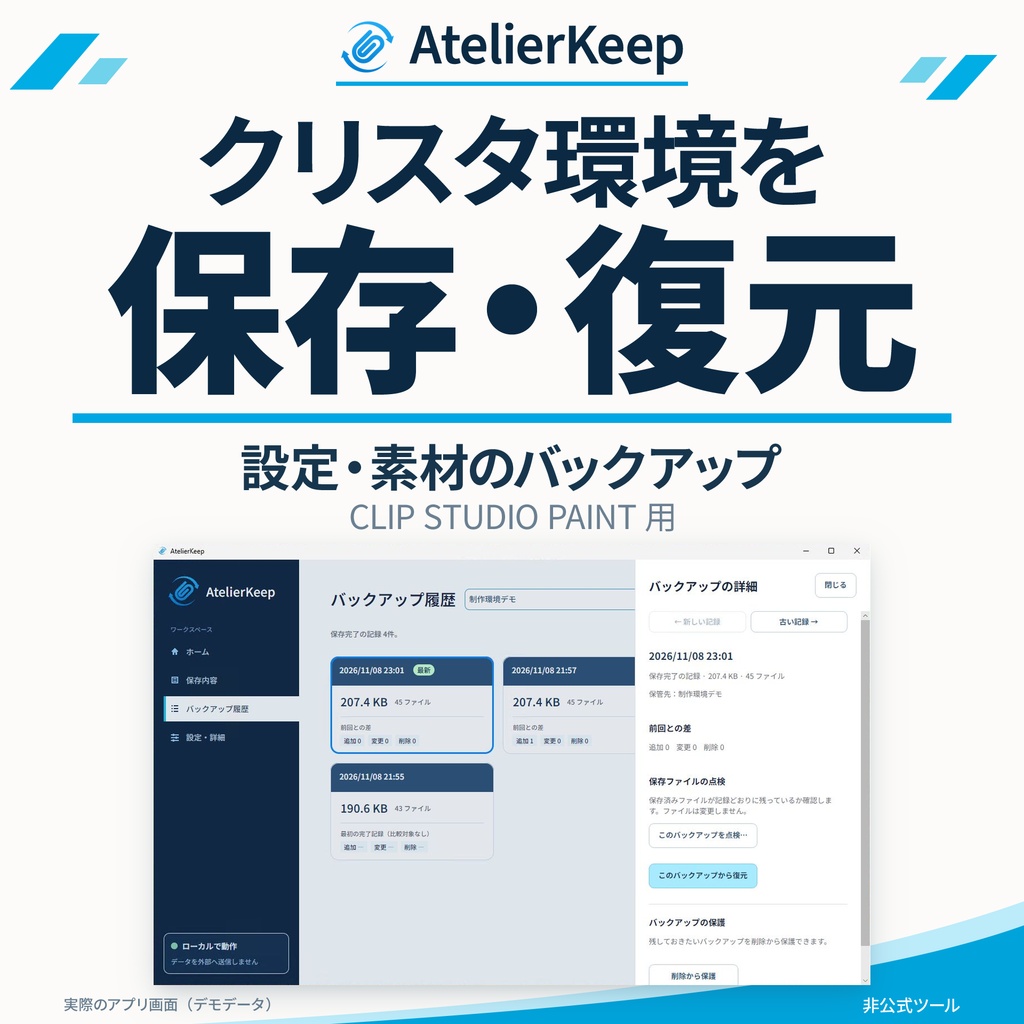
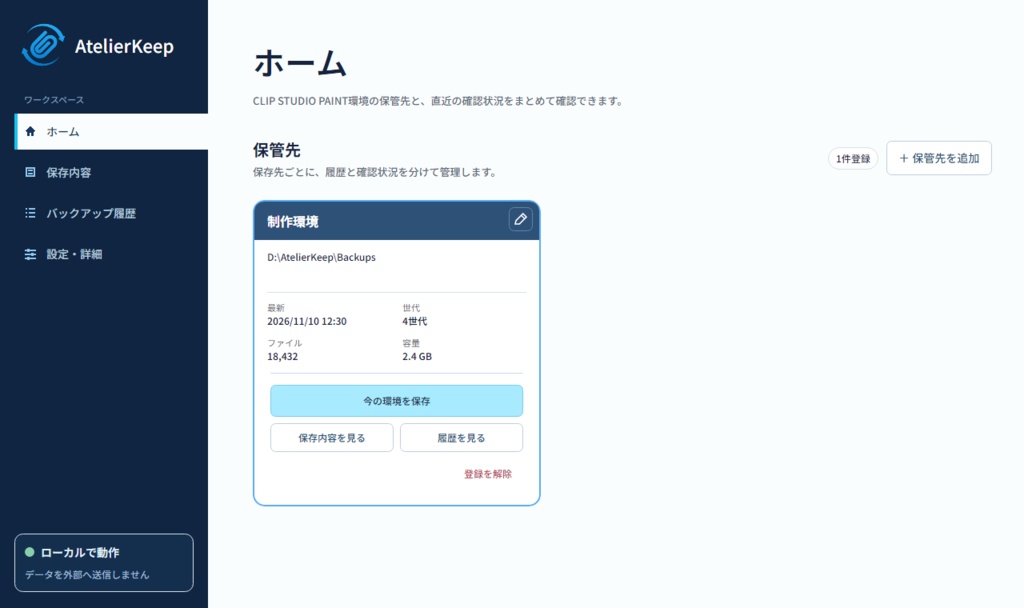
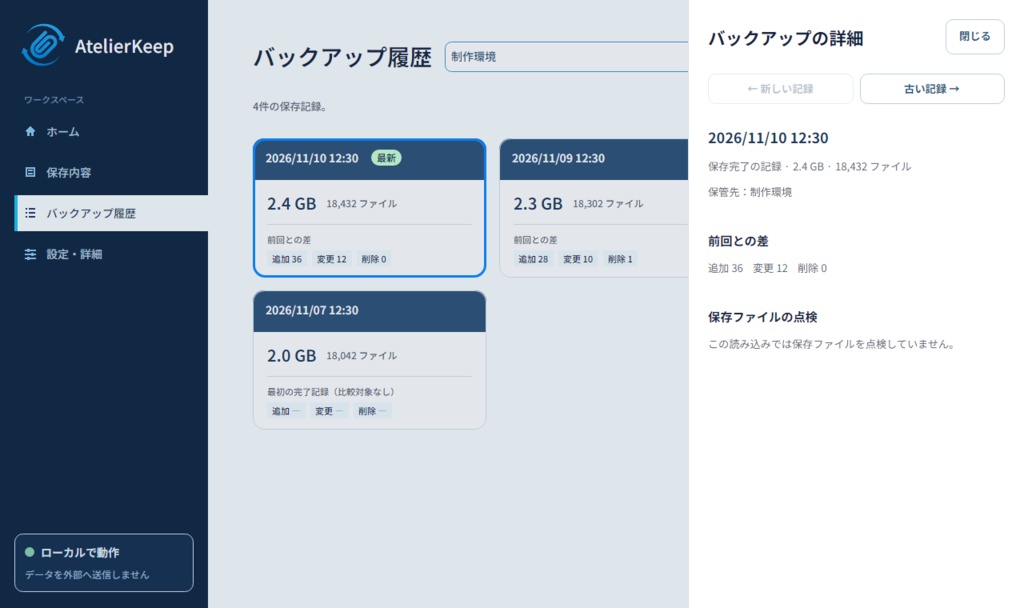
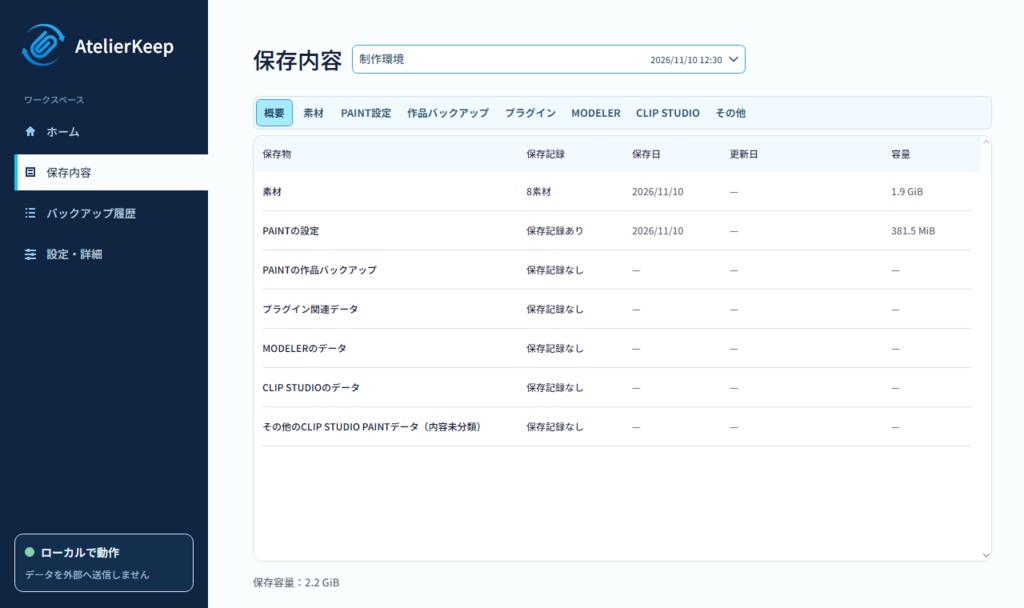
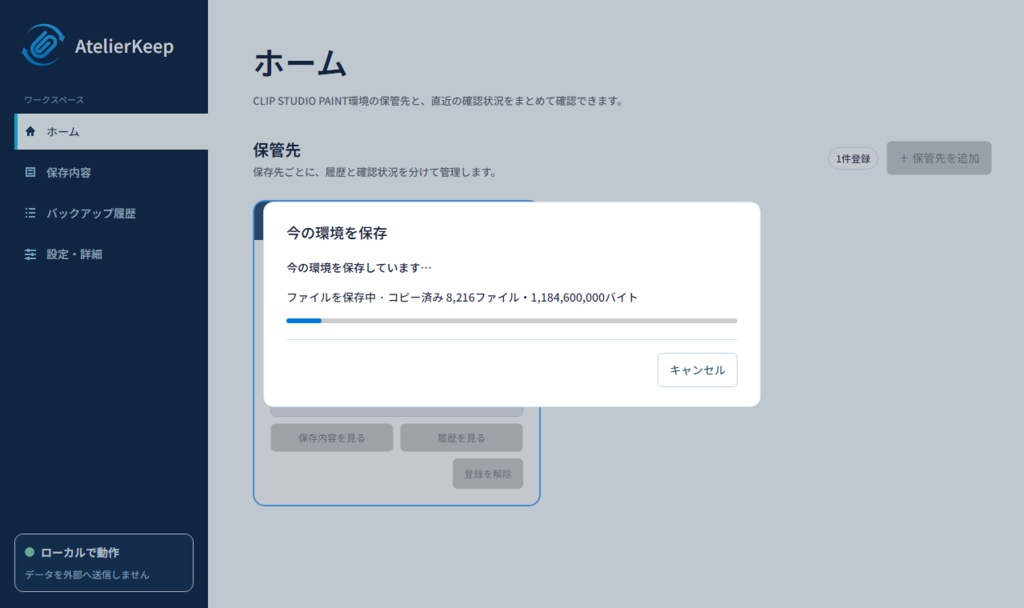
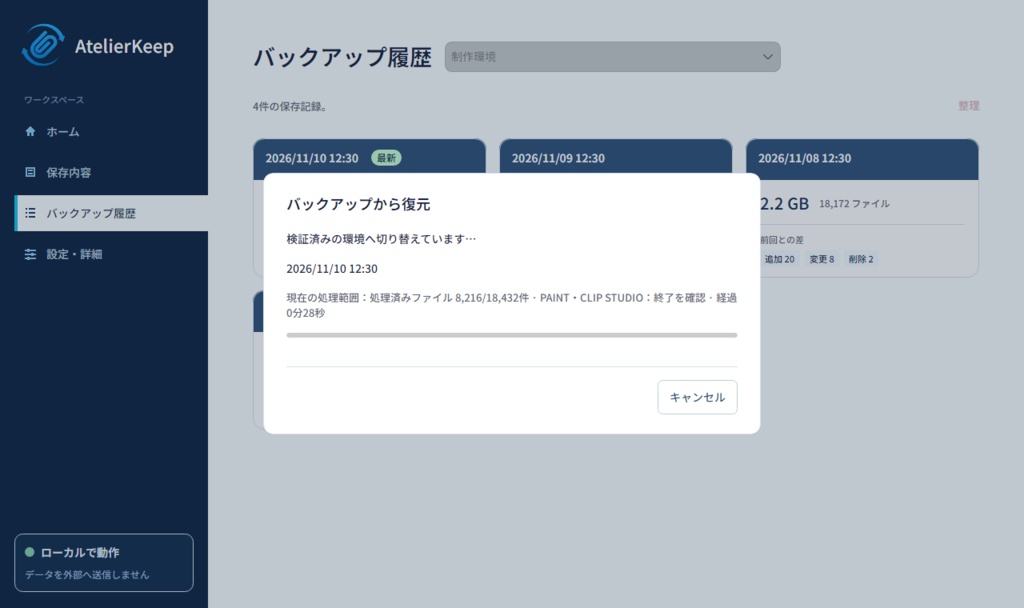


AtelierKeep(アトリエキープ) クリスタの設定と素材を、簡単保存&復元。 CLIP STUDIO PAINT(クリスタ)がPC内で管理するユーザーデータを、まとめてバックアップするWindowsアプリです。設定・素材などが対象です。素材の場所を移動している場合も、設定から確認できたフォルダーを保存します。CELSYSの公式・提携製品ではありません。 ■ できること - 新しい世代へ保存し、ファイル単位で照合します。 - 保存内容・履歴・世代の違いを確認し、保存ファイルを点検できます。 - 選んだバックアップから環境を復元し、利用可能な復元前の環境へ戻せます。 - バックアップの削除保護と、退避環境の保持数を管理できます。 最初に対象と処理内容を確認すると、検査から実処理まで続けて進みます。通常の進行中に再度実行を求めません。問題や対象の変化が見つかった場合は停止します。アプリからデータを外部へ送信することはありません。 ■ 使うための準備 Intel/AMDの64ビット版Windows 11で使います。必要な.NET実行部品は同梱しています。ZIP全体を展開し、AtelierKeep.exeを開いてください。AppとDocumentsも一緒に保管します。 保管先は自分で選べます。Cドライブは、故障や再インストールで原本と同時に失うおそれがあるため推奨しません。できれば別の物理ディスクや外付け媒体を使ってください。ドライブ文字だけでは別の物理ディスクか判断できません。 ■ 保存・復元の範囲 復元は、確認した対象環境全体を置き換えます。ブラシ1点だけを戻す操作ではありません。復元前の退避と古い退避の削除対象を確認してください。削除した退避には戻せません。 アプリ本体・OSフォント・クラウドにしかないデータ・管理範囲外の任意の作品や案件フォルダーは、自動では追加しません。素材一覧の未確認表示と、保存ファイルの検証結果は区別します。CLIP STUDIO PAINTの変更や特殊な保存環境により利用できない場合があります。重要なデータは独立した場所にも保管してください。 ■ 表示言語 日本語・英語・韓国語・簡体字中国語・繁体字中国語・ドイツ語・フランス語・スペイン語・ブラジルポルトガル語・タイ語・インドネシア語。問い合わせ対応は日本語・英語です。 ■ 利用条件 日本向け480円・買い切り、1名1ライセンス。本人所有・管理端末数は制限しません。業務利用・成果物の商用利用が可能です。公開したV1.x更新は追加料金なし。更新頻度・提供期間・永久再取得は約束しません。 利用者都合の返金は原則お受けしません。法令上の権利と販路の義務的な取扱いは維持します。第三者部品の原許諾による権利は制限しません。購入前に対応環境と利用条件全文を確認してください。 ■ 更新・問い合わせ 購入した販路からZIP一式を取得します。使用中の版を正常終了し、新しい別フォルダーへ展開してください。同じWindowsユーザーの設定を共有します。バックアップは移動・削除しません。自動更新はありません。 操作・注意点・プライバシー・利用条件はDocuments/日本語.txtにまとめています。 https://urushigusa.com/contact support@urushigusa.com 応答・解決期限や個別データの復元代行は約束しません。バックアップ一式・作品・素材・設定DB・認証情報は送らないでください。 ──────── English ──────── AtelierKeep Easily back up and restore your CLIP STUDIO PAINT settings and materials. AtelierKeep backs up the user data CLIP STUDIO PAINT manages on your PC, including settings and materials. If you moved material storage, it also saves the folder identified from the application's settings. This is not an official or affiliated CELSYS product. ■ What it does - Save new generations and verify files individually. - Browse saved contents, history and differences; inspect saved files. - Restore a selected backup and return to an available environment retained before restoration. - Protect backups from deletion and manage retained-environment counts. After the initial confirmation, checks and processing proceed together. A normal run does not ask you to execute again midway. Problems or changed targets stop the operation. The app does not automatically transmit your data. ■ Getting started Use Windows 11 on an Intel/AMD 64-bit PC. The required .NET runtime is included. Extract the complete ZIP and open AtelierKeep.exe. Keep App and Documents alongside it. Choose your own backup location. We do not recommend C:, because system failure or reinstallation could affect both originals and backups. Prefer another physical drive or external device. Different drive letters do not guarantee separate physical disks. ■ Scope and restoration Restoration replaces the whole confirmed environment, not a single brush. Check retention of the current environment and proposed deletion of older retained environments before consenting. A deleted retained environment cannot be restored. The installed application, OS fonts, cloud-only data and arbitrary artwork/project folders outside the managed scope are not added automatically. An unreadable material catalog is shown separately from verification of saved files. Changes to CLIP STUDIO PAINT or special storage conditions may affect compatibility. Keep an independent copy of important data. ■ Languages Japanese, English, Korean, Simplified Chinese, Traditional Chinese, German, French, Spanish, Brazilian Portuguese, Thai and Indonesian. Support is available in Japanese and English. ■ Terms One person per license on any number of devices they own or manage. Business use and commercial use of created work are permitted. Published V1.x updates carry no additional charge. Update frequency, maintenance period and permanent redownload access are not promised. Refunds for purchaser convenience are generally unavailable, subject to statutory rights and mandatory channel rules. Original third-party license rights remain unaffected. Read the complete terms and requirements before purchase. The sales channel displays the purchase price. ■ Updates and support Obtain the complete ZIP through your purchase channel. Finish processing and close the old version normally, then extract the new version into a separate folder. Copies used by the same Windows user share settings. Backups are not moved or deleted. There is no automatic updater. Documents/English.txt contains instructions, privacy information and the full terms. https://urushigusa.com/contact support@urushigusa.com No response/resolution deadline or individual data-restoration service is promised. Do not send complete backups, artwork, materials, settings databases or credentials.
