

Unburied Tailcoat - VRChat Women's Clothing / CP7
- Full Pack: ALL INCLUDED!ダウンロード商品¥ 3,000
- Shinano Compatibleダウンロード商品¥ 1,400
- Manuka Compatibleダウンロード商品¥ 1,400
- Lapwing Compatibleダウンロード商品¥ 1,400
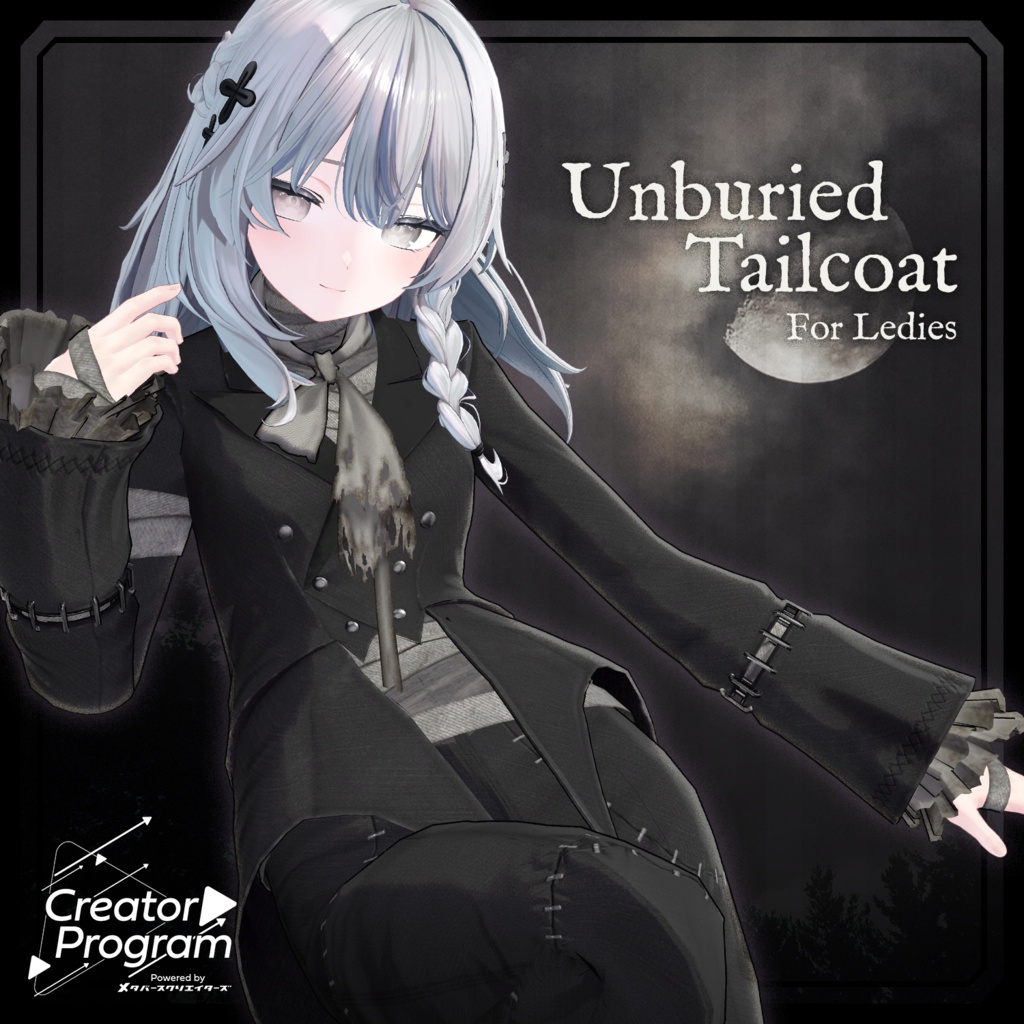
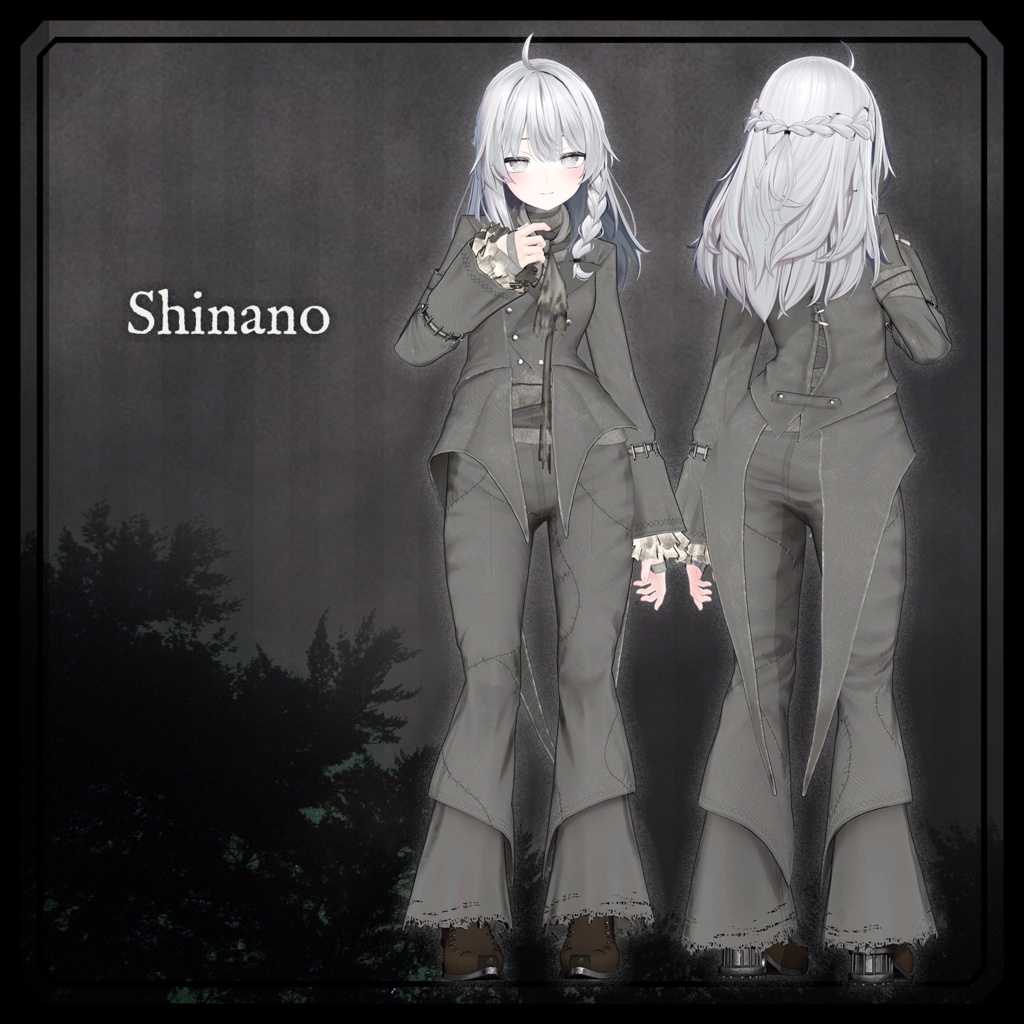
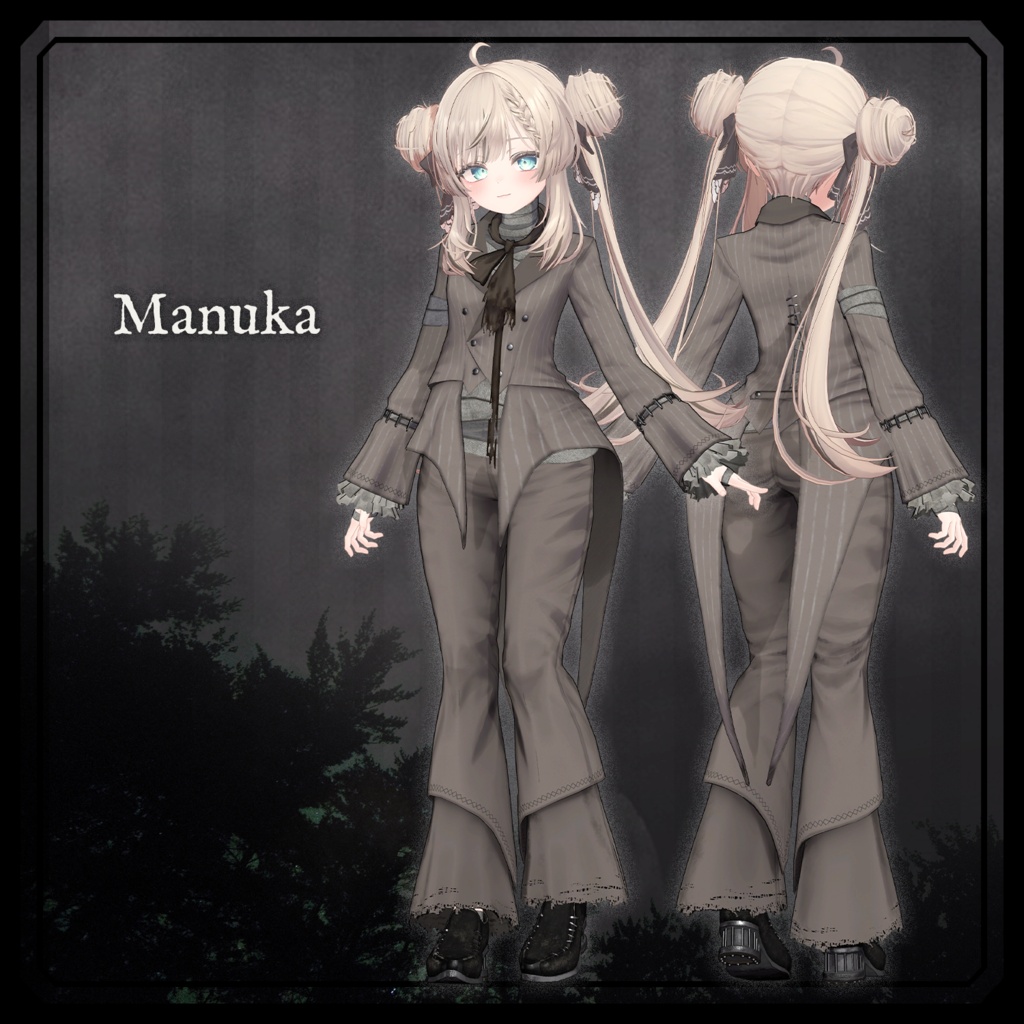
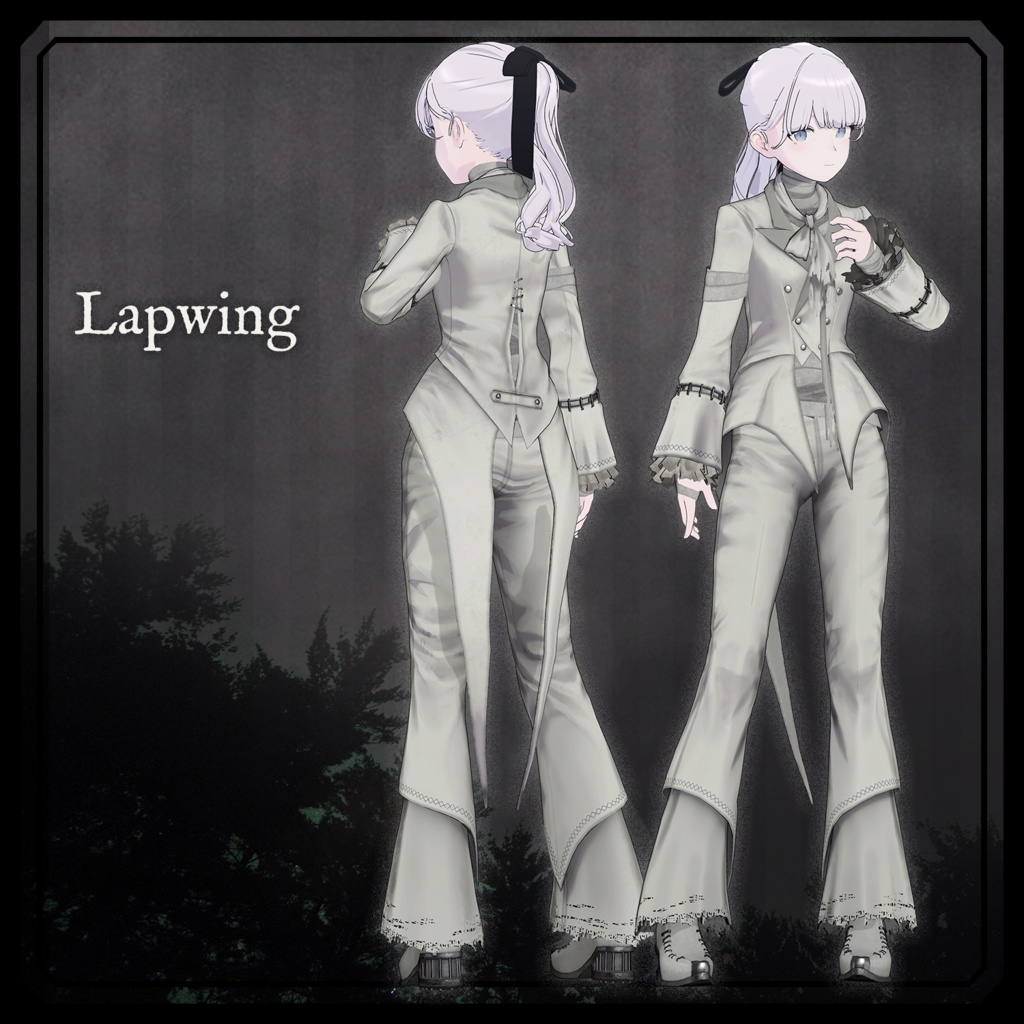
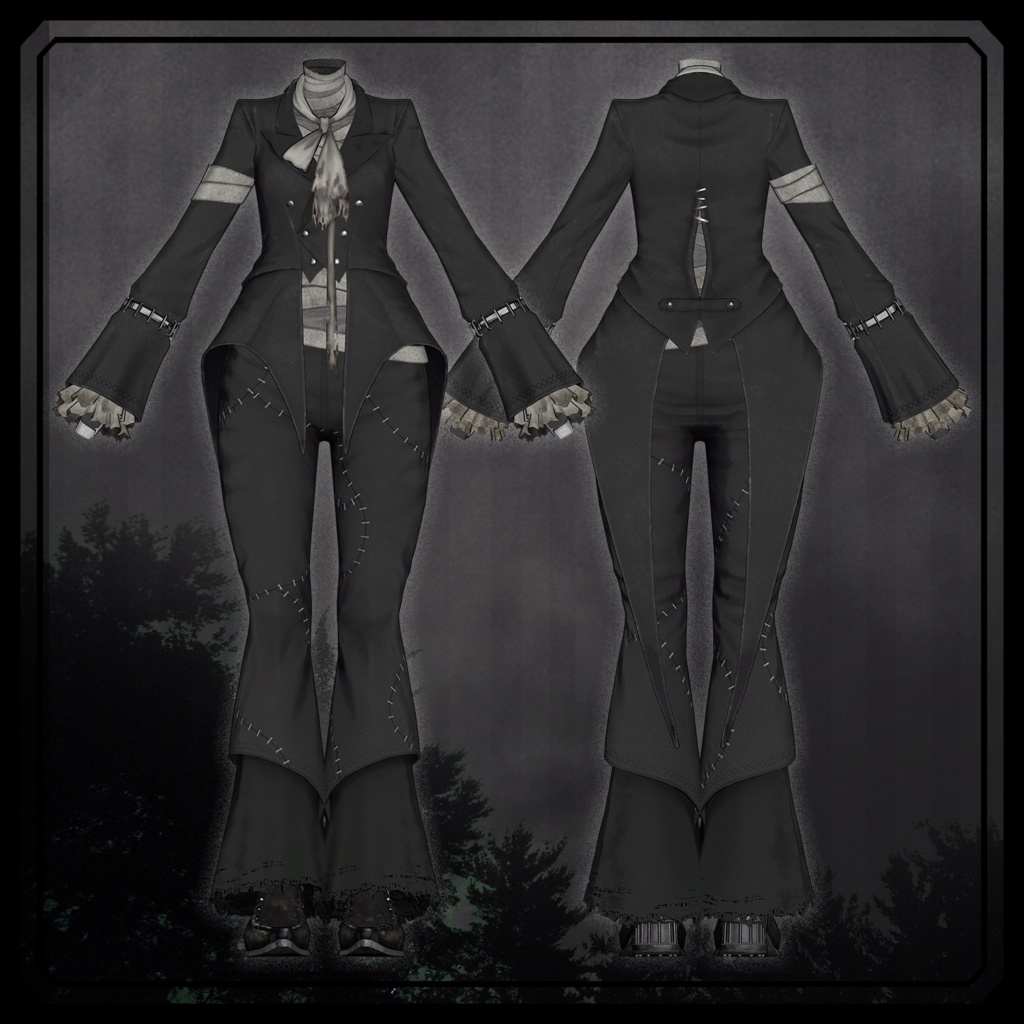
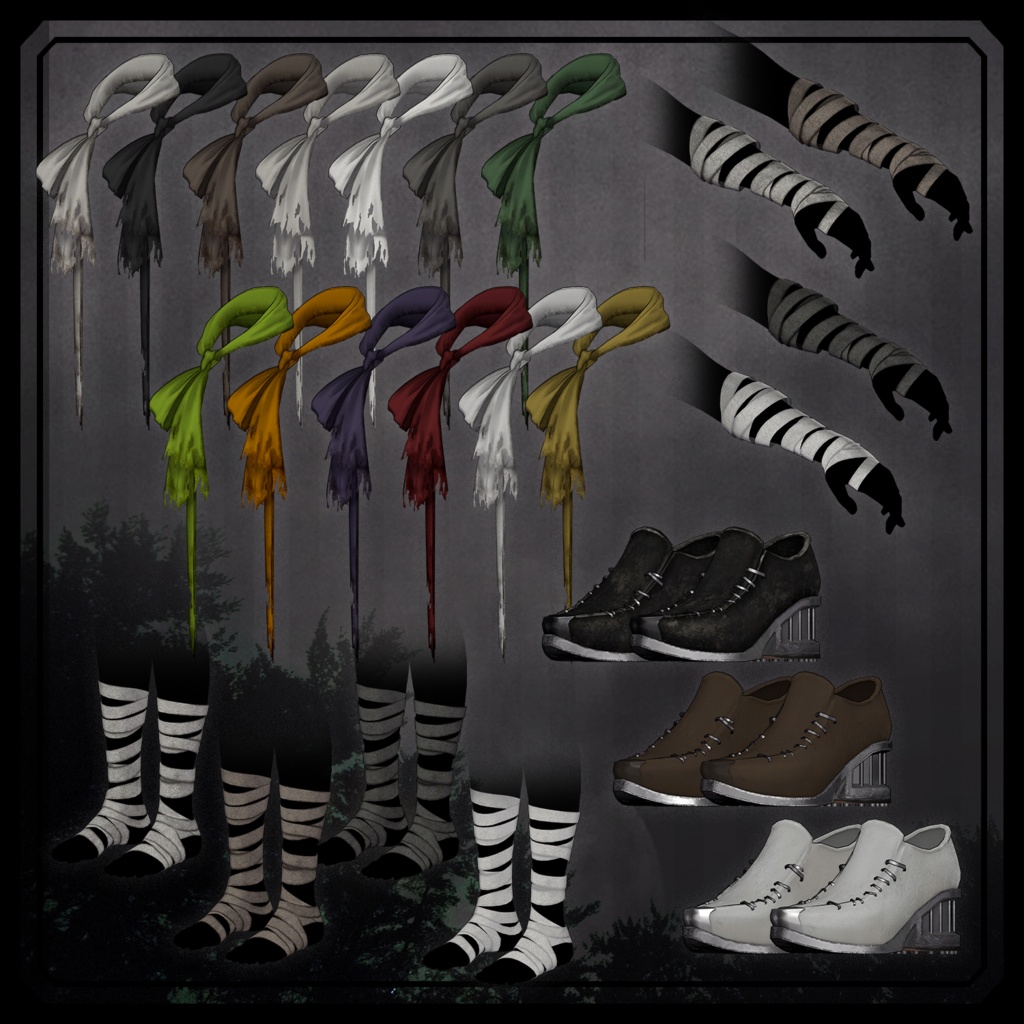
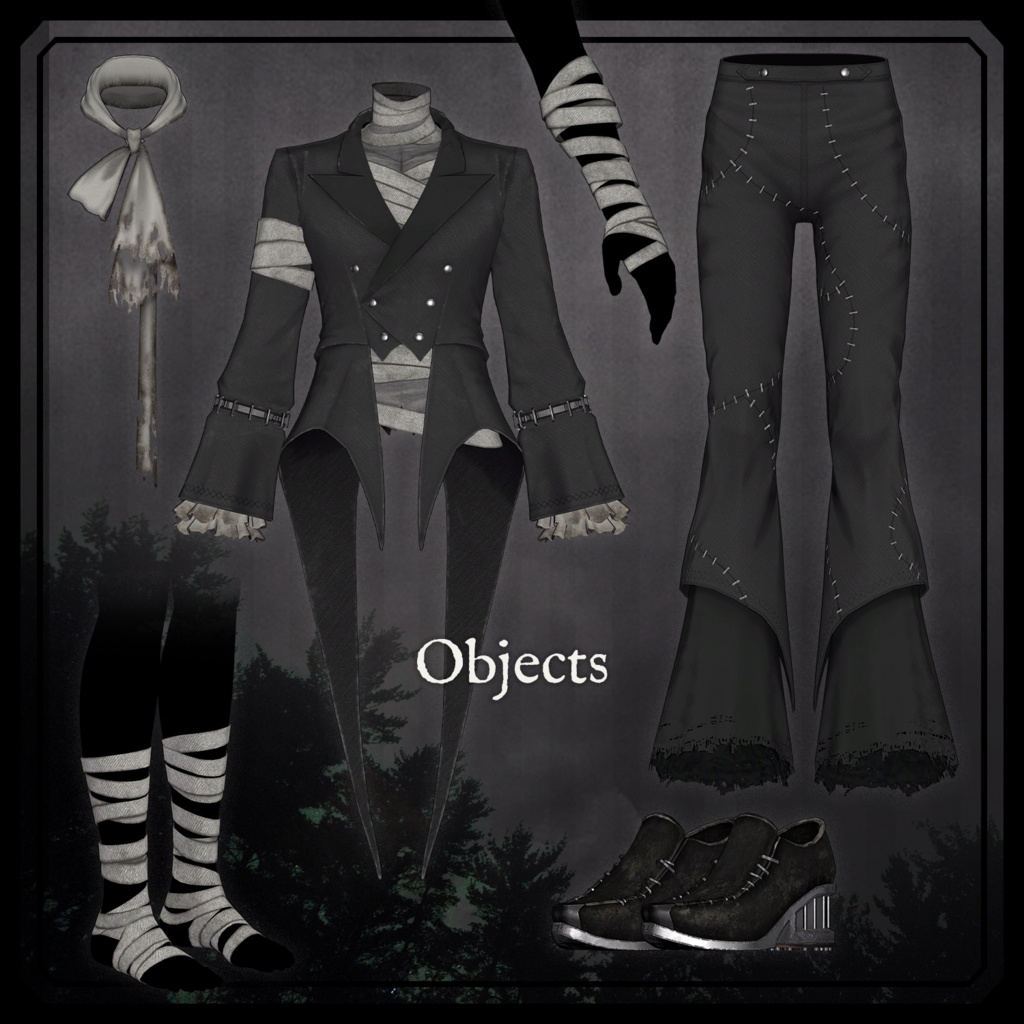
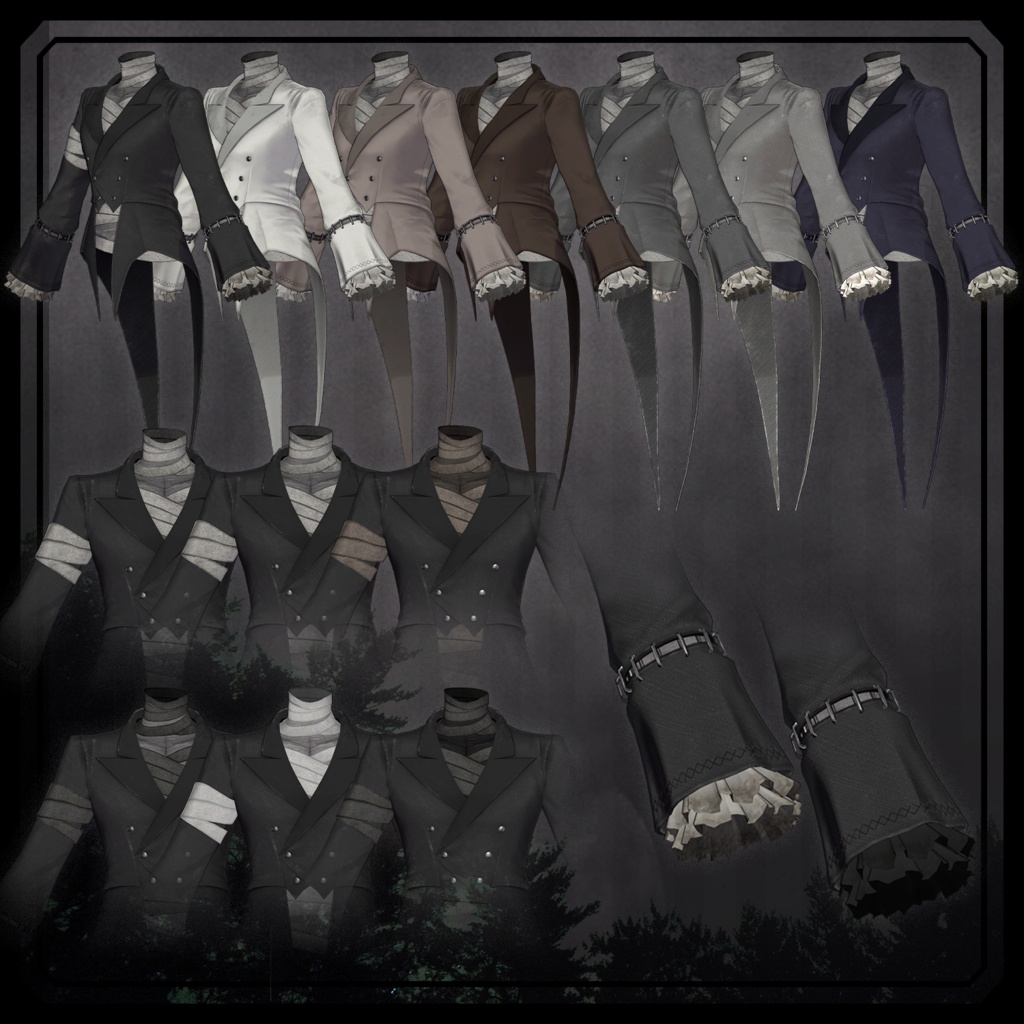
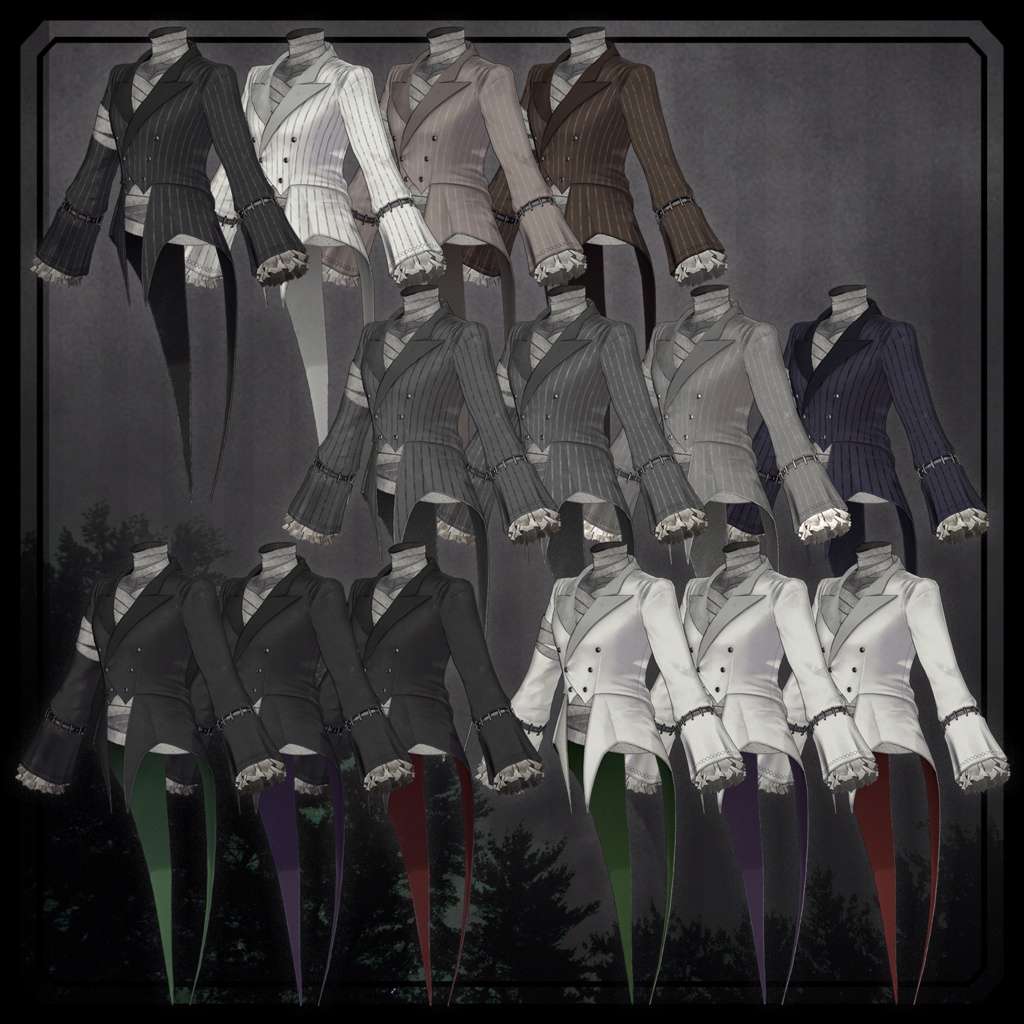
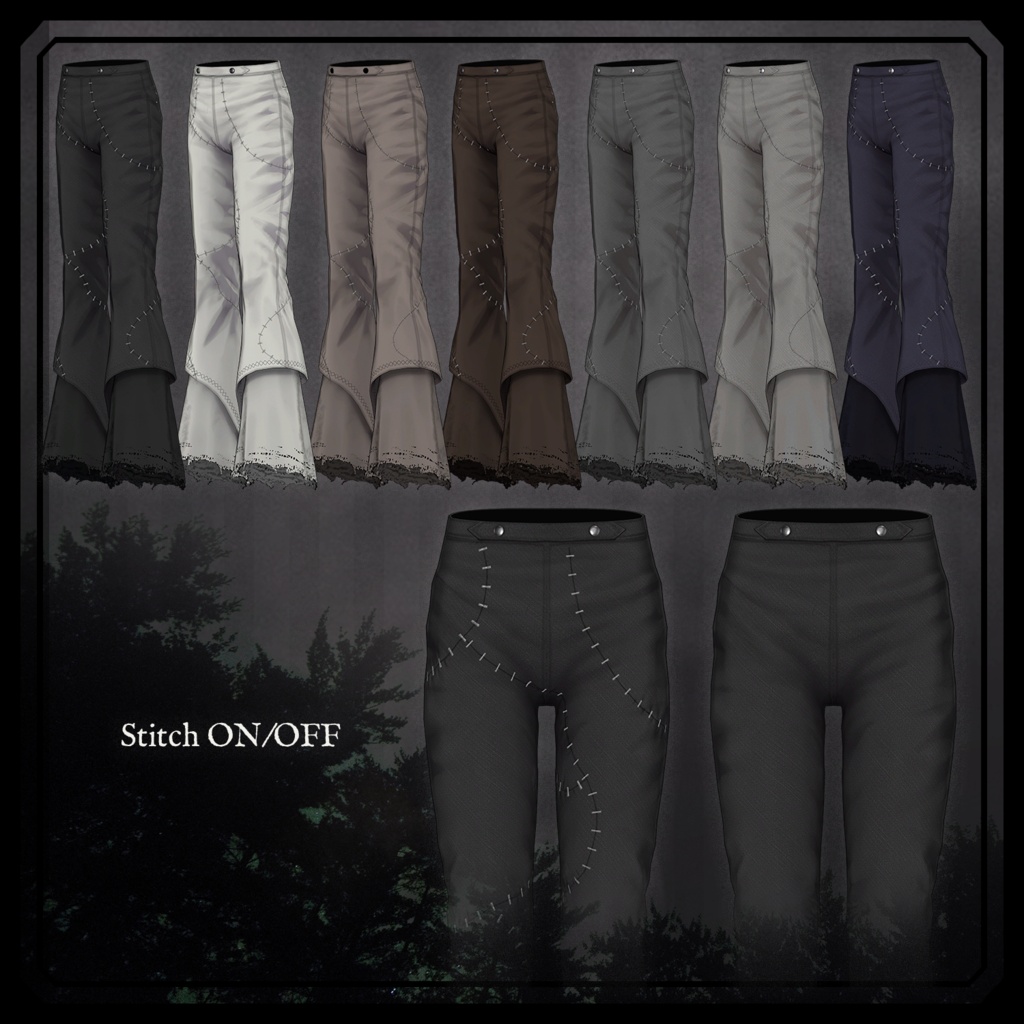


An imperfect formal style with a dark, understated charm, perfect for those dry, quiet nights. 🌙 Male Avatar Version Available Here: https://metacreatorstyo.booth.pm/items/8954955 ※ This product is a clothing model for VRChat avatars. The avatar itself is not included. ※ Due to the digital nature of this product, refunds and returns are not accepted. Please read and agree to the product description and Terms of Use before purchasing. ◆ Product Information Included Files Unburied Tailcoat.Unitypackage Unburied Tailcoat_Material.Unitypackage PSD files for customization ReadMe.txt (this document) Shader lilToon https://lilxyzw.booth.pm/items/3087170 Required Asset Modular Avatar https://modular-avatar.nadena.dev/docs/intro Model Specifications Total Polygon Count: 28,888 Unburied Tailcoat_Hankabody Bandage_Arm: 1,920 polygons Bandage_Leg: 1,706 polygons RibbonTie: 1,816 polygons Shoes: 4,604 polygons Tailcoat: 15,006 polygons Trousers: 3,836 polygons Meshes: 6 Materials: 5 PhysBone Components: 10 Constraints: 2 Import Folder Location Assets > MetaverseCreators_CP > IMTHRA > Unburied Tailcoat ◆ Supported Avatars Shinano https://booth.pm/ja/items/6106863 Manuka https://harunopupu.booth.pm/ Lapwing https://booth.pm/ja/items/4993931 ※ After fitting the outfit, if any part of the avatar's body appears unintentionally slimmed down, set the corresponding body shape key back to 0 and check whether the body mesh is displayed correctly. ※ If your avatar has a dedicated high-heel shape key, please enable it when wearing this outfit. For supported avatars, this is configured automatically through Modular Avatar. ※ Shape keys for body jiggle and increasing bust size are not supported. Included Shape Keys Tailcoat Hide_Bandage_RightArm: Hides the bandage on the right arm. Bandage_Leg HighHeel: Adjusts the leg shape for high heels. ※ If your avatar does not have a dedicated high-heel shape key, Bandage_Leg instead includes a shape key to help prevent mesh clipping. ◆ Installation Guide Set up the latest version of the VRChat SDK through VCC. Install the required assets (lilToon and Modular Avatar) through VCC. Import the latest package for the avatar you wish to dress. Import the Material package included with this product. Import the corresponding avatar-specific package. Drag and drop your avatar (or its customization prefab, if available) into the Scene Hierarchy. If necessary, hide any unwanted default avatar clothing, such as default outfits or underwear, or set them to Editor Only. Drag and drop Unburied Tailcoat_ForAvatarName.Prefab directly under the avatar in the Hierarchy. Upload your avatar through the VRChat SDK. ※ This outfit uses Modular Avatar's MA Shape Changer feature. When you place the outfit directly under your avatar in the Hierarchy, the configured body shape keys are automatically applied. If you do not need this feature or it does not function correctly, you can adjust or remove the corresponding components and manually modify the avatar's body shape keys as needed. ◆ Customizing Colors You can change the outfit's colors by replacing the corresponding color variation materials in the Common > Material folder. You can also use the included PSD files to customize the textures to your liking. Custom masks for changing individual parts and adjusting colors are also included in the texture folders. Feel free to use them for further customization. ◆ Terms of Use https://drive.google.com/drive/folders/1qRMXoIxM1ZgacBPfwOigQRtXP1vCbNMn?usp=sharing ※ Please make sure to follow the Terms of Use of the original avatar when using this product. ◆ Development Environment Modeling Software: Blender Ver. 4.5.12 Texturing Software: Substance Painter / Photoshop Ver. 12.1.5 / 27.8.0 Unity: Ver. 2022.3.22f1 VRChat SDK - Avatars: Ver. 3.10.5 (VCC) lilToon: Ver. 2.3.4 Modular Avatar: Ver. 1.18.7 ◆ Credits Creator: imya X: https://x.com/i_16Ya8 Personal BOOTH Store: https://i16ya8.booth.pm/ Inquiries & Support: Please contact the creator via BOOTH messages.