
スリーピング・バブル・Sleeping Bubble
- Digital600 JPY
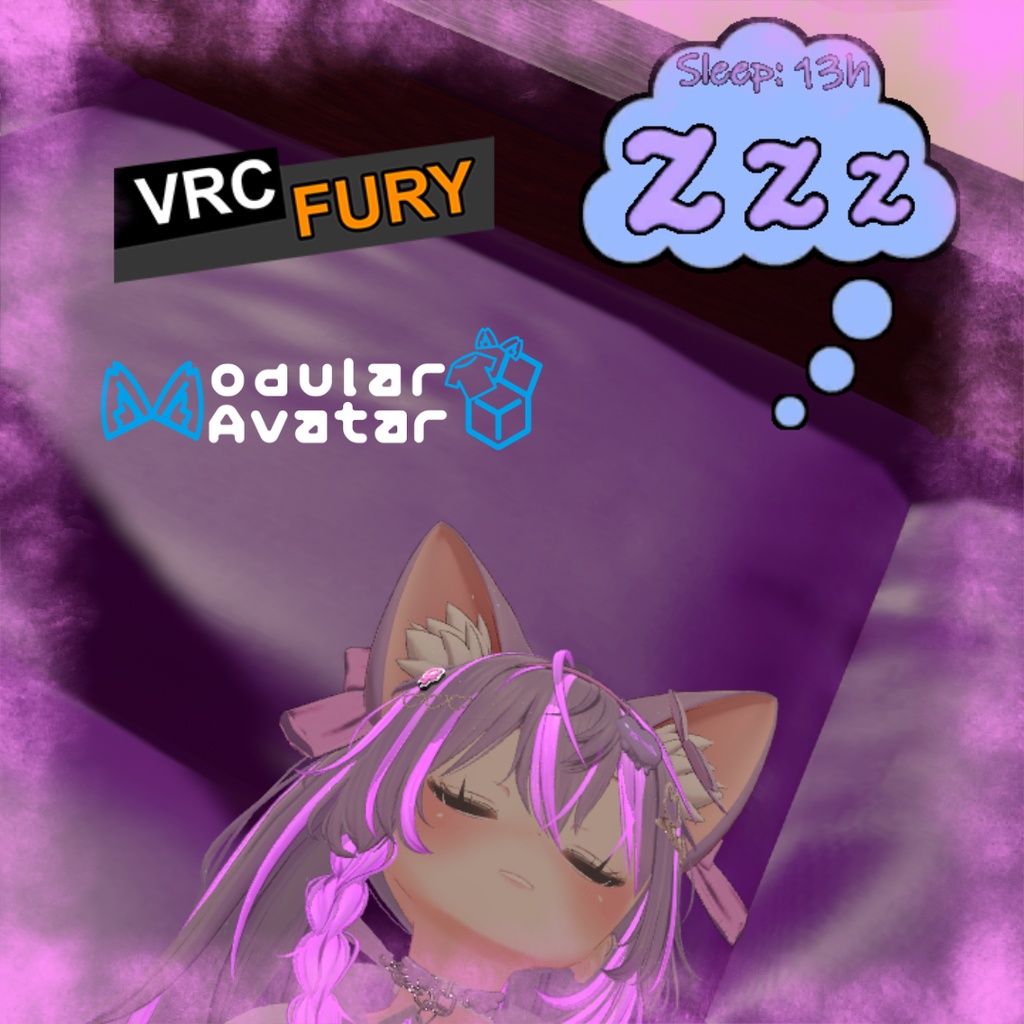
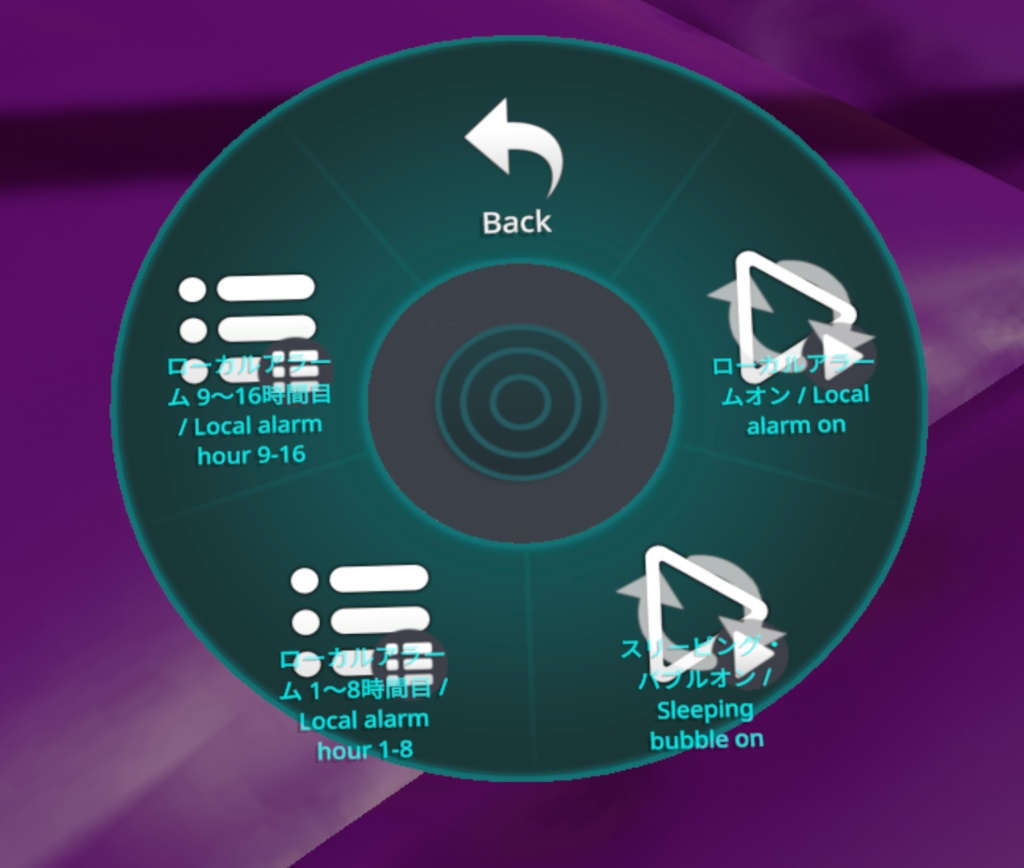
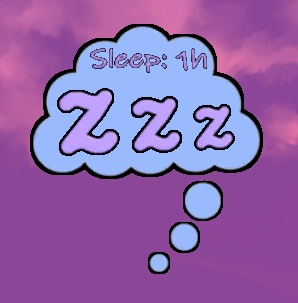
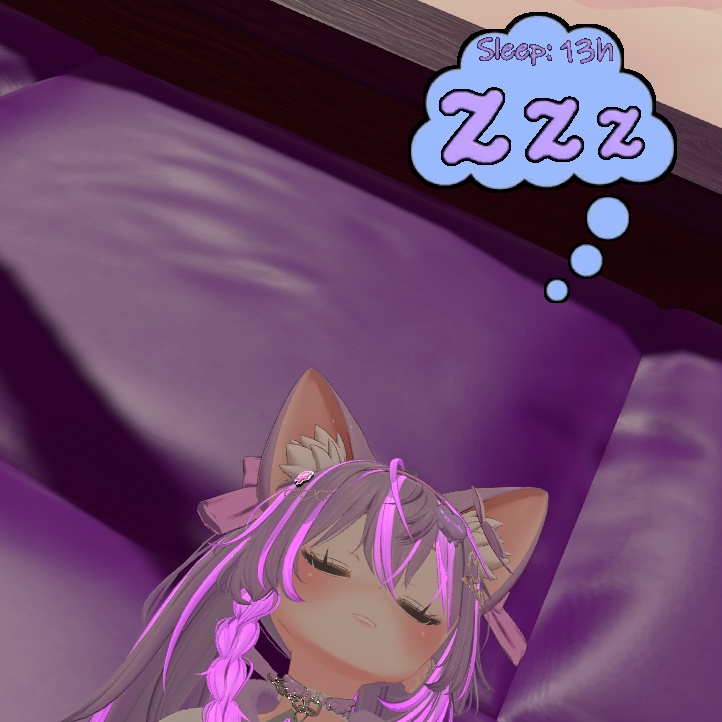
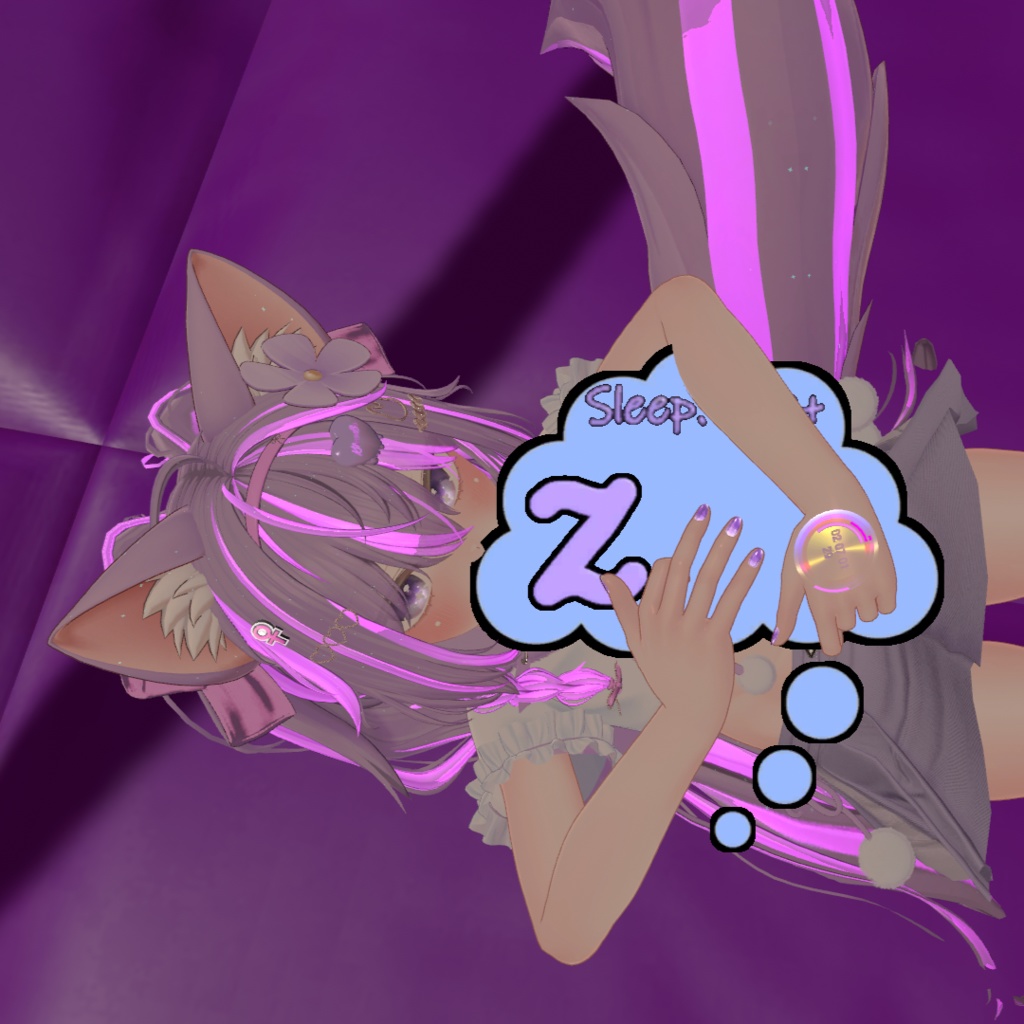


スリーピング・バブル(Sleeping Bubble)は、睡眠時間をカウントして頭上に可愛く表示できるVRChat向けアセットです。 1時間の静止後に自動で起動するほか、Expressionsメニューから手動で即座に開始することも可能です。PhysBoneによる自然な浮遊感と、設定時間で起こしてくれるローカルアラーム機能を備えています。Modular AvatarおよびVRCFuryに対応しています。 【主な機能】 ・睡眠時間の自動追跡:1時間の不動状態で自動アクティブ化。1時間ごとにバブル内の数字が1〜16時間までカウントアップ(Expressionsメニューから手動で即時開始も可能) ・クラッシュ耐性:VRChatがクラッシュして再起動しても、移動していなければ睡眠時間のカウントを維持 ・PhysBoneによる浮遊とインタラクション:バブルがゆっくりと伸縮しながら頭上で自然に浮遊。他のプレイヤーが手で掴んだりポーズをつけたりすることも可能 ・ローカル目覚ましアラーム:設定した時間(1〜16時間)に自分にだけ聞こえるアラーム音を再生(他の人の迷惑にならず安心。好きな音声ファイルに差し替え可能) ・カスタムトリガー対応:入眠時、起床時、または特定の時間ごとにアバターのギミックやアニメーションをトリガー可能(コントローラーのParameter Driverで設定) ・2種類のカラー&改変用データ同梱:パステルカラー版と通常版の2種類を収録。色改変用の元データ(.psd / .af)も付属 ・多言語対応:日本語、英語、英日併記の3タイプを収録 【使い方】 1. 好みの言語フォルダから「(MA)SleepingBubble」または「(VRCF)SleepingBubble」をアバター直下にドラッグ&ドロップ 2. 頭(Headボーン)に合わせて「SleepingBubble」と「AlarmSound」の位置を調整 3. 調整後、プレハブ内の「ガイド」オブジェクトを非アクティブにしてアップロード 必要ツール: ・Modular Avatar: https://modular-avatar.nadena.dev ・VRCFury: https://vrcfury.com ※デフォルトのアラーム音には以下の素材を使用しています(差し替え可能): https://freesound.org/people/LittleRainySeasons/sounds/335908/ (by LittleRainySeasons / CC0) ※アイトラッキング系のアセットと併用した場合、時間の数値が2つの値の間でブレる場合があります。 ※「Gesture Manager」が導入されている場合、メニューに専用アイコンが自動で読み込まれます:https://github.com/BlackStartx/VRC-Gesture-Manager ※画像のアバター等は付属しません。 ◆ ENGLISH ◆ The Sleeping Bubble is a VRChat asset that tracks your sleep time and displays it in a cute floating bubble above your head. It activates automatically after one hour of staying still, or you can force it on immediately from your Expressions Menu. Features organic PhysBone floating physics and a local-only wake-up alarm. Fully compatible with Modular Avatar and VRCFury. [Features] - Sleep Time Tracking: Activates automatically after 1 hour of immobility, counting up from 1 to 16+ hours inside the bubble (can also be turned on immediately via the Expressions Menu) - Crash Recovery: Keeps track of your sleep time even if VRChat crashes and you reconnect, as long as you do not move - PhysBone Floating & Grab Interaction: Gently breathes and floats above your head. Friends can also grab, pull, or pose your sleeping bubble while you sleep - Local Wake-Up Alarm: Plays an alarm at your chosen hour (1 to 16 hours) audible only to you, so you never disturb others in public instances (audio clip can be replaced with any sound) - Custom Triggers: Trigger avatar animations or toggles when you fall asleep, wake up, or reach a specific hour via the controller's Parameter Driver - 2 Color Variants & Source Files: Comes with both Pastel and Regular versions, plus original .psd and .af files for easy recoloring - Multilingual: Includes Japanese, English, and Combined versions [Setup] 1. Drag and drop your preferred language version of "(MA)SleepingBubble" or "(VRCF)SleepingBubble" onto your avatar 2. Adjust the position of "SleepingBubble" and "AlarmSound" to match your avatar's head 3. Deactivate the "Guide" object inside the prefab and upload Requirements: - Modular Avatar: https://modular-avatar.nadena.dev - VRCFury: https://vrcfury.com *Sound Credit: The default alarm uses the following sound (replaceable): https://freesound.org/people/LittleRainySeasons/sounds/335908/ (by LittleRainySeasons / CC0) *Using eye tracking assets may cause the hour counter to jump between two values. *Custom menu icons load automatically if "Gesture Manager" is installed in your project: https://github.com/BlackStartx/VRC-Gesture-Manager *Avatars and other accessories shown in previews are not included.
利用規約 / Terms of Service
✅アバターへの組み込みおよび個人利用、動画配信・イベントでの商用利用は可能です。 ✅アバター受託制作(コミッション)等での利用は、双方が本アセットを所持している場合のみ許可します。 ❌本アセットの再配布、再販売は改変の有無を問わず禁止します。 ❌パブリックアバターへの組み込み(ペデスタル等への配置)は禁止します。 クレジット表記は必須ではありませんが、このアセットを自分のものとして主張しないでください。不具合報告やご質問は、BOOTHメッセージまたは𝕏(@kitsune_ba)までお気軽にお問い合わせください。 ◆ ENGLISH ◆ ✅Allowed for personal use, avatar integration, and commercial video streaming / events. ✅For avatar commissions, both the creator and client must own a valid license of this asset. ❌Redistribution and resale of this asset (in original or modified form) is strictly prohibited. ❌Uploading to public avatars (pedestals, public clones) is prohibited. Crediting is not required, but please do not claim the asset as your own. For bug reports or questions, feel free to contact me via BOOTH Messages or on 𝕏 (@kitsune_ba).
更新情報 / Update information
v2026.5.29 ・小さな調整。 ・Small adjustments. v2026.3.24 ・プレハブの構成に小さな調整を行いました。 ・Small adjustments in the organization of prefabs. v2026.2.15 ・アセットのバリエーション管理を容易にするため、「プレファブバリアント」の使用を開始しました。 ・Started using "Prefab Variants" for asset variants for easier management. v2025.11.24 ・『Modular Avatar – Resonite Support』ツールを使用して Resonite へ変換する際のビジュアル問題を修正し ・ポリゴン数を約4分の1に削減し、誤作動を防ぐためにコンタクトの範囲を縮小しました。 ・Fixed the visual issues during conversion to Resonite using the "Modular Avatar – Resonite Support" tool. ・Reduced the polygon count by roughly four times, and decreased the contact range to prevent accidental activations. V250901 ・製品リリース。 ・Product release.