
ハート・エコーズ・Heart Echoes
- Digital600 JPY
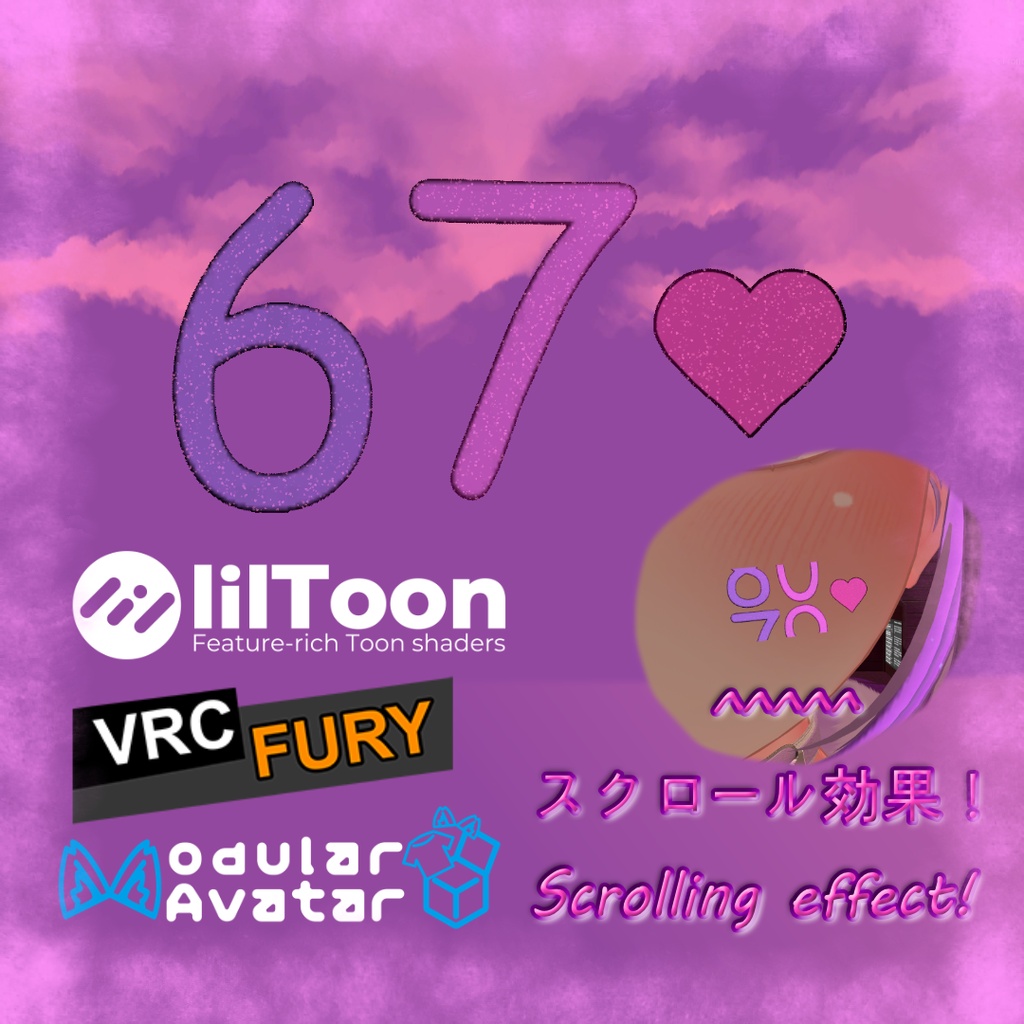
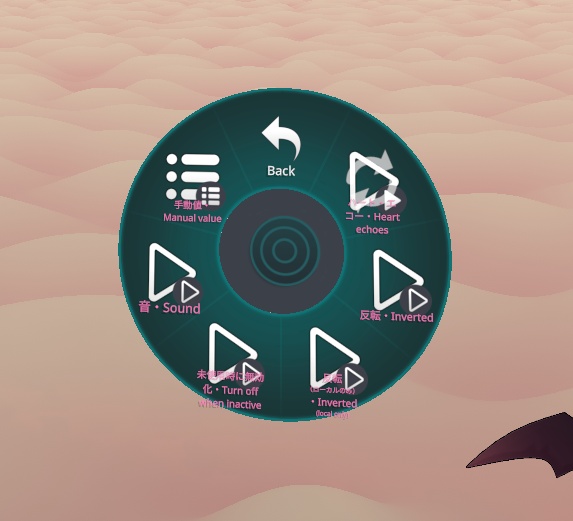
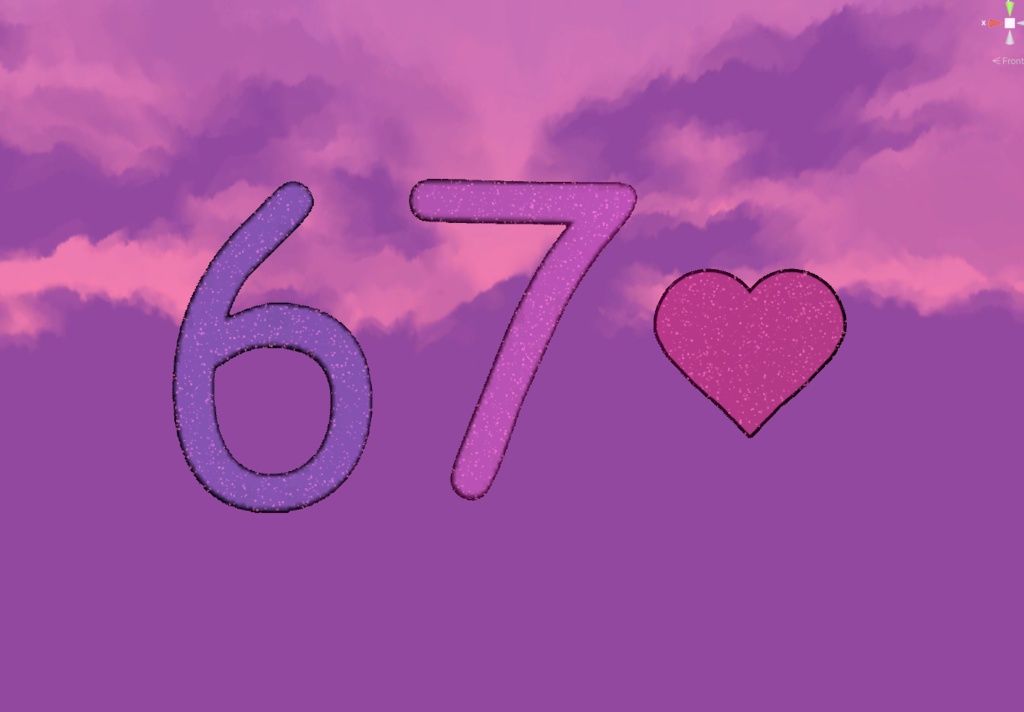
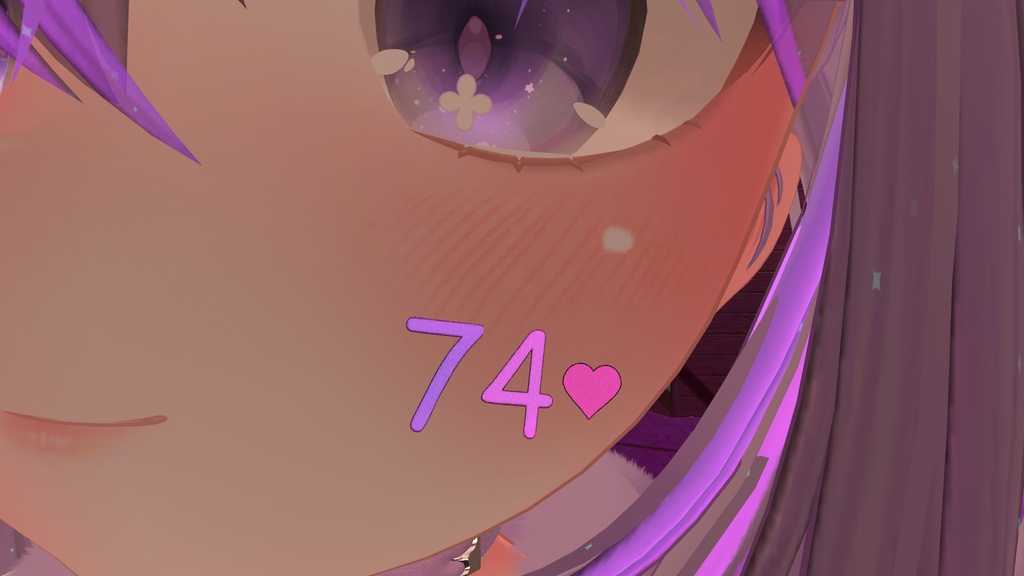


ハート・エコーズ(Heart Echoes)は、一般的な心拍計アセットのように数値が瞬時に切り替わるのではなく、滑らかにスクロールして変化する演出を採用したVRChat向け心拍数表示アセットです。 心拍数が更新されるたびに表示が自然に上下へ回転・スクロールし、機械式カウンター(ドラムロール)のような心地よいアニメーションを再現しています。 Modular AvatarおよびVRCFuryに完全対応しており、アバター直下にドラッグ&ドロップするだけで簡単に導入可能です。 【主な機能】 ・滑らかな機械式スクロール:数値の瞬間切り替えではなく、リアルなカウンターのように滑らかに上下スクロールして数値を更新 ・鏡対応の独立反転:ローカル(自分視点のみ)で180°反転できるため、鏡の中でも自分から正しい向きで読み取れ、他のプレイヤーには通常通り表示 ・全体反転対応:アバターの胸元や背中など、配置場所に合わせて全員に見える向きもメニューから自由に変更可能 ・切断・途切れ防止機能:スマートバンドやセンサーの断続的な切断・計測ラグでも、心拍数が不用意にゼロリセットされない保護バッファを搭載 ・連動心拍音:心拍数に合わせてテンポが変化する効果音を内蔵(ピッチのランダム化により自然な心音を再現、メニューからON/OFF可能) ・手動テストメニュー:OSC機器を接続していない時でも動作を確認・披露できる手動値設定メニュー(60-200 BPM)を搭載 ・カラー変更対応:lilToonマテリアルの「メインカラー」を変更するだけで、お好みの色にカスタマイズ可能 【使い方】 1. 「(MA)HeartEchoes」または「(VRCF)HeartEchoes」をお使いのアバター直下にドラッグ&ドロップ 2. プレビューガイドを参考に「HeartEchoes」(表示位置)と「HeartEchoes_SoundSource」(胸元)の位置を調整し、ガイドを非表示にする 3. お使いの心拍数OSCアプリ(VRCOSC、Pulsoid、HypeRateなど)で、整数型(INT)パラメーター「HR」として心拍数を送信 必要ツール: ・lilToon: https://lilxyzw.github.io/lilToon/ ・Modular Avatar: https://modular-avatar.nadena.dev ・VRCFury: https://vrcfury.com ※デフォルトの心拍音には以下の素材を使用しています(差し替え可能): https://freesound.org/people/.name/sounds/418866/ (by .name / CC-BY 4.0) ※「Gesture Manager」が導入されている場合、メニューに専用アイコンが自動で読み込まれます。 ※画像のアバター等は付属しません。 ◆ ENGLISH ◆ Heart Echoes is a heartbeat display asset for VRChat that stands out by using a smooth scrolling animation instead of instantly changing numbers. Each time your heart rate updates, the displayed digits naturally roll up or down to the new number, capturing the tactile feel of an authentic mechanical drum counter rather than a generic digital switch. Fully compatible with Modular Avatar and VRCFury. Simply drag and drop it onto your avatar with zero animator setup required. [Features] - Smooth Mechanical Scrolling: Continuous roll animations between digits for a unique, premium counter aesthetic - Local Mirror Inversion: Flip the display 180° locally so it is always perfectly readable to you in mirrors while remaining right-side-up for everyone else - Global Inversion: Easily change the orientation visible to other players directly from the radial menu - Disconnect & Inactivity Protection: Built-in buffering prevents jarring resets to zero when using wristbands or monitors with intermittent reporting - Dynamic Heartbeat Sound: Plays synced heartbeat audio that speeds up with your heart rate, featuring organic randomized pitch and toggleable in the radial menu - Manual Test Menu: Test and showcase the display even without heart rate hardware using built-in presets (60-200 BPM) - Easy Color Customization: Quickly change the color of the digits and heart to match your avatar simply by editing the Main Color in the lilToon material [Setup] 1. Drag and drop "(MA)HeartEchoes" or "(VRCF)HeartEchoes" onto your avatar 2. Adjust the positions of "HeartEchoes" (display) and "HeartEchoes_SoundSource" (chest) using the visual guide, then disable the guide 3. In your heart rate OSC app (VRCOSC, Pulsoid, HypeRate, etc.), ensure your heart rate is sent as an Integer (INT) parameter named "HR" Requirements: - lilToon: https://lilxyzw.github.io/lilToon/ - Modular Avatar: https://modular-avatar.nadena.dev - VRCFury: https://vrcfury.com *Sound Credit: The default heartbeat uses the following sound (replaceable): https://freesound.org/people/.name/sounds/418866/ (by .name / CC-BY 4.0) *Custom menu icons load automatically if "Gesture Manager" is installed in your project. *Avatars and other accessories shown in previews are not included.
利用規約 / Terms of Service
✅ このアセットは、政治的または宗教的な文脈を除き、個人用および商用目的で利用可能です。 ✅ これを改変したり、個々のファイルを利用したりすることができます。 ✅ このアセットを含むアバターをパブリックに設定できます。 ❌ アセットを販売または再配布することはできません。 ❌ 返金を請求することはできません。 クレジット表記は必須ではありませんが、このアセットを自分のものとして主張しないでください。アセットやライセンスに関する質問や問題がある場合は、ご連絡ください。 ◆ ENGLISH ◆ ✅ You may use this asset for personal and commercial purposes, except in political or religious contexts. ✅ You may modify it or use its individual files. ✅ You may set an avatar as public while including this asset. ❌ You may not sell or redistribute the asset. ❌ You may not request a refund. Crediting is not required, but please do not claim the asset as your own. If you have any questions or issues regarding the asset or license, please contact me.
更新情報 / Update information
v2026.10.18 ・アバター読み込み時の音声誤再生バグを修正。 ・「反転(ローカルのみ)」をデフォルトで設定しても、全員に対して恒久的に反転されてしまうことなく動作するよう修正。 ・ガイドテキストと翻訳の修正、内部設定の最適化。 - Fixed audio glitch that caused sound to briefly play on avatar load. - Fixed "Inverted (local only)" so it can be enabled by default without permanently inverting for everyone. - Updated guide text, translations, and internal prefab configuration. v2026.7.23 ・製品リリース。 ・Product release.