

Duffle Fluffe - VRChat Men's Clothing / CP5
- Minase Compatibleダウンロード商品¥ 1,200
- Full Pack: ALL INCLUDED!ダウンロード商品¥ 3,500
- Komano Compatibleダウンロード商品¥ 1,200
- Kuuta Compatibleダウンロード商品¥ 1,200
- Turanari (Tinmeshitei Body)Compatibleダウンロード商品¥ 1,200
- Bokusei (PlusHead Body) Compatibleダウンロード商品¥ 1,200
- Hanka Compatibleダウンロード商品¥ 1,200
- Licht Compatibleダウンロード商品¥ 1,200
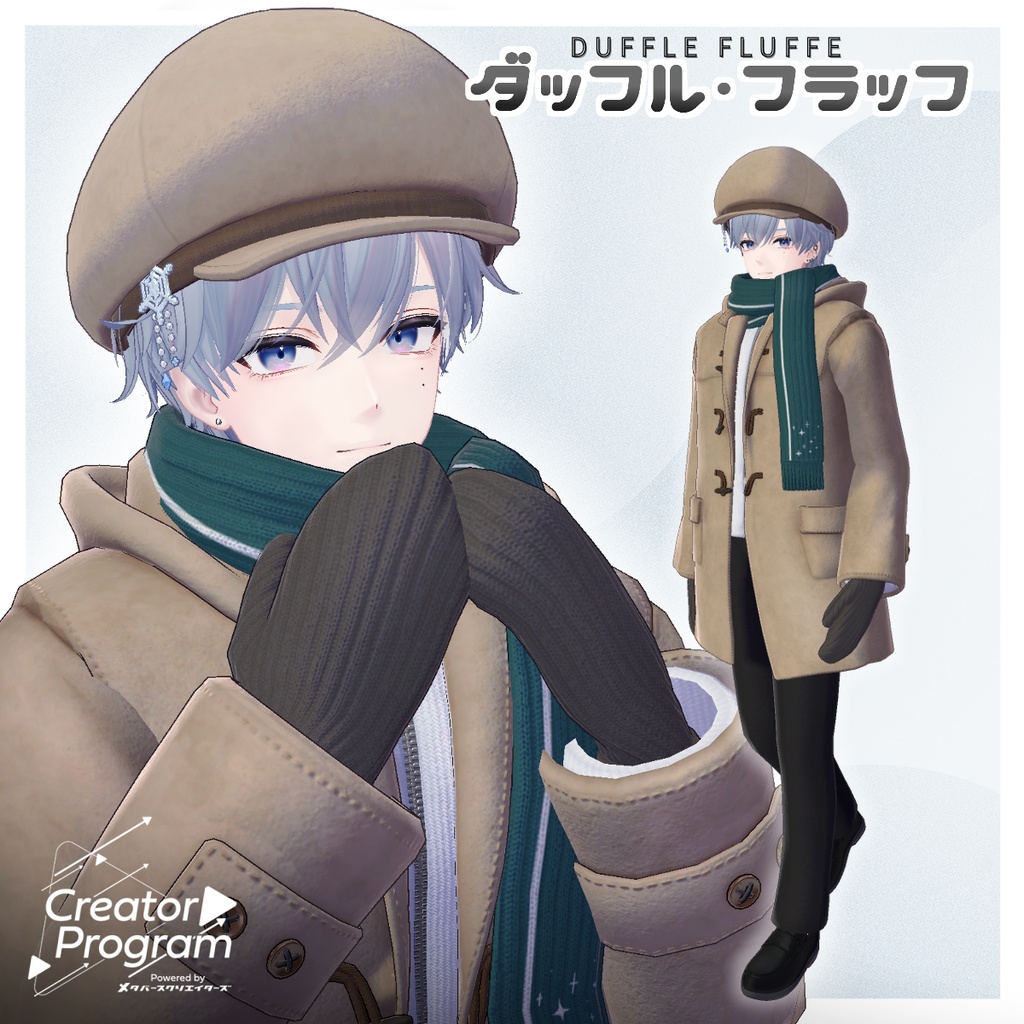
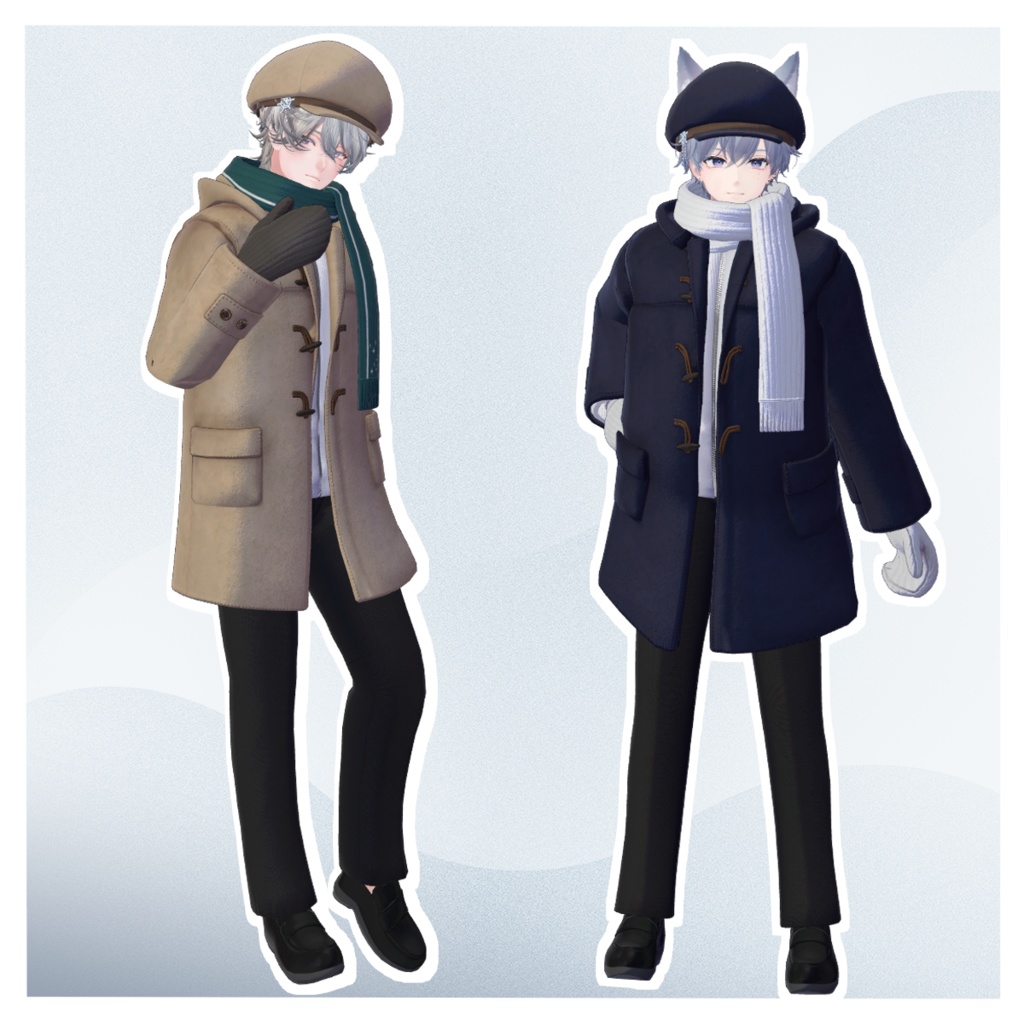

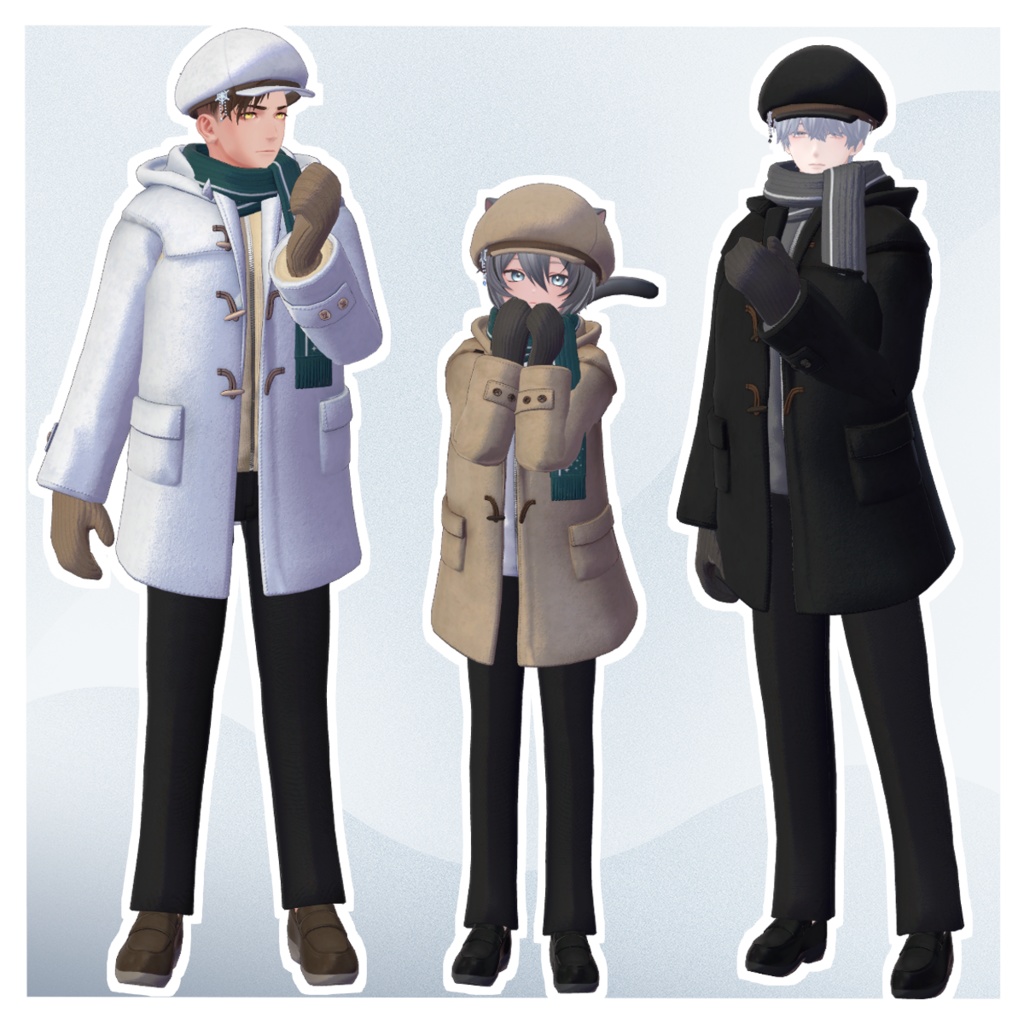
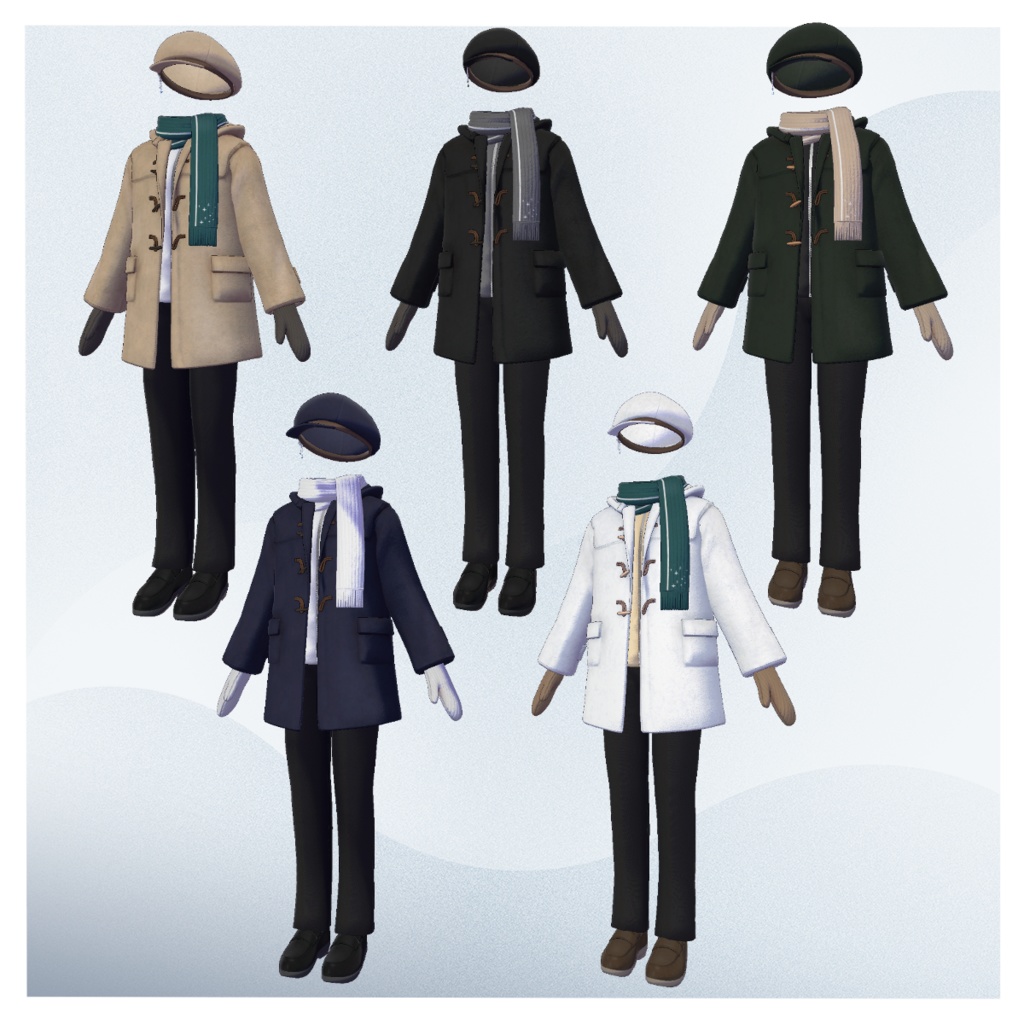
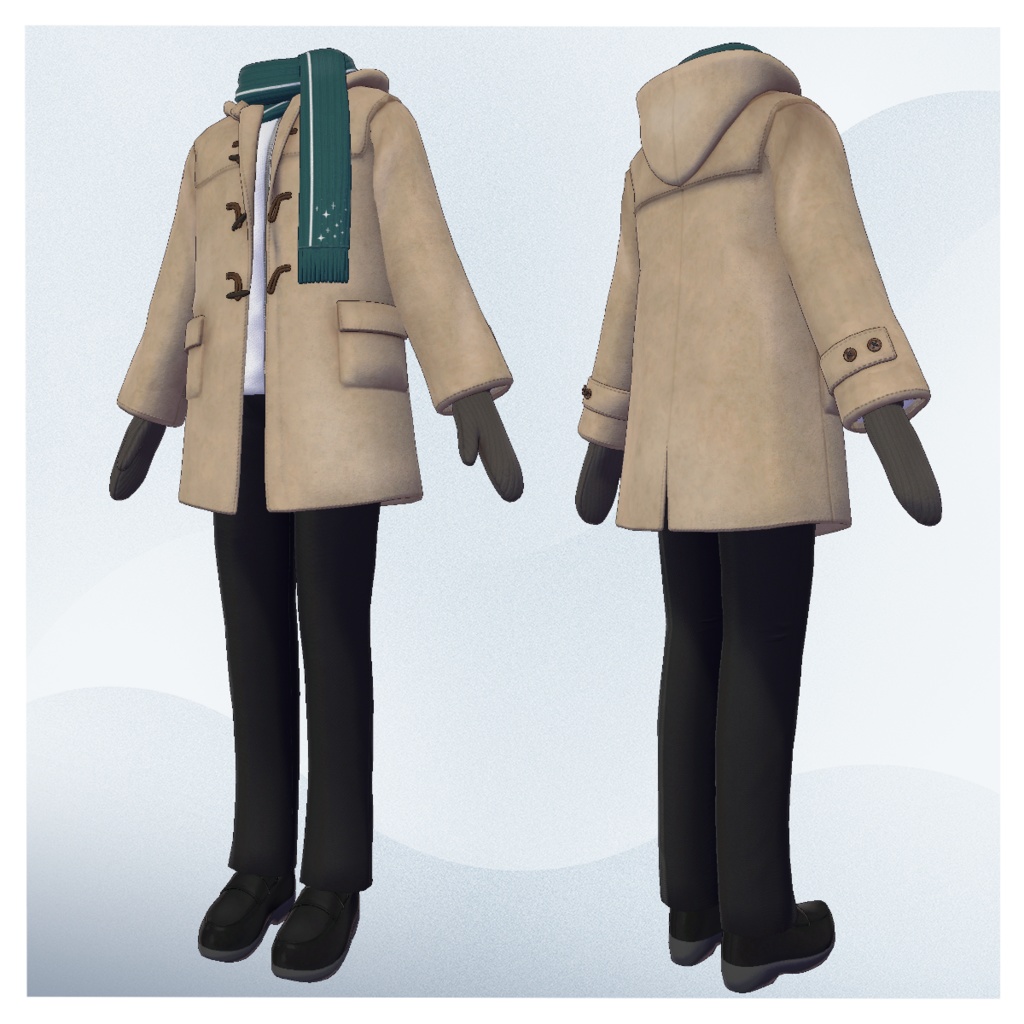
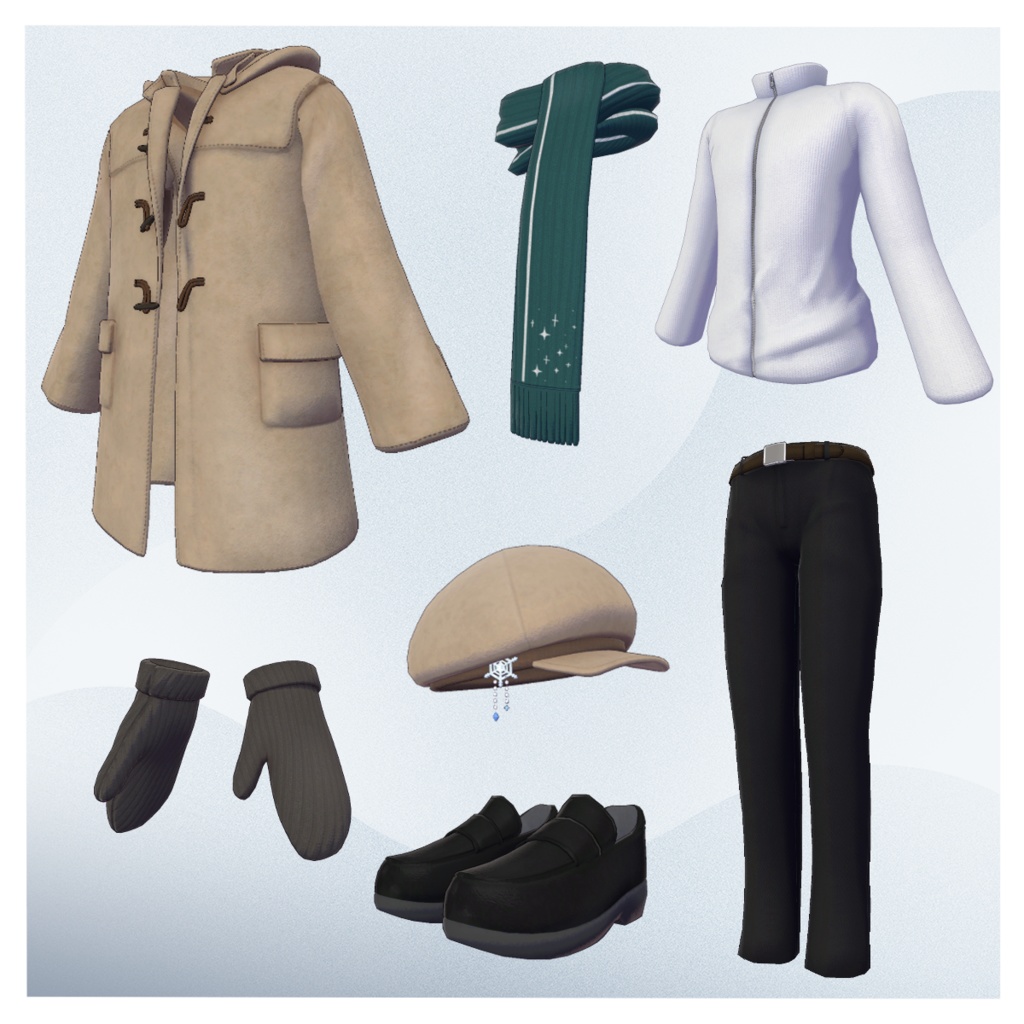


◆ Duffle Fluff ◆ Creator: Ritsushita Awa (Sora no Atelier) Flavor Text A coordinated outfit featuring a duffle coat and scarf. It felt a little plain on its own, so gloves and a cap were added as well. The inner layer uses a fleece-like material—perfect for cozy winter styling. ※ When wearing the gloves, finger gesture animations may cause clipping. This outfit is designed with the expectation that the avatar can use body-shrinking shapekeys such as Finger_shrink. If the avatar does not support these shapekeys, glove clipping is considered normal behavior. ※ This product is a clothing model for VRChat avatars. The avatar itself is not included. ※ Due to the nature of digital downloads, returns and refunds cannot be provided. Please read and agree to the product description and Terms of Use before purchasing. ◆ Item Overview ● Contents Df_coat_[AvatarName].Unitypackage FBX files Textures PSD for editing ReadMe.txt (this document) Shader Used liltoon https://lilxyzw.booth.pm/items/3087170 Required Assets Modular Avatar https://modular-avatar.nadena.dev/ja/docs/intro ● Model Data △ Total polygons: 33,773 cap: 1,258 cap_item: 1,604 duffle_coat: 14,732 fleece: 4,739 gloves: 2,466 pants: 3,576 scarf: 2,006 shoes: 3,392 Mesh count: 8 Material count: 3 PhysBone components: 7 PhysBone colliders: 2 Import Folder Assets > MetaverseCreators_CP > Empty-atelier > Df_coat ◆ Compatible Avatars Minase – VRChat Avatar #Minase3D https://booth.pm/ja/items/4013951 Original 3D Model “Komano” https://booth.pm/ja/items/5260363 Kuuta – Original 3D Model #Kuuta3D https://booth.pm/ja/items/4897493 Tinmeshitei Common Body – “Turanari-san (formerly Renjou-san)” https://booth.pm/ja/items/5498540 Bokusei (PlusHead body) https://booth.pm/ja/items/5727810 Hanka – Original 3D Model https://studioyono.booth.pm/items/6970249 Rinjin (Licht) – Male Avatar #Licht3D https://metacreatorstyo.booth.pm/items/7430852 ※ When equipping the outfit, shapekeys that hide the avatar’s body (turning it into a simplified “stick form”) will be applied. ◆ Installation Guide Set up the latest VRC SDK via VCC. Install the required assets (liltoon, Modular Avatar) in VCC. Import the latest package for your avatar. Import this product’s package. Drag your avatar (and any outfit/editable prefab) into the Scene Hierarchy. Hide or set to Editor Only any unnecessary clothing (default outfits, underwear, etc.). Drag Df_coat_[AvatarName].Prefab directly under the avatar. Optionally, place Df_cap_v_[AvatarName].Prefab under the avatar as well if you wish to use the cap. Upload the avatar using the VRC SDK. Notes on MA Shape Changer This outfit includes Modular Avatar’s MA Shape Changer. When placed under the avatar, shapekeys automatically activate to slim the body or hide mesh regions that would otherwise clip. If you do not need this feature, feel free to delete the corresponding Shape Changer components. PlusHead avatars: Mesh names may differ between avatars (this outfit assumes PlusHead). If components do not function properly, adjust by renaming the mesh or manually editing shapekeys. If parts of the avatar appear unintentionally thin after dressing, reset the affected shapekey to 0 and verify the body’s appearance. ◆ Changing Colors Replace the color-variation materials located in: Common > Material You may also modify colors using the provided PSD or Clip Studio files. ※ The topmost layer of the PSD is a black-filled dummy layer added to reduce file size—set it to hidden before editing. ◆ Terms of Use https://drive.google.com/drive/folders/1qRMXoIxM1ZgacBPfwOigQRtXP1vCbNMn?usp=sharing ※ Please also follow the Terms of Use for the base avatar used with this outfit. ◆ Production Environment Modeling: Blender Ver. 3.6.1 Textures: CLIP STUDIO PAINT Setup: Unity Ver. 2022.3.22f1 VRChat SDK – Avatars Ver. 3.8.0 (VCC) liltoon 2.2.1 ModularAvatar 1.14.2 ◆ Credits Creator: Ritsushita Awa X (Twitter): @Aw_ritsushitA BOOTH: Sora no Atelier https://kara-no-atelier.booth.pm/ Contact / Support https://discord.gg/bmw3PWE37M