

capricielo - VRChat Hair / CP18
- ダウンロード商品¥ 1,000
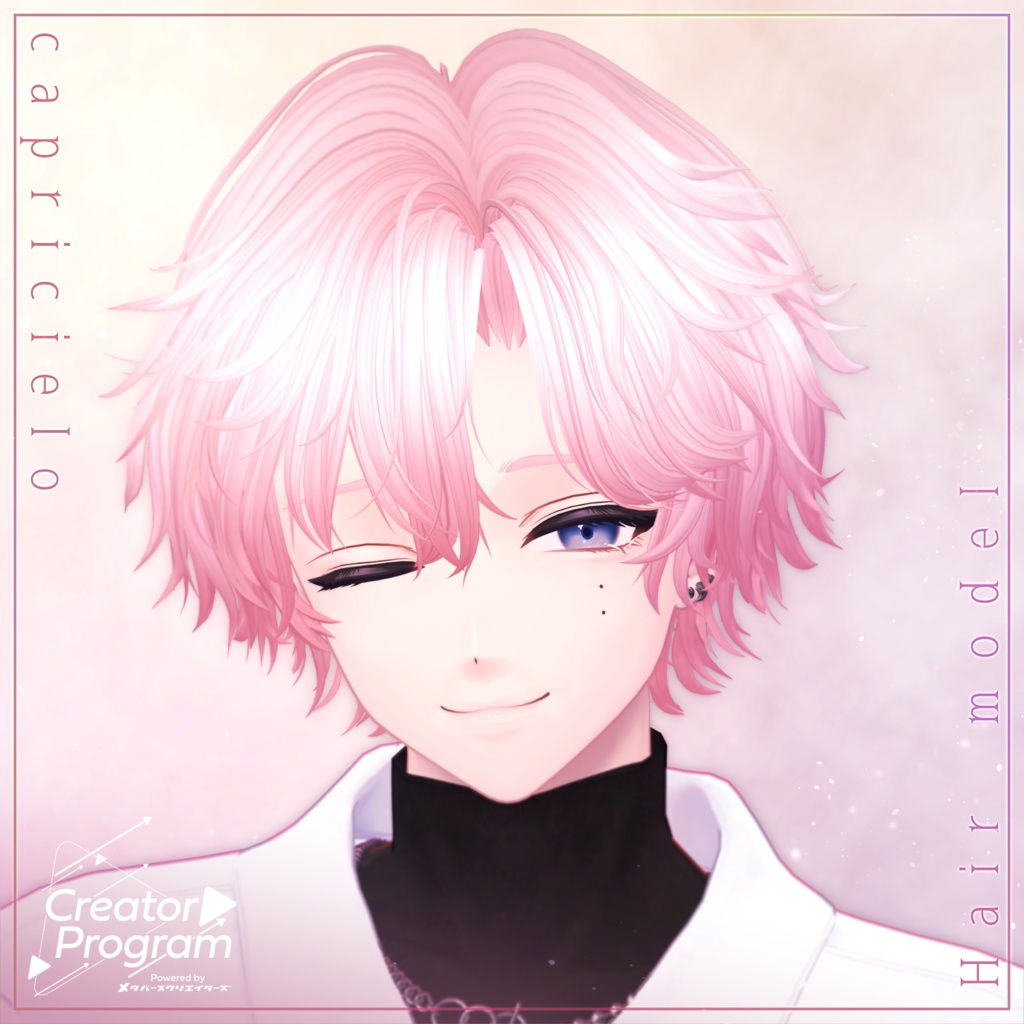
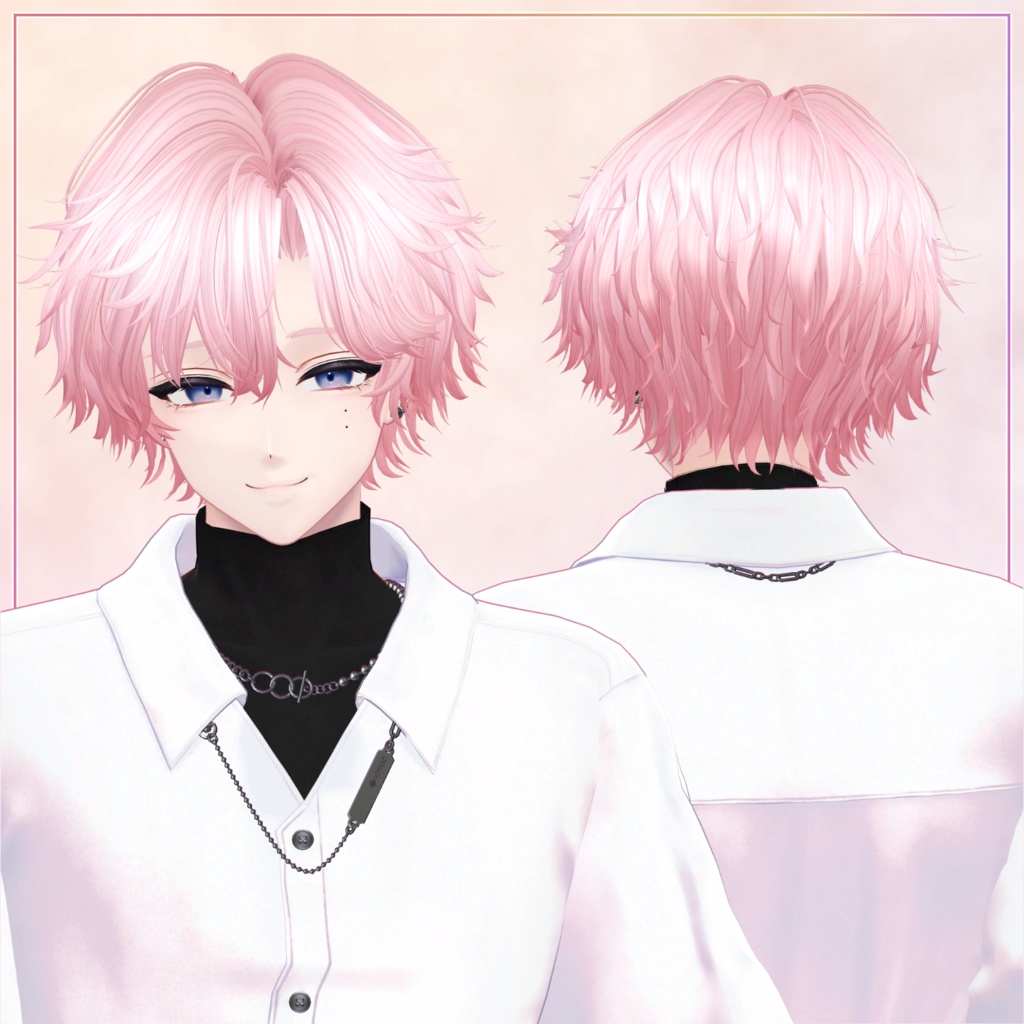
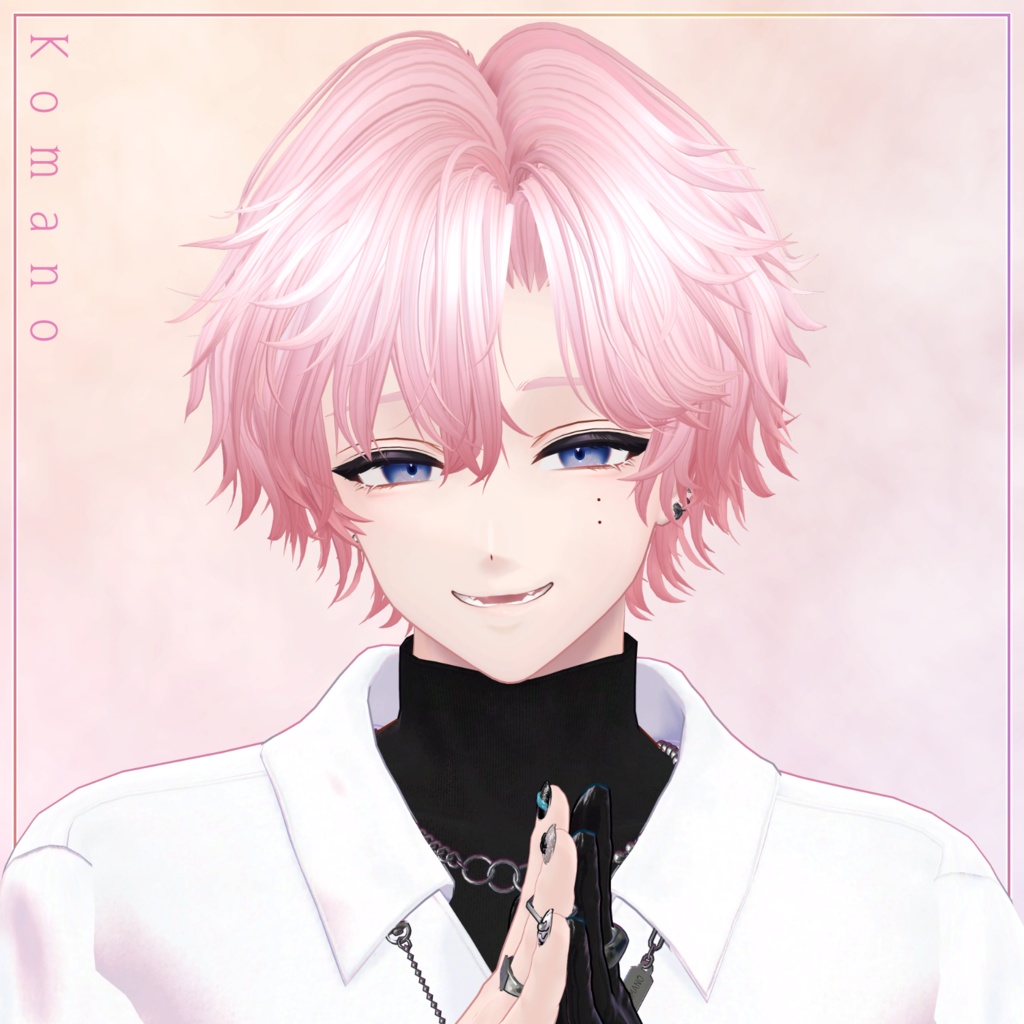
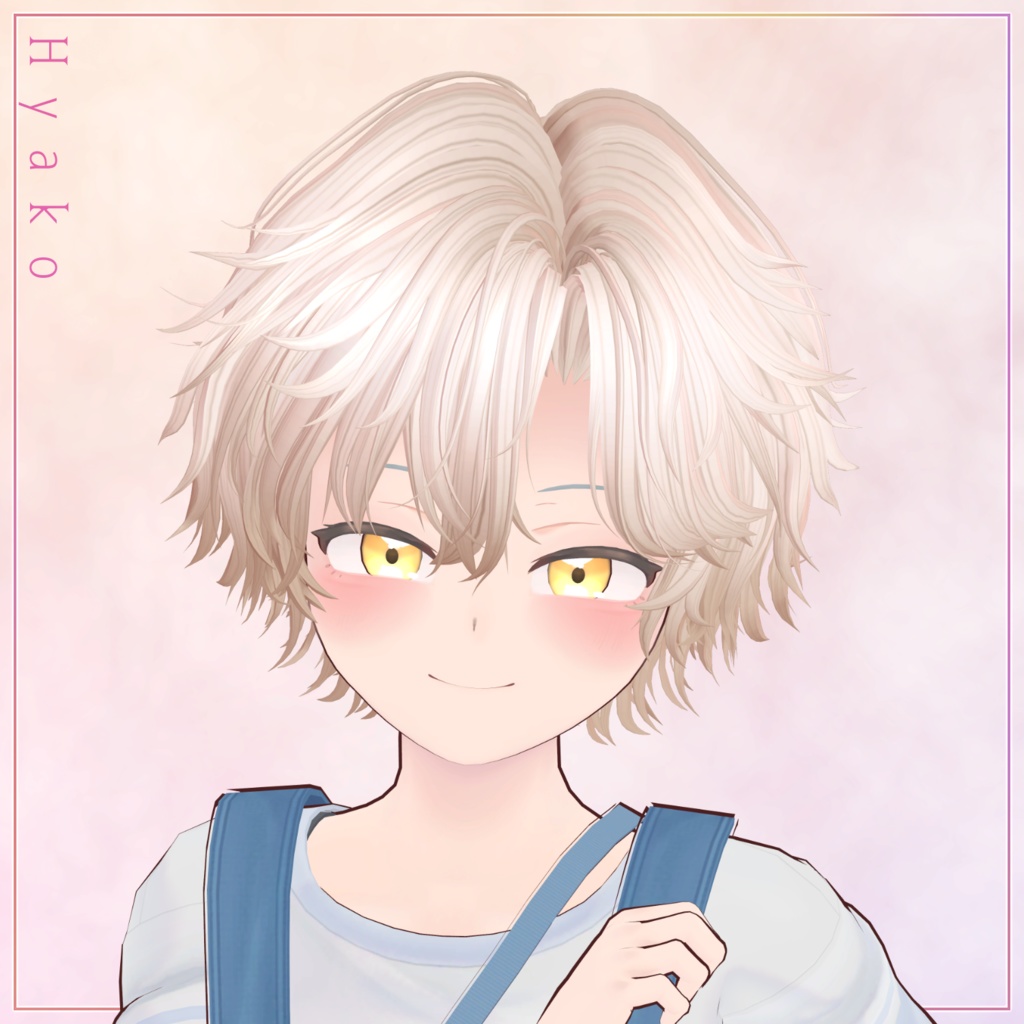
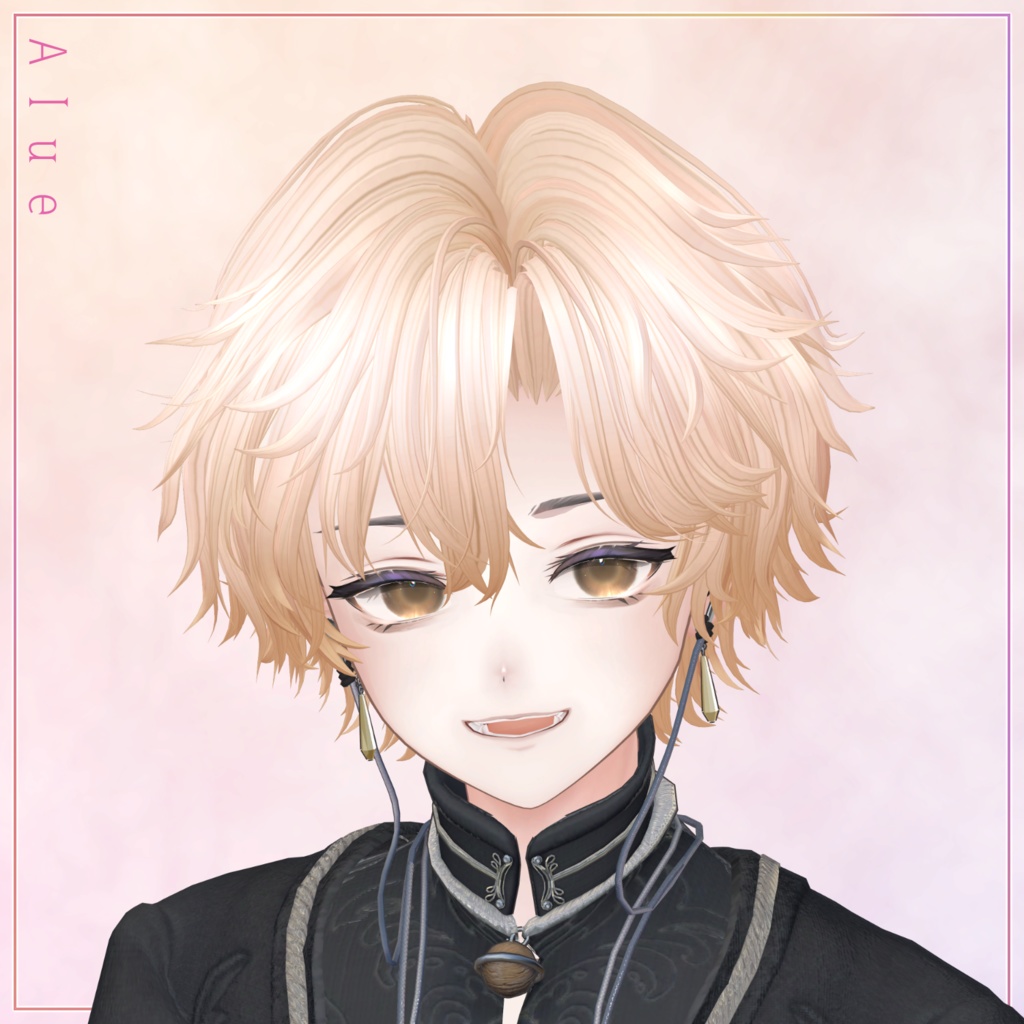
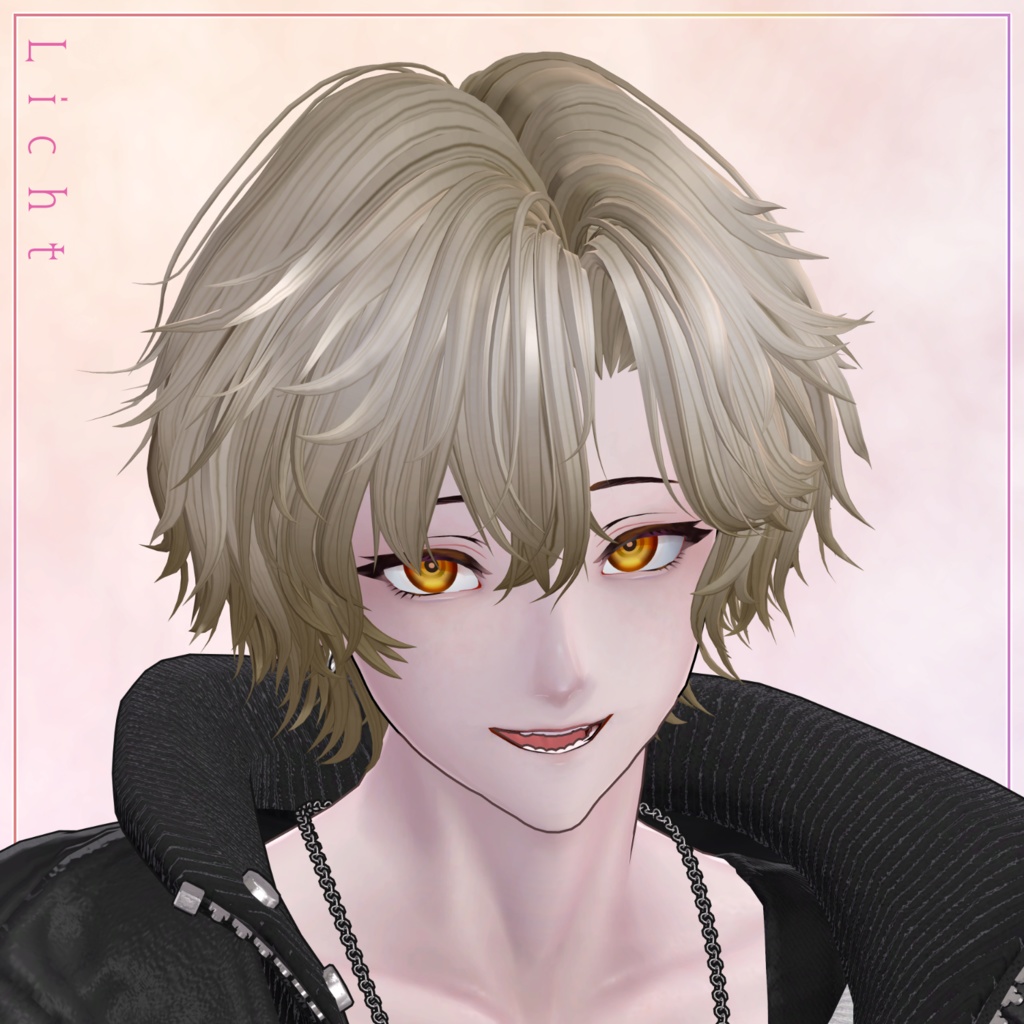
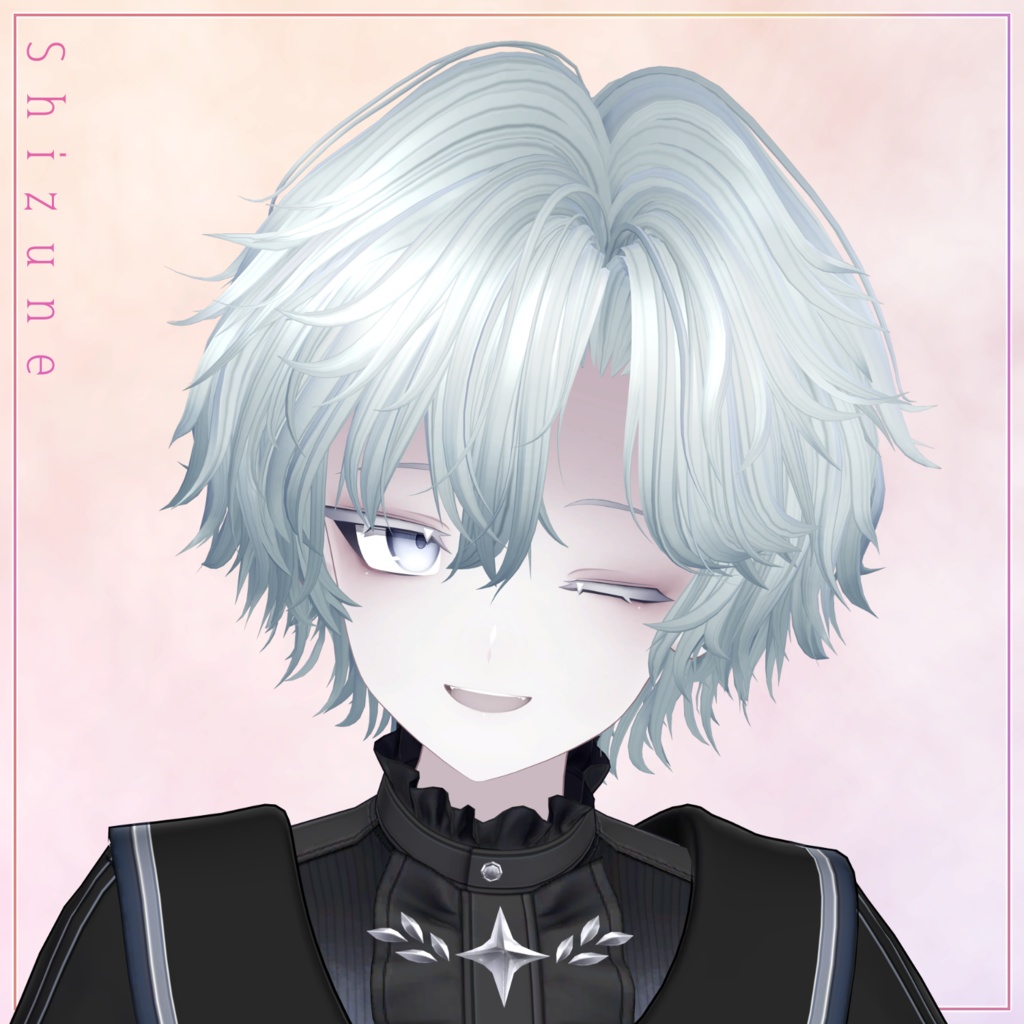
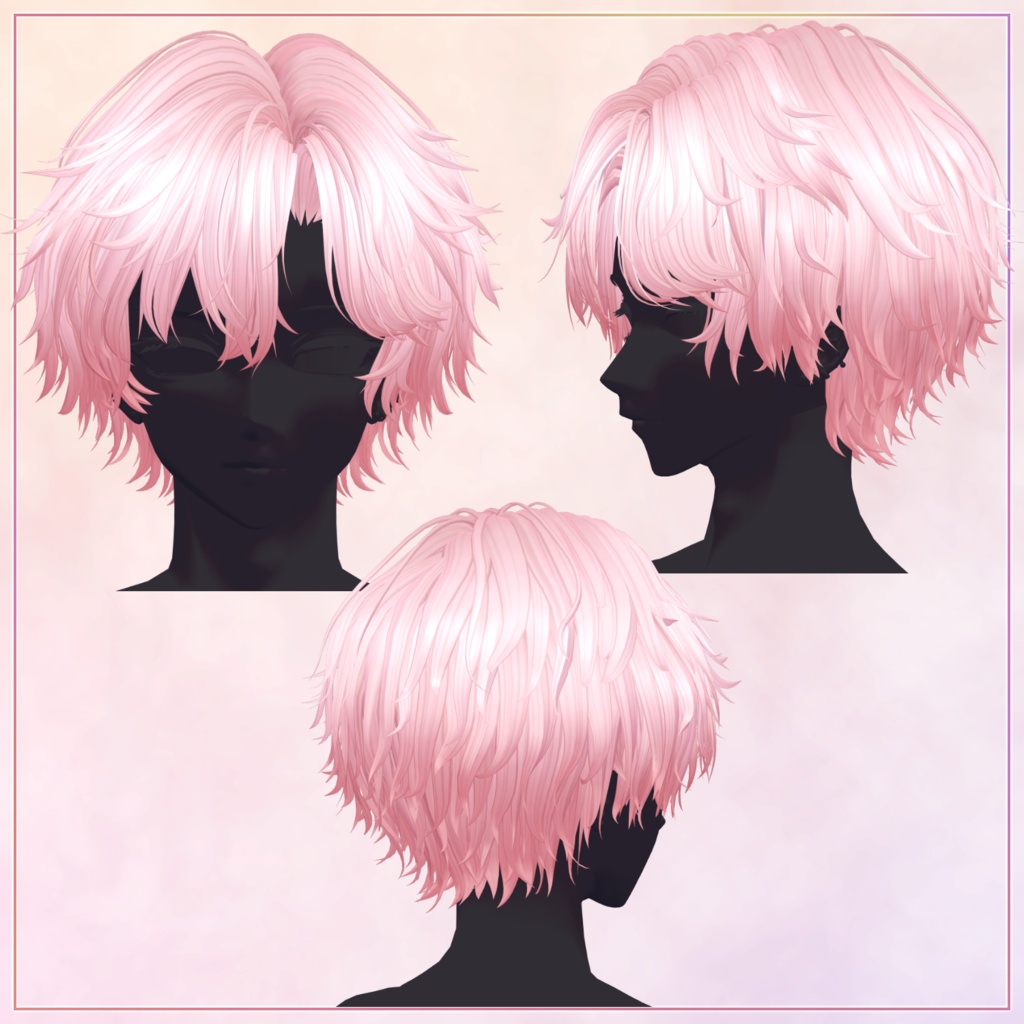
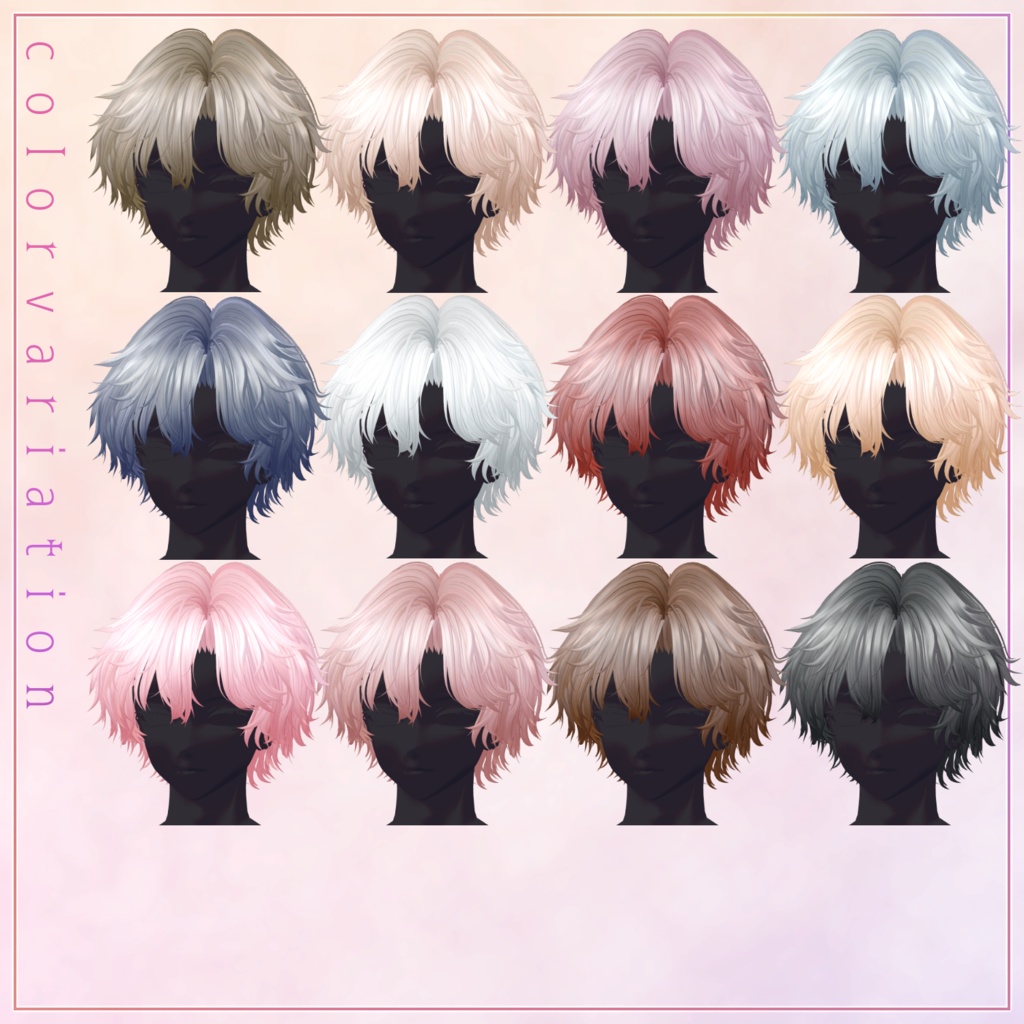
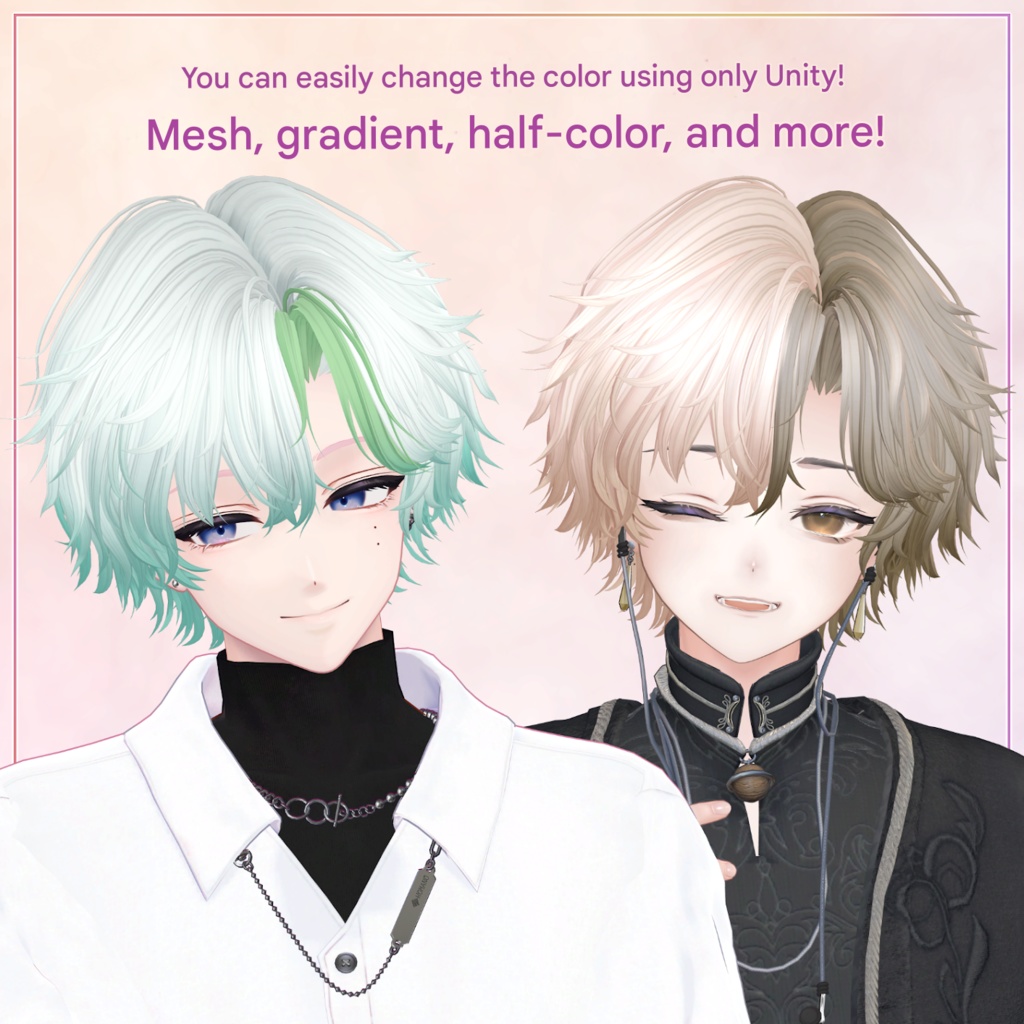
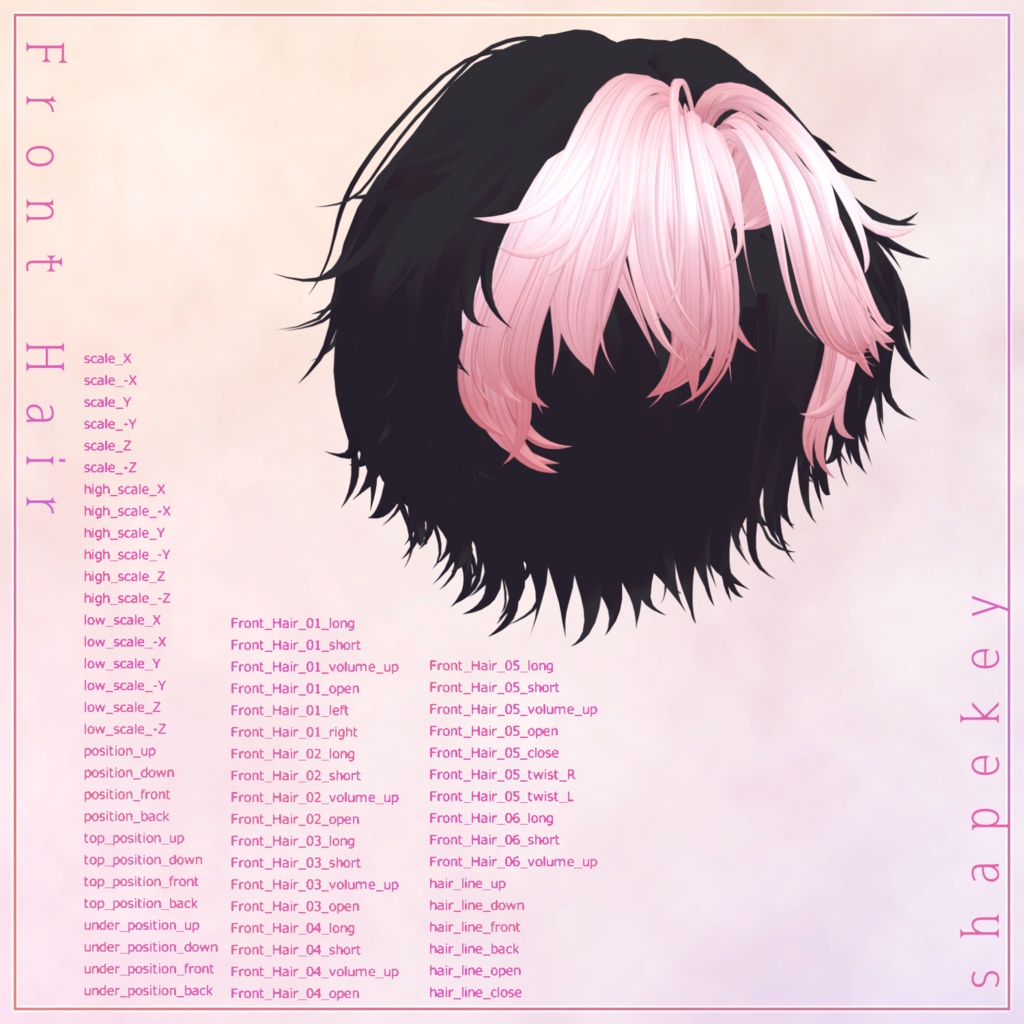
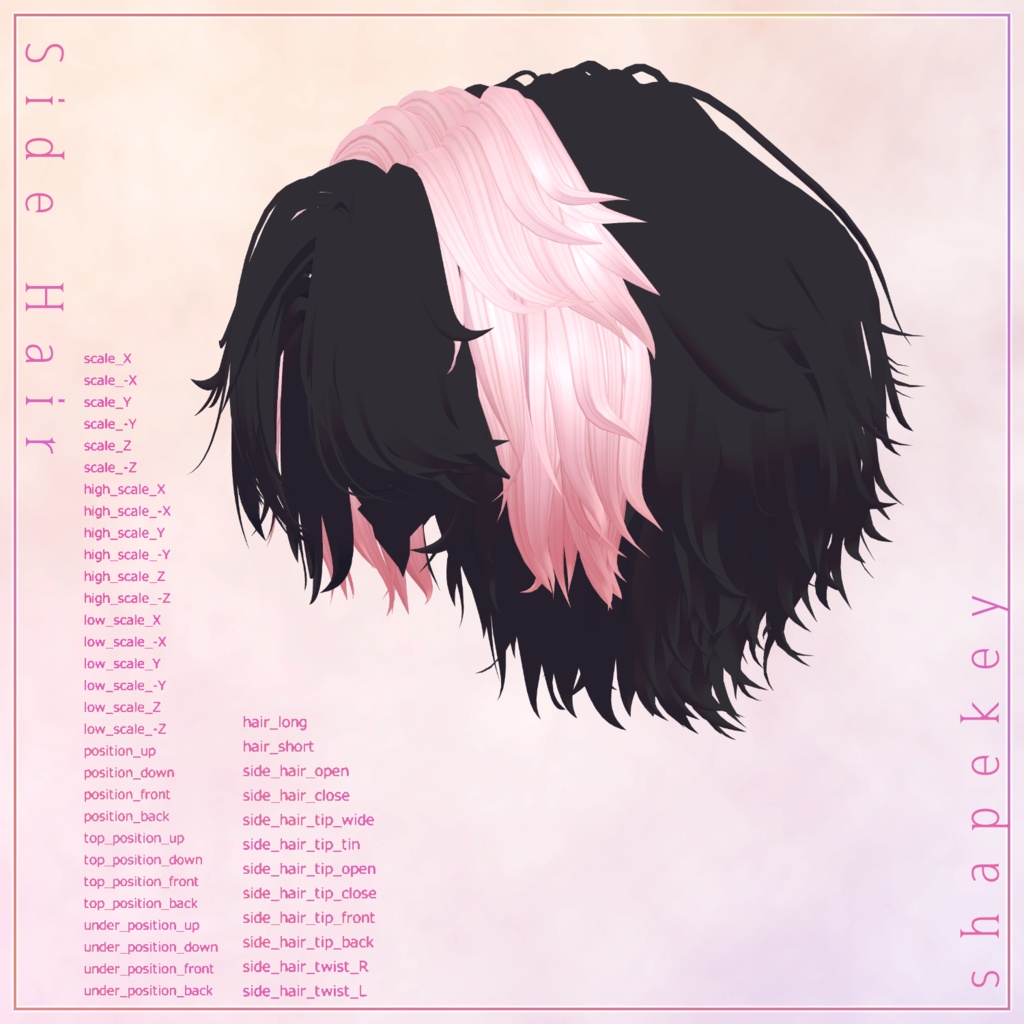
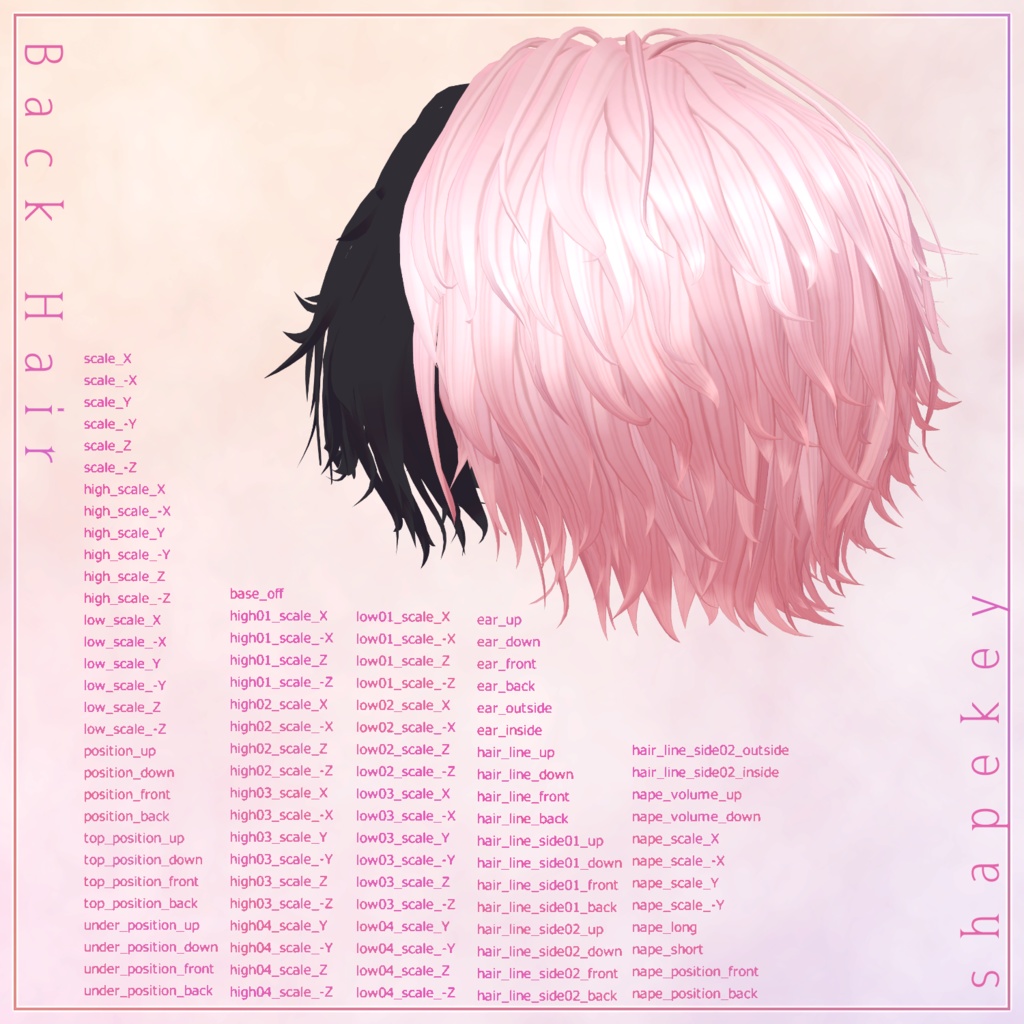
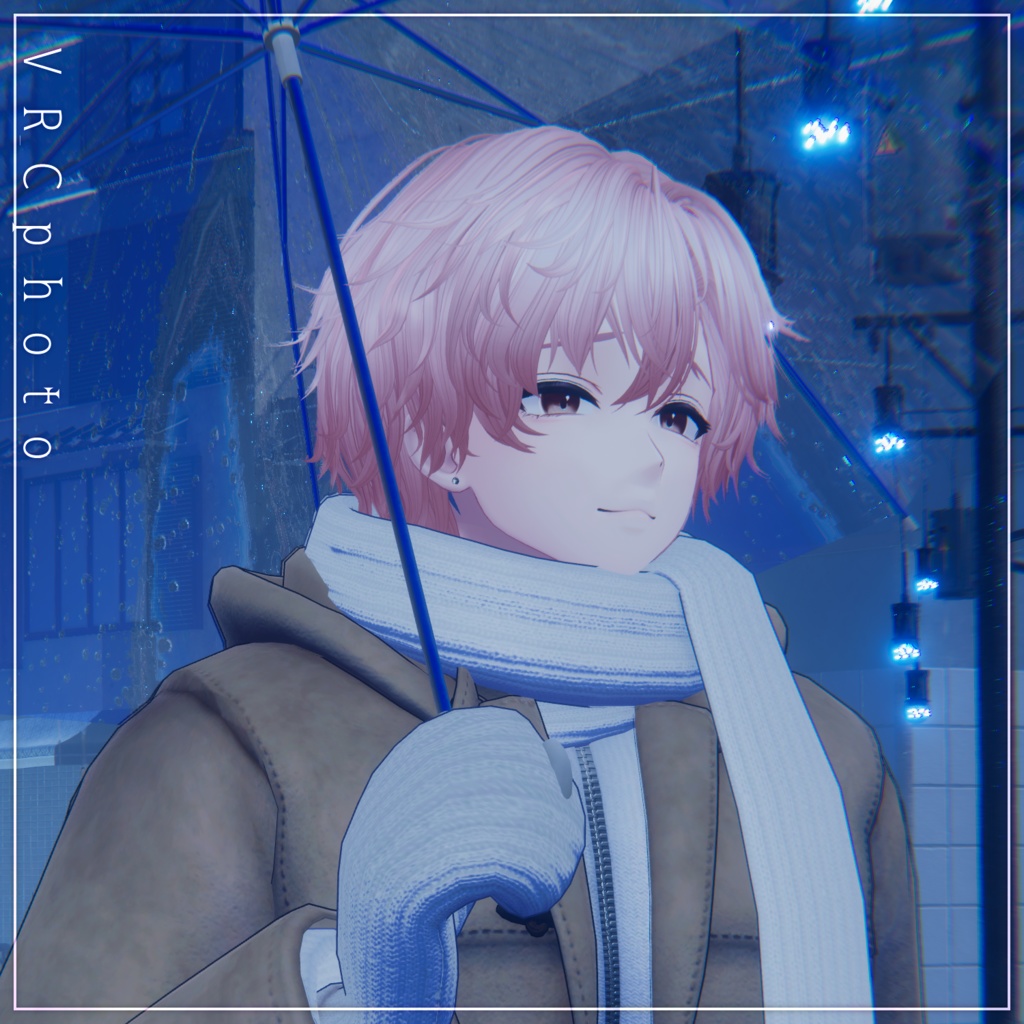
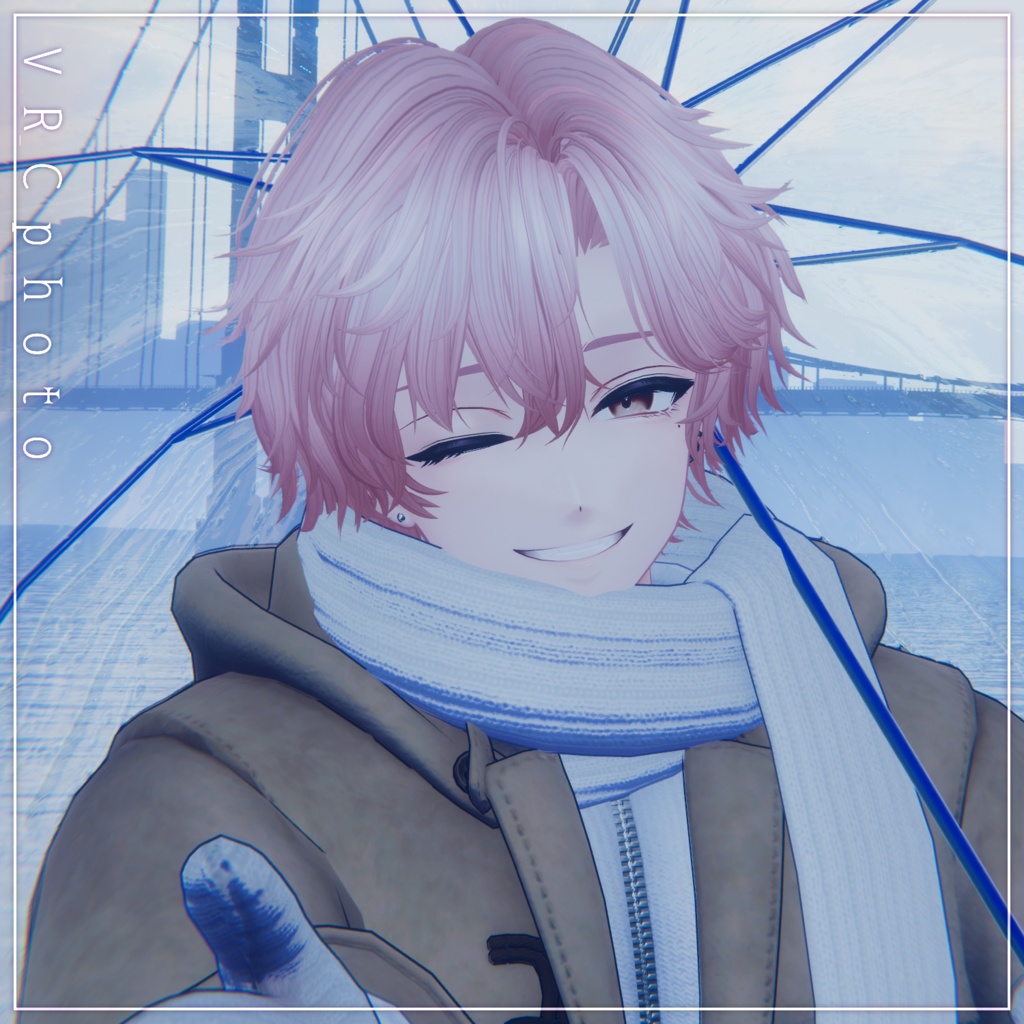
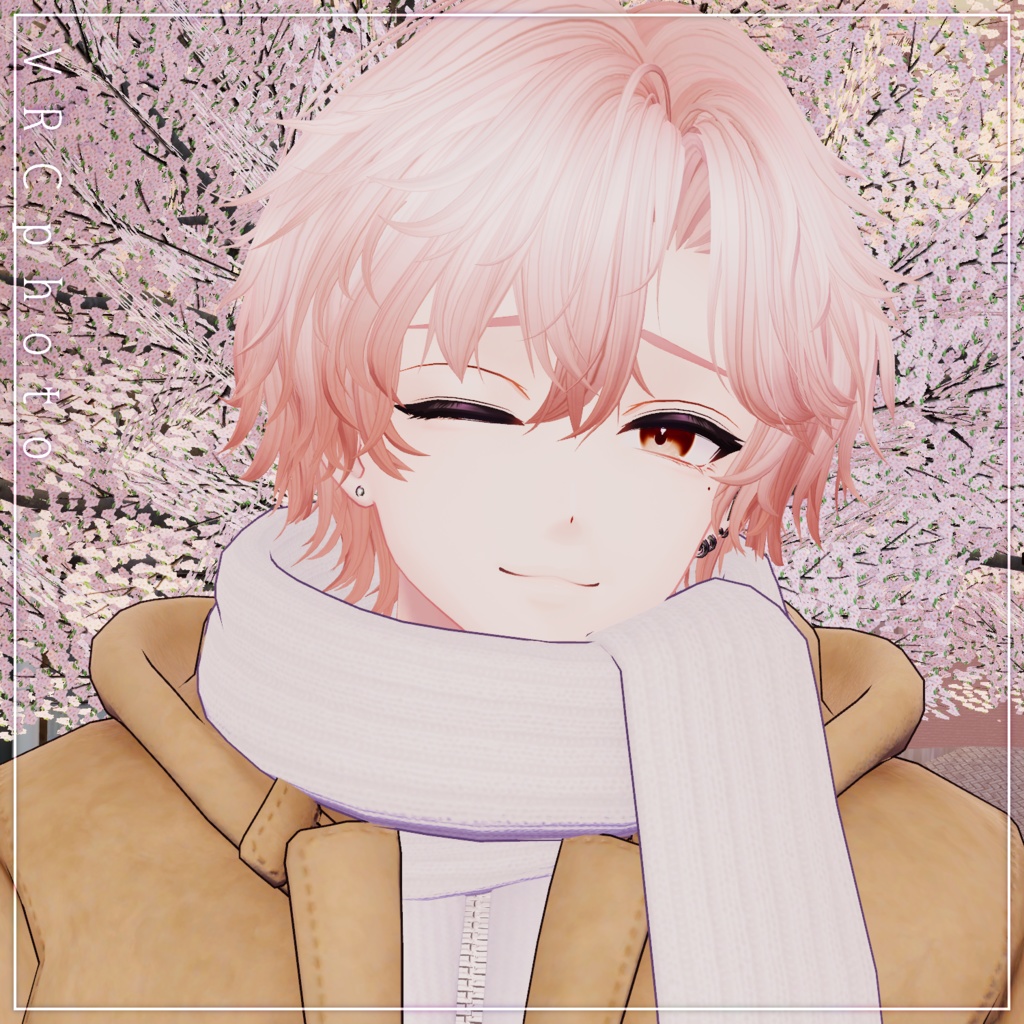
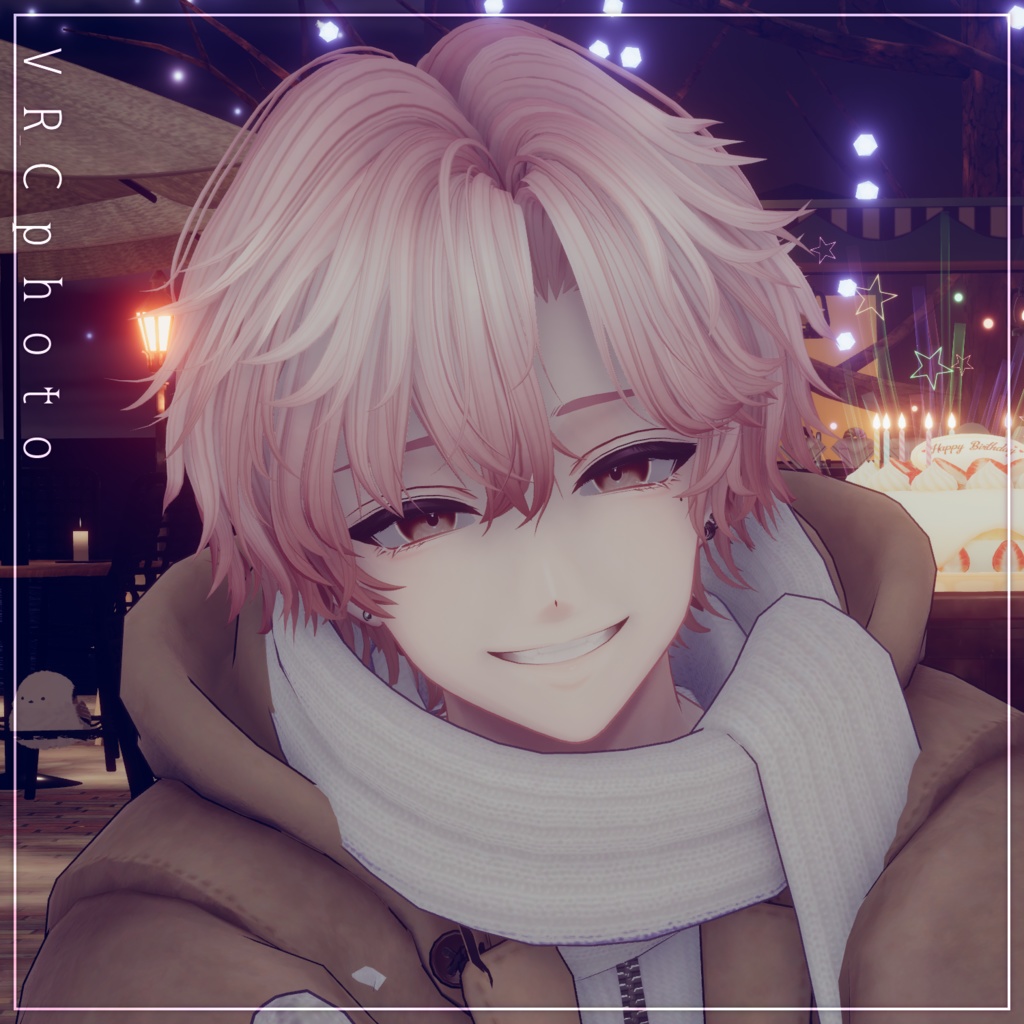


Creator: Maori Gangu Store A hairstyle model characterized by softly wavy hair strands, giving it a natural yet expressive silhouette. ※ This product is a hairstyle model for VRChat avatars. The avatar itself is not included. ※ Due to the nature of digital downloads, returns and refunds are not available. Please review the product description and Terms of Use before purchasing. ◆ Item Overview ● Included Files capricielo_1.0.0.Unitypackage FBX PSD files for customization ReadMe.txt (this document) Shader Used liltoon https://lilxyzw.booth.pm/items/3087170 Required Assets Modular Avatar https://modular-avatar.nadena.dev/ja/docs/intro ● Model Data △ Total polygon count: 19,874 Front_Hair: 6,540 polygons Side_Hair: 4,312 polygons Back_Hair: 9,022 polygons Mesh count: 3 Material count: 1 PhysBone components: 3 Import Folder Assets > MetaverseCreators_CP > Maori > capricielo ◆ Compatible Avatars Fully Supported Original 3D Model “Komano” https://booth.pm/ja/items/5260363 Semi-Compatible Avatars (The base model is adjusted in Unity for fitting.) Original 3D Avatar “Alué” https://booth.pm/ja/items/6957623 Hyakko – by Niyami https://booth.pm/ja/items/7751921 Original 3D Model “Licht” #Licht3D / AC1 https://metacreators-en.booth.pm/items/7596743 Original 3D Model “Shizune” #Shizune3D / AC3 https://metacreators-en.booth.pm/items/7879835 A large number of shapekeys are included for each hair part, allowing you to adjust overall size, position, and fit. Feel free to try fitting this hairstyle to avatars not listed above. Due to the large number of shapekeys, please refer to the product page images for detailed shapekey information. ◆ Installation Guide Set up the latest VRC SDK using VCC. Install required assets (liltoon, Modular Avatar) via VCC. Import the latest package for your avatar. Import this product’s package. Drag your avatar (or clothing/editable prefab) into the Scene Hierarchy. Hide or set to Editor Only any unnecessary parts (existing hairstyles, animal ears, etc.). Drag capricielo_[AvatarName].Prefab directly under the avatar. Adjust scale, position, and shapekey values to fit the avatar (If a pre-adjusted prefab is included, this step is not required.) Upload the avatar using the VRC SDK. ◆ Changing Colors Color-variation materials are provided in the Mat folder. Replace the default material with your preferred one. A general-purpose material named “kaihen” is also included: The Main Color is set to white, allowing free color changes via HDR. Main Color 2nd and Main Color 3rd are assigned gradient and mesh masks. By changing HDR colors, you can create custom mesh and gradient combinations directly in Unity. Additional mesh mask patterns can be found in: Tex > option Replace the masks used in Main Color 2nd / 3rd to customize further. The hairstyle uses separate material slots for left and right sides. For half-color styles, assign different materials to each side. For deeper customization, please use the included PSD files. ◆ Terms of Use https://drive.google.com/drive/folders/1qRMXoIxM1ZgacBPfwOigQRtXP1vCbNMn?usp=sharing ※ Please also follow the Terms of Use for the base avatar used. ◆ Production Environment Modeling: Blender Ver. 3.2.0 Textures: CLIP STUDIO PAINT Setup: Unity Ver. 2022.3.22f1 VRChat SDK – Avatars Ver. 3.10.1 (VCC) liltoon 2.3.2 ModularAvatar 1.15.1 ◆ Credits Creator: Maori Gangu Store https://maorigangu.booth.pm/ Support / Inquiries https://discord.gg/bmw3PWE37M ◆ Worlds Used for Screenshots Charlotte's SAKURA City – by Charlotte Charlotte's Snowdrop Island – by Charlotte Sun Shower’s Waltz – by HANI ◆ Assets Used in Screenshots Avatar Outfit “Duffle Fluff” – by Awa Tatsushita / CP5 https://booth.pm/ja/items/7743447