

Vertex Kiku Style - VRChat Men's Clothing / CP39
- Hanka Compatibleダウンロード商品¥ 1,400
- Full Pack: ALL INCLUDED!ダウンロード商品¥ 2,800
- Komano Compatibleダウンロード商品¥ 1,400
- Bokusei (PlusHead Body) Compatibleダウンロード商品¥ 1,400
- Shizune Compatibleダウンロード商品¥ 1,400
- Yomura Compatibleダウンロード商品¥ 1,400
- Nehail Compatibleダウンロード商品¥ 1,400
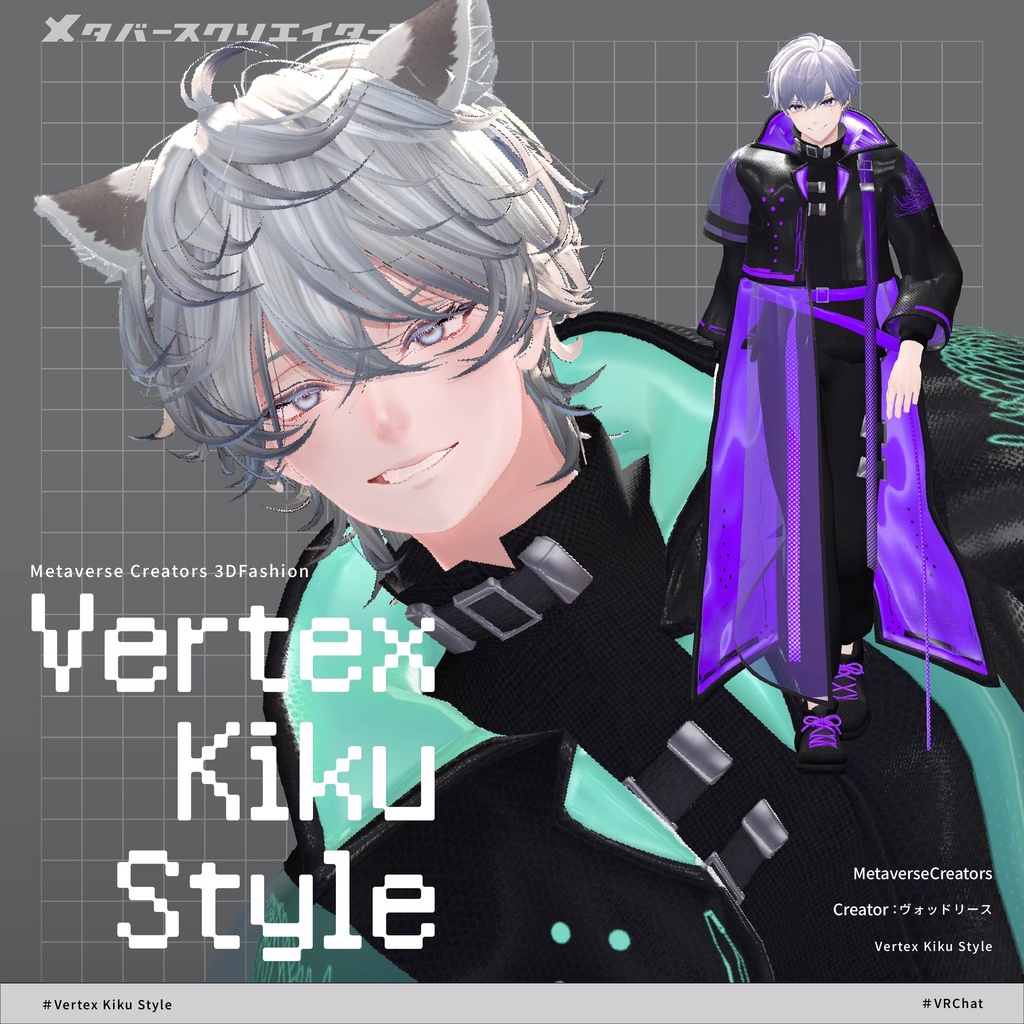
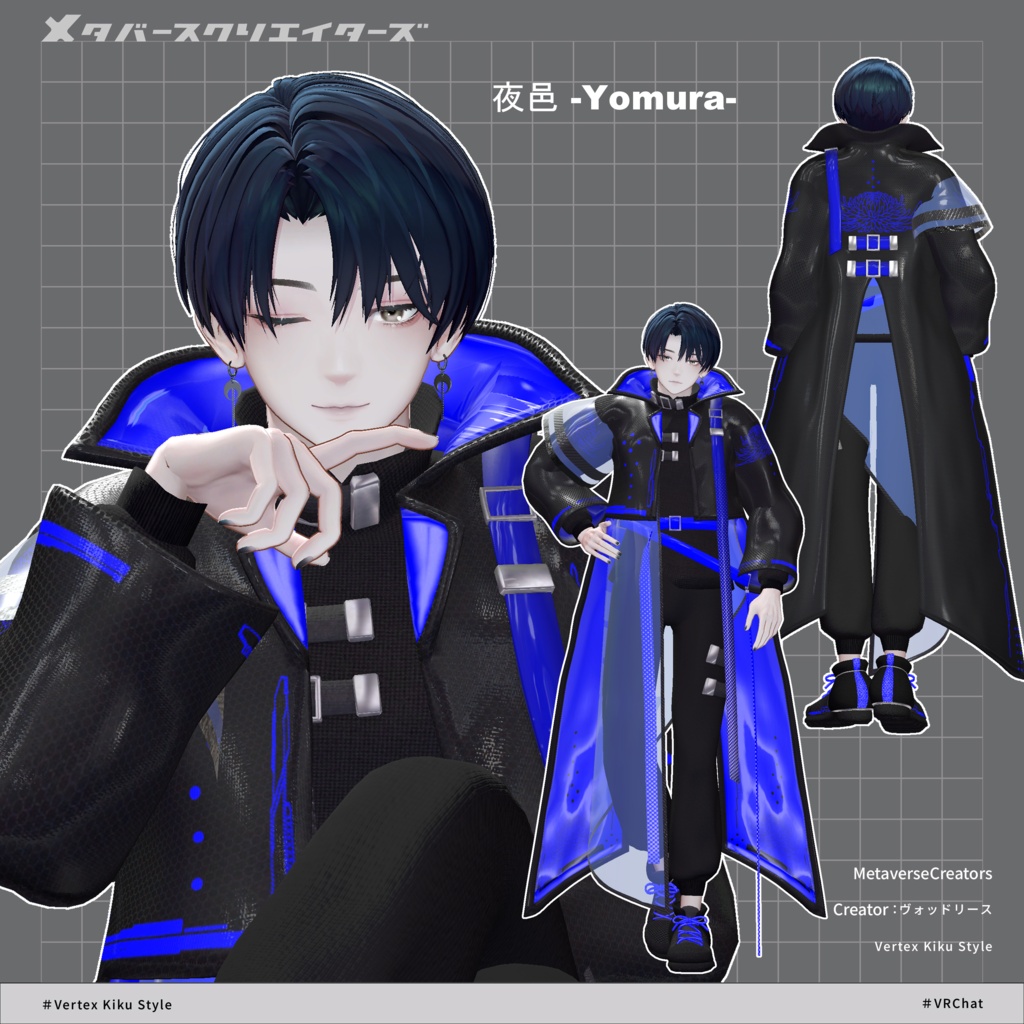
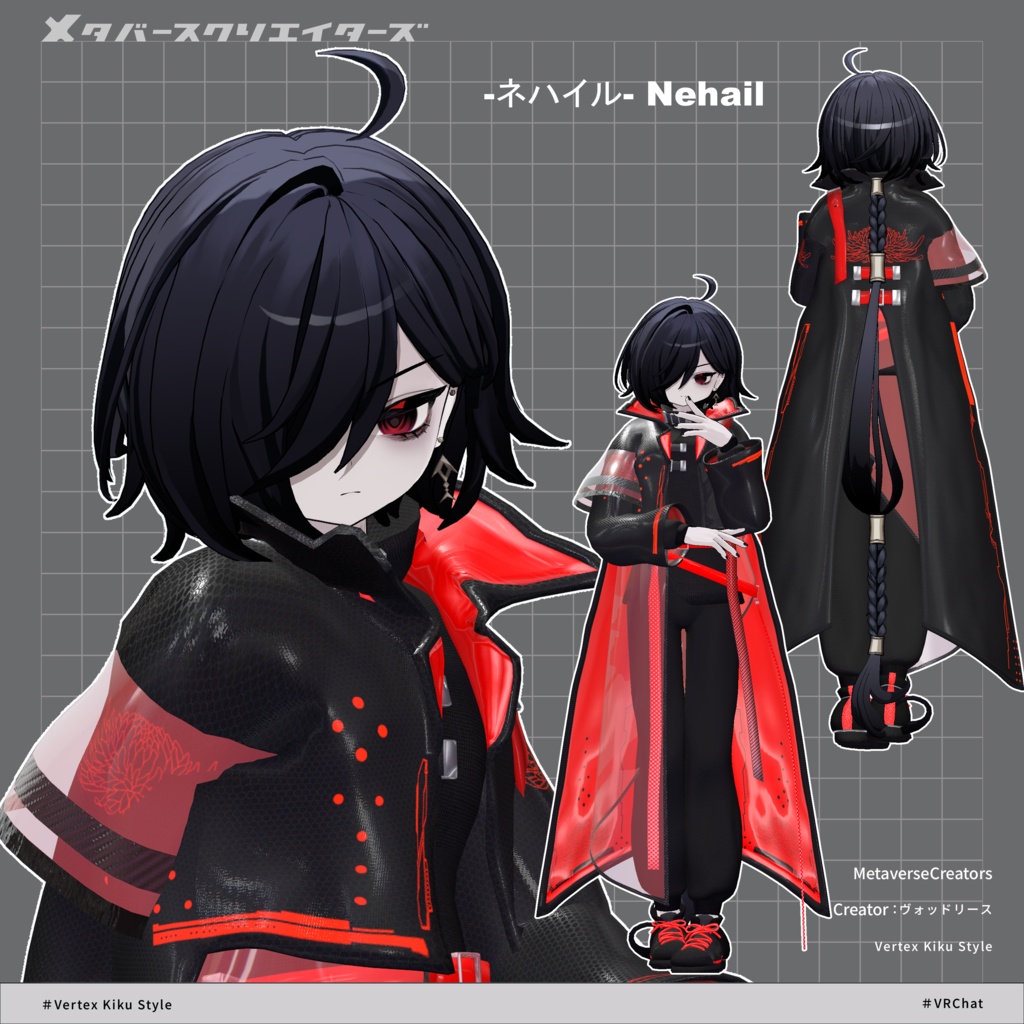
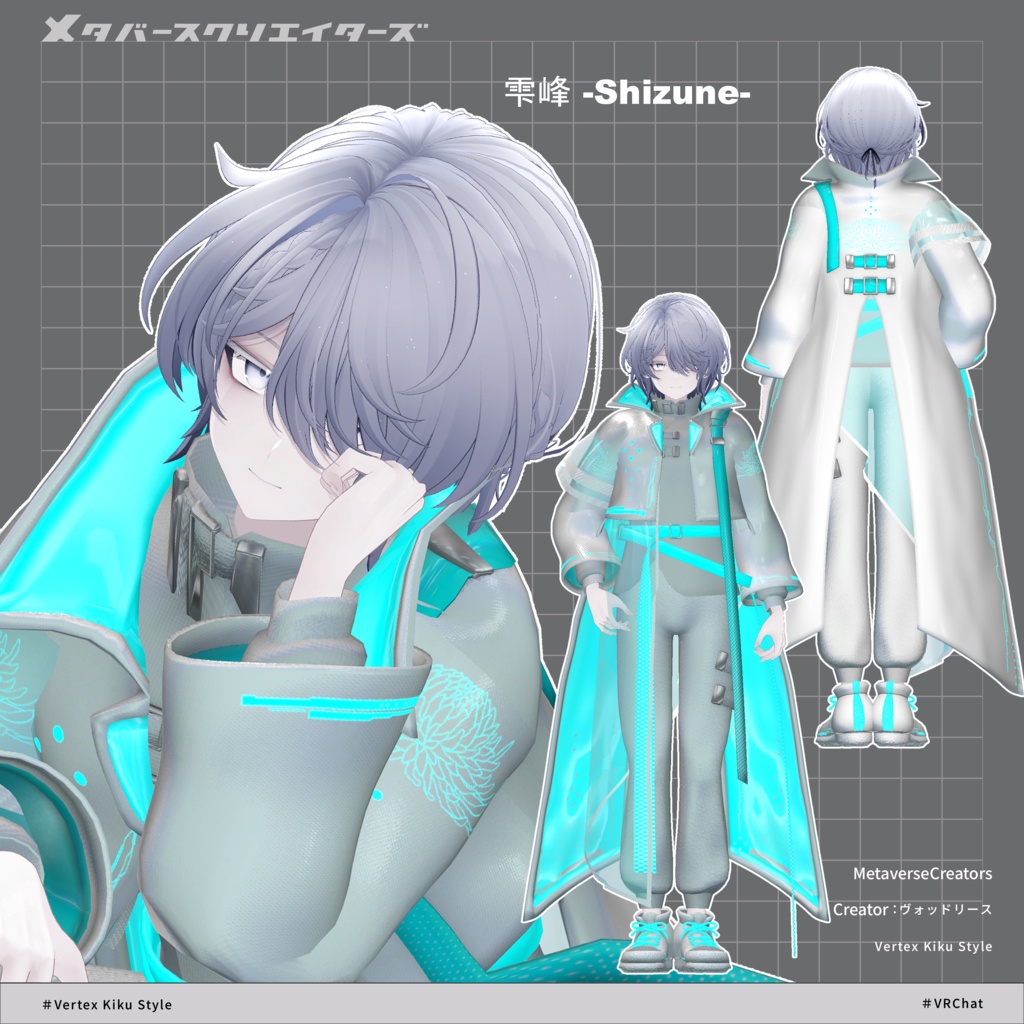
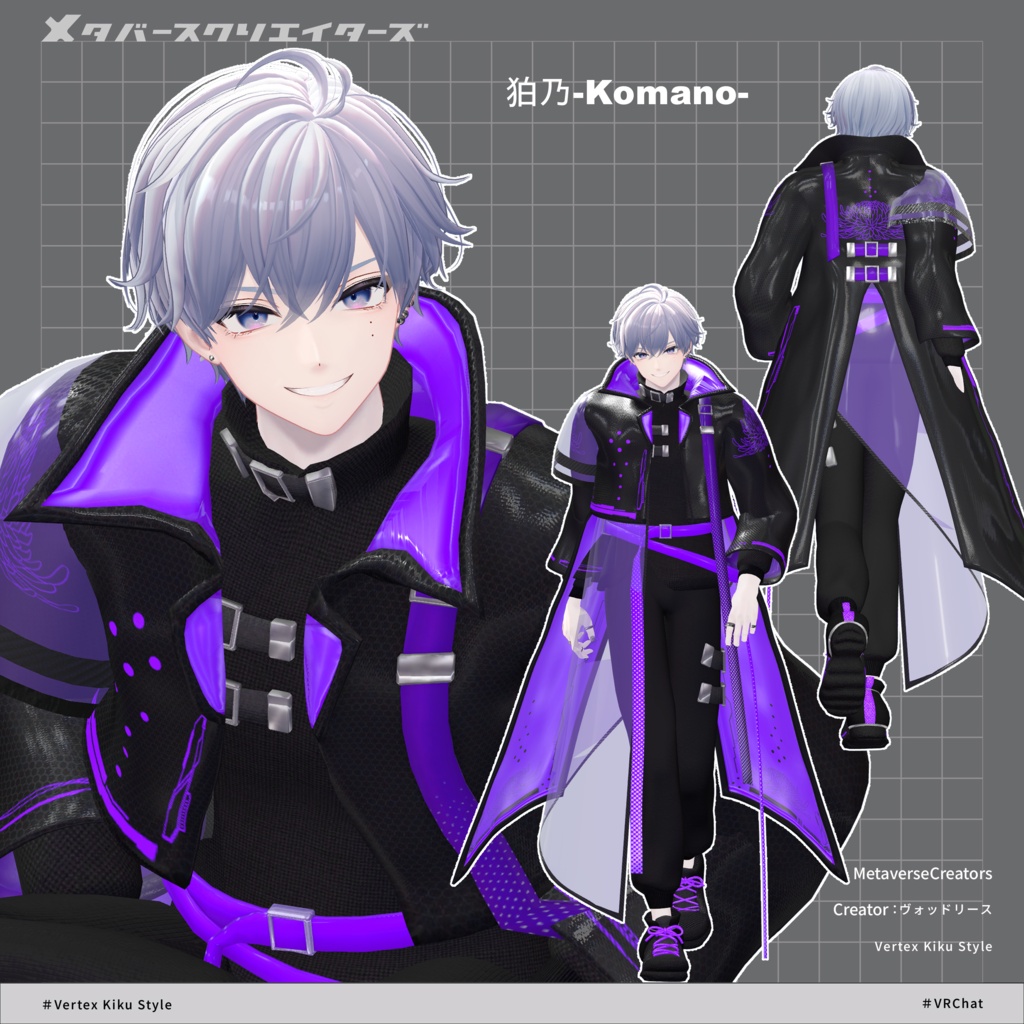
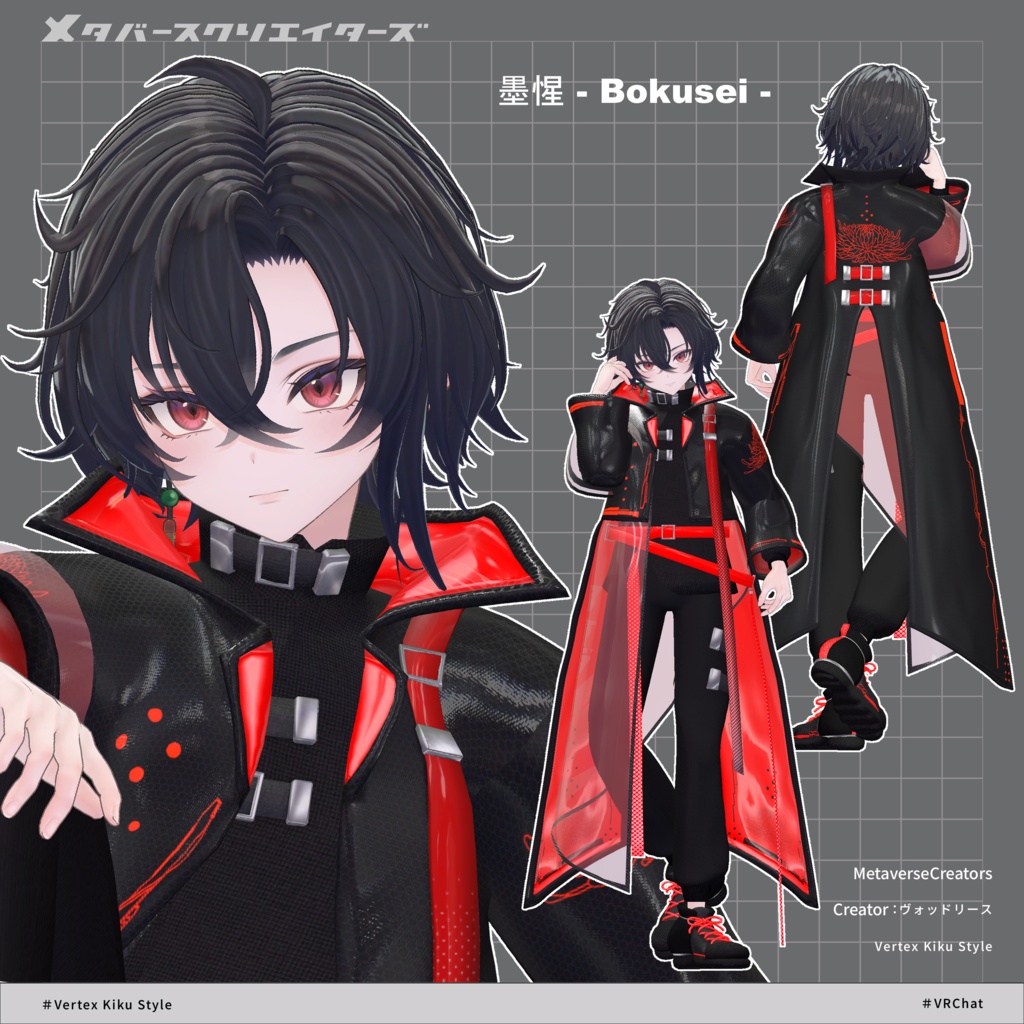
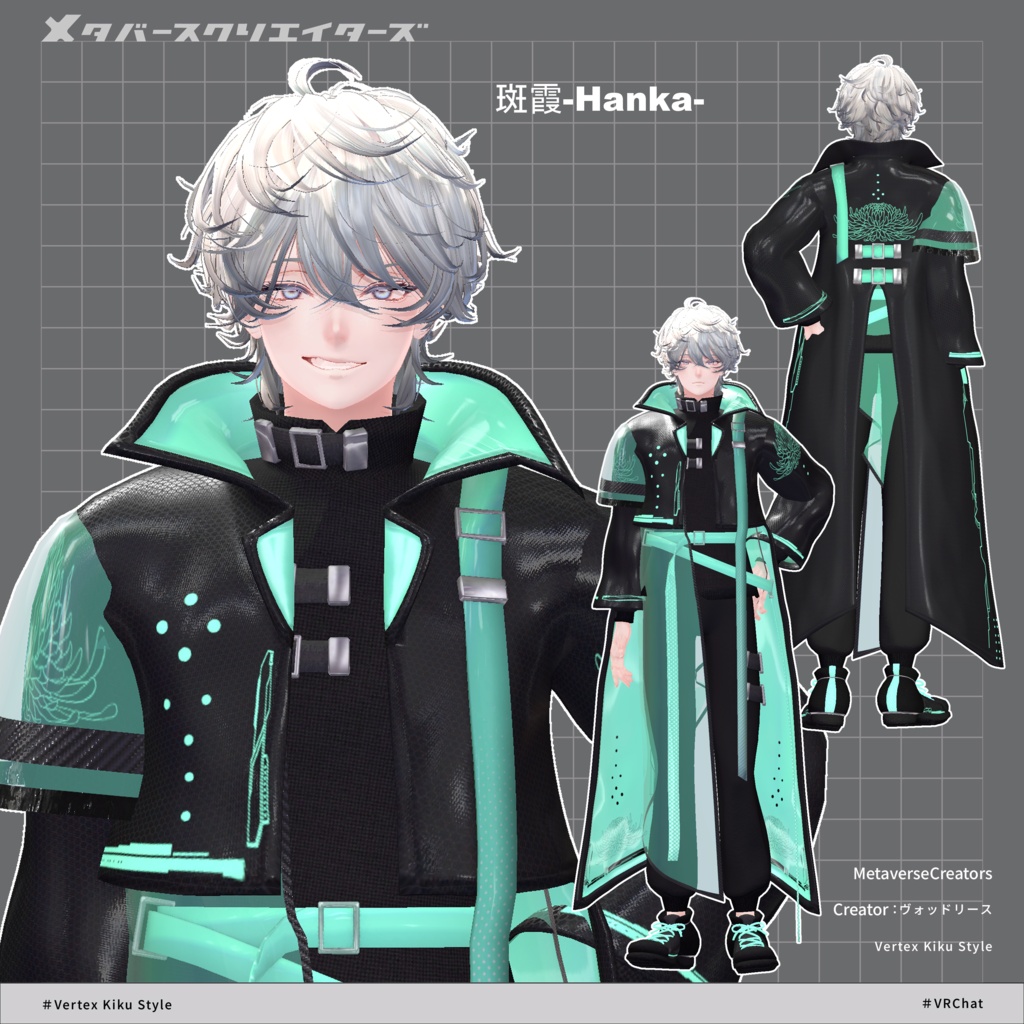
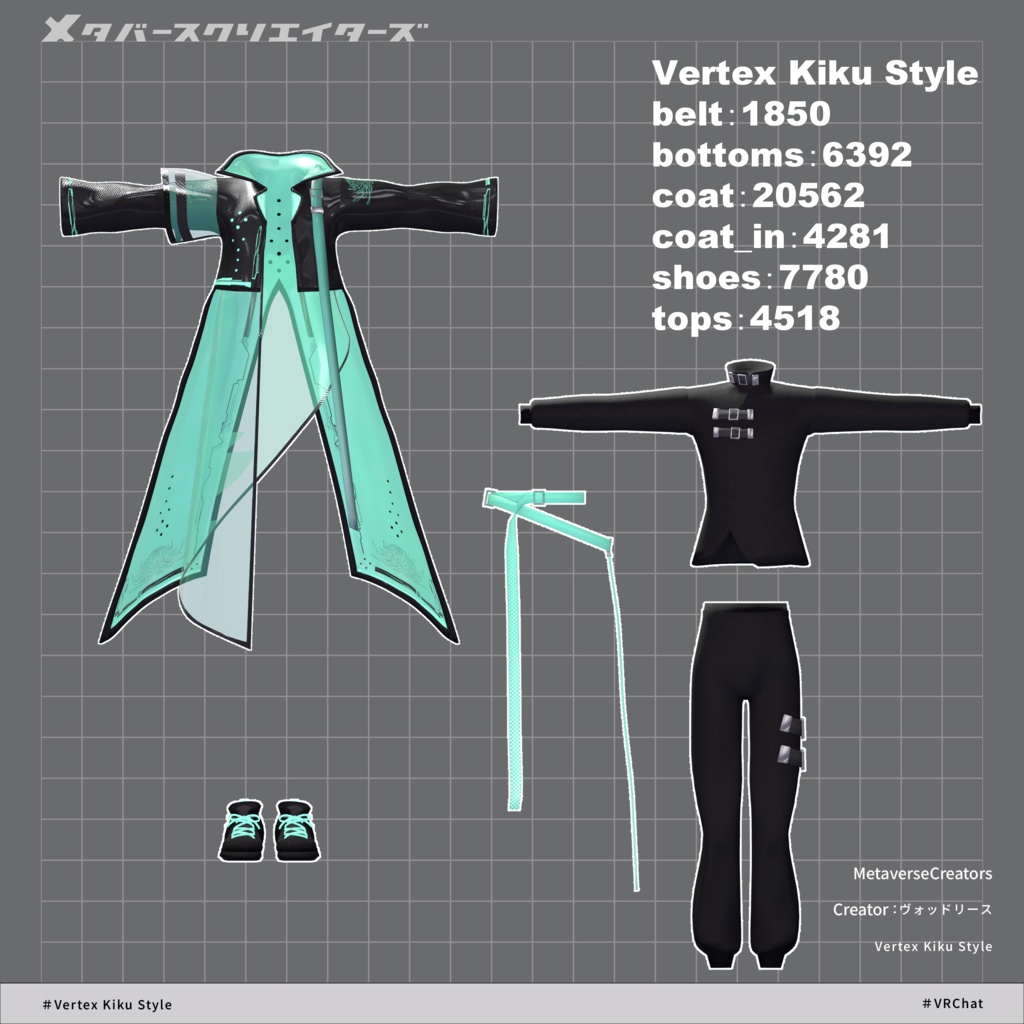


◆ Vertex Kiku Style ◆ Creator: Voddolesu A cyber-style coat design inspired by chrysanthemums (kiku). ※ This product is an outfit model for avatars. Avatar base data is not included. ※ Due to the nature of downloadable products, returns and refunds are not possible. Please review and agree to the product description and terms of use before purchasing. ◆ Item Overview ● Contents VertexKikuStyle_〇〇.Unitypackage FBX Textures ReadMe.txt (text file) Shader used: lilToon https://lilxyzw.booth.pm/items/3087170 Required assets: Modular Avatar https://modular-avatar.nadena.dev/ja/docs/intro ● Model Data Polygon count: Total 45,383 polygons ├ Belt: 1,850 polygons ├ Bottoms: 6,392 polygons ├ Coat: 20,562 polygons ├ Coat inner: 4,281 polygons ├ Shoes: 7,780 polygons └ Tops: 4,518 polygons Mesh count: 6 Material count: 4 PhysBone components: 7 Import folder: Assets > MetaverseCreators_CP > Rhombus > VertexKikuStyle ◆ Supported avatars Original 3D Model “Hanka” https://booth.pm/ja/items/6970249 Original 3D Model “Komano” https://booth.pm/ja/items/5260363 Original 3D Model “Bokusē” (PlusHead body) https://booth.pm/ja/items/5727810 Original 3D Model “Shizune” #Shizune3D https://booth.pm/ja/items/7684873 Original 3D Model “Yomura” #Yomura3D https://metacreatorstyo.booth.pm/items/8027029 Original 3D Model “Nehail” https://booth.pm/ja/items/7425658 ※ When wearing the outfit, shape keys are used to hide parts of the base body (making it appear stick-like). ◆ Installation steps Set up the latest version of VRC SDK in VCC Install required assets in VCC (lilToon, Modular Avatar) Import the latest avatar base packages Import this package Drag and drop the avatar (or outfit prefab) into the Scene Hierarchy Hide or set unnecessary default clothing/underwear to “Editor Only” Drag and drop “OutfitName_[AvatarName].Prefab” under the avatar Upload via VRC SDK ※ This outfit uses Modular Avatar’s “MA Shape Changer” feature. When placed under the avatar, it automatically enables body shape keys, slimming the body or hiding mesh parts to avoid clipping. You may remove MA Shape Changer if not needed. ※ For PlusHead-compatible MA Shape Changer: some avatars may have different mesh names, which can prevent proper operation. In that case, rename the mesh or adjust shape keys manually. ※ If any part of the body becomes unintentionally thin after setup, reset the corresponding shape key to 0 and verify the base mesh visibility. ◆ Color customization You can replace materials in the Common > Material folder with your preferred color variations. Additionally, you can use the included PSD or Clip files to freely modify colors. (If you are using a custom color-editing method, please add an explanation here.) ◆ Terms of use https://drive.google.com/drive/folders/1qRMXoIxM1ZgacBPfwOigQRtXP1vCbNMn?usp=sharing ※ Please also follow the terms of the original avatar. ◆ Production environment Modeling: Blender Ver 4.5.5 Textures: Substance 3D Painter 2024 Setup: Unity 2022.3.22f1 VRChat SDK - Avatars v3.9.0 (VCC) lilToon 2.3.2 Modular Avatar 1.14.3 ◆ Credits Creator: Voddolesu https://voddolesu.art/ https://voddolesu.booth.pm/ Support: https://discord.gg/bmw3PWE37M