

ElsiaWolf - VRChat Hair / CP50
- ダウンロード商品¥ 1,000
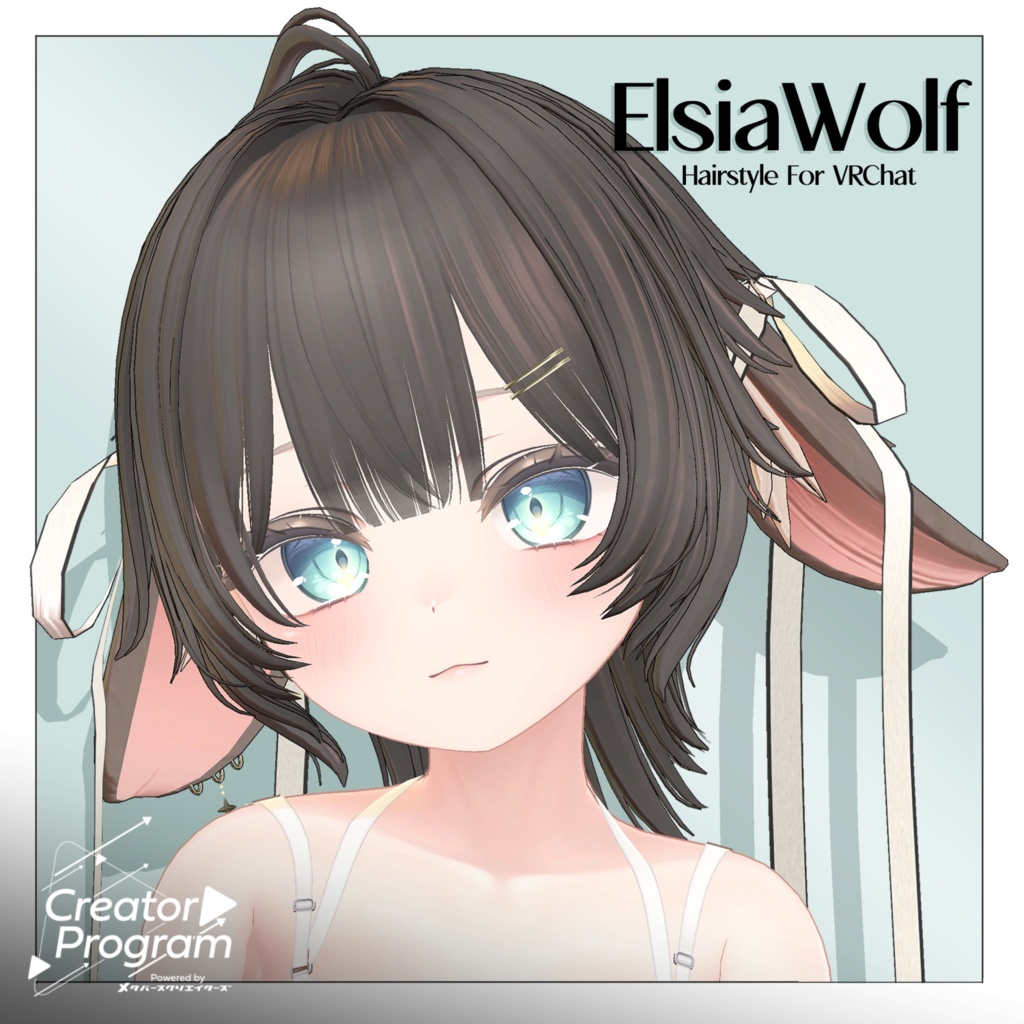
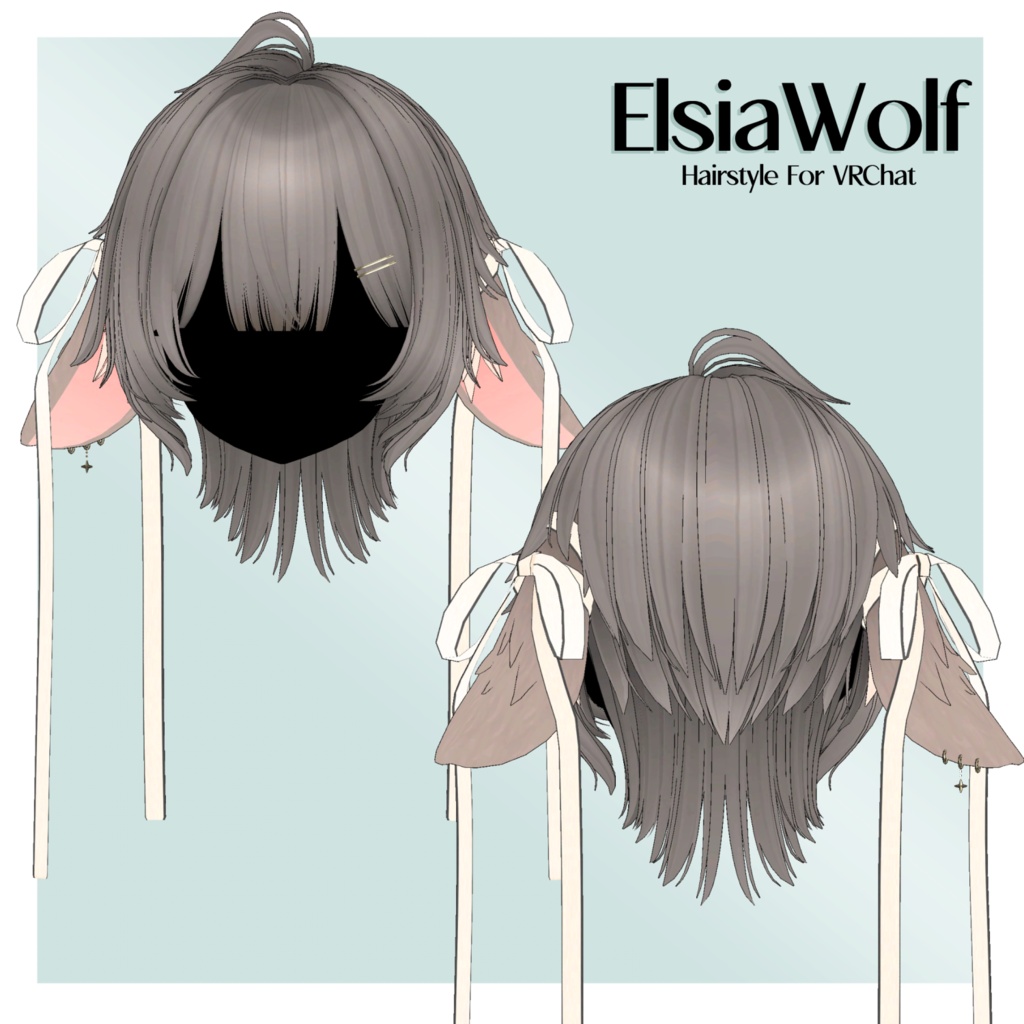
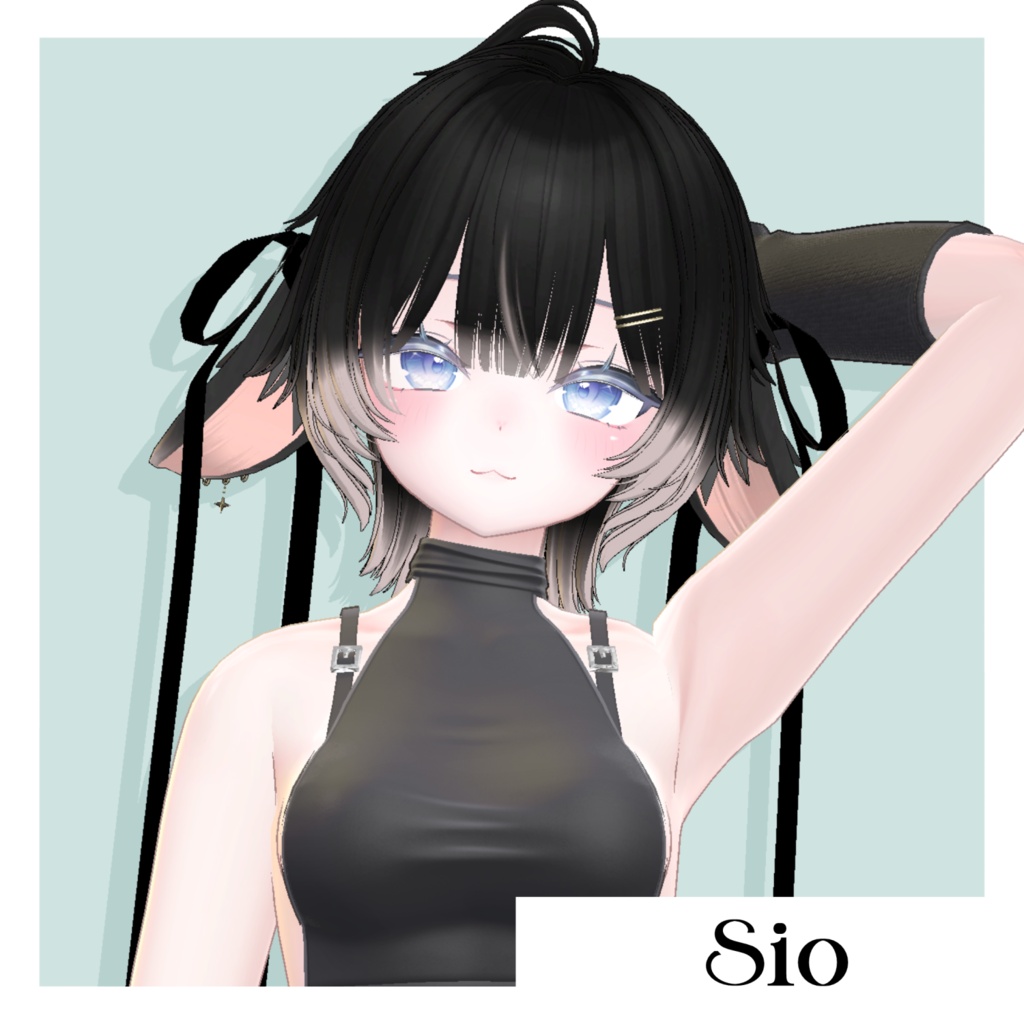
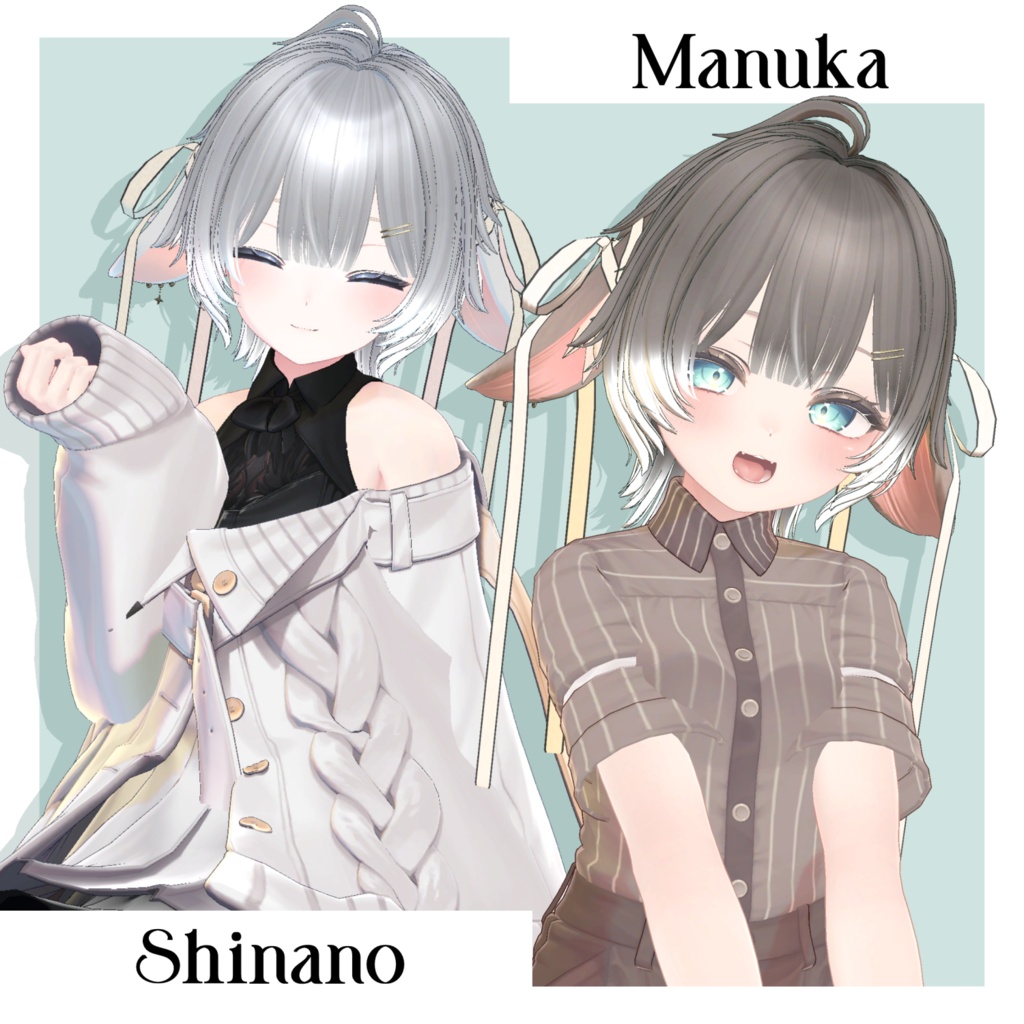
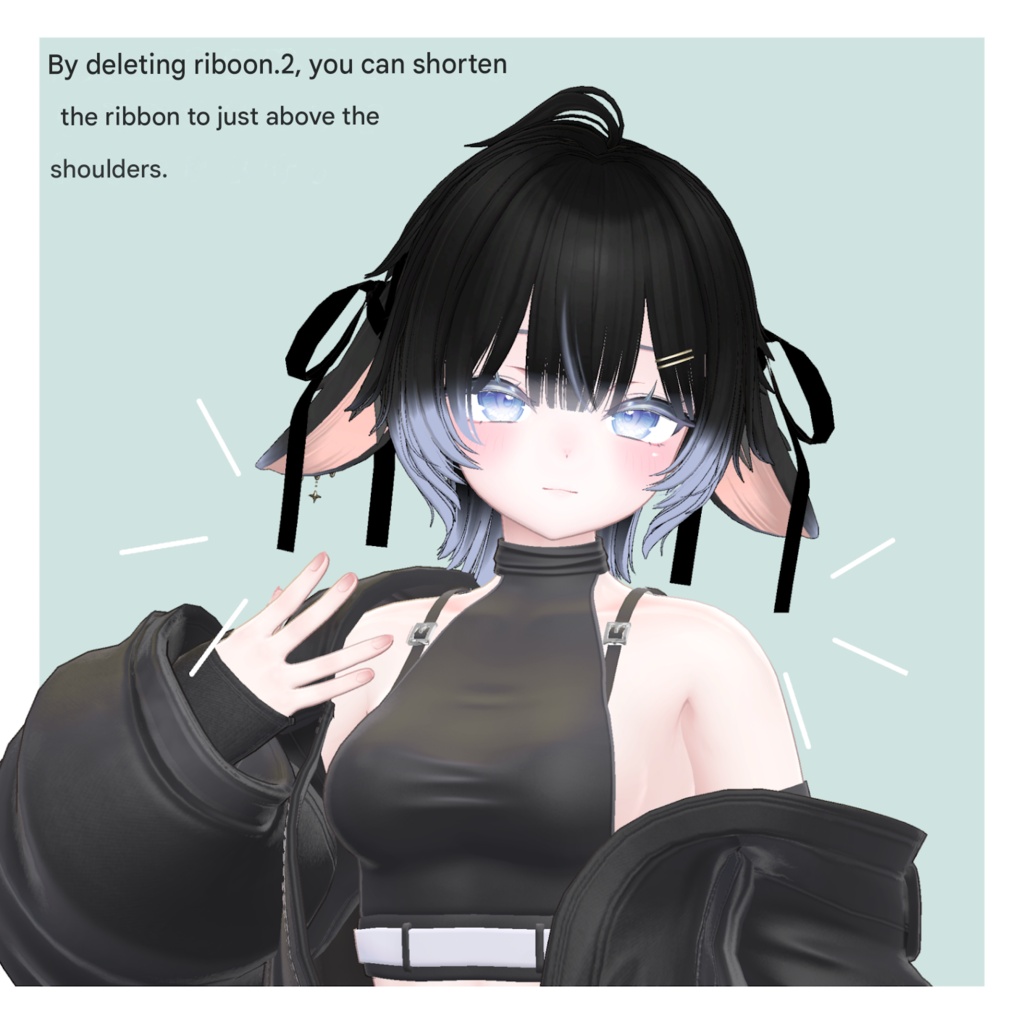
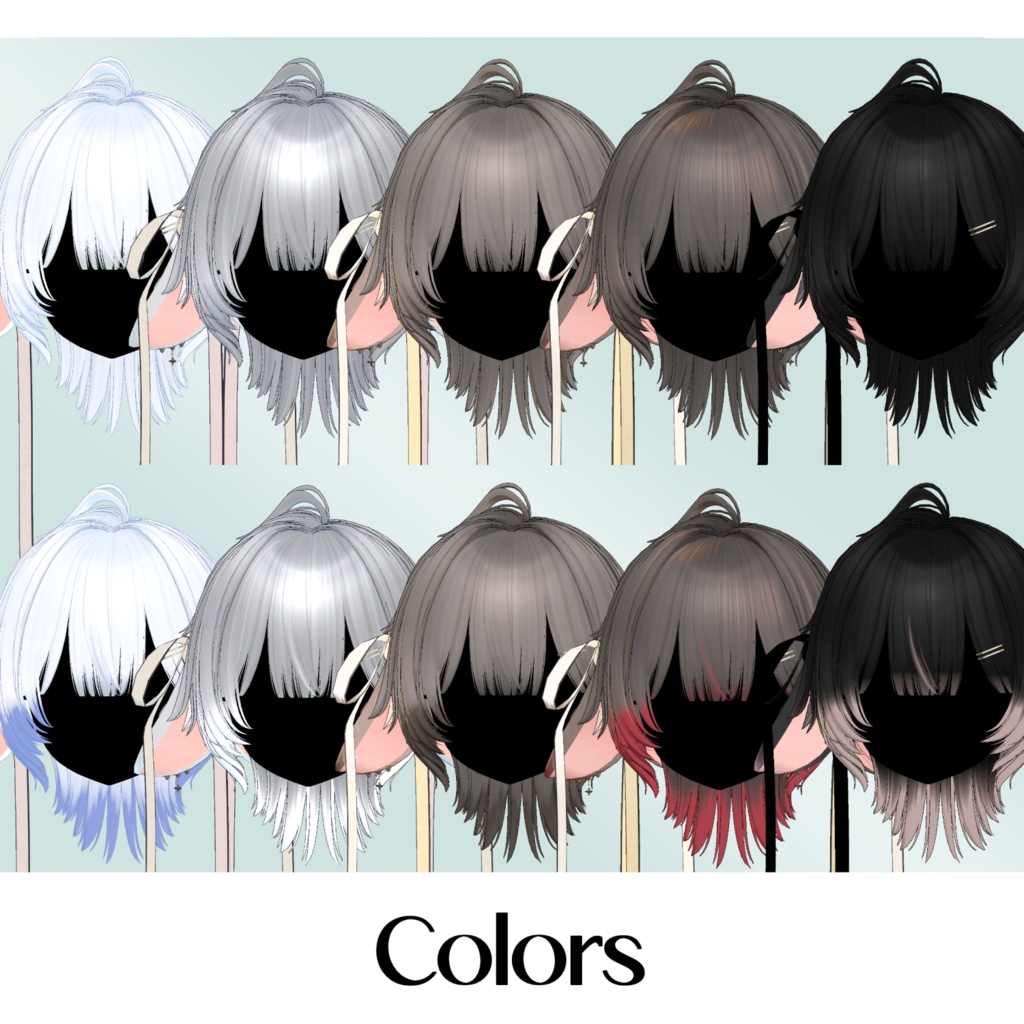
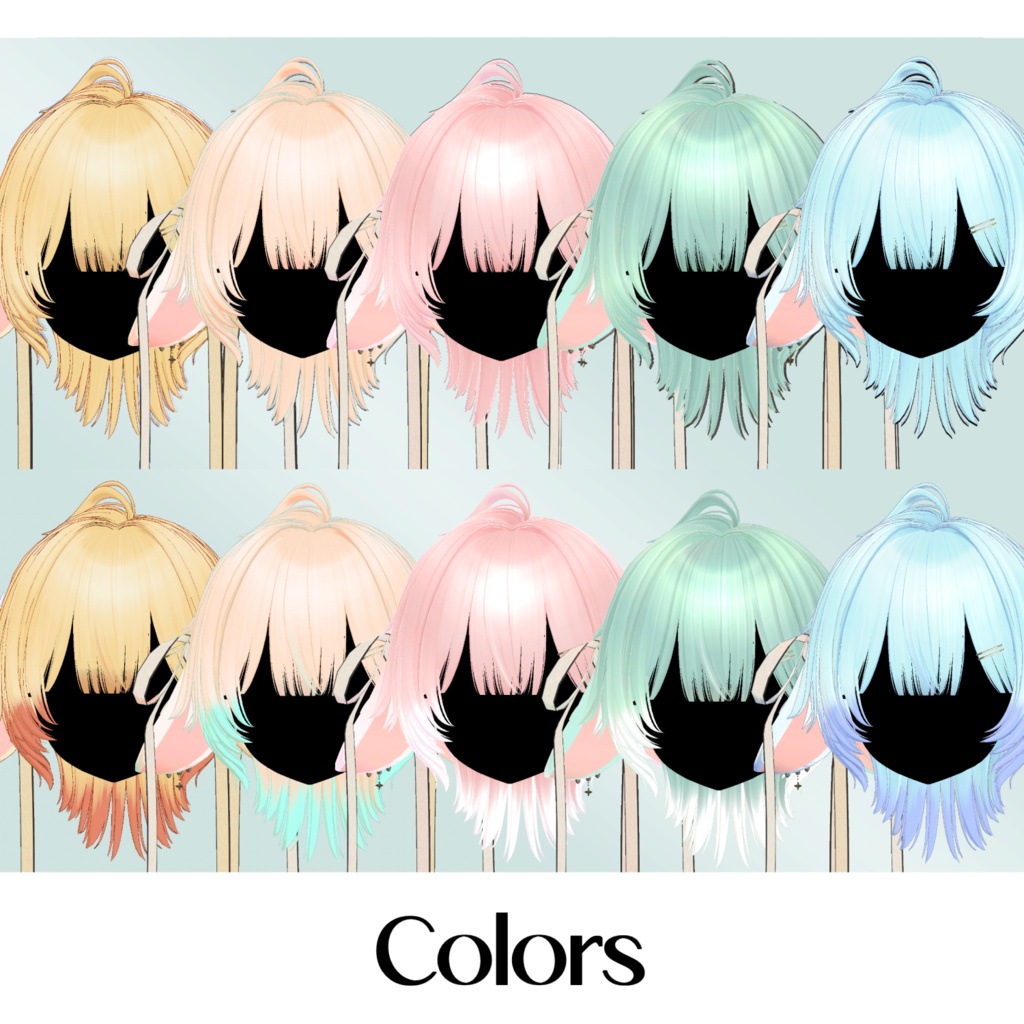
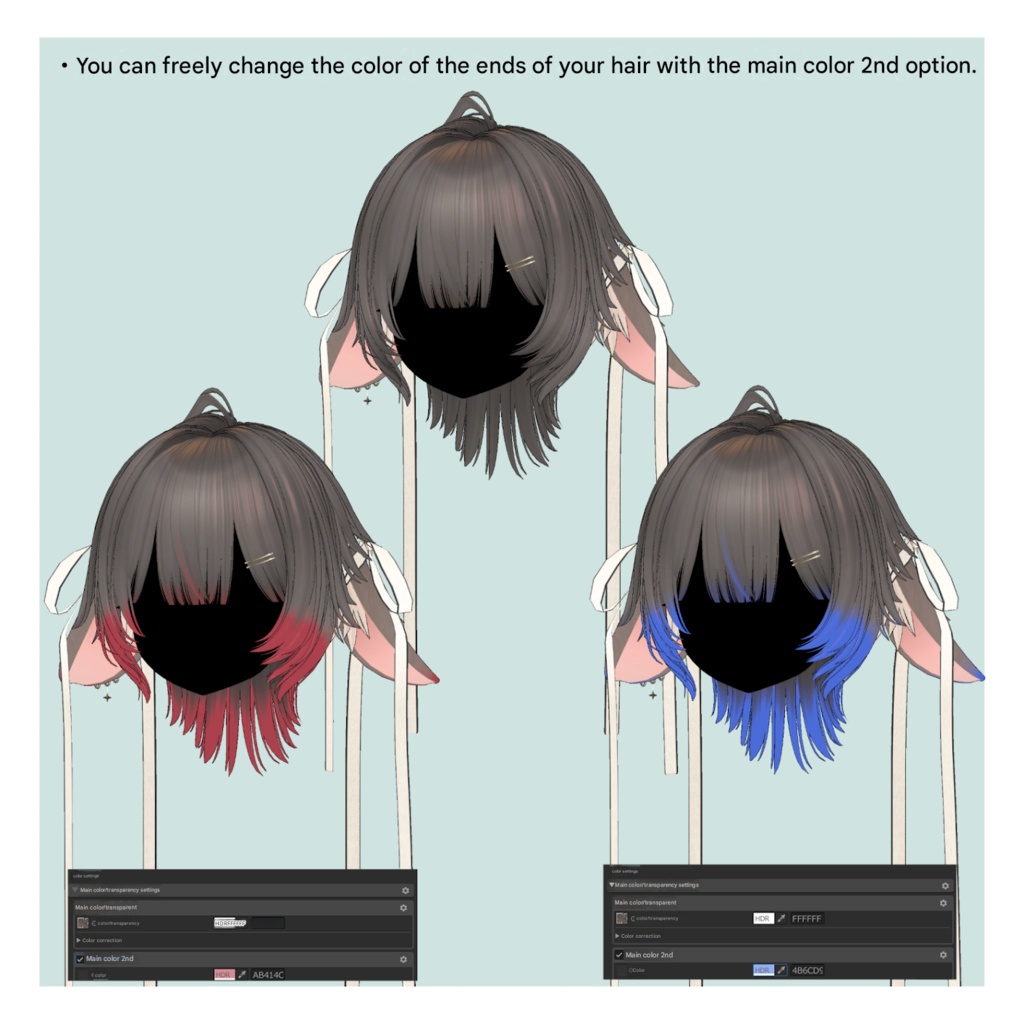


※ This product is a hairstyle model for avatars. The avatar base data is not included. ※ Due to the nature of digital downloadable products, returns and refunds are not possible. Please review and agree to the product description and terms of use before purchasing. ◆ Item Overview ● Contents PackageName.Unitypackage FBX Textures PSD / Clip Studio Paint files for customization ReadMe.txt (text) Shader used: lilToon https://lilxyzw.booth.pm/items/3087170 Required assets: Modular Avatar https://modular-avatar.nadena.dev/ja/docs/intro ● Model Data Total polygon count: 19,871 polygons base: 390 back: 3,860 ear: 2,524 earring: 480 front: 1,175 nape: 2,880 pin: 64 ribbon: 472 ribbon2: 76 side: 7,678 top: 272 Mesh count: 11 Material count: 2 PhysBone components: 99 Import folder: Assets > MetaverseCreators_CP > kk > ElsiaWolf > Prefab ◆ Supported Avatars Original 3D Model “Manuka” https://booth.pm/ja/items/5058077 Other avatars are supported in a “semi-compatible” form, adjusted in Unity from the base model: Original 3D Model “Sio” https://booth.pm/ja/items/5650156 Original 3D Model “Shinano” https://booth.pm/ja/items/6106863 This product includes many shape keys for adjusting overall size and positioning. You may also try using it on avatars not listed as supported. ※ If multiple objects share the same shape key names, setting them to the same values will allow for cleaner adjustments. ● Shape Key Overview 【Common】 scale.X → widen horizontally scale.-X → narrow horizontally scale.Y → deepen front/back scale.-Y → shallow front/back scale.Z → lengthen vertically scale.-Z → shorten vertically lowscale.* → adjust lower part of mesh topscale.* → adjust upper part of mesh position.up/down/front/back → move entire mesh lowposition.* → move lower part topposition.* → move upper part long → stretch along flow short → shorten along flow wide → widen along flow thin → narrow along flow 【front】 hair1.long → lengthen center bangs hair1.short → shorten center bangs hair1.wide → widen center bangs hair1.thin → narrow center bangs hair2.long → lengthen side bangs hair2.short → shorten side bangs hair2.wide → widen side bangs hair2.thin → narrow side bangs 【side】 momiage.front → move side hair in front of ears forward momiage.back → move side hair behind ears backward To shorten the ribbon so it reaches above the shoulders, disable ribbon2 in the Inspector. ◆ Installation Instructions Set up the latest VRChat SDK in VCC Install required assets in VCC (lilToon, Modular Avatar) Import the latest version of each avatar Import this product’s package Drag and drop the avatar (or hairstyle prefab for customization) into the Scene Hierarchy Hide or set unnecessary avatar parts (hair, ears, etc.) to Editor Only Drag and drop “ElsiaWolf_AvatarName.Prefab” under the avatar Upload using VRChat SDK ◆ Color Customization Replace materials in the “Common > Material” folder. You can also use the included PSD or Clip Studio Paint files to customize colors. There are mask textures for changing hair tip color and ribbon color. Assign them to Main Color 2nd or 3rd masks in the material before adjusting colors. ◆ Terms of Use https://drive.google.com/drive/folders/1qRMXoIxM1ZgacBPfwOigQRtXP1vCbNMn?usp=sharing ※ Please comply with the original avatar’s terms of use. ◆ Production Environment Modeling: Blender Ver. 4.5 Texturing: CLIP STUDIO PAINT Setup: Unity 2022.3.22f1 VRChat SDK - Avatars Ver. 3.7.6 (VCC) lilToon 1.8.5 Modular Avatar 1.11.5 ◆ Credits Creator: kk https://x.com/kkjapan10 https://kkjapan.booth.pm/ Support / Contact: https://discord.gg/bmw3PWE37M