

spiridante - VRChat Hair / CP18
- ダウンロード商品¥ 1,000
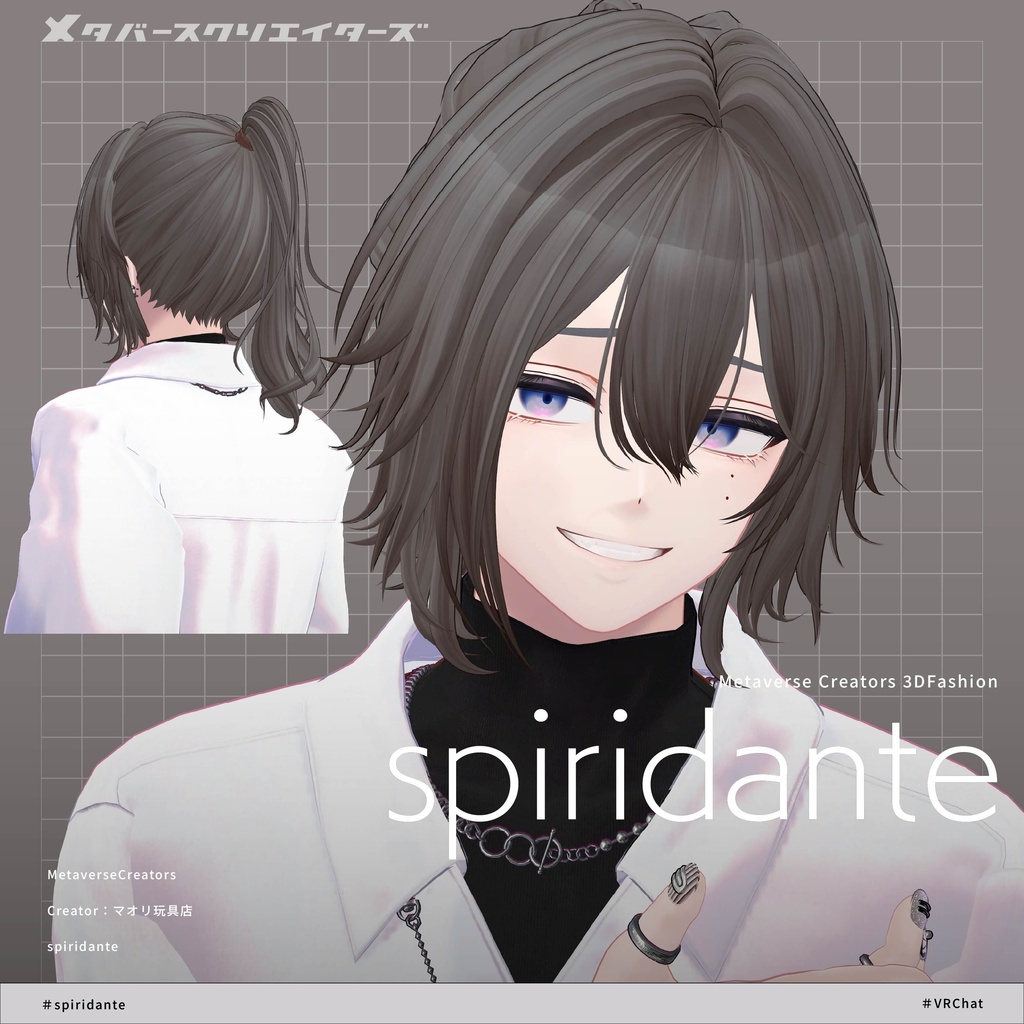
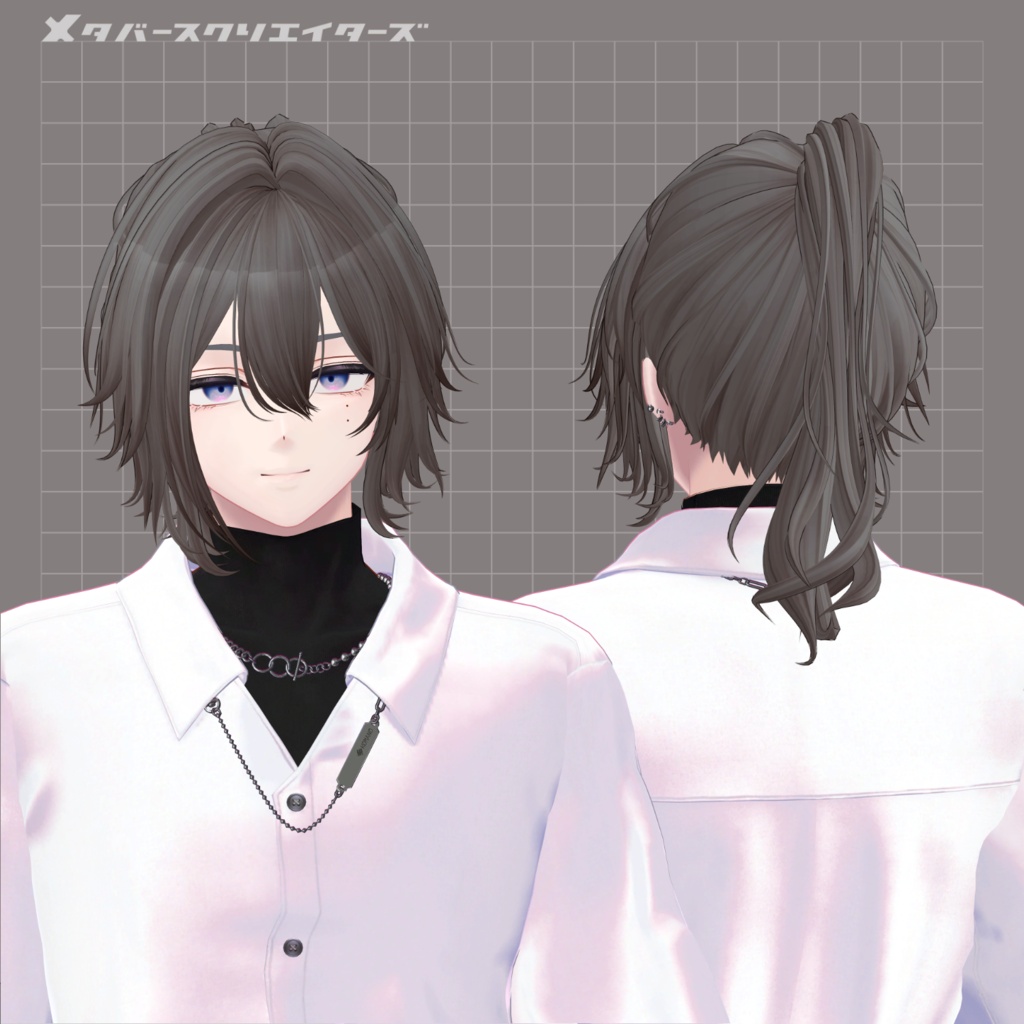
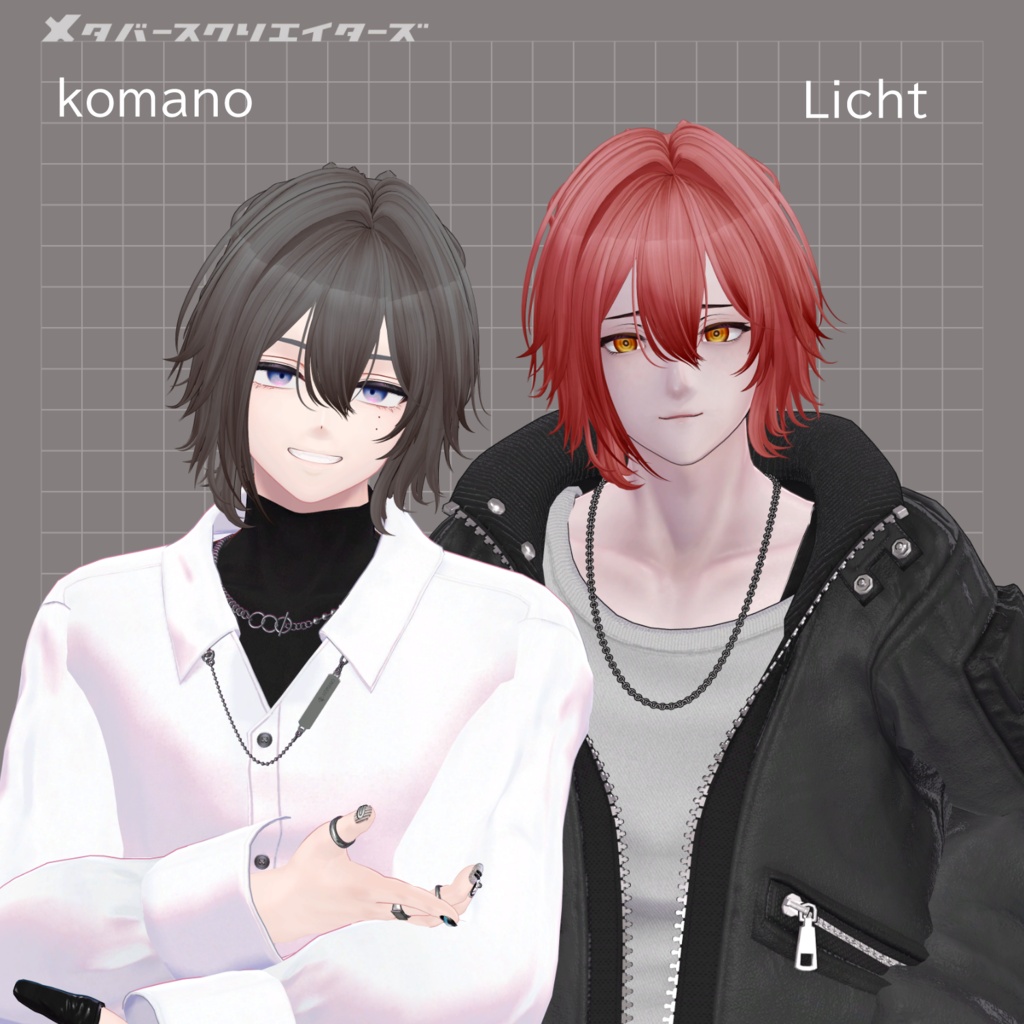
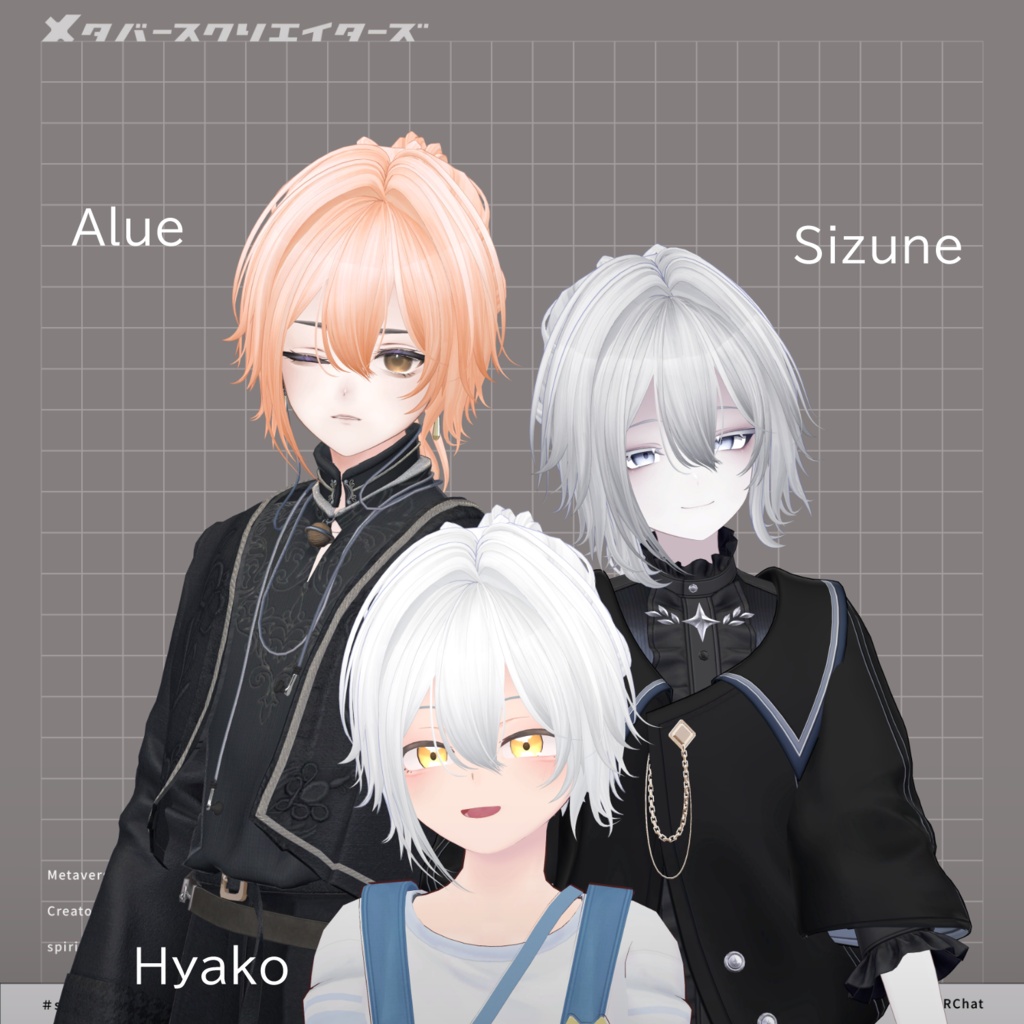
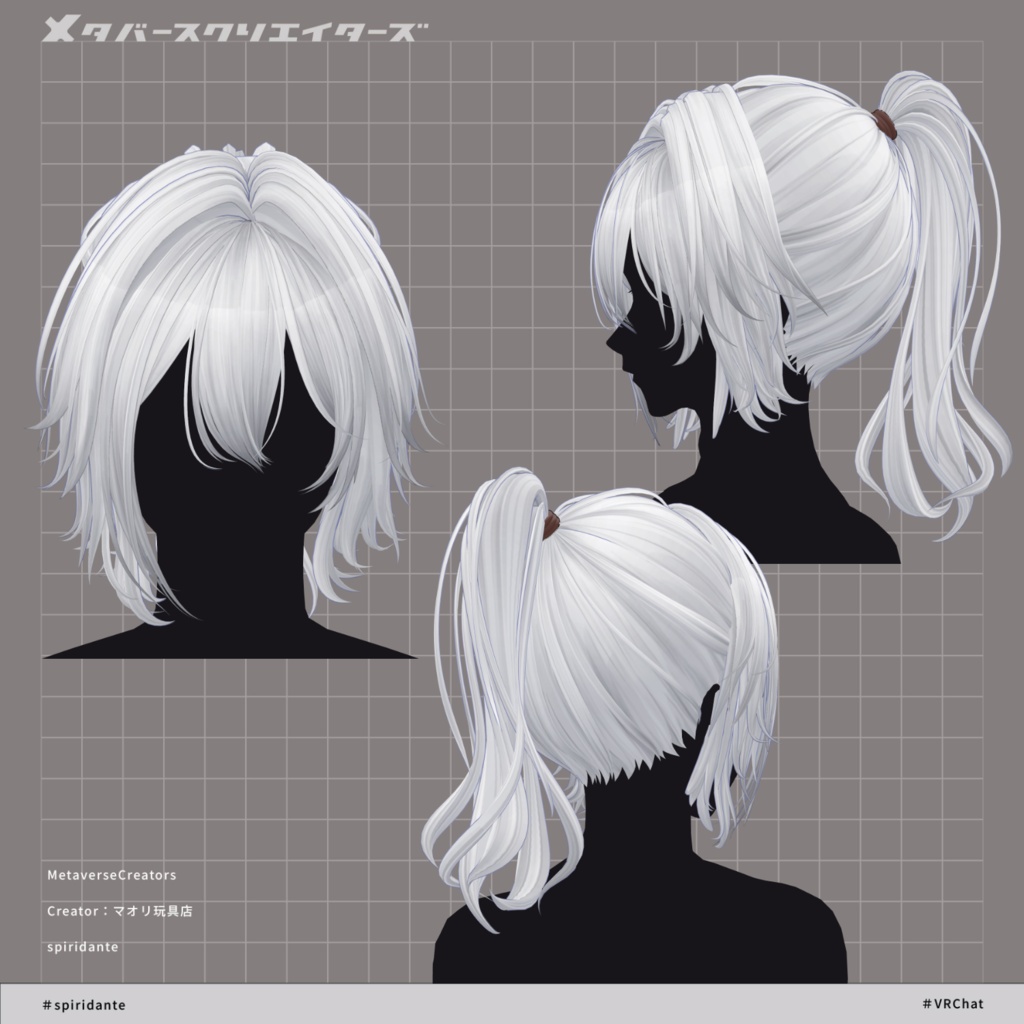
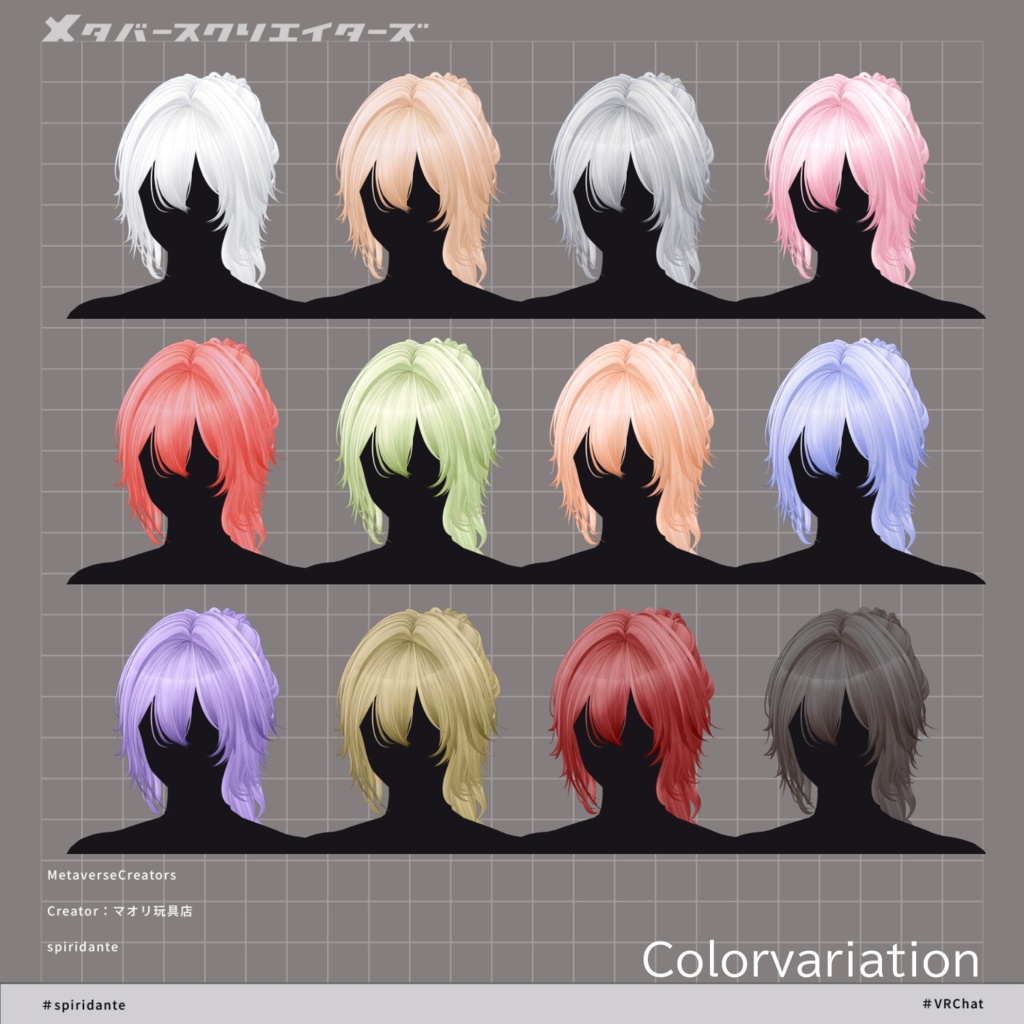
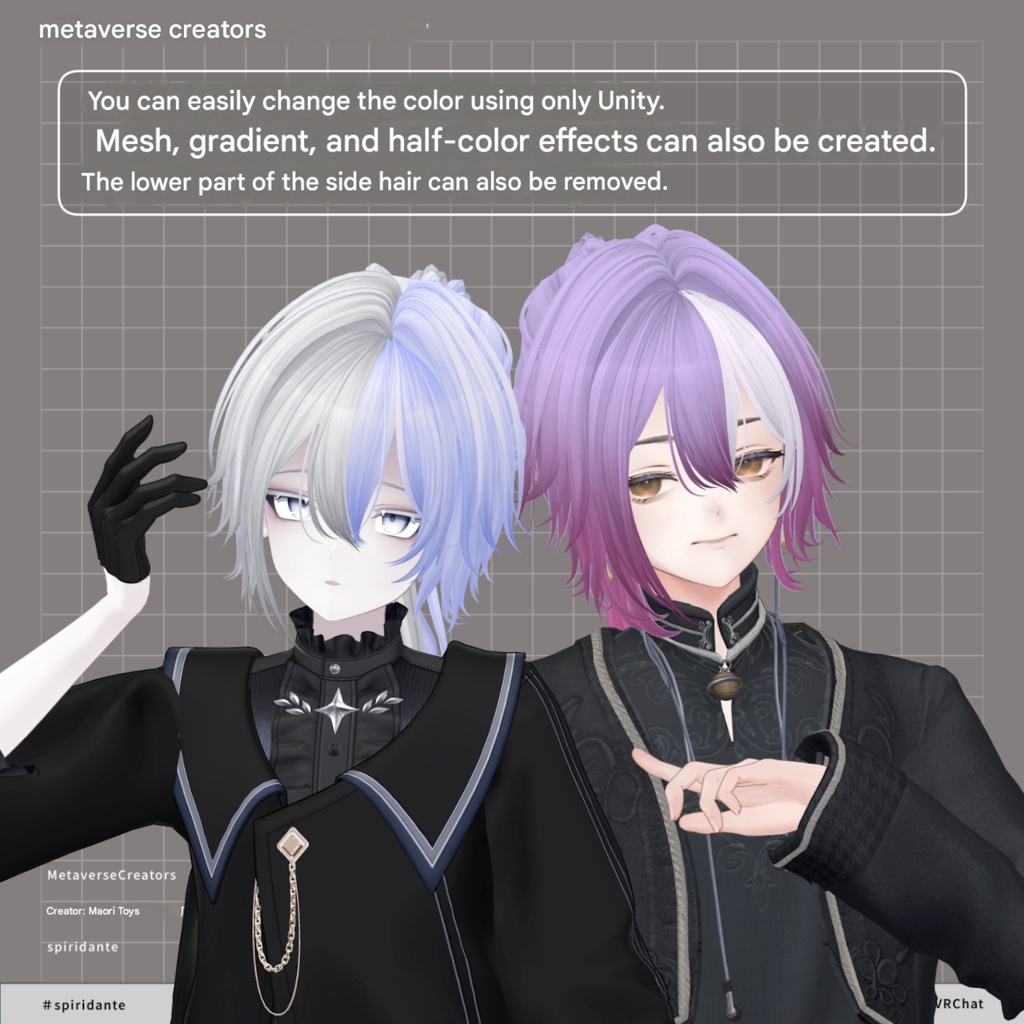
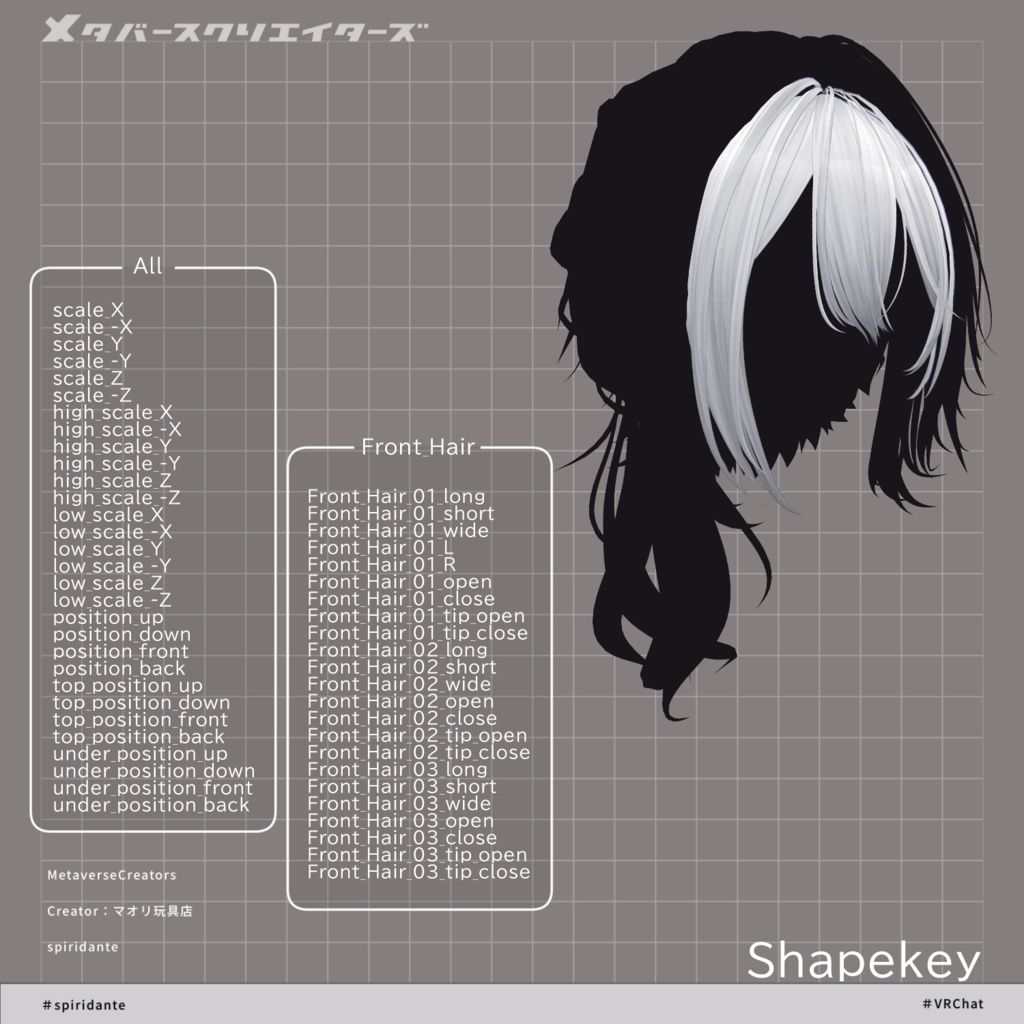
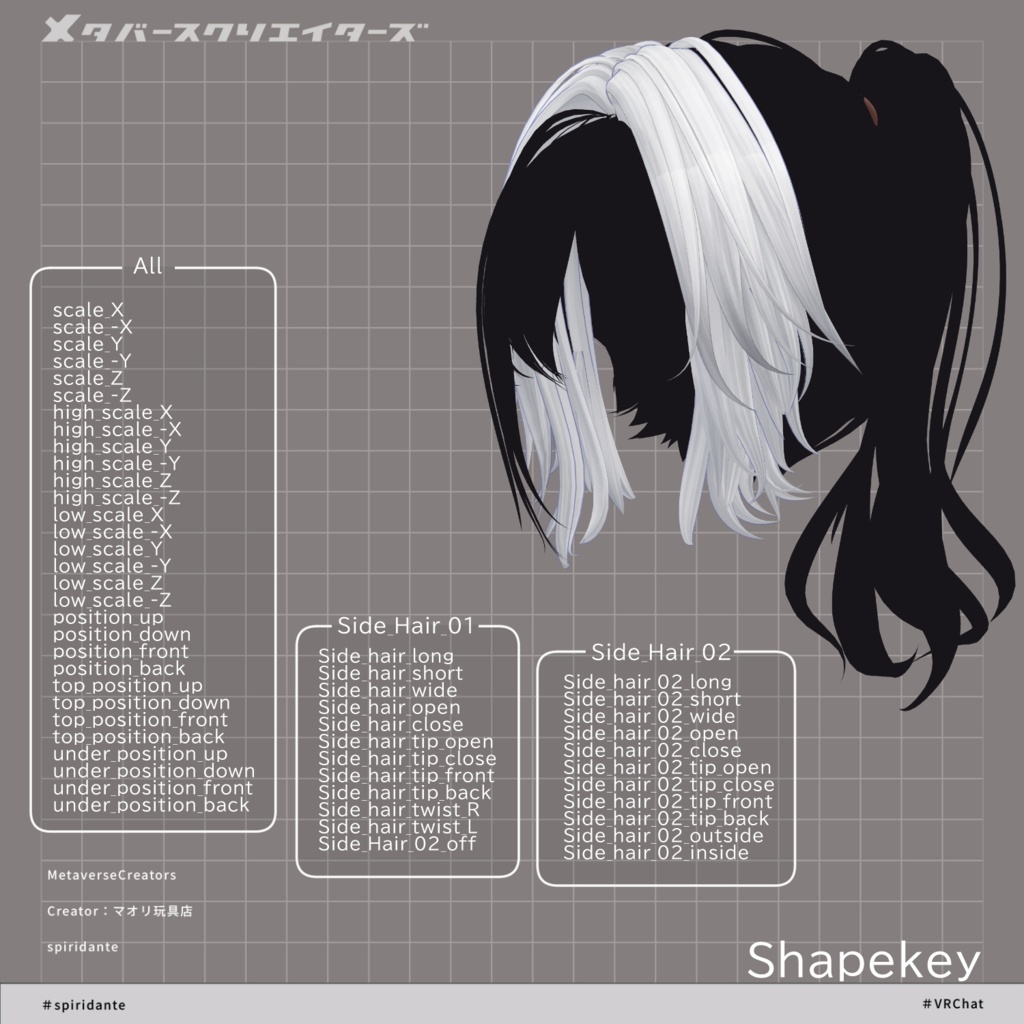
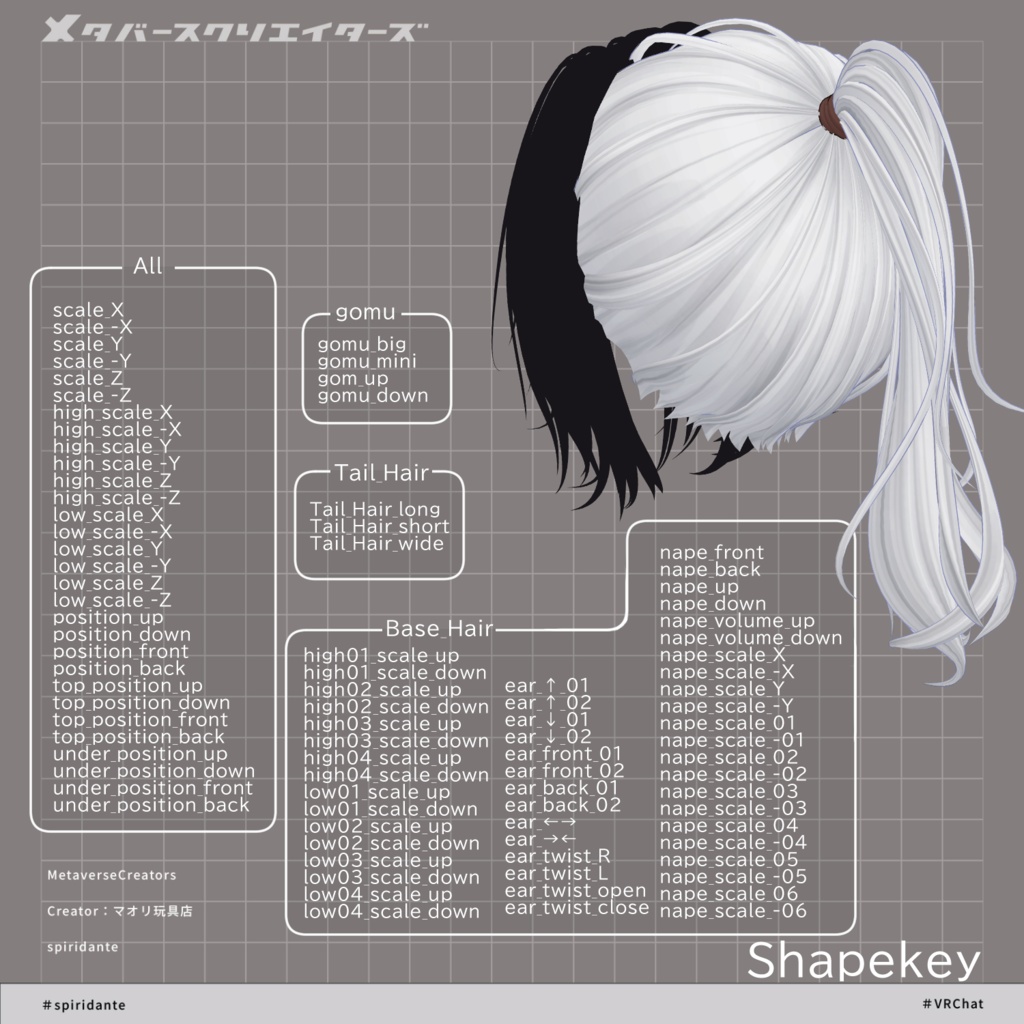
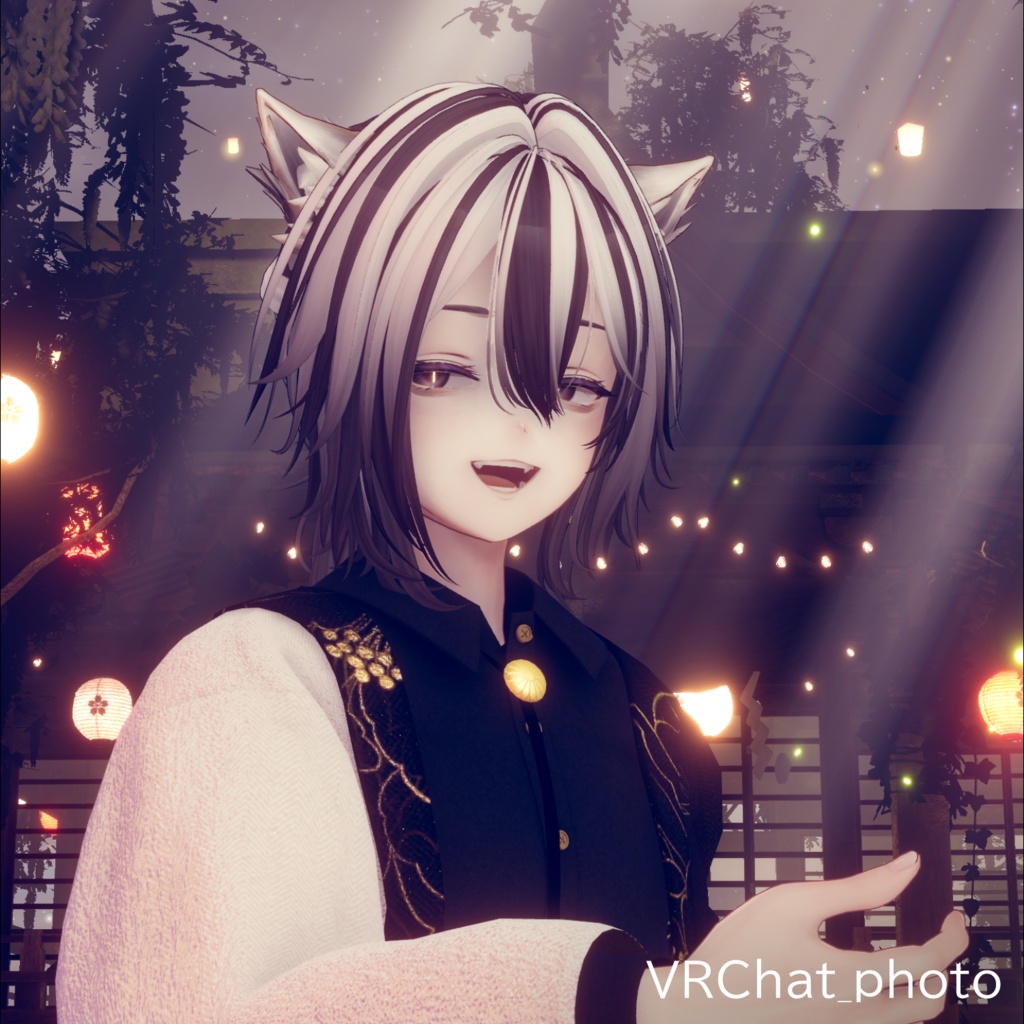
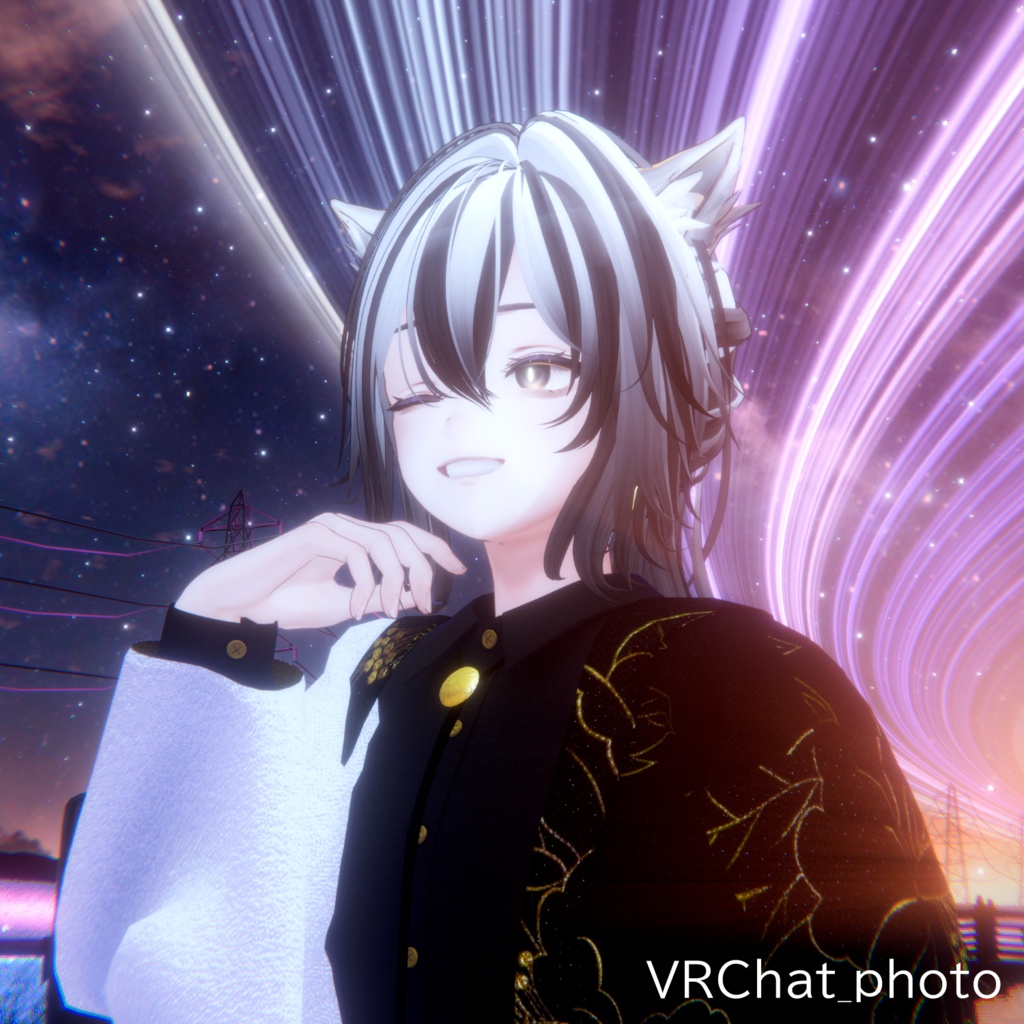


◆ spiridante ◆ Creator: Maori Toy Store This is a hairstyle model featuring a ponytail with long side bangs and long front bangs. ※ This product is a hairstyle model for avatars. The avatar base data is not included. ※ Due to the nature of digital downloadable products, returns and refunds are not possible. Please review and agree to the product description and terms of use before purchasing. ◆ Item Overview ● Contents spiridante_1.0.0.Unitypackage FBX PSD for customization ReadMe.txt (text) Shader used: lilToon https://lilxyzw.booth.pm/items/3087170 Required assets: Modular Avatar https://modular-avatar.nadena.dev/ja/docs/intro ● Model Data Total polygon count: 19,809 polygons Front Hair: 2,509 Side Hair 01: 5,496 Side Hair 02: 2,692 Base Hair: 3,444 Rubber band: 632 Tail Hair: 5,036 Mesh count: 3 Material count: 1 PhysBone components: 3 Import folder: Assets > MetaverseCreators_CP > Maori > spiridante ◆ Supported Avatars Original 3D Model “Komano” https://booth.pm/ja/items/5260363 Other avatars are supported in a “semi-compatible” form, adjusted in Unity from the base model: Alué (Original 3D Avatar) https://booth.pm/ja/items/6957623 Hyakko (by Niyami) https://booth.pm/ja/items/6328134 Original 3D Model “Licht” https://metacreatorstyo.booth.pm/items/7430852 Original 3D Model “Shizune” https://metacreatorstyo.booth.pm/items/7684873 Hiding the dangling side hair creates a different impression. Please see the product page for details. This product includes many shape keys per part for adjusting overall size and position. To adjust the ponytail and hair tie, move “Tail_Hair_root” inside “Hair_root” under “Armature.” ◆ Installation Instructions Set up the latest VRChat SDK in VCC Install required assets (lilToon, Modular Avatar) in VCC Import the latest version of each avatar Import this product’s package Drag and drop the avatar (or customization prefab) into the Scene Hierarchy Hide or set unnecessary parts (hair, ears, etc.) to Editor Only Drag and drop “spiridante_AvatarName.Prefab” under the avatar Adjust scale, position, and shape keys to fit the avatar Upload using VRChat SDK ◆ Color Customization Color variation materials are provided in the “Mat” folder. Replace the default material with your preferred one. Note: Materials are separated for front/side hair and base/ponytail, so be careful. A general-purpose material called “kaihen” is included in the Mat folder. Since “gray” is assigned to the main color, you can assign any HDR color you like. Replacing “gray” with “white” also expands customization options. The “kaihen” material uses Main Color 2nd and 3rd for gradient and mask control, allowing Unity-based customization of mesh coloring and gradients. Additional mask patterns are available in Tex > option folder. You can replace Main Color 2nd/3rd masks as desired. More detailed customization is possible using the included PSD file. ◆ Terms of Use https://drive.google.com/drive/folders/1qRMXoIxM1ZgacBPfwOigQRtXP1vCbNMn?usp=sharing ※ Please comply with the original avatar’s terms of use. ◆ Production Environment Modeling: Blender Ver. 3.2.0 Texturing: CLIP STUDIO PAINT Setup: Unity 2022.3.22f1 VRChat SDK - Avatars Ver. 3.10.1 (VCC) lilToon 2.3.2 Modular Avatar 1.15.1 ◆ World used for screenshots Night ver. “Hanasaki Shrine / Charlotte’s Luminous Shrine” by Charlotte Daybreak “Reimei” by _Harim ◆ Assets used for screenshots Men’s outfit “ModernPeonyStyle” by Voddris / CP39 https://booth.pm/ja/items/7808717 ◆ Credits Creator: Maori Toy Store https://maorigangu.booth.pm/ Support / Contact: https://discord.gg/bmw3PWE37M