

Culm - VRChat Women's Clothing / CP54
- Shinano Compatibleダウンロード商品¥ 1,400
- Full Pack: ALL INCLUDED!ダウンロード商品¥ 3,000
- Marycia Compatibleダウンロード商品¥ 1,400
- Lapwing Compatibleダウンロード商品¥ 1,400
- Sanatia Compatibleダウンロード商品¥ 1,400
- Nepherisa Compatibleダウンロード商品¥ 1,400
- Sio Compatibleダウンロード商品¥ 1,400
- Milfy Compatibleダウンロード商品¥ 1,400
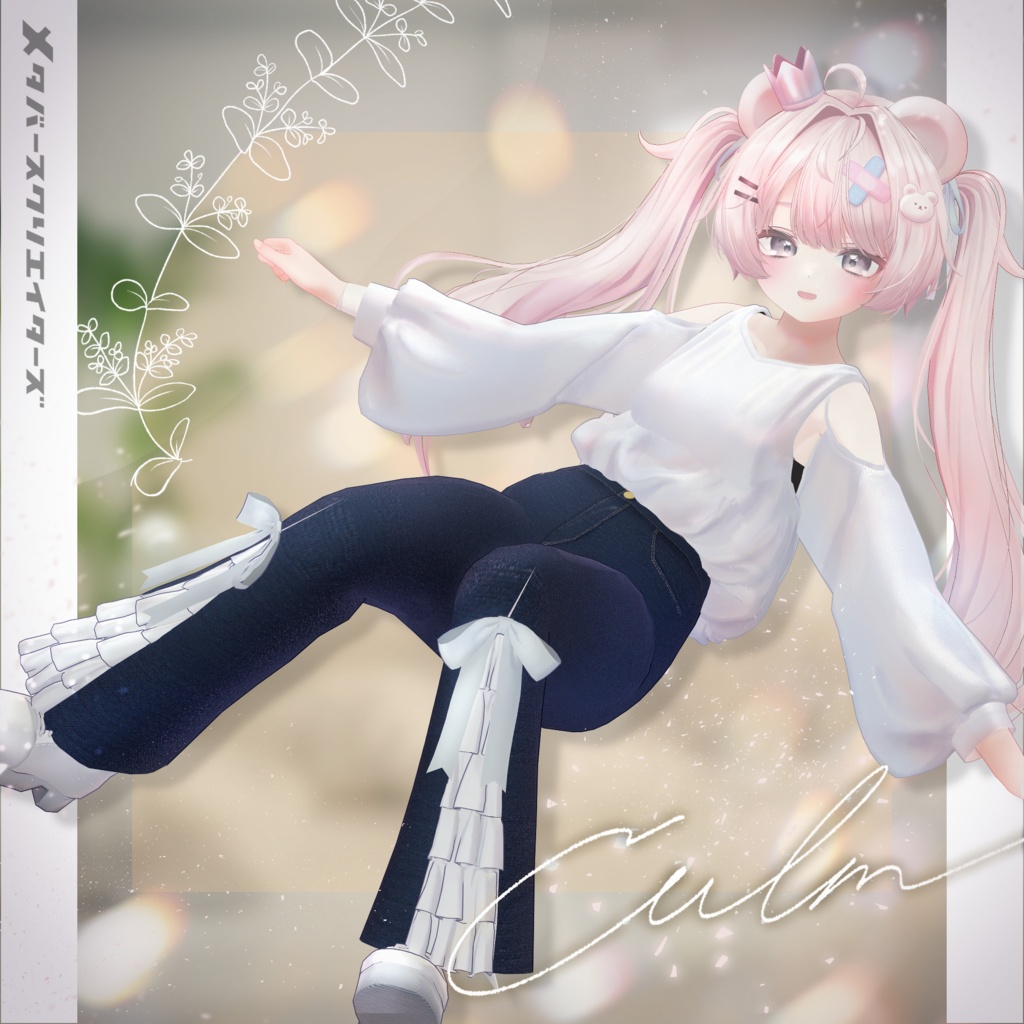
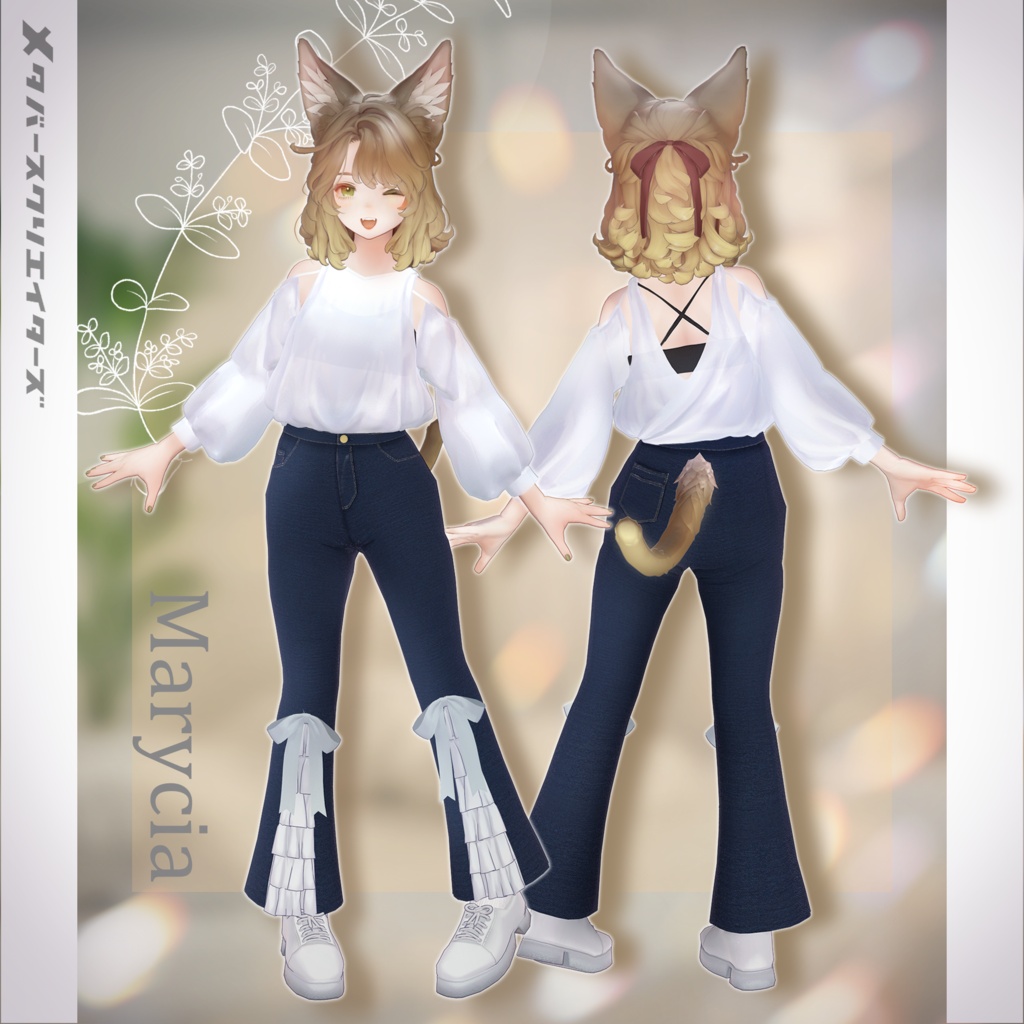
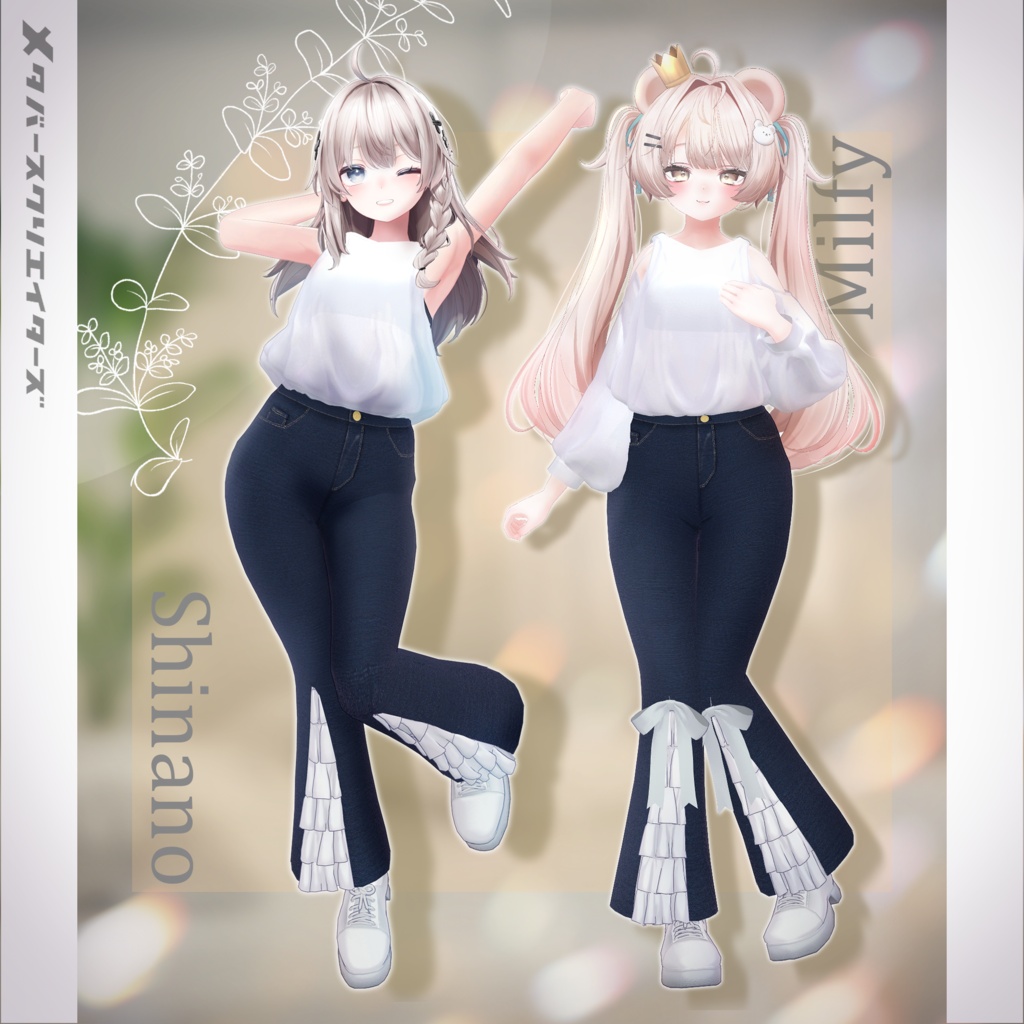
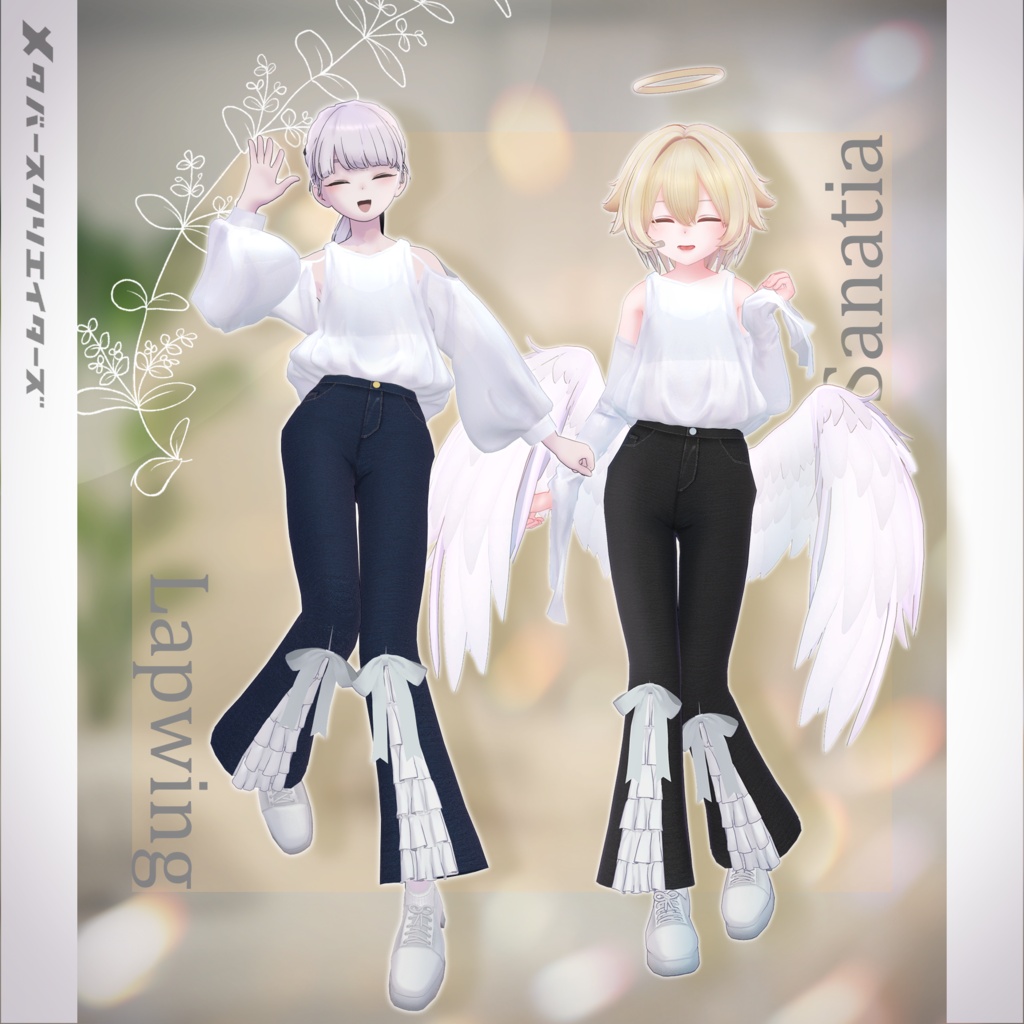
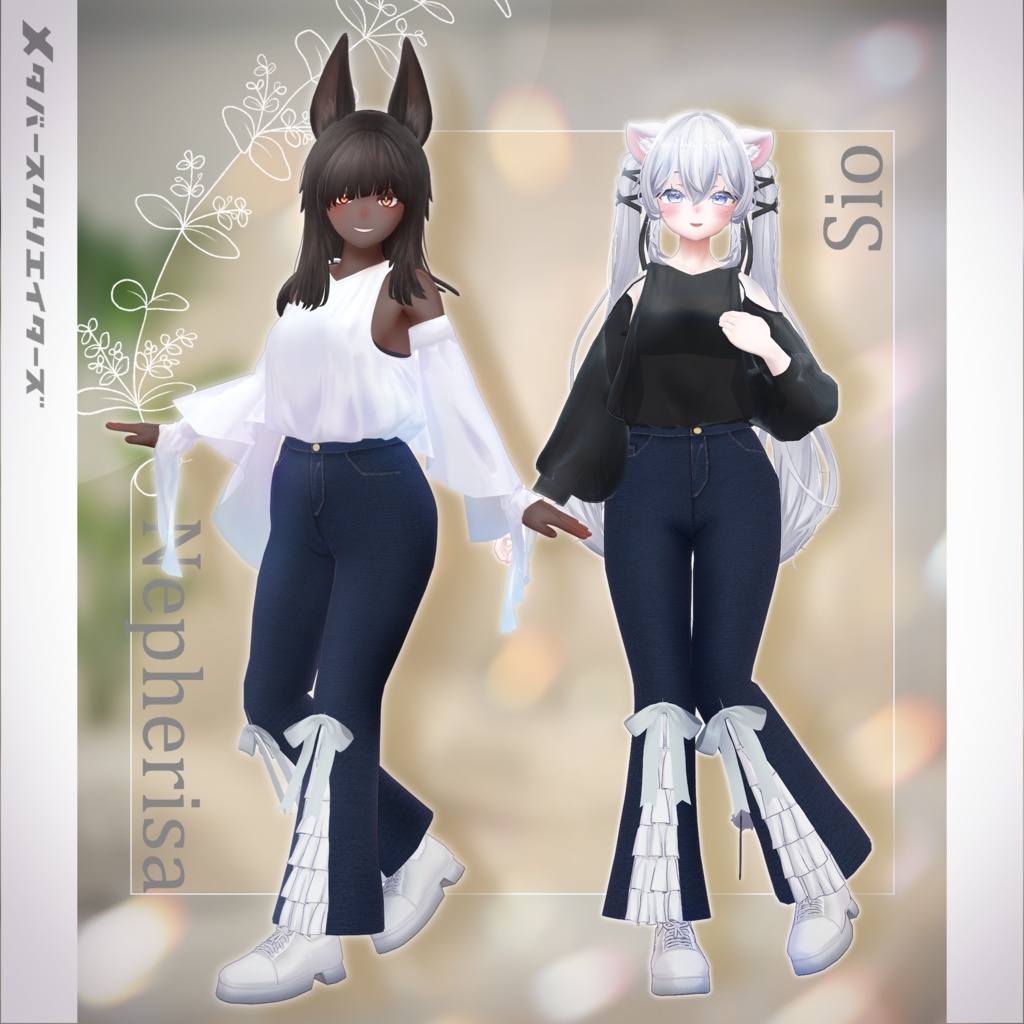
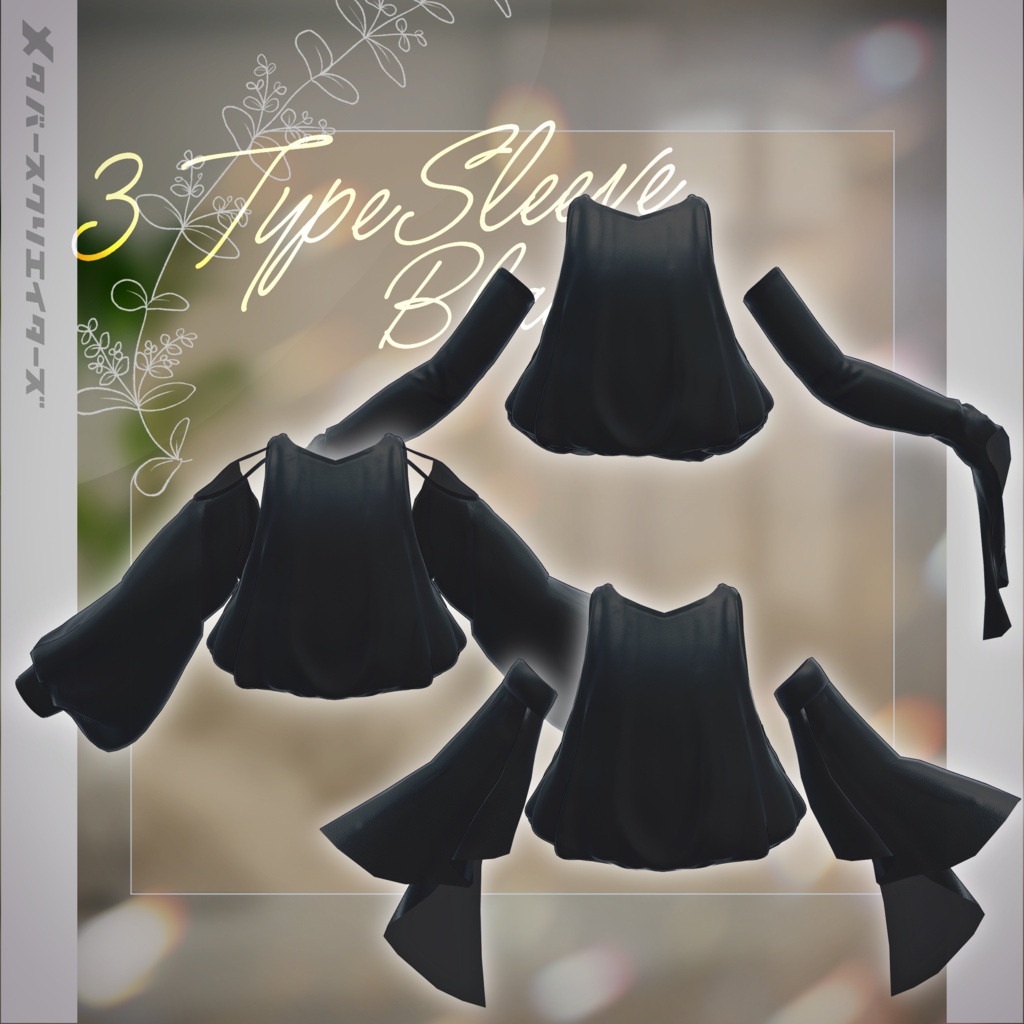
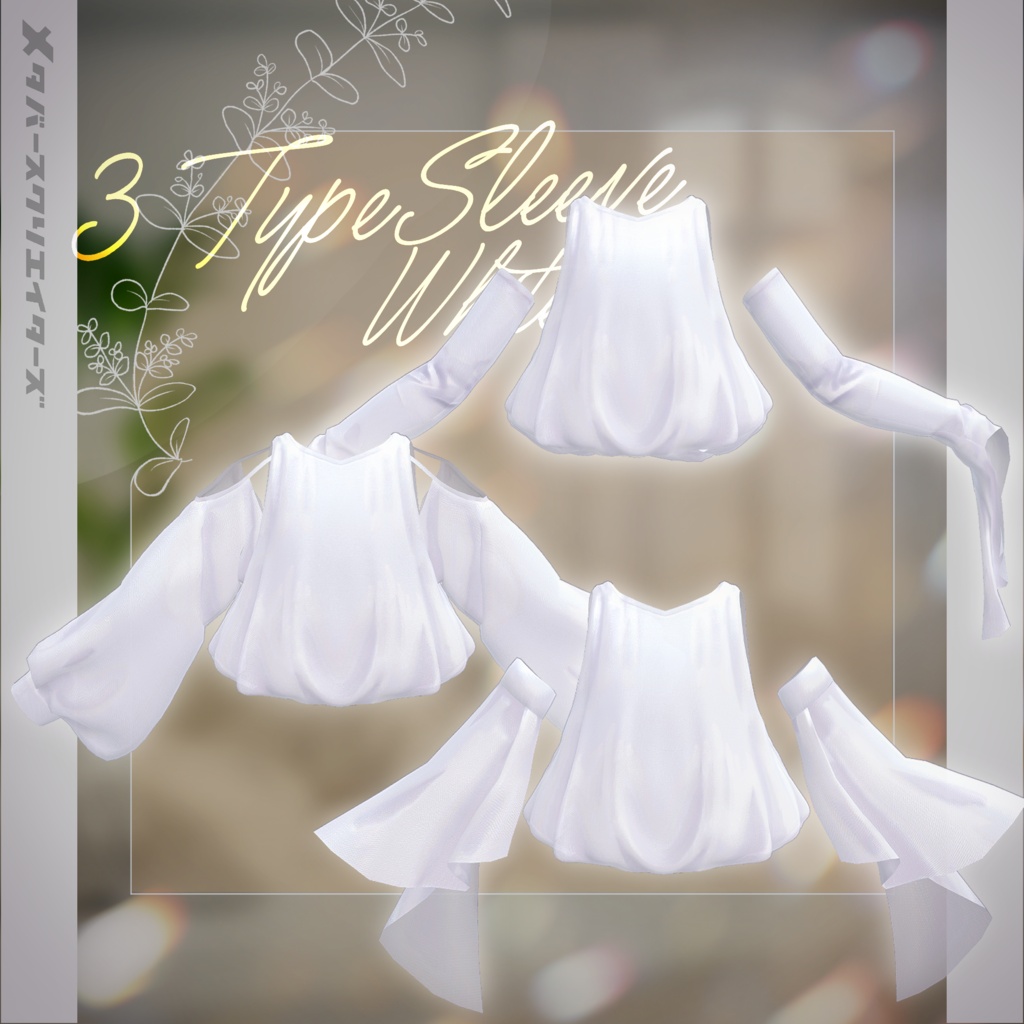
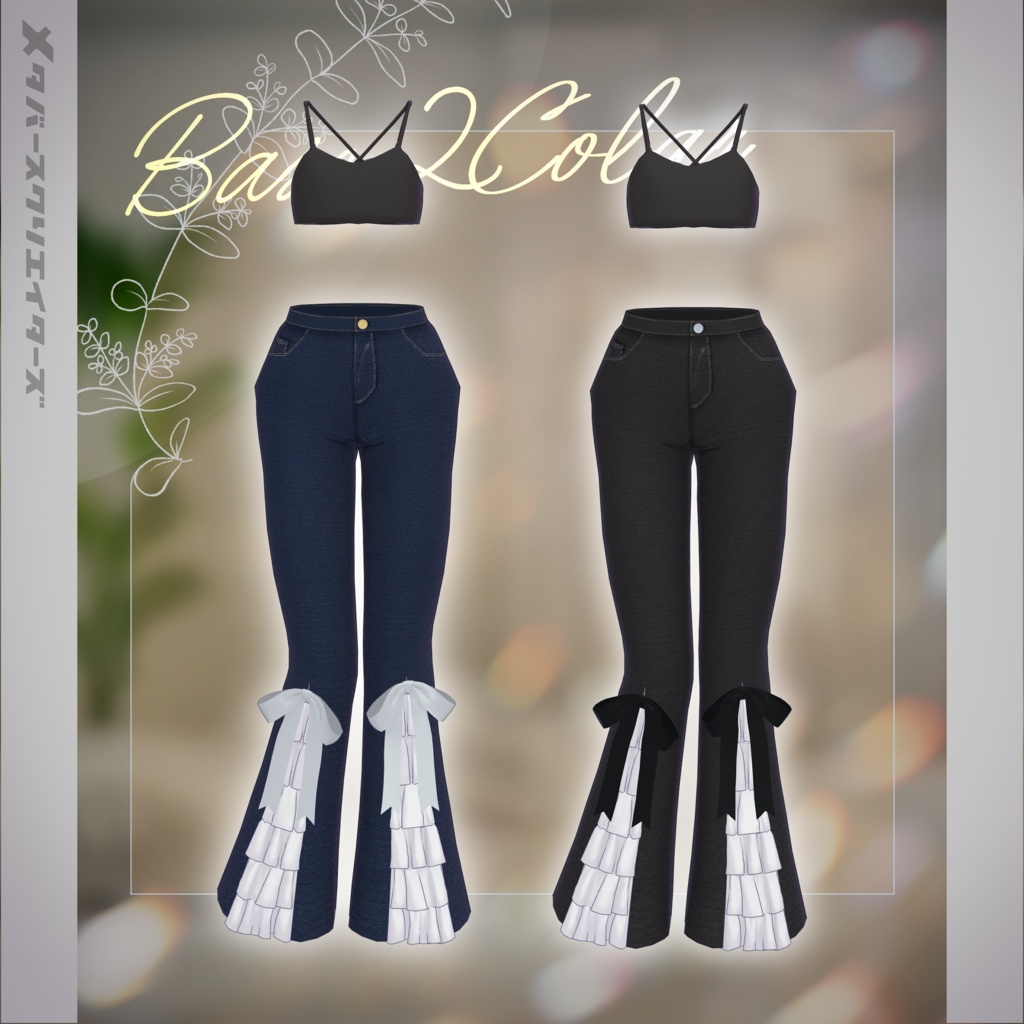
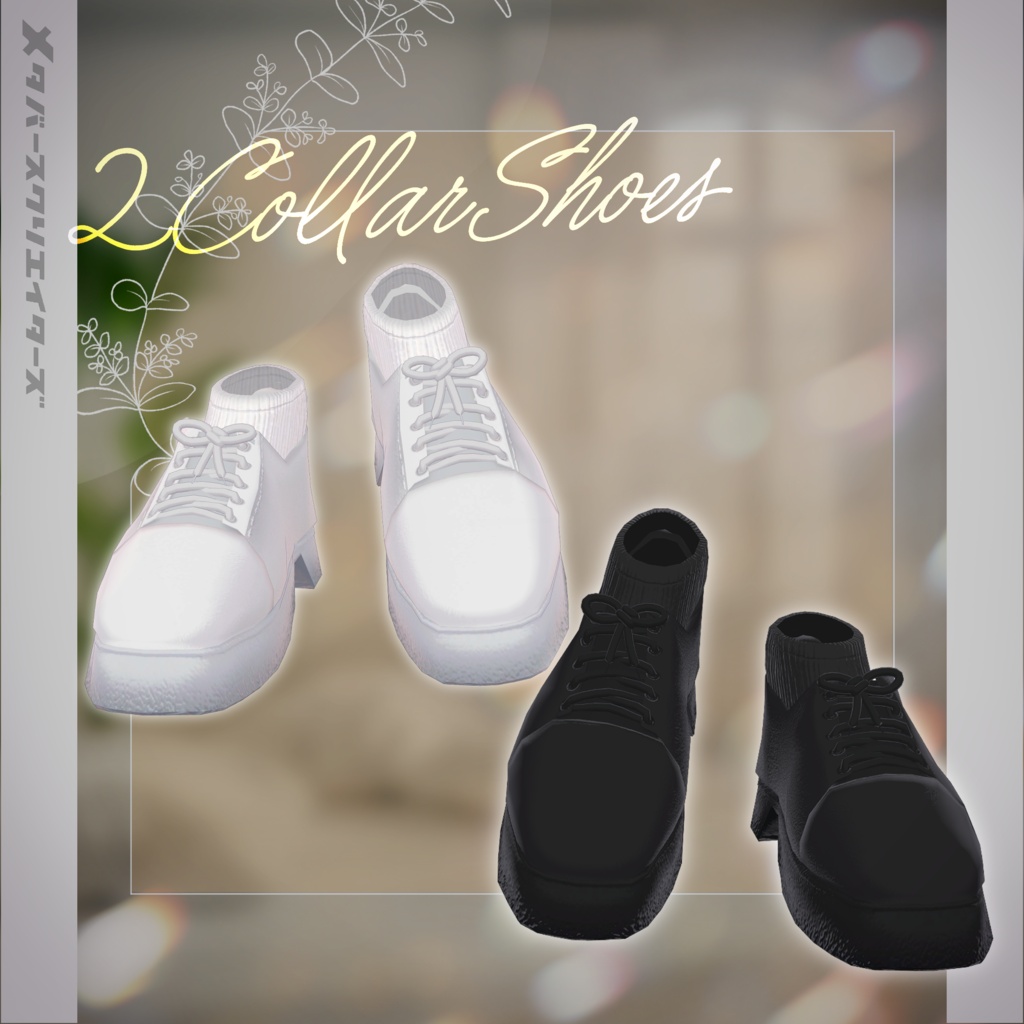


◆ Culm -カルム- ◆ Producer: Yukihana Shin / shin “Not too sweet, not overly decorated. A soft elegance.” The design balances overall proportions with a voluminous top and slim denim silhouette. While keeping a simple look, it leaves a lasting impression through hem decorations and variations in sleeve silhouettes. ※ This product is a costume model for avatars. Avatar base data is not included. ※ Due to the nature of digital downloads, returns and refunds are not possible. Please read and agree to the product description and terms of use before purchasing. ◆ Item Overview ● Contents ○AvatarName○_Culm.Unitypackage ReadMe.txt (main document) Shaders used lilToon https://lilxyzw.booth.pm/items/3087170 Required assets Modular Avatar https://modular-avatar.nadena.dev/ja/docs/intro ● Model Data Total polygon count: 38,829 polygons ArmCover: 2,842 ArmFrill: 1,068 Pants.Inner: 13,558 Shoes: 5,960 Sleeve: 3,624 Tops: 11,177 Mesh count: 6 Material count: 4 PB components: 13 PB colliders: 4 Import folder: Assets > MetaverseCreators_CP > shin_sosogibana > Culm ◆ Supported Avatars Original 3D Model “Shinano” https://booth.pm/ja/items/6106863 Marycia - Original 3D Model #Marycia3D https://booth.pm/ja/items/6305948 Lapwing https://booth.pm/ja/items/4993931 Sanatia - Original 3D Model https://booth.pm/ja/items/6334763 Nefelisa (Sharlen shared body base) https://easternwind.booth.pm/items/6227048 Sio / Shio ver.2.01 (Chocolate rice original model) https://chocolaterice.booth.pm/items/5650156 Milfy / Original 3D Model https://booth.pm/ja/items/6571299 ※ When wearing the outfit, body-hiding shape keys are used (the body becomes rod-like / simplified). ● Shape Key Support Not supported ● Avatar Menu Toggles ○AvatarName○_Culm Toggles ArmFrill ON/OFF: toggle frilly sleeves ArmCover ON/OFF: toggle arm covers Sleeve ON/OFF: toggle puff sleeves Pants.Ribbon ON/OFF: toggle ribbon on pants ◆ Installation Steps Set up the latest VRChat SDK in VCC Install required assets (lilToon, Modular Avatar) via VCC Import the latest package for each avatar Import this asset package Drag and drop the avatar (or customization prefab) into the Scene Hierarchy Hide or set unnecessary default clothing (or underwear) to Editor Only if needed Drag and drop “OutfitName_AvatarName.Prefab” under the avatar Upload via VRChat SDK ※ This outfit uses Modular Avatar’s “MA Shape Changer” feature. When the outfit is placed under the avatar, body shape keys are automatically enabled to slim the body or hide parts of the mesh, preventing clipping between body and clothing. If not needed, you may remove or adjust the MA Shape Changer component. ※ If parts of the body become unintentionally deformed after setup, reset the relevant shape keys to 0 and confirm the correct body display. ◆ Color Customization Please replace materials in: Common > Material folder for each color variation. ◆ Terms of Use https://drive.google.com/drive/folders/1qRMXoIxM1ZgacBPfwOigQRtXP1vCbNMn?usp=sharing ※ Please follow the original avatar’s terms of use. ◆ Production Environment Modeling: Blender Ver. 4.2.16 Texturing: CLIP STUDIO PAINT Setup: Unity 2022.3.22f1 VRChat SDK - Avatars Ver. 3.10.3 (VCC) lilToon 2.3.2 Modular Avatar 1.16.2 ◆ Credits Producer: Yukihana Shin https://x.com/_shin_sinsin https://shin-store.booth.pm/ Support / Contact: https://discord.gg/bmw3PWE37M