

FANGsNAIL-SA - VRChat Gimmicky Avatar Accessory / CP43
- ダウンロード商品¥ 1,000
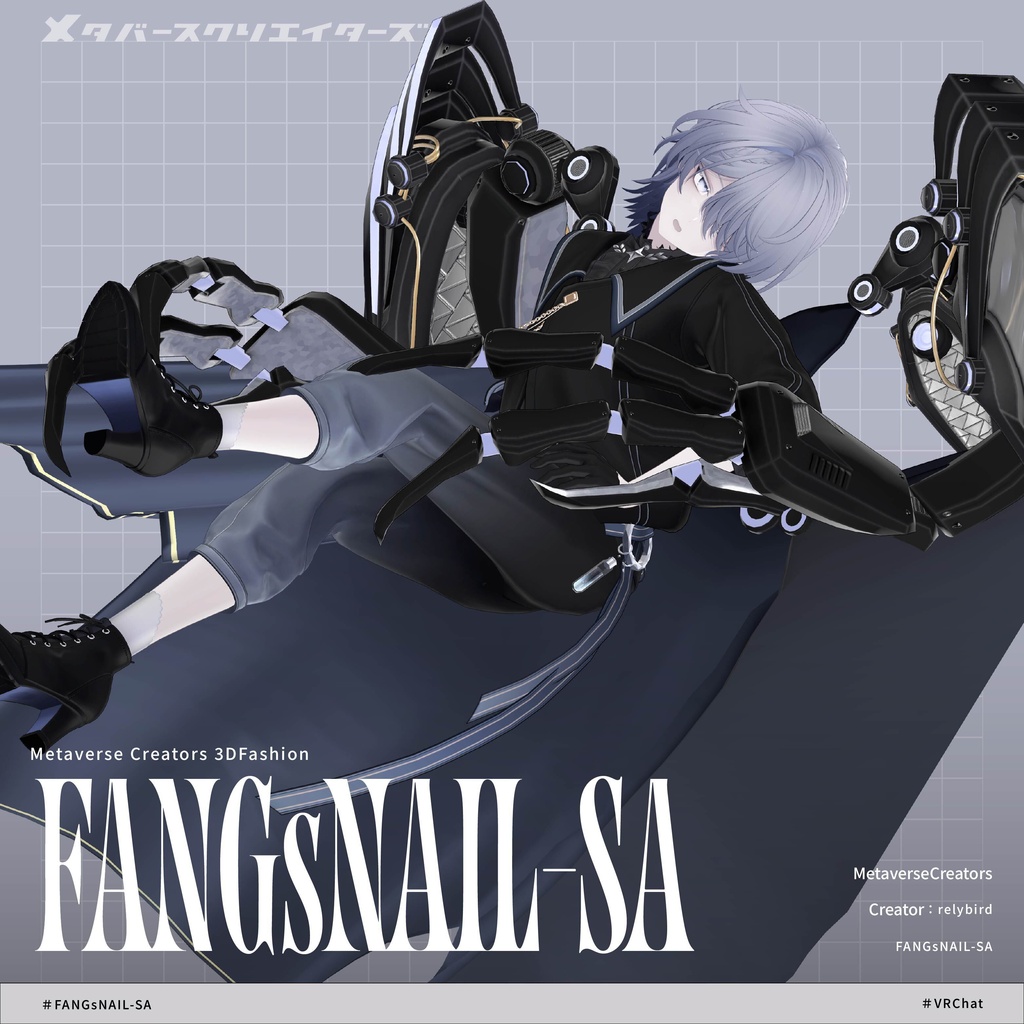
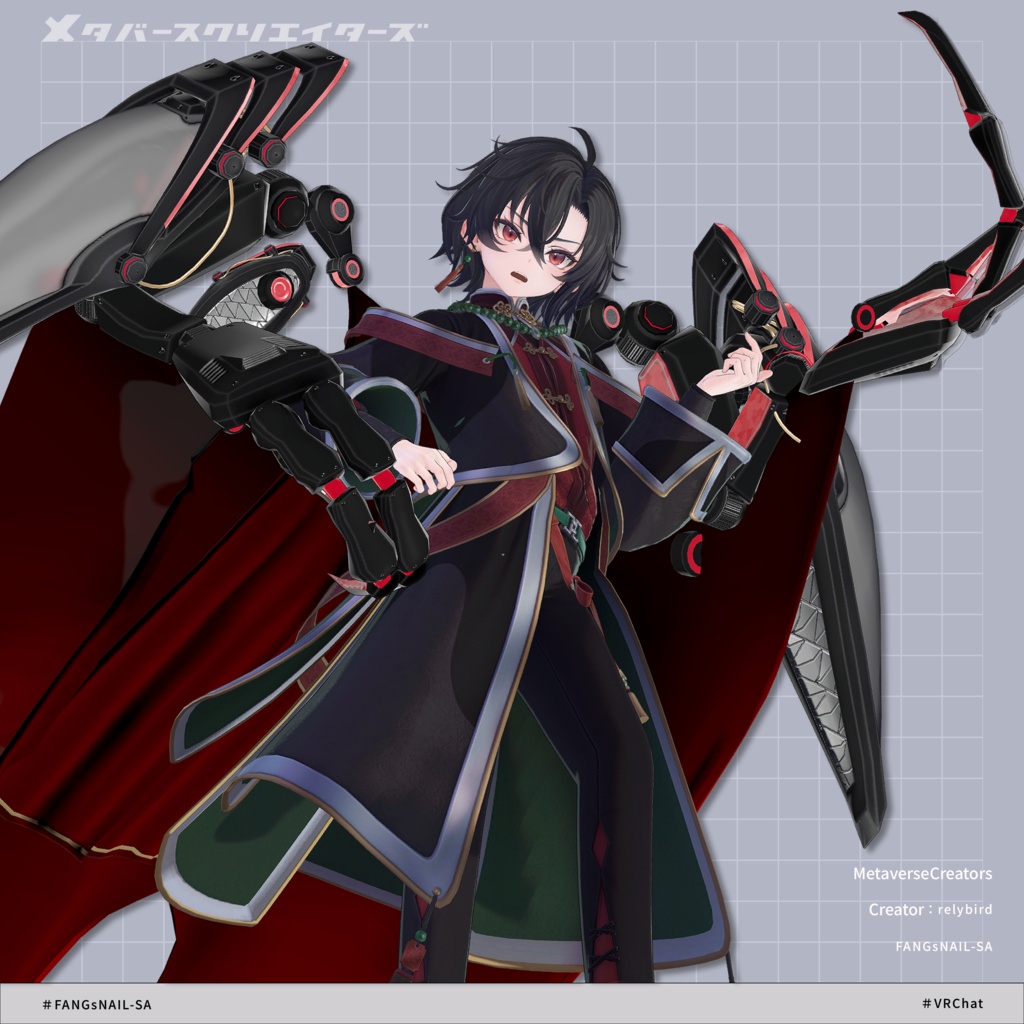
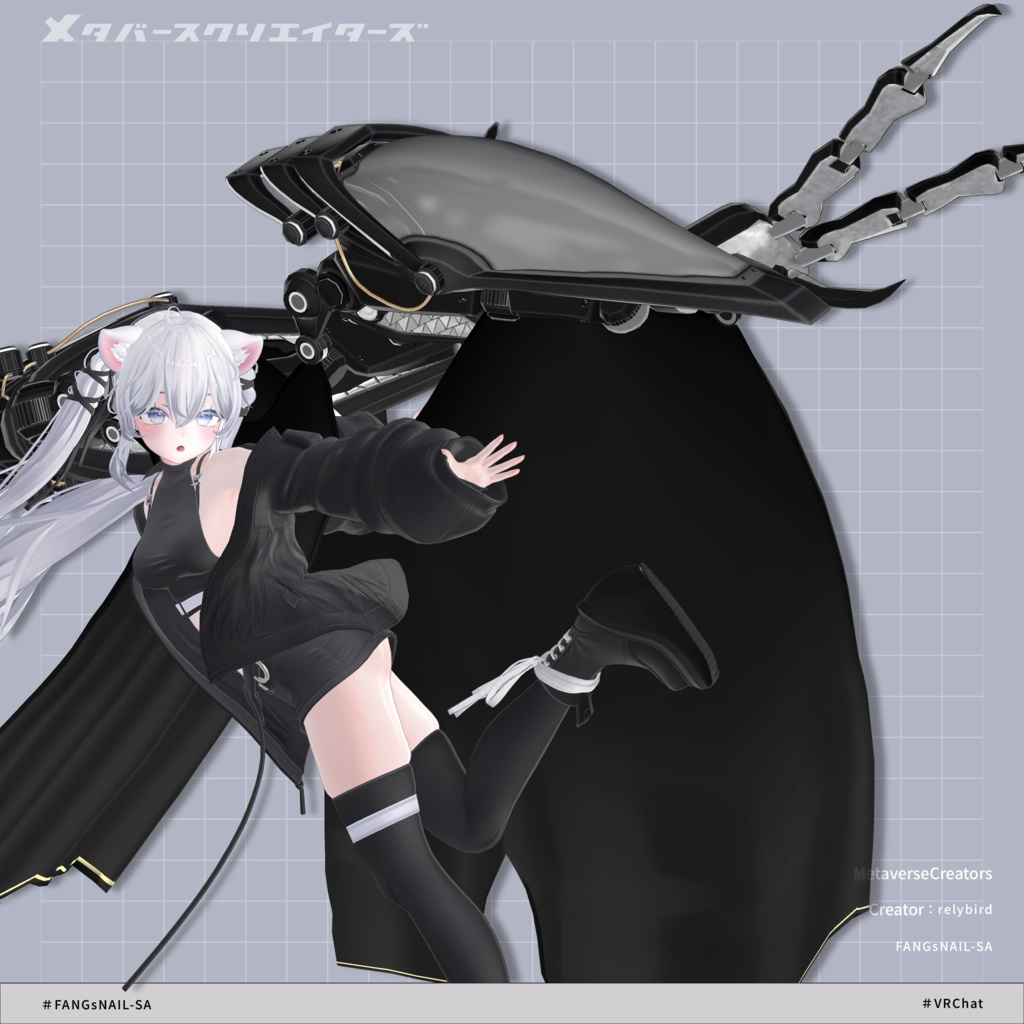
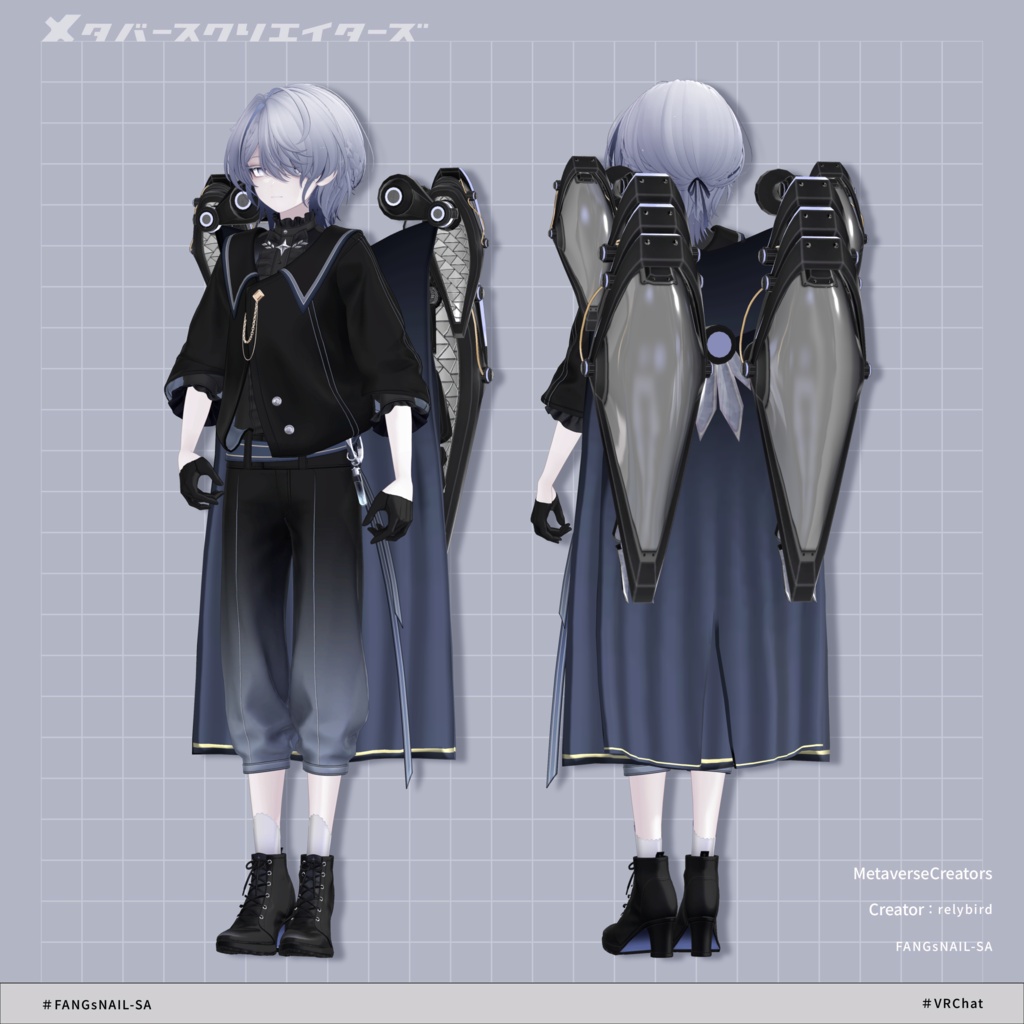
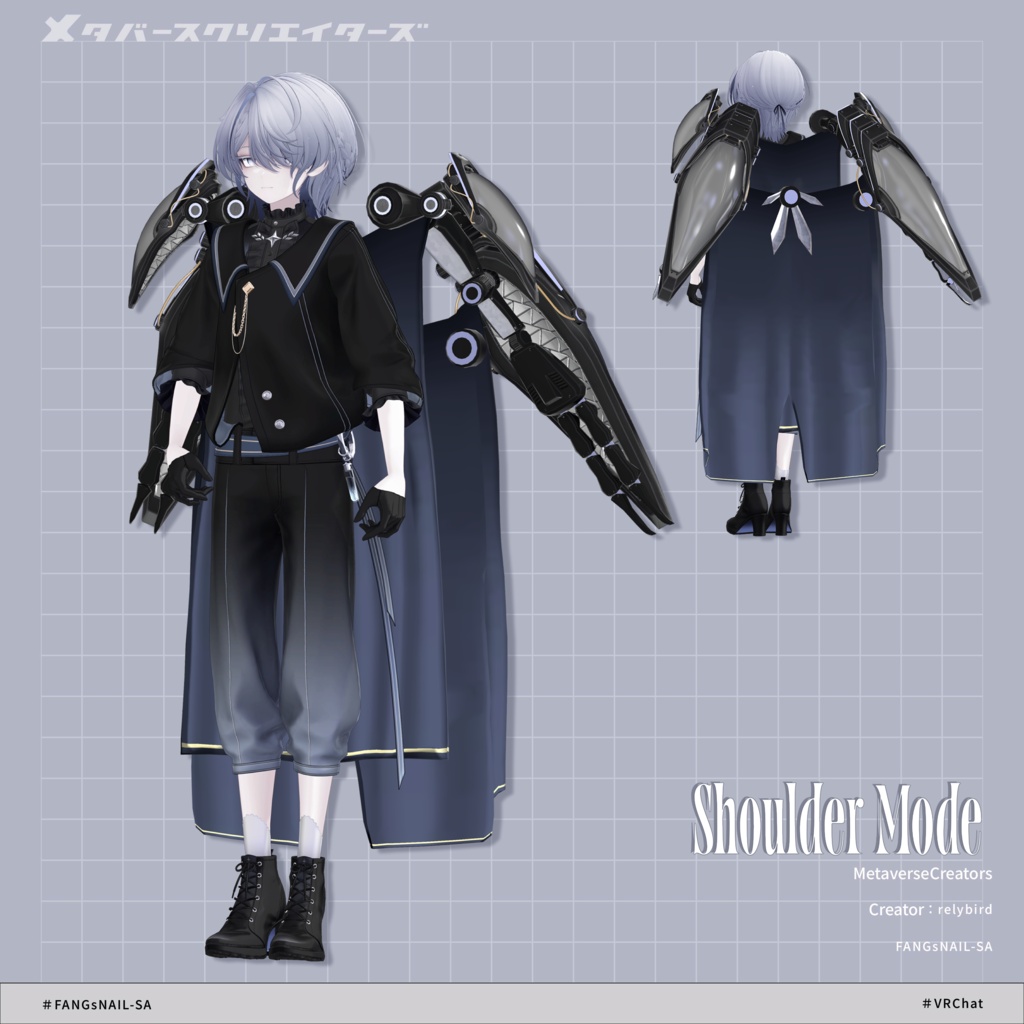
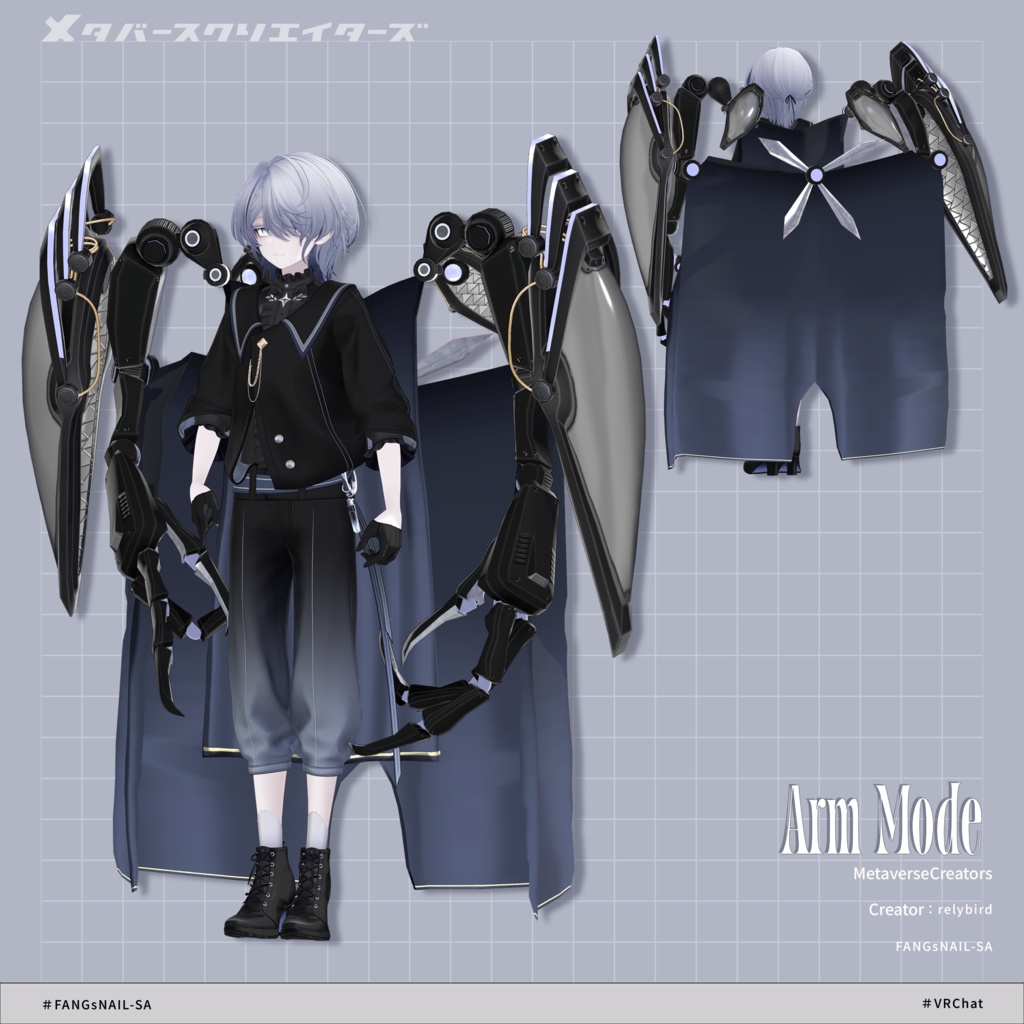
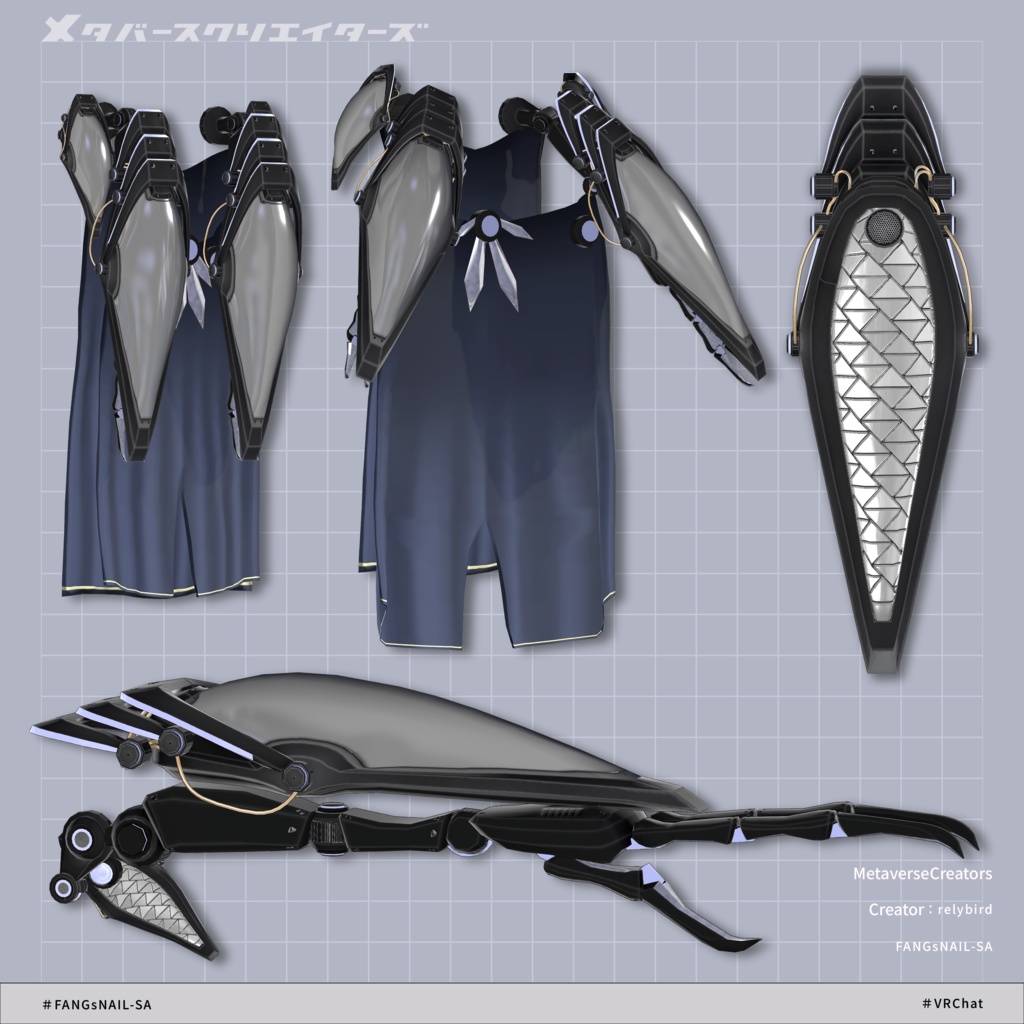
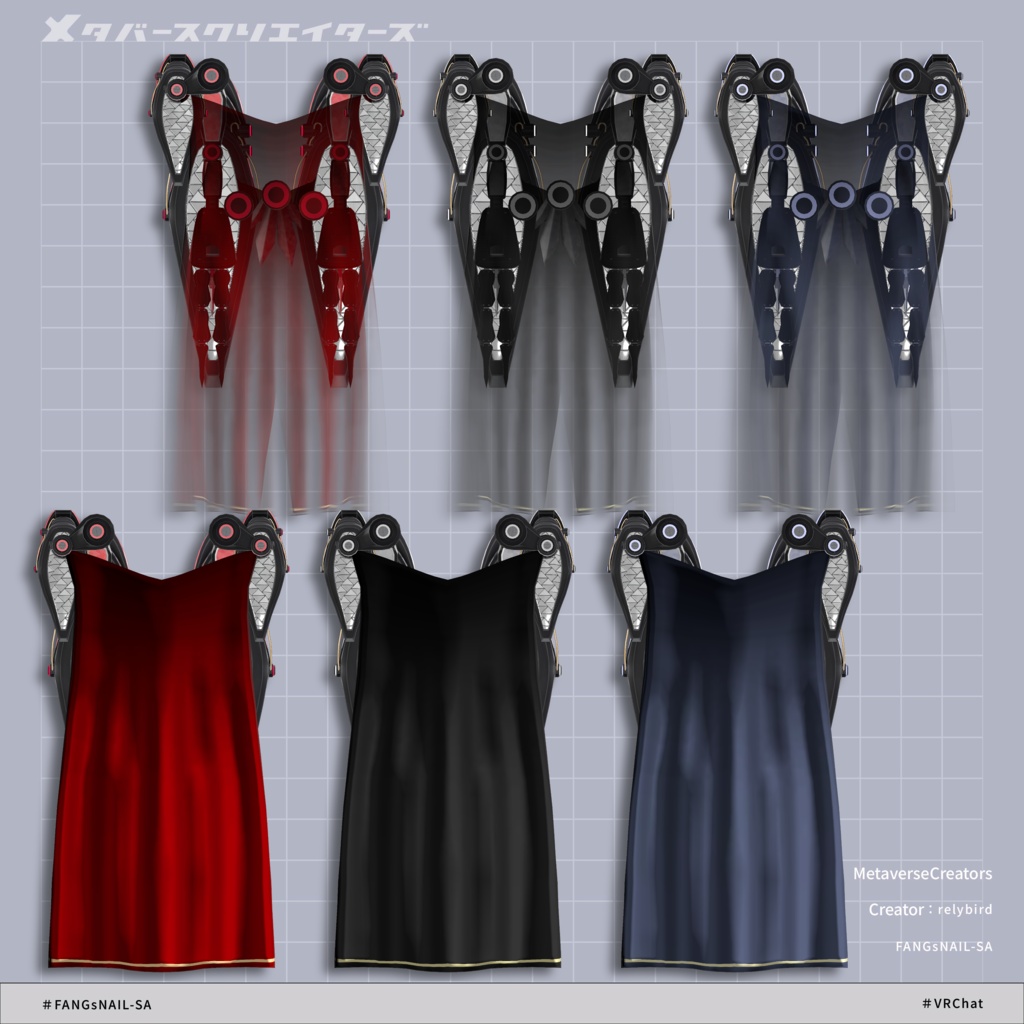
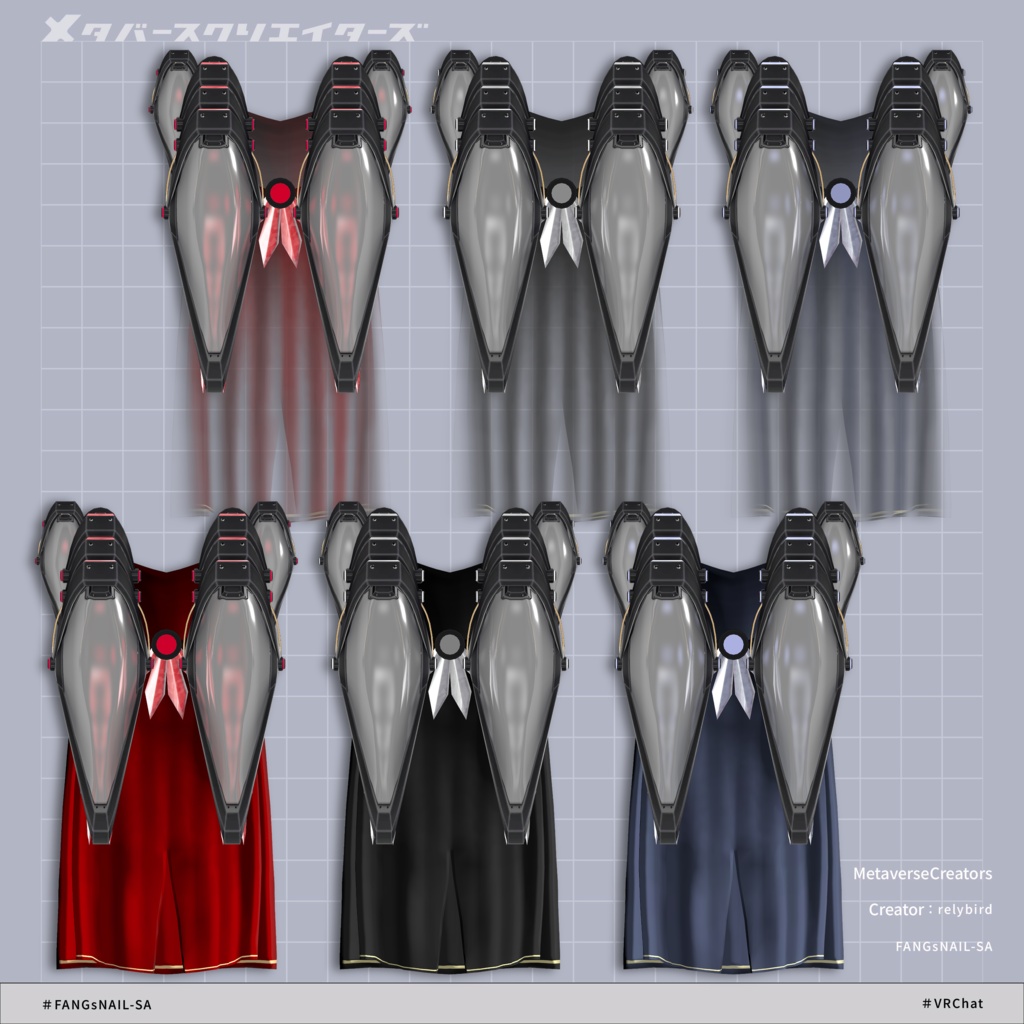


◆ FANGsNAIL-SA ◆ Producer: relybird A sub-arm unit that can be stored as a mantle-shaped form on the back. Supports AudioLink. Equipped with shields on both arms and shoulders, it forms a silhouette that blends into the outfit when not deployed. When activated, it dramatically changes its appearance through a transformation-style gimmick. ※ This product is a digital avatar asset. No refunds or returns are available. Please read the description and terms of use carefully before purchasing. ※ This product is intended for use with VR devices; standalone desktop use is not the primary design target. ◆ Item Overview ● Contents FANGsNAIL-SA.Unitypackage PSD file for customization ReadMe.txt (main document) Shaders used lilToon https://lilxyzw.booth.pm/items/3087170 Required assets Modular Avatar https://modular-avatar.nadena.dev/ja/docs/intro ● Model Data Total polygon count: 29,922 polygons Arm: 7,876 Cape: 1,576 Cape_Arm: 2,158 Shield_Arm: 10,248 Shield_Shoulder: 8,064 Mesh count: 5 Material count: 3 PB components: 4 Import folder: Assets > MetaverseCreators_CP > RLB > FANGsNAIL-SA ◆ Installation Steps Set up the latest VRChat SDK via VCC Install required assets (lilToon, Modular Avatar) in VCC Import this package Drag and drop the avatar (or customization prefab) into the Scene Hierarchy Hide or set unnecessary clothing (default outfits, underwear, etc.) to Editor Only if needed Drag and drop “FANGsNAIL-SA_○○.Prefab” under the avatar Move/scale/rotate the prefab in the scene to fit your avatar Upload via VRChat SDK ◆ Gimmick Overview AudioLink support EX Menu controls: Cape1_OFF: toggle front cape parts Cape2_OFF: toggle rear cape parts Open: toggle full transformation / deployment state Arm_OFF: toggle arm parts visibility Arm_Mode: switch to sub-arm connection state Shoulder_Mode: switch shoulder unit deployment state ■ Notes ※ Please be considerate of people around you when using dynamic gimmicks in public VR spaces. ◆ Color Customization You can change colors by replacing materials in: Common > Material folder You may also edit colors using the included PSD or CLIP files. Material slots (Skinned Mesh Renderer) FANGsNAIL-SA_○○ > FANG > Arm FANGsNAIL-SA_○○ > FANG > Cape FANGsNAIL-SA_○○ > FANG > Cape_Arm FANGsNAIL-SA_○○ > FANG > Shield_Arm FANGsNAIL-SA_○○ > FANG > Shield_Shoulder ◆ Terms of Use https://drive.google.com/drive/folders/1qRMXoIxM1ZgacBPfwOigQRtXP1vCbNMn?usp=sharing ※ Please comply with the original avatar’s usage terms. ◆ Production Environment Modeling: Blender Ver. 4.4.3 Texturing: CLIP STUDIO PAINT Setup: Unity 2022.3.22f1 VRChat SDK - Avatars Ver. 3.10.2 (VCC) lilToon 2.3.2 Modular Avatar 1.16.2 ◆ Credits Producer: relybird #RLB https://relybird.booth.pm/ Support / Contact: https://discord.gg/bmw3PWE37M