

FANGsNAIL-LG - VRChat Gimmicky Avatar Accessory / CP43
- ダウンロード商品¥ 900
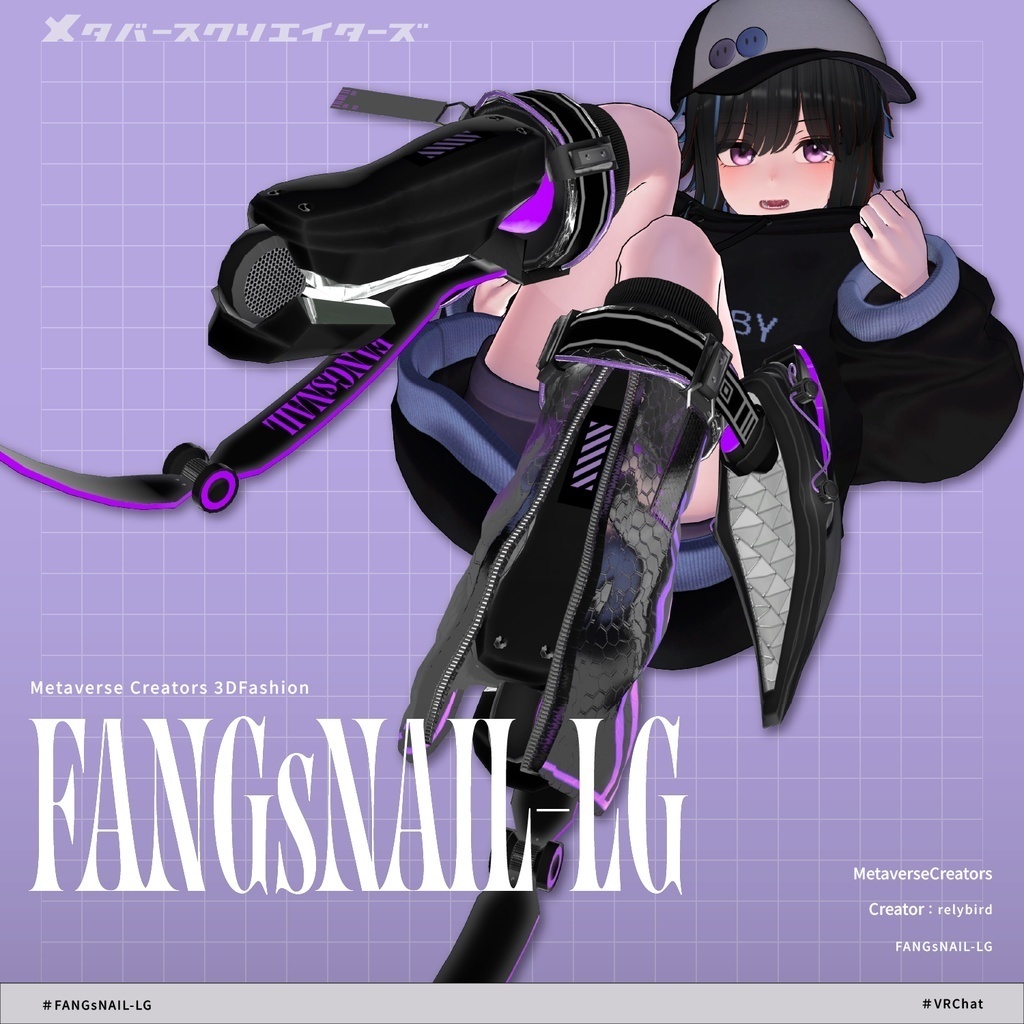
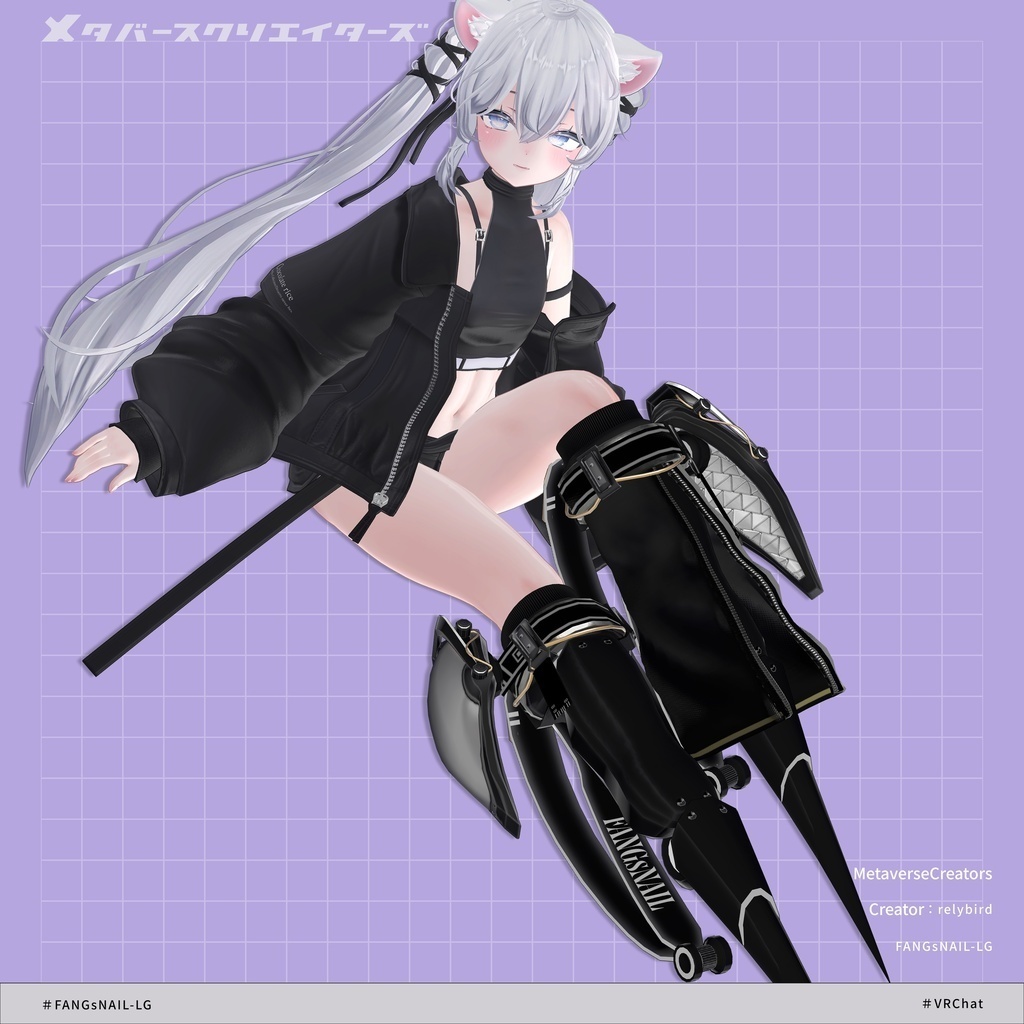
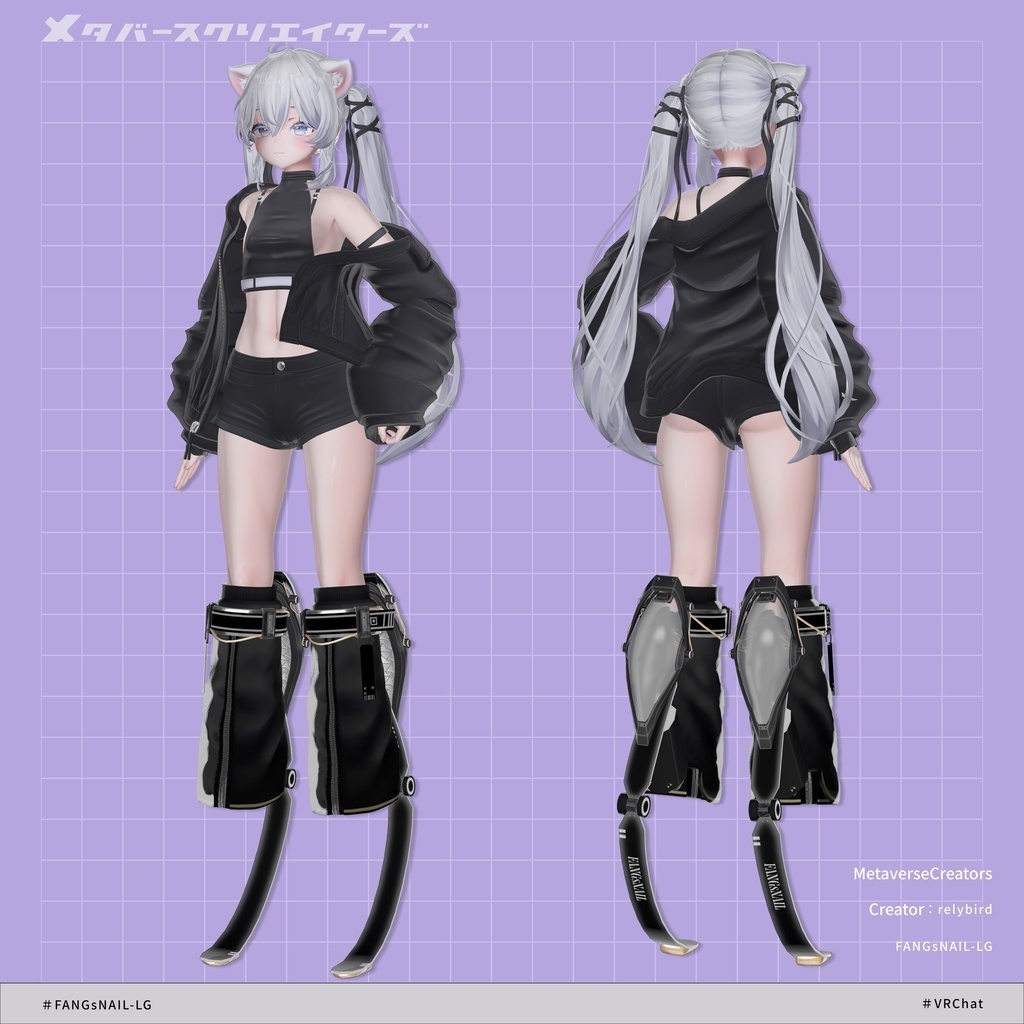
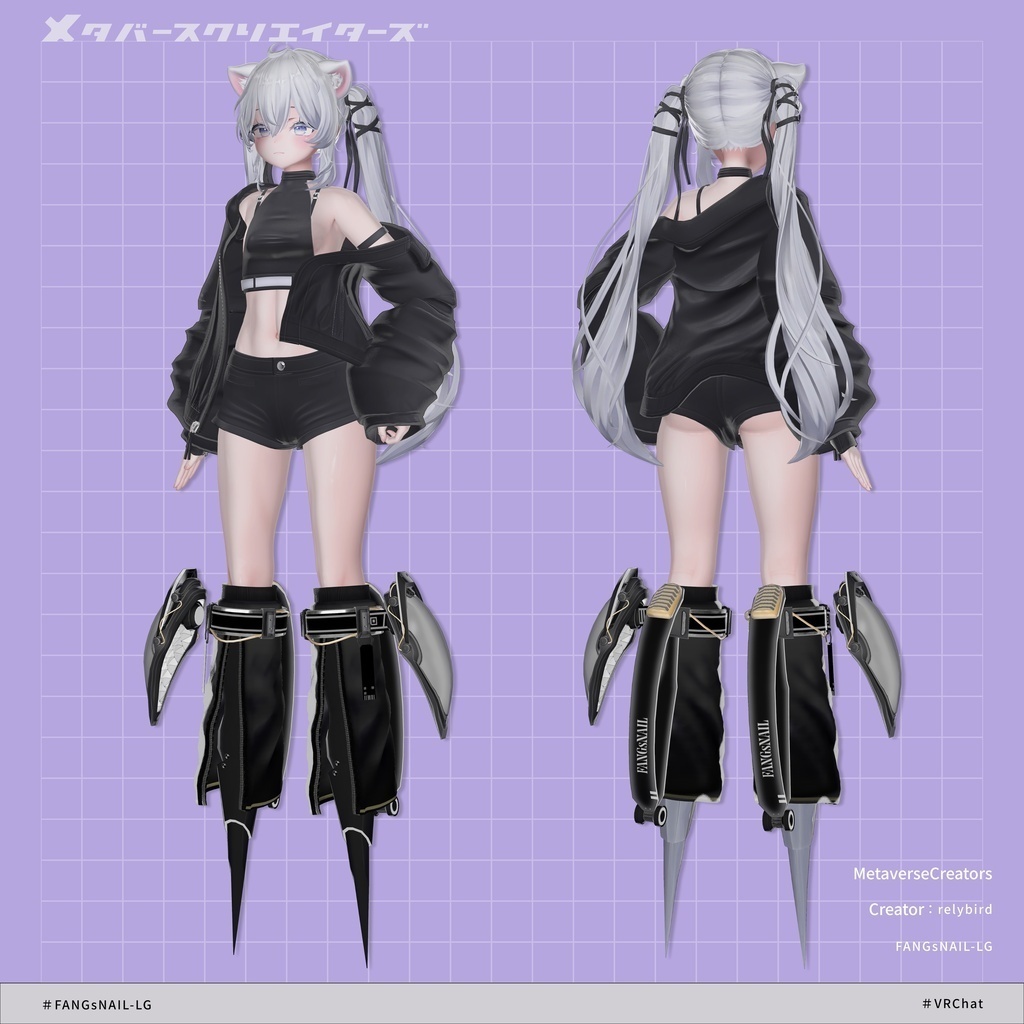
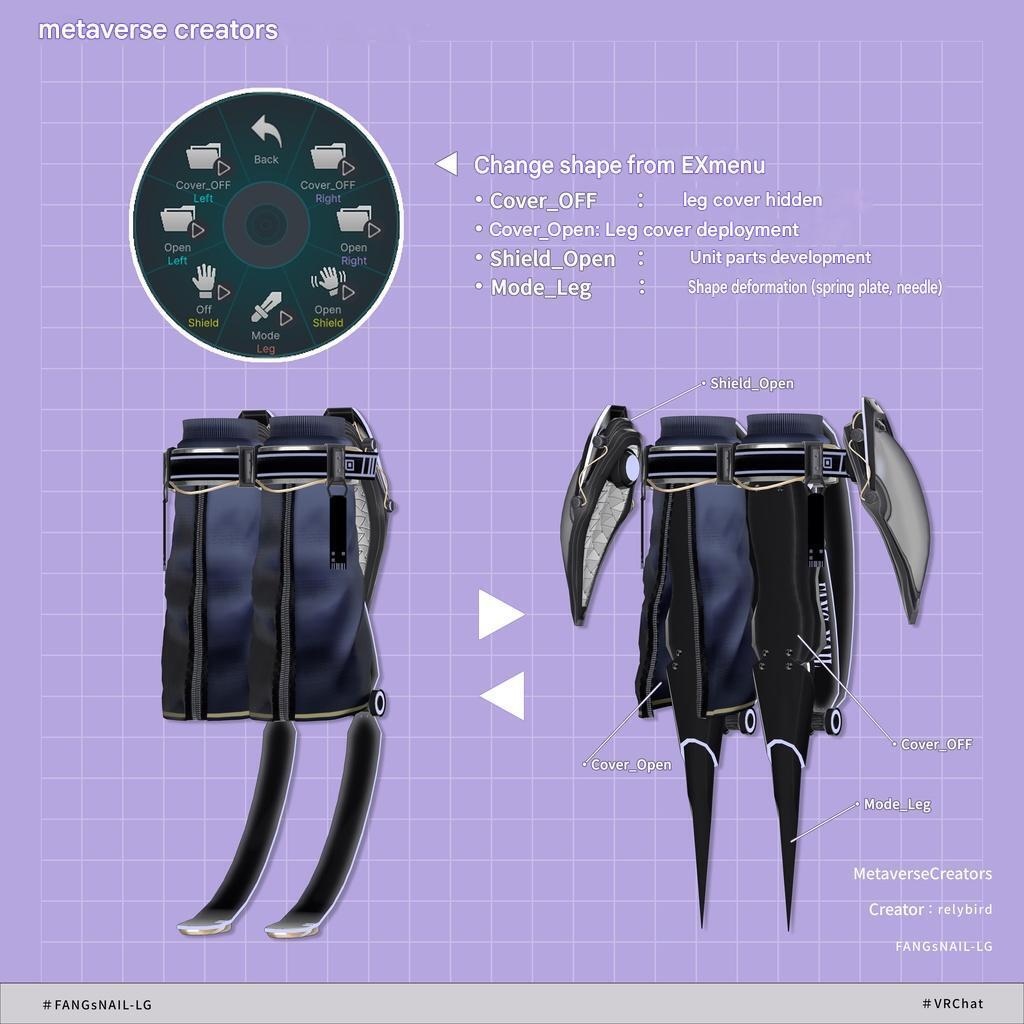
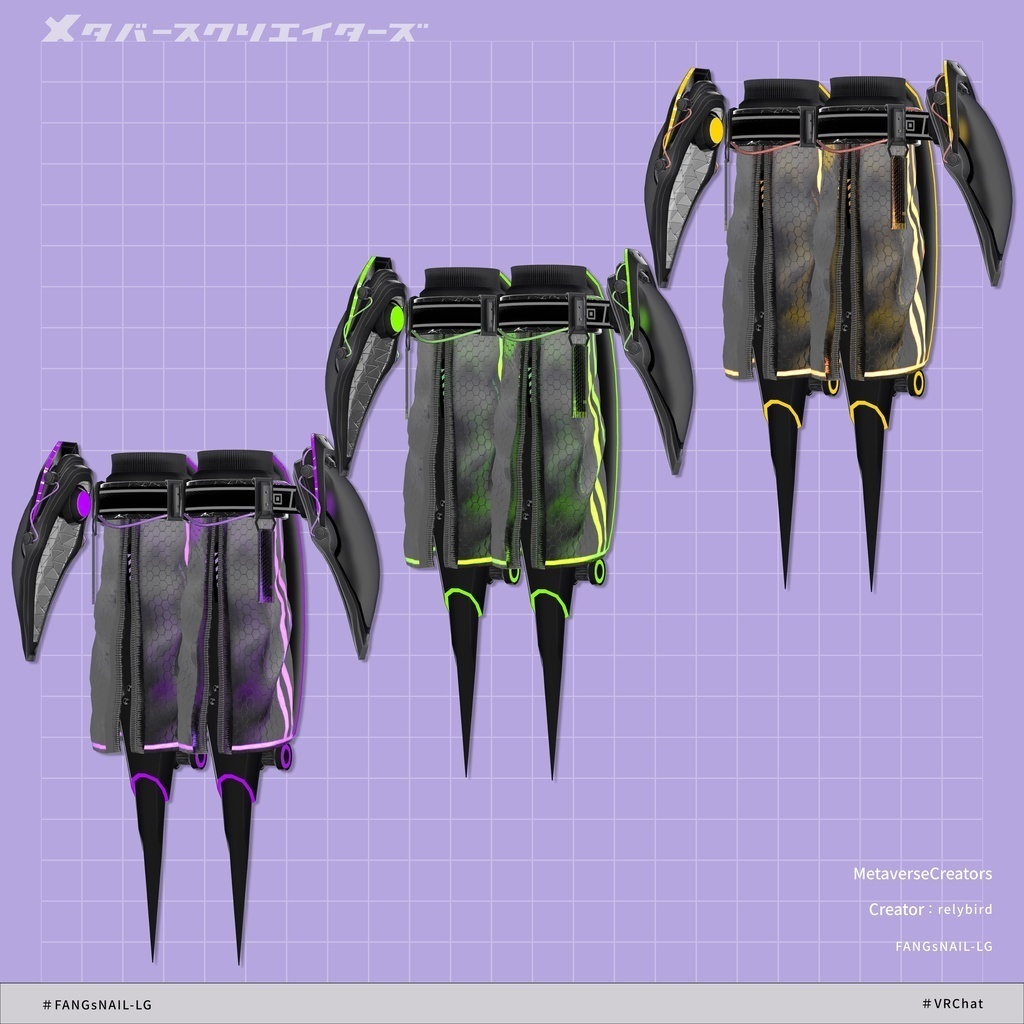
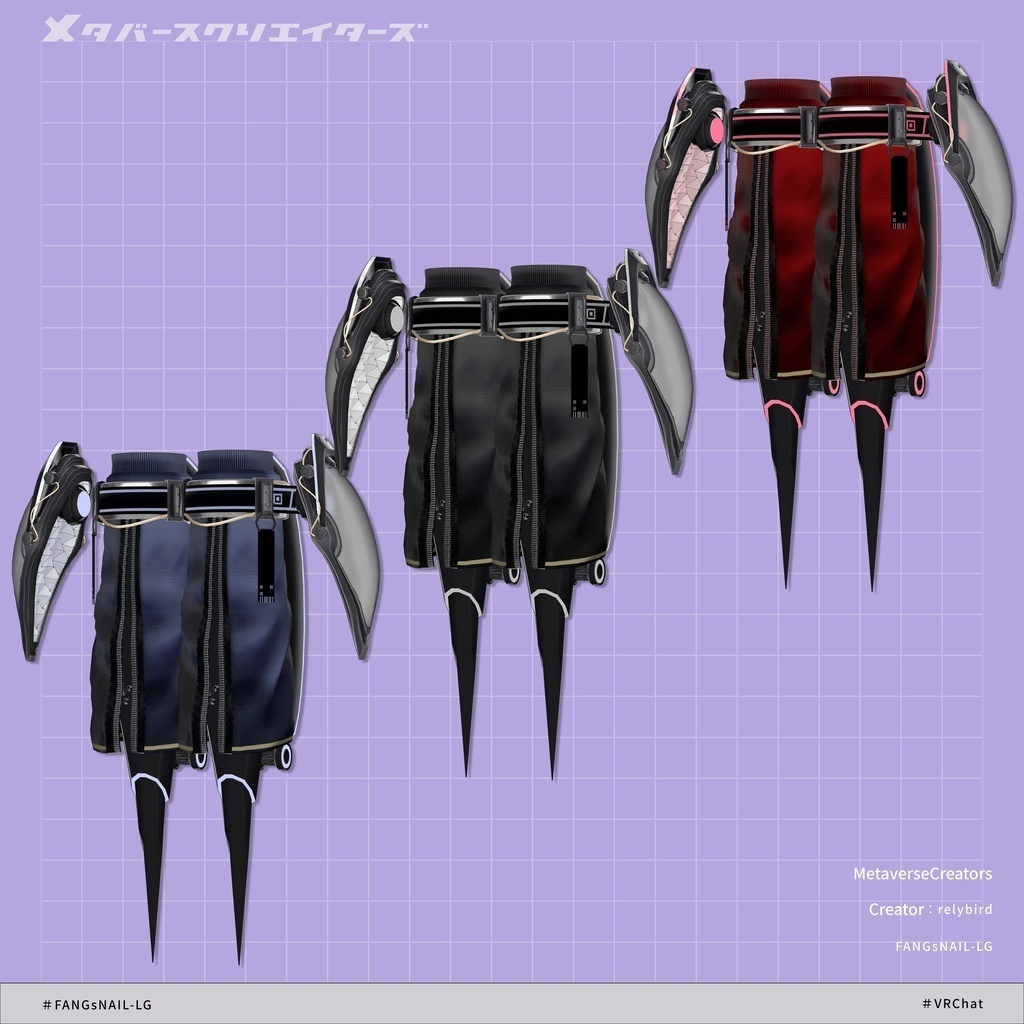
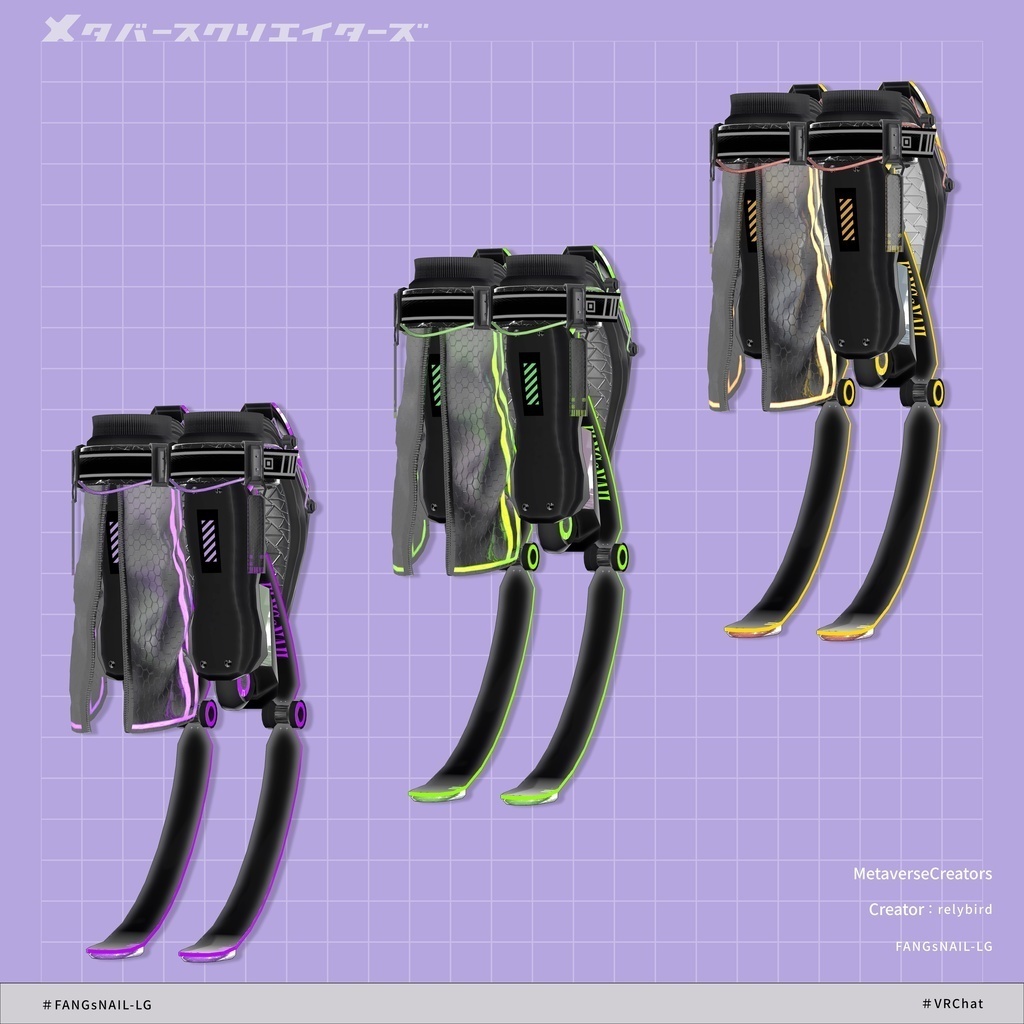
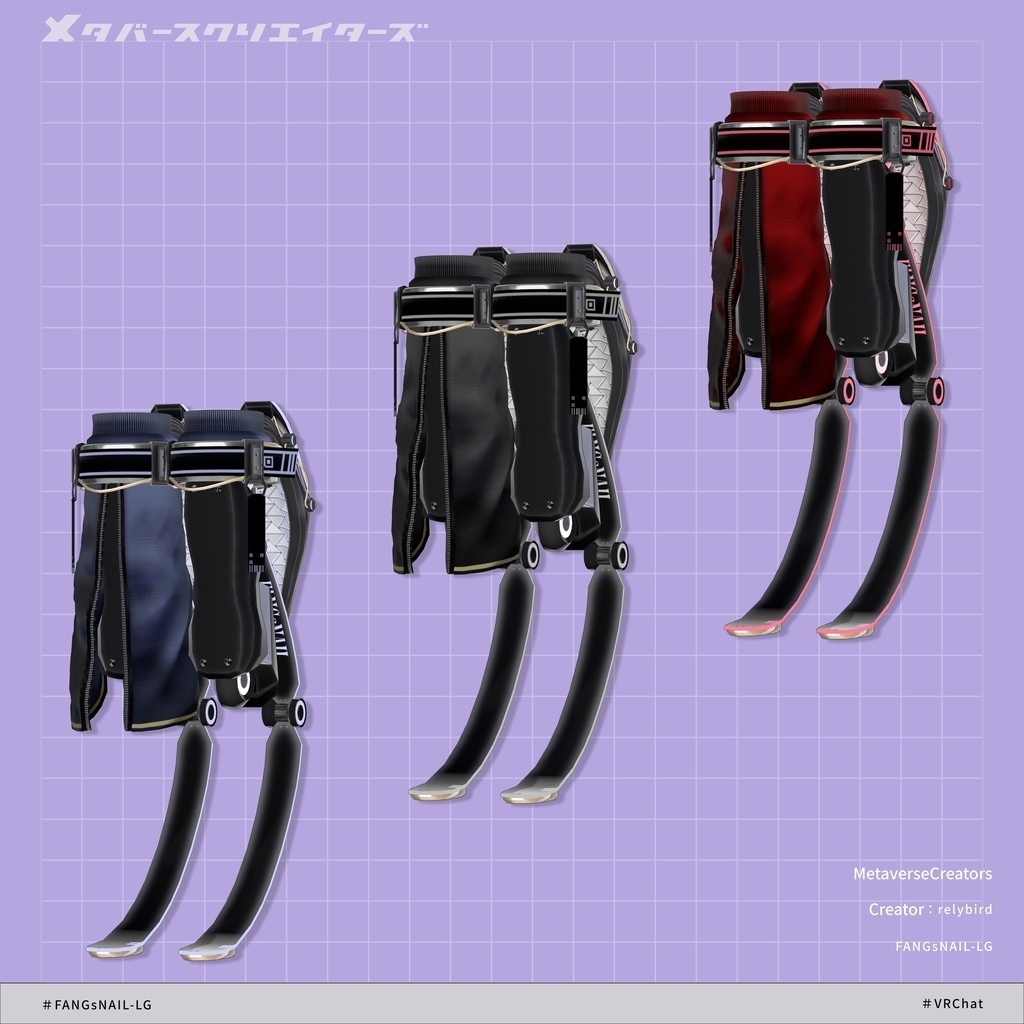
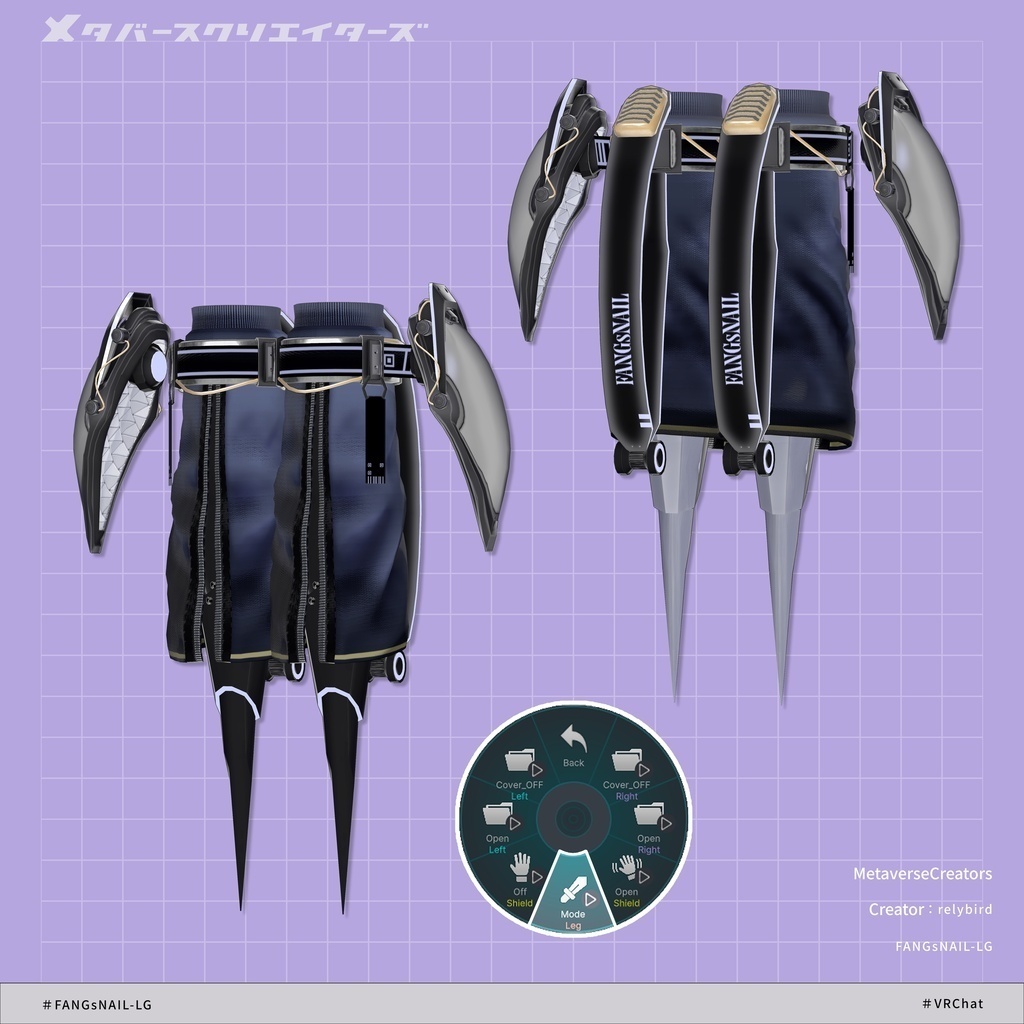
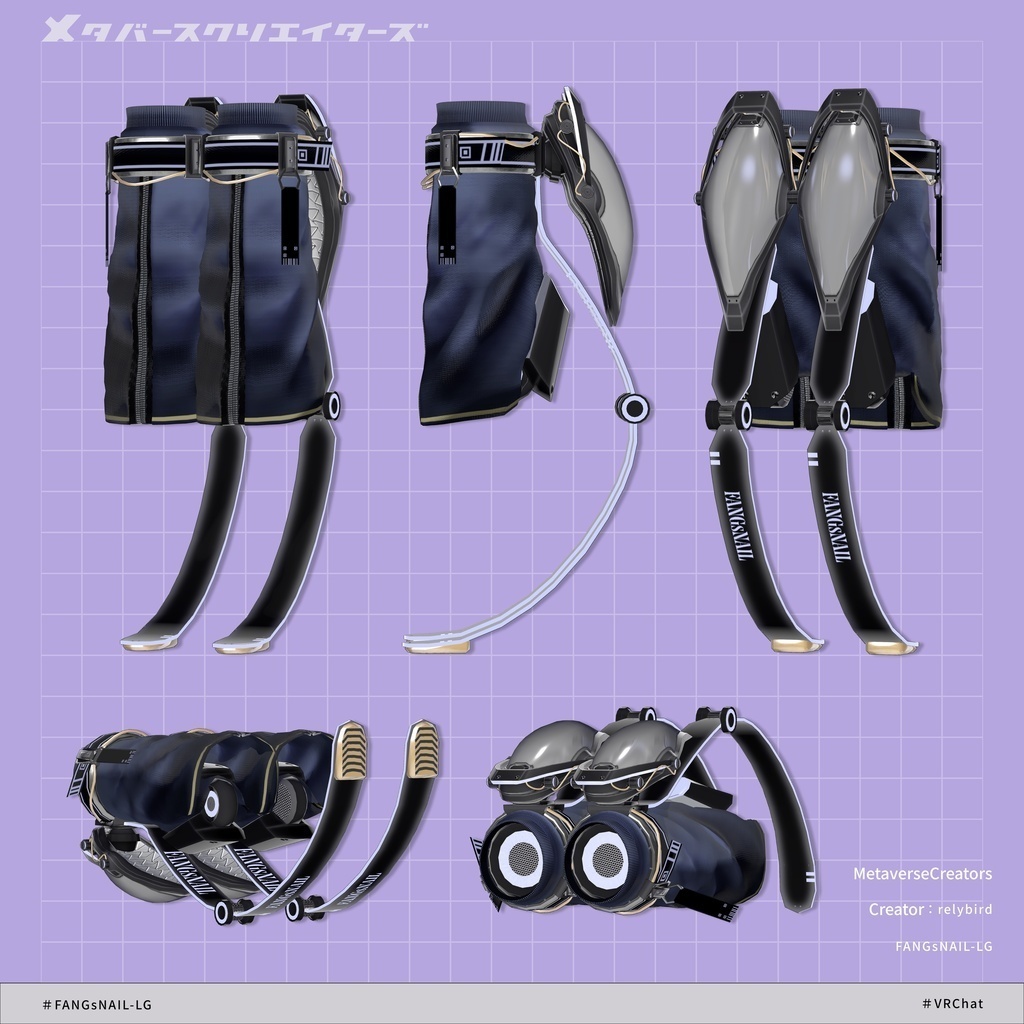


◆ FANGsNAIL-LG ◆ Creator: relybird A leg unit with integrated leg covers. Compatible with AudioLink. Equipped with shields on both legs, allowing you to enjoy different silhouettes through two shape-shifting pattern variations. Due to the nature of digital download products, returns and refunds are not accepted. Please check and agree to the product description and terms of use before purchasing. ◆ Item Overview ● Contents FANGsNAIL-LG.Unitypackage PSD file for modification ReadMe.txt (Main text) Shaders Used liltoon https://lilxyzw.booth.pm/items/3087170 Required Assets Modular Avatar https://modular-avatar.nadena.dev/ja/docs/intro ● Model Data Total Polygon Count: 16,012 polygons ├ Belt: 3,052 polygons ├ Cover_L: 1,744 polygons ├ Cover_R: 1,744 polygons ├ Leg: 1,164 polygons ├ SecondLeg: 1,300 polygons ├ Shield: 6,880 polygons ├ Tag_L: 64 polygons └ Tag_R: 64 polygons Mesh Count: 8 Material Count: 3 PhysBone Components: 6 ● Adjustment Shape Keys - Belt └ FANGsNAIL-LG_○○ > FANGsNAIL-LG > Belt Cover_wide Cover_wide.L Cover_wide.R Cover_narrow Cover_narrow.L Cover_narrow.R Folder Path Upon Import Assets > MetaverseCreators_CP > RLB > FANGsNAIL-LG ◆ Installation Steps Set up the latest version of the VRC SDK via the VCC (VRChat Creator Companion). Install the required assets (liltoon, Modular Avatar) in the VCC project. Import this package into your Unity project. Drag and drop your avatar (or its outfit/customization prefab, if applicable) into the Scene Hierarchy. If necessary, hide or set any unnecessary default outfits or undergarments on your avatar to Editor Only. Drag and drop FANGsNAIL-LG_○○.Prefab directly under the root of your avatar. Move, scale, and rotate the FANGsNAIL-LG prefab in the Scene to fit your avatar's body as desired. Upload your avatar via the VRC SDK. 💡 Tip: By selecting FANGsNAIL-LG_○○ > MeshCutter in the Scene, adding your avatar's body mesh to the MA Mesh Cutter target renderer list, and adjusting the values of MA Vertex Filter - By Axis, you can easily customize the visibility of the avatar's leg mesh. ◆ Gimmick Overview AudioLink EXMenu (Expressions Menu) Cover_OFF Right : Hide leg cover (Right) Cover_OFF Left : Hide leg cover (Left) Cover_Open Right: Expand leg cover (Right) Cover_Open Left : Expand leg cover (Left) Shield_Open : Expand unit parts Mode_Leg : Toggle overall shape ■ Important Notes This product is designed with the assumption that the avatar's lower leg (below the knee) meshes will be hidden or deleted. Please handle this accordingly using tools such as the included MA Mesh Cutter or AAO: AvatarOptimizer. Please be mindful of others in your vicinity when activating the gimmicks. ◆ Color Customization Please swap out the materials inside the Common > Material folder with your preferred color variation. You can also use the included .psd or .clip files to customize the colors to your liking. "Skinned Mesh Renderer" Material Slots: FANGsNAIL-LG_○○ > FANGsNAIL-LG > Belt FANGsNAIL-LG_○○ > FANGsNAIL-LG > Cover_L FANGsNAIL-LG_○○ > FANGsNAIL-LG > Cover_R FANGsNAIL-LG_○○ > FANGsNAIL-LG > Leg FANGsNAIL-LG_○○ > FANGsNAIL-LG > SecondLeg FANGsNAIL-LG_○○ > FANGsNAIL-LG > Shield FANGsNAIL-LG_○○ > FANGsNAIL-LG > Tag_L FANGsNAIL-LG_○○ > FANGsNAIL-LG > Tag_R ◆ Terms of Use https://drive.google.com/drive/folders/1qRMXoIxM1ZgacBPfwOigQRtXP1vCbNMn?usp=sharing Please ensure you follow the terms of use of your base avatar as well. ◆ Creation Environment Modeling: Blender Ver 4.4.3 Textures: CLIP STUDIO PAINT Setup: Unity Ver 2022.3.22f1 VRChat SDK - Avatars Ver 3.10.3 (VCC) liltoon 2.3.2 ModularAvatar 1.17.1 ◆ Credits Creator: relybird #RLB URL: https://relybird.booth.pm/ Inquiries & Support https://discord.gg/bmw3PWE37M