
Breeze Botanical - VRChat Women's Clothing / CP3
- Full Pack: ALL INCLUDED!ダウンロード商品¥ 1,800
- Kipfel Compatible (MameFriends Body)ダウンロード商品¥ 1,000
- Usasaki Compatibleダウンロード商品¥ 1,000
- Cornet Compatibleダウンロード商品¥ 1,000
- Hyakko Compatibleダウンロード商品¥ 1,000
- 663-chan Female Avatarダウンロード商品¥ 1,000
- 663-chan Male Avatar Compatibleダウンロード商品¥ 1,000
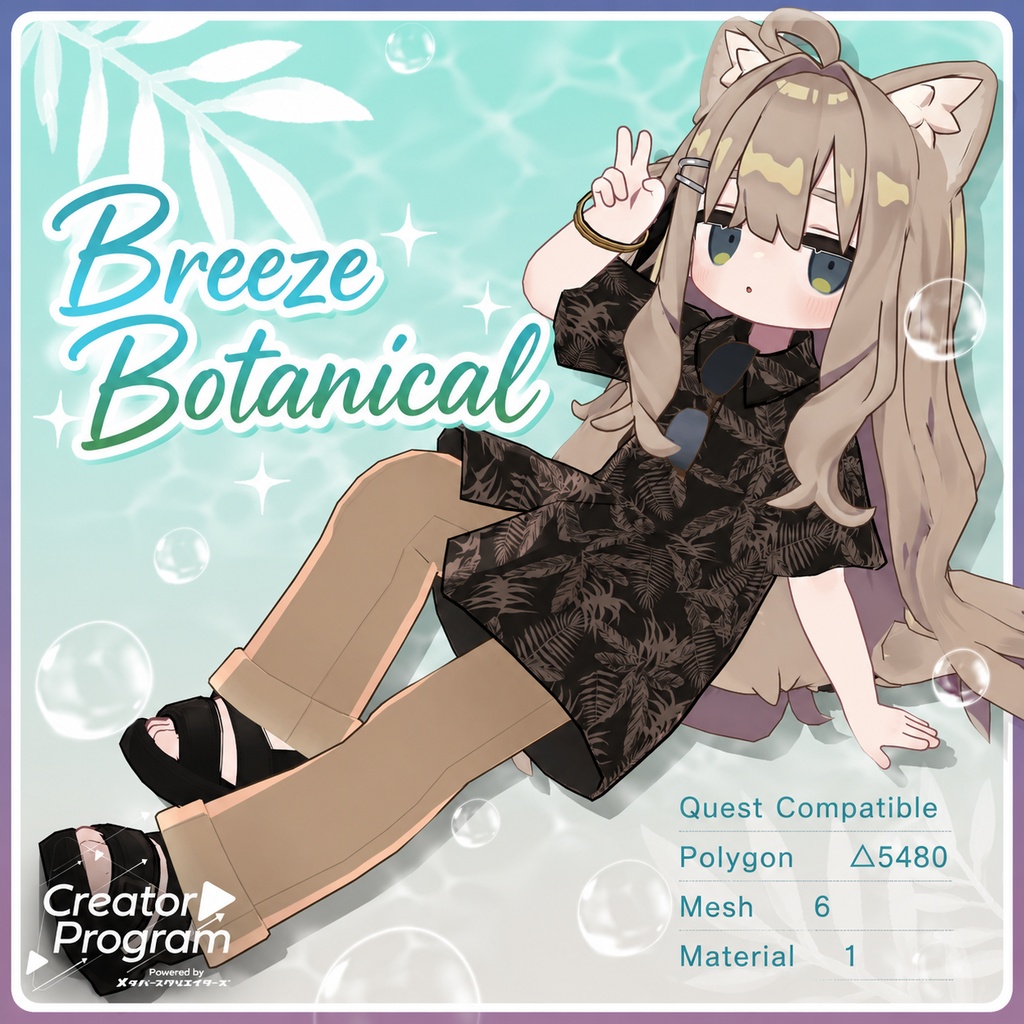
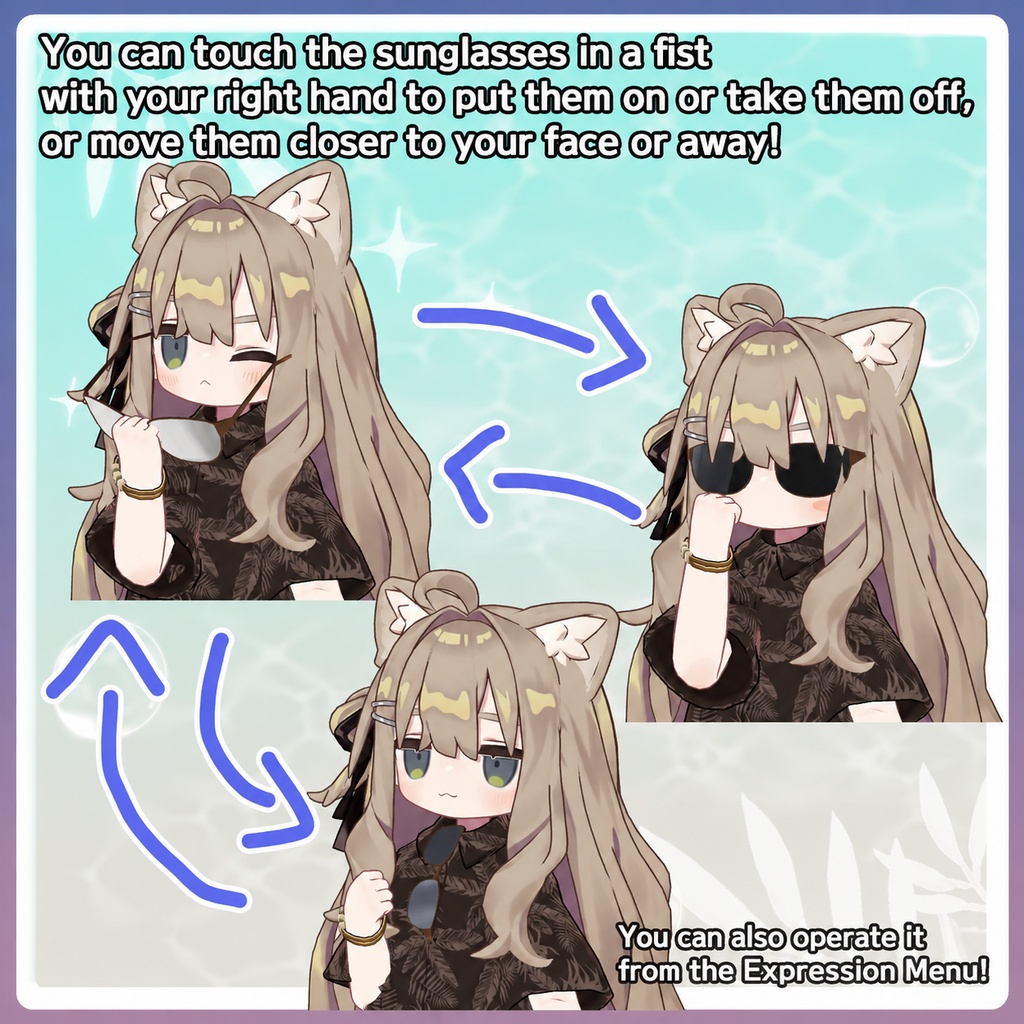
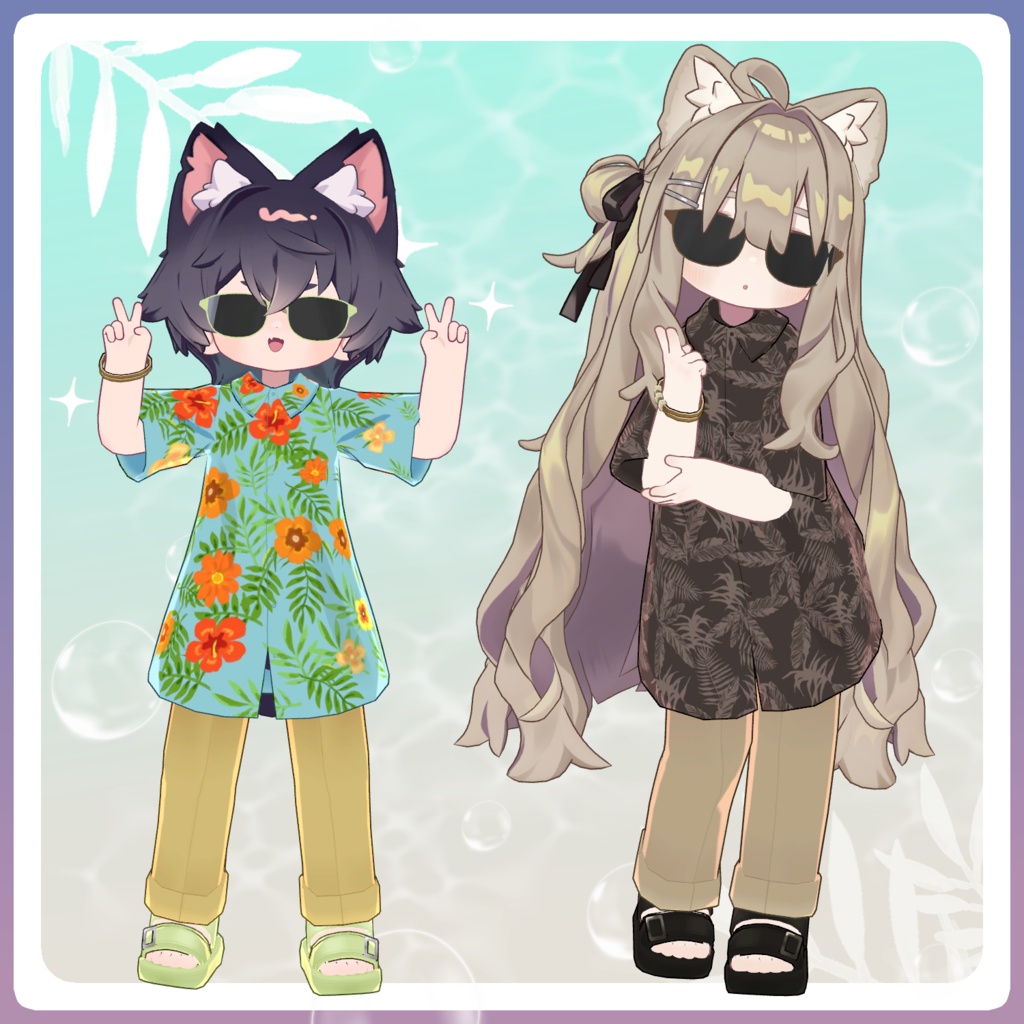
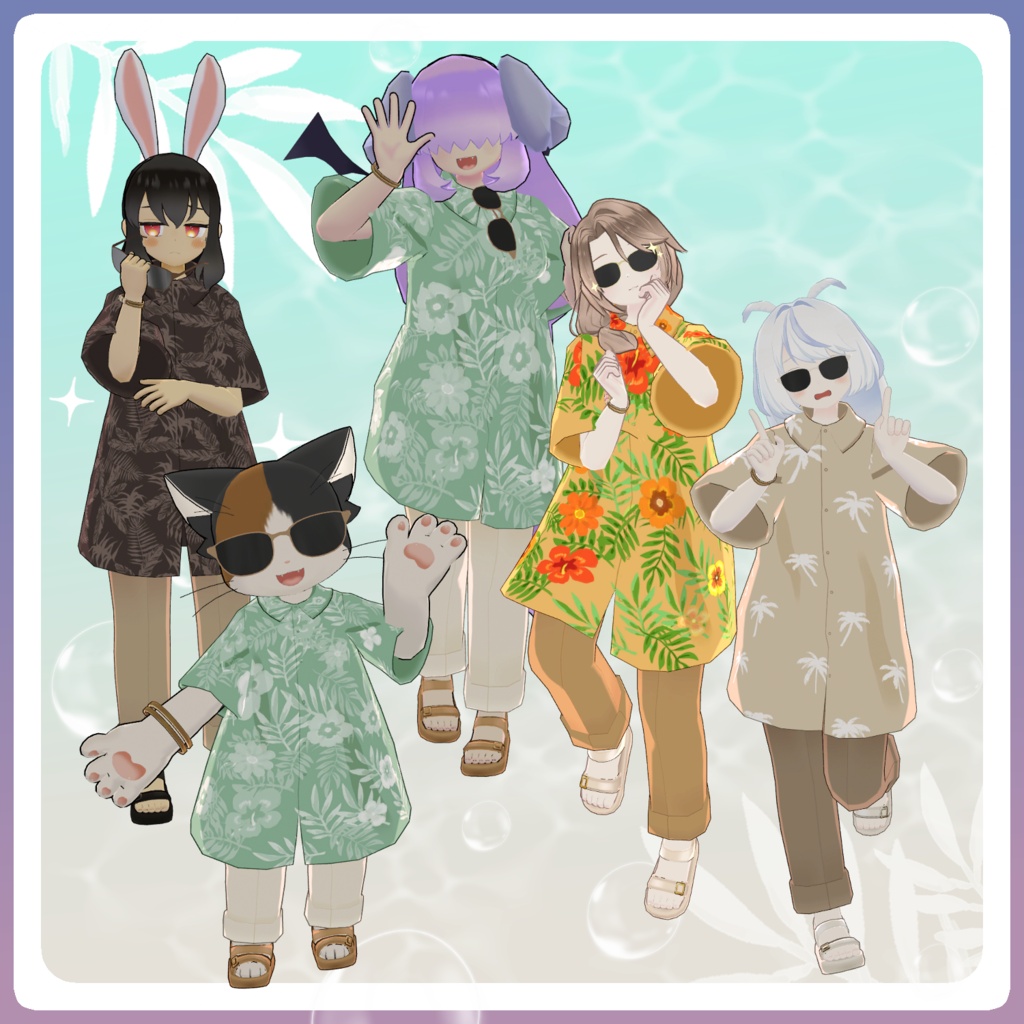
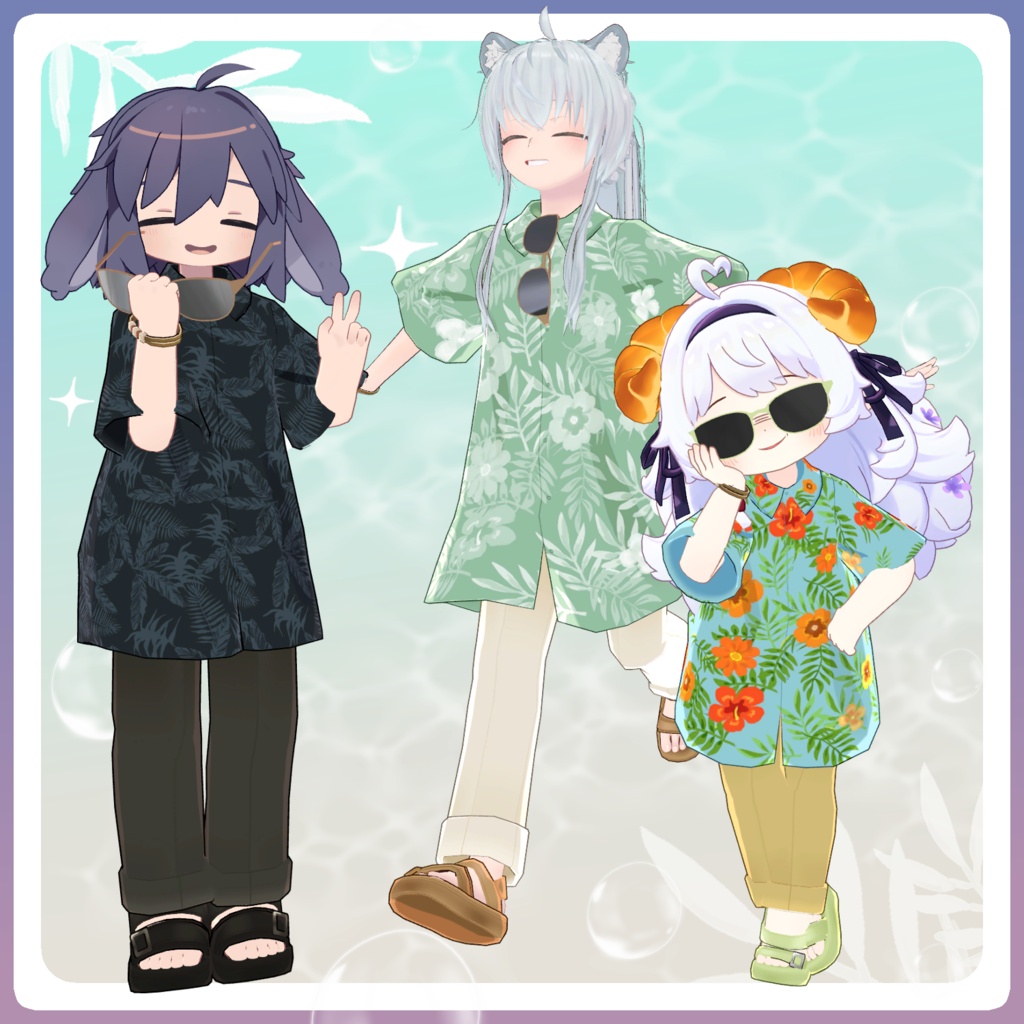
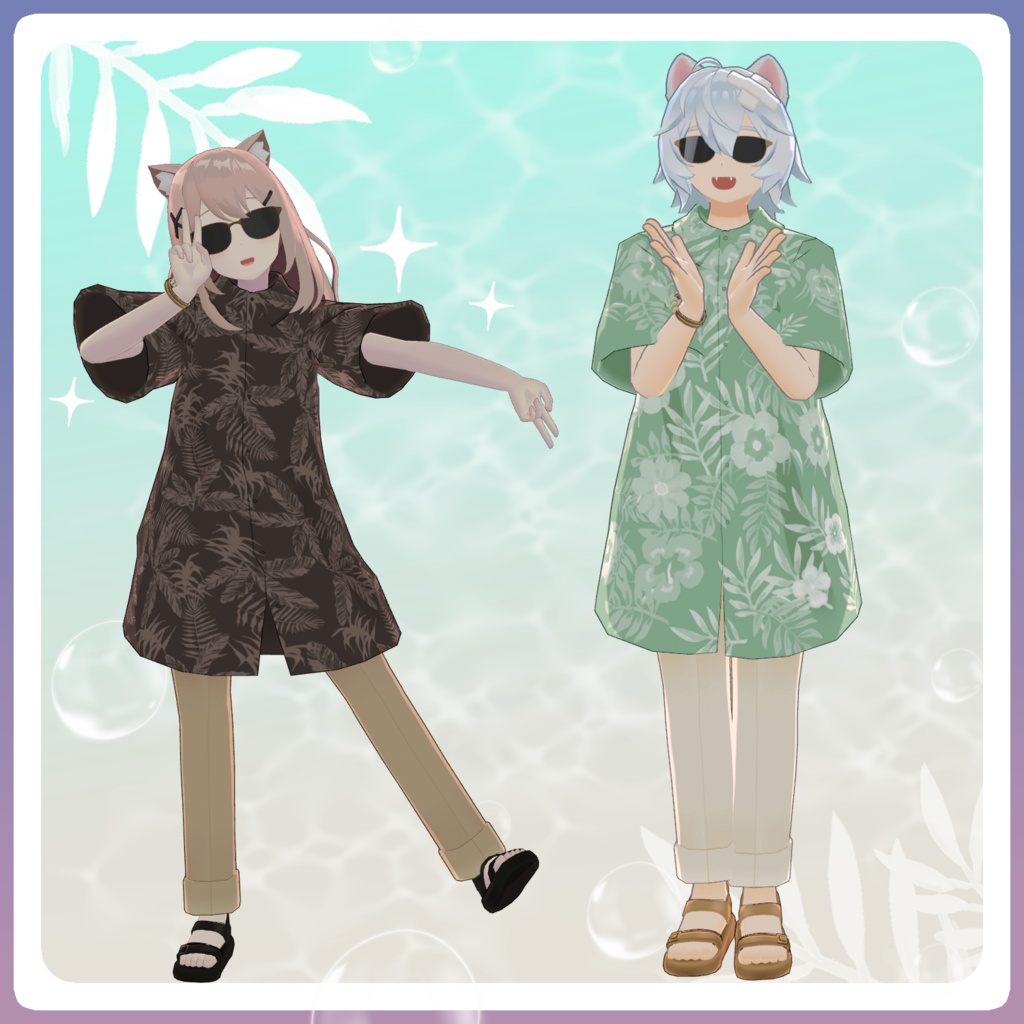
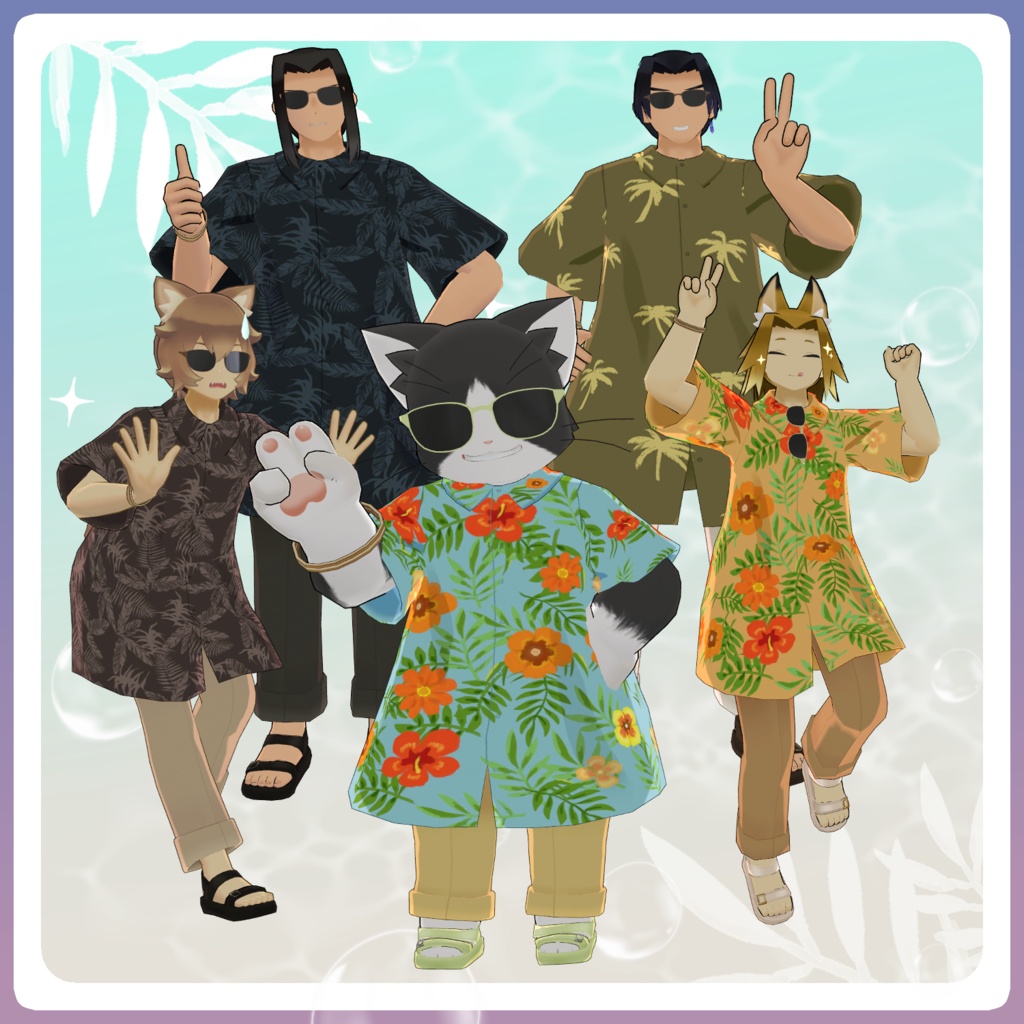
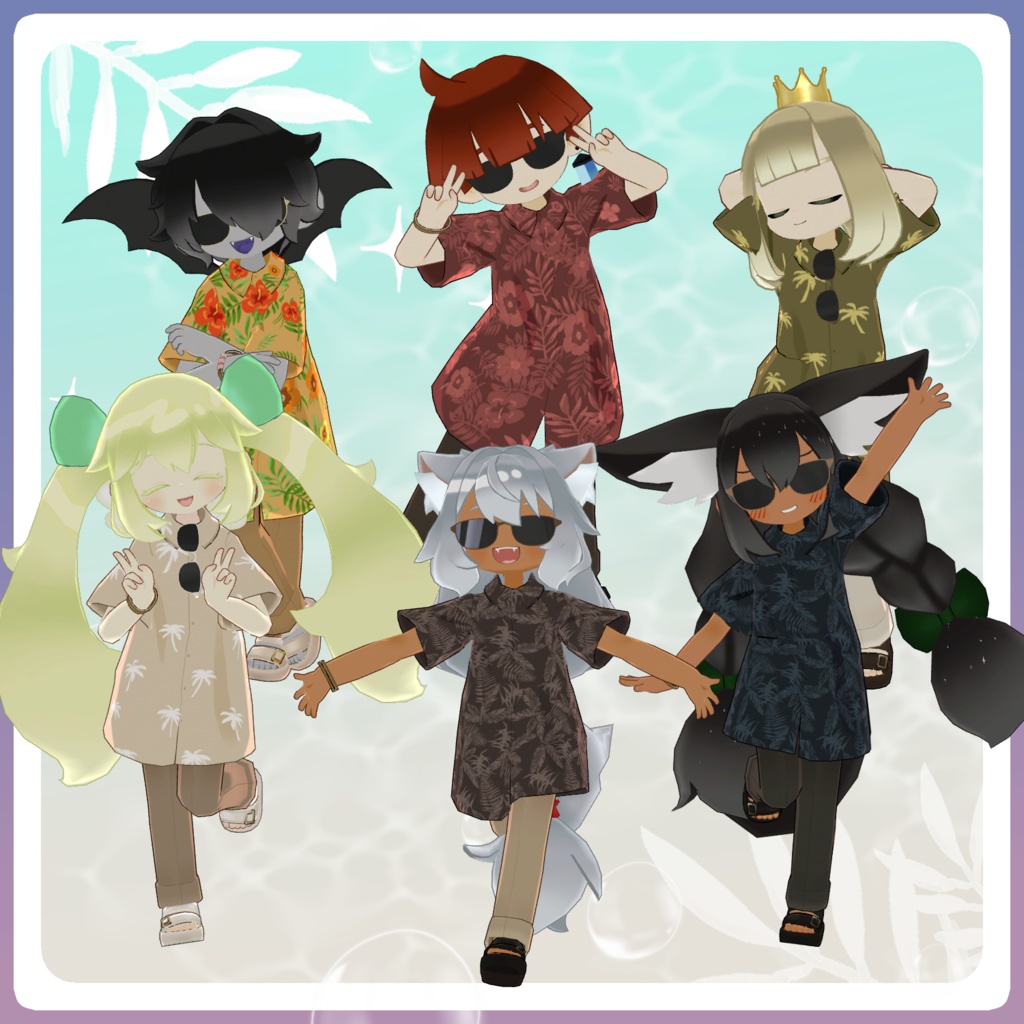
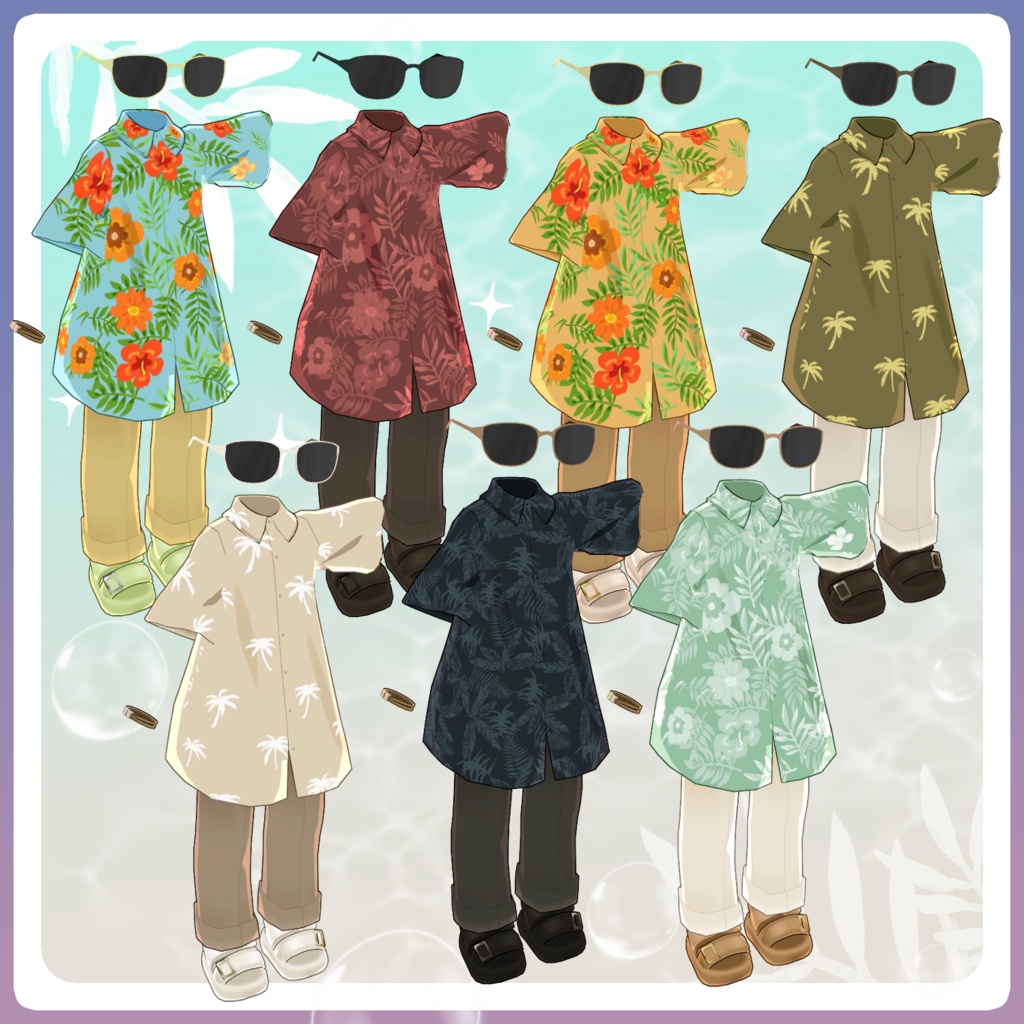


A mature and stylish aloha shirt outfit. The sunglasses feature a contact gimmick that allows you to grab them and place them on your face or hang them on your collar. All features can also be controlled through the Expression Menu. Important Notes This product is an outfit model for avatars. Avatar base data is not included. Digital products cannot be returned or refunded. Please review and agree to the product description and terms of use before purchasing. Item Contents Included files: RFB_○○.Unitypackage (○○ = variation name) RFB_Material.Unitypackage FBX Textures PSD file for customization ReadMe.txt Shaders lilToon https://lilxyzw.booth.pm/items/3087170 ToonStandard (Included with VRChat SDK) Required Asset Modular Avatar https://modular-avatar.nadena.dev/ja/docs/intro Model Data Total polygons: 5,480 Meshes: 6 Materials: 1* PhysBone components: 3 Constraints: 2 Physics movement is included for: Outfit hem Chest sunglasses * Unity counts materials per mesh even if the same material is used. Combining meshes with tools such as AAO can reduce performance load. Import folder: Assets > MetaverseCreators_CP > 663_chanSHOP > Ryofu_Botanical Sunglasses Features With your right hand in the Fist gesture: Bring your hand near the sunglasses to grab them. While holding them, move your hand near your face or collar to reposition them. Available through the Expression Menu: Sunglasses ON/OFF Lens ON/OFF Bracelet ON/OFF Sandals ON/OFF Supported Avatars Shared Base Avatars Kipfel https://booth.pm/ja/items/5813187 Usasaki https://mukumi.booth.pm/items/3550881 Korone https://emolab.booth.pm/items/5776079 Hyakko https://booth.pm/ja/items/6328134 Lolomi-chan Avatar Series (Except Trista and Wanta. Quest compatibility: Medium possible) Female Avatars Aruru https://663-chanshop.booth.pm/items/4612890 Fumino https://663-chanshop.booth.pm/items/8498383 (Separate prefab from Aruru) Usami Sachi https://663-chanshop.booth.pm/items/5481389 Prenella https://663-chanshop.booth.pm/items/5168052 (Separate prefab from Usami Sachi) Nonne https://663-chanshop.booth.pm/items/5340971 Trista https://663-chanshop.booth.pm/items/4844269 Male Avatars Gii https://663-chanshop.booth.pm/items/4397480 Reio https://663-chanshop.booth.pm/items/5965639 (Separate prefab from Gii) Sasato Yuuki https://663-chanshop.booth.pm/items/4351466 Furi https://663-chanshop.booth.pm/items/5215436 (Uses the same shared base as Sasato Yuuki) Archbishop Gato https://663-chanshop.booth.pm/items/4641585 Wanta https://663-chanshop.booth.pm/items/6712612 Magical Shared Base Q_core Included for both male and female avatars. Each has a separate prefab. Uru https://663-chanshop.booth.pm/items/7832612 Astia https://663-chanshop.booth.pm/items/7832690 Remiel https://663-chanshop.booth.pm/items/7832694 Oliver https://663-chanshop.booth.pm/items/7832696 Niwatoko https://663-chanshop.booth.pm/items/7832699 KV https://663-chanshop.booth.pm/items/8145690 Note: This outfit uses body-hiding shape keys. The body may become simplified while wearing it. Installation Set up the latest VRChat SDK through VCC. Install required assets: lilToon Modular Avatar Import the avatar package. Import this product’s material package. Import the avatar-specific outfit package. Place the avatar in the Scene Hierarchy. Hide unnecessary default clothing/body parts if needed. Drag the outfit prefab directly under the avatar. Upload through VRChat SDK. Modular Avatar Features This outfit uses: MA Shape Changer MA Mesh Cutter When placed under the avatar: Body shape keys are automatically adjusted. Hidden mesh areas are disabled. Clothing/body clipping is reduced. If you only want certain parts of the outfit, adjust the MA Shape Changer settings manually. If body parts become thinner unexpectedly: Reset the affected body shape keys to 0. Confirm the avatar displays correctly. Sunglasses Adjustment For shared-base avatars, if the sunglasses position or size is incorrect: Adjust: Shades bone under Head huku_Shades mesh shape keys If scaling is changed, also adjust: Shades_hand bone under Hand_R Hades_chest_root bone under Chest A ToonStandard material is included for Quest compatibility. Replace materials with it when preparing Quest versions. Color Customization Replace materials inside: Common > Material You can also customize colors using the included PSD file. PSD Notes Textures are designed to be simple. Parts are separated clearly, but not every element has its own layer. The base layer contains flat colors without shadows. You can easily recolor by: Selecting areas with an auto-select tool. Filling them with a bucket tool. Shadow and other adjustment layers include clipping masks for easier editing. Terms of Use https://drive.google.com/drive/folders/1qRMXoIxM1ZgacBPfwOigQRtXP1vCbNMn?usp=sharing Please follow the original avatar’s terms of use. Development Environment Modeling: Blender 4.5 Texturing: CLIP STUDIO PAINT Unity: 2022.3.22f1 VRChat SDK - Avatars 3.10.2 (VCC) lilToon 2.3.2 Modular Avatar 1.17.1 Creator Virtual Garou Lolomi Twitter: https://twitter.com/vgaro663 BOOTH: https://663-chanshop.booth.pm/ For inquiries and support, please contact via BOOTH messages.
