

Enchanting Kitsune - VRChat Hair / CP18
- Full Pack: ALL INCLUDED!ダウンロード商品¥ 1,000
- Fox ear+tail+mask Setダウンロード商品¥ 300
- Maskダウンロード商品¥ 0
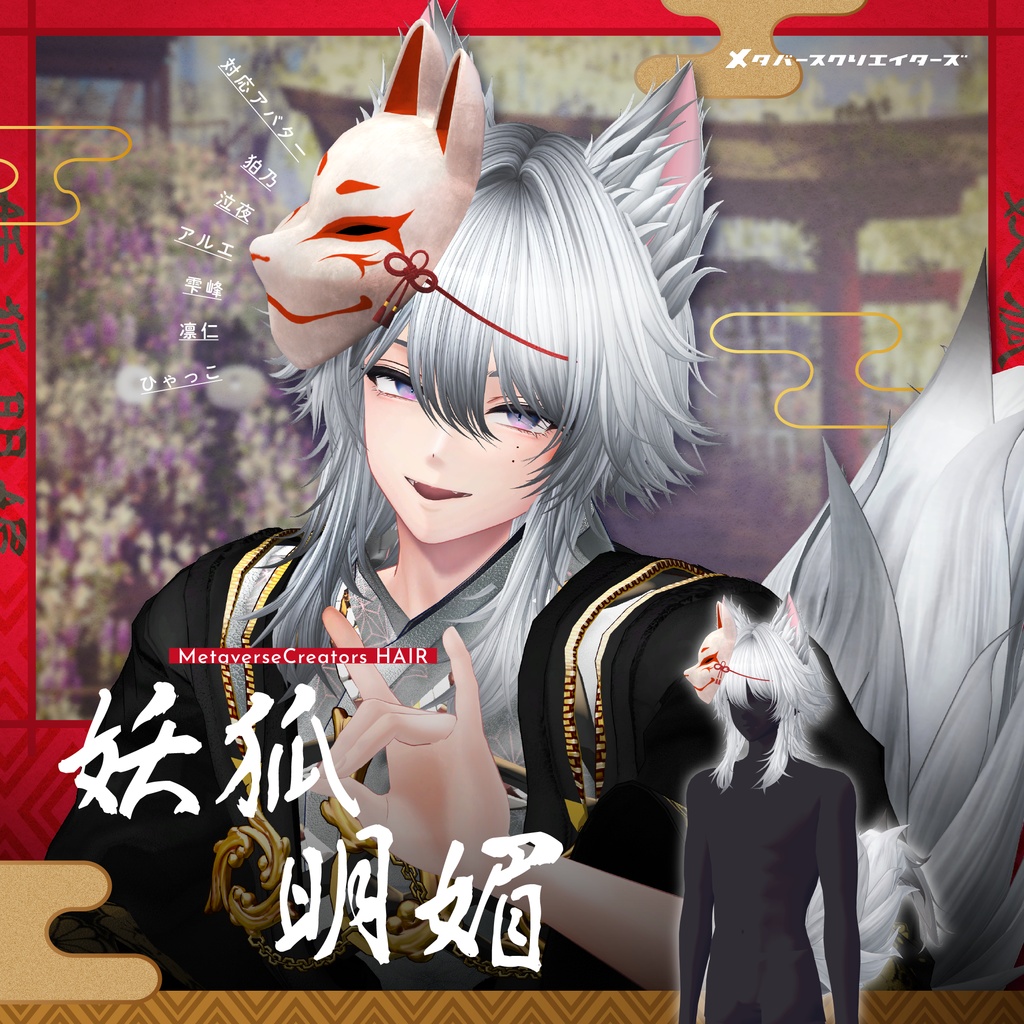
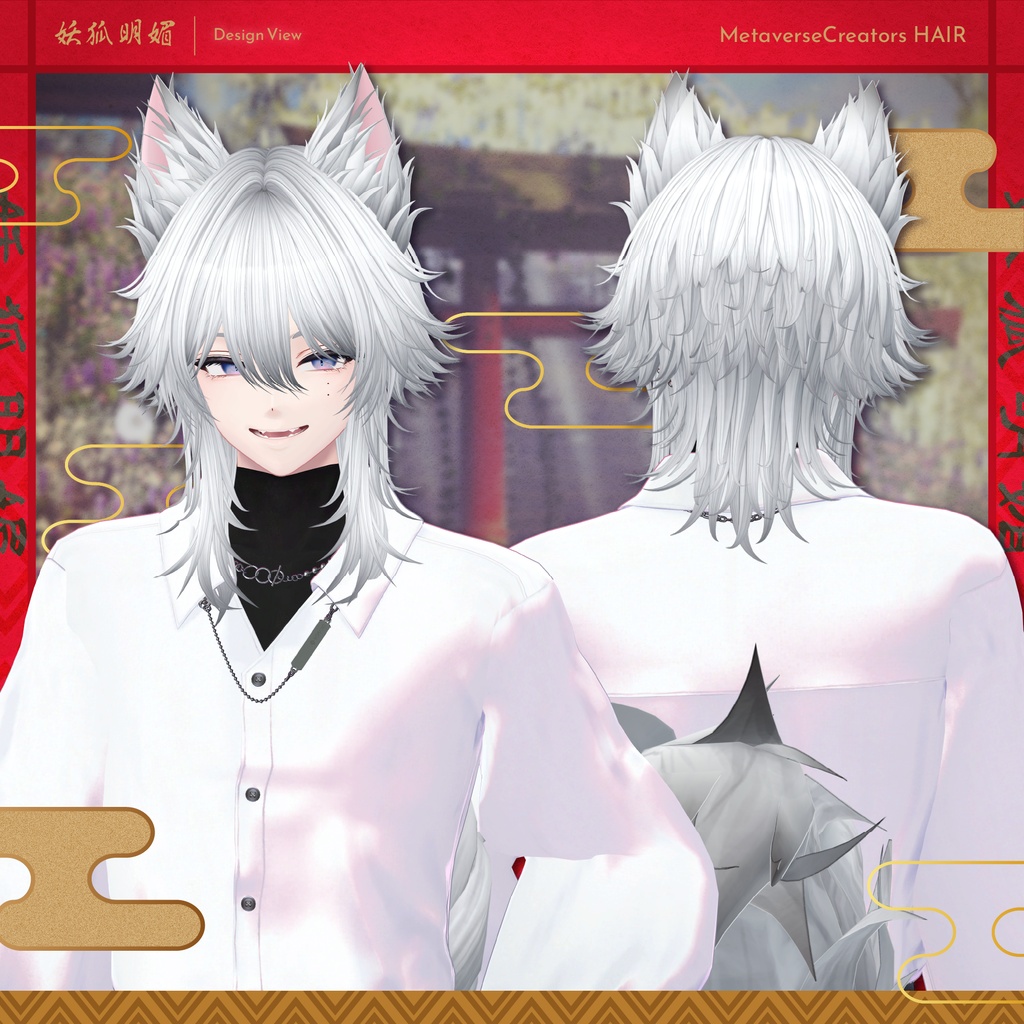
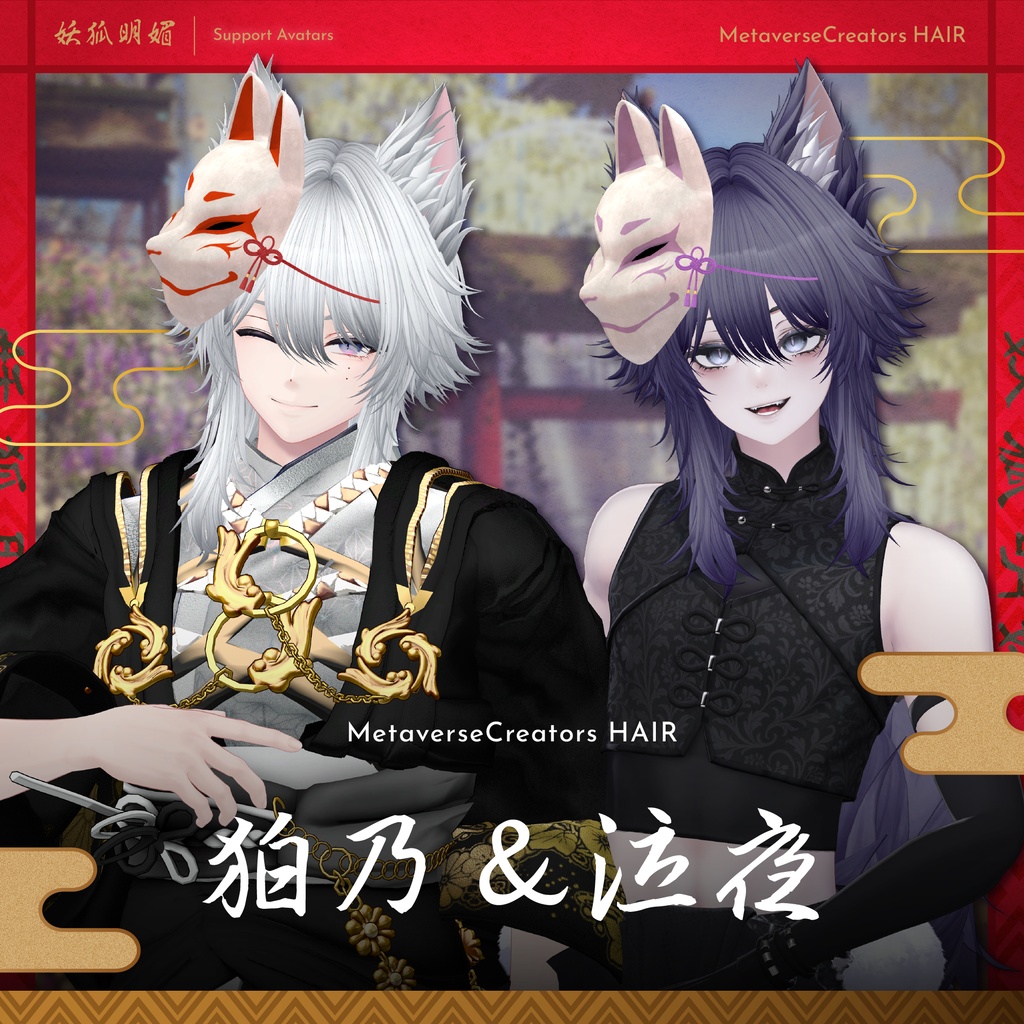
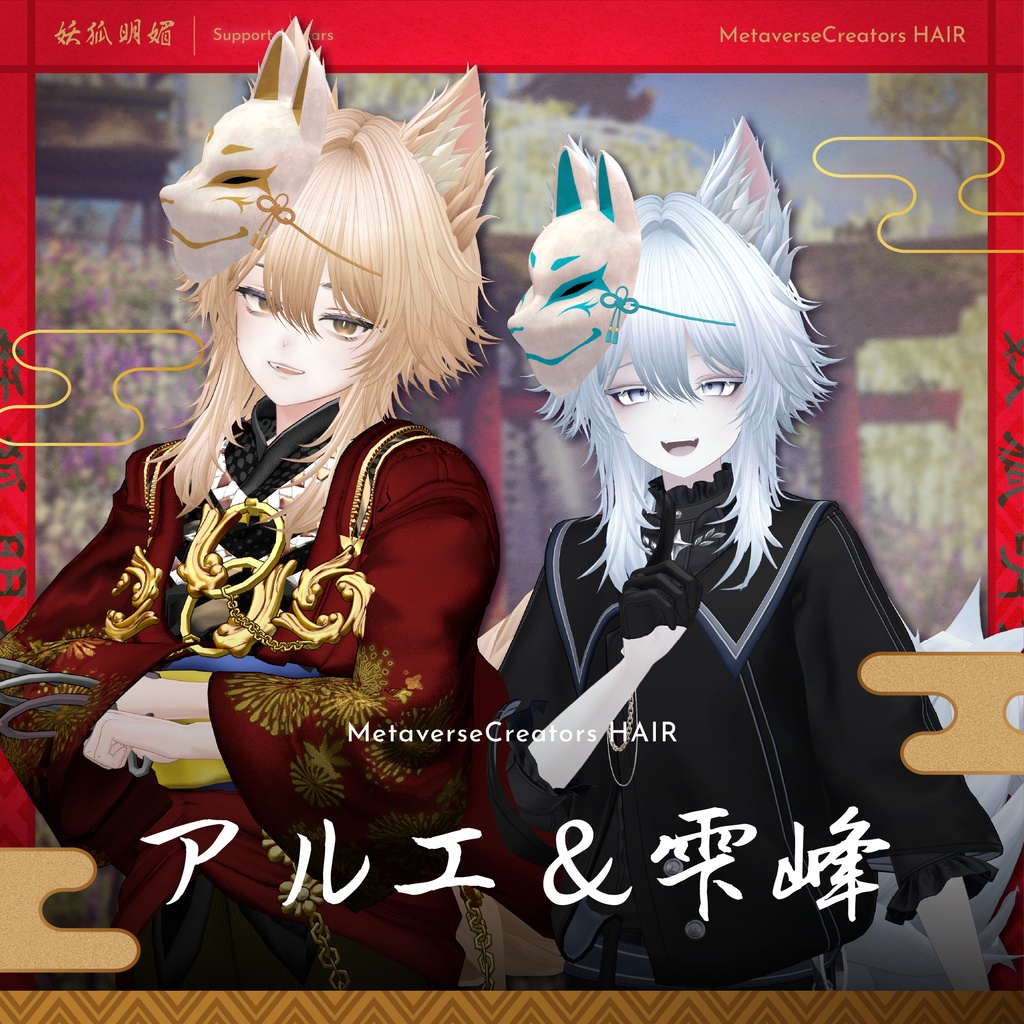
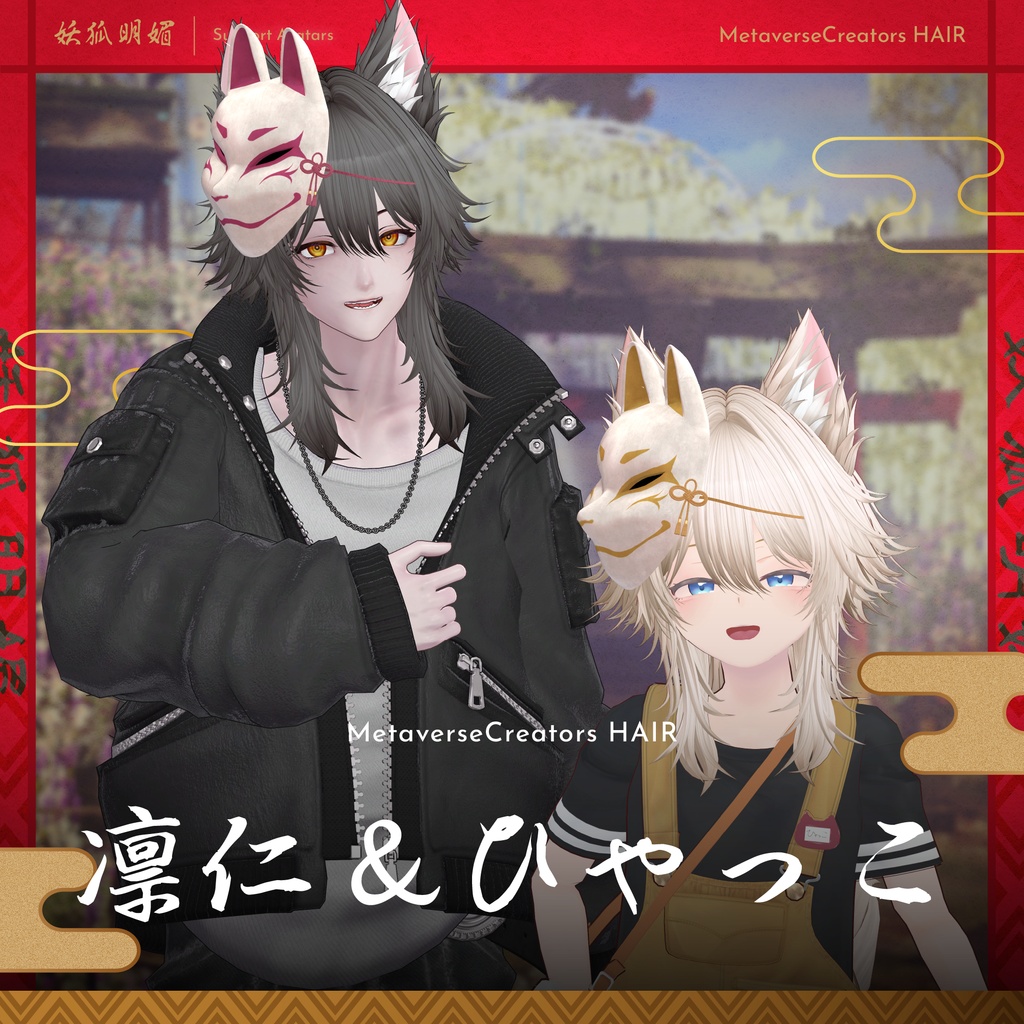
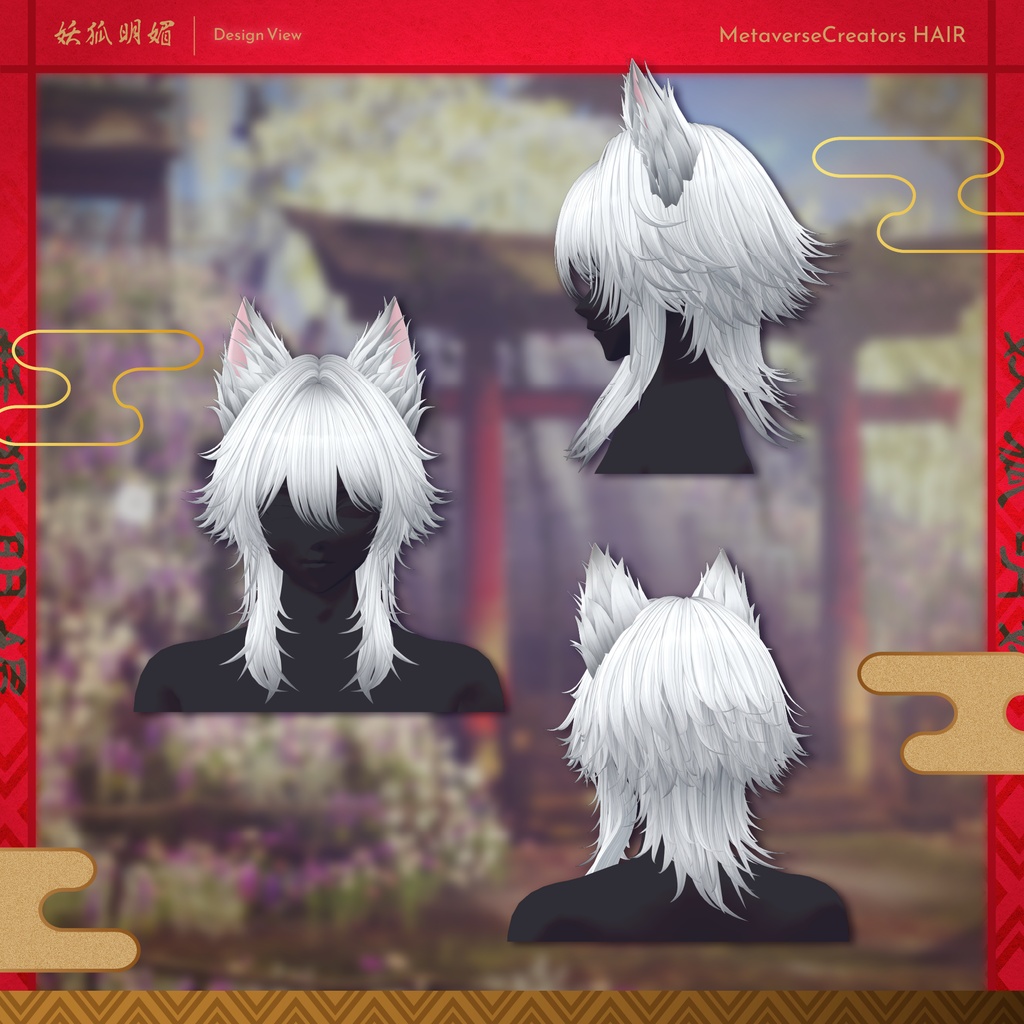
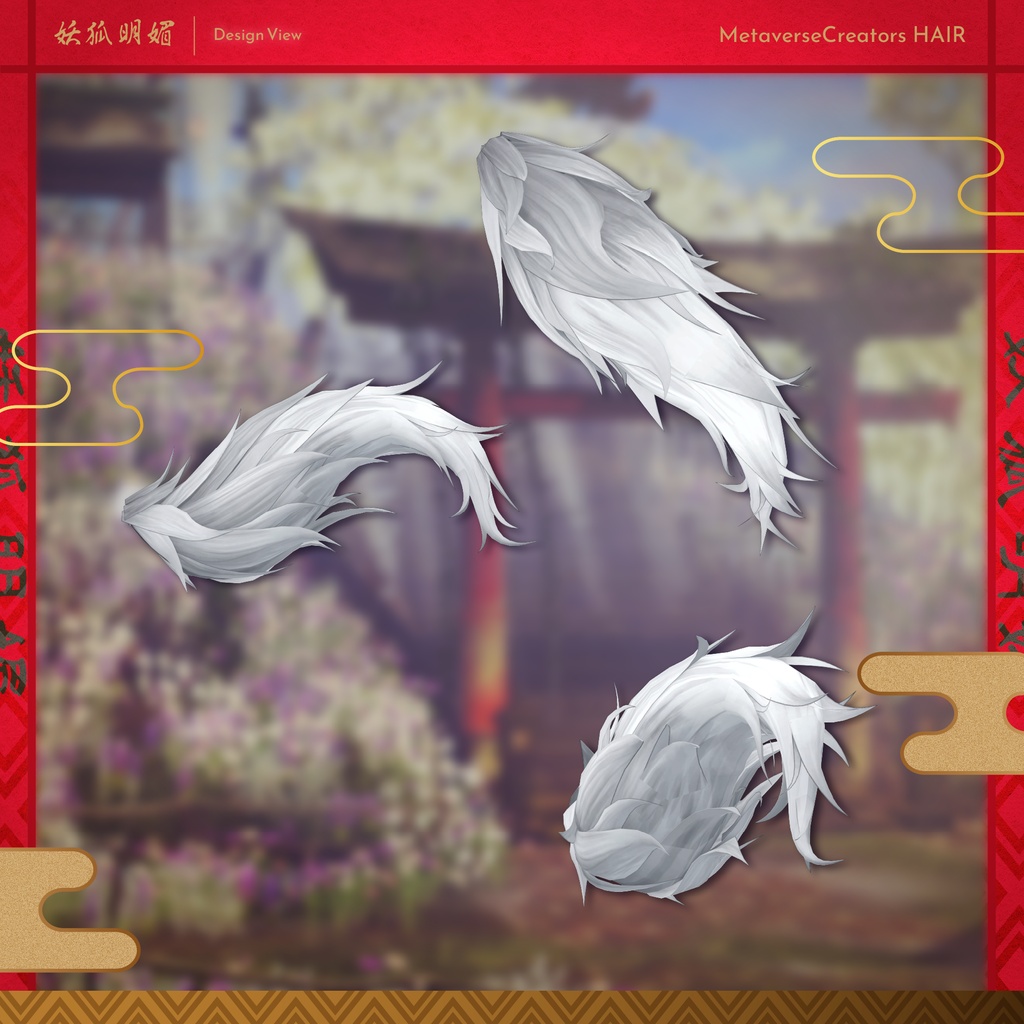
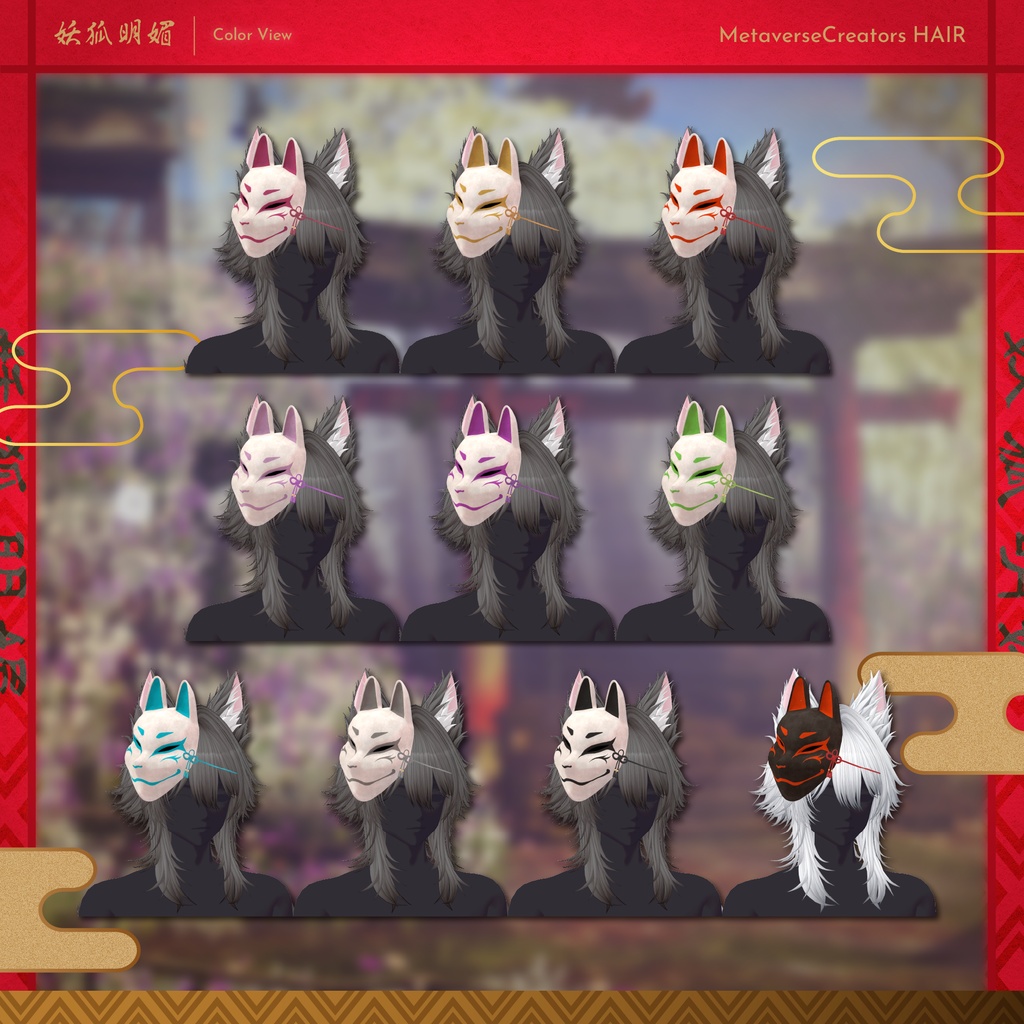
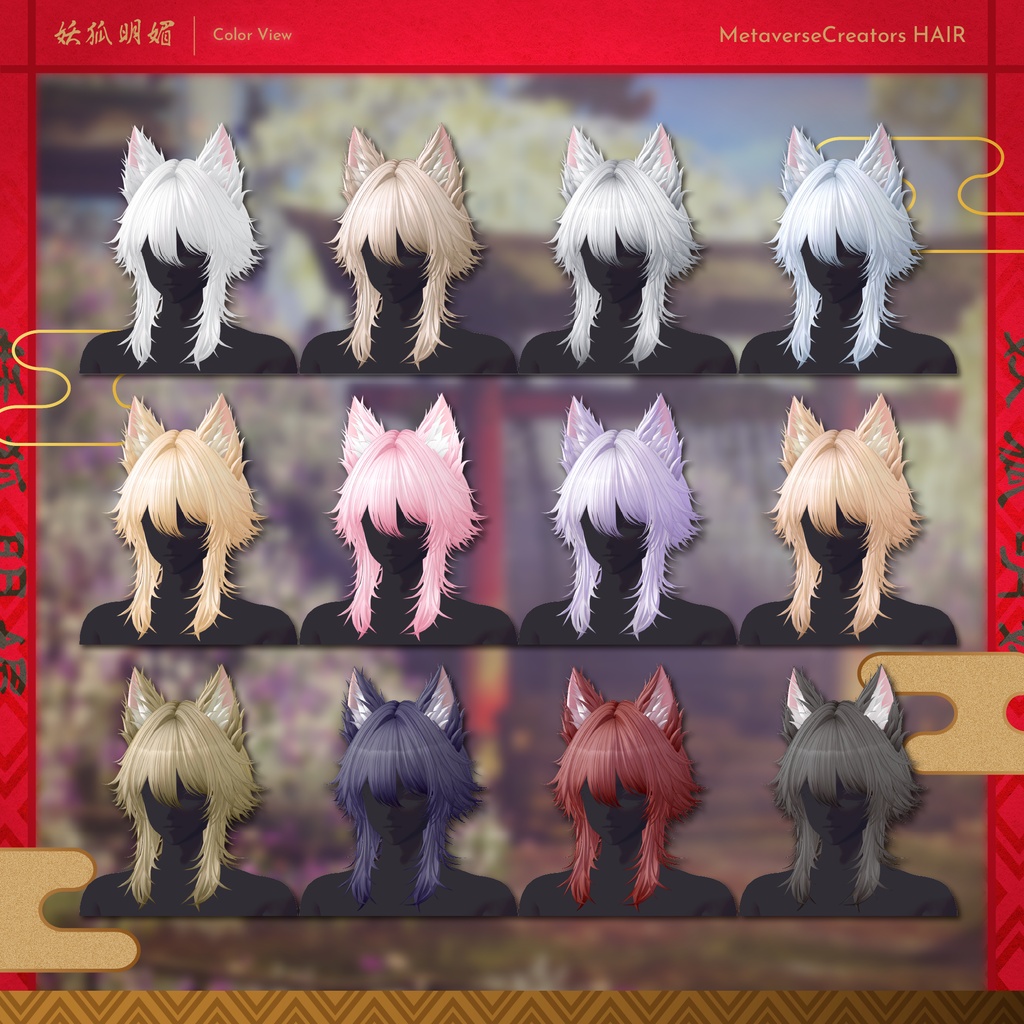
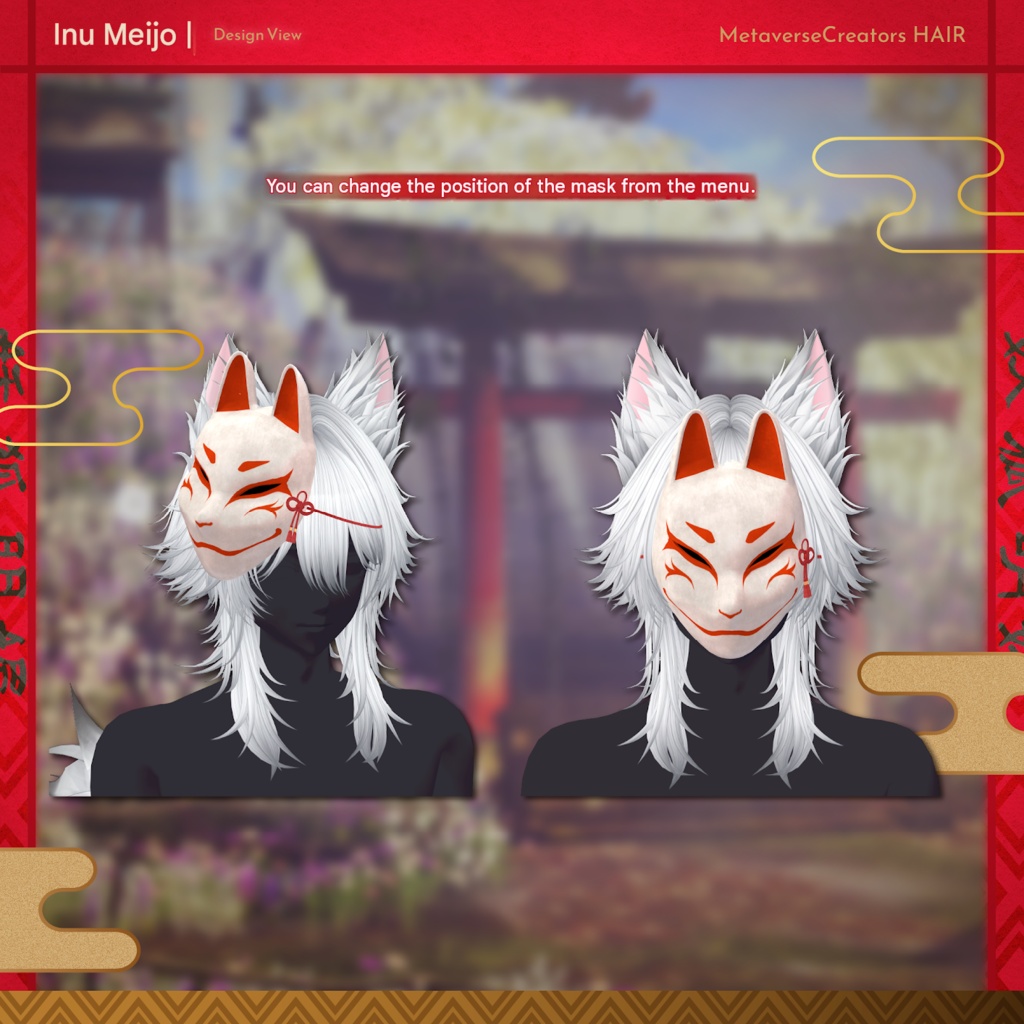
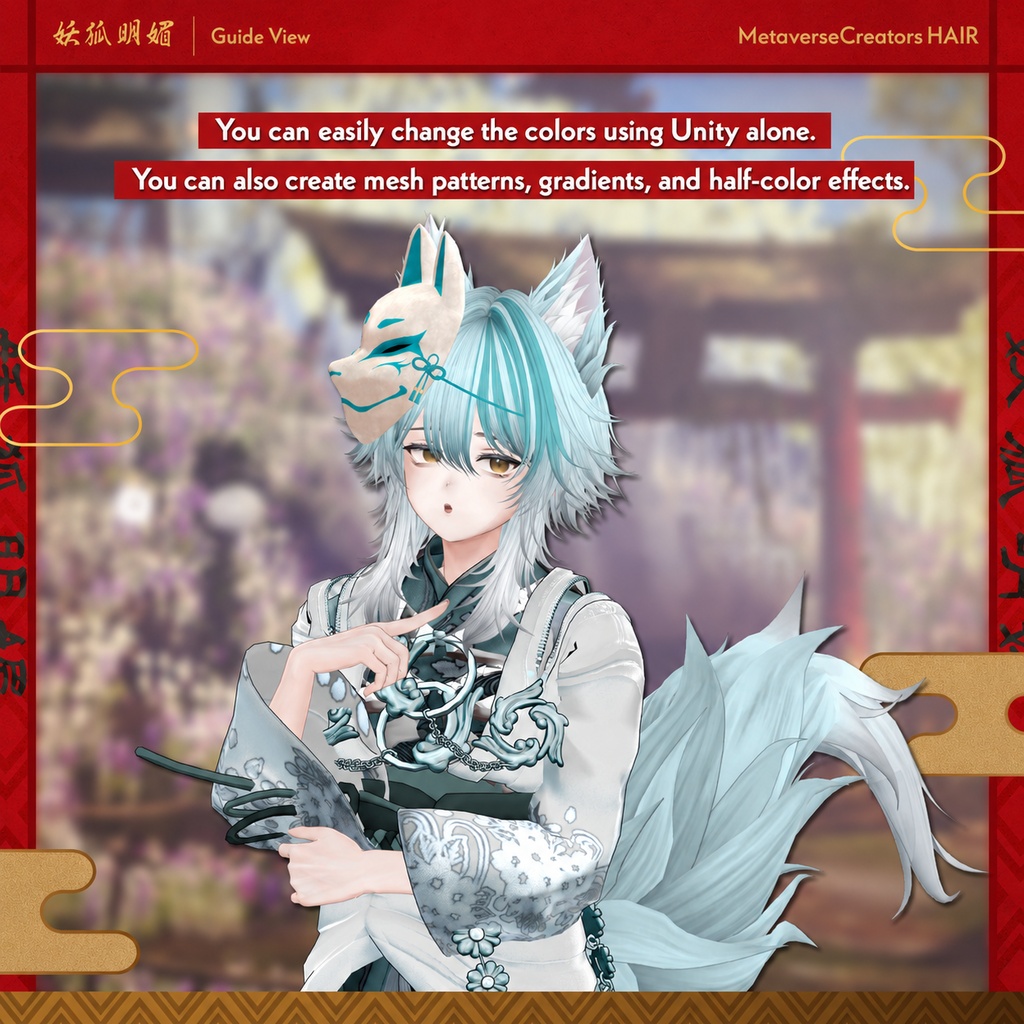
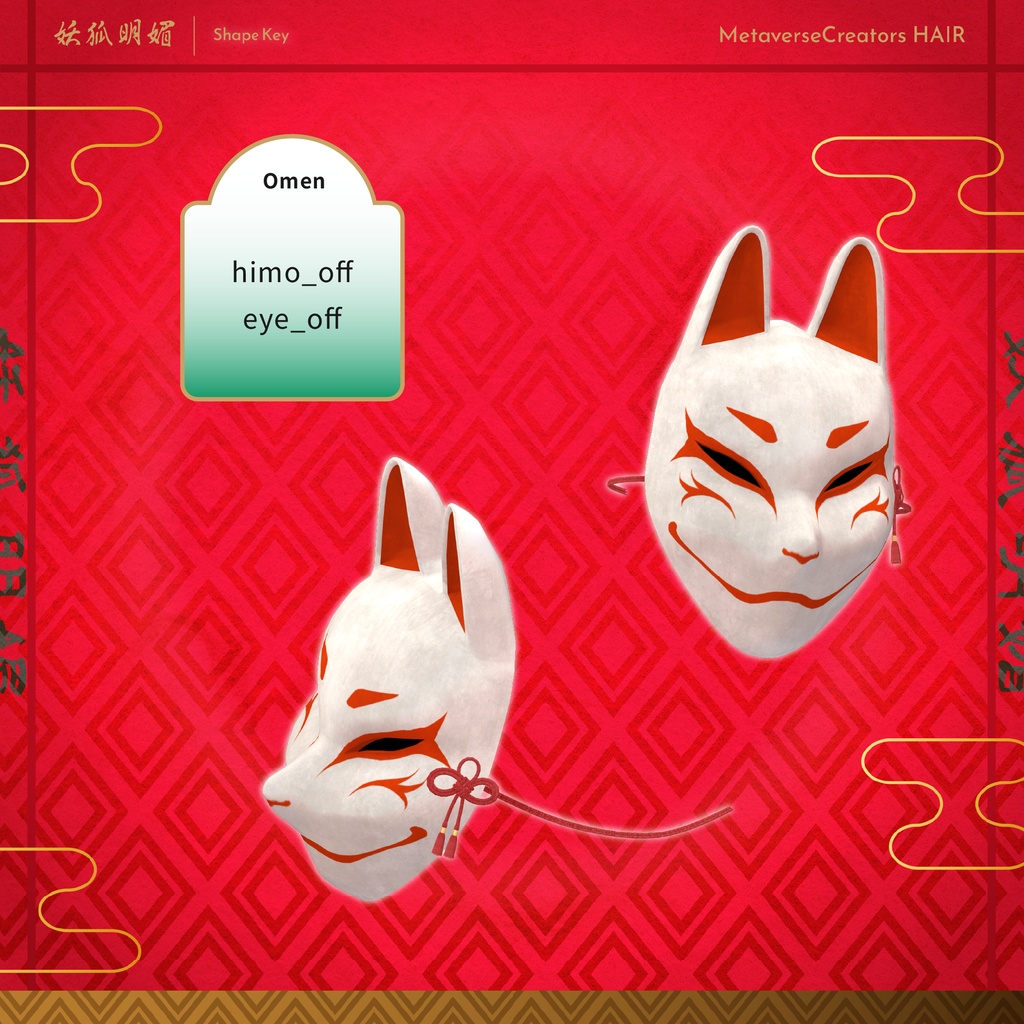
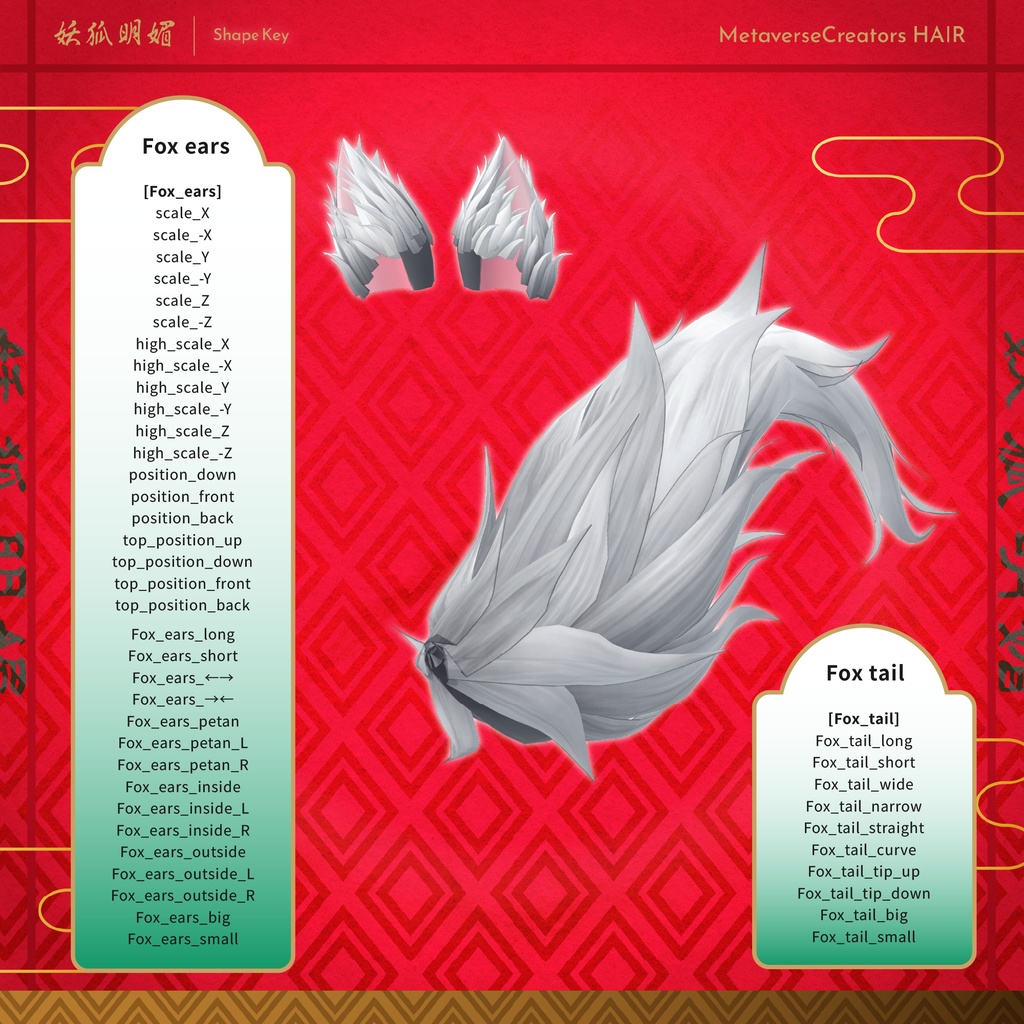
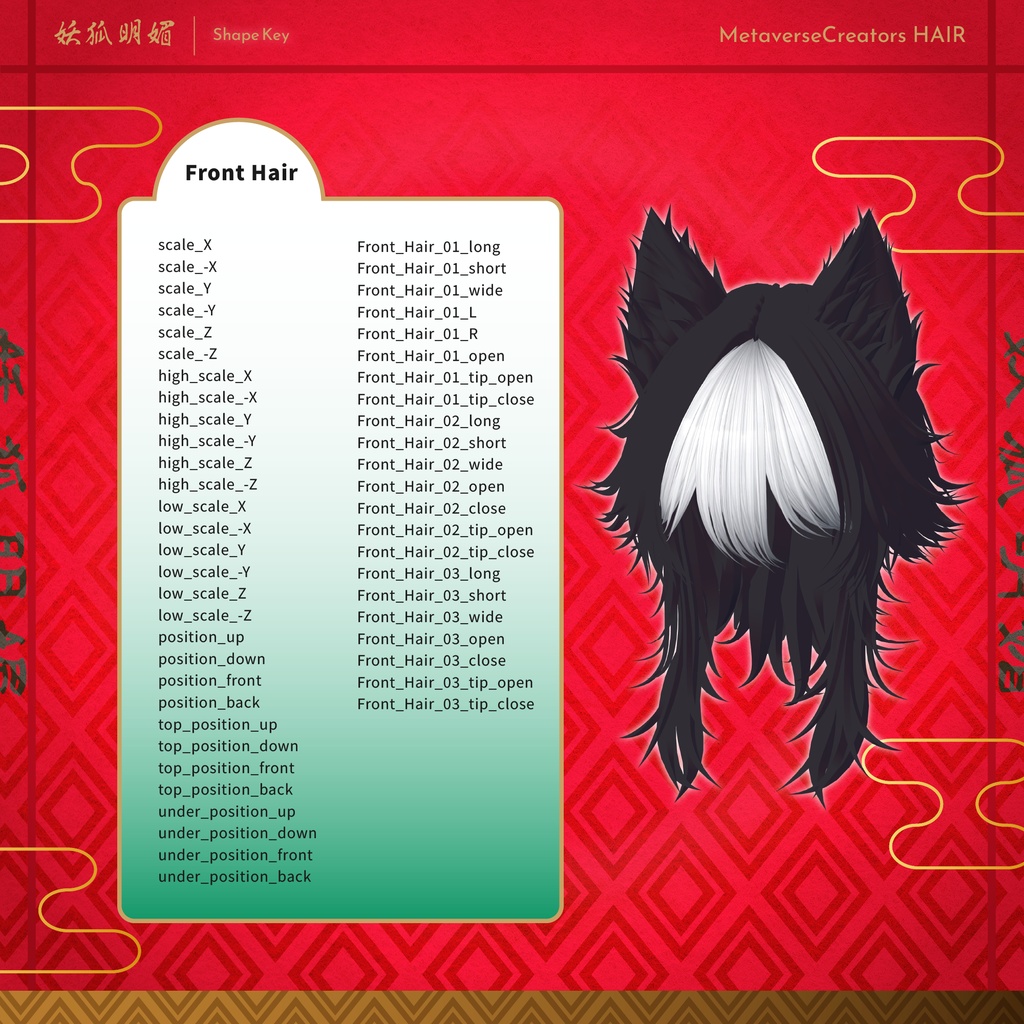
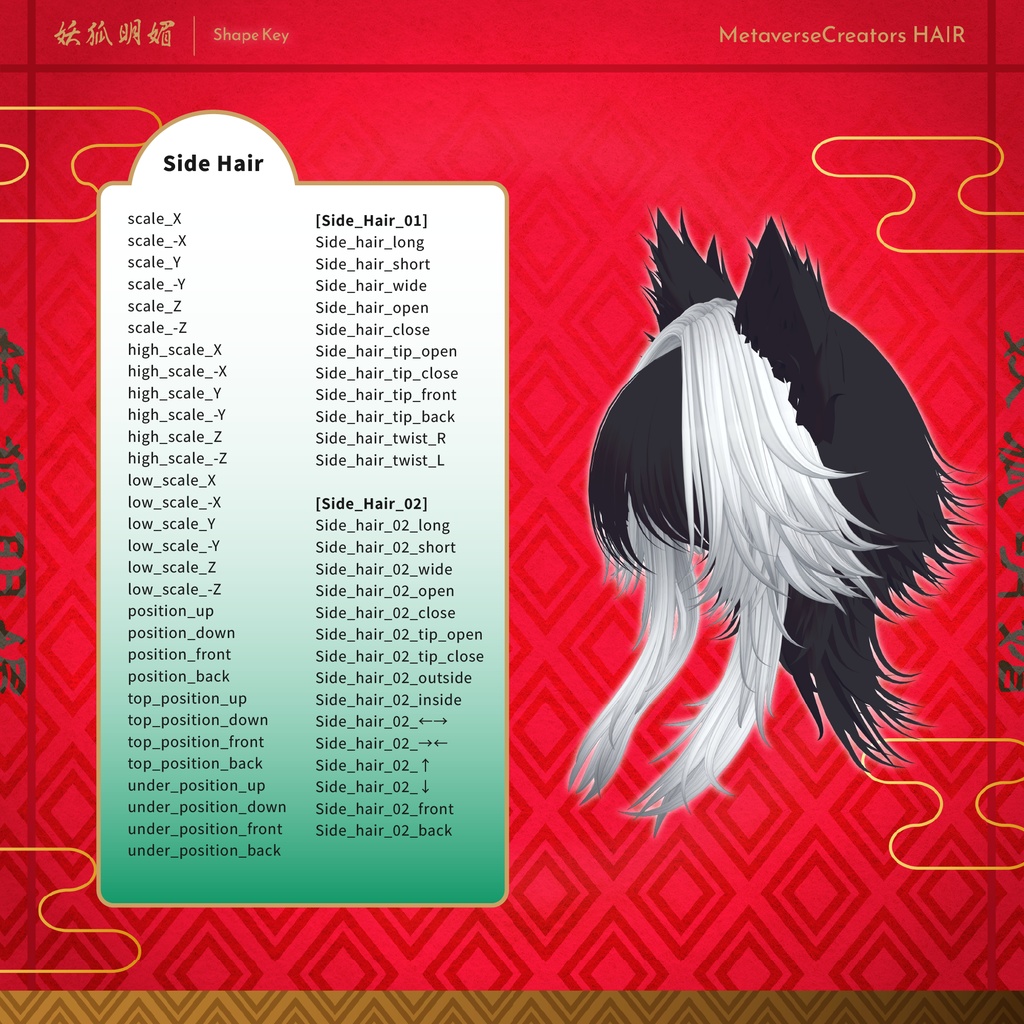
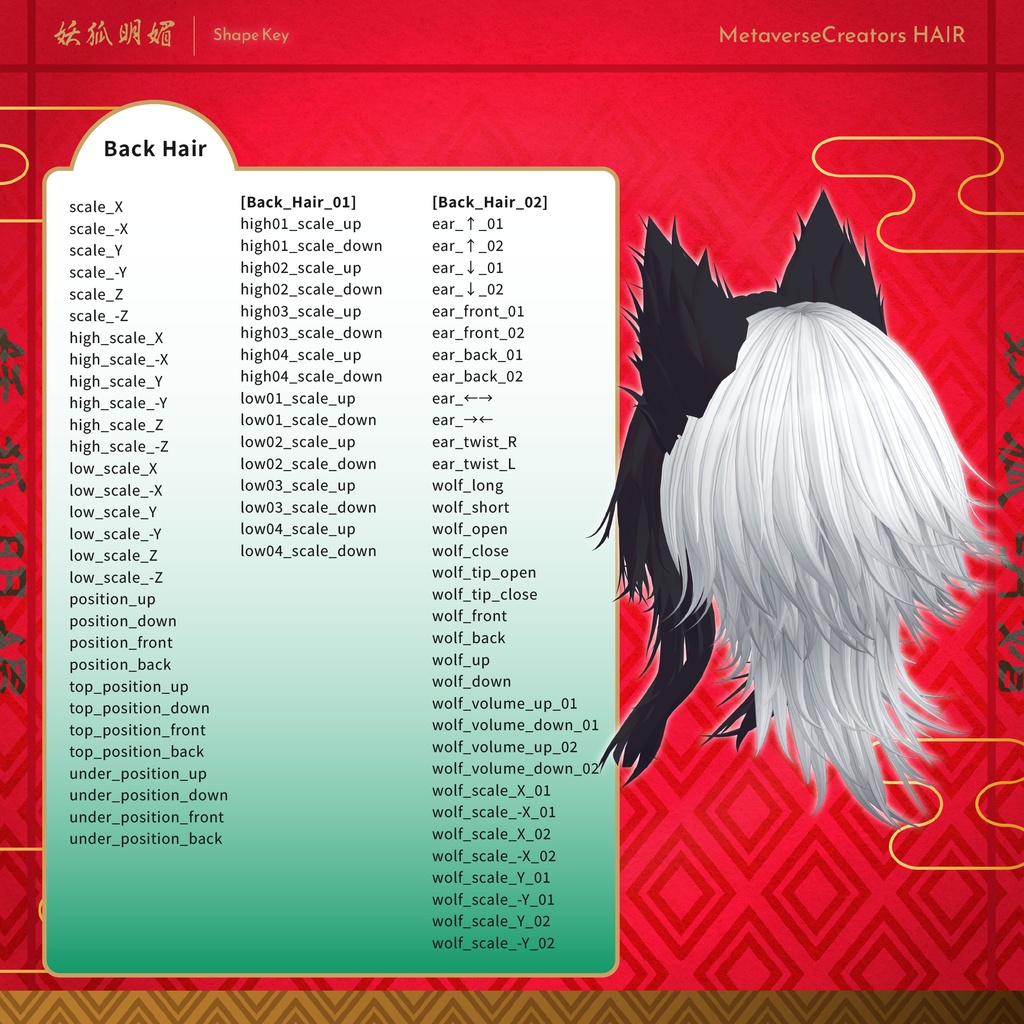
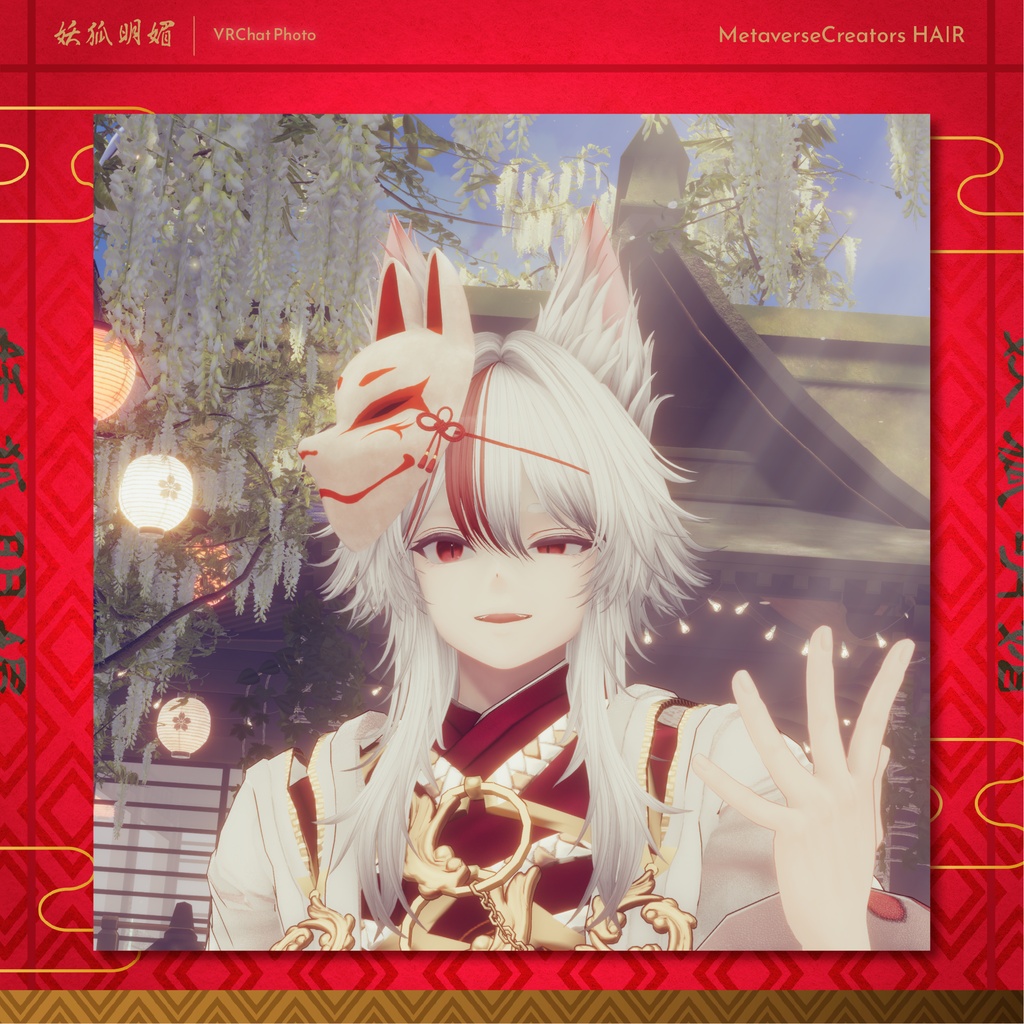
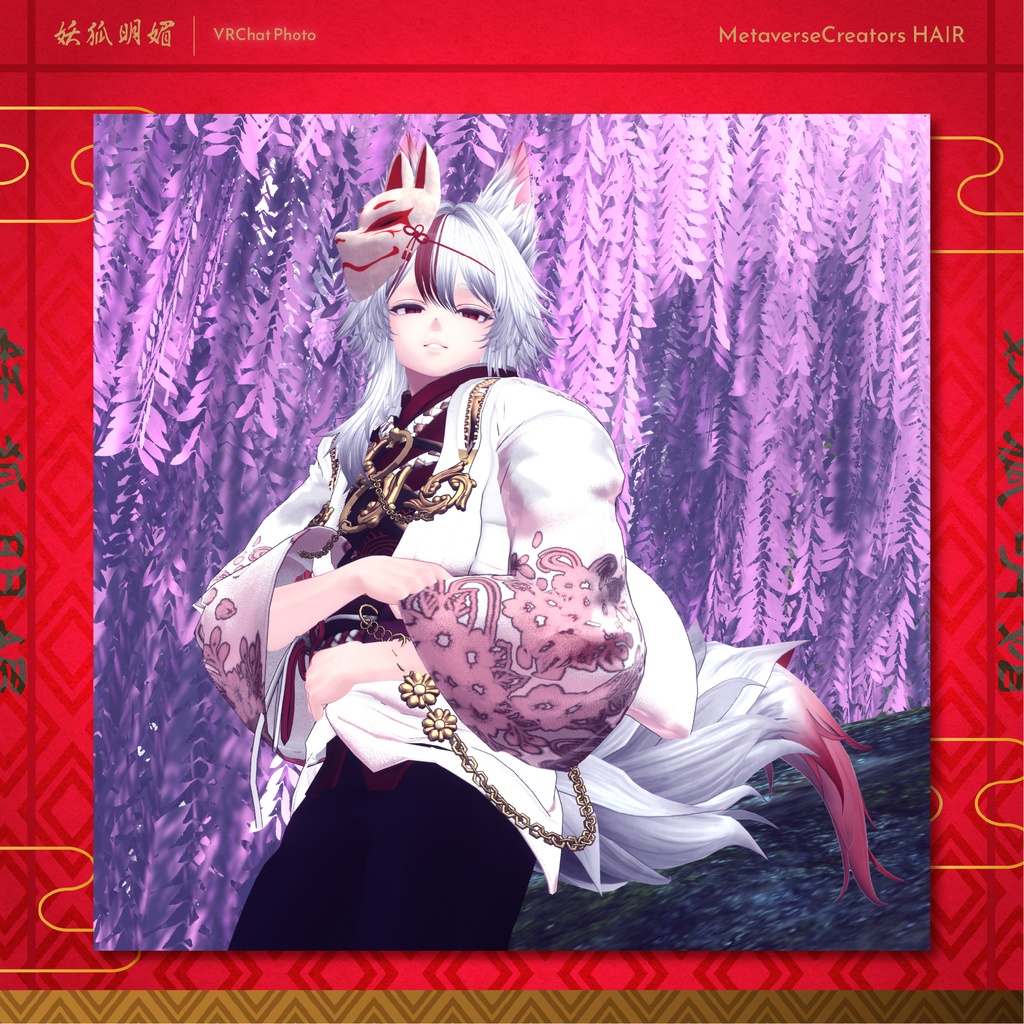
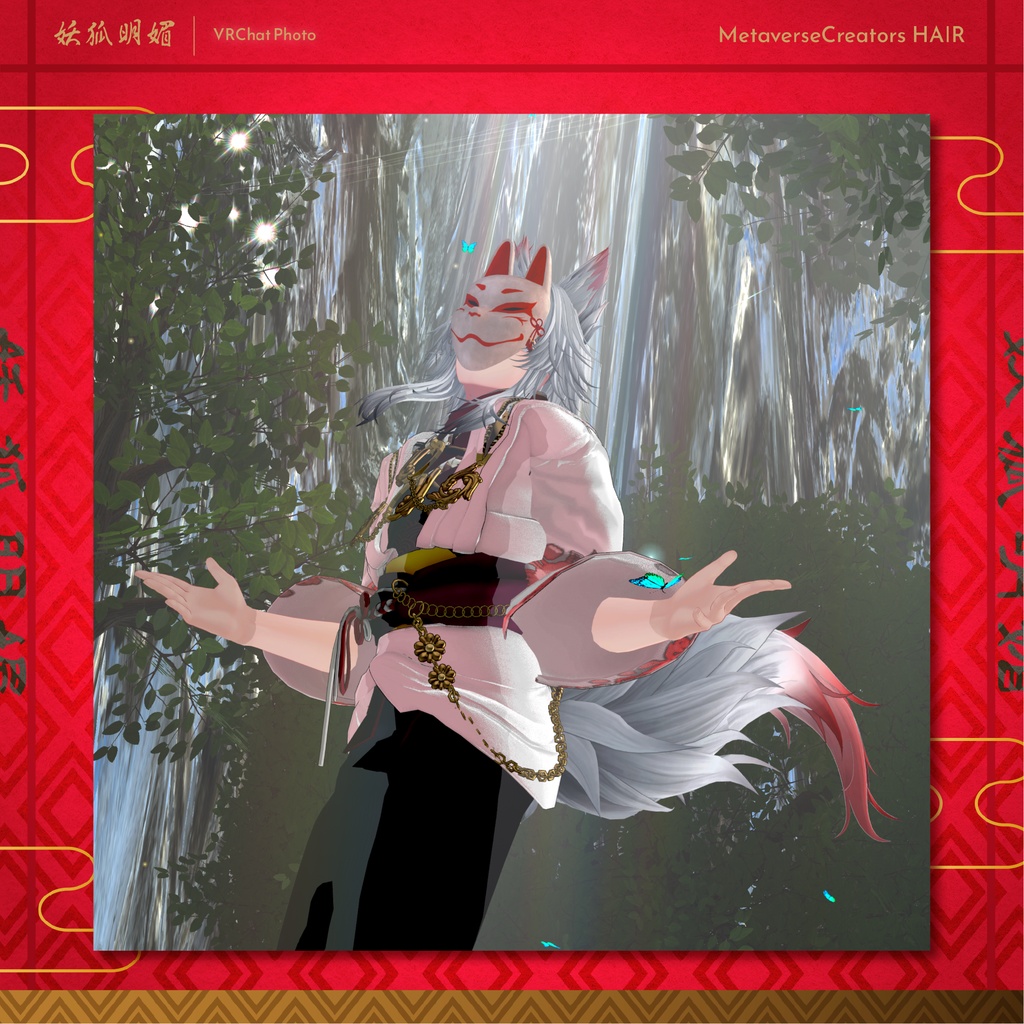


A fox-inspired hairstyle perfect for Japanese-style outfits and summer avatars. Includes fox ears and a fox tail. The fox mask features a positioning gimmick that allows you to adjust its placement. Please note: This product is a hairstyle model for avatars. The avatar itself is not included. Due to the nature of digital products, returns and refunds are not available. Please read and agree to the product description and Terms of Use before purchasing. ◆ Contents Full Pack yokomeibi_full_1.0.0.Unitypackage FBX PSD files for customization ReadMe.txt Fox Ears & Tail Pack yokomeibi_fox_1.0.0.Unitypackage FBX PSD files for customization ReadMe.txt Mask Pack yokomeibi_omen_1.0.0.Unitypackage FBX PSD files for customization ReadMe.txt ◆ Required Assets Shader: lilToon https://lilxyzw.booth.pm/items/3087170 Required: Modular Avatar https://modular-avatar.nadena.dev/ja/docs/intro ◆ Model Data Total: 33,721 polygons Hairstyle (yokomeibi): 20,522 polygons Front Hair: 1,974 Side Hair 01: 5,289 Side Hair 02: 2,578 Back Hair 01: 7,824 Back Hair 02: 2,857 5 meshes / 2 materials / 3 PhysBone components Fox Ears & Tail (yokomeibi_Fox): 7,351 polygons Fox Ears: 4,064 Fox Tail: 3,287 2 meshes / 1 material / 2 PhysBone components Mask (yokomeibi_Omen): 5,848 polygons Omen: 4,668 Himo 01: 700 Himo 02: 240 3 meshes / 1 material / 2 PhysBone components The mask is used twice within the prefab. Import path: Assets > MetaverseCreators_CP > Maori > yokomeibi ◆ Compatible Avatars Komano https://booth.pm/ja/items/5260363 Semi-compatible versions are included for: Alué https://booth.pm/ja/items/6957623 Nakiya 〈泣夜〉 https://booth.pm/ja/items/7924603 Hyakko by Niyami https://metacreator.booth.pm/items/8205244 Licht (凛仁) https://metacreatorstyo.booth.pm/items/7430852 Shizune (雫峰 -Shizune-) https://metacreatorstyo.booth.pm/items/7684873 Numerous Shape Keys are included for adjusting the size and position of each part. Avatars not listed above may also be compatible with manual adjustments. When different objects have Shape Keys with the same name, setting them to the same value will generally allow for smoother adjustments. Please see the product images for the full Shape Key list. ◆ Installation Set up the latest VRChat SDK through VCC. Install lilToon and Modular Avatar through VCC. Import the latest package for your avatar. Import this product's package. Place your avatar in the Scene Hierarchy. Hide or set unnecessary avatar parts, such as the original hair or ears, to Editor Only if needed. Drag yokomeibi_Hair_[AvatarName].Prefab or yokomeibi_Fox_[AvatarName].Prefab directly under your avatar. Adjust the scale, position, and Shape Keys as needed. Pre-adjusted Prefabs do not require this step. Upload your avatar through the VRChat SDK. Compatible Prefabs are included in the prefab folder. For the mask, please follow the detailed setup instructions provided with the product, as the mask includes a positioning gimmick. ◆ Color Customization Color-variation materials are included in the Mat folder. The front/side hair and back hair use separate materials. A customizable kaihen material is also included. Its gray Main Color texture can be recolored using HDR. Main Color 2nd and 3rd include gradient and mesh masks, allowing you to create custom combinations directly in Unity. Additional mask patterns are available in Tex > option. The included PSD files can be used for more detailed customization. ◆ Terms of Use https://drive.google.com/drive/folders/1qRMXoIxM1ZgacBPfwOigQRtXP1vCbNMn?usp=sharing Please also follow the Terms of Use of the original avatar. ◆ Development Environment Blender 3.2.0 CLIP STUDIO PAINT Unity 2022.3.22f1 VRChat SDK - Avatars 3.10.1 (VCC) lilToon 2.3.2 Modular Avatar 1.15.1 ◆ Credits Creator: Maori Toy Store https://maorigangu.booth.pm/ For inquiries or support, please contact us via BOOTH messages.