

Canguang Ponytail - VRChat Hair / CP57
- ダウンロード商品¥ 1,000
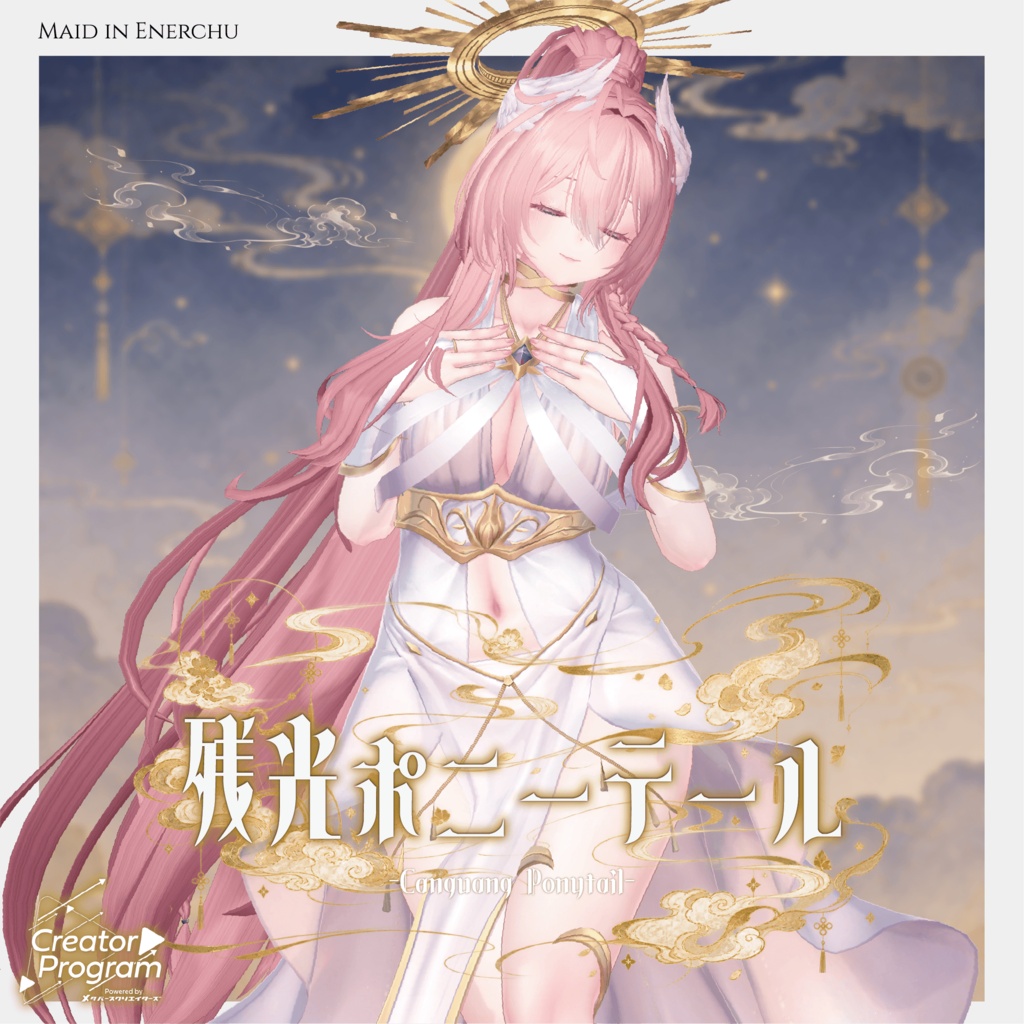
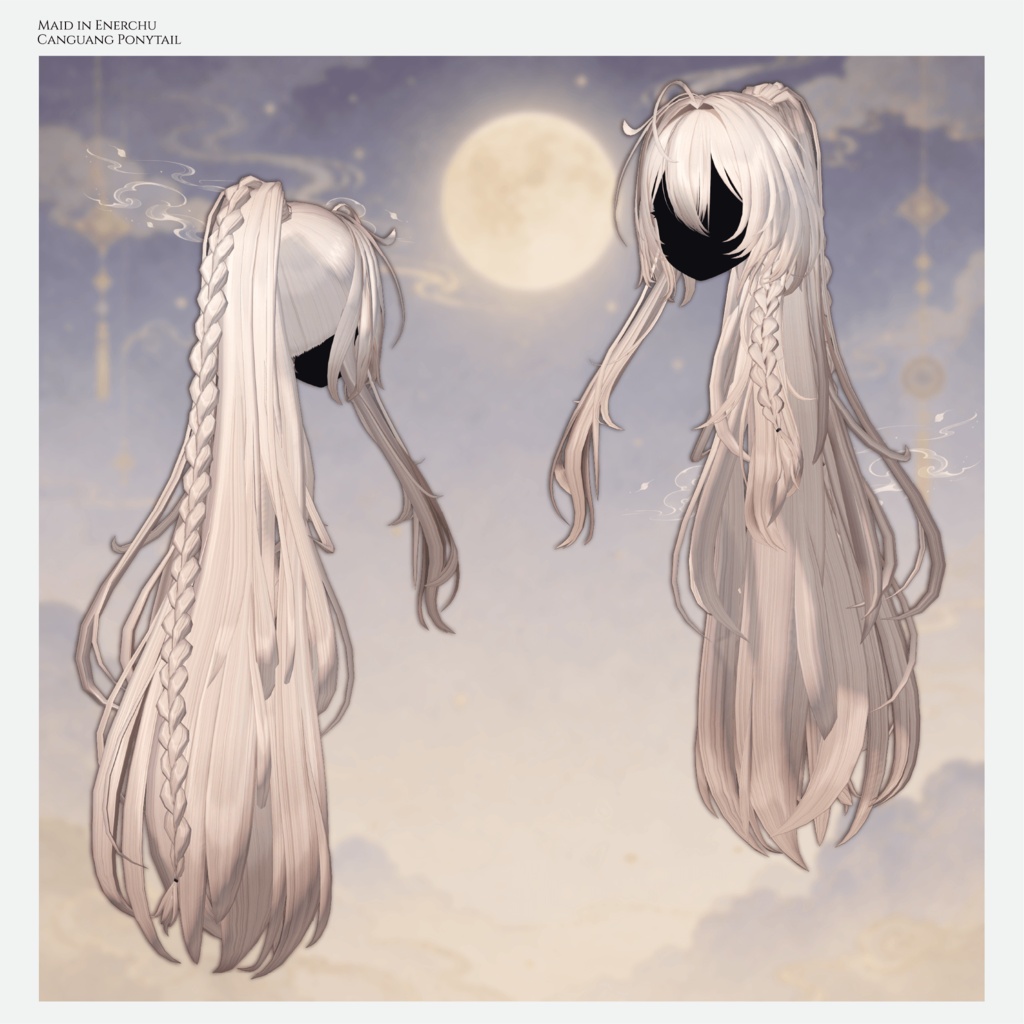
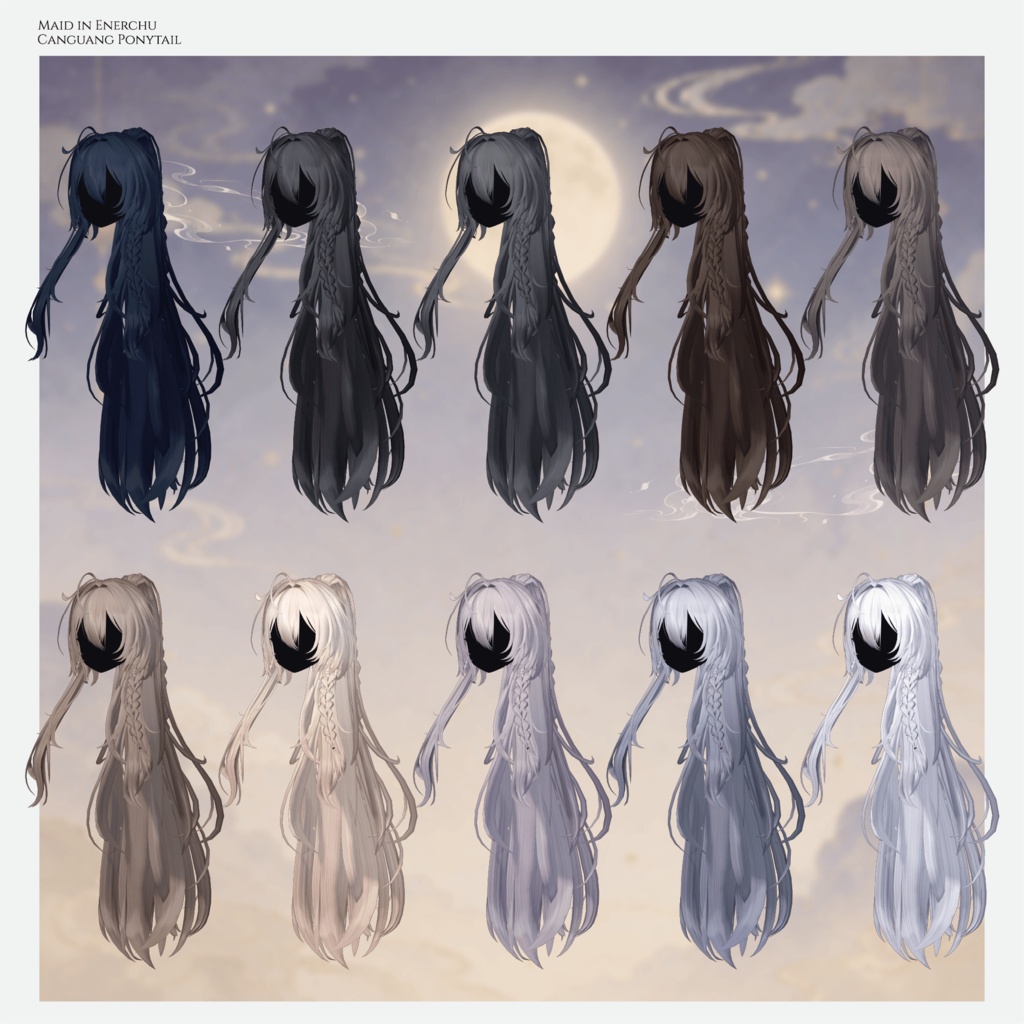
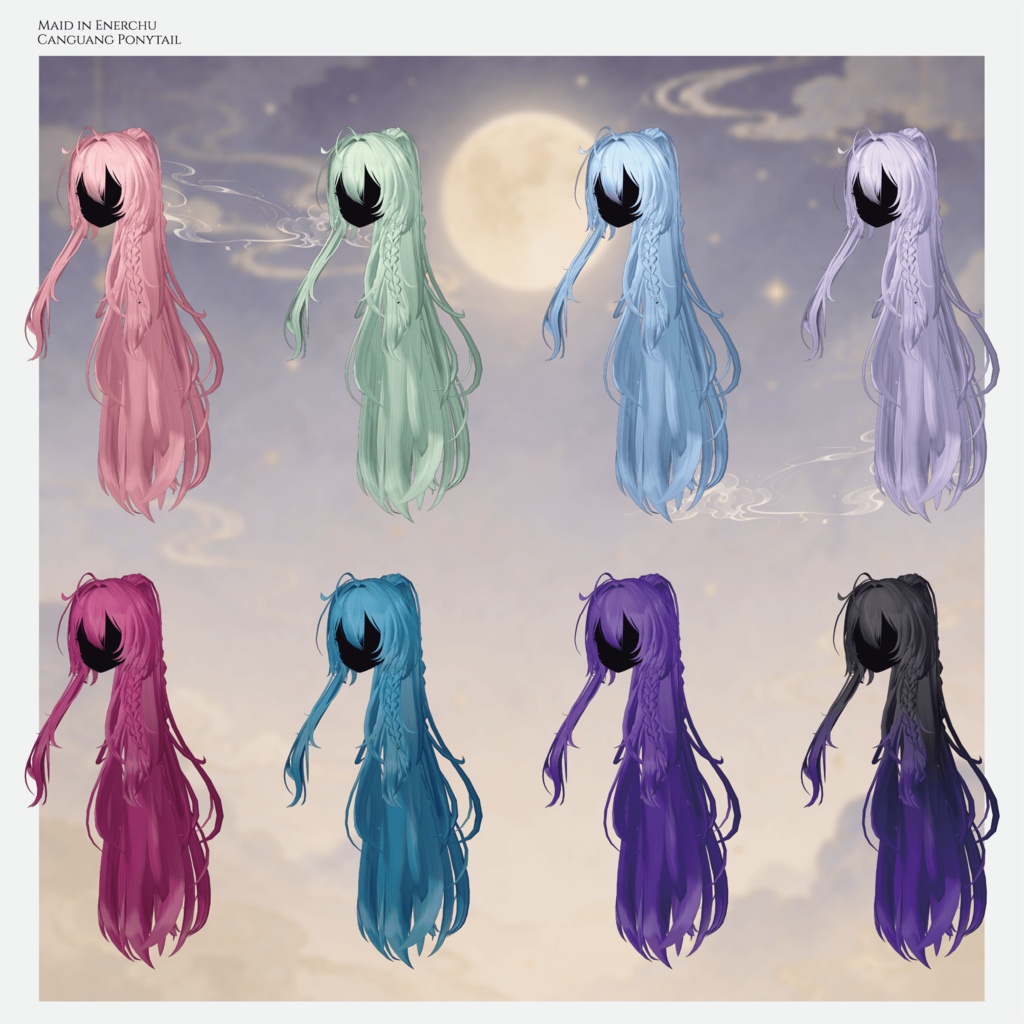
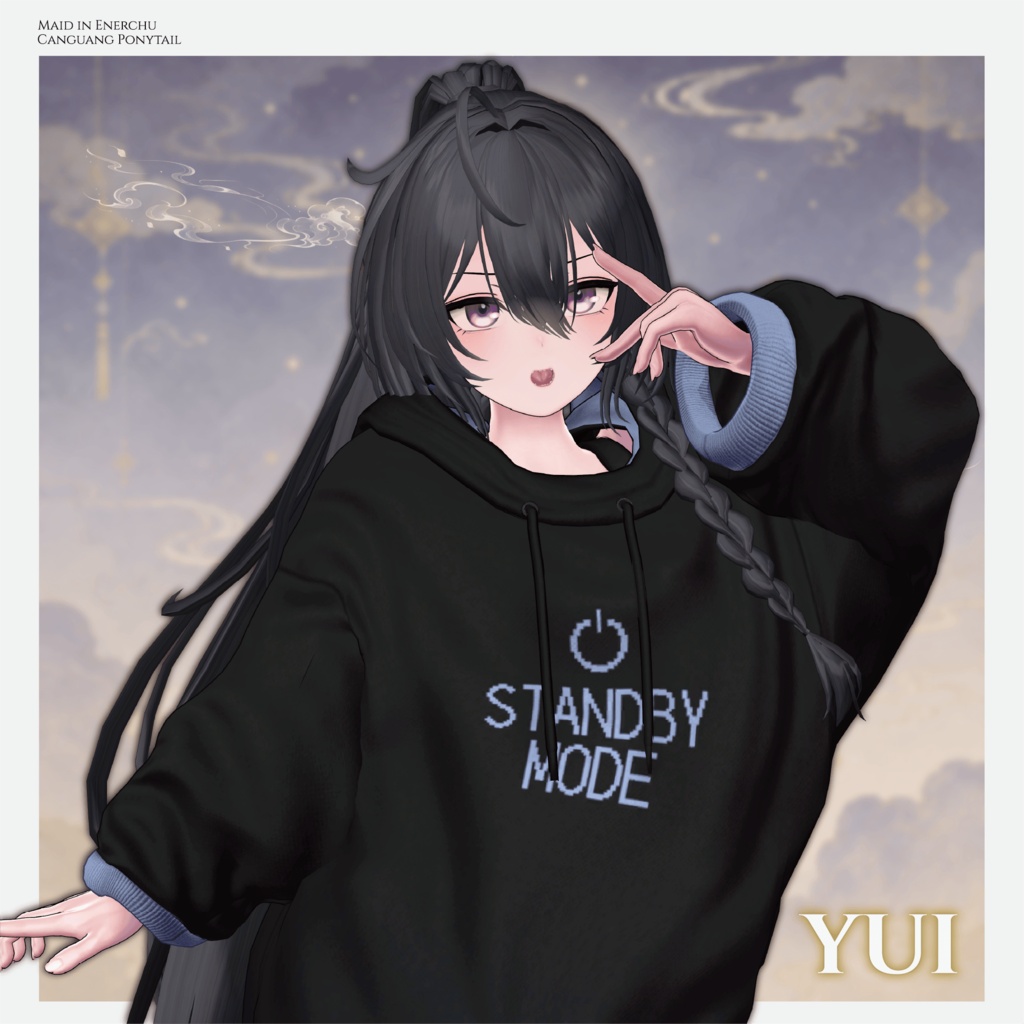
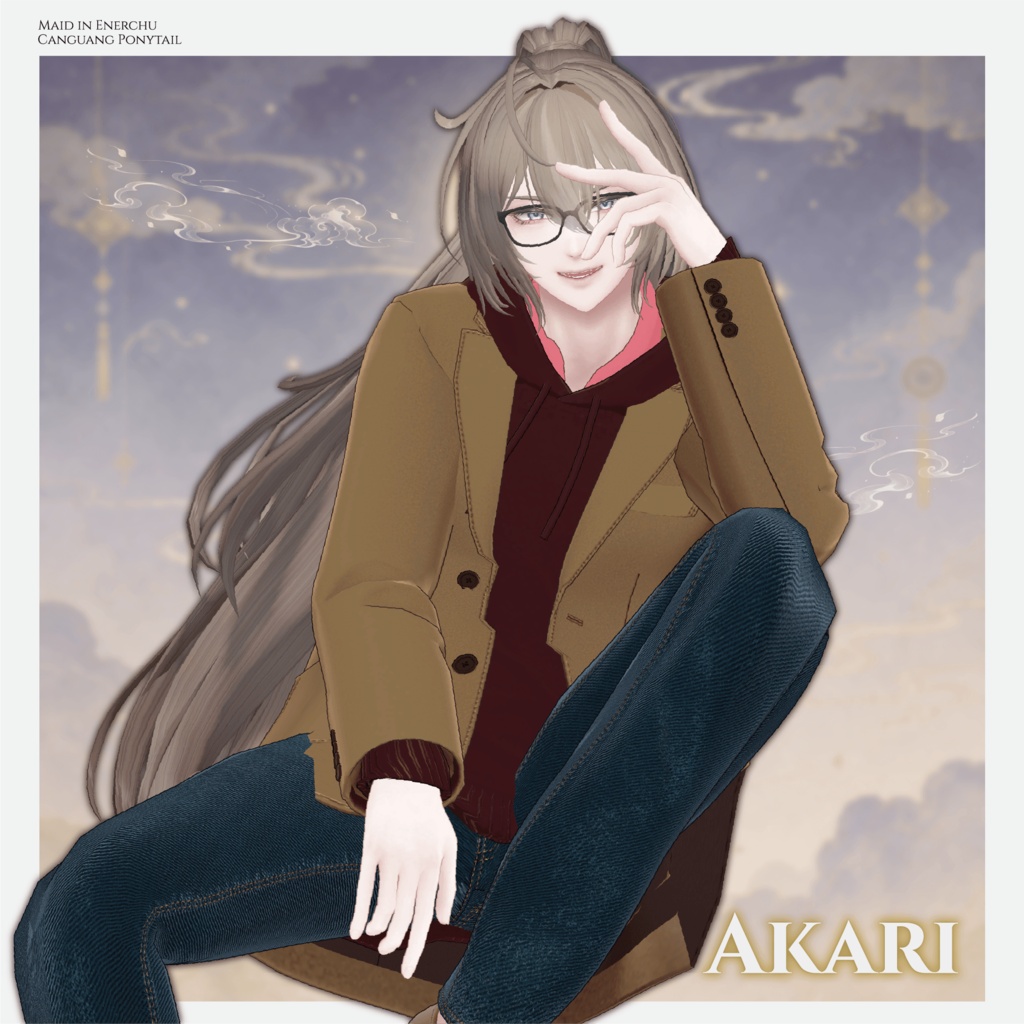
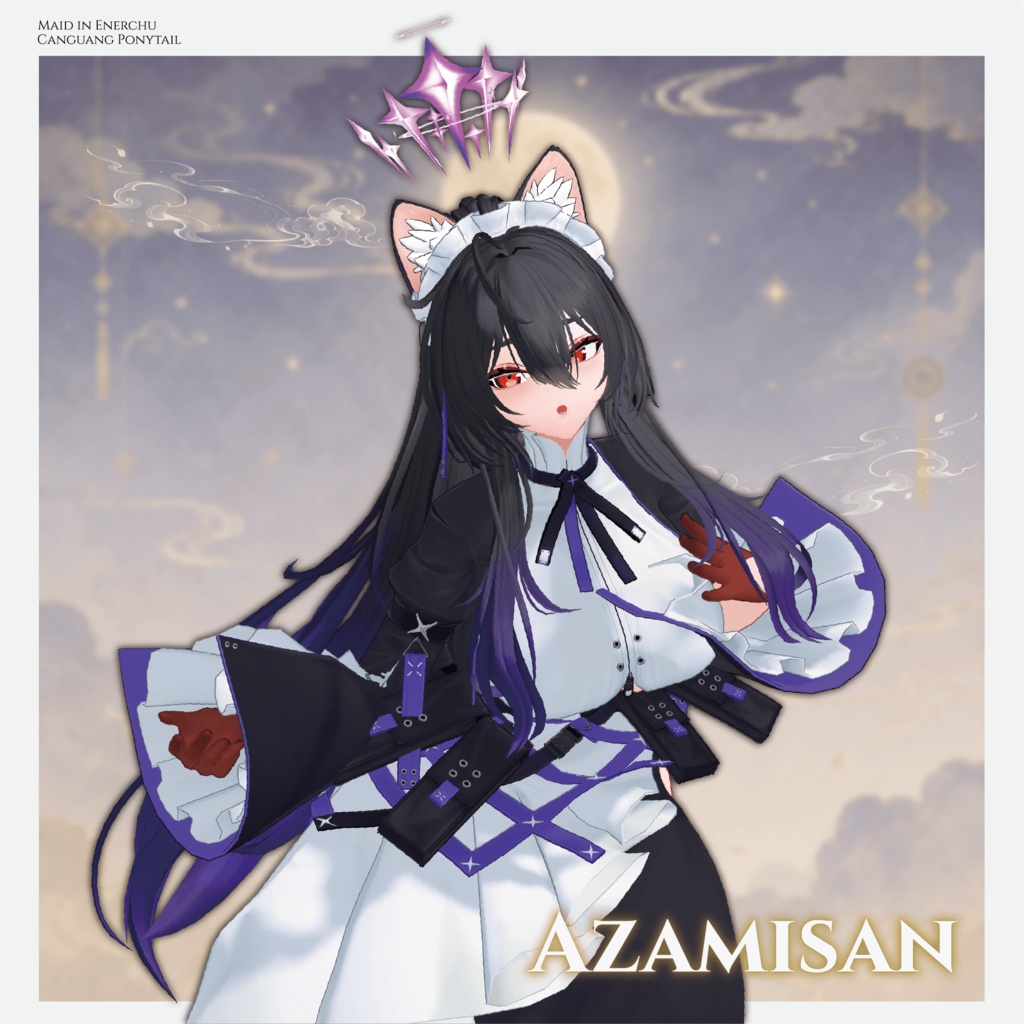
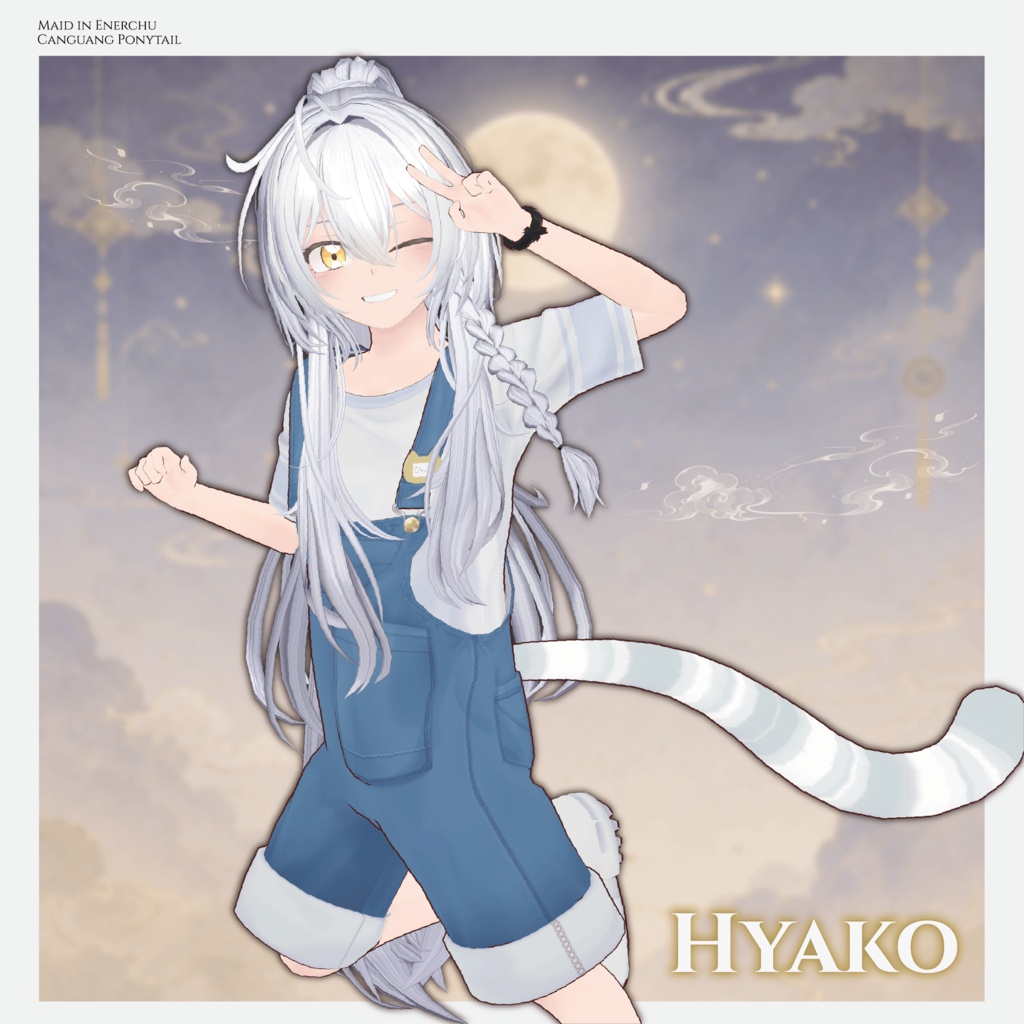
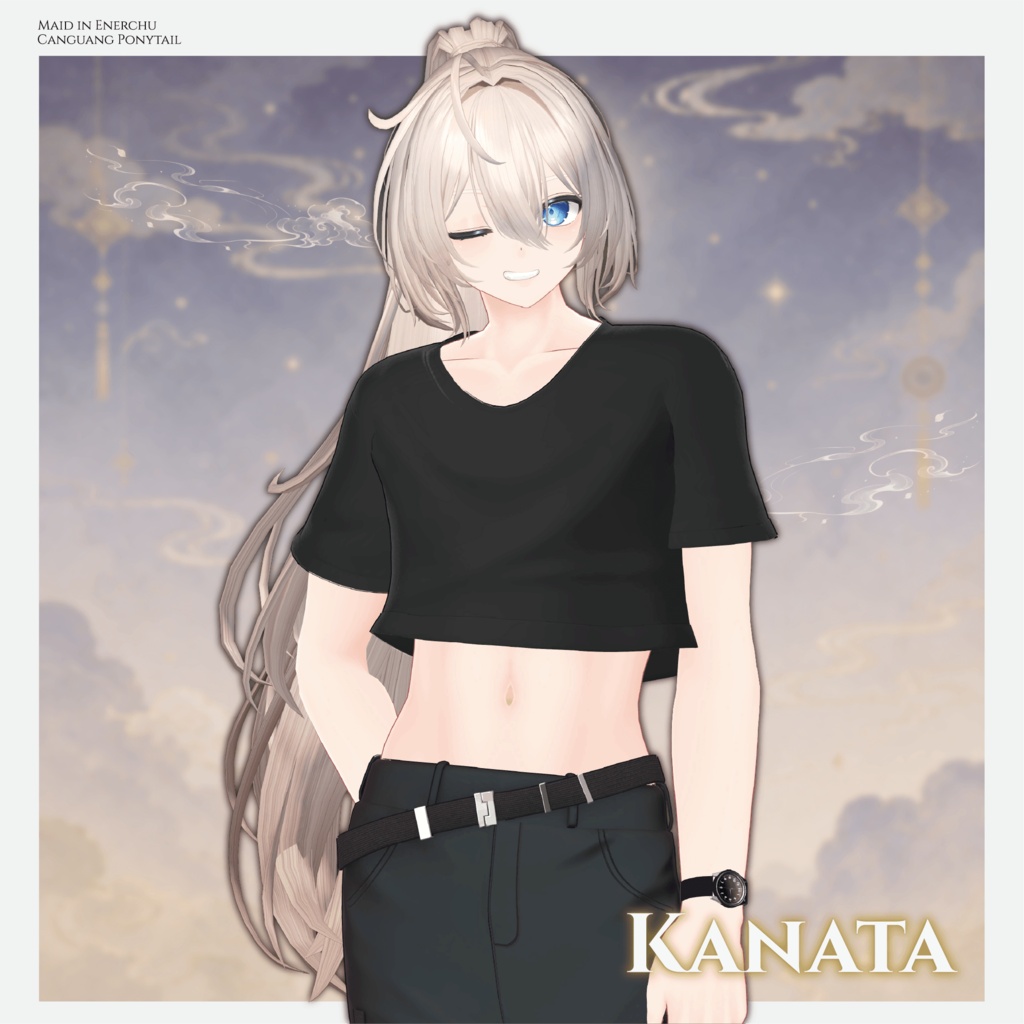
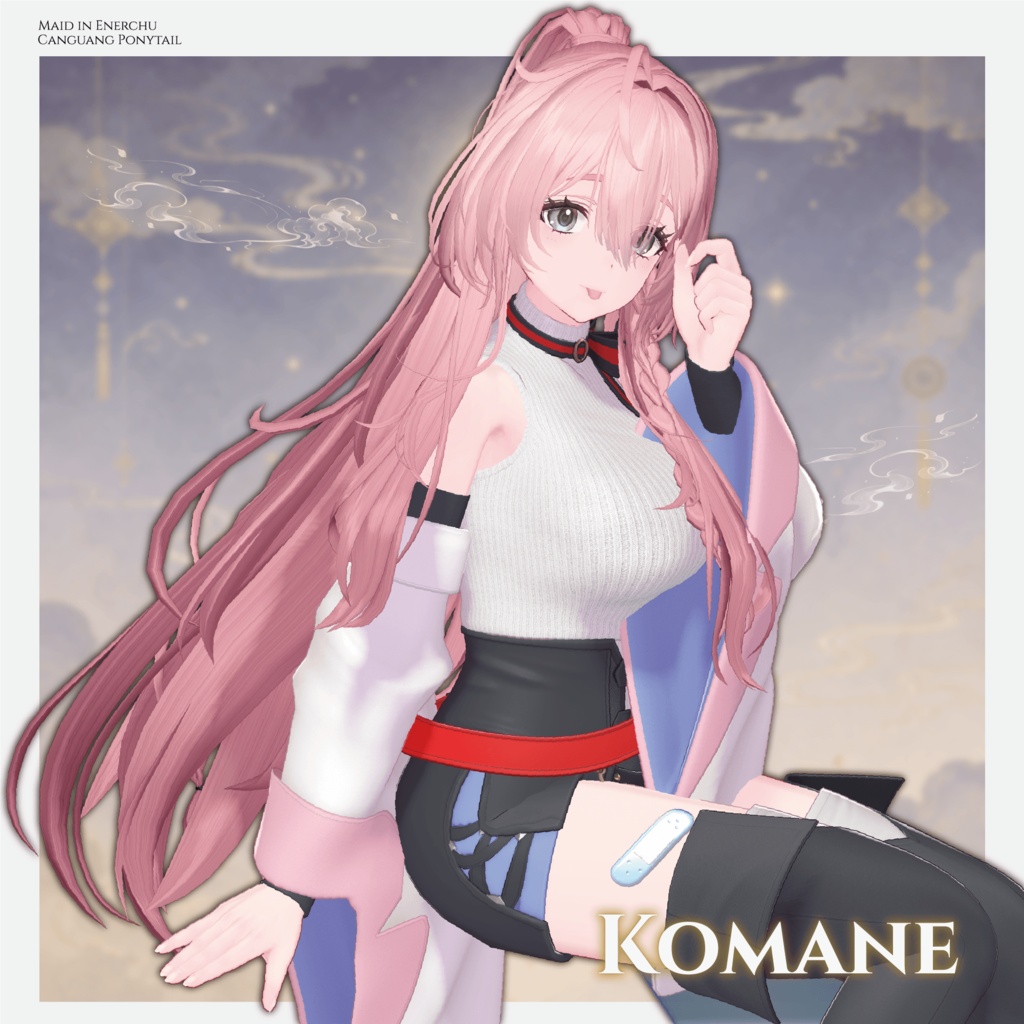
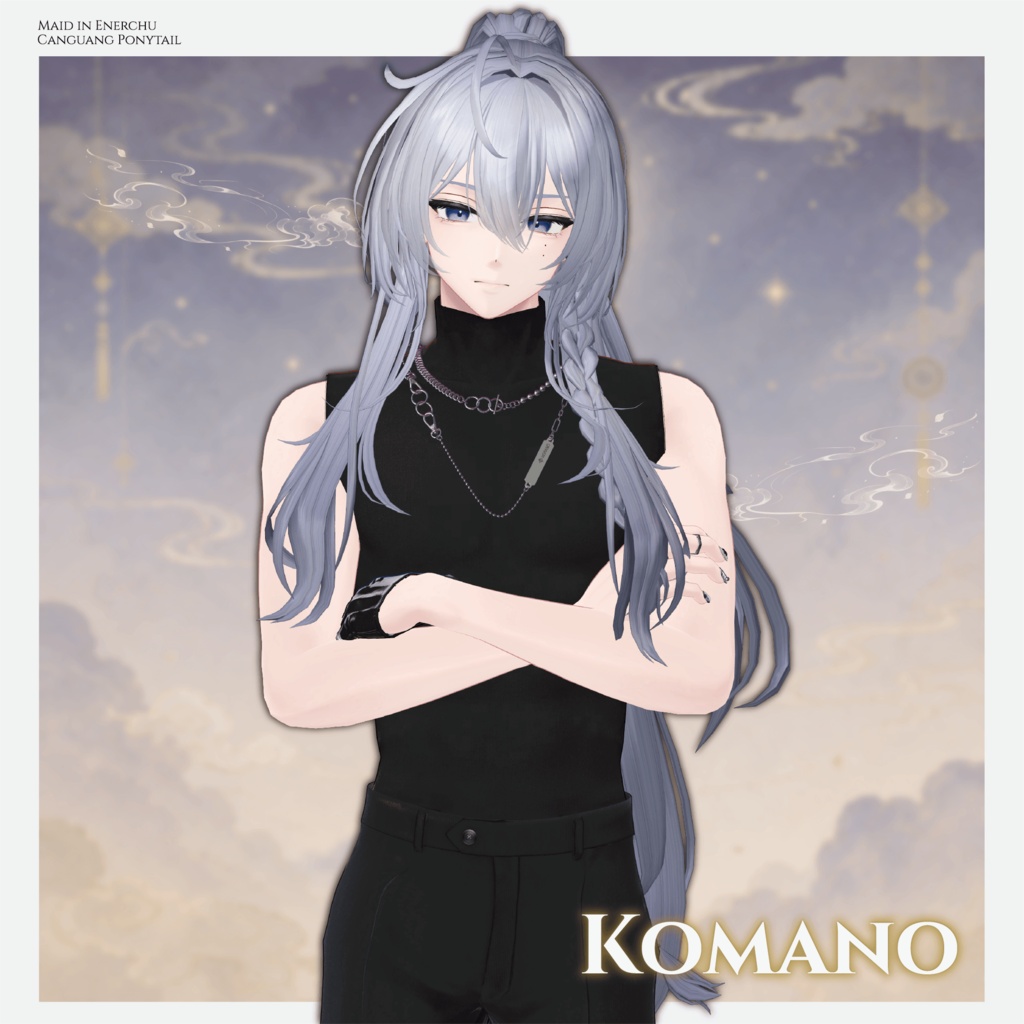
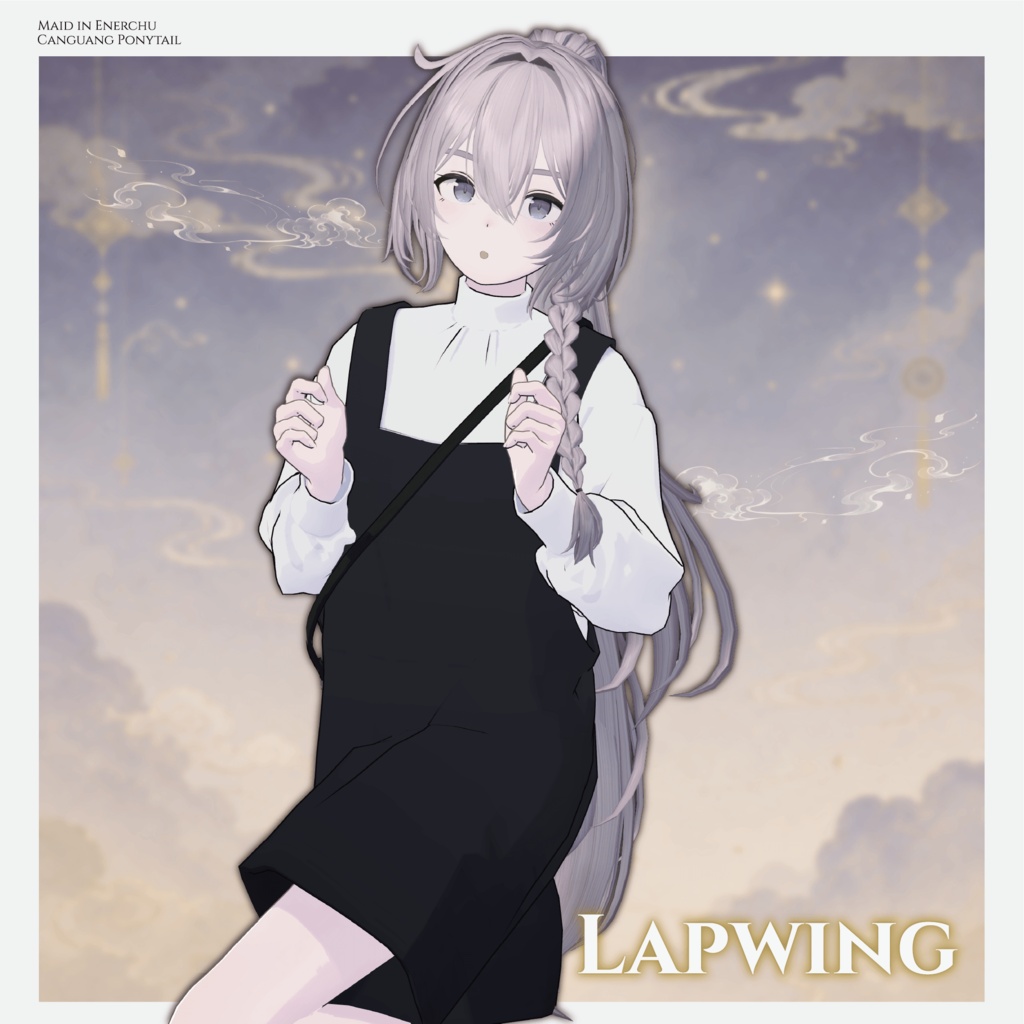
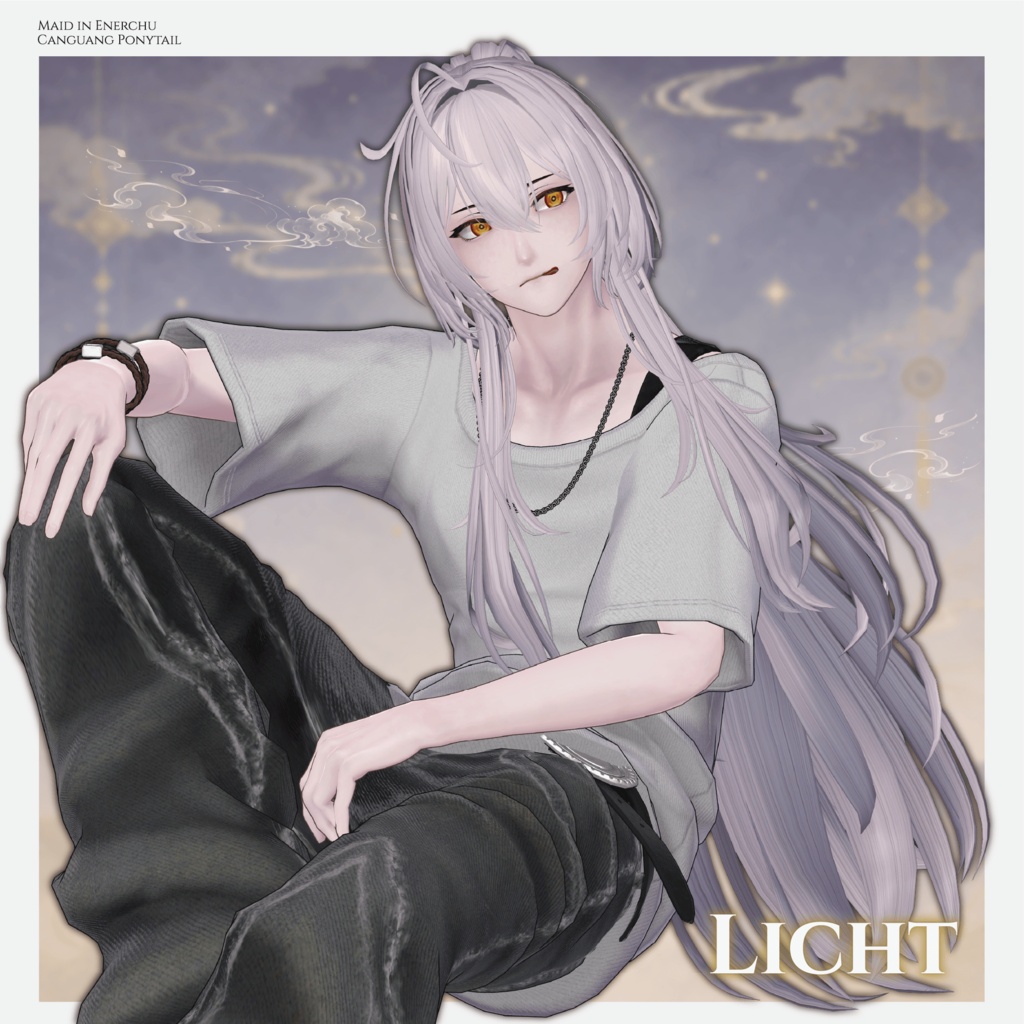
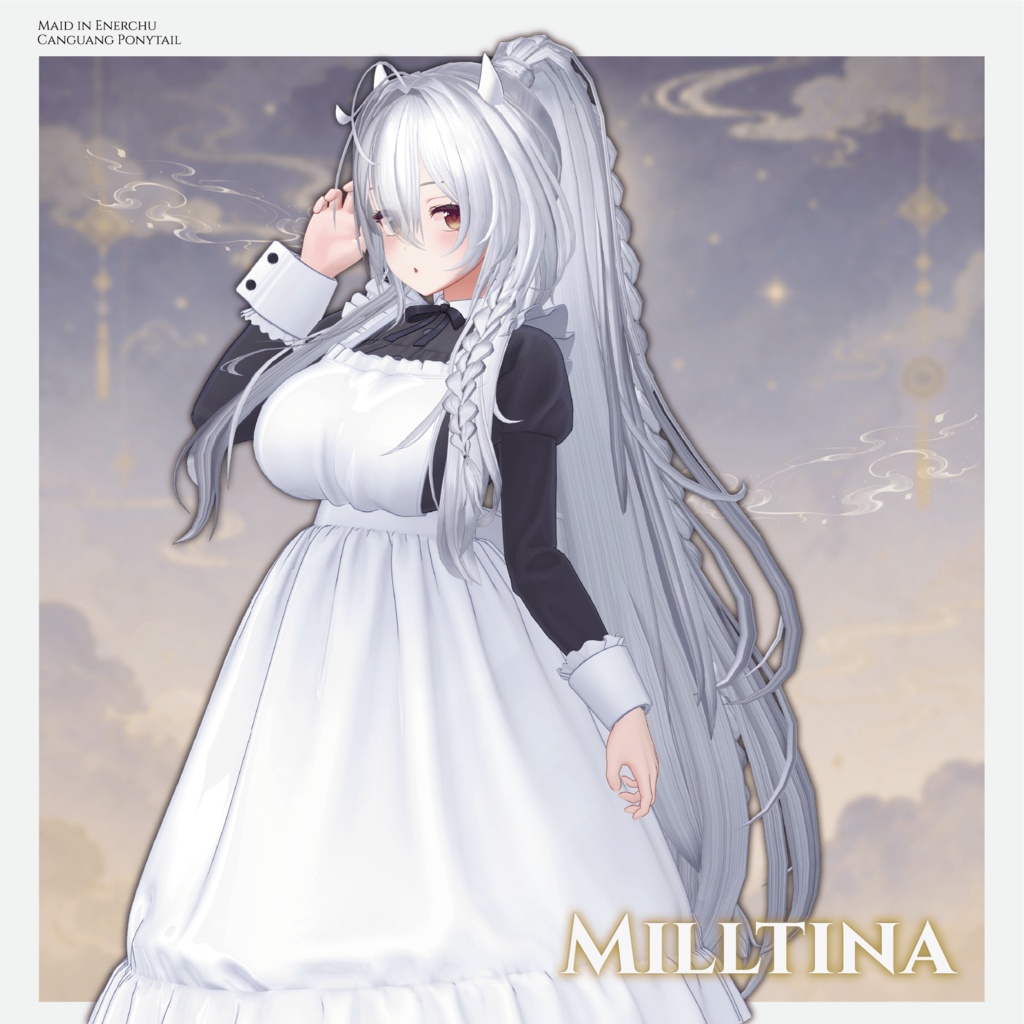
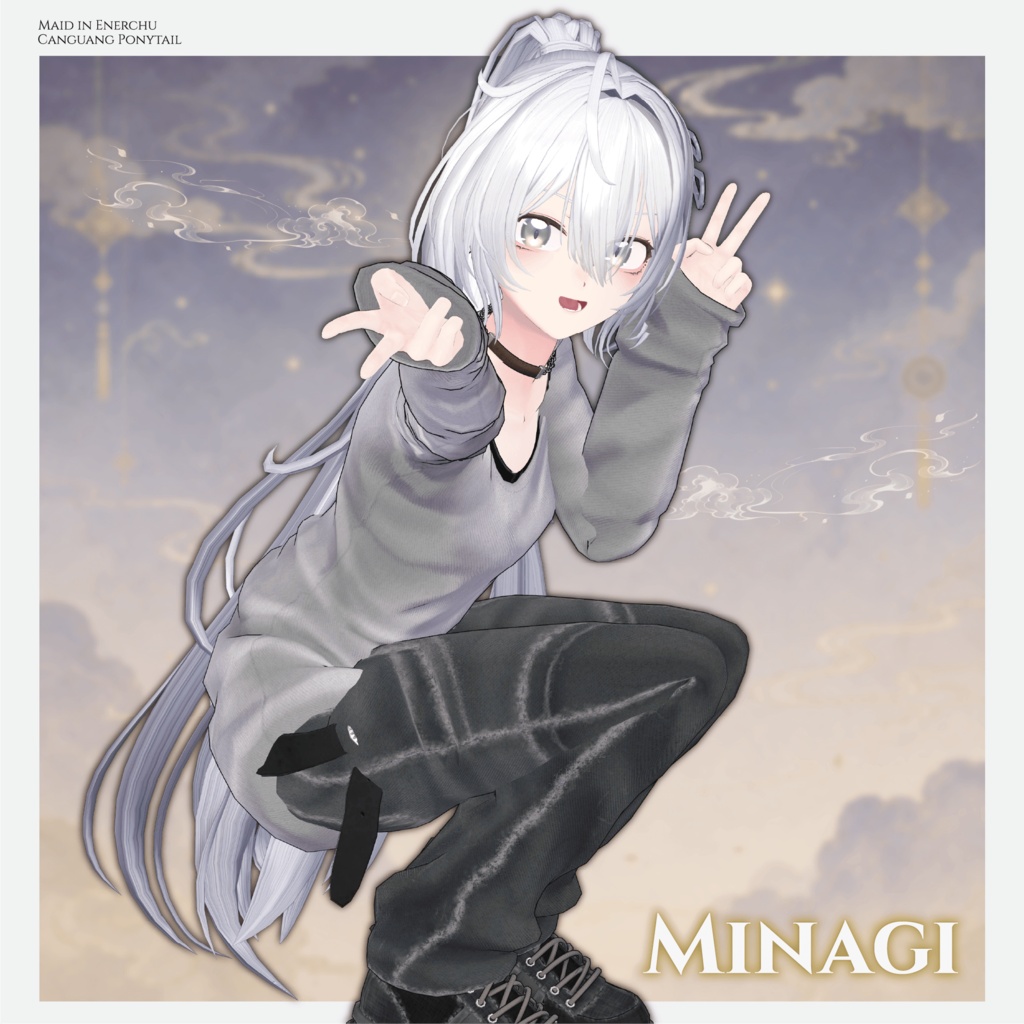
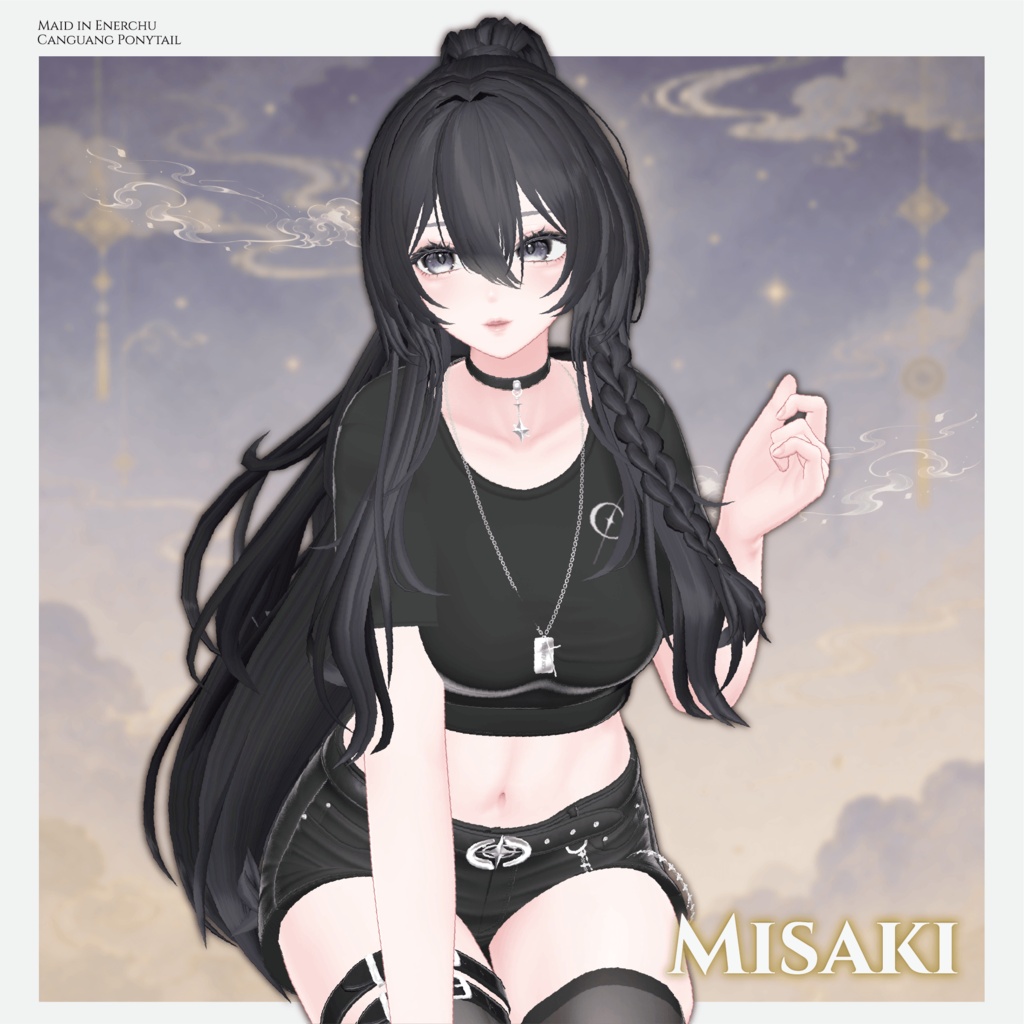
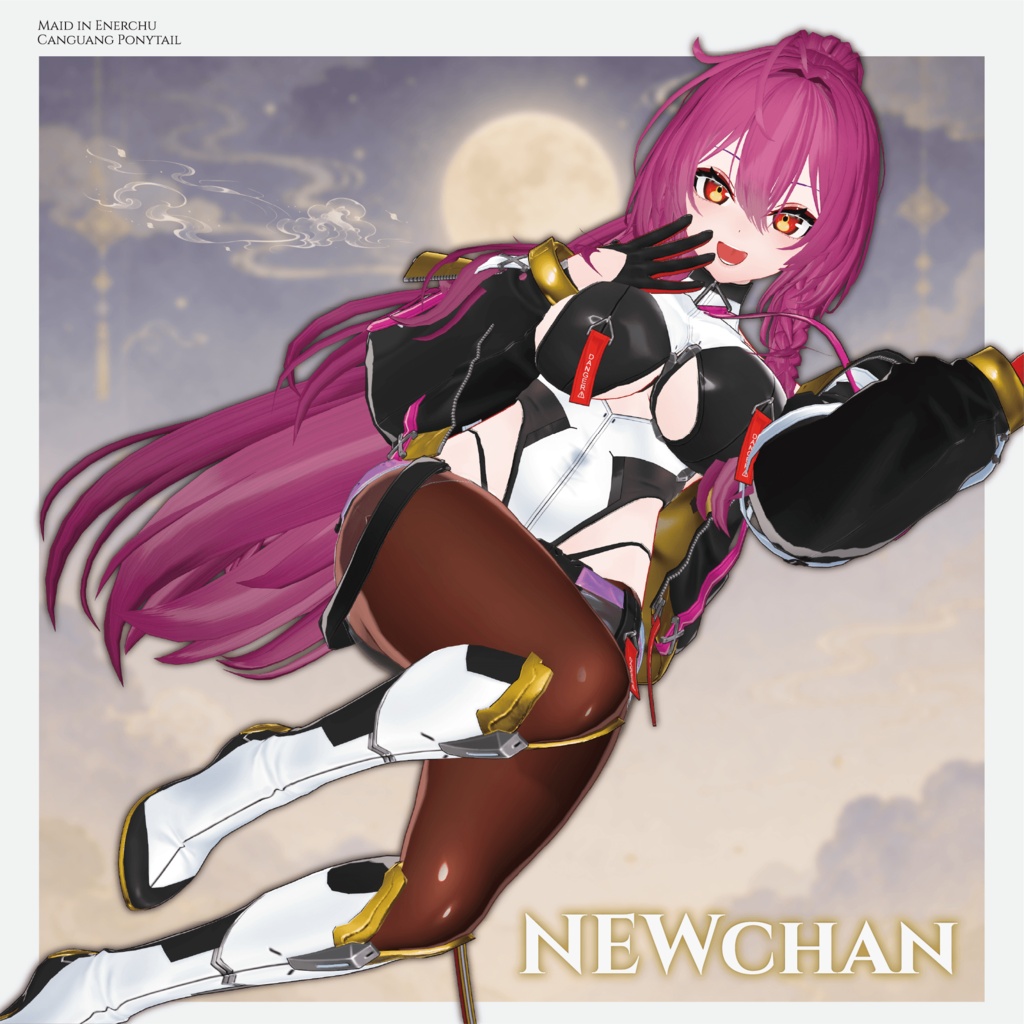
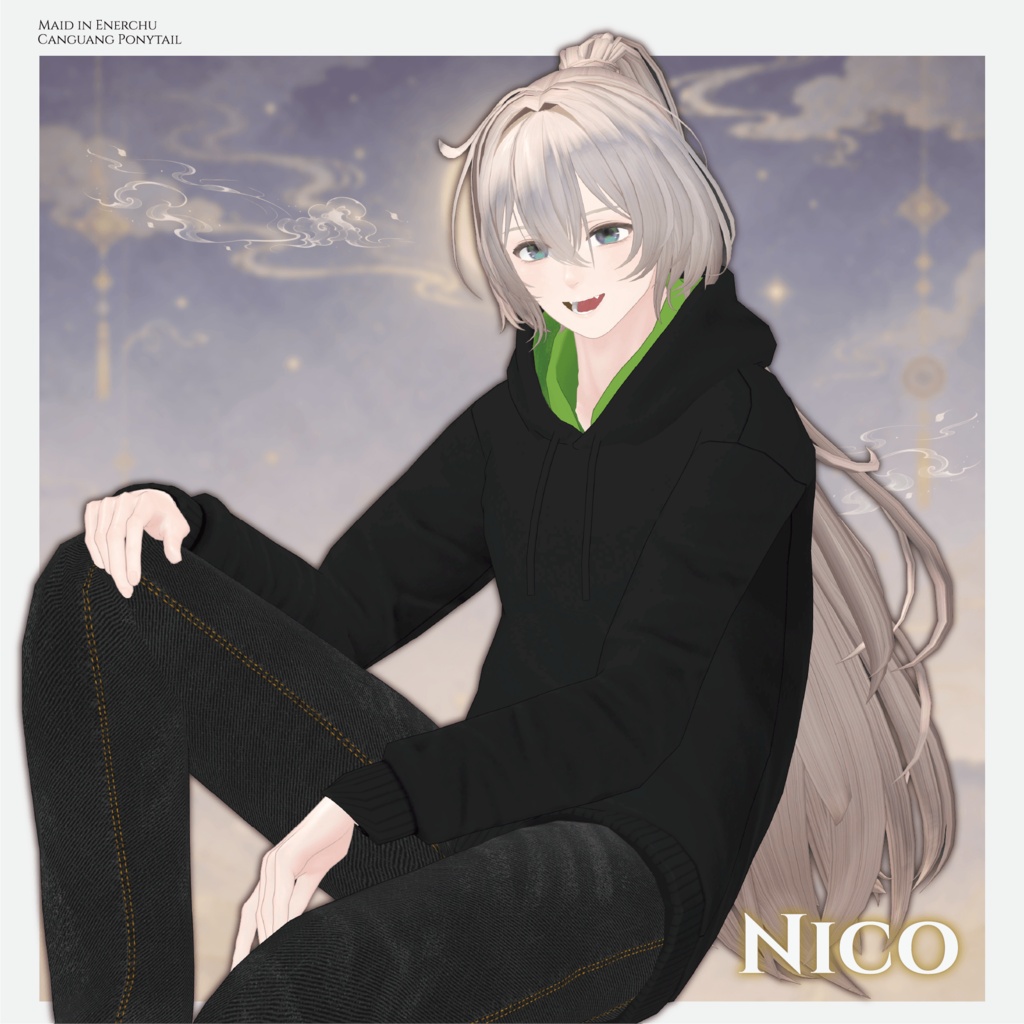
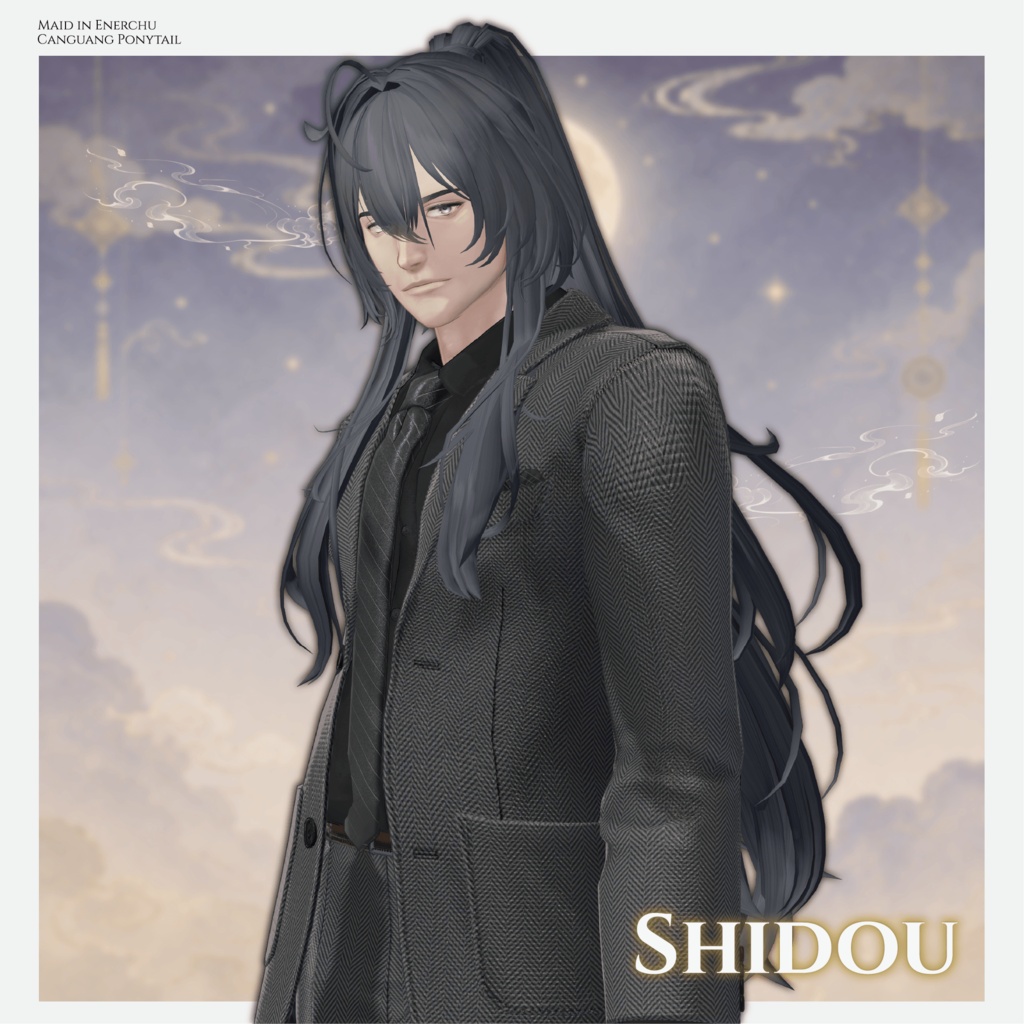
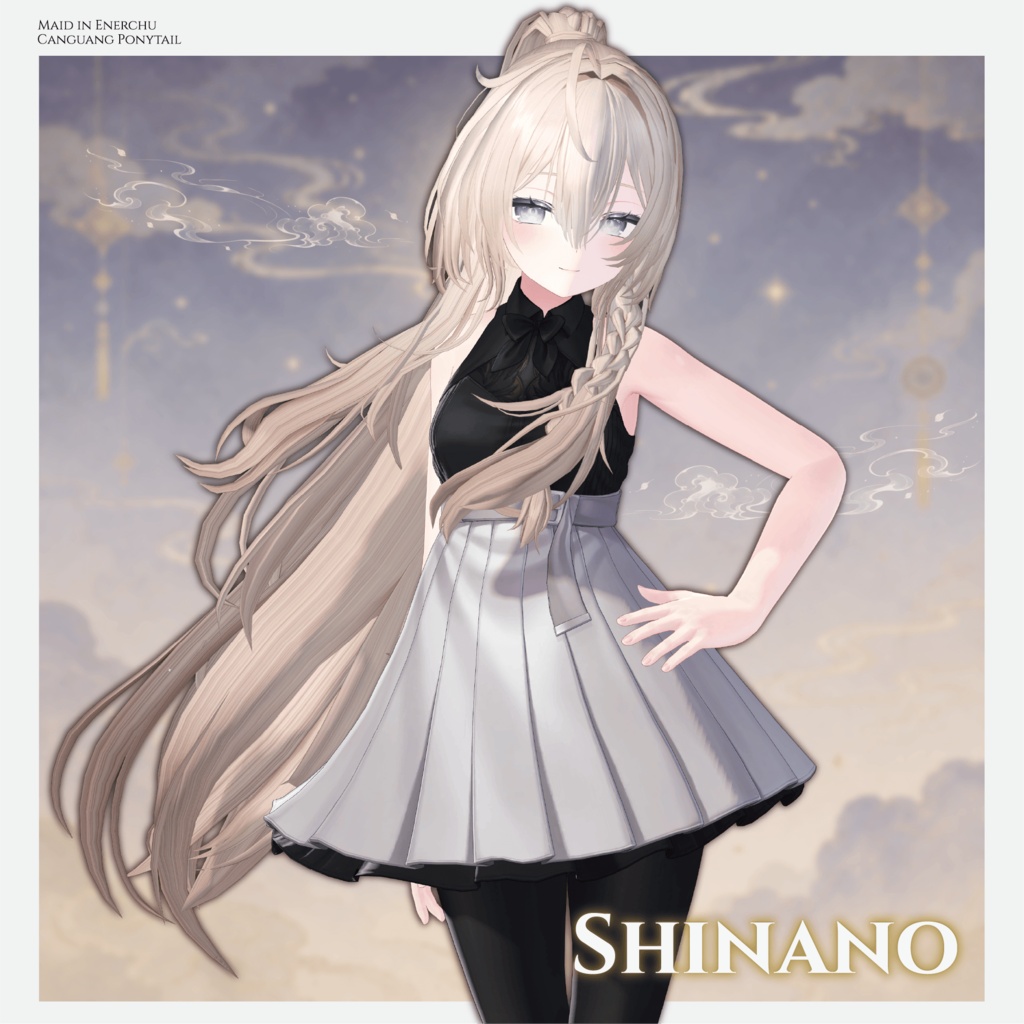
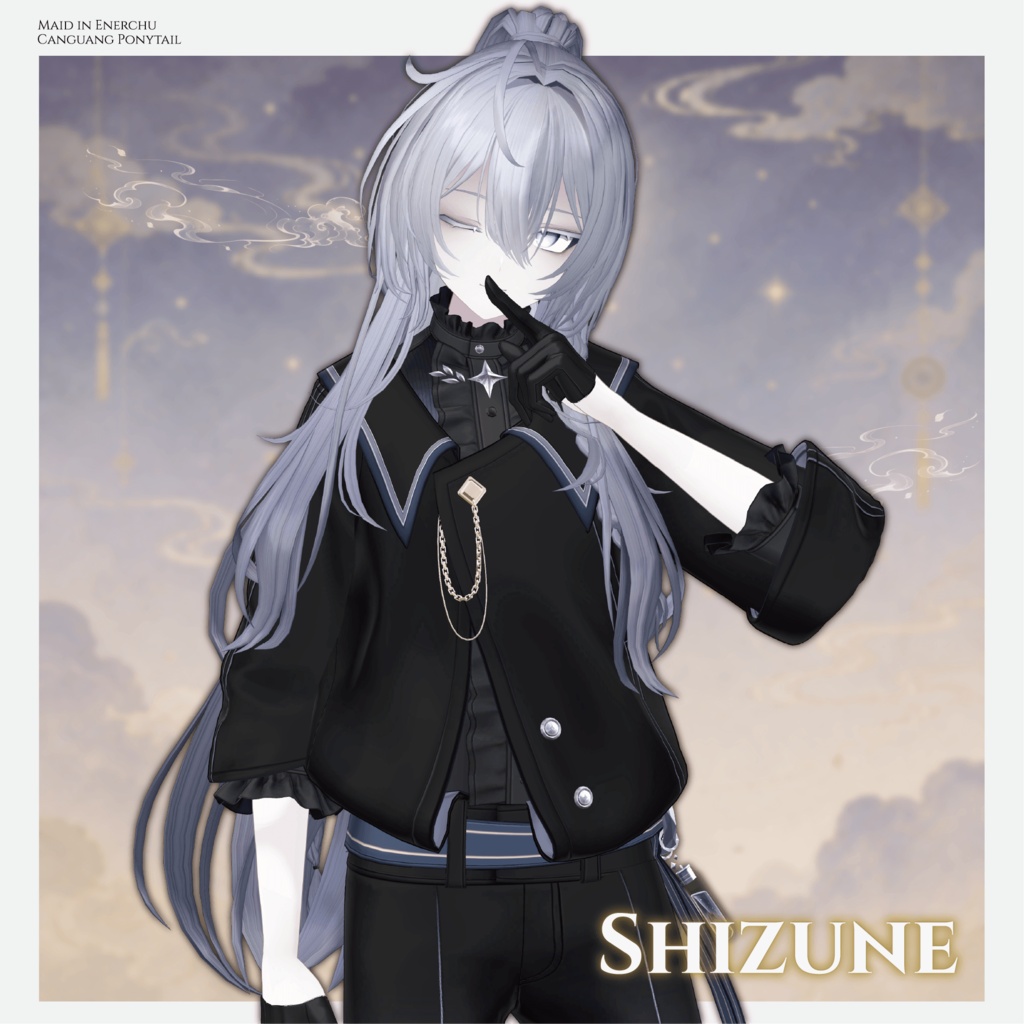
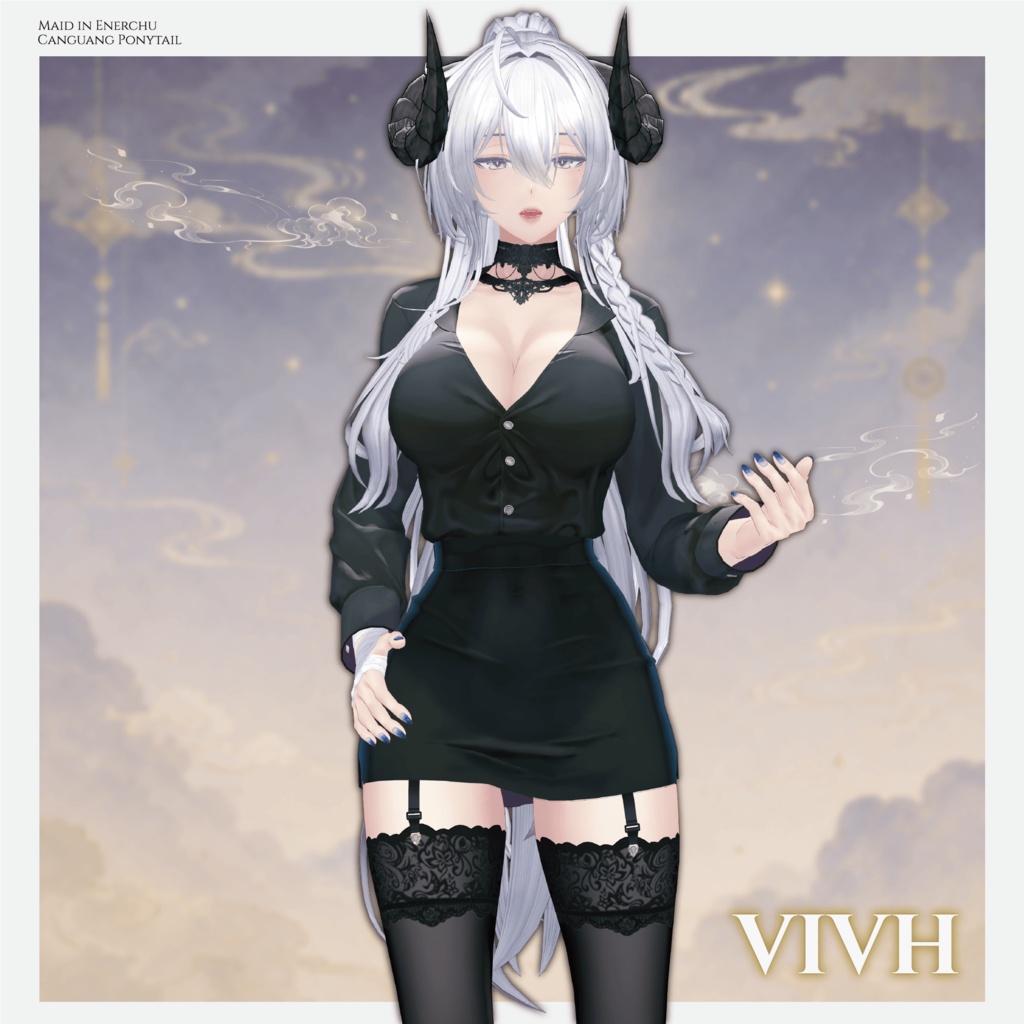
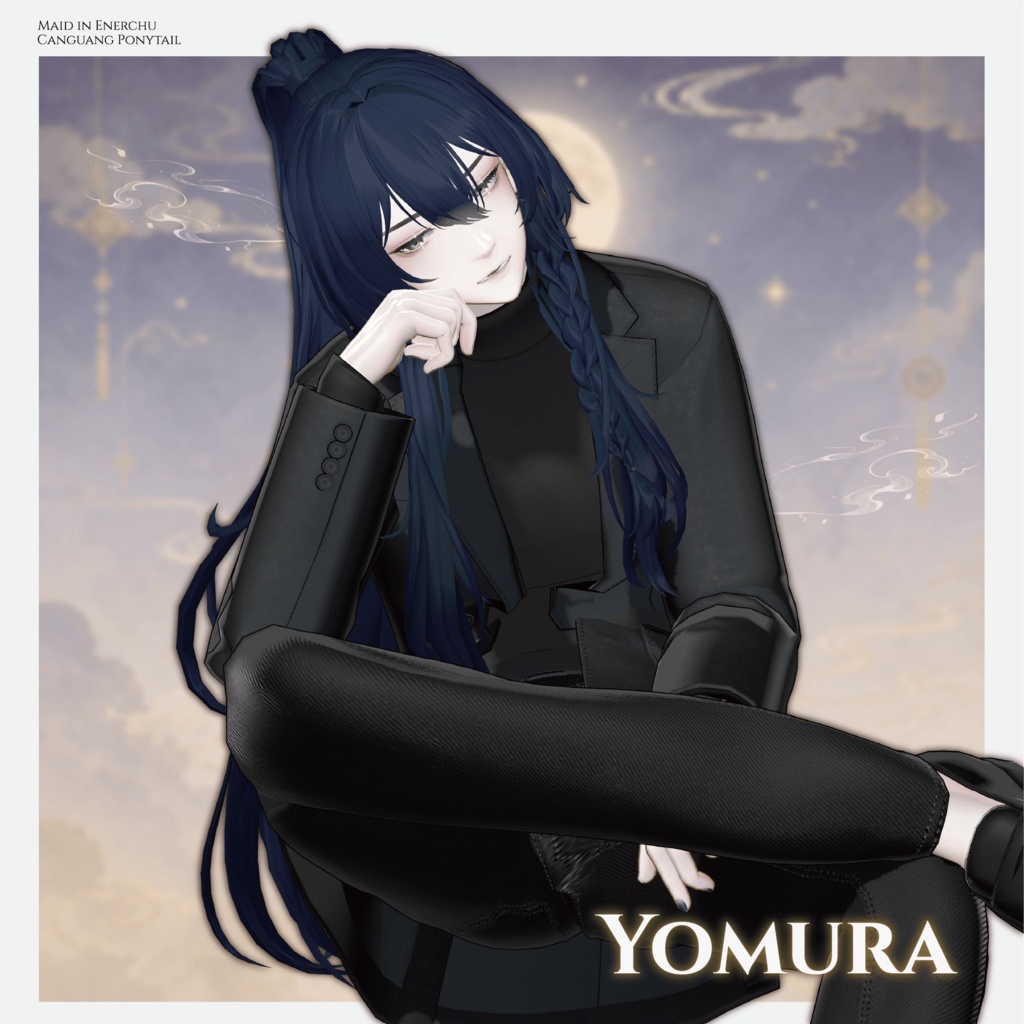


A sparkling, swaying ponytail hairstyle with beautiful particle effects that remain visible while the hair moves. Please note: This product is a hairstyle model for avatars. The avatar itself is not included. Due to the nature of downloadable products, returns and refunds are not available. Please read and agree to the product description and Terms of Use before purchasing. ◆ Item Details Contents Canguang Ponytail.unitypackage ReadMe.txt Shader: lilToon https://lilxyzw.booth.pm/items/3087170 Required Assets: Modular Avatar / UnlitWF Shader ◆ Model Data Total: 21,510 polygons Ahoge: 180 Bang: 1,632 Side: 4,198 Side Ahoge: 320 Side Lower: 2,920 Side Braid: 2,234 Ponytail: 5,794 Ponytail Braid: 4,052 Ponytail Braid OFF: 180 Meshes: 9 / Materials: 3 / PhysBone Components: 5 Import path: Assets > MetaverseCreators_CP > Enerchu > Canguang Ponytail ◆ Compatible Avatars Primary compatibility: Shinano https://ponderogen.booth.pm/items/6106863 Semi-compatible versions: YUI, Minagi, Hyakko, Licht, Shizune, Nico, Yomura, Akari, Shidou, Kanata, Miltina, Komane, Komano, Lapwing, Liloumois, Azamisan, NEW-Chan, VIVH, Misaki. The corresponding avatar links are provided on the original product page. Numerous Shape Keys are included for adjusting the hairstyle's size, position, length, width, depth, volume, bangs, side hair, braids, and ponytail. Sync indicates that the Shape Key is configured with MA Blendshape Sync to synchronize with the same Shape Key on other objects. Main Shape Key Functions Bangs: width, depth, length, crown volume, and center-bang positioning Side Hair: length, width, depth, volume, and inward/outward positioning Side Hair / Braid: length, width, position, and depth Ponytail: size, length, width, depth, and front/back positioning Back Hair: width, depth, height, and nape positioning The ponytail braid also has Shape Keys for size, length, width, depth, and positioning. ◆ Installation Set up the latest VRChat SDK through VCC. Install lilToon, UnlitWF Shader, and Modular Avatar. Import the latest package for your avatar. Import this product's package. Place the avatar in the Scene Hierarchy. Hide unnecessary avatar parts such as the original hairstyle or ears, or set them to Editor Only if needed. Drag AvatarName_Canguang Ponytail.Prefab directly under the avatar. Adjust the scale, position, and Shape Keys as needed. Pre-adjusted Prefabs do not require this step. Upload the avatar through the VRChat SDK. ◆ Color Customization Replace the color-variation materials in: Common > Material ◆ Terms of Use https://drive.google.com/drive/folders/1qRMXoIxM1ZgacBPfwOigQRtXP1vCbNMn?usp=sharing Please also follow the Terms of Use of the original avatar. ◆ Development Environment Blender 5.2.0 Adobe Substance 3D Painter 2026 Unity 2022.3.22f1 VRChat SDK - Avatars 3.10.4 (ALCOM) lilToon 2.3.4 Modular Avatar 1.17.1 ◆ Credits Creator: えな中 https://x.com/enerchu https://ennuiproof.booth.pm/ (Personal BOOTH) For inquiries and support, please contact us via BOOTH messages.