

Old-School Arcade Gamer - VRChat Women's Clothing / CP46
- Full Pack: ALL INCLUDED!ダウンロード商品¥ 1,800
- Azuki Compatibleダウンロード商品¥ 1,300
- Miminoko Compatibleダウンロード商品¥ 1,300
- Kipfel Compatibleダウンロード商品¥ 1,300
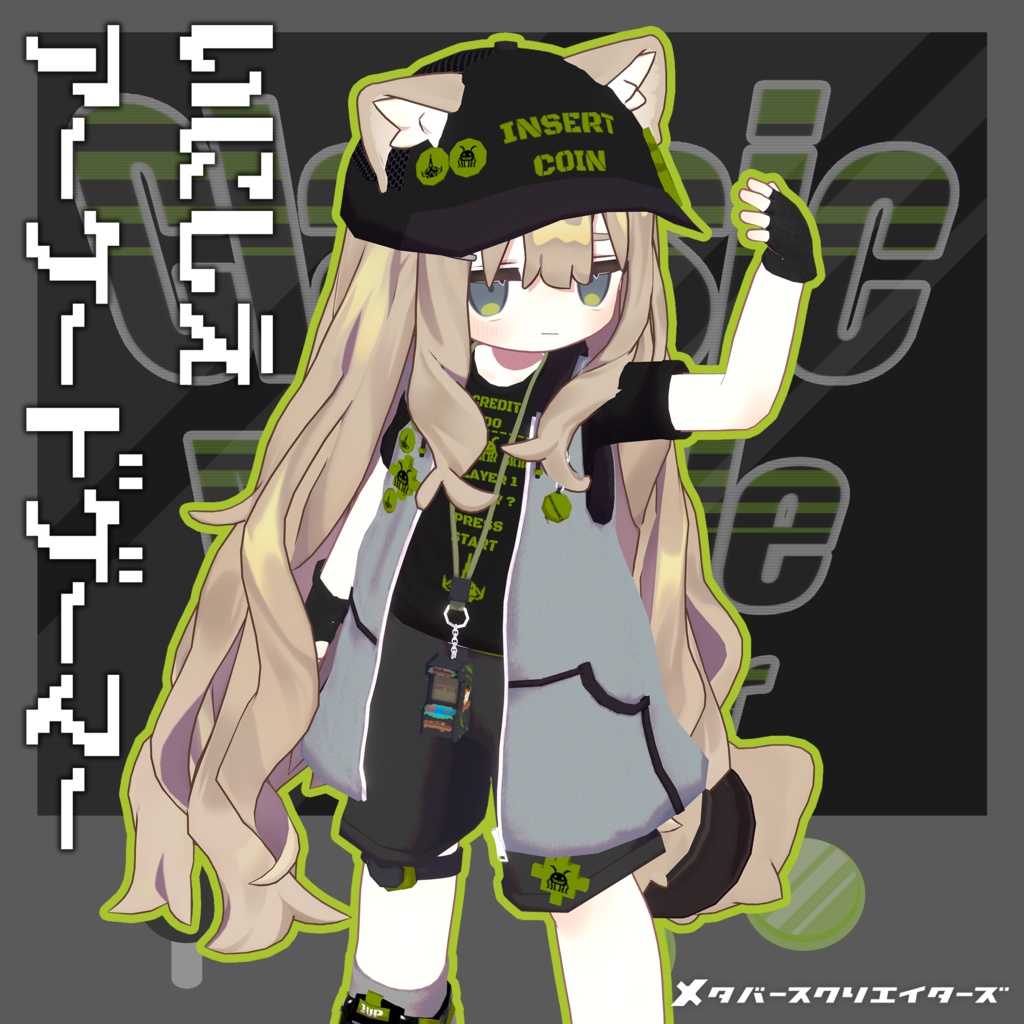
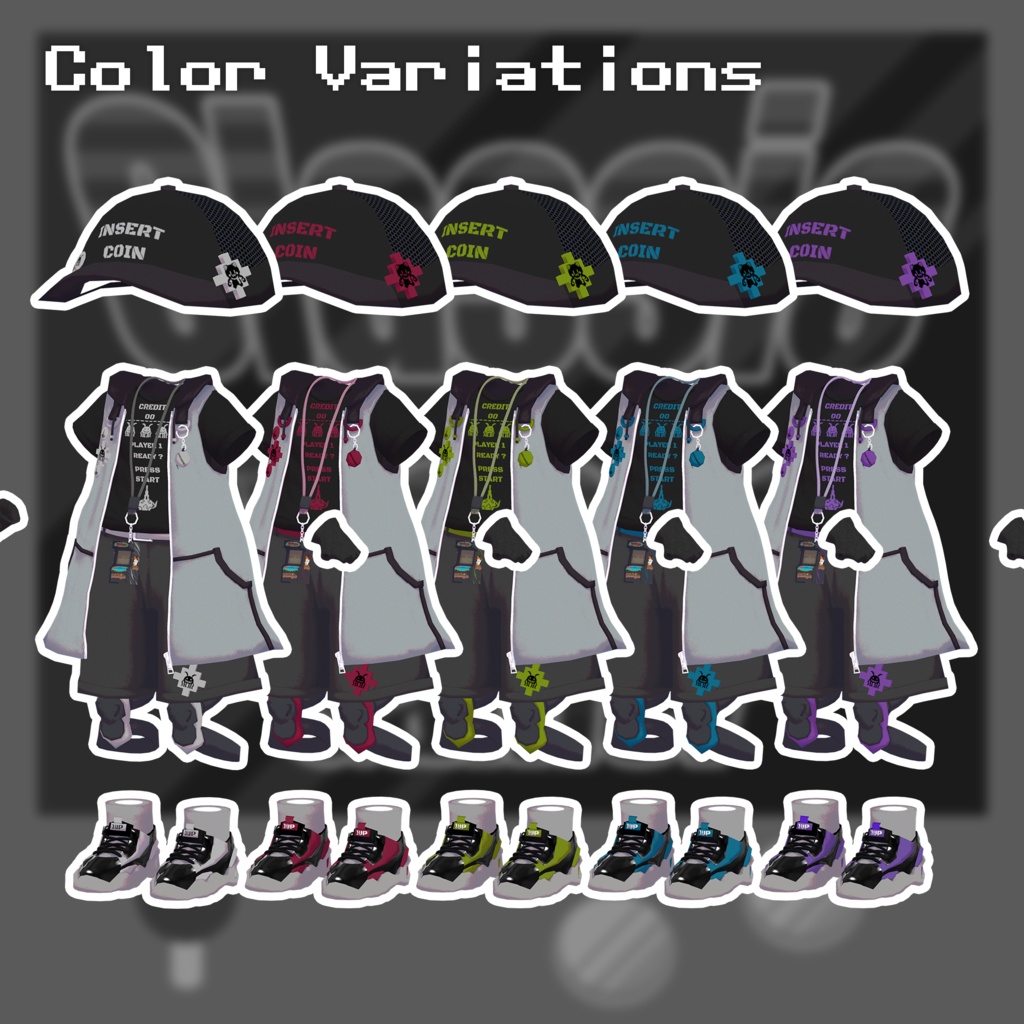
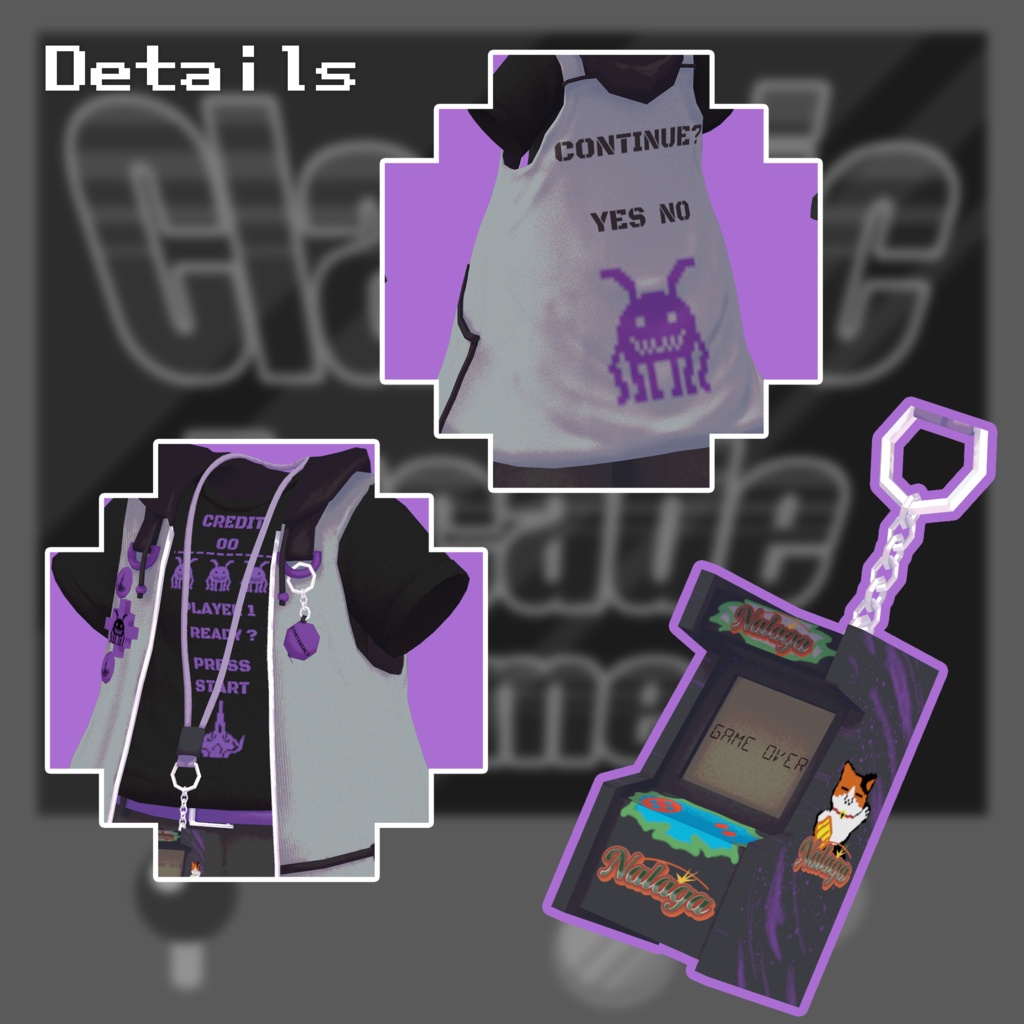
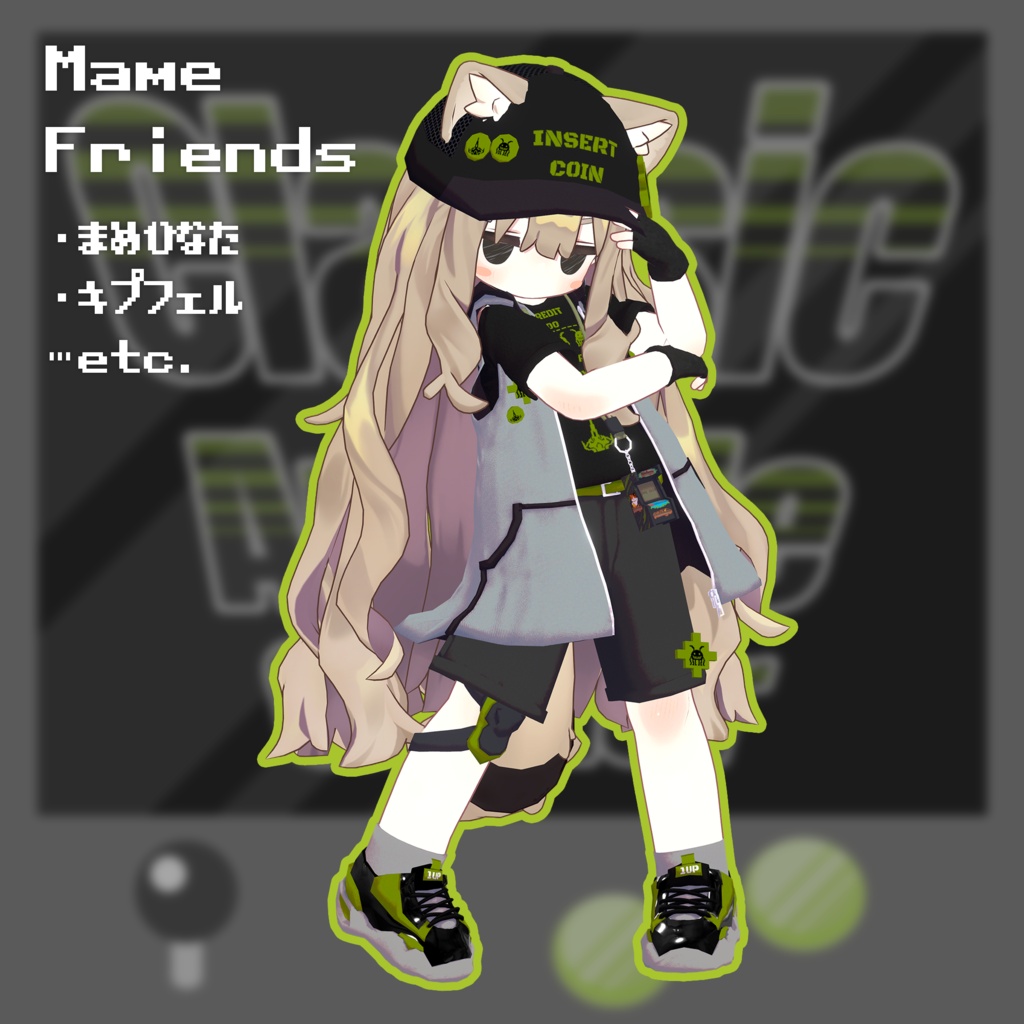
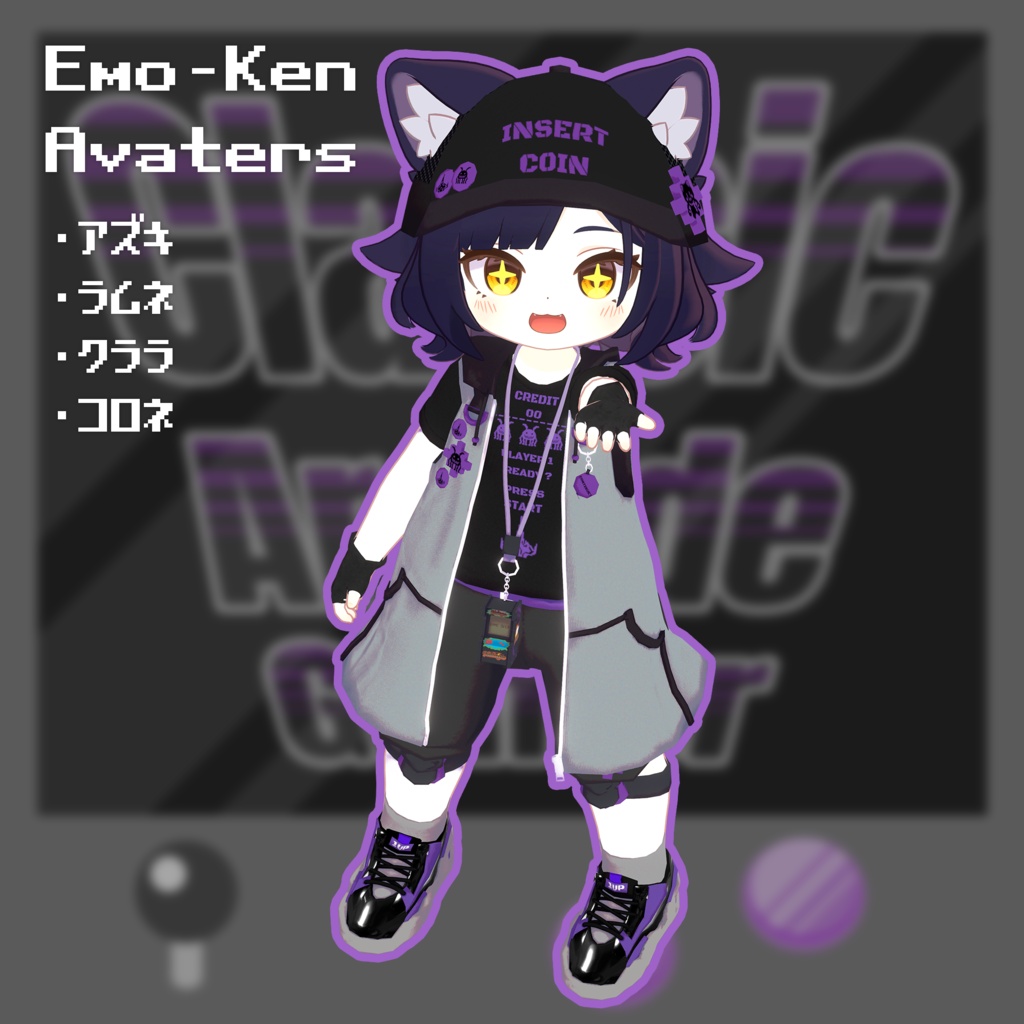
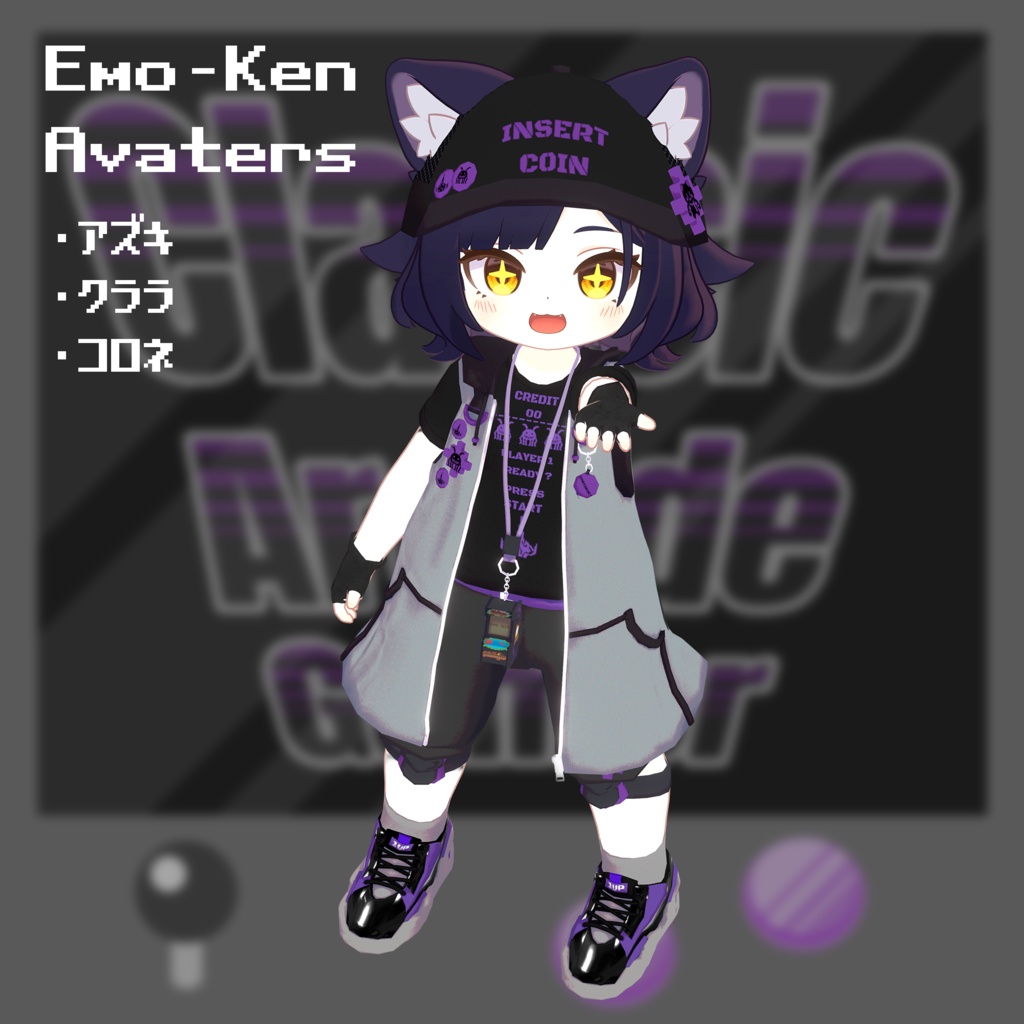
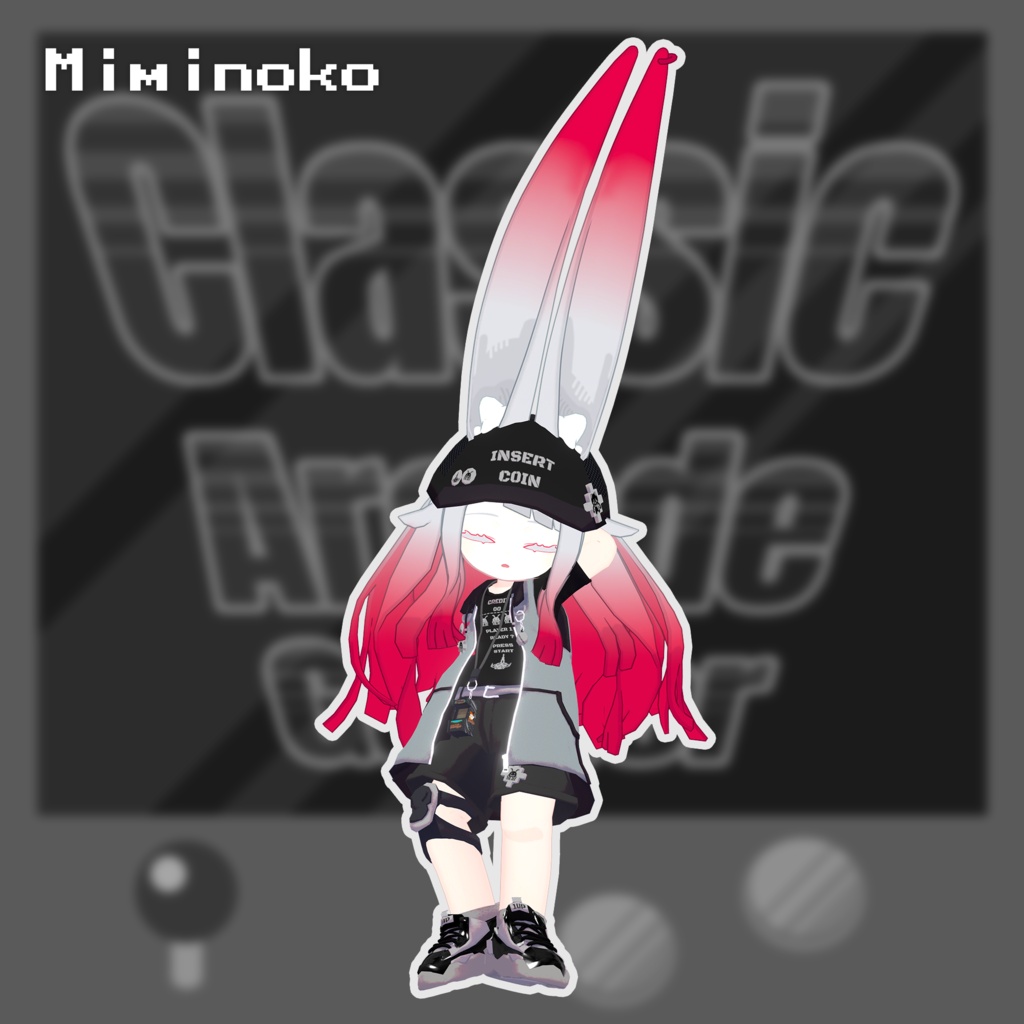
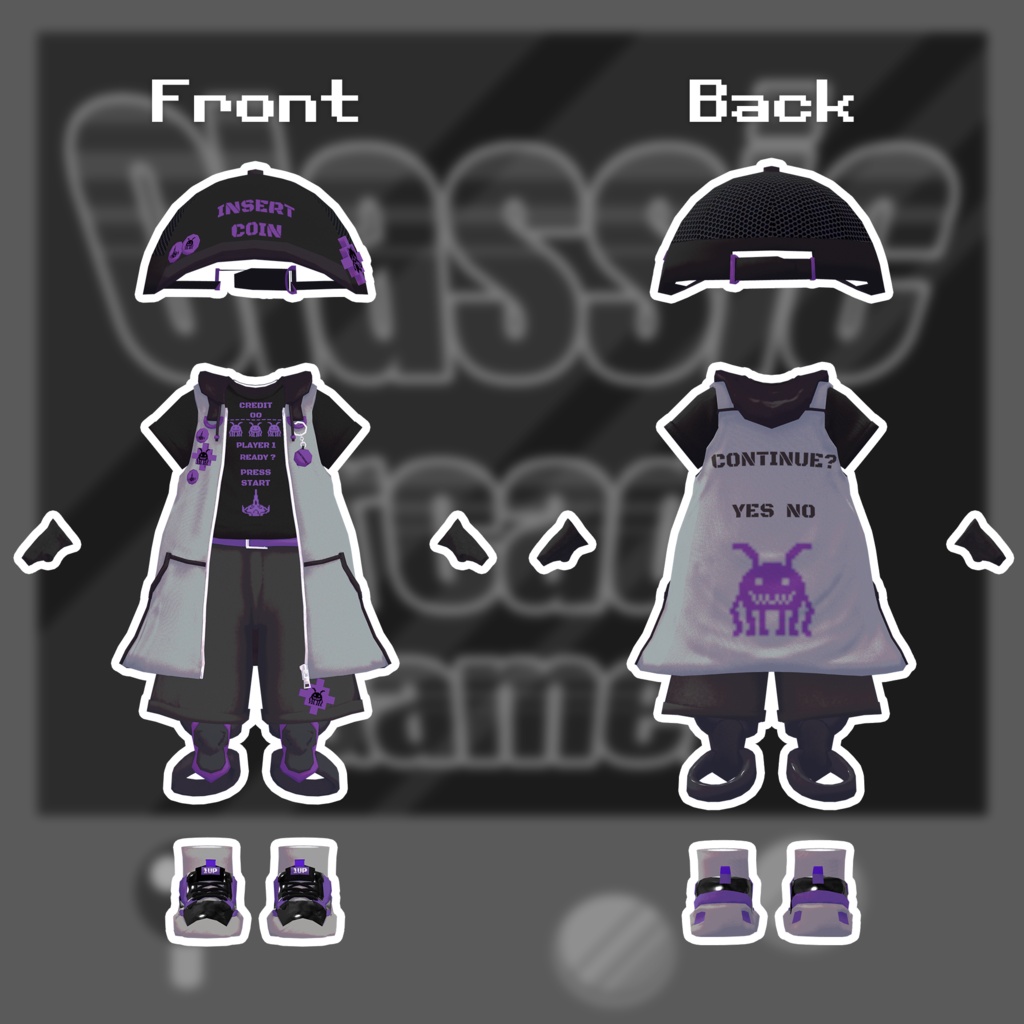


Surrounded by colorful lights and electronic sounds, a lone warrior grips a handful of coins. If modern games just aren't enough for you, this is the kind of excitement you've been looking for. Hone your skills, climb the leaderboard, and carve your name into arcade history. Oh—and don't forget to exchange your bills for coins! Please note: This product is a clothing model for avatars. The avatar itself is not included. Due to the nature of downloadable products, returns and refunds are not available. Please read and agree to the product description and Terms of Use before purchasing. ◆ Item Details Contents InishieArcadegamer.Unitypackage InishieArcadegamer_Material.Unitypackage PSD files ReadMe.txt Shader Used lilToon https://lilxyzw.booth.pm/items/3087170 Required Asset Modular Avatar https://modular-avatar.nadena.dev/ja/docs/intro Model Data Total: 51,846 polygons cap: 628 polygons T-shirts: 1,298 polygons grab: 2,076 polygons hoodie: 7,132 polygons protector: 1,921 polygons accessory: 1,486 polygons strap: 1,486 polygons socks: 888 polygons sneakers: 32,224 polygons harfpants: 2,716 polygons Meshes: 10 Materials: 4 PhysBone Components: 4 Import path: Assets > MetaverseCreators_CP > Spices > shirushicollector ◆ Compatible Avatars Azuki — Original 3D Model https://emolab.booth.pm/items/6654988 Miminoko V2.0 — VRChat 3D Model https://booth.pm/ja/items/6199796 Kipfel — Original 3D Model https://booth.pm/ja/items/5813187 When wearing this outfit, a Shape Key that hides/reshapes the avatar's body will be used. Shape Keys A Shape Key is included to hide the protector. This can be useful when using only one side or switching the left/right sides. Emolab Base Body knee_L knee_R Mame Friends knee_L knee_R Miminoko knee_L knee_R ◆ Installation Set up the latest VRChat SDK through VCC. Install lilToon and Modular Avatar through VCC. Import the latest package for the avatar you want to dress. Import this product's Material package. Import the package corresponding to your avatar. Place the avatar (and any dressing/customization Prefab, if applicable) into the Scene Hierarchy. If necessary, hide unnecessary avatar clothing such as default outfits or underwear, or set them to Editor Only. Drag OutfitName_AvatarName.Prefab directly under the avatar. Upload the avatar through the VRChat SDK. MA Shape Changer This outfit includes Modular Avatar's MA Shape Changer. When the outfit is placed directly under the avatar, the avatar's body Shape Keys are automatically adjusted. This may make the body thinner or hide mesh areas affected by the Shape Keys, helping prevent clipping between the outfit and the avatar body. If you do not need the preconfigured MA Shape Changer, you may delete or modify the components as desired. After dressing the avatar, if any part of the body appears unintentionally thinner, set the corresponding body Shape Key back to 0 and check the avatar with the body fully visible. For Kipfel: Set Hair_Ahoge inside the Armature to a Scale of 0. If the number of meshes feels excessive, Avatar Optimizer is recommended for mesh merging/optimization. ◆ Color Customization Replace the color-variation materials in: Common > Material You can also customize the colors using the included PSD or CLIP files. ◆ Terms of Use https://drive.google.com/drive/folders/1qRMXoIxM1ZgacBPfwOigQRtXP1vCbNMn?usp=sharing Please also follow the Terms of Use of the original avatar you are using. ◆ Development Environment Modeling: Blender 4.5.12 Textures: Substance 3D Painter 2022 Setup: Unity 2022.3.22f1 VRChat SDK - Avatars: 3.10.1 (VCC) lilToon: 2.3.2 Modular Avatar: 1.17.1 ◆ Credits Creator: meidi https://x.com/MeidiPega7748 https://meidi.booth.pm/ (Personal BOOTH) For inquiries and support, please contact us via BOOTH messages.