
非表示行列・シート 配布前検査表 / Pre-Distribution Checklist for Hidden Rows, Columns, and Sheets
- ダウンロード商品¥ 100
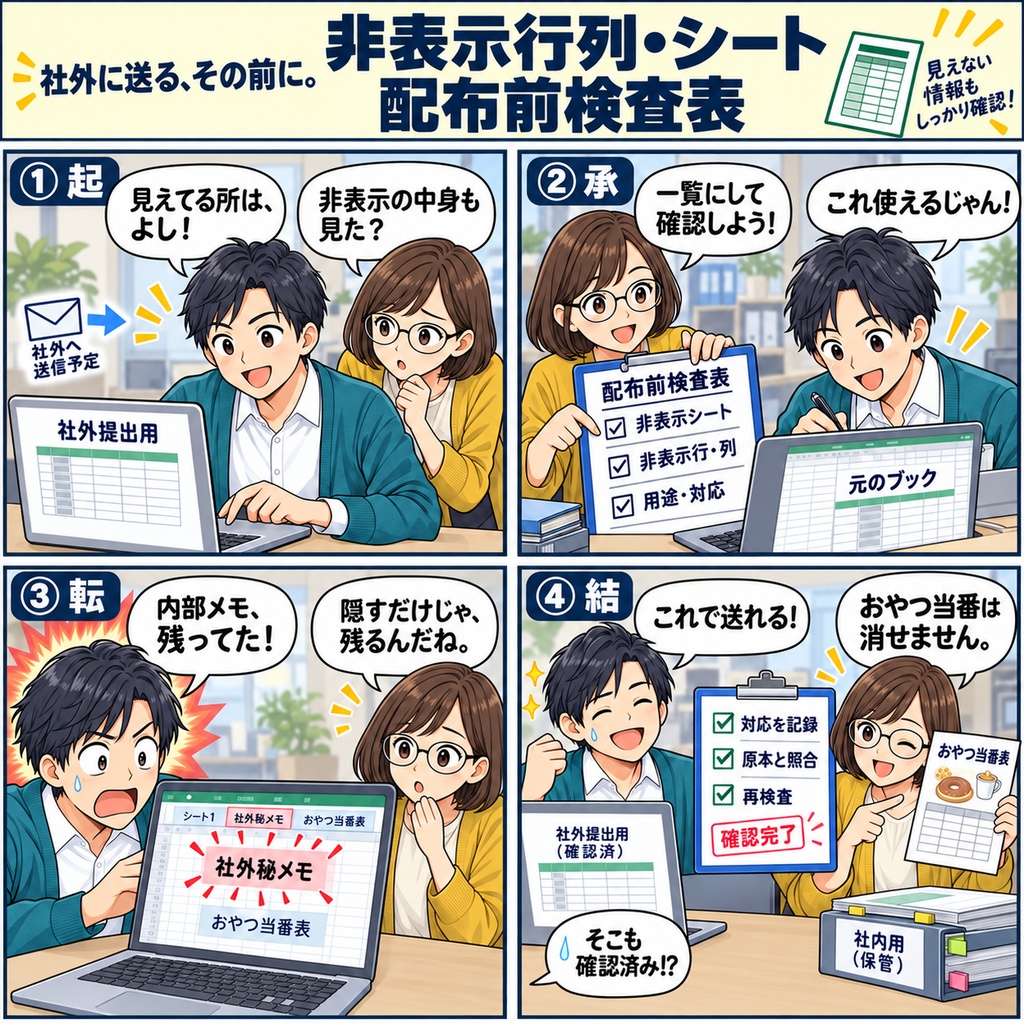
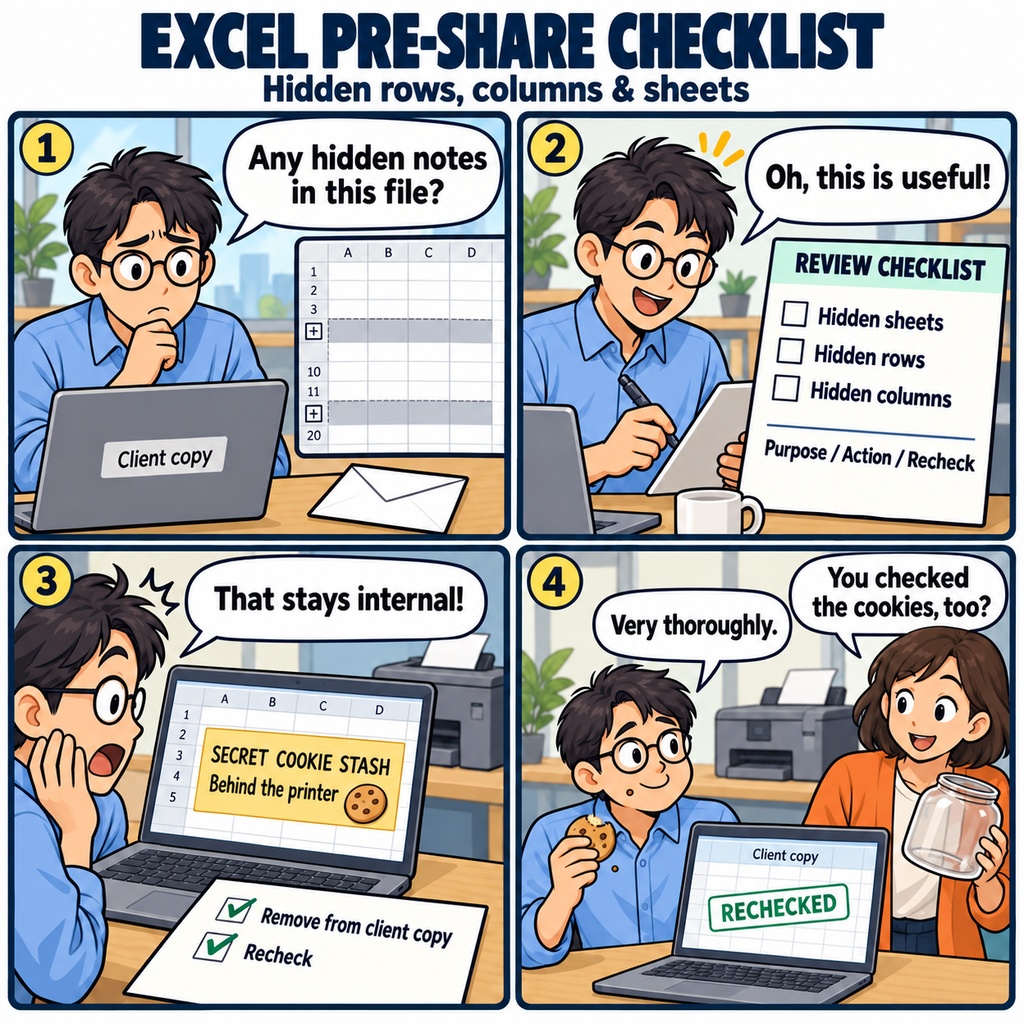


取引先へ送るExcel資料が、ようやく完成。 メールに添付しようとしたとき、 「非表示にした行やシートに、社内向けのメモが残っていないかな」 と、少し気になったことはありませんか。 見えている部分は整っていても、隠れた情報まで確認するには、 もうひと手間かかるものです。 そんな送付前の確認に役立つのが、 「非表示行列・シート 配布前検査表」です。 シート名や表示状態、非表示の行・列を一覧に整理し、 それぞれの用途や機密区分、必要な対応を記録できます。 確認した内容を一か所にまとめておけるので、 どこまで見直したかを、あとからたどりやすくなります。 たとえば、前回の資料をもとに作ったブックを確認していたら、 非表示の列に、社内だけで使う補足情報が残っていた。 そんなときも、用途を確かめながら、 「配布してよいか」「削除するか」「表示して渡すか」を整理できます。 非表示になっている箇所を見つけたあと、 どう扱うかまで記録できるのが、この検査表のポイントです。 対応を終えたら、確認者と再検査の記録を残し、 元の資料と照らし合わせて、最後の見直しへ。 送付前に確かめることが整理されていると、 毎回の確認にも、落ち着いて取り組みやすくなります。 取引先への資料送付や、Excelファイルの公開前に。 渡したい情報をきちんと届けるための、ひと手間を支えます。 マクロを使用しない、xlsx形式のExcel商品です。 Excel 2019/2021/2024/Microsoft 365での利用を想定しています。 判定結果は、元の資料と照合して確定してください。 お仕事の依頼は下記メールまで ramaya08010801@gmail.com You've finished updating the figures, checked the layout, and you're almost ready to send your Excel workbook to a client. Then a small thought makes you pause: what about the rows, columns, or sheets you hid while putting it together? An internal note or an old set of working figures may still be there, just out of sight. The Hidden Rows, Columns & Sheets Pre-Sharing Checklist gives you a clear place to work through that final review. Record sheet names and visibility, note hidden rows and columns, and describe what each hidden area is used for. With space for confidentiality levels, planned actions, reviewer names, and rechecks, it helps you keep the details of your review together before a workbook leaves your organization. As you go through the list, that vague worry becomes a set of practical decisions. A hidden column may contain information the recipient needs, while an old worksheet may hold notes intended only for your team. Record whether the content is suitable to share, needs to be removed, or should be made visible, then check the changes against the original workbook. Hidden content deserves the same care as everything on screen, and recording its purpose and the action to take helps you give it that attention. By the time you're ready to send the file, you have a record of what was reviewed, who checked it, and what needs another look. It's a simple way to make checks before sharing more consistent and help reduce the chance of including information you never meant to send. Provided as a macro-free .xlsx workbook for Excel 2019, 2021, 2024, and Microsoft 365, the checklist fits into the familiar routine of preparing a workbook for others. For work inquiries or collaborations, please feel free to contact me at the email address below. ramaya08010801@gmail.com