
数値が文字列 エラー検出シート / Error Detection Sheet for Numbers Stored as Text
- ダウンロード商品¥ 100
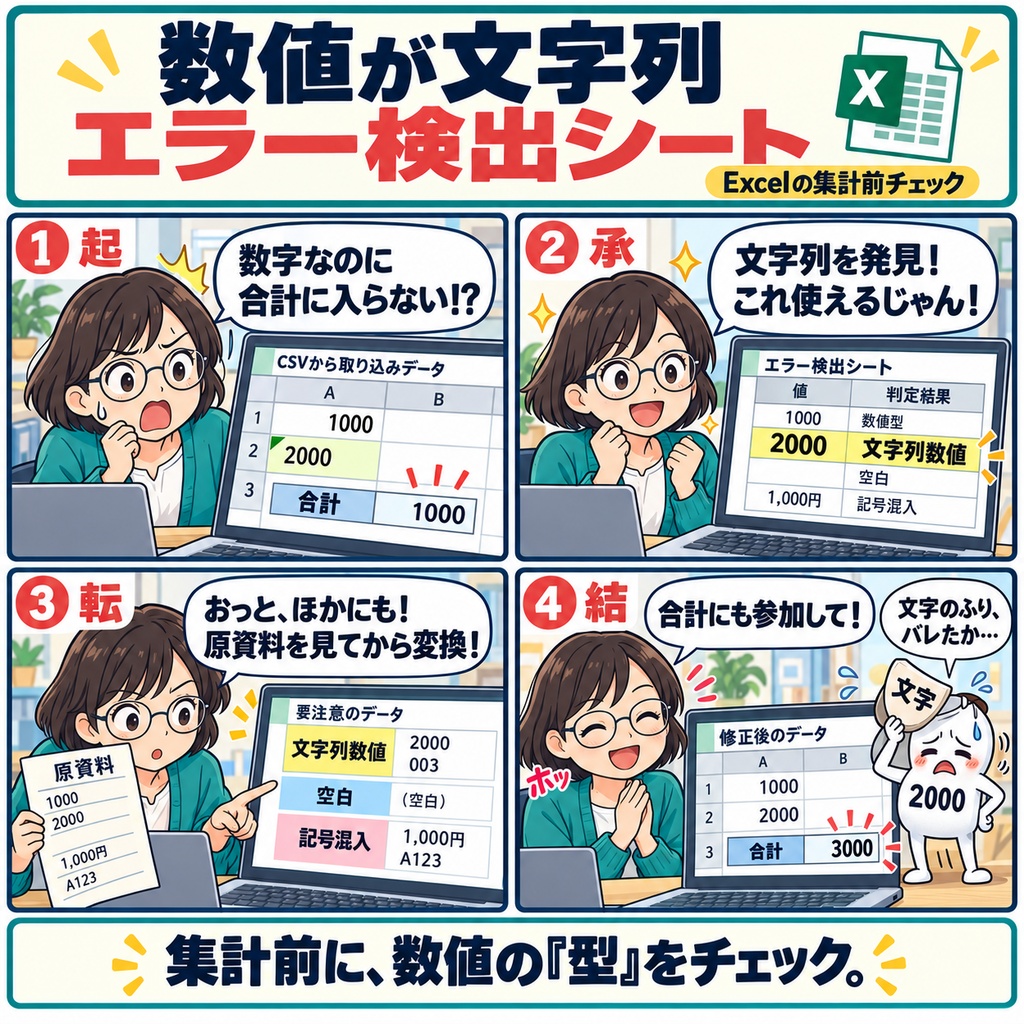
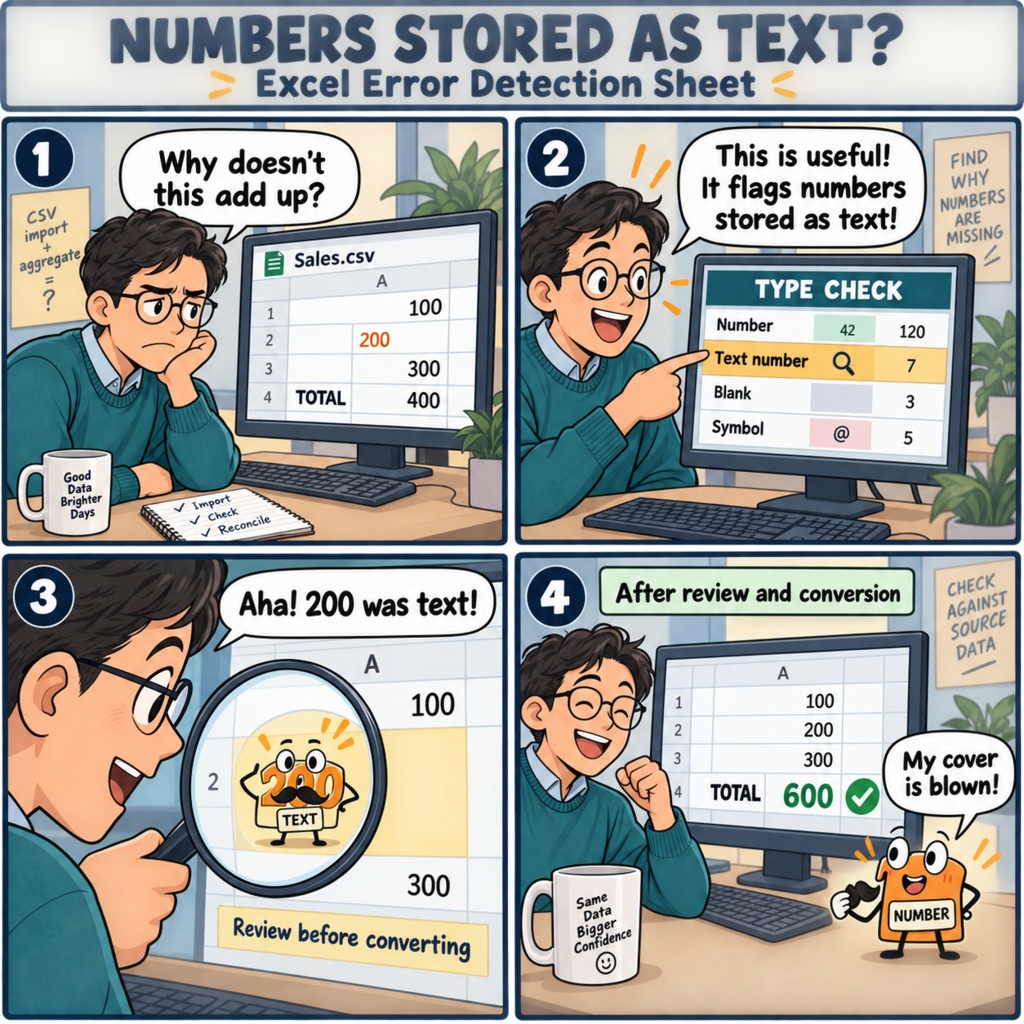


「数字は入っているのに、合計がどうしても合わない。」 月末の売上集計で、CSVから取り込んだ金額と手入力のデータを見比べる。 計算式を確認しても原因が分からず、ひとつずつセルを見直しているうちに、 報告書を仕上げる時間が少なくなってしまう。そんなことはありませんか。 見た目は同じ数字でも、Excelの中では「文字列」として保存されていることがあります。 その小さな違いが、合計や検索から漏れる原因になることも。 集計を始める前に気づけたら、あとから慌てて探し直す手間を減らせます。 「数値が文字列 エラー検出シート」は、そんな事前確認を支えるExcelシートです。 対象の列ごとに、数値・文字列になった数値・空白・記号の混入を判定し、 数値への変換候補を分けて、確認が必要なデータとその件数を把握できます。 桁区切りや通貨記号、全角数字など、見落としやすい表記にも目を向けられます。 確認する場所が分かれば、表全体を眺めて悩んでいた作業も、 「この候補を元の資料と照らし合わせよう」と、次の一歩が見えてきます。 元の表記を残しながら、変換前後の件数と合計を照合できるので、 データを整えた結果まで確かめてから、集計や照合に進めます。 判定結果は、元の資料と照らし合わせて確定してください。 毎月の集計や、受け取ったCSVを使い始める前のひと手間に。 数字の状態を先に確かめて、落ち着いて集計に取りかかる。 そんな仕事の流れをつくりたい方に役立つ一枚です。 ファイル形式は.xlsx、マクロは使用しません。 対応環境:Excel 2019/2021/2024/Microsoft 365 お仕事の依頼は下記メールまで ramaya08010801@gmail.com You've opened a CSV export and added a few figures by hand, ready to put together your monthly report. Everything looks like a number. Yet the total seems a little low, or a lookup misses an entry you can see right there. It's the kind of small mismatch that can take far too long to track down. The Numbers Stored as Text Checker is an Excel worksheet for that moment, and for catching the issue before you start. It checks your chosen columns and distinguishes numeric values, numbers stored as text, blanks, and entries containing symbols. With checks for thousands separators, currency symbols, and full-width digits, it helps you see which entries need a closer look. Conversion candidates and counts give you a practical starting point for reviewing the data. Then an ordinary-looking amount tells a different story: Excel has been reading it as text. Once you can see where that happens, you have a clearer idea of what needs attention before you calculate totals or match records. The worksheet retains the original entries and supports comparing counts and totals before and after conversion, so you can check changes against your source data as you work. Whether you're preparing a regular report, checking an imported list, or bringing together figures entered by different people, this gives you a useful check at the start of the job. Review the flagged entries, confirm them against the original records, and move on to your calculations with a clearer understanding of the numbers in front of you. A little attention here can mean less time spent wondering why something doesn't add up later. Provided as a macro-free .xlsx workbook for Excel 2019, 2021, 2024, and Microsoft 365. For work inquiries or collaborations, please feel free to contact me at the email address below. ramaya08010801@gmail.com