
自動化投資 回収時間シミュレーター / Automation Investment Payback Period Simulator
- ダウンロード商品¥ 100

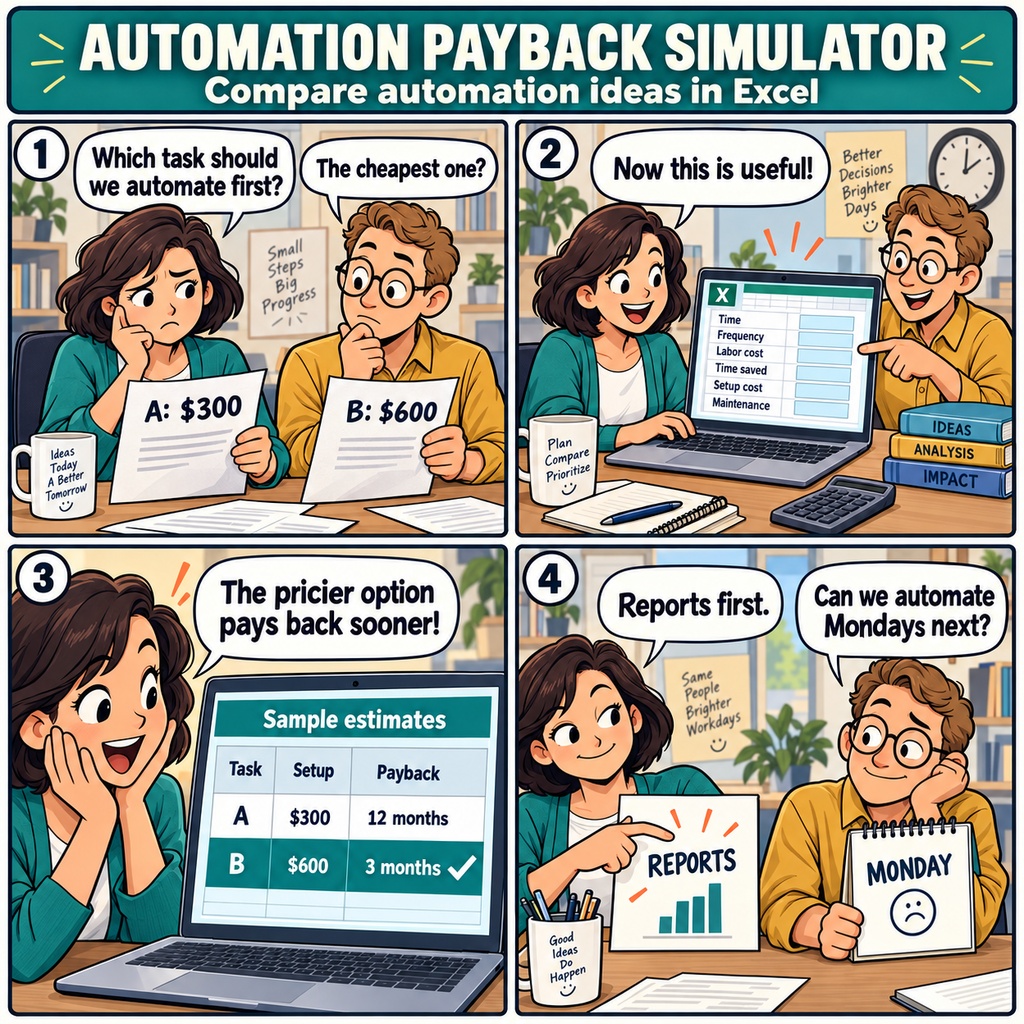


「この作業、そろそろ自動化したいな。」 月末の売上集計や、毎週繰り返すデータ入力。 少しでも手間を減らしたいと思いながら、 見積もりを前に「この費用、どのくらいで元が取れるんだろう」と 迷ってしまうことはありませんか。 限られた予算の中では、どの業務から手をつけるかも悩みどころ。 導入費だけでは、日々の負担がどれほど軽くなるのか、 導入後のメンテナンスにどれくらい時間がかかるのかまで、 なかなか見通せないものです。 そんなときに役立つのが、 「自動化投資 回収時間シミュレーター」です。 業務の自動化を検討する小規模企業に向けた、Excel形式の商品です。 対象の業務について、今かかっている時間や作業の頻度、人件費、 想定する削減率、導入費、保守にかかる時間を入力。 月ごとの効果と、導入費の回収に必要な月数を算出します。 Excel作業の自動化や新しいツールの購入を考えるときに、 候補ごとの効果を同じ基準で比べられます。 たとえば、毎日行う入力作業と、月に一度の集計作業。 導入費だけでなく、使う頻度や減らせる時間も含めて見てみると、 優先したい業務が変わってくるかもしれません。 さらに、削減率や利用頻度を変えたときの回収月数を、 感度表で確認できます。 「思ったほど時間が減らなかったら?」 「使う回数が少なくなっても、導入する意味はありそう?」 そんな気になる点も、条件を変えながら検討できます。 数字を見ながら話せると、社内での相談も進めやすくなります。 「まずは、この業務から始めてみよう。」 そう納得して一歩を踏み出すために、 自社に合う自動化の順番を考えてみませんか。 ファイル形式は.xlsx、マクロは使用しません。 対応環境はExcel 2019/2021/2024/Microsoft 365です。 算出結果は、入力した条件に基づく意思決定の参考値としてご活用ください。 お仕事の依頼は下記メールまで ramaya08010801@gmail.com Another week, another round of updating spreadsheets by hand. You've been thinking about automating that routine or buying a tool to help. But with several tasks competing for a small team's budget, deciding where to start can be harder than spotting the work you'd like to spend less time on. The Automation Investment Payback Simulator helps you work through that decision in Excel. Enter the task, the time it currently takes, how often you do it, labor costs, the expected percentage of time saved, implementation costs, and maintenance time. The workbook uses these assumptions to calculate the estimated monthly benefit and the number of months needed to recover the investment. You can compare automation ideas on a consistent basis, with the everyday details of your work included in the picture. Of course, a busy week doesn't always reflect a typical month. You might use a new tool less often than expected, or find that it saves a smaller share of your time. The sensitivity table shows how changes in usage frequency and the expected time reduction affect the estimated payback period. With maintenance time also accounted for, you have room to consider the ongoing work involved before deciding which idea to pursue. When you sit down with your team, you'll have a clearer way to explain your priorities. Perhaps that recurring reporting task is worth tackling first, while another idea can wait. Whether you're considering Excel automation or a tool purchase, this workbook helps you weigh the options and choose a practical starting point. The results are estimates based on your assumptions, intended to support your decision. Provided as a macro-free .xlsx workbook for Excel 2019, 2021, 2024, and Microsoft 365. For work inquiries or collaborations, please feel free to contact me at the email address below. ramaya08010801@gmail.com