
発注点・発注量 シミュレーター / Reorder Point and Order Quantity Simulator
- ダウンロード商品¥ 100
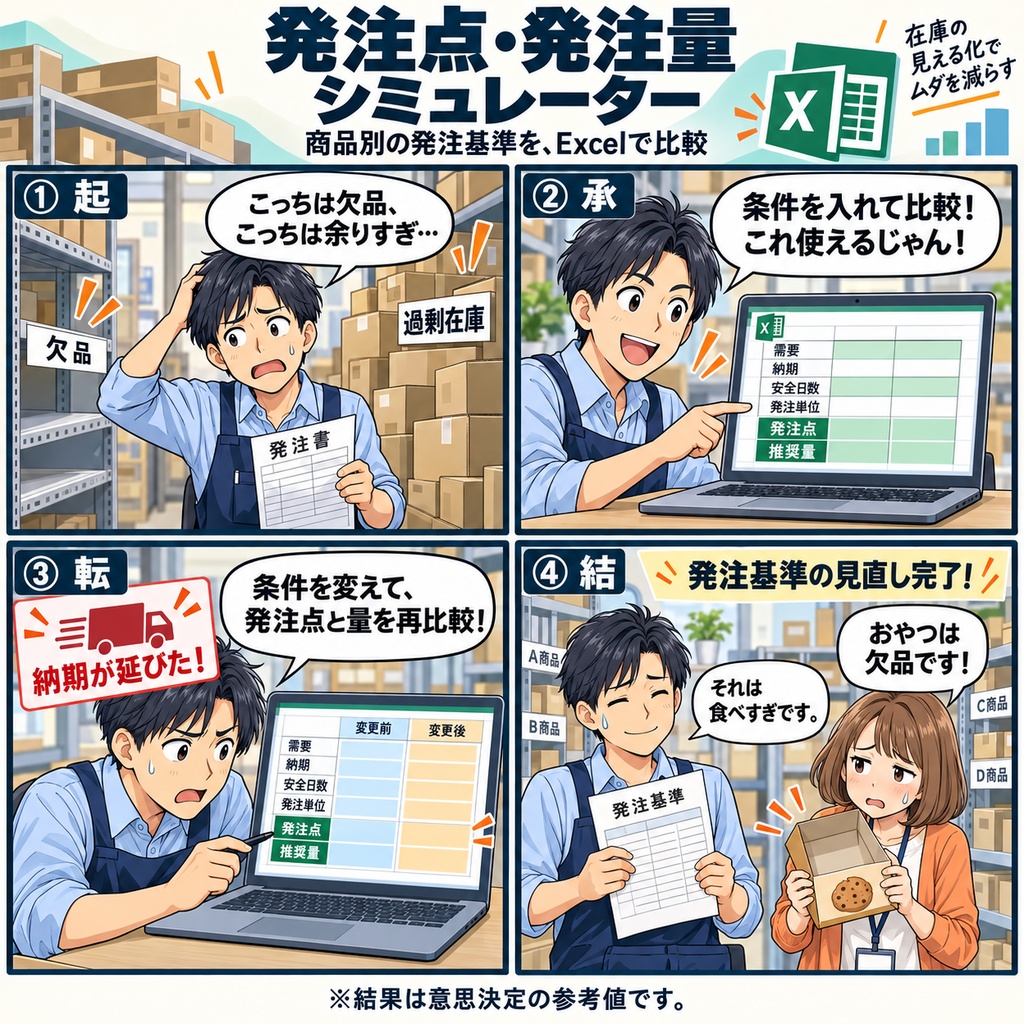
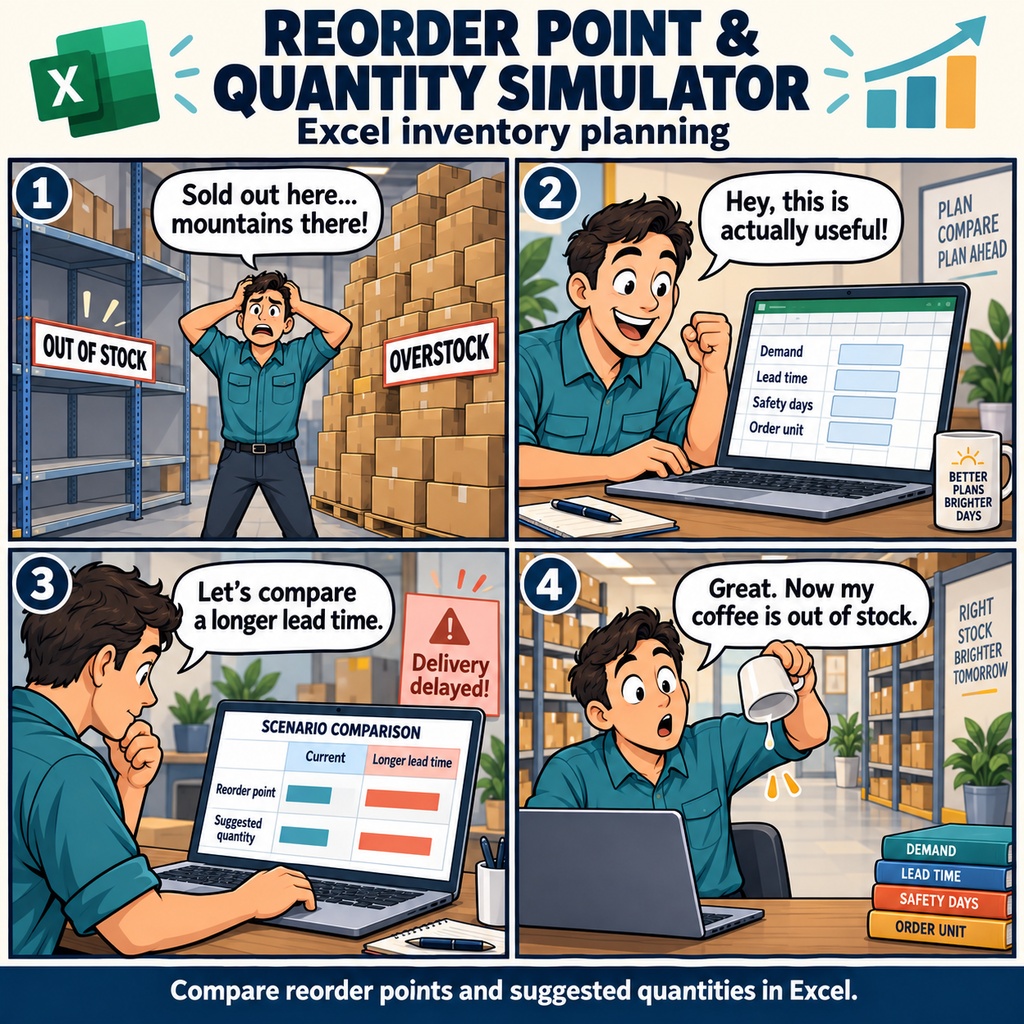


「いつもと同じように発注したのに、入荷前に在庫がなくなってしまった」 その一方で、多めに仕入れた商品は棚に残ったまま。 商品ごとの発注基準を見直すとき、平均販売数だけでは決めきれず、 手が止まってしまうことはありませんか。 そんな日々の悩みに寄り添うのが、 Excelで使える「発注点・発注量 シミュレーター」です。 販売履歴や平均需要、売れる時期と落ち着く時期の違いを踏まえながら、 商品ごとに、発注から入荷までの日数や、余裕を持たせる安全日数、 一度に発注する数量の単位を設定。 「在庫がどこまで減ったら発注するか」と「どれくらい発注するか」を、 条件に合わせて比較できます。 たとえば、次の繁忙期に向けて、よく売れる商品の発注を見直す場面。 「今より入荷に日数がかかったら?」 「在庫にもう少し余裕を持たせたら?」 気になる条件を変えて、発注点と推奨量を見比べてみます。 まとめて発注する商品は、その発注単位も反映しながら検討できるので、 実際の仕入れ方に合わせて、無理のない数量を考えられます。 条件と数字を並べてみると、次の発注で何を見直したいのかが、 少しずつ整理しやすくなります。 欠品を防ぎたい商品も、抱えすぎを見直したい商品も、 それぞれに合った基準づくりを、このシミュレーターで。 毎日の発注に迷う時間を減らし、納得して判断するための一歩を支えます。 マクロを使わないExcelファイル(xlsx)です。 Excel 2019/2021/2024/Microsoft 365でご利用いただけます。 シミュレーション結果は、発注を判断するための参考値としてお使いください。 お仕事の依頼は下記メールまで ramaya08010801@gmail.com You're reviewing your stock before placing the next order. One item keeps running low, while another has been sitting on the shelf for weeks. Average sales give you a starting point, but delivery times and the quantities your supplier lets you order make the decision less straightforward than it first seems. The Reorder Point and Order Quantity Simulator helps you work through those details in Excel. Use sales history and average demand to review each product, with busy and quiet periods in mind. Set lead times, safety stock coverage in days, and order increments for individual items, then compare reorder points and recommended order quantities. It's a practical way to explore ordering rules that suit each product. Now imagine a supplier needs a few extra days to deliver, just as you're heading into a busier period. Would your usual reorder point still give you enough room? Adjust the assumptions and compare scenarios to see how the recommendations change. You can also explore what makes sense when demand slows, before committing to another order. When it's time to make a decision, you'll have a clearer picture of when to reorder and how much to buy. Use the comparisons to refine your product-by-product approach and work toward fewer stockouts and less excess stock. The results are reference estimates to support your judgment, alongside what you know about your customers and suppliers. Provided as an Excel workbook (.xlsx), with no macros. For Excel 2019, 2021, 2024, and Microsoft 365. For work inquiries or collaborations, please feel free to contact me at the email address below. ramaya08010801@gmail.com