

【VRChat・どのアバターでも・無料】ぺたっとハロウィン 無料版 / Peta Halloween Free
- ダウンロード商品¥ 0
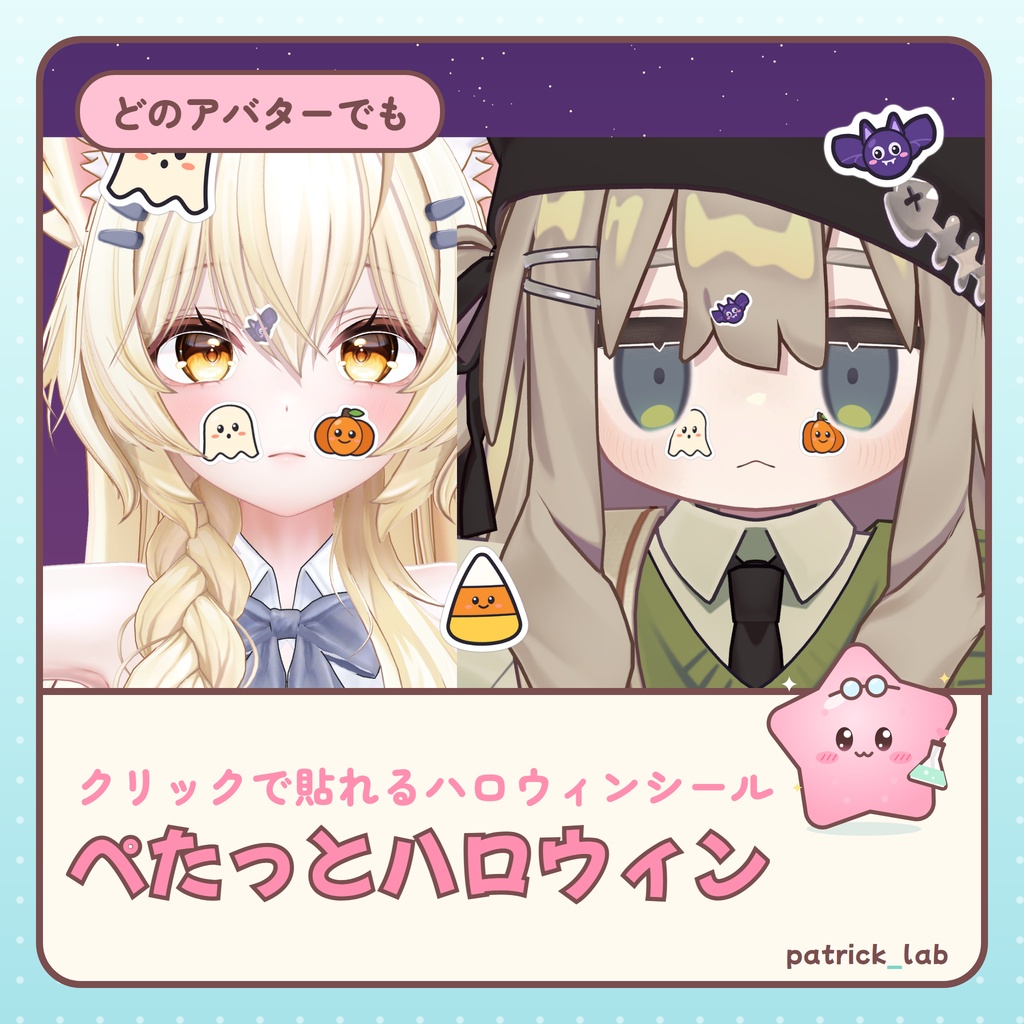
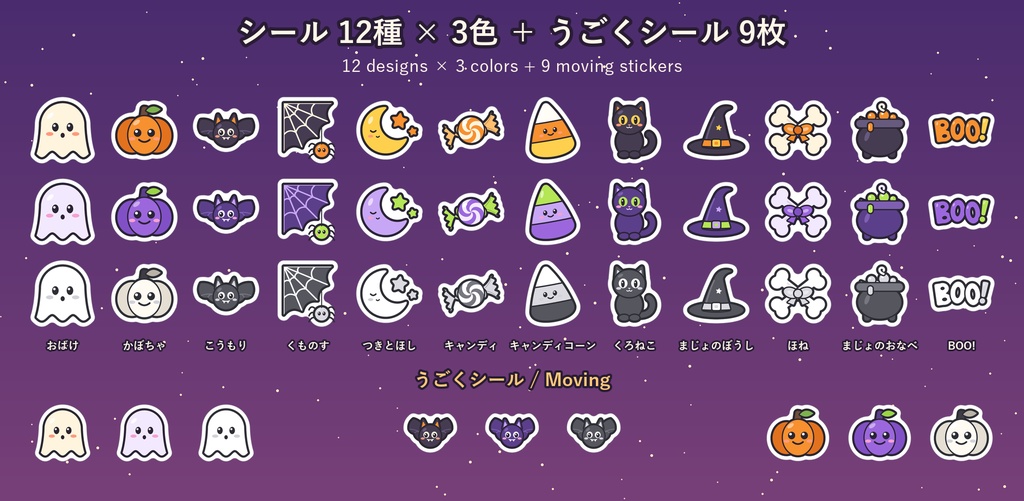
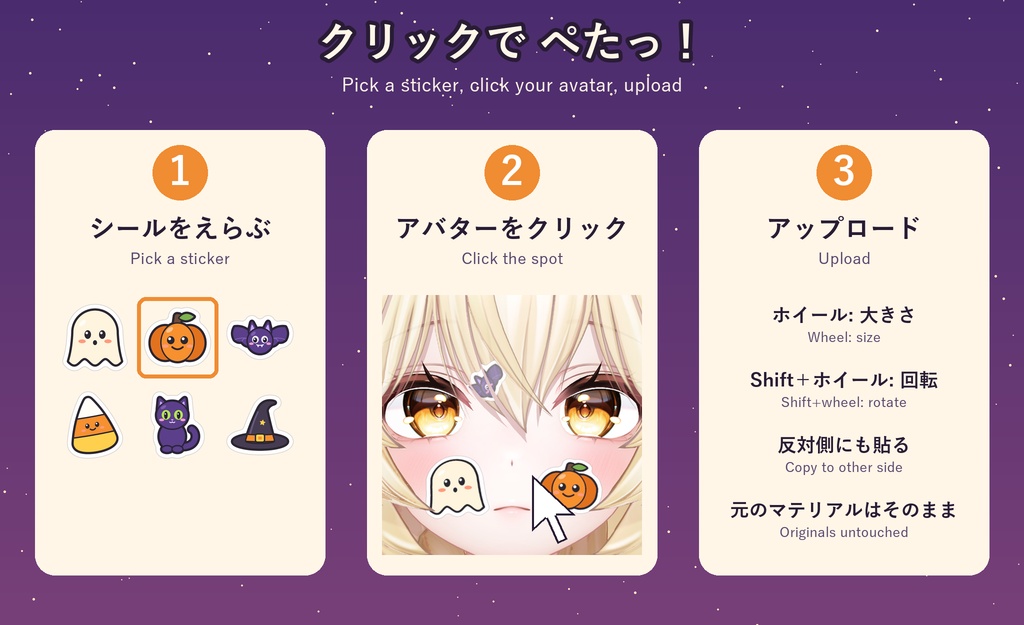
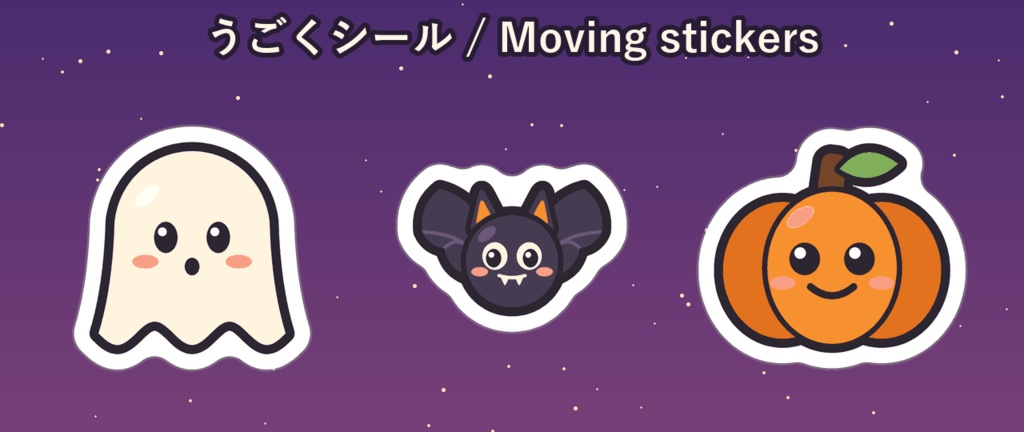
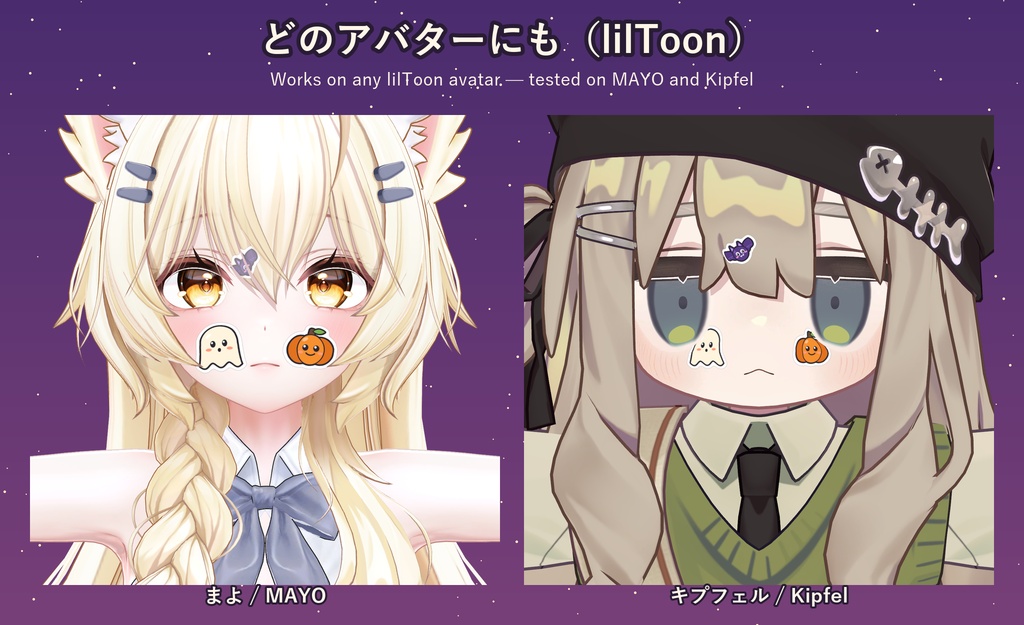


【日本語】 「ぺたっとハロウィン」の無料版です。おばけシール(3色)と貼り付けツールが入っています。 全種類(12種×3色+うごくシール9枚)は製品版をどうぞ → https://patrick-lab.booth.pm/items/8935445 ◆ シール ・おばけ(3色) ・無料版ではうごくシールは入っていません ◆ かんたん導入 1. プレハブをアバターに入れる 2. インスペクターでシールを選んで、シーンビューで貼りたい場所をクリック(ホイールで大きさ、Shift+ホイールで回転) 3. アップロード 「反対側にも貼る」ボタンで左右対称に貼れます。シーンビューで仕上がりをプレビューできます。 元のマテリアルは書き換えません(アップロード時にコピーへ貼ります)。 ◆ メニュー Halloween Stickers(表示オン/オフ) ◆ 必要な環境 ・Unity 2022.3.22f1 / VRChat SDK (Avatars) 3.10.5(確認済み) ・Modular Avatar 1.18.0 以上【必須】(確認 1.18.7) ・lilToon【必須】(確認 2.3.4)。貼る部分のマテリアルが lilToon(Lite 以外) ・PC 向け(Quest・Android ではシールは表示されません) ・まよ(Chocolate rice 様)、キプフェル(もち山金魚 様)で、Unity上で貼り付けと SDK の検証を確認(各アバターの公式商品ではありません) ◆ アバターに追加されるもの 同期パラメータ 1 bit/FX レイヤー 1/マテリアルスロット 増えません/メッシュ・PhysBone・Contact・パーティクル 0 テクスチャ: シール1枚 約0.35 MB(うごくシール 約1.4 MB) ◆ できないこと ・1つのマテリアルに2枚まで(lilToon の 2nd/3rd のうち空いている枠) ・UV の切れ目などでは欠けることがあります(インスペクターに警告が出ます) ・TexTransTool の AtlasTexture などとの併用で位置がずれることがあります ◆ 内容物 PetaHalloween_Free_v1.0.1.unitypackage(おばけシール 3色、ツール、README・LICENSE 日英韓) ※アバター本体は含まれません。 ◆ 利用規約(全文は同梱の LICENSE をご覧ください) OK: 個人利用・改変(シール画像の加工を含む)・配信/動画(収益化含む)・R-18 禁止: 再配布・転売(改変後・画像のみも)・パブリックアバター・自作発言・画像のグッズ化 法人・企業での利用: 事前にご相談ください ◆ AIの使用 スクリプトはAIコーディングアシスタントを使って書きました。シールの絵はプログラムで図形を描いて作りました(AI画像生成サービスは不使用)。 ◆ 更新履歴 ・v1.0.1 [2026.10.20] 無料版専用のプレハブ・シール一覧・READMEに分離(製品版の上にインポートしても製品版を上書きしません)。READMEを無料版の内容に合わせて修正。必要環境の表記を修正(Modular Avatar 1.18.0 以上)。 ・v1.0.0 [2026.10.04] 公開 ◆ お問い合わせ BOOTH のメッセージへどうぞ(日本語・English OK) X: @patricklab_vrc ―――――――――――――――――――― 【English】 The free version of Peta Halloween: the ghost sticker (3 colors) and the placing tool. The full set (12 designs x 3 colors + 9 moving stickers) is in the paid version: https://patrick-lab.booth.pm/items/8935445 [ Stickers ] - Ghost (3 colors) - Moving stickers are not in the free version [ Easy setup ] 1. Put the prefab on your avatar 2. Pick a sticker in the Inspector and click the spot in the Scene view (wheel = size, Shift + wheel = rotate) 3. Upload "Copy to other side" makes a mirrored pair. The Scene view previews the result. Your original materials are not changed (the stickers go on a copy at upload). [ Menu ] Halloween Stickers (show / hide) [ Requirements ] - Unity 2022.3.22f1 / VRChat SDK (Avatars) 3.10.5 (tested) - Modular Avatar 1.18.0+ REQUIRED (tested 1.18.7) - lilToon REQUIRED (tested 2.3.4). The material where you place a sticker must be lilToon (not Lite) - PC only (stickers are not shown on Quest/Android) - Placing and SDK validation checked in Unity on MAYO (Chocolate rice) and Kipfel (Mochiyama Kingyo). Not an official product of those avatars [ What it adds to your avatar ] Synced parameters 1 bit / FX layers 1 / Material slots: no change / Meshes, PhysBones, Contacts, particles 0 Textures: about 0.35 MB per sticker (moving sticker about 1.4 MB) [ Limits ] - Up to 2 stickers per material (free lilToon 2nd/3rd slots) - A sticker can be cut near a UV seam (the Inspector warns you) - Texture atlas tools such as TexTransTool AtlasTexture can move stickers [ Contents ] PetaHalloween_Free_v1.0.1.unitypackage (ghost sticker in 3 colors, the tool, README/LICENSE in JP/EN/KO) * No avatar is included. [ Terms ] (full text: the included LICENSE) OK: personal use, modifying (incl. editing the images), streaming/videos (incl. monetized), R-18 Not OK: redistribution/resale (incl. modified or images only), public avatars, claiming it as your own, selling the images as goods Corporate use: please ask first [ Use of AI ] Scripts were written with an AI coding assistant. The sticker art was drawn by code from shapes (no AI image generation services). ◆ Changelog - v1.0.1 [2026.10.20] The free version now has its own prefab, sticker list and README (importing it over the paid version no longer overwrites the paid files). README rewritten to match the free contents. Fixed the requirement text (Modular Avatar 1.18.0 or later). - v1.0.0 [2026.10.04] Release [ Contact ] BOOTH messages (Japanese / English OK) X: @patricklab_vrc