
歯科技工所の医院別 集配受渡確認表 / Dental Laboratory Pickup and Delivery Confirmation Form by Clinic
- ダウンロード商品¥ 100
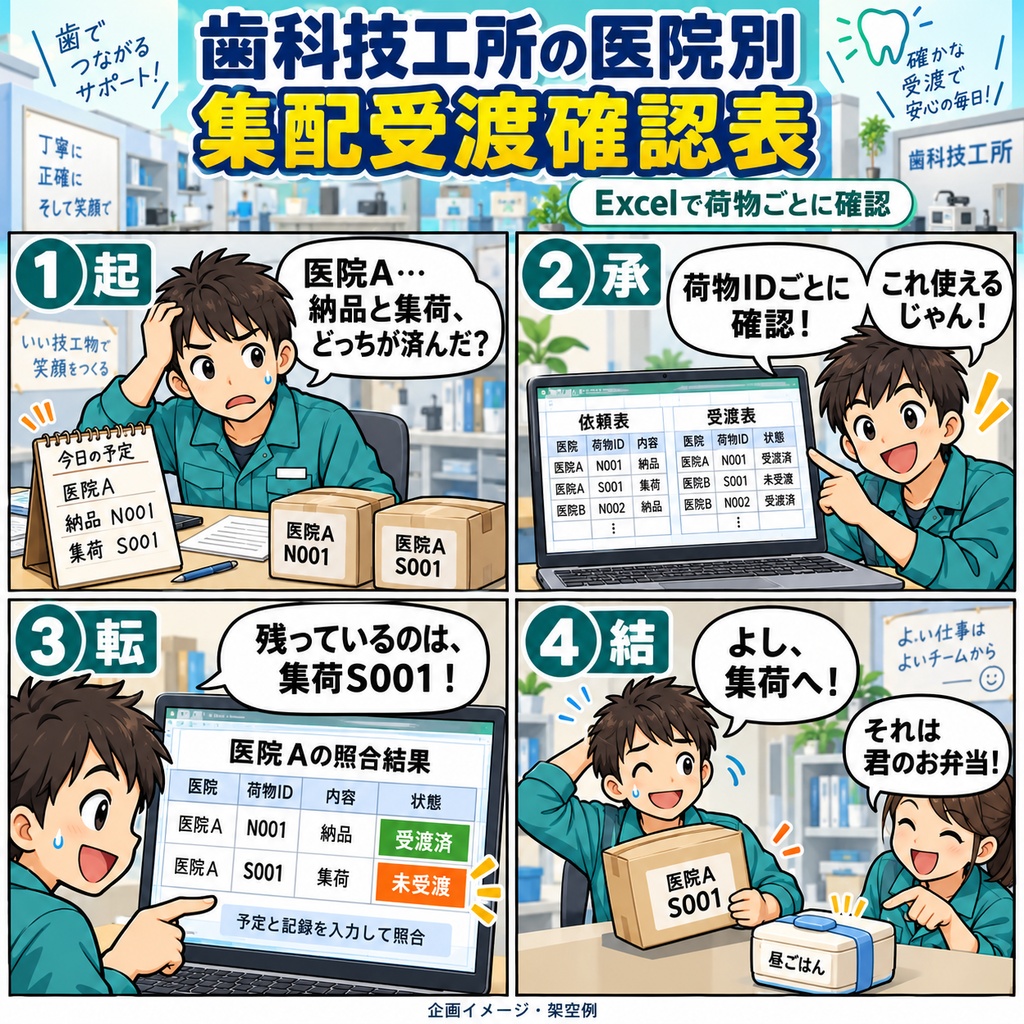
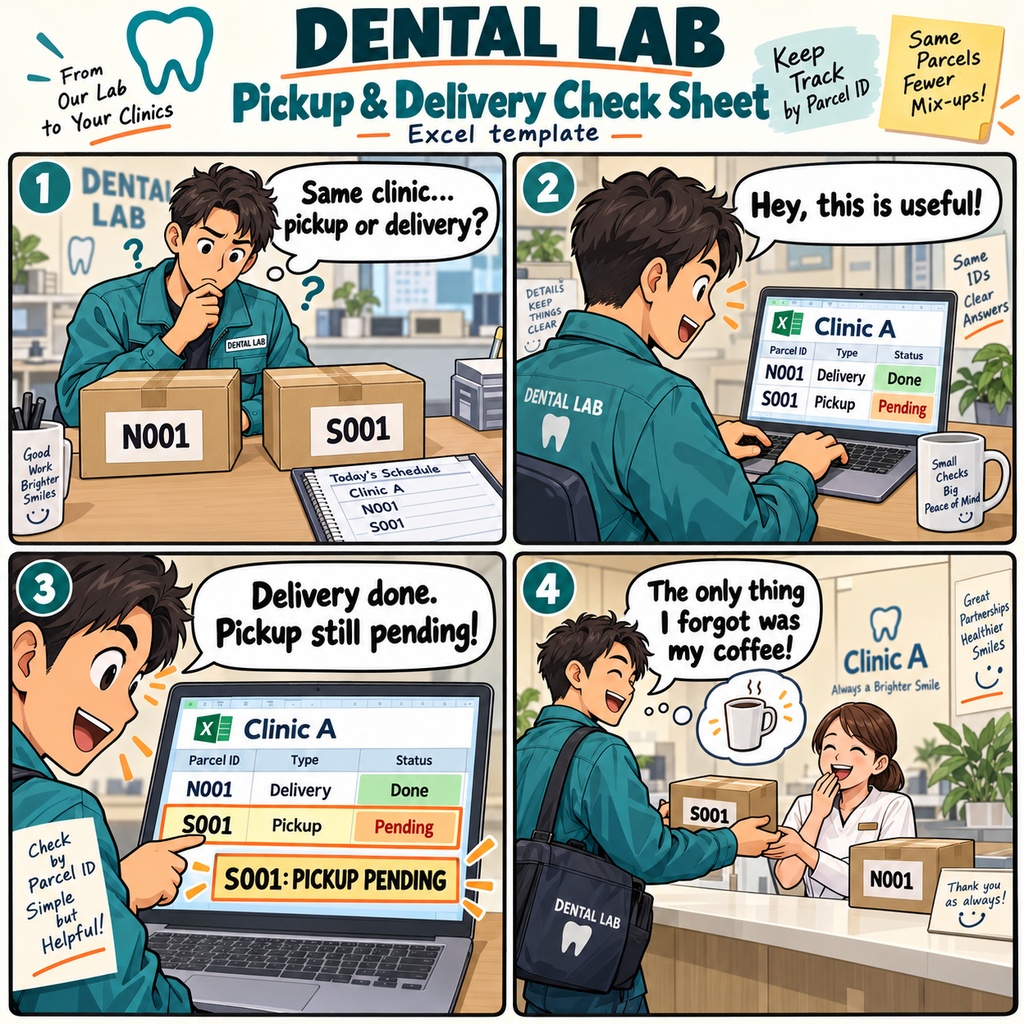


歯科技工所の医院別 集配受渡確認表 医院へ納品に向かう前や、集荷から戻ったあと。 「この荷物は渡したけれど、同じ医院の集荷はまだだったかな?」 そんなとき、依頼と受渡記録を荷物ごとに確認できるExcelの表です。 歯科技工所の集配担当者が、医院への持参・回収予定と実際の受渡を照らし合わせる場面で使えます。 まずは、同じシート内の依頼表に、荷物ID・医院ID・集荷または納品の種別・予定日を登録します。 実際に受渡を行ったら、受渡表へ記録ID・対応する荷物ID・受渡日などを入力。 原依頼や受渡記録を探せる参照情報も残しておけるので、確認したい内容があれば元の資料に戻れます。 たとえば、同じ医院への納品と集荷がある日。 それぞれに別の荷物IDを付け、納品だけを済ませて記録すると、納品には受渡実績が表示され、集荷は未受渡として確認できます。 医院が同じでも、集荷と納品、別の荷物を分けて照合します。 入力内容に応じて、受渡状況や予定超過、重複、依頼に一致しない受渡記録、入力不備などが表示されます。 予定超過は、自分で入力した確認日と未受渡の予定日を比べる仕組みです。 確認が必要な記録や判定が保留になった項目は、表示された内容を原資料と照合して見直せます。 医院・集配種別・判定で絞り込みながら、確認したい荷物を探すこともできます。 予定の変更や取消があったときは、元の入力欄を訂正し、理由や経緯を残せます。 取消した依頼に受渡実績がある場合も、その矛盾を確認できます。 確認を終えたら保存し、週をまたぐ未解消の荷物は同じブックの元の行で続けて確認。 日々の集配で「何を依頼され、何を受け渡したか」を、荷物IDを手がかりにたどれる表です。 1ブックで1技工所を管理し、依頼表・受渡表はそれぞれ記入例を含めて1,000行です。 Windows 11、日本語のMicrosoft 365デスクトップ版Excel 64bitで、一人で編集して使います。 原依頼と受渡記録を用意し、匿名の荷物ID・医院IDで登録してください。 患者名や医療情報は転記せず、原資料の参照情報で対応を確認します。 お仕事の依頼は下記メールまで ramaya08010801@gmail.com Clinic-by-Clinic Pickup and Delivery Handover Tracker for Dental Laboratories Before heading out to the clinics, you have a delivery to make and a pickup to bring back from the same place. Each has its own package and its own schedule. This Excel workbook gives dental laboratory collection and delivery staff a place to record those requests and match them with actual handovers, using a separate anonymous package ID for each pickup or delivery. Start by entering your laboratory name and the date you want to use for reviewing outstanding requests. In the request table, add the package ID, clinic ID, pickup or delivery type, scheduled date, status, and a reference to the original request. When a handover takes place, enter its record ID, matching package ID, actual date, status, and source reference in the handover table on the same worksheet. Results update as you change the inputs, showing recorded handovers, outstanding requests, overdue schedules, and entries that need a closer look. Now imagine that the delivery to Clinic A has been handed over, but the pickup from that clinic is still outstanding. Because the two tasks use different package IDs, the delivery record applies to that delivery alone. You can filter by clinic, pickup or delivery type, and result to review the relevant entries. The workbook also highlights duplicate IDs, multiple active handover records for a package, and handovers without a matching request. If information is missing or unclear, it displays the issue and, where necessary, holds the overdue assessment for review. Source references let you return to the original paperwork and correct the relevant input. As plans change, you can cancel or reactivate a request and record the reason, or correct a handover entry against its original record. A recorded handover remains visible when its request is canceled, alongside a notice to review the inconsistency. At the end of your review, check the results and input notices, then save the workbook. Unresolved packages can stay in their original rows for the following week, while each new pickup or delivery receives a new package ID. It is a practical place to return to when you need to see what was requested, what was handed over, and what still needs your attention. The .xlsx workbook manages one dental laboratory, with 1,000 rows in each table, including the sample entries. Use it on Windows 11 with the Japanese-language, 64-bit Microsoft 365 desktop version of Excel, with one person editing at a time. The worksheet labels and status choices are in Japanese. Have the original requests and handover records available, and use anonymous package IDs and clinic identifiers; clinic abbreviations are welcome. Enter dates without times and review the results on the Excel screen. For work inquiries or collaborations, please feel free to contact me at the email address below. ramaya08010801@gmail.com