

【Unityツール】位置メモ / Transform Memo
- ダウンロード商品¥ 100
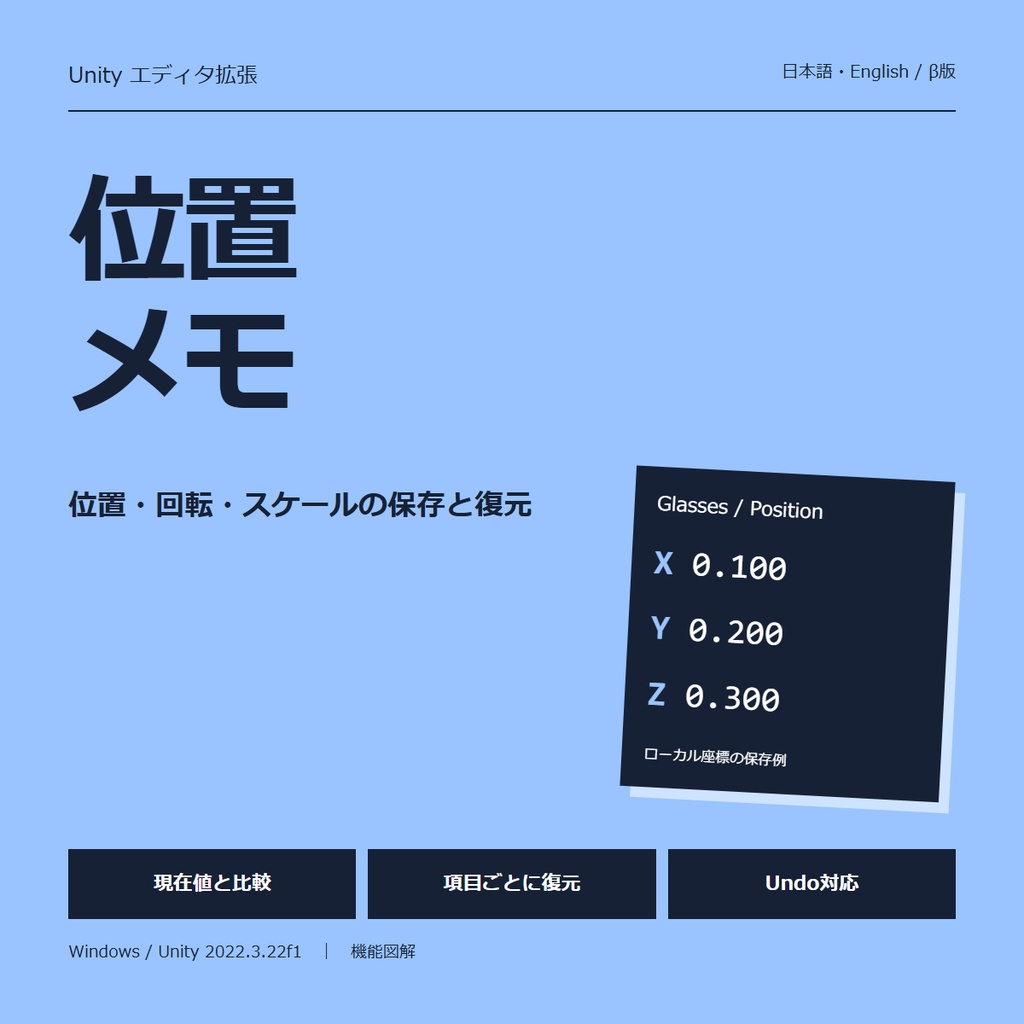
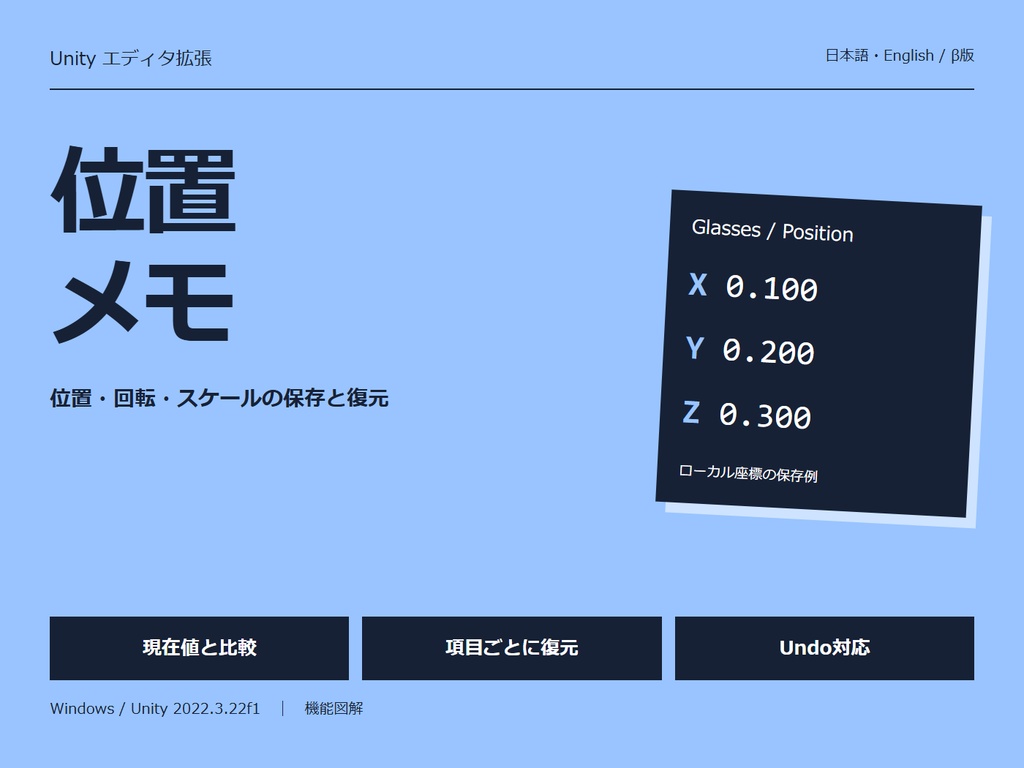
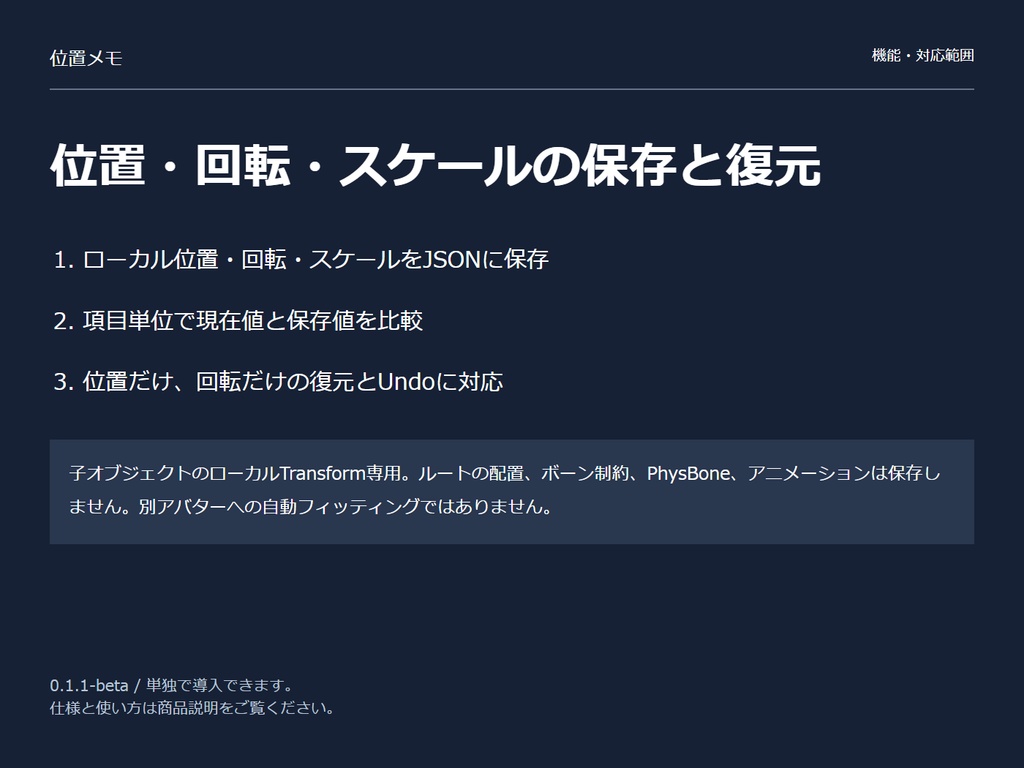
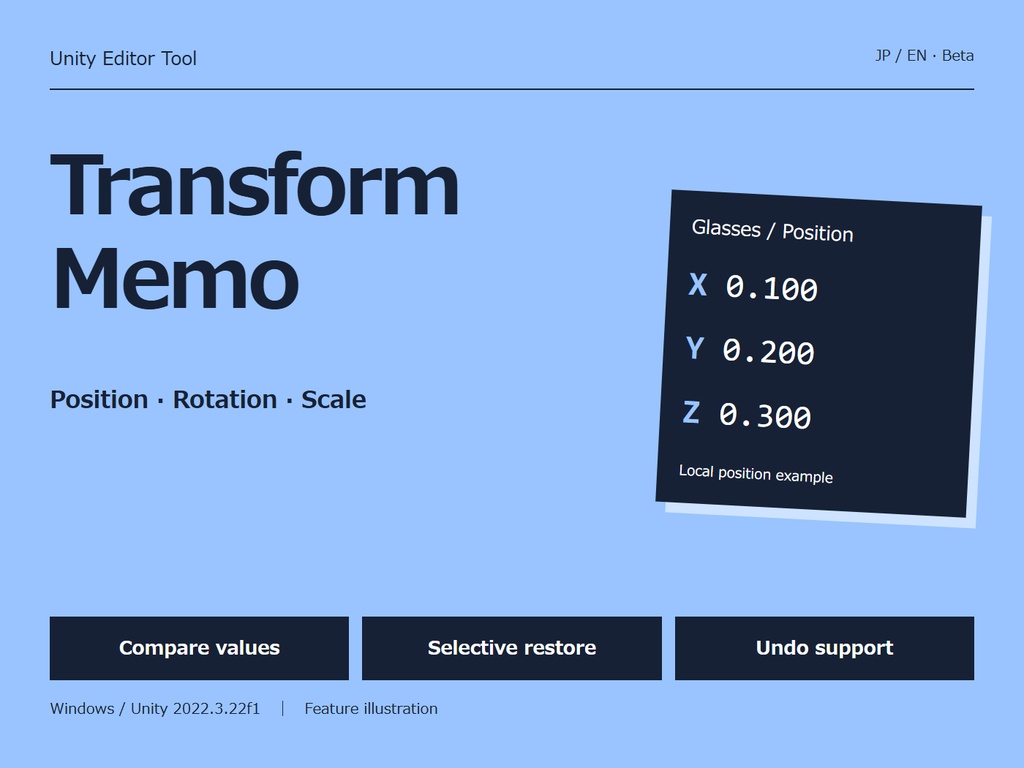
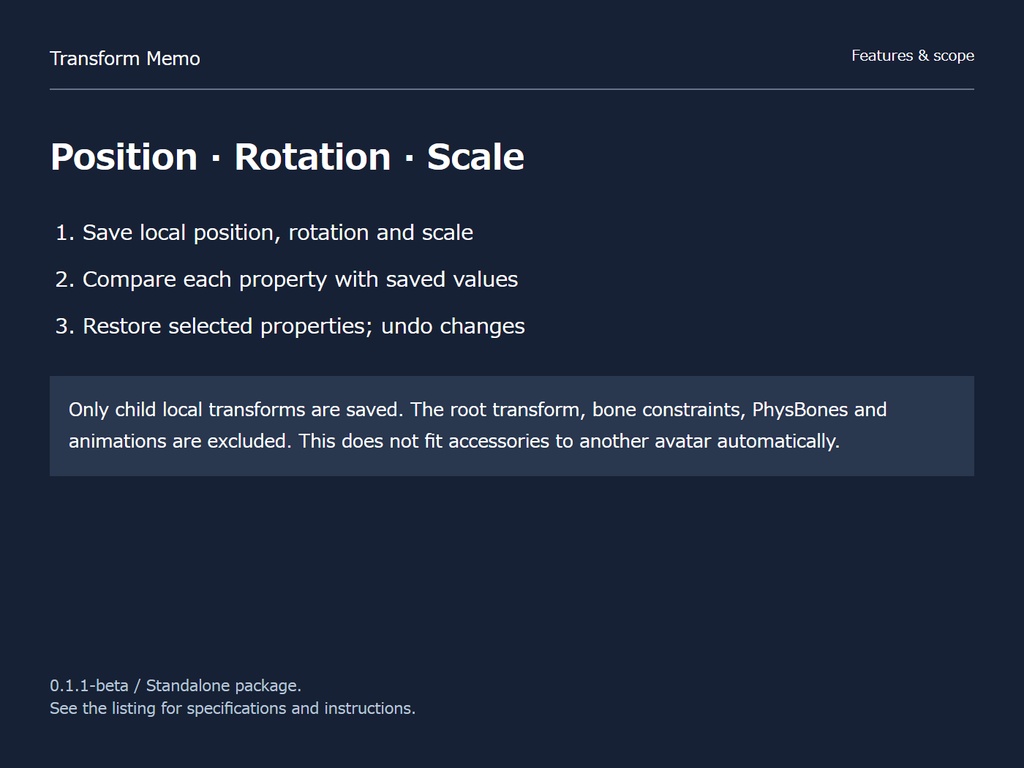


子オブジェクトの位置・回転・大きさを保存。動かしすぎたとき、選んだ数値だけ戻せます。 ■ できること ・ローカル位置・回転・スケールをJSONに保存 ・項目単位で現在値と保存値を比較 ・位置だけ、回転だけの復元とUndoに対応 ■ 対応範囲 子オブジェクトのローカルTransform専用。ルートの配置、ボーン制約、PhysBone、アニメーションは保存しません。別アバターへの自動フィッティングではありません。 ■ 導入 MikujiTransformMemo-0.1.1-beta.unitypackage をインポート。 Tools → みくじ → 位置メモ を開き、シーン内のアバターや対象オブジェクトを指定してください。 ■ 使用環境 Windows / Unity 2022.3.22f1。日本語・英語を切り替えられるEditor拡張です。 VRChat SDKや他の本シリーズ商品は不要。ランタイム用スクリプトは含みません。 ■ 内容物 ツール本体(unitypackage)、日英説明書、利用条件、更新履歴。 アバター、衣装、テクスチャ、写真素材は付属しません。 ■ 利用条件 個人・法人、営利・非営利を問わず使用できます。自分で使うための改変もできます。 このツールで出力したJSON、CSV、レポート、スクリーンショットは共有・商用利用できます。 アバターや素材など、第三者の権利があるものについては各権利者の条件に従ってください。 ツール本体、ソースコード、改変版の再配布・販売は認めません。 本ツールの使用によって、アバターや素材の権利が変わることはありません。VRChatの公式製品ではありません。 不具合の連絡にはUnityのバージョン、再現手順、Consoleのエラーを添えてください。 ■ English — Transform Memo Save child objects’ local position, rotation and scale as JSON. Compare values and restore only the properties you select. Supports Undo. Only child local transforms are saved. The root transform, bone constraints, PhysBones and animations are excluded. This does not fit accessories to another avatar automatically. Japanese / English UI; switch in the tool window. Windows / Unity 2022.3.22f1. No VRChat SDK required. Import the included unitypackage, then open Tools → Mikuji → Transform Memo. Includes unitypackage, Japanese/English manuals and terms, changelog and example preset. Individuals and organizations may use and modify the tool for their own use, commercially or non-commercially. Exported JSON/CSV/reports/screenshots may be shared and used commercially, subject to third-party asset rights. Redistribution or resale of the tool, source code or modified versions is prohibited. This is not an official VRChat product.