
Avatar Projection & Clone System | Non-Destructive VRChat Avatar Tool
- ダウンロード商品¥ 1,600
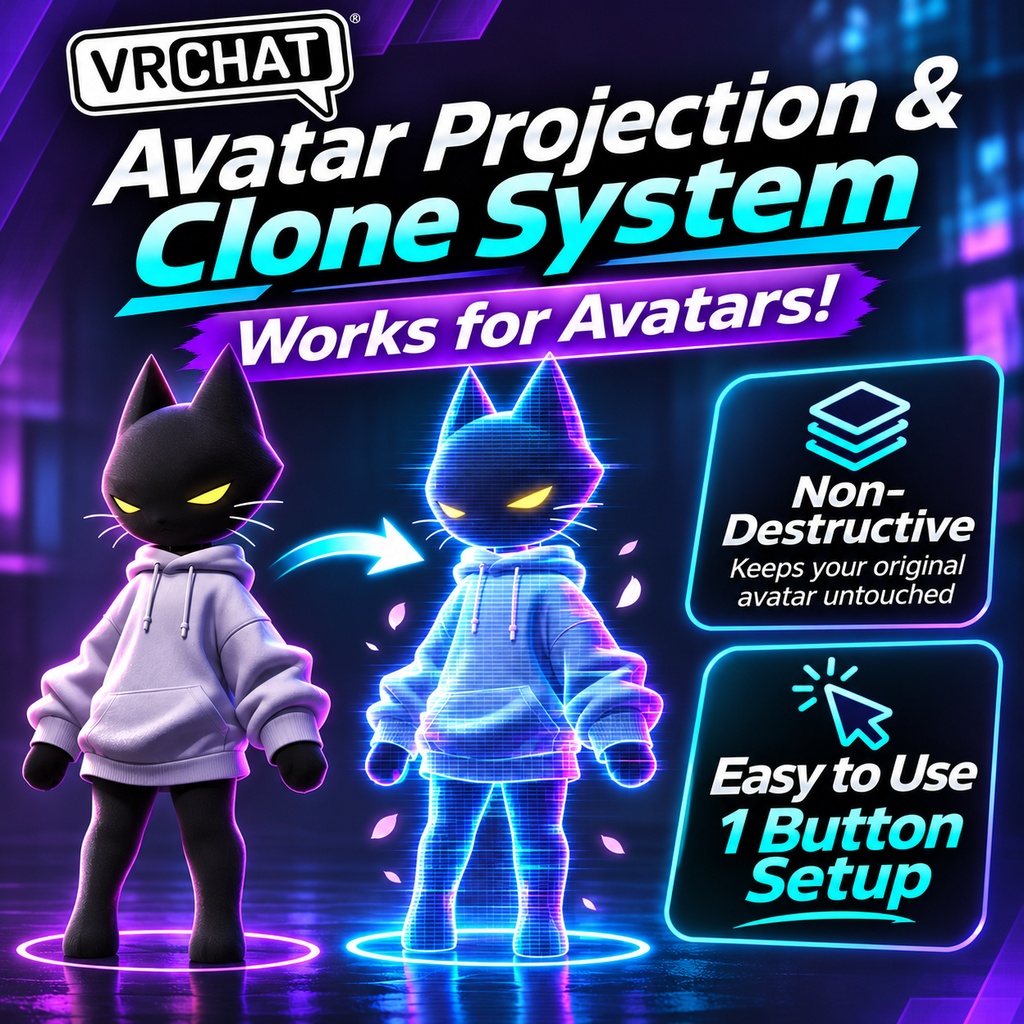

Create a fully animated projection of your VRChat avatar with just one click! The Avatar Projection & Clone System is an easy-to-use Unity Editor tool that lets you generate a visual clone of your VRChat avatar, complete with synchronized movement, animations, and optional mirrored behavior. Whether you want a holographic companion, a mirrored version of yourself, or a unique visual effect for your avatar, this system makes it simple to set up without manually creating complex animation controllers. Non-Destructive • One-Button Setup • Fully Animated ✨ Features 👥 Avatar Projection & Cloning Generate a visual clone of your avatar with one click. Automatically replicates your avatar's body and skeletal structure. Synchronizes movement and animations with the original avatar. Supports avatar clothing, accessories, and Skinned Mesh Renderers. Works with your existing VRChat avatar. 🪞 Copy & Mirror Modes Choose how your projection behaves! Copy Mode Your projection follows your avatar's movements. Both avatars perform the same animations. Great for holograms, companions, and visual duplicates. Mirror Mode Your projection mirrors your movements. Moving your left arm moves the projection's right arm. Optional placement locking allows mirrored movement relative to a fixed position. Switch between modes using an in-game VRChat menu toggle. 🎨 Material Customization Automatically uses your avatar's configured materials by default. Optional per-renderer material overrides. Customize individual Skinned Mesh Renderers. Optional synchronization of compatible FX material animations. Create unique appearances for your projection without changing your original avatar's materials. 📍 Customizable Projection Placement Set the projection's position relative to your avatar. Customize X, Y, and Z offsets. Lock the projection beside your avatar or allow independent positional behavior. Configure the initial projection mode before generation. ⚡ One-Button Setup No complicated manual configuration required! Open the Avatar Projection tool in Unity. Select your VRChat avatar. Customize your preferred settings (optional). Click Generate Projection. Upload your avatar and control the projection in VRChat! The system automatically generates the necessary visual rig, constraints, animation layers, and menu controls. 🛡️ Non-Destructive Workflow Designed to preserve your existing avatar setup. Keeps your original avatar meshes and materials intact. Does not directly modify your original animation clips. Creates separate generated assets where necessary. Integrates with existing VRChat avatar systems. Material synchronization uses generated copies rather than overwriting user-authored animations. 🎮 In-Game Controls After generation, control your projection using your VRChat Expressions Menu. Projection Enabled — Show or hide your projection. Mirror Mode — Switch between synchronized Copy Mode and mirrored movement. No additional scripts or external controls are required during gameplay. 📦 What's Included Avatar Projection & Clone System Unity Editor Tool Automatic projection generation Copy and Mirror modes Material customization and synchronization options Placement and offset configuration Automatic VRChat Expressions Menu integration Generated FX animation and constraint setup ✅ Requirements Unity project configured for VRChat avatars VRChat SDK3 – Avatars Compatible Unity Editor environment A VRChat avatar with a configured Avatar Descriptor Important Notes: This is a visual avatar projection system, not a second independently controlled VRChat player or avatar. The projection is generated from your avatar's configured appearance. Live material changes are supported through compatible FX animation synchronization rather than arbitrary runtime material capture. Behavior involving complex PhysBones, blendshapes, and certain world-space mirroring configurations may vary depending on your avatar setup. 🚀 Bring Your Avatar to Life — Twice! Create synchronized duplicates, mirrored companions, and unique projection effects without spending hours configuring animation systems manually. Avatar Projection & Clone System by VRCAkira Non-Destructive. Easy to Use. One-Button Setup.
