

【VRChat】【MA対応】Argentum Relic|PS1/PS2風レトロ3Dシェーダーセット(マテリアル+スクリーン)【PC用】
- Digital1,000 JPY
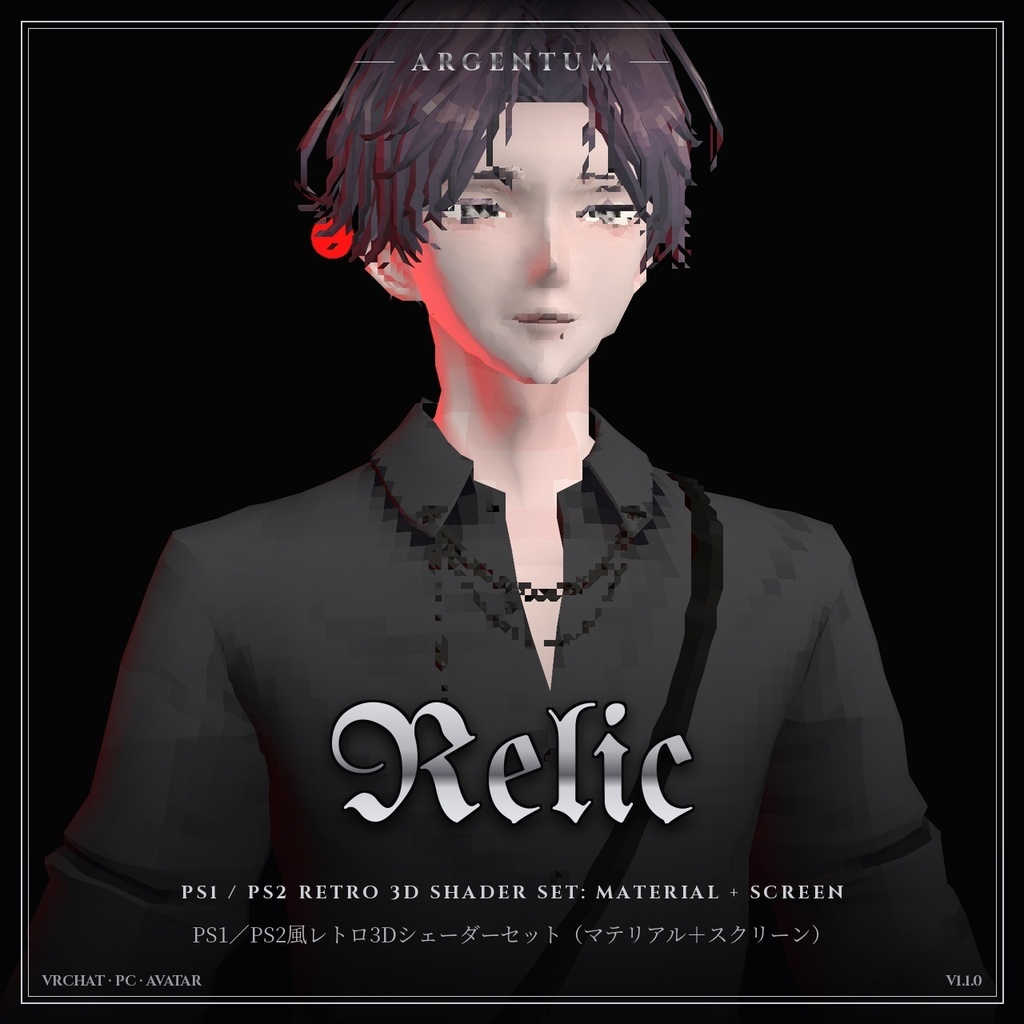
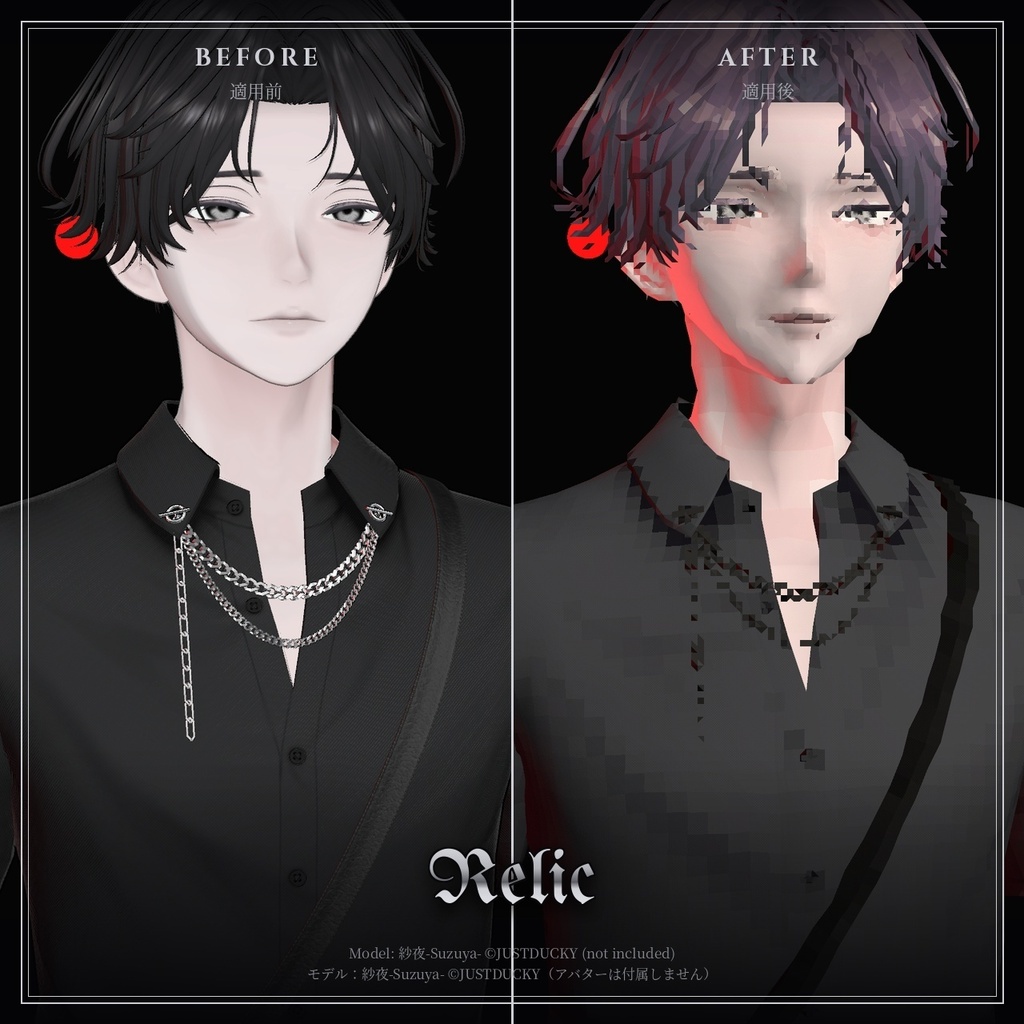
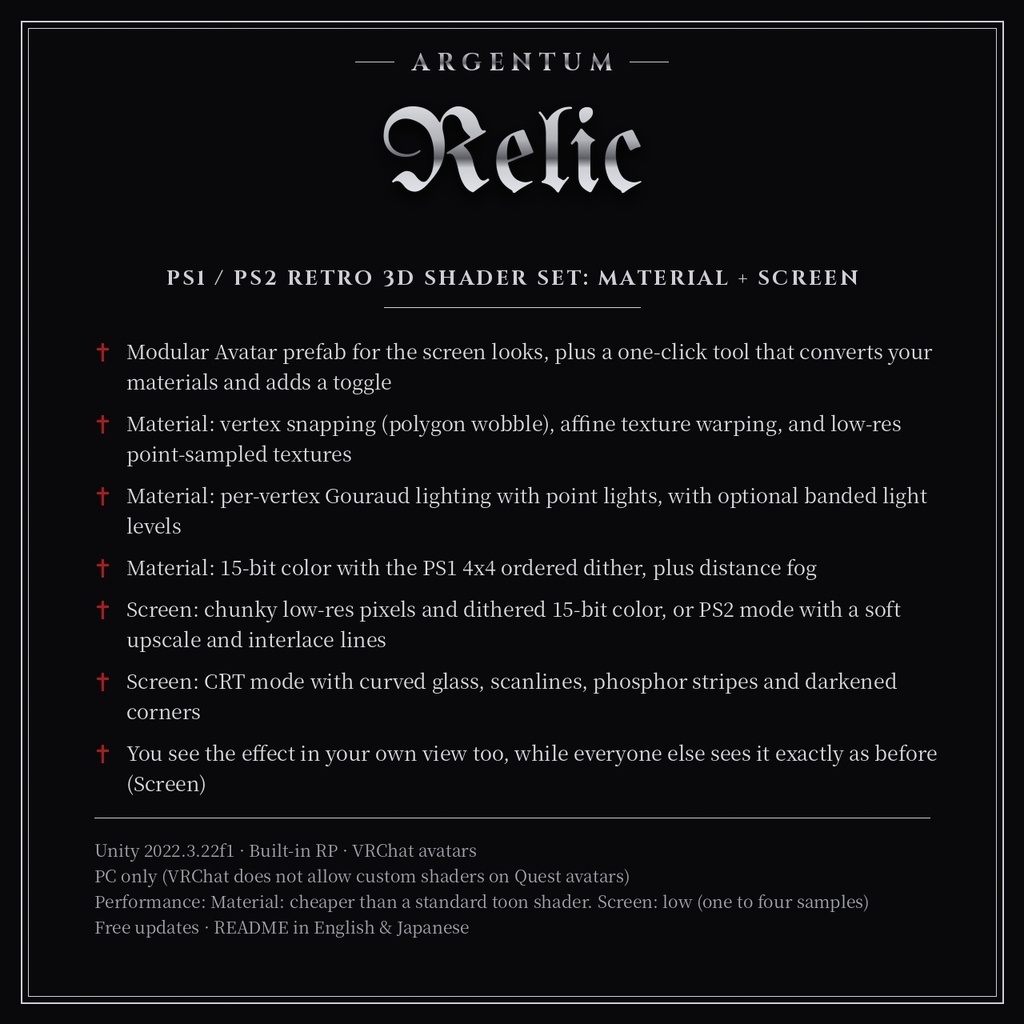
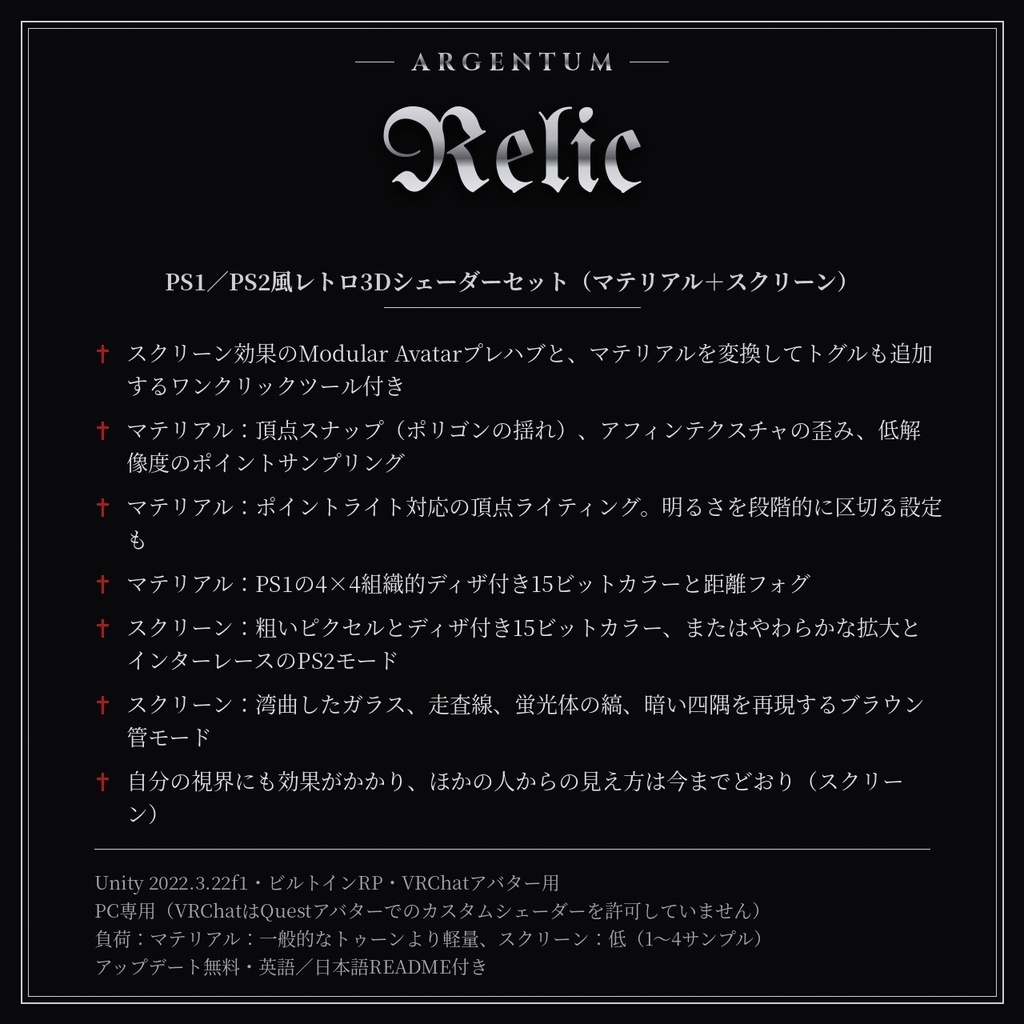
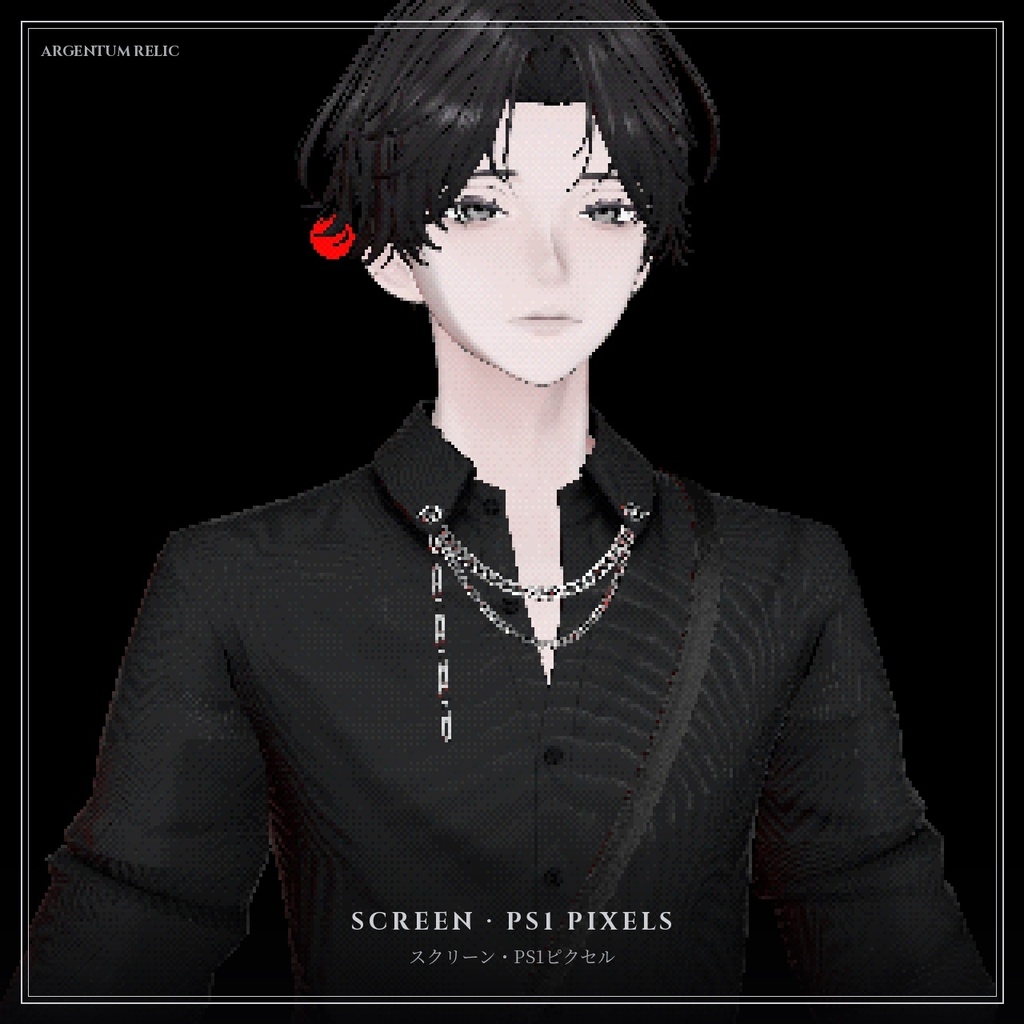
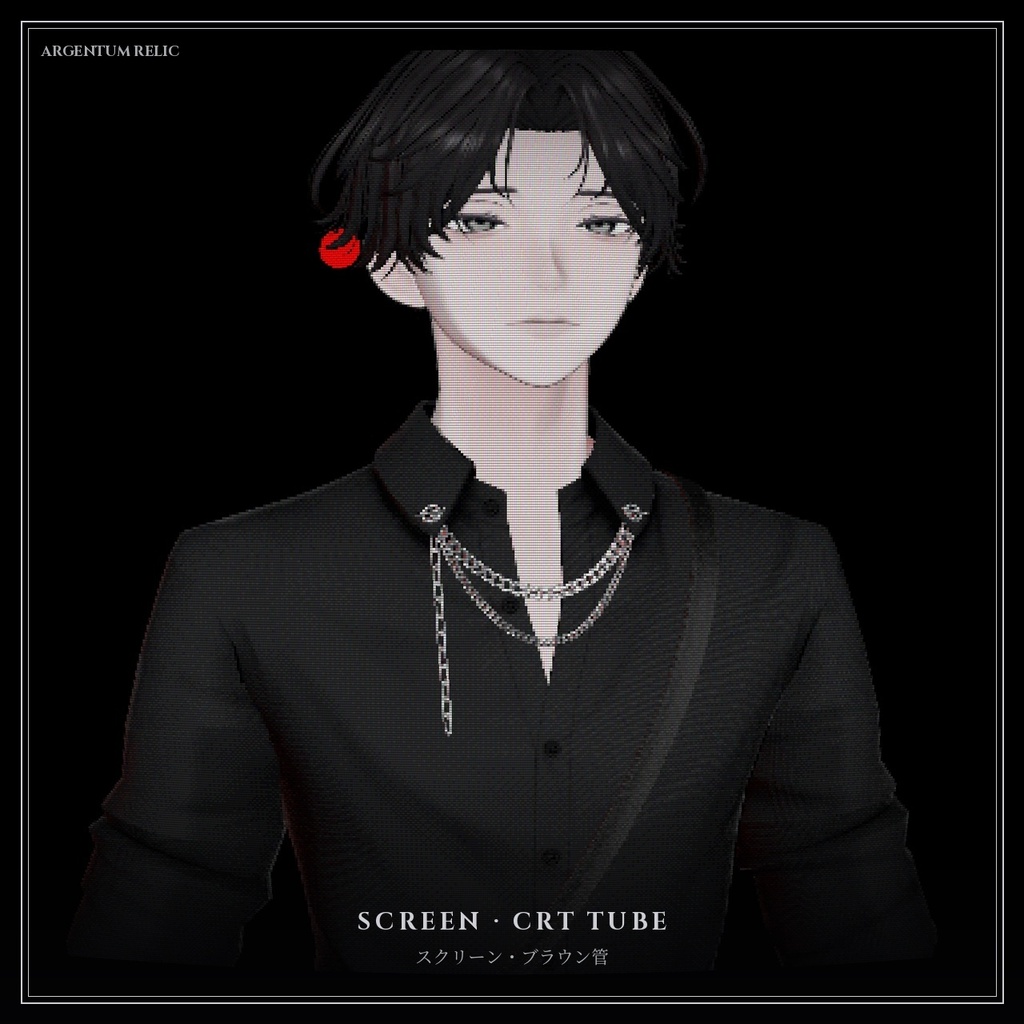
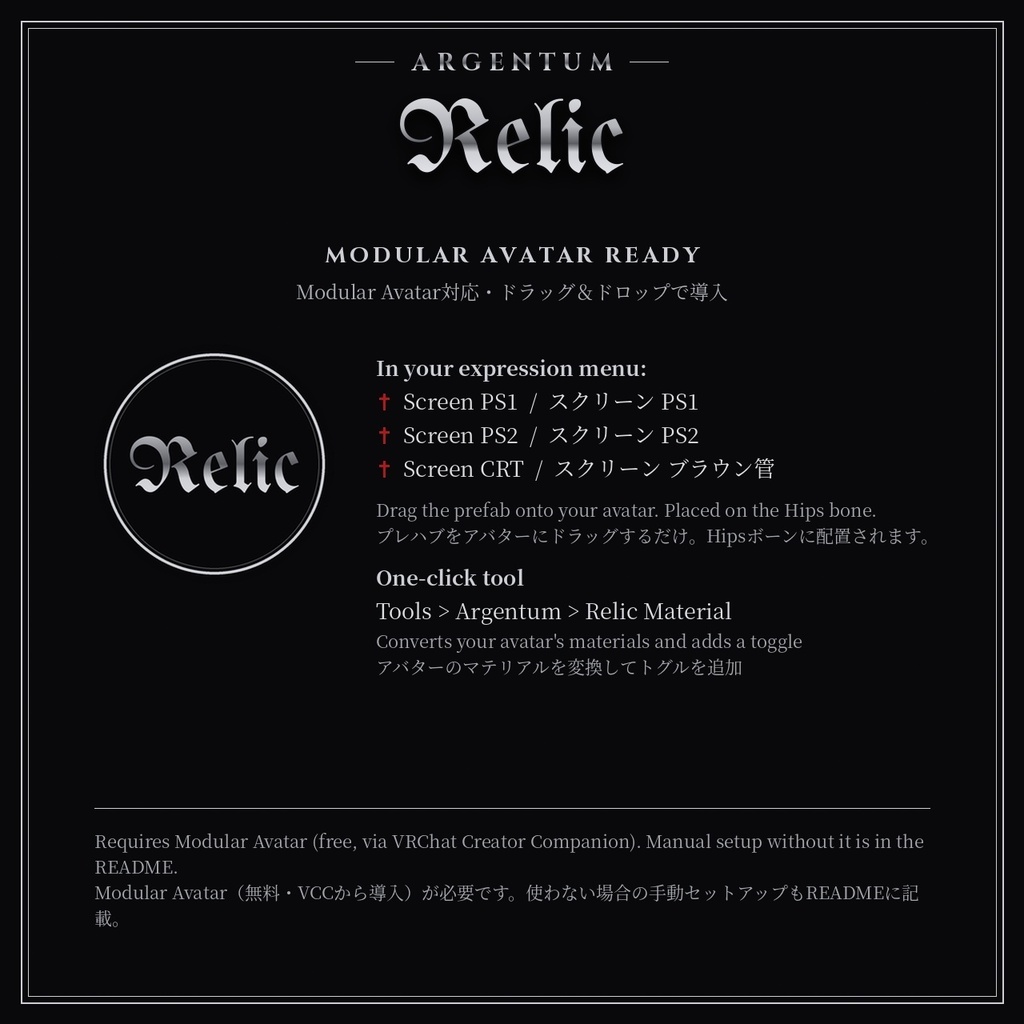


アバターを、まるで32ビット機で描画したかのような見た目に。 ■ 特長 ・スクリーン効果のModular Avatarプレハブと、マテリアルを変換してトグルも追加するワンクリックツール付き ・マテリアル:頂点スナップ(ポリゴンの揺れ)、アフィンテクスチャの歪み、低解像度のポイントサンプリング ・マテリアル:ポイントライト対応の頂点ライティング。明るさを段階的に区切る設定も ・マテリアル:PS1の4×4組織的ディザ付き15ビットカラーと距離フォグ ・スクリーン:粗いピクセルとディザ付き15ビットカラー、またはやわらかな拡大とインターレースのPS2モード ・スクリーン:湾曲したガラス、走査線、蛍光体の縞、暗い四隅を再現するブラウン管モード ・自分の視界にも効果がかかり、ほかの人からの見え方は今までどおり(スクリーン) ■ こんな用途に Y2K・レトロゲーム風のアバター、ホラー、ローポリ調、MV風の演出。 ■ 対応環境 ・Unity 2022.3.22f1(VRChatの現行バージョン)、ビルトインレンダーパイプライン ・VRChatアバター用、PC専用(VRChatはQuest / Androidのアバターでカスタムシェーダーを許可していません) ・アバターを問わず使用でき、他のシェーダーにも依存しません ・シングルパスステレオのVR、ミラー、VRChatカメラに対応 ・ドラッグ&ドロップのプレハブ/トグルにはModular Avatarが必要です(未使用の場合の手動セットアップもREADMEに記載) ■ 内容物 ・Argentum_Relic_v1.1.0.unitypackage ・Argentum/Relic/Material, Argentum/Relic/Screen シェーダー ・Modular Avatarプレハブ:アバターにドラッグするだけでExpressionメニューのトグルが付きます(Screen PS1, Screen PS2, Screen CRT(ブラウン管)) ・ワンクリックセットアップツール(Tools > Argentum > Relic Material — Convert Avatar Materials)。Modular Avatarのトグルも自動で追加 ・プリセットマテリアルとメニュー用アイコン ・README(英語・日本語)、利用規約、更新履歴 ■ 負荷 マテリアル:一般的なトゥーンより軽量、スクリーン:低(1〜4サンプル) ■ アップデート 購入者は無料でアップデートを受け取れます。BOOTHのライブラリから再ダウンロードしてください。 画像のアバター:紗夜-Suzuya-(JUSTDUCKY様)※アバターは付属しません ──────────────────── English ──────────────────── Argentum Relic: PS1 / PS2 Retro 3D Shader Set: Material + Screen [VRChat / PC / Modular Avatar] Make your avatar look like it was rendered on a 32-bit console. ■ Features ・Modular Avatar prefab for the screen looks, plus a one-click tool that converts your materials and adds a toggle ・Material: vertex snapping (polygon wobble), affine texture warping, and low-res point-sampled textures ・Material: per-vertex Gouraud lighting with point lights, with optional banded light levels ・Material: 15-bit color with the PS1 4x4 ordered dither, plus distance fog ・Screen: chunky low-res pixels and dithered 15-bit color, or PS2 mode with a soft upscale and interlace lines ・Screen: CRT mode with curved glass, scanlines, phosphor stripes and darkened corners ・You see the effect in your own view too, while everyone else sees it exactly as before (Screen) ■ Use it for Y2K and retro-game avatars, horror, low-poly aesthetics, music videos. ■ Compatibility ・Unity 2022.3.22f1 (VRChat's current version), Built-in Render Pipeline ・VRChat avatars, PC only. VRChat does not allow custom shaders on Quest / Android avatars. ・Works with any avatar and doesn't depend on any other shader. ・Supports single-pass stereo VR, mirrors and the VRChat camera. ・Modular Avatar is needed for the drag-and-drop prefab / toggle. Manual setup without it is covered in the README. ■ What's included ・Argentum_Relic_v1.1.0.unitypackage ・Argentum/Relic/Material, Argentum/Relic/Screen shaders ・Modular Avatar prefab: drag onto your avatar for an expression-menu toggle (Screen PS1, Screen PS2, Screen CRT) ・One-click setup tool (Tools > Argentum > Relic Material — Convert Avatar Materials) that adds a Modular Avatar toggle ・Preset materials and a menu icon ・README (English / Japanese), terms of use, changelog ■ Performance Material: cheaper than a standard toon shader. Screen: low (one to four samples) ■ Updates Free for buyers. Re-download from your BOOTH library. Avatar in the images: 紗夜-Suzuya- by JUSTDUCKY (not included)
Terms of Service
・○ アップロードするアバター・ワールドでの使用(個人・商用、配信・動画を含む) ・○ 自分用の改変。依頼で制作したアバターへの使用と代理アップロード(ファイルを渡さない場合) ・× ファイルの再配布・転売(改変の有無を問わず、アバターやワールドのパッケージへの同梱を含む) ・規約の全文はダウンロードデータに同梱しています ──────────────────── ・OK: use on avatars and worlds you upload, personal or commercial, including streams and videos. ・OK: modify for your own use; use on commissioned avatars you upload for a client, as long as the files aren't handed over. ・Not OK: redistributing or reselling the files, modified or not, including inside avatar or world packages. ・Full terms are included in the download.
Update information
・1.1.0 (2026-11-03) - スクリーン:ブラウン管モード(CRT Screen、Screen Width、Curvature、Scanlines、Phosphor Stripes、Corner Darkening)を追加し、プレハブのメニューに「Screen CRT」を追加しました。 - マテリアル:ライティングの明るさを数段階に区切る「Light Bands」を追加しました。初期の3Dのような段のある陰影になります。 - スクリーン:「Wearer Sees It」(装着者にも表示)を追加しました。自分の視界にも効果がかかります(以前はほかの人・ミラー・カメラにだけ表示)。バブルの外から見る人には、これまでどおり1層だけ表示されます。初期値はオンで、マテリアルごとにオフにできます。 - スクリーン:マテリアルの「Cull」設定は「Wearer Sees It」に置き換わったため削除しました。 ・1.0.0 (2026-10-27): 初回リリース ・1.1.0 (2026-11-03) - Screen: new CRT mode (CRT Screen, Screen Width, Curvature, Scanlines, Phosphor Stripes, Corner Darkening), with a Screen CRT look added to the prefab menu. - Material: new Light Bands setting that snaps lighting to a few brightness steps, like early lookup-table shading. - Screen: added Wearer Sees It. You now see the effect in your own view too; before, it only showed to other people, mirrors and cameras. Everyone outside the bubble still sees exactly one layer. On by default, and it can be switched off per material. - Screen: the Cull setting was removed from the material; Wearer Sees It replaces it. ・1.0.0 (2026-10-27): First release.