

King of Elegance - VRChat Men's Clothing / CP1
- Full Pack: ALL INCLUDED!ダウンロード商品¥ 3,500
- Hanka Compatibleダウンロード商品¥ 1,700
- Bokusei (PlusHead Body) Compatibleダウンロード商品¥ 1,700
- Komano Compatibleダウンロード商品¥ 1,700
- Minase Compatibleダウンロード商品¥ 1,700
- Kanata Compatibleダウンロード商品¥ 1,700
- Licht Compatibleダウンロード商品¥ 1,700
- Maki Compatibleダウンロード商品¥ 1,700
- Turanari (Tinmeshitei Body) Compatibleダウンロード商品¥ 1,700
- Betrand Renew Compatibleダウンロード商品¥ 1,700
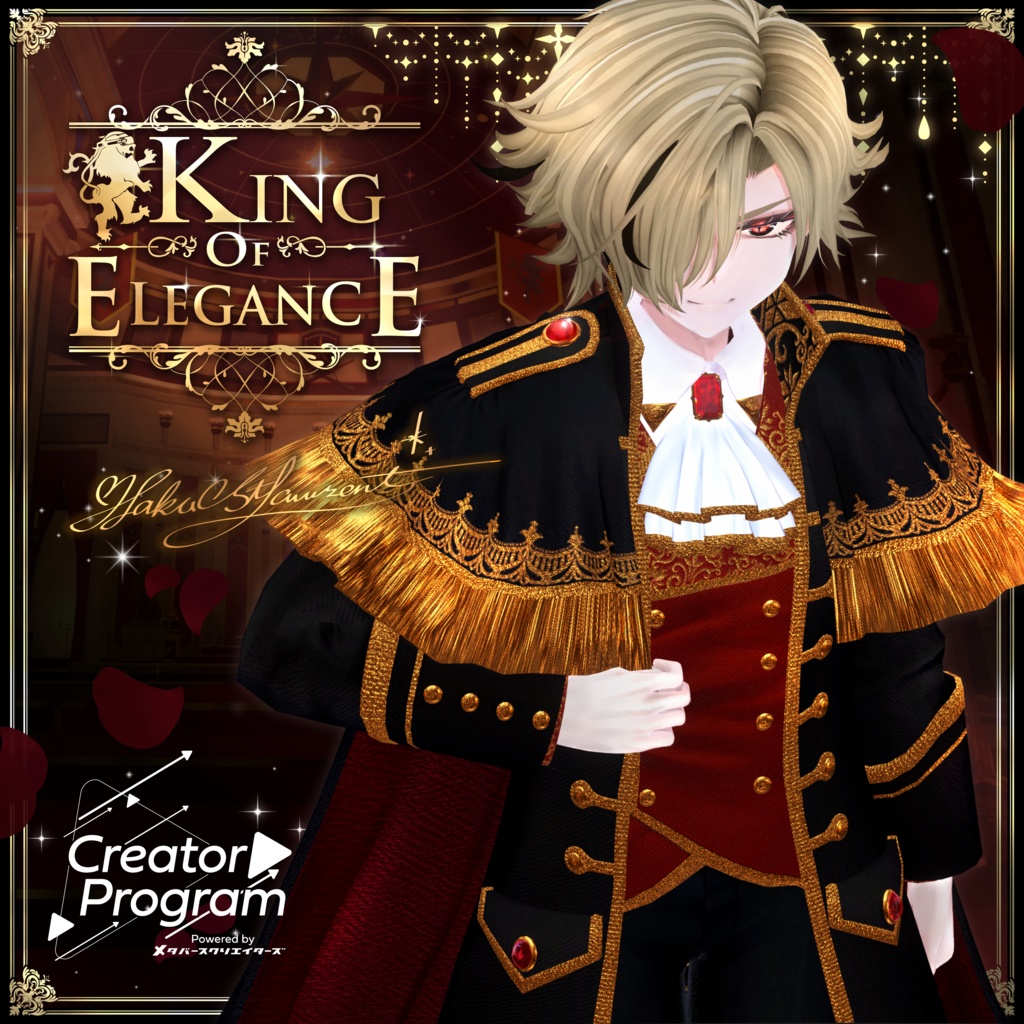
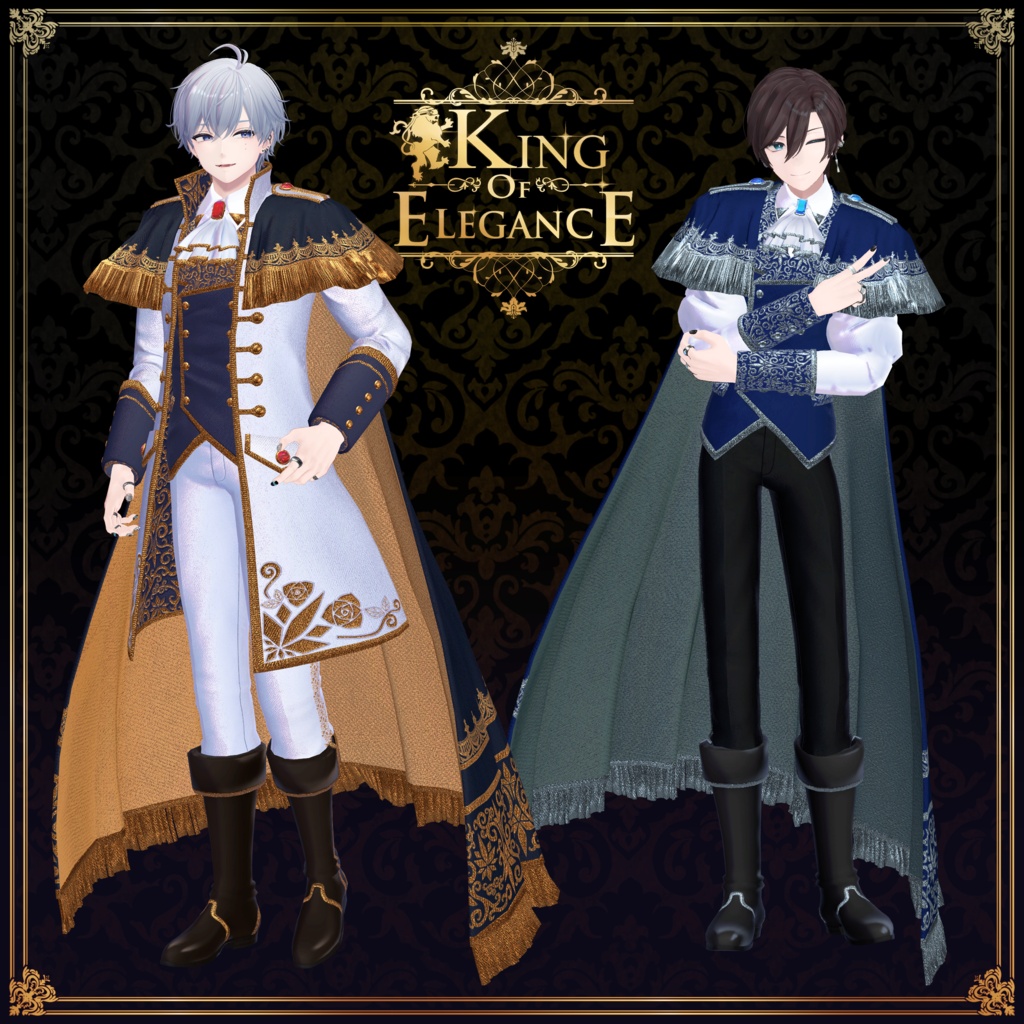
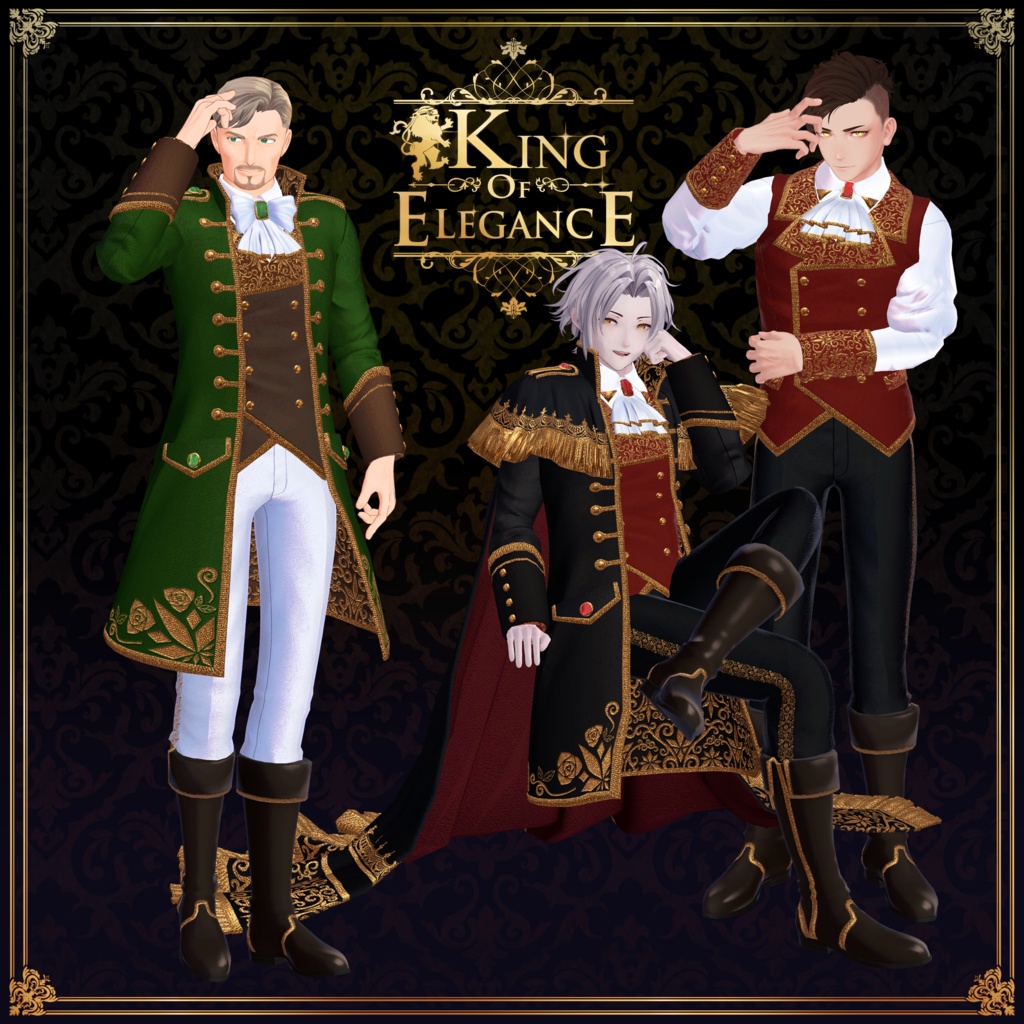
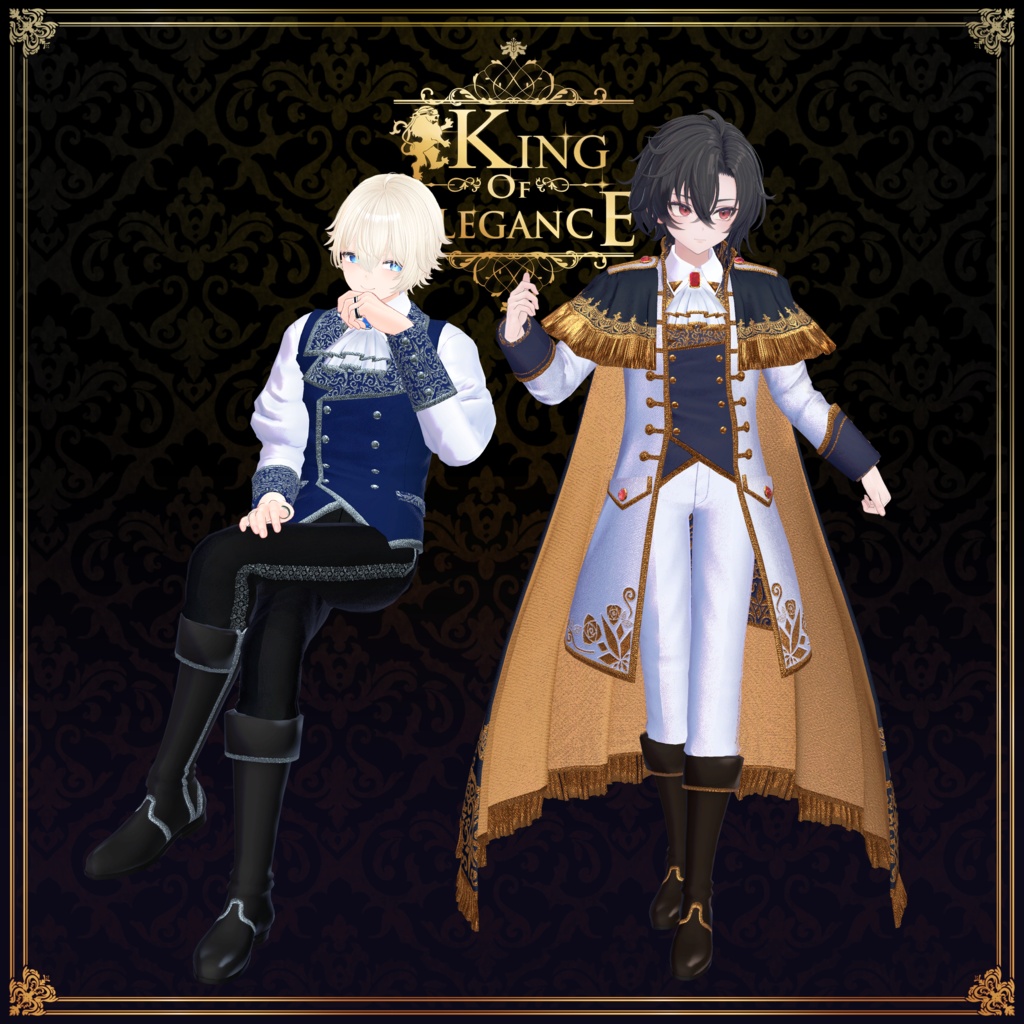
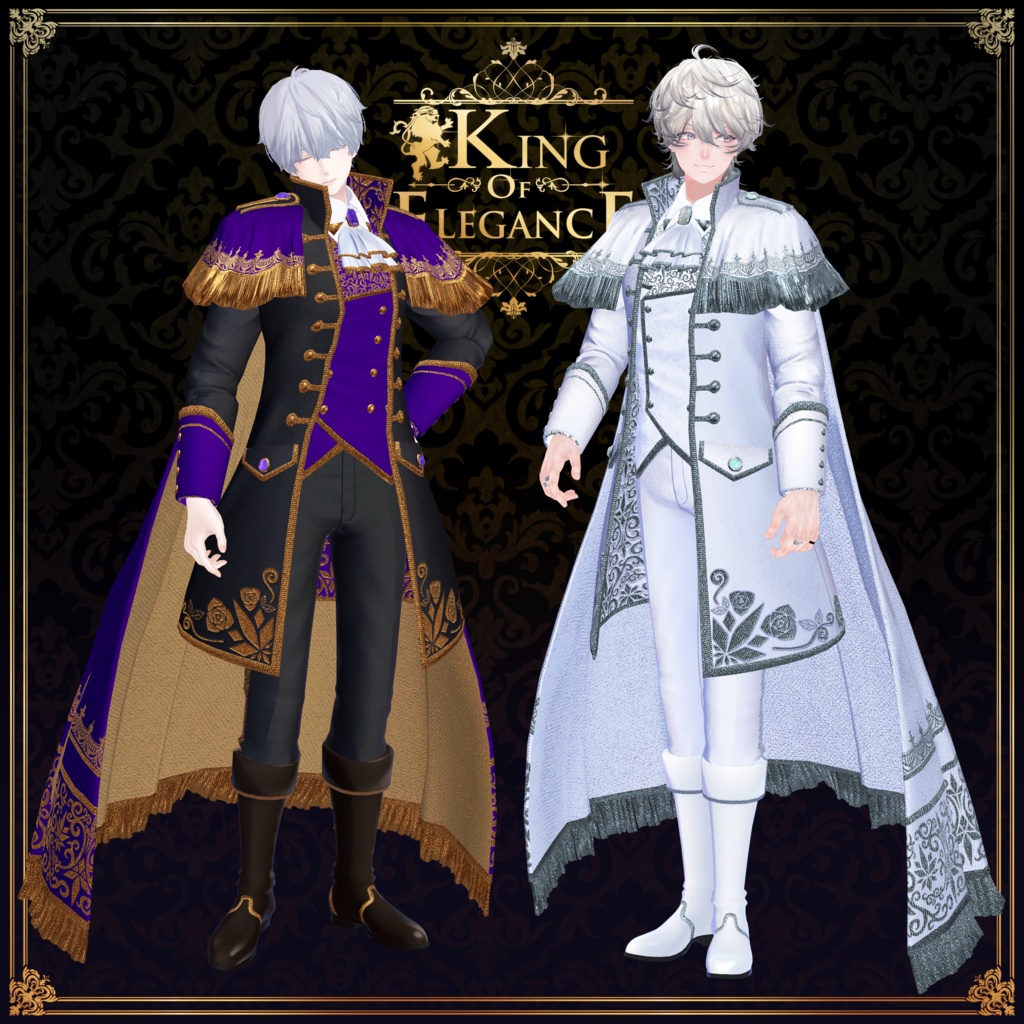
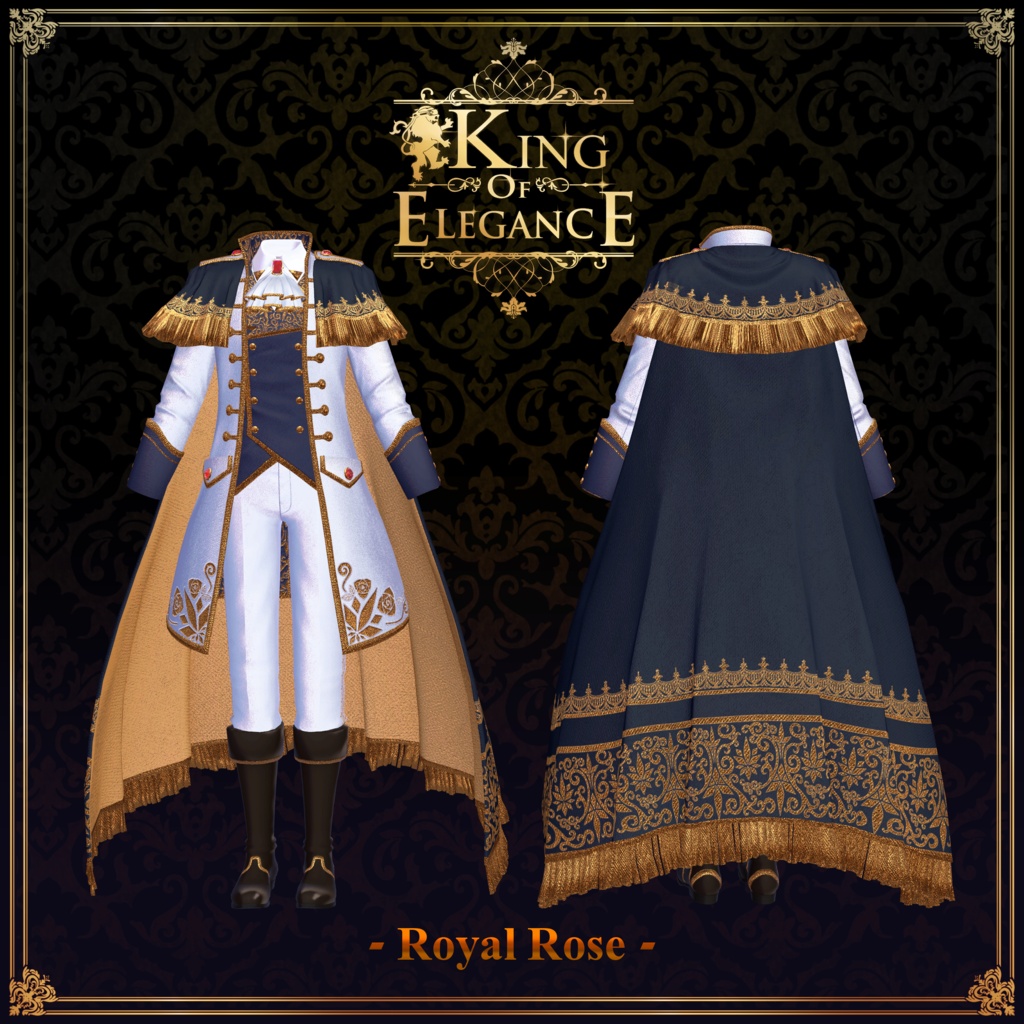
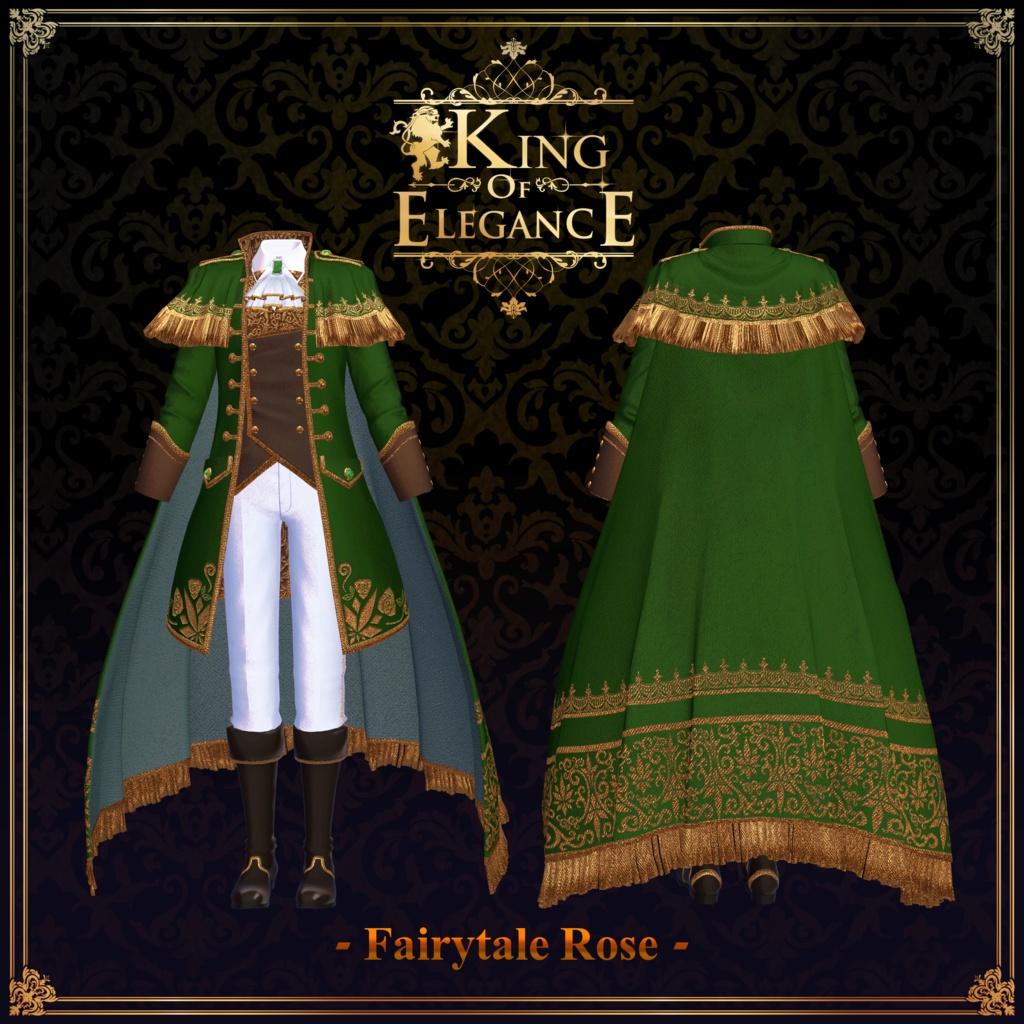
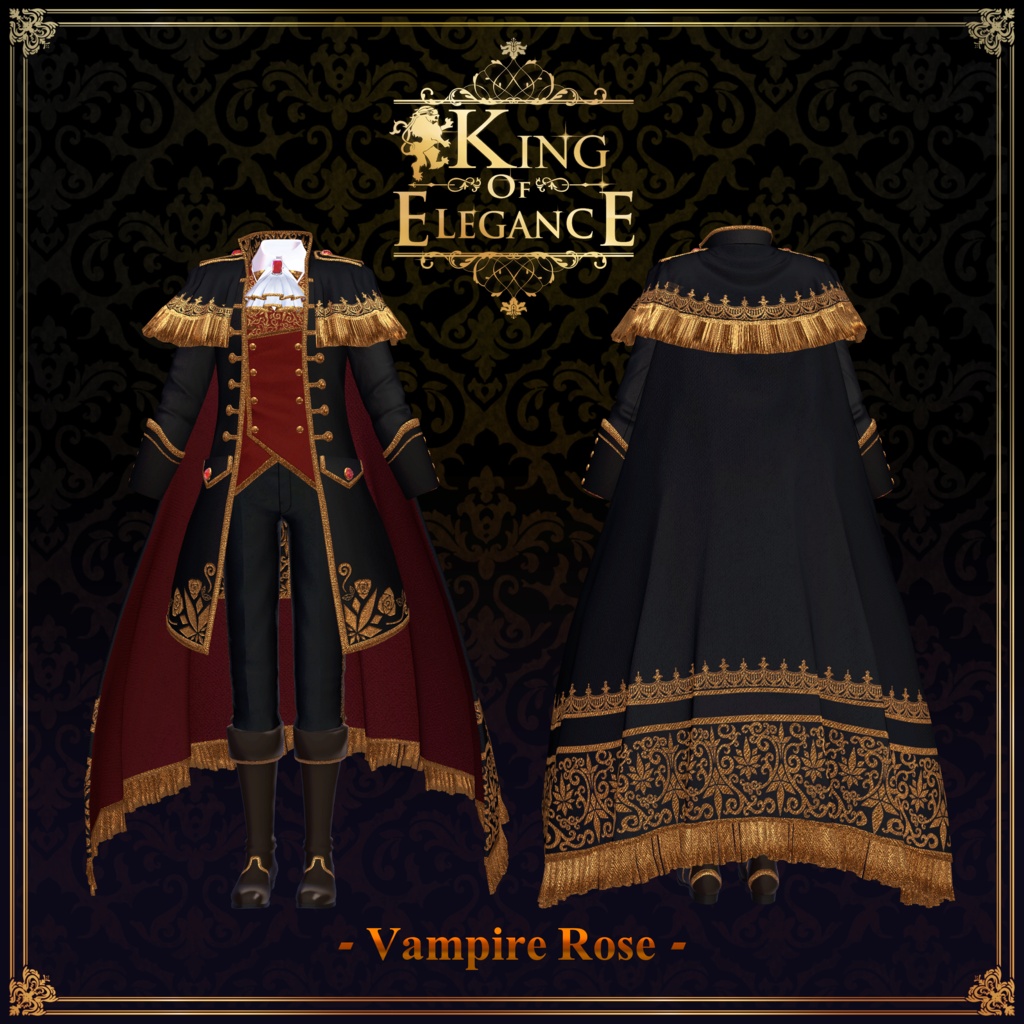
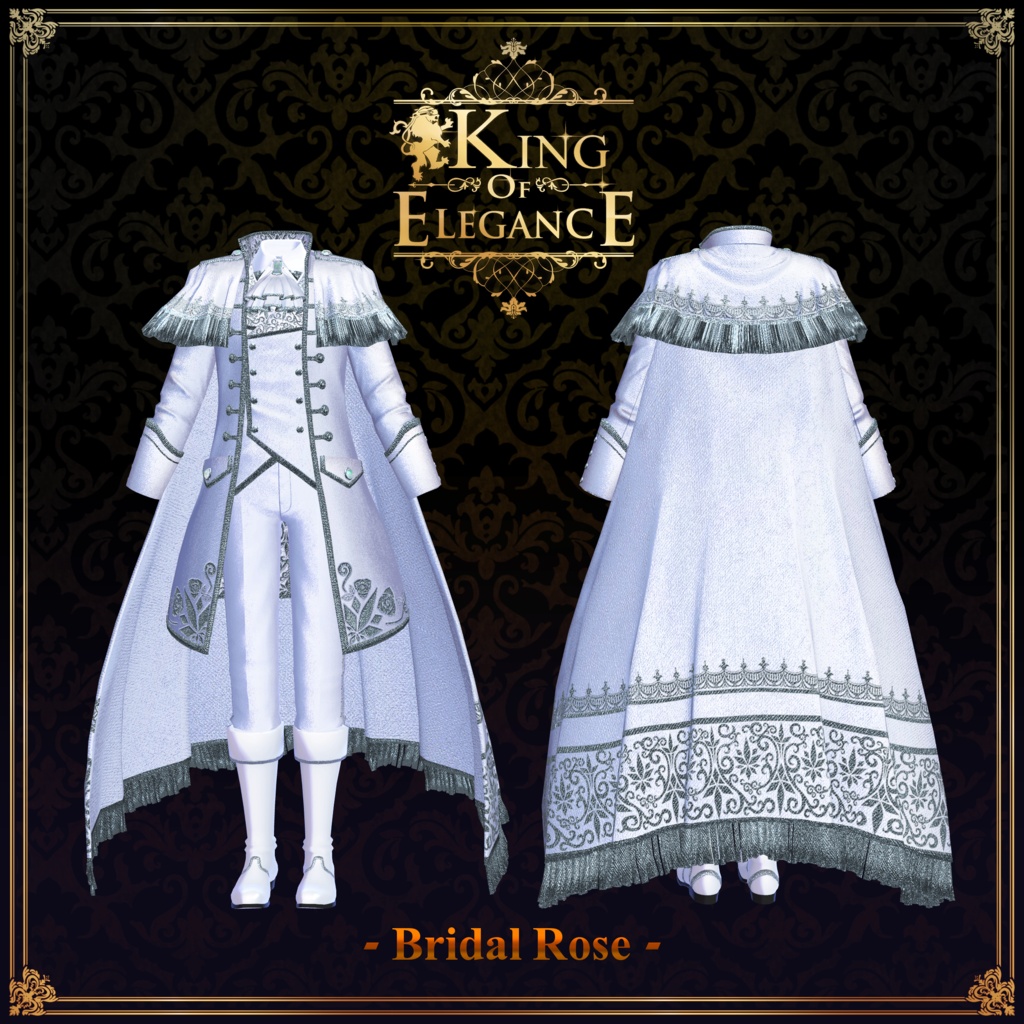
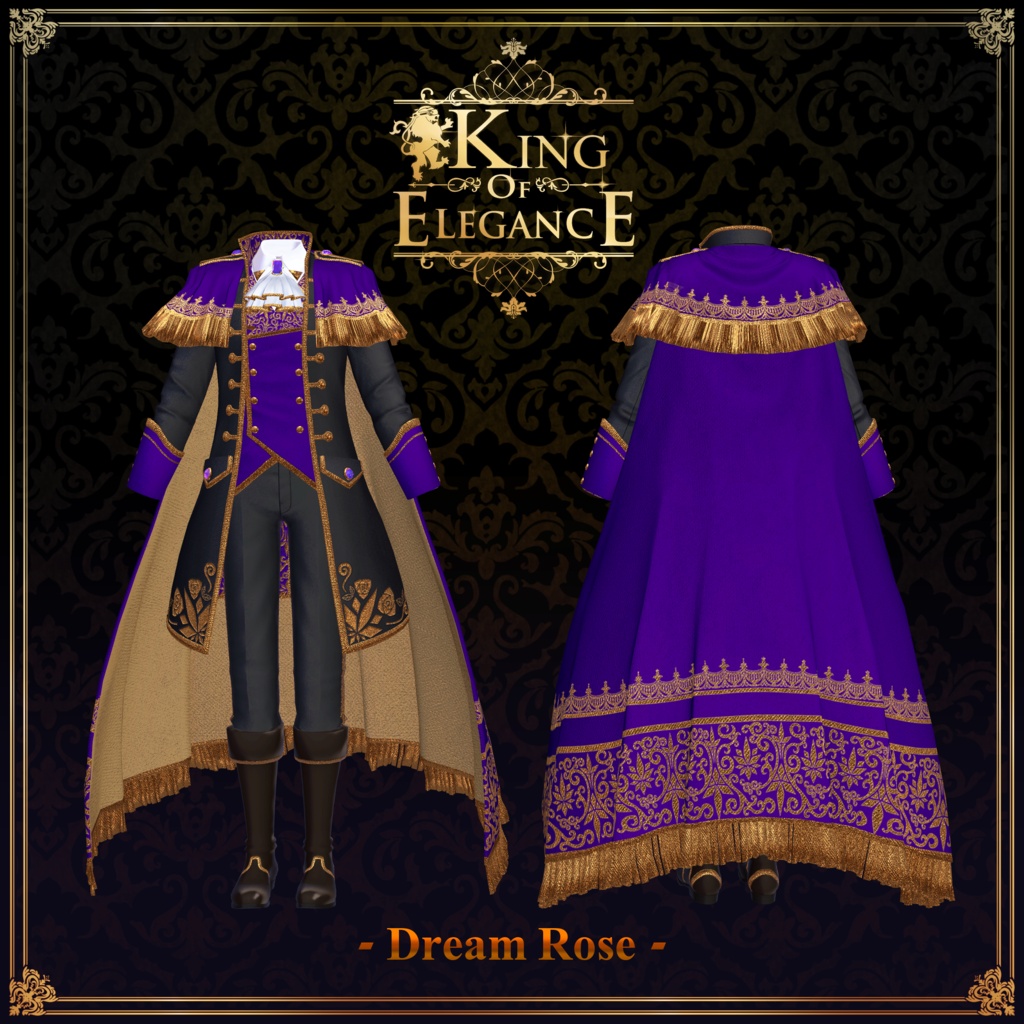
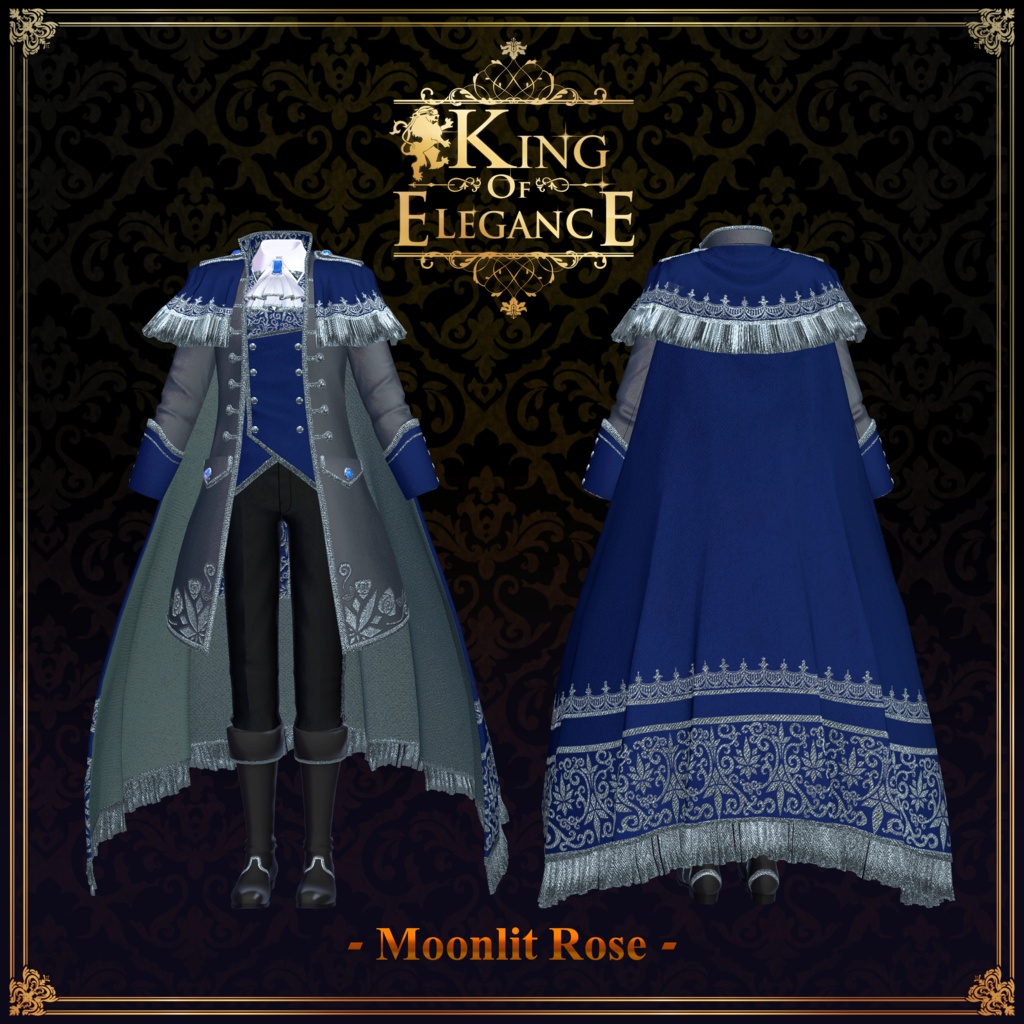
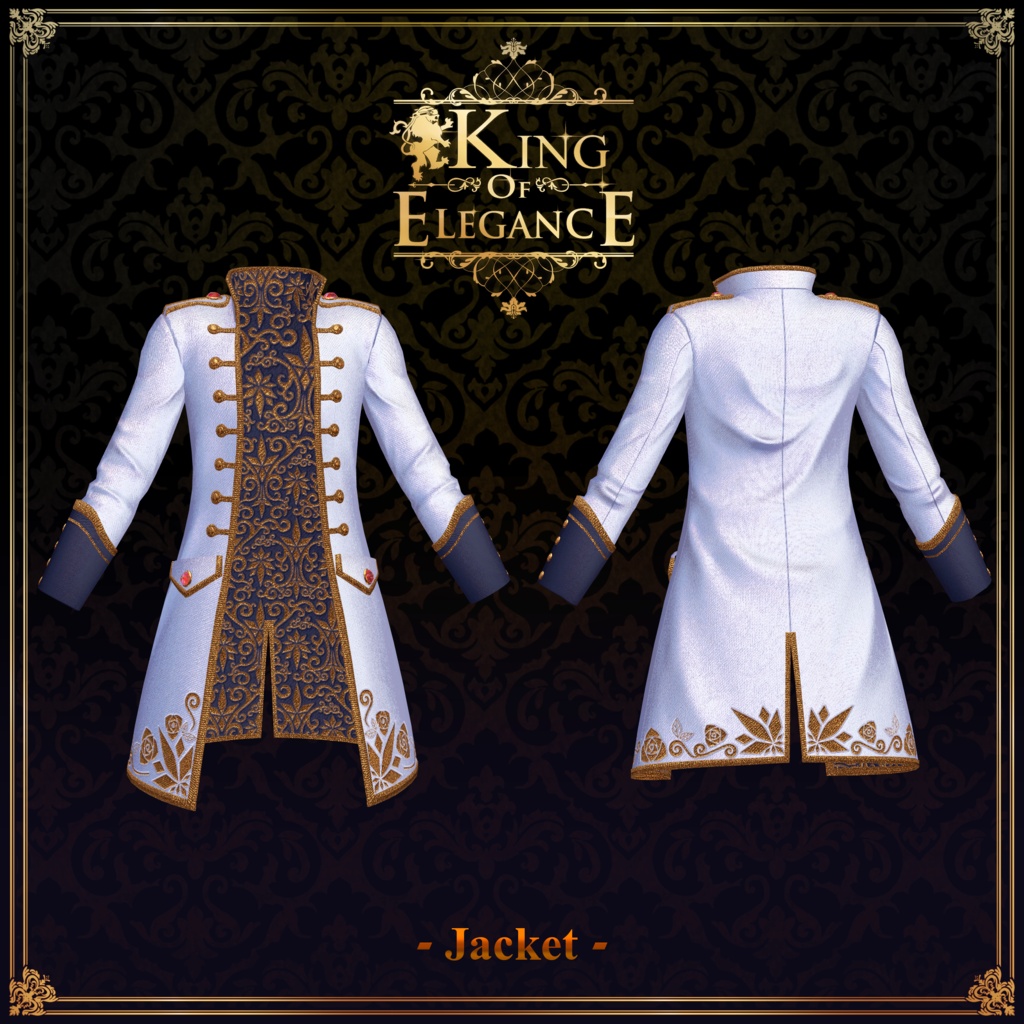
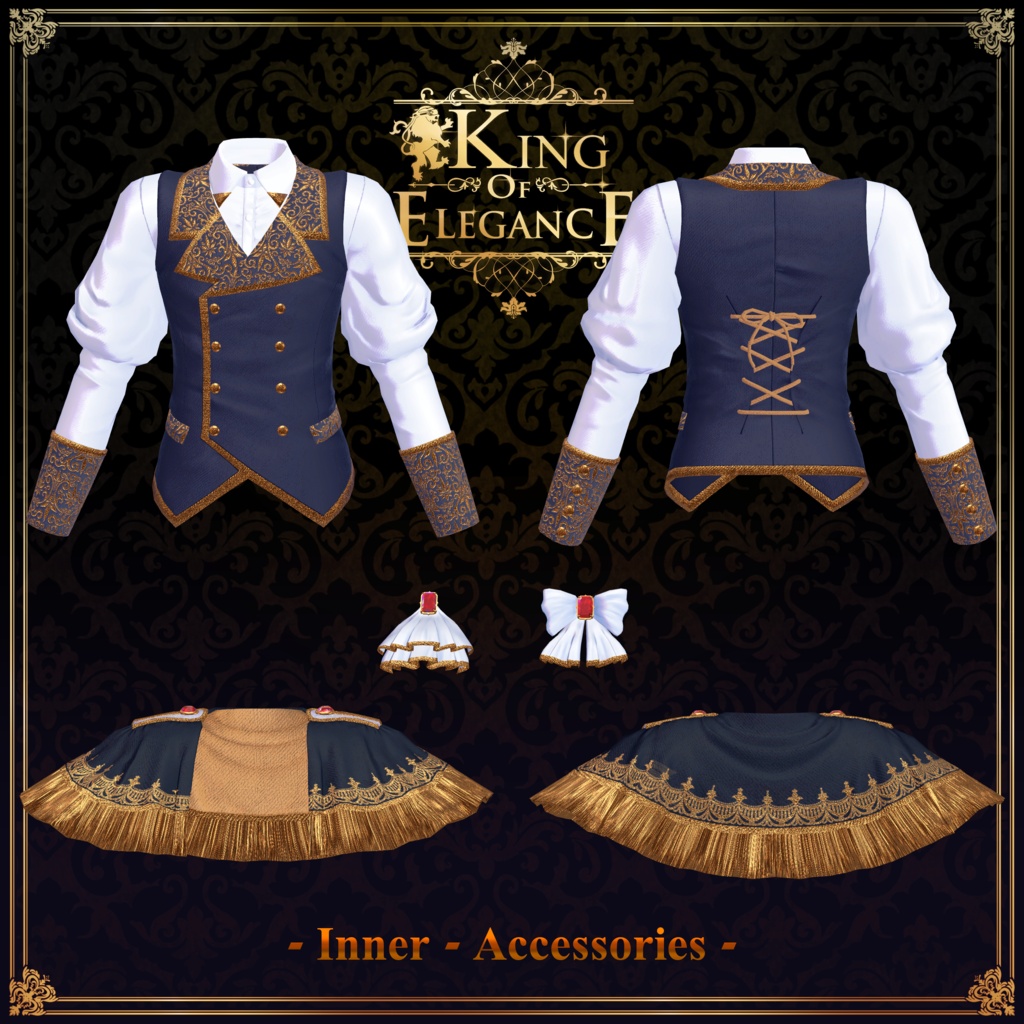
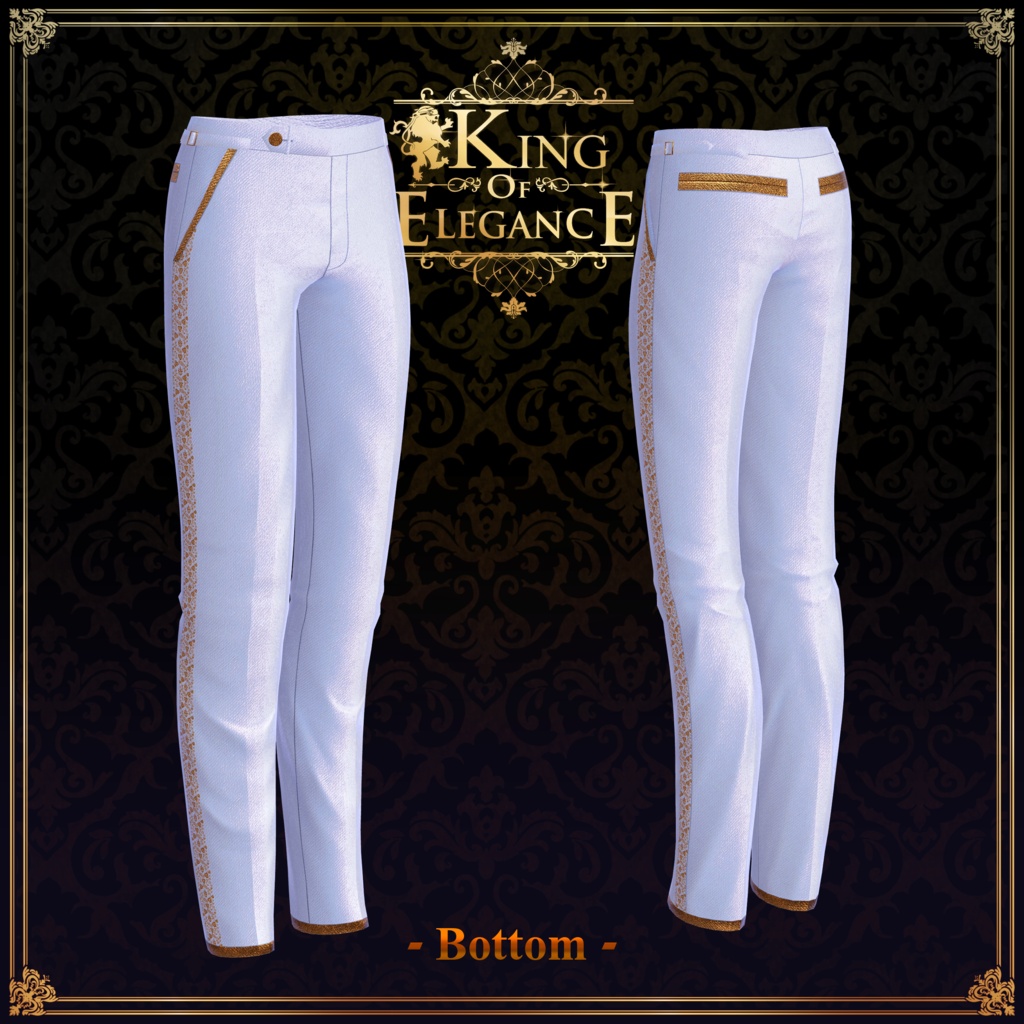
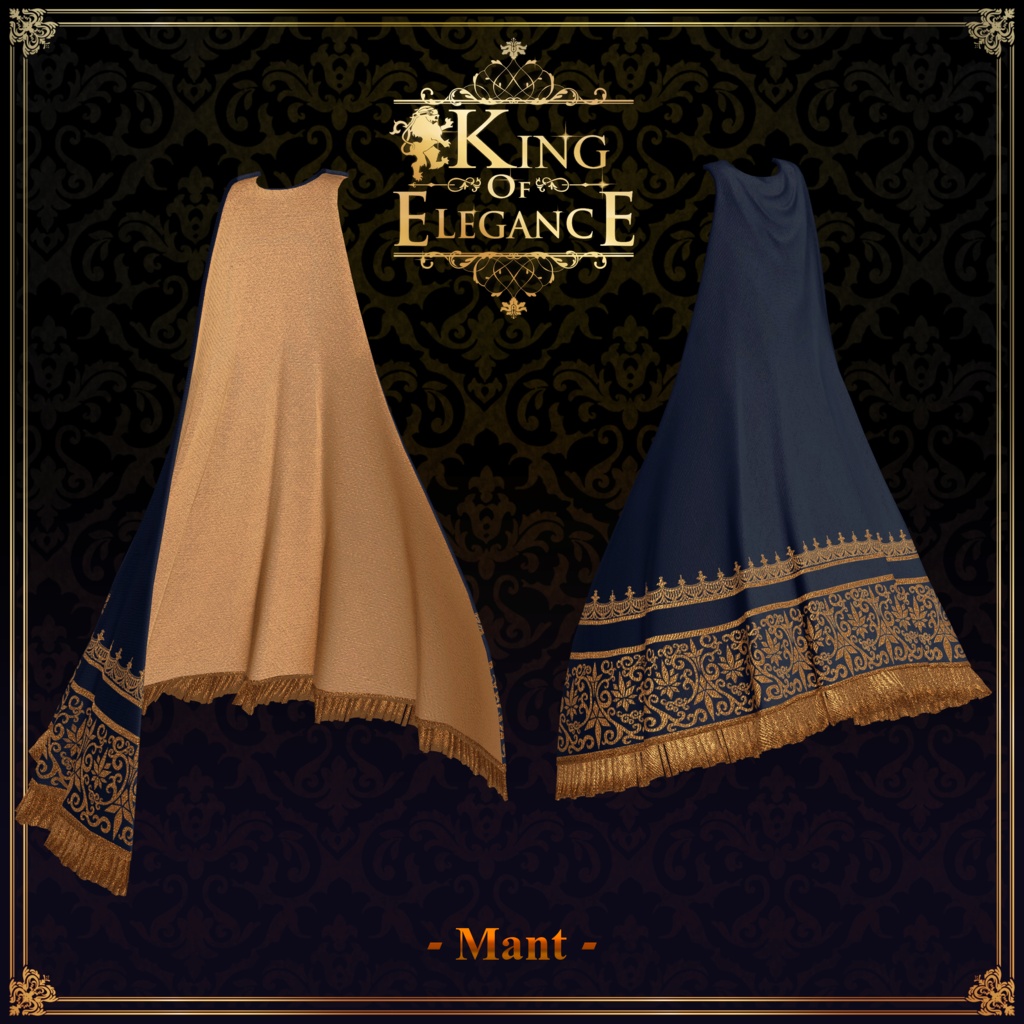
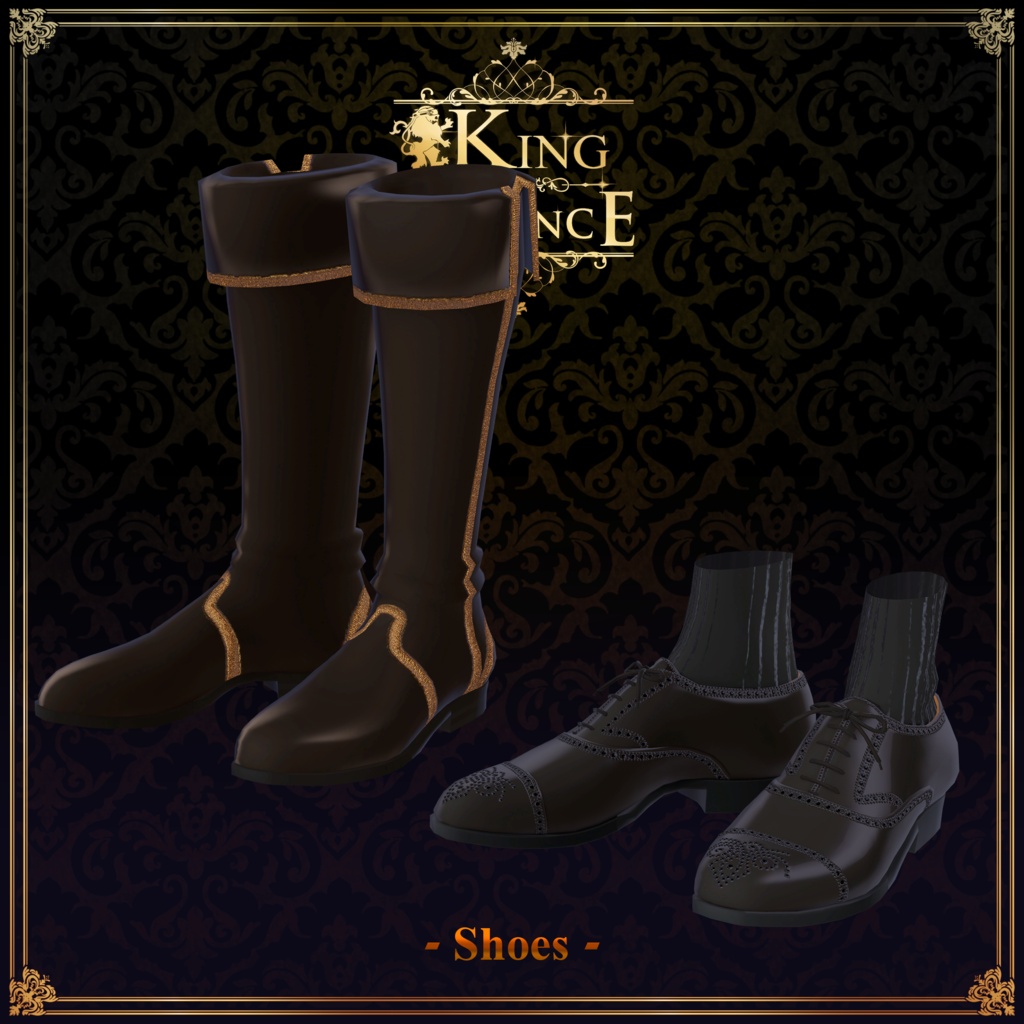


◆ King of Elegance ◆ Creator: Takeru This is a collaboration outfit supervised by HakaStLaurent, the representative of the VRC Aristocracy Club. [Official] Eléganttiqué (VRC Aristocracy Club): https://x.com/ELEGANT_VRC Elegance to the absolute limit! This medieval aristocratic-style outfit set features gorgeous, intricate embroidery. Via the in-game Expression Menu (EXMenu), you can choose between boots or shoes, and swap between the chest necktie and ribbon to your liking. The shoulder cape can also be toggled off, so please utilize this option when you need to perform large movements. Note: The shoulder cape will clip with the arms during large movements. While wearing it, please ensure your gestures remain appropriately elegant. Note: This product is a clothing model designed for avatars. The avatar body data itself is not included. Due to the nature of digital download products, returns and refunds are not possible. Please read, understand, and agree to the product description and terms of use before purchasing. ◆ Item Overview ● Contents KingofElegance_◯◯.Unitypackage (◯◯ will be replaced by the variation name) FBX King of Elegance_MaterialPack.unitypackage (Must be imported first) PSD and CLIP files for editing/modifying ReadMe.txt (Main text) Shaders Used: liltoon: https://lilxyzw.booth.pm/items/3087170 Required Assets: Modular Avatar: https://modular-avatar.nadena.dev/ja/docs/intro ● Model Data Total Polygon Count: 41,912 polygons Boots: 3,036 polygons Cape: 4,266 polygons Inner_Shirt: 6,812 polygons Jacket: 9,564 polygons Mant: 5,606 polygons Pants: 3,736 polygons Ribbon: 2,592 polygons Shoes: 4,076 polygons Tie: 2,224 polygons Mesh Count: 9 Material Count: 9 PhysBone Components: 6 Colliders: 10 Constraints: 8 Folder Path Upon Import: Assets > MetaverseCreators_CP > Takeru_Airgreen > King of Elegance ◆ Supported Avatars [Original 3D Model] 斑霞 -Hanka-: https://booth.pm/ja/items/6970249 [Original 3D Model] 墨惺 -Sumisato- (PlusHead Body): https://booth.pm/ja/items/5727810 [Original 3D Model] 狛乃 -Komano-: https://booth.pm/ja/items/5260363 "Minase" Avatar for VRChat #Minase3D: https://booth.pm/ja/items/4013951 [Original 3D Model] 彼方 -Kanata-: https://booth.pm/ja/items/6813995 Original 3D Model "凛仁 (Licht)" #凛仁3D #Licht3D: https://booth.pm/ja/items/7430852 [Original 3D Model] 碼希 -Maki-: https://booth.pm/ja/items/3162696 Original 3D Model "Shachiku no Turanari-san" (Tinmeshitei Body): https://booth.pm/ja/items/5498540 Takeru-style Original 3D Model "Bertrand ReNew" (Takeru-style Ojisan Common Body): https://airgreen.booth.pm/items/6084131 When equipping the outfit, you will use shape keys that hide parts of the avatar's base body (making the body thin like a stick). ◆ Installation Guide Set up the latest version of the VRC SDK using the Creator Companion (VCC). Install the required assets (liltoon, Modular Avatar) via VCC. Import the latest package version of your respective avatar body. Import this product's package data. Note: Please ensure you import MaterialPack.unitypackage first, before importing the specific unitypackage corresponding to your avatar. Drag and drop your avatar (or its dedicated dress-up/modification prefab, if available) into the Scene's Hierarchy. If necessary, hide any unwanted default clothing or underwear meshes on the avatar, or set them to Editor Only. Look inside the folder of your respective supported avatar and drag and drop the prefab named [Color Name] (◯◯Rose).Prefab directly into your avatar's root hierarchy. Upload the avatar via the VRC SDK. ⚠️ Note on Modular Avatar Features: The clothing comes pre-configured with Modular Avatar's "MA Shape Changer" feature. When you drag and drop the clothing directly onto the avatar, the base body's shape keys will automatically trigger, shrinking the body or hiding the mesh where it overlaps. This prevents the outfit from clipping with the body. If you do not need the pre-configured "MA Shape Changer" on the clothing mesh, feel free to delete it and adjust to your liking. ⚠️ Note on MAShapeChanger for +Head: Depending on the avatar, the body mesh name might differ (this data is pre-configured assuming the mesh name is "PlusHead"), which may cause the component to fail to run correctly. If this happens, please manually adjust it on your end by renaming your base body mesh or manually adjusting the shape keys. ⚠️ If you notice that parts of the base body are unintentionally thinned out after completing the dress-up process, please return the corresponding body shape key value back to 0 and verify that the base body displays properly. ● Changing Colors Please swap out the textures by directly dragging and dropping the materials from the King of Elegance > Common > [Part Name] folders onto the clothing model meshes. Several pre-configured materials are available in addition to the colors used for the preset Rose series. Additionally, you can use the included PSD or CLIP files to modify the textures to your preferred colors. ◆ Terms of Use https://drive.google.com/drive/folders/1qRMXoIxM1ZgacBPfwOigQRtXP1vCbNMn?usp=sharing Please use this product in compliance with the terms of use of your base avatar. ◆ Creation Environment Modeling: Blender Ver 4.5.5 Textures: Substance 3D Painter 2024 / CLIP STUDIO PAINT Setup: Unity Ver 2022.3.22f1 VRChat SDK - Avatars Ver 3.10.3 (VCC) liltoon 2.3.2 ModularAvatar 1.17.1 ◆ Credits Creator: Takeru Official Website: https://www.airgreen.net/ Personal Store (BOOTH): https://airgreen.booth.pm/ For inquiries and customer support, please contact the creator directly via BOOTH messages. ● Thumbnail Credits Main Thumbnail Creation: HakaStLaurent (Representative of the VRC Aristocracy Club) Avatar Used: Sumisato Note: The makeup and eye textures used are custom-made by HakaStLaurent and are not for sale. Hairstyle Used: "Mekakure Center Part" by Mikanzu-Made https://booth.pm/ja/items/5392035