
月次締めの不足証憑・差戻し回収表 / Month-End Close Missing and Returned Supporting Documents Tracker
- ダウンロード商品¥ 100
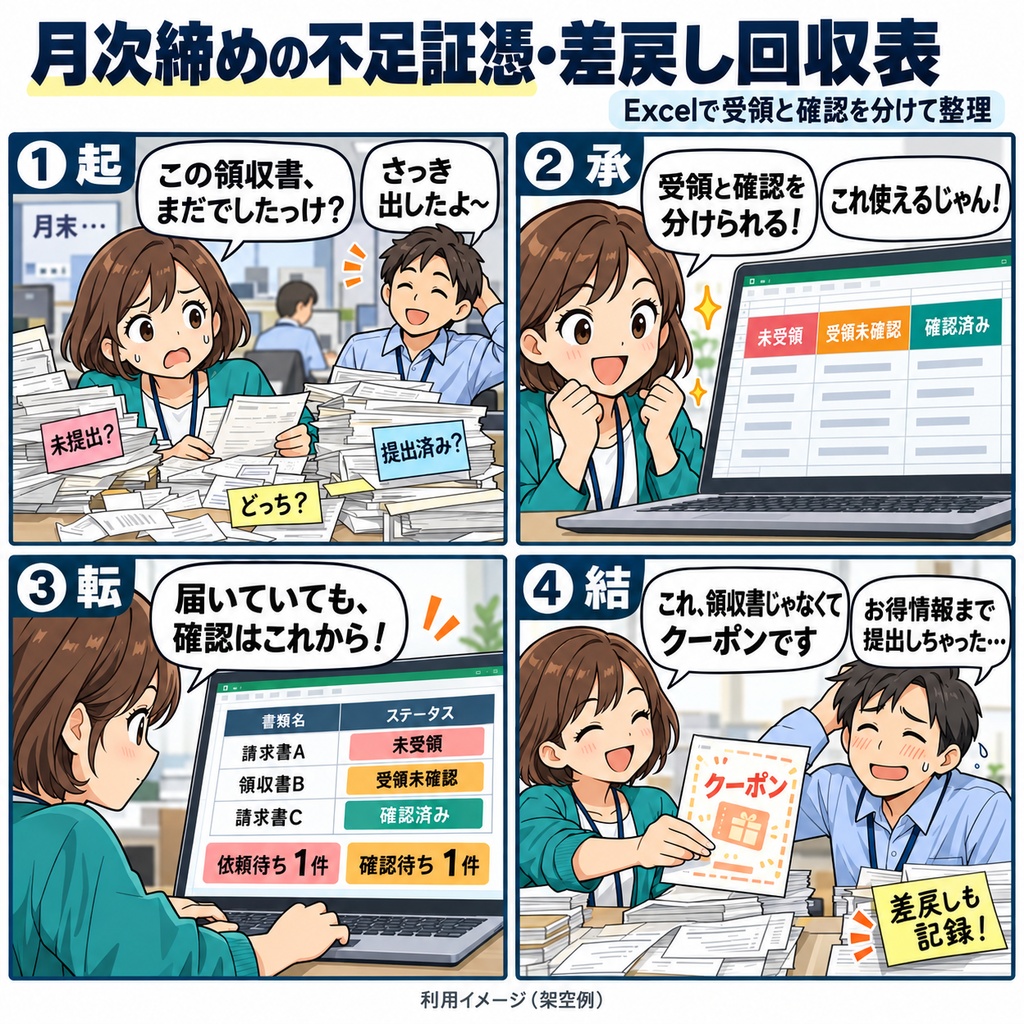
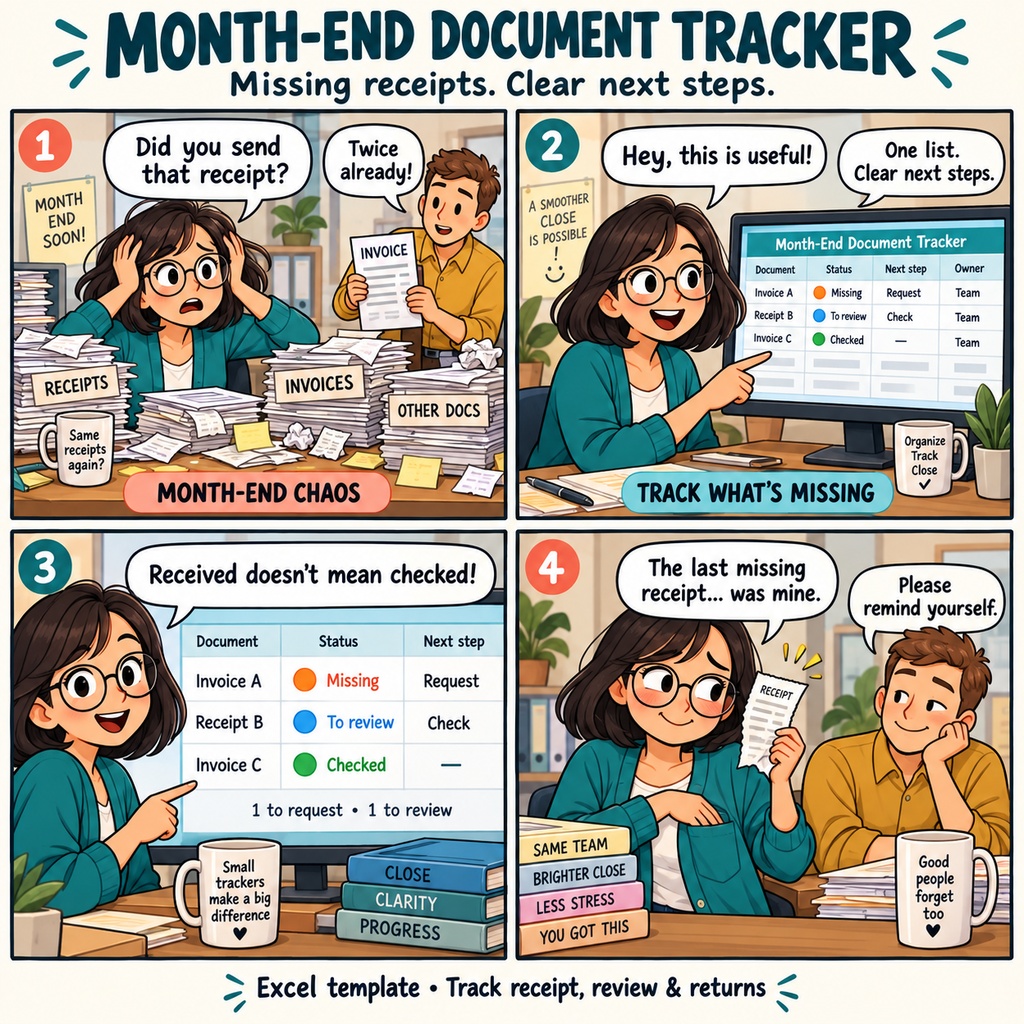


月次締めの不足証憑・差戻し回収表 月次締めが近づき、各部署へ請求書や領収書の提出をお願いするころ。 まだ届いていない資料もあれば、届いたばかりで確認待ちの資料や、内容の修正をお願いした資料もあります。 「この資料は、次に誰へ声をかければいいだろう」 そんな場面で使える、経理担当者のためのExcel回収表です。 まずは、把握している不足資料を1件ずつ登録します。 回収ID、取引参照、必要資料、依頼先、社内で決めた回収期限を入力し、対象月と期限比較の基準日を設定。 紙の管理番号やメールの件名など、原本をたどるための情報も残せます。 黄色の入力欄に記録し、青色の自動結果欄で状態や次の対応者を確認するつくりです。 資料が届いたら、最終受領日と確認担当を記録します。 受け取った資料は「受領未確認」として扱い、原本を確認してから「確認済み」と確認完了日を入力します。 たとえば、3件のうち1件が未受領、1件が受領未確認、1件が確認済みなら、依頼待ちは1件、確認作業待ちは1件。 「届いていること」と「確認が終わっていること」を分けて見られます。 確認中に不備が見つかったときは、同じ回収IDの行に差戻し理由と回収期限を記録します。 再提出されたら、前回の理由や経緯を備考へ残し、最終受領日を更新。 確認結果を「未確認」に戻し、現行の差戻し理由と確認完了日を空欄にして、再び確認へ進みます。 回収が不要になった資料も、判断者と理由を記録して「不要確定」として残せます。 連絡をする前には、状態と「次の対応者」で一覧を絞り込みます。 未受領・差戻しは依頼先へ、受領未確認は確認担当へ。 相手ごとに資料名や理由を見ながら、提出・再提出・原本確認の依頼をまとめられます。 未受領・差戻しの回収期限は、指定した基準日と比較して表示されます。 入力に不備がある場合は、該当項目と理由を確認し、元の入力を直せます。 その日の記録を終えたら、依頼待ちと確認作業待ちの件数、入力要確認の有無を見て保存。 回収が翌月に続く資料も、同じブックで解消まで管理できます。 不足資料の登録から受領、確認、差戻しまで、資料ごとの次の対応を確かめながら進めたい方にお使いいただけます。 1ブックで1社・1対象月を管理し、記入例を含めて1,000行を利用できます。 Windows 11、日本語のMicrosoft 365デスクトップ版Excel 64bitで、一人ずつ編集してご利用ください。 マクロを使わないxlsx形式の商品です。 お仕事の依頼は下記メールまで ramaya08010801@gmail.com Month-End Missing Document & Resubmission Tracker Month-end is approaching, and you're gathering the invoices and receipts needed to close the books. One document hasn't arrived, another is waiting for someone to check it, and a third needs to be sent back for correction. Each one calls for a different next step. This Excel workbook gives small-business accounting staff a place to record those missing documents and follow them through collection and review. Use one workbook for one company and one reporting month, with a separate collection ID for each required document. Start by entering the reporting month and a reference date for checking collection deadlines. Replace the sample entries with your own document names, transaction references, submission contacts, and internal due dates. You can also record request dates and references to the originals, such as a paper document number or an email subject line. As documents arrive, enter the actual receipt date and the person responsible for reviewing them. The workbook uses your entries to display each item's status and who needs to act next. A document stays at "received, awaiting review" until you record the completed review and its date. For example, imagine three documents: one still missing, one received but not yet reviewed, and one reviewed and complete. The summary shows one item awaiting submission and one awaiting review, with the completed item counted separately. If a document needs correcting, record the reason for returning it and set the submission contact and deadline on the same row. When the revised copy arrives, keep the earlier details in the notes, update the receipt date, and return the item to the review stage. You can also record that a document is no longer needed, together with the decision-maker and reason, or reopen it later if collection becomes necessary again. When it's time to follow up, filter by status and the person who needs to act next. Use the resulting rows to prepare your requests for submission, resubmission, or review. Deadline indicators compare outstanding collection items with the reference date you enter. The workbook also displays input issues, including missing required details and duplicate collection IDs. After changing entries in a filtered view, reapply the filter to refresh the rows shown. At the end of the day's work, check the separate status counts and overall summary, then save the workbook. If collection continues into the following month, carry on with the same workbook until those items are resolved. The record keeps each document's current status, next contact, and relevant notes together for your next follow-up. The workbook provides 1,000 entry rows, including the sample entries, and uses no macros. It is used in Japanese-language Microsoft 365 desktop Excel (64-bit) on Windows 11, with one person editing at a time. The workbook and user manual are in Japanese. For work inquiries or collaborations, please feel free to contact me at the email address below. ramaya08010801@gmail.com