

【VRChat】シルエット残像・カラー変更・残像数2〜7|GogumaTools — Afterimage Effect|
- ダウンロード商品¥ 300
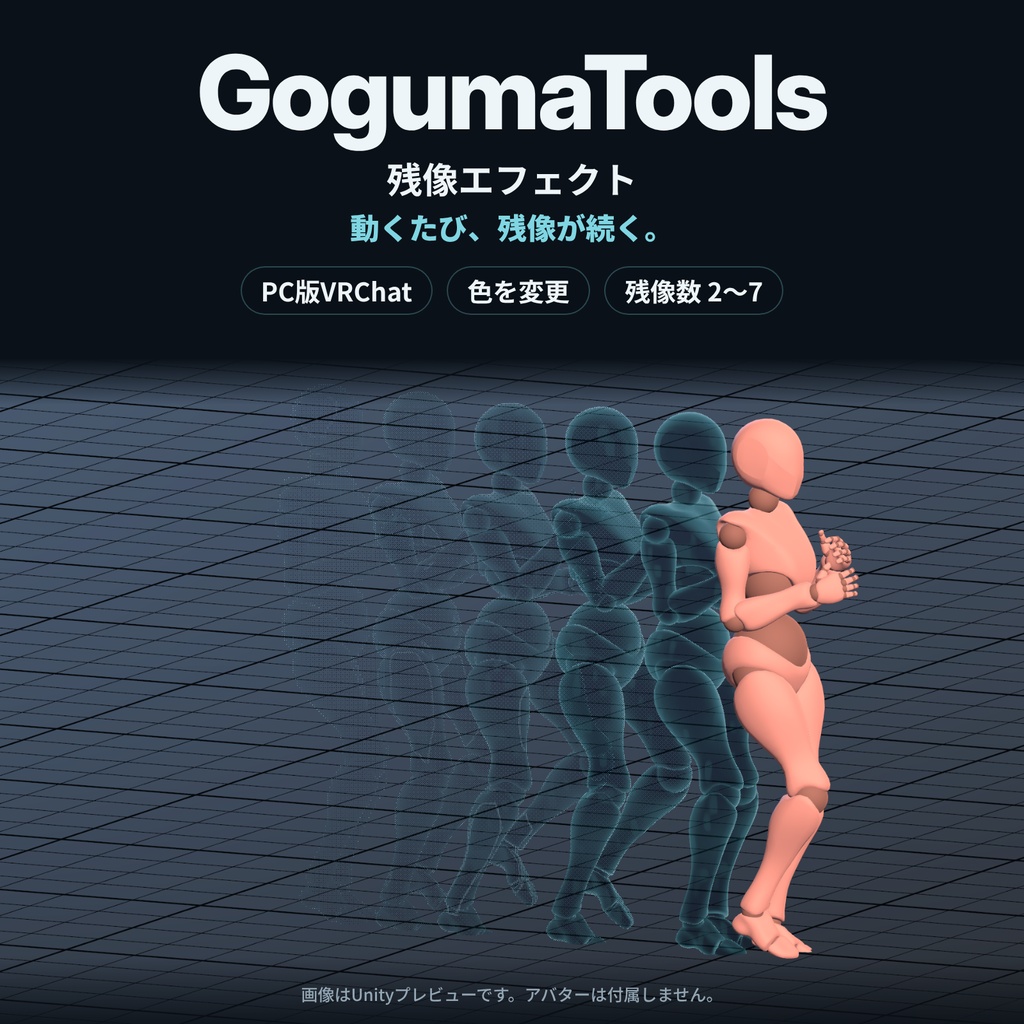
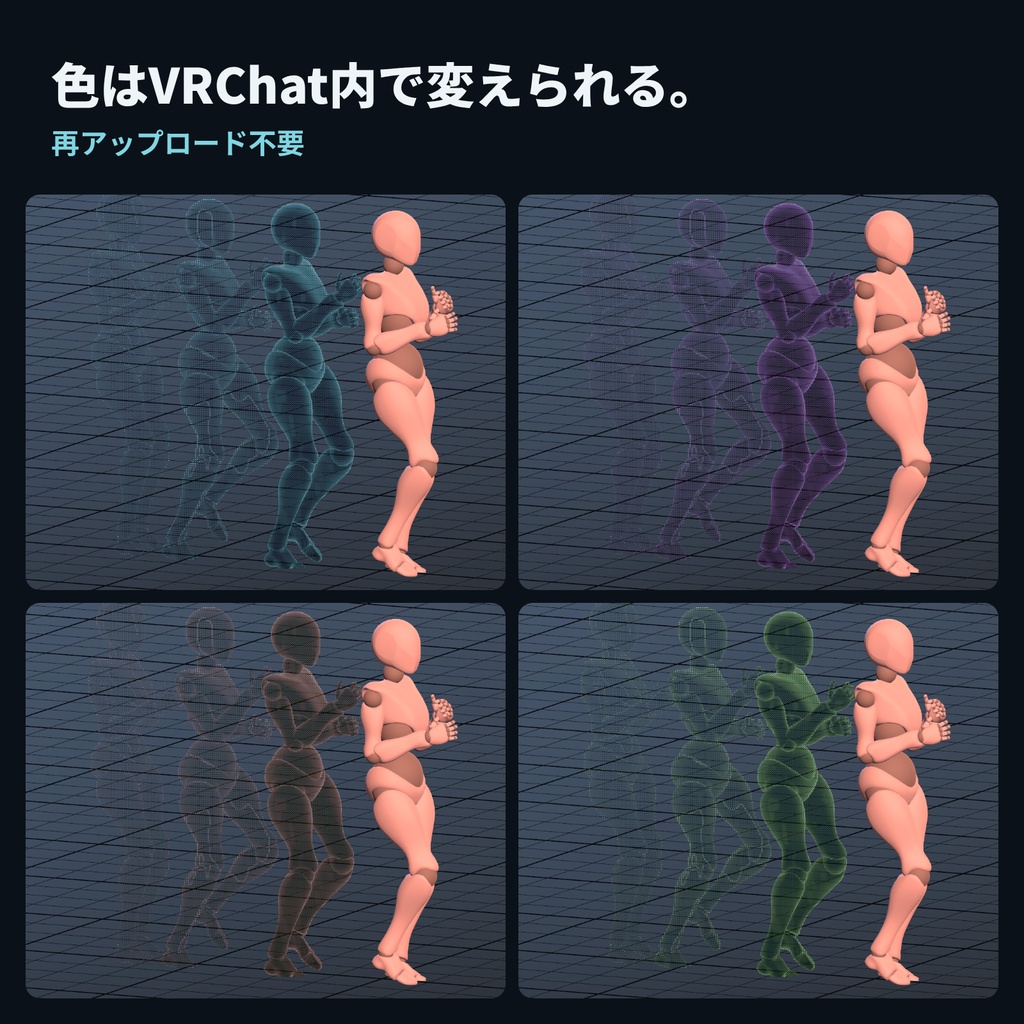
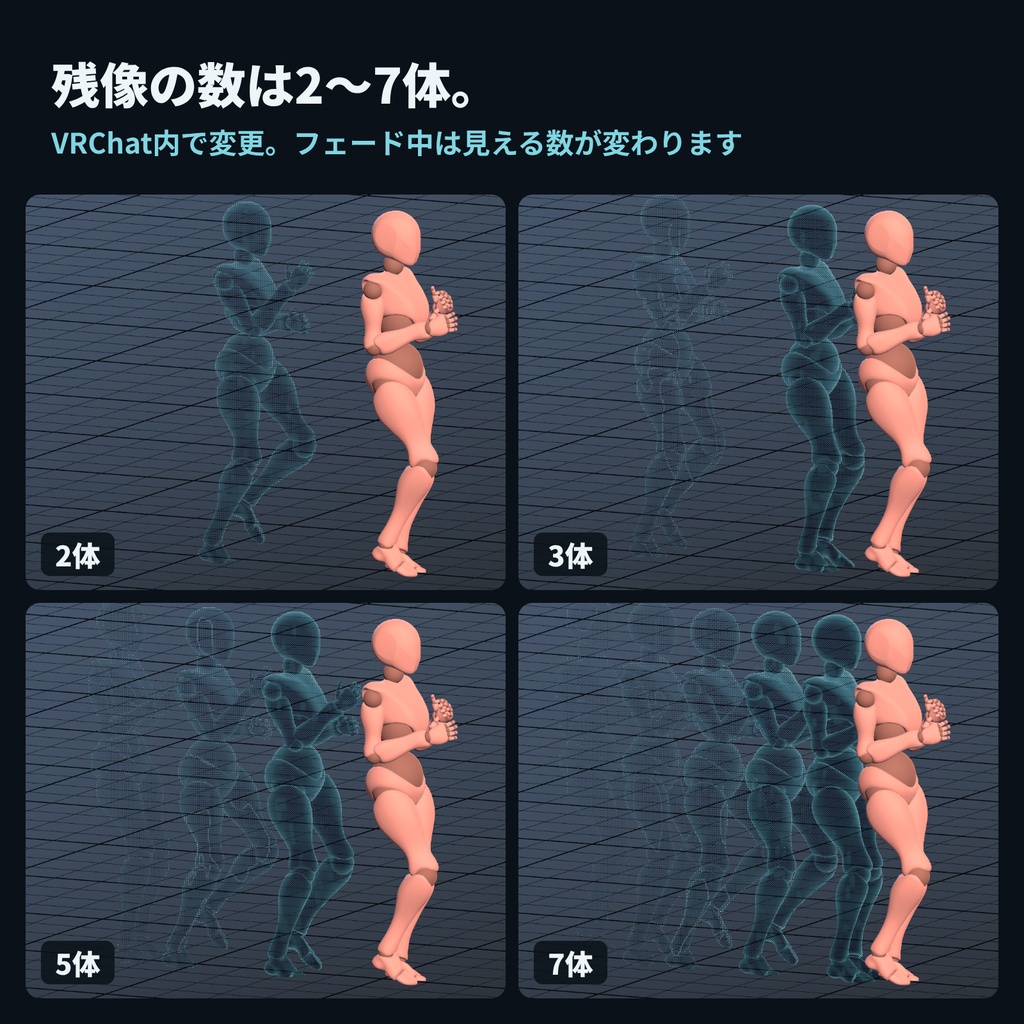
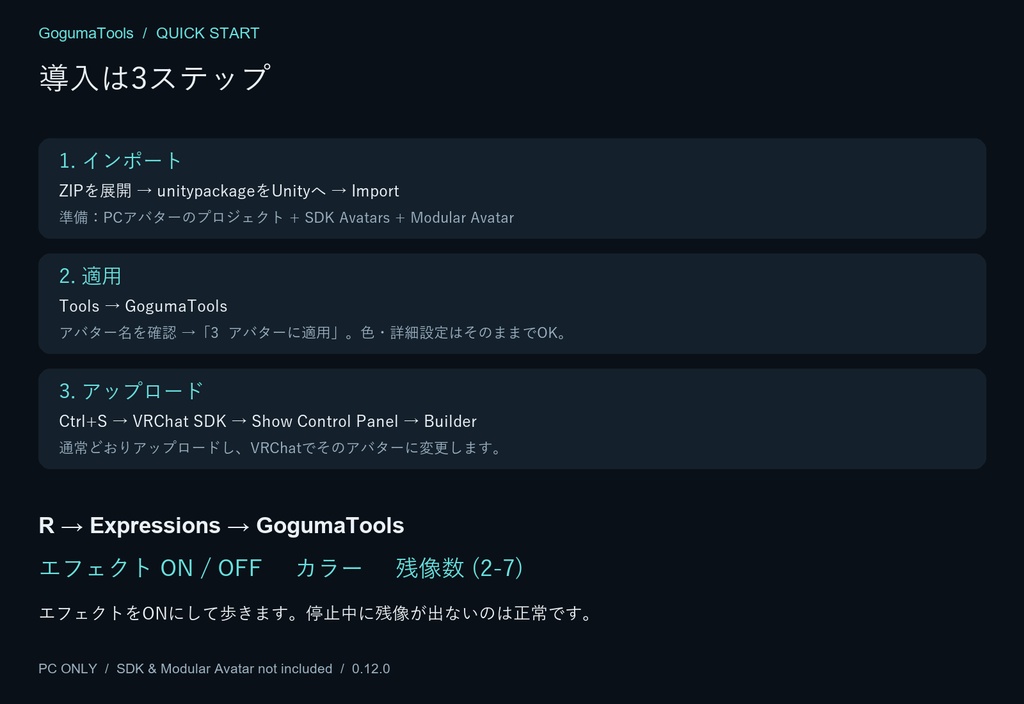


動くたび、体の後ろに自分のシルエットが続く。 GogumaTools — Afterimage Effectは、お使いのアバターに残像を追加するエフェクトです。 歩いても走っても残像が続き、立ち止まると短くフェード。色と数はVRChat内で変えられます。 ■ できること ・移動中にシルエットの残像を連続表示 ・エフェクトのON/OFF、カラー変更、残像数2〜7体(初期値3体) ・新しい残像は体の厚みの半分だけ後方から生成 ・外側の形を見せる表現と、細かな点状のフェード ・日本語/English/한국어の導入画面・ゲーム内メニュー ■ 導入は3ステップ 準備:VRChat SDK AvatarsとModular Avatarを導入した、普段使っているPCアバタープロジェクトを開きます。 1. 同梱のunitypackageをUnityに読み込み、Import。 2. Tools → GogumaToolsでアバター名を確認し、「3 アバターに適用」。 3. シーンを保存し、VRChat SDKからアップロード。 色や詳細設定は初期値のままで使えます。メニュー・FX・パラメーターの手動接続は不要です。 Modular Avatarの導入案内:https://modular-avatar.nadena.dev/docs/intro ■ VRChatでの操作 PCでは R → Expressions → GogumaTools → エフェクトをONにして歩きます。 「カラー」で色、「残像数 (2-7)」で数を変更。再アップロードは不要です。 停止中に残像が出ないのは正常です。フェード中は同時に見える数が変わります。 ■ ご購入前に ・Windows PC向け。Quest/Android単体には非対応です。アバターのアップロードができる環境・アカウントが必要です。 ・視覚効果のみです。移動、ダッシュ、二段ジャンプ機能は含みません。外部アプリやOSC設定は不要です。 ・導入時に表示しているスキンメッシュ・衣装・表情を使います。プレイ中の着替え・表情変更は残像にリアルタイム反映されません。静的MeshRenderer小物は自動選択しません。 ・最大7体分のRenderer・ボーン・Constraintを追加します。数を減らしたりOFFにしても導入済み構成は減らず、性能ランクに影響する場合があります。追加Renderer数は選択スキンメッシュ数×7です。 ・一般的なテクスチャアルファ・カットオフとlilToonアルファマスクに対応。半透明はカットアウト表示となり、特殊なシェーダー表現を完全再現するものではありません。 ・PCデスクトップ操作で外観・後方生成・視界を確認済みです。VRコントローラー操作、2クライアント同期、再ログイン後の色・数の復元、プレイ中の拡大縮小は別途未検証です。他ユーザーからの表示は相手の設定にも依存します。 ■ 同梱内容 GogumaTools — Afterimage Effect 0.12.0 unitypackage/日本語・英語・韓国語ガイド/START_HERE/利用規約/変更履歴。 アバター、サンプル人形、VRChat SDK、Modular Avatarは付属しません。 ■ 制作・検証環境 Unity 2022.3.22f1/VRChat SDK Avatars・Base 3.10.5/Modular Avatar 1.18.7。 最低バージョン保証や更新指示ではありません。 ■ 利用規約・お問い合わせ 自分のアバターへの導入・改変、収益化した配信・動画・画像での使用、エフェクトを組み込んだ公開・クローン可能アバターのアップロードが可能です。元データ・改変データ・生成エフェクトの再配布・再販売は禁止です。導入代行などの詳細は同梱LICENSE.txtをご確認ください。 お問い合わせは当BOOTHショップのメッセージへ。商品・Unity・SDK・Modular Avatarのバージョン、症状、Consoleの最初のエラーを添えてください。 掲載画像・動画はUnityで制作したオフラインプレビューです。人形の移動は撮影用であり、本商品が移動させる機能ではありません。 ============================= Leave a trail of your own silhouette as you move. GogumaTools — Afterimage Effect adds afterimages behind your avatar while walking or running, fading away when you stop. Change the color and count directly in VRChat. FEATURES • Continuous silhouette trail during movement • Effect ON/OFF, a color dial and 2–7 copies (default 3) • New snapshots start half your avatar's depth behind it • Exterior silhouette coverage with fine stippled fading • English, Japanese and Korean setup and game menus INSTALL IN 3 STEPS Start with your usual PC avatar project containing VRChat SDK Avatars and Modular Avatar. 1. Import the included unitypackage into Unity. 2. Open Tools → GogumaTools, check the avatar name, and click “3 Apply to avatar”. 3. Save the scene and upload through the VRChat SDK. Defaults are ready to use. Menus, FX and parameters are connected automatically. Modular Avatar installation: https://modular-avatar.nadena.dev/docs/intro IN VRCHAT On desktop: R → Expressions → GogumaTools → Effect ON, then walk. Use Color and Count (2-7) without re-uploading. No trail while standing still is normal. The number visible together varies during fading. BEFORE YOU BUY • Windows PC only. Standalone Quest/Android is unsupported. You need an account and project able to upload avatars. • Visual effect only: no dash, movement or double jump. No external app or OSC setup is required. • Uses the skinned meshes, outfit and expression visible at installation. Runtime outfit/expression changes are not copied into the trail. Static MeshRenderer accessories are not automatically included. • Allocates up to seven sets of renderers, bones and constraints: selected skinned mesh count × 7 additional renderers. Lowering Count or switching OFF does not remove this installed overhead. Performance rank can be affected. • Supports common texture alpha/cutoffs and lilToon alpha masks. Translucency becomes cutout coverage; custom shader effects are not fully replicated. • Appearance, rear spawning and first-person view were checked in desktop PC use. VR controller use, two-client synchronization, restoring Color/Count across sessions and runtime avatar scaling were not separately verified. Visibility to others also depends on their settings. CONTENTS GogumaTools — Afterimage Effect 0.12.0 unitypackage, EN/JA/KO guides, START_HERE, license and changelog. Avatar models, the sample mannequin, VRChat SDK and Modular Avatar are not included. TESTED ENVIRONMENT Unity 2022.3.22f1 / VRChat SDK Avatars and Base 3.10.5 / Modular Avatar 1.18.7. These are tested versions, not minimum requirements or instructions to upgrade. TERMS AND SUPPORT Use and modification on your avatars, monetized streams/videos/images, and public or cloneable avatar uploads incorporating the effect are permitted. Redistribution or resale of original, modified or generated effect files is prohibited. See LICENSE.txt for full terms, including commissioned setup. For support, message this BOOTH shop with product/Unity/SDK/Modular Avatar versions, the symptom and the first Console error. Product images and video are offline Unity previews. The mannequin's movement is staged for the preview, not a movement feature supplied by this product.