

ぷるるんボディ - 胸・お尻に揺れるPhysBoneを付ける【JA,EN,KO】
- Digital700 JPY
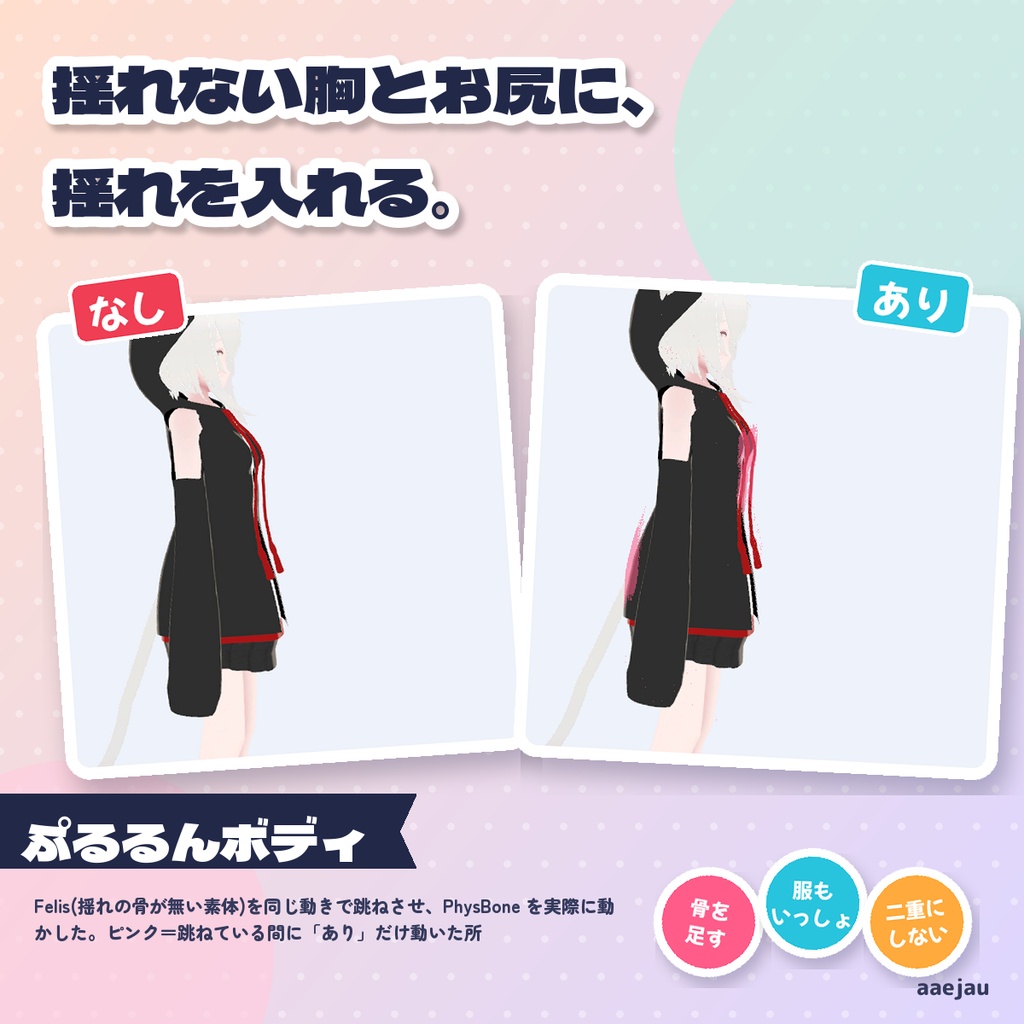
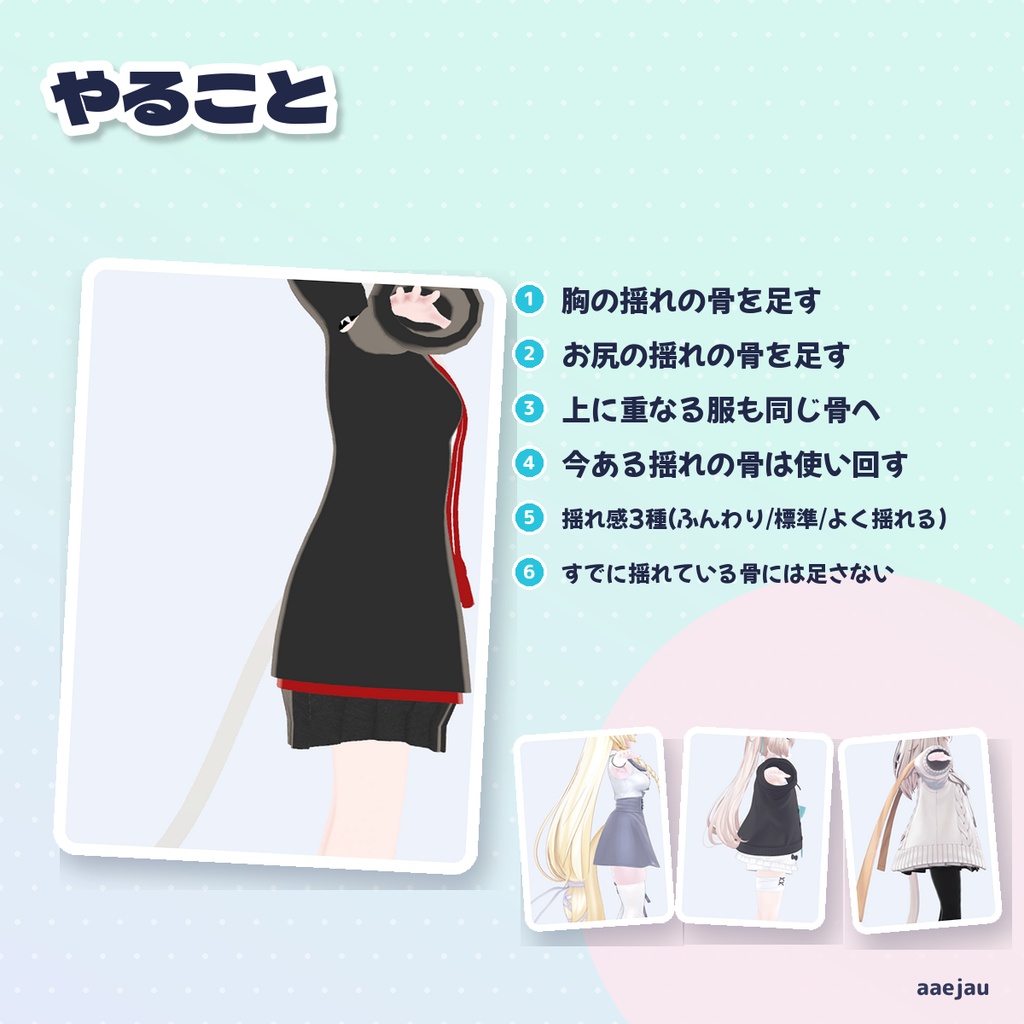
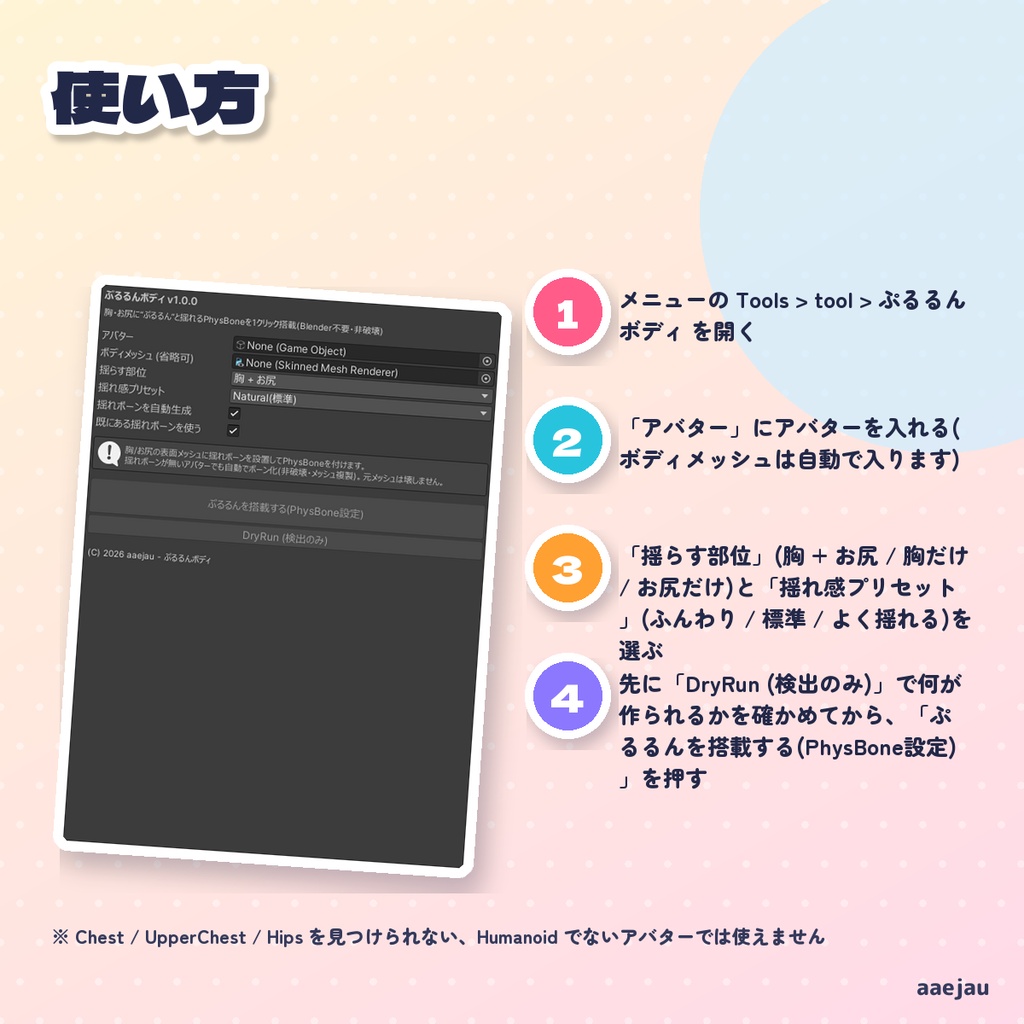
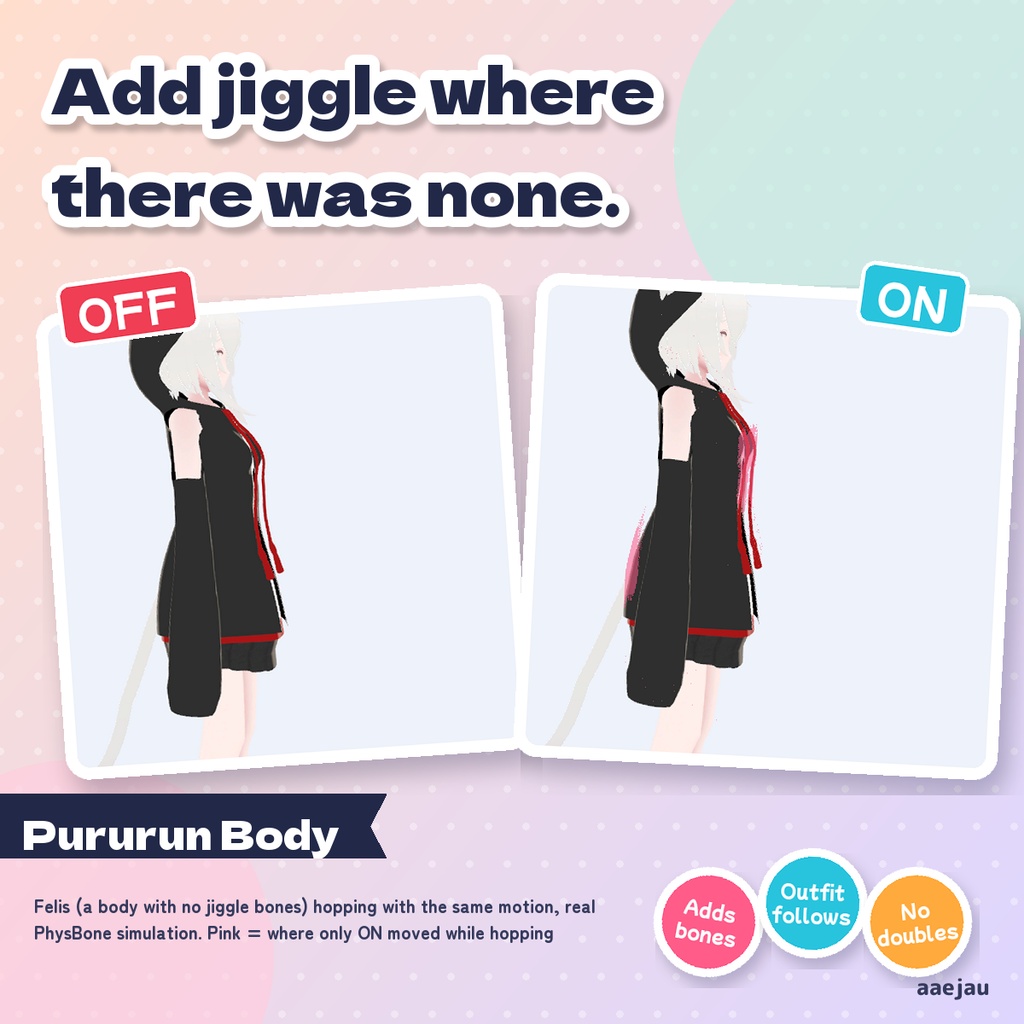
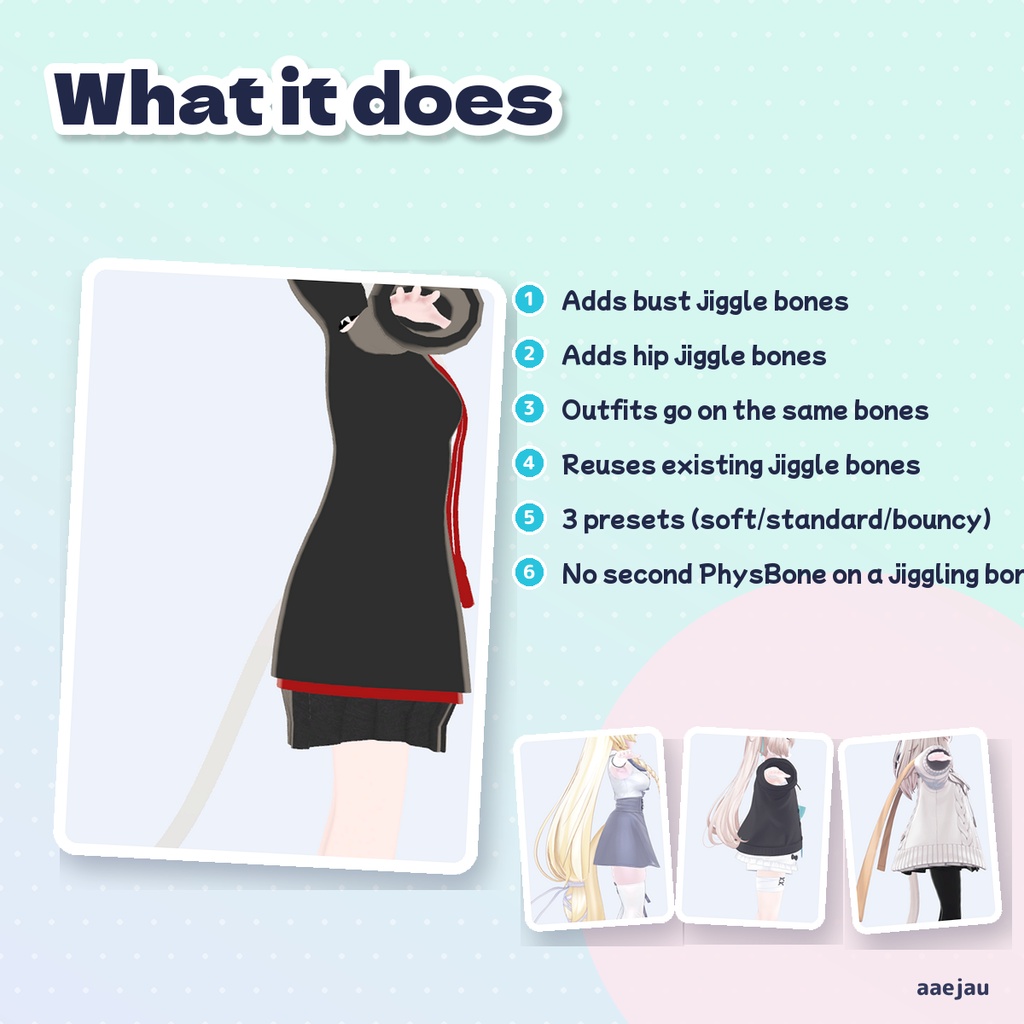
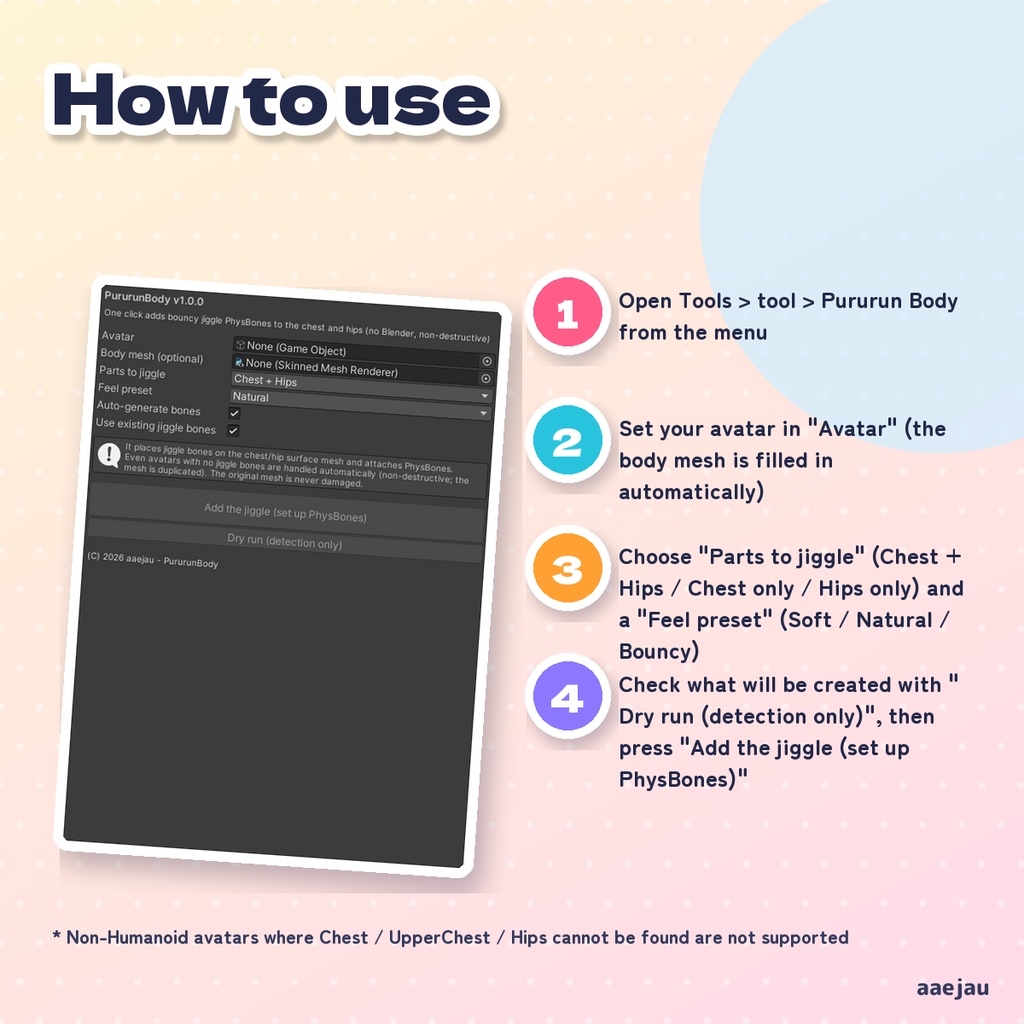
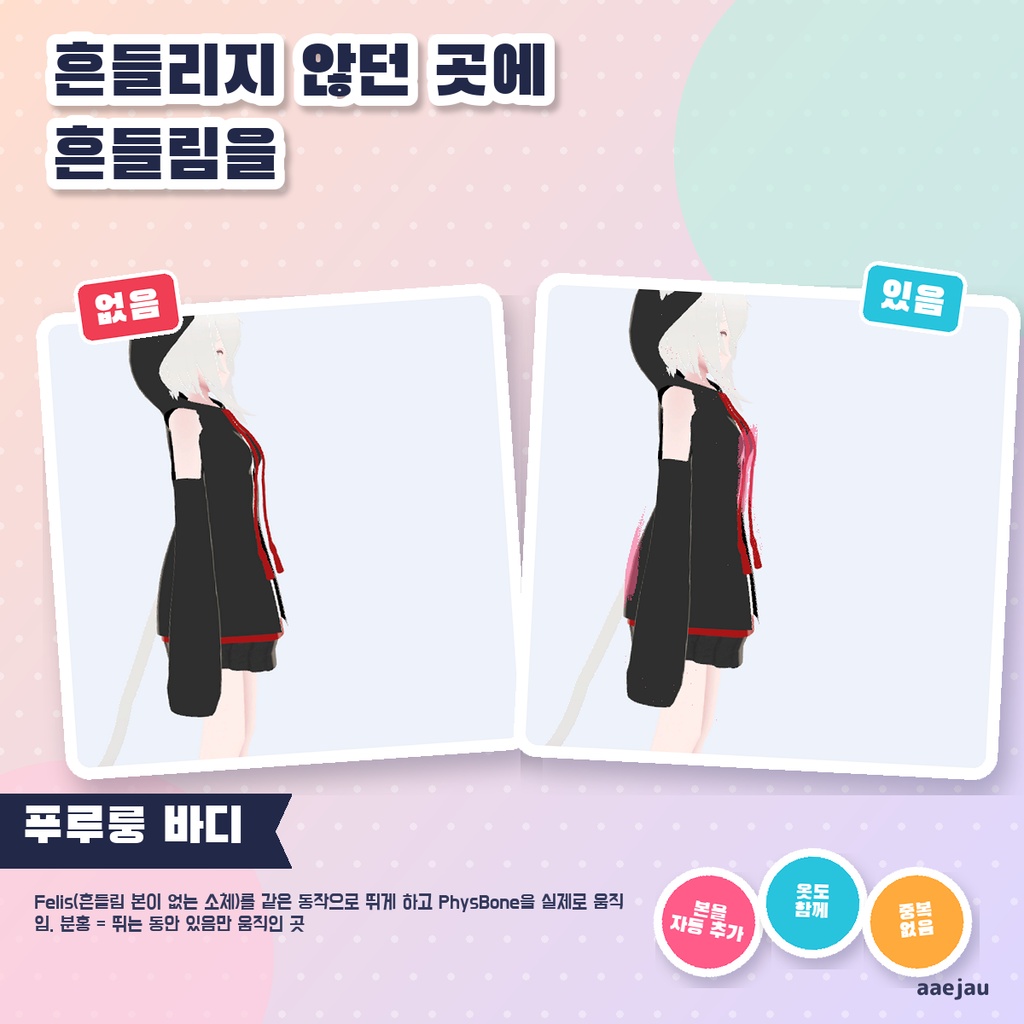
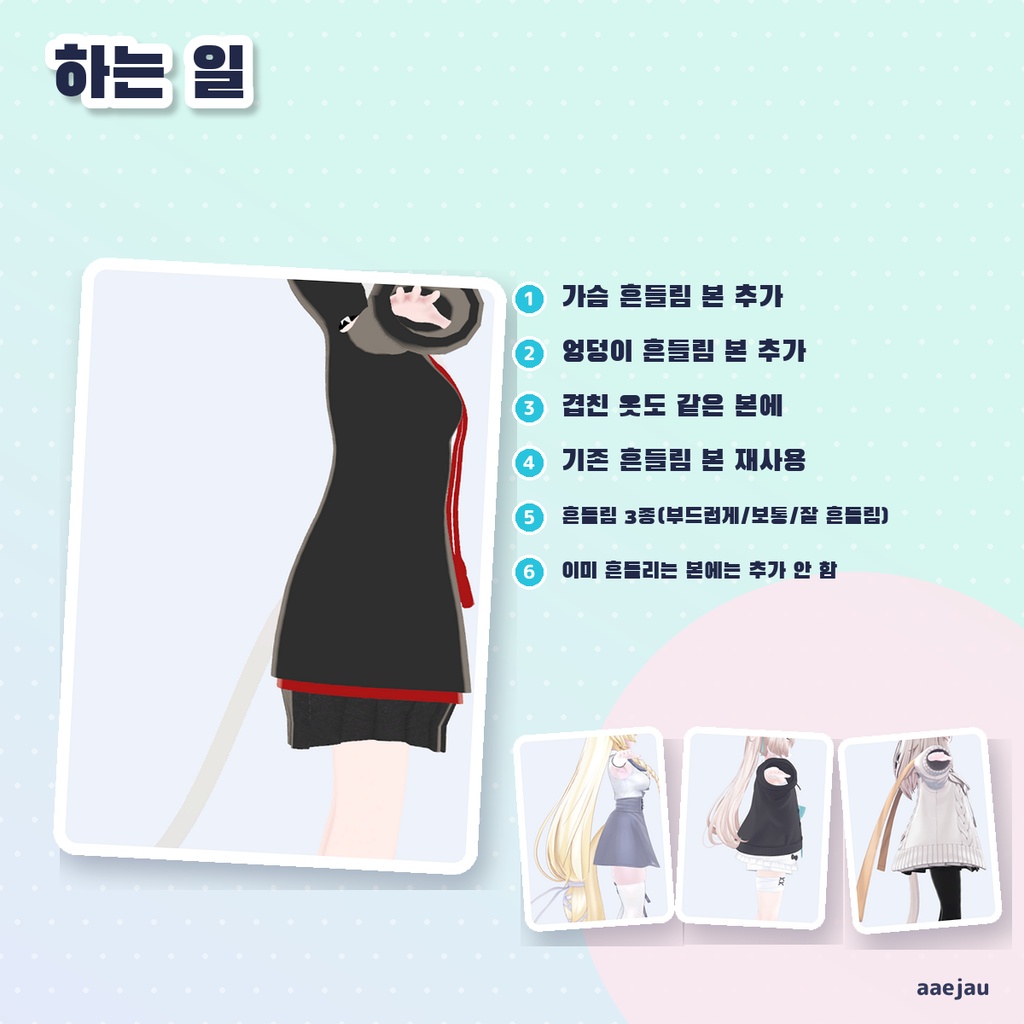
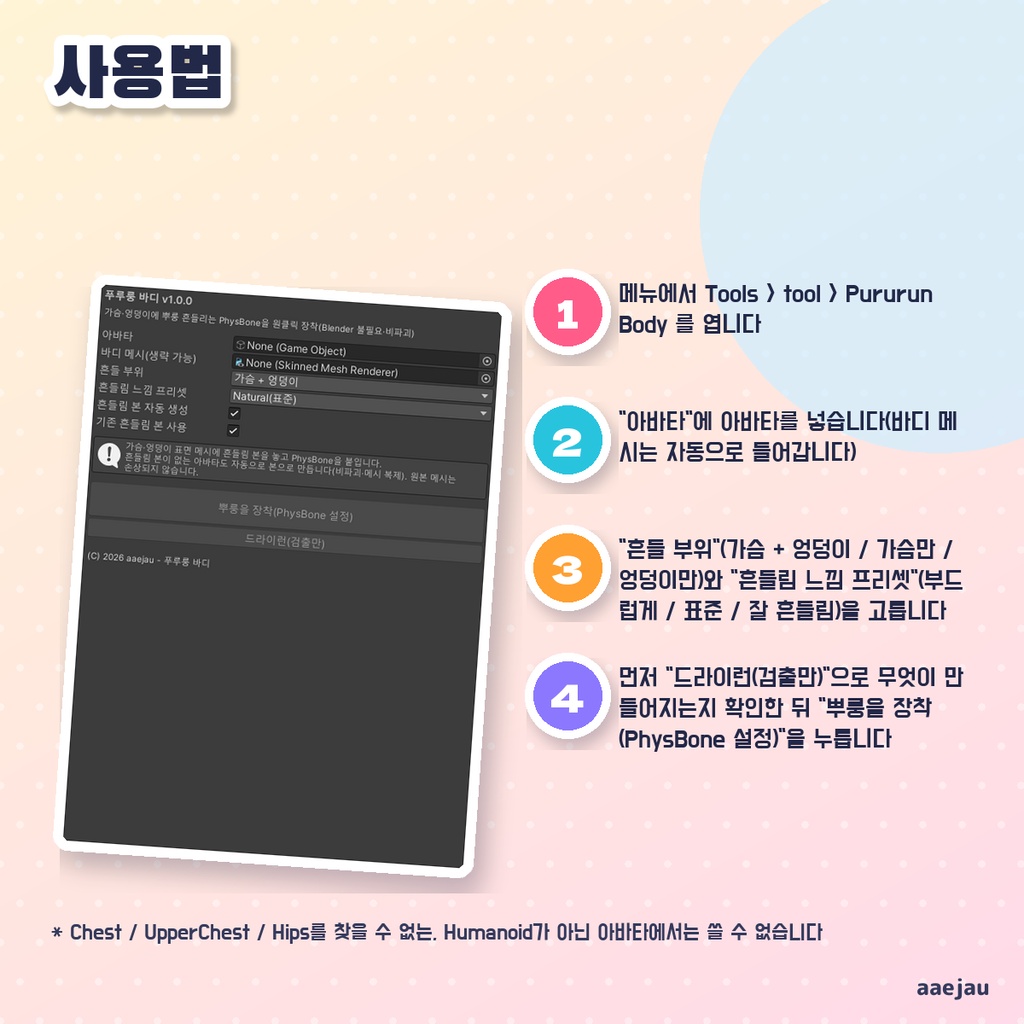


「胸やお尻が、ぜんぜん揺れないアバター。」 Blenderは使いません。Unityの中だけで終わります。 胸・お尻に揺れボーンを置いて PhysBone を付けます。揺れボーンが入っていないアバターでも、胸・お尻まわりのメッシュを複製して骨を作り、揺れるようにします。お尻は胸より少し硬めの揺れにしてあります。 ◆ 使い方 1. メニューの Tools > tool > ぷるるんボディ を開く 2. 「アバター」にアバターを入れる(ボディメッシュは自動で入ります) 3. 「揺らす部位」(胸 + お尻 / 胸だけ / お尻だけ)と「揺れ感プリセット」(ふんわり / 標準 / よく揺れる)を選ぶ 4. 先に「DryRun (検出のみ)」で何が作られるかを確かめてから、「ぷるるんを搭載する(PhysBone設定)」を押す 5. 揺れの強さは、作られた PhysBone の数値をあとから直接変えて調整する ◆ 必要環境 ・Unity 2022.3 ・VRChat SDK3 Avatars(PhysBone を付けるのに使います) ・Humanoid 設定のアバター ※ Chest / UpperChest / Hips を見つけられない、Humanoid でないアバターでは使えません ※ VRChat SDK が無い環境では、揺れボーンとスキニングだけを設定し、PhysBone は付きません(SDK を入れて再実行すると付きます) ※ プリセットは 3 種類です。細かな揺れ方は PhysBone の数値を手で変えてください ※ 既にある揺れボーンがほとんど肉を動かさない飾りの骨だった場合は使わず、新しく骨を作ります。うまく揺れないときは「既にある揺れボーンを使う」を外して実行し直してください ※ 胸やお尻の骨にすでに PhysBone が付いている場合(別の物から rootTransform で指している場合も含む)は、2本目を付けず、その数値を整えるだけにします ※ 揺れの骨には、上に重なる服も同じだけ乗せます(服が別の Armature で動く素体も含む)。自前の骨で揺れるスカートなどは触りません ※ しなの・Felis・MAYO・ミルフィで、揺れの骨を15度傾けると体と服が一緒に動くこと(胸 16〜33mm・お尻 5〜18mm)を確かめました。跳ねる動きでの揺れ幅は控えめです 内容物: unitypackage / README / CHANGELOG / TEST_REPORT / LICENSE / 画面のスクリーンショット ━━━━━━━━━━━━━━━━━━━━ English ━━━━━━━━━━━━━━━━━━━━ Places jiggle bones on the chest and butt and adds PhysBones to them. Even on avatars without jiggle bones, it duplicates the mesh and creates bones around the chest and butt so they can sway. The butt is set a little firmer than the chest. ◆ How to use 1. Open Tools > tool > Pururun Body from the menu 2. Set your avatar in "Avatar" (the body mesh is filled in automatically) 3. Choose "Parts to jiggle" (Chest + Hips / Chest only / Hips only) and a "Feel preset" (Soft / Natural / Bouncy) 4. Check what will be created with "Dry run (detection only)", then press "Add the jiggle (set up PhysBones)" 5. Adjust the strength afterwards by editing the values of the generated PhysBones ◆ Requirements ・Unity 2022.3 ・VRChat SDK3 Avatars (used to add PhysBones) ・An avatar set up as Humanoid * Non-Humanoid avatars where Chest / UpperChest / Hips cannot be found are not supported * Without the VRChat SDK, only jiggle bones and skinning are set up and no PhysBones are added (run again after installing the SDK) * There are three presets. For finer control, edit the PhysBone values by hand * Existing jiggle bones that barely move the surface are skipped and new bones are made instead. If it still does not jiggle, turn off "Use existing jiggle bones" and run again * If the breast or hip bones already have a PhysBone (including one on another object pointing to them with rootTransform), no second one is added; only its values are tuned * Outfits over the area go on the same jiggle bones (including outfits moved by a separate Armature). Skirts that swing with their own bones are left alone * Checked on Shinano, Felis, MAYO and Milfy: tilting a jiggle bone 15 degrees moves the body and outfit together (bust 16-33mm, hips 5-18mm). The sway while hopping is modest Contents: unitypackage / README / CHANGELOG / TEST_REPORT / LICENSE / screenshot ━━━━━━━━━━━━━━━━━━━━ 한국어 ━━━━━━━━━━━━━━━━━━━━ 가슴과 엉덩이에 흔들림 본을 두고 PhysBone을 붙입니다. 흔들림 본이 없는 아바타라도 가슴·엉덩이 주변 메시를 복제해 본을 만들어 흔들리게 합니다. 엉덩이는 가슴보다 조금 단단하게 흔들리도록 해 두었습니다. ◆ 사용법 1. 메뉴에서 Tools > tool > Pururun Body 를 엽니다 2. "아바타"에 아바타를 넣습니다(바디 메시는 자동으로 들어갑니다) 3. "흔들 부위"(가슴 + 엉덩이 / 가슴만 / 엉덩이만)와 "흔들림 느낌 프리셋"(부드럽게 / 표준 / 잘 흔들림)을 고릅니다 4. 먼저 "드라이런(검출만)"으로 무엇이 만들어지는지 확인한 뒤 "뿌룽을 장착(PhysBone 설정)"을 누릅니다 5. 흔들림 세기는 만들어진 PhysBone의 수치를 나중에 직접 바꿔 조정합니다 ◆ 요구 환경 ・Unity 2022.3 ・VRChat SDK3 Avatars(PhysBone 추가에 사용) ・Humanoid로 설정된 아바타 ※ Chest / UpperChest / Hips를 찾을 수 없는, Humanoid가 아닌 아바타에서는 쓸 수 없습니다 ※ VRChat SDK가 없는 환경에서는 흔들림 본과 스키닝만 설정하고 PhysBone은 붙지 않습니다(SDK 설치 후 다시 실행하면 붙습니다) ※ 프리셋은 3가지입니다. 세밀한 흔들림은 PhysBone 수치를 직접 바꿔 주세요 ※ 이미 있는 흔들림 본이 표면을 거의 움직이지 않는 장식용 본이면 쓰지 않고 새로 만듭니다. 그래도 흔들리지 않으면 "기존 흔들림 본 사용"을 끄고 다시 실행해 주세요 ※ 가슴이나 엉덩이 본에 이미 PhysBone이 있으면(다른 오브젝트에서 rootTransform으로 가리키는 경우 포함) 두 번째는 붙이지 않고 값만 조정합니다 ※ 흔들림 본에는 위에 겹친 옷도 똑같이 싣습니다(옷이 별도 Armature로 움직이는 소체 포함). 자체 본으로 흔들리는 스커트 등은 건드리지 않습니다 ※ 시나노·Felis·MAYO·밀피에서 흔들림 본을 15도 기울이면 몸과 옷이 함께 움직이는 것(가슴 16~33mm, 엉덩이 5~18mm)을 확인했습니다. 뛰는 동작에서의 흔들림 폭은 작은 편입니다 내용물: unitypackage / README / CHANGELOG / TEST_REPORT / LICENSE / 스크린샷