

プロポーションスライダー - 6本のスライダーでアバターの体型を変える【JA,EN,KO】
- 日本語Digital700 JPY
- EnglishDigital700 JPY
- 한국어Digital700 JPY
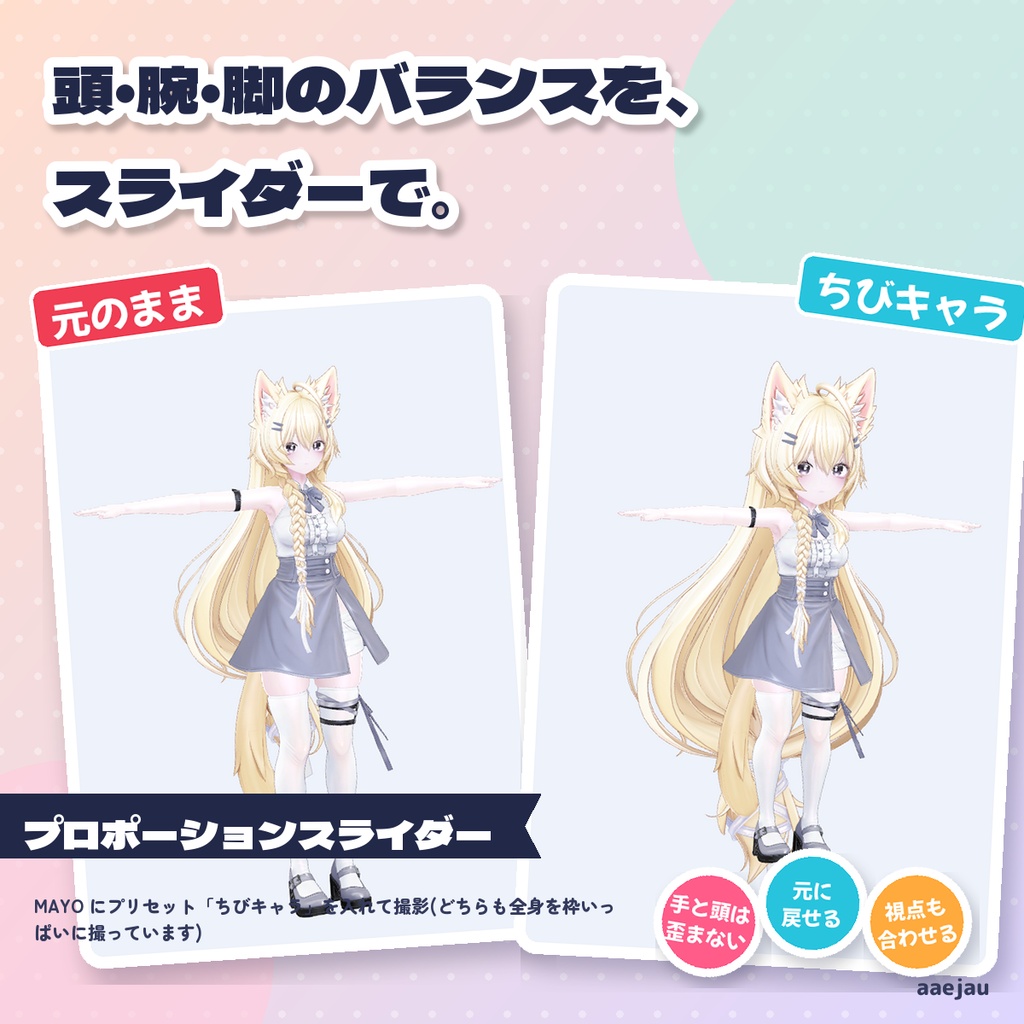
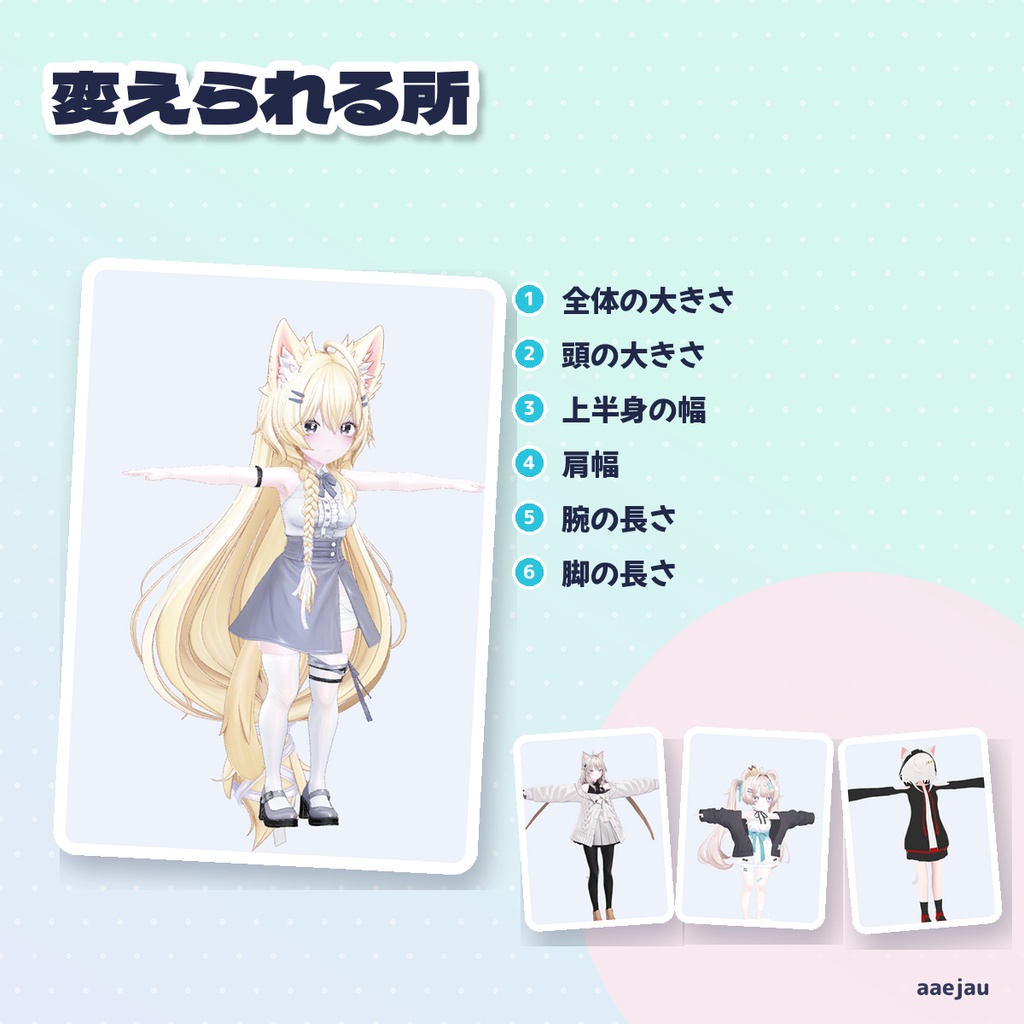
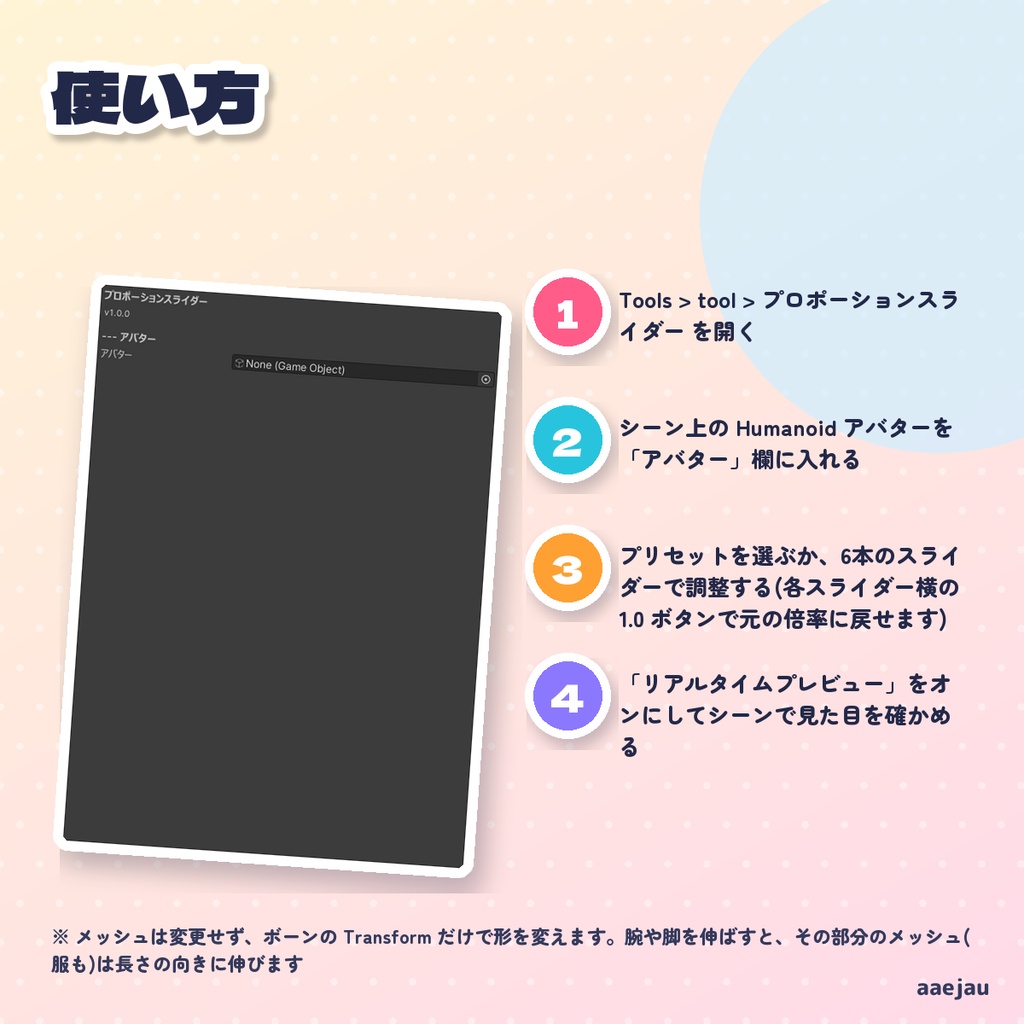
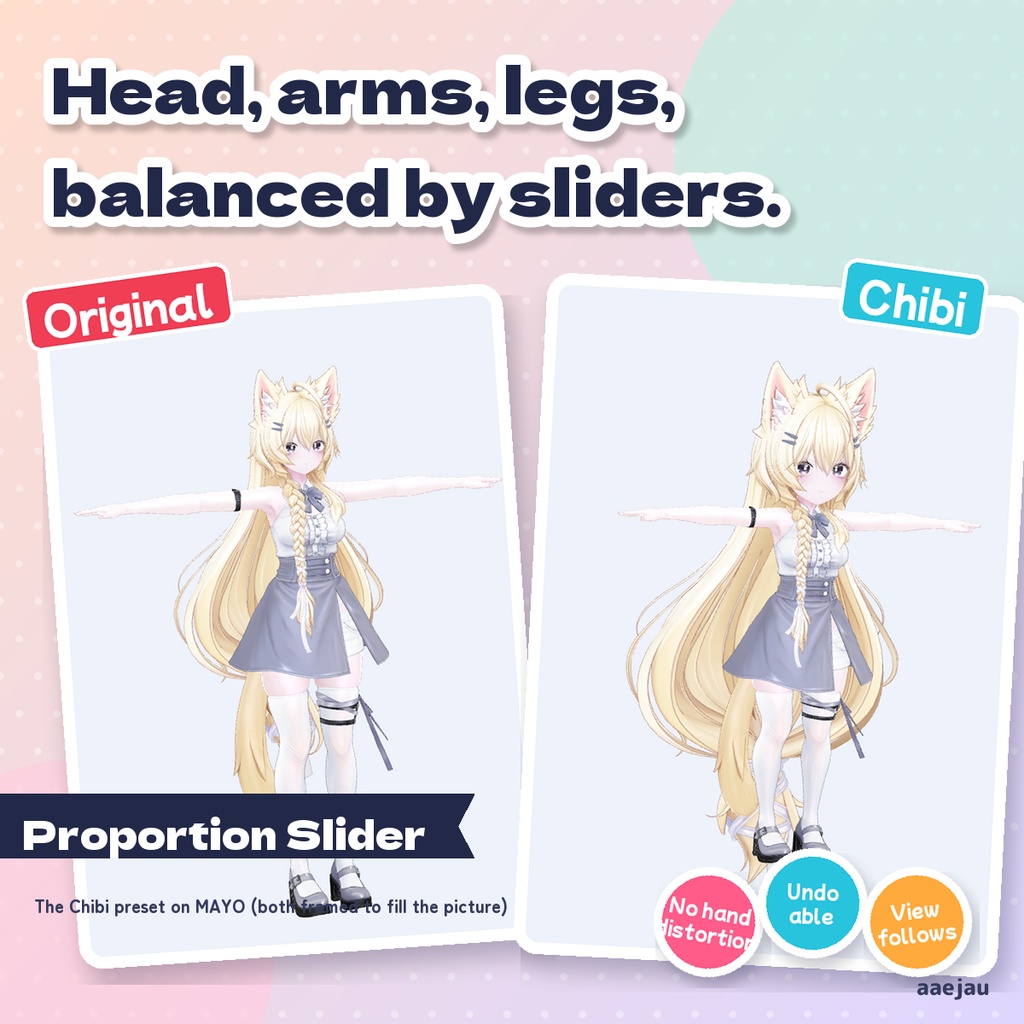
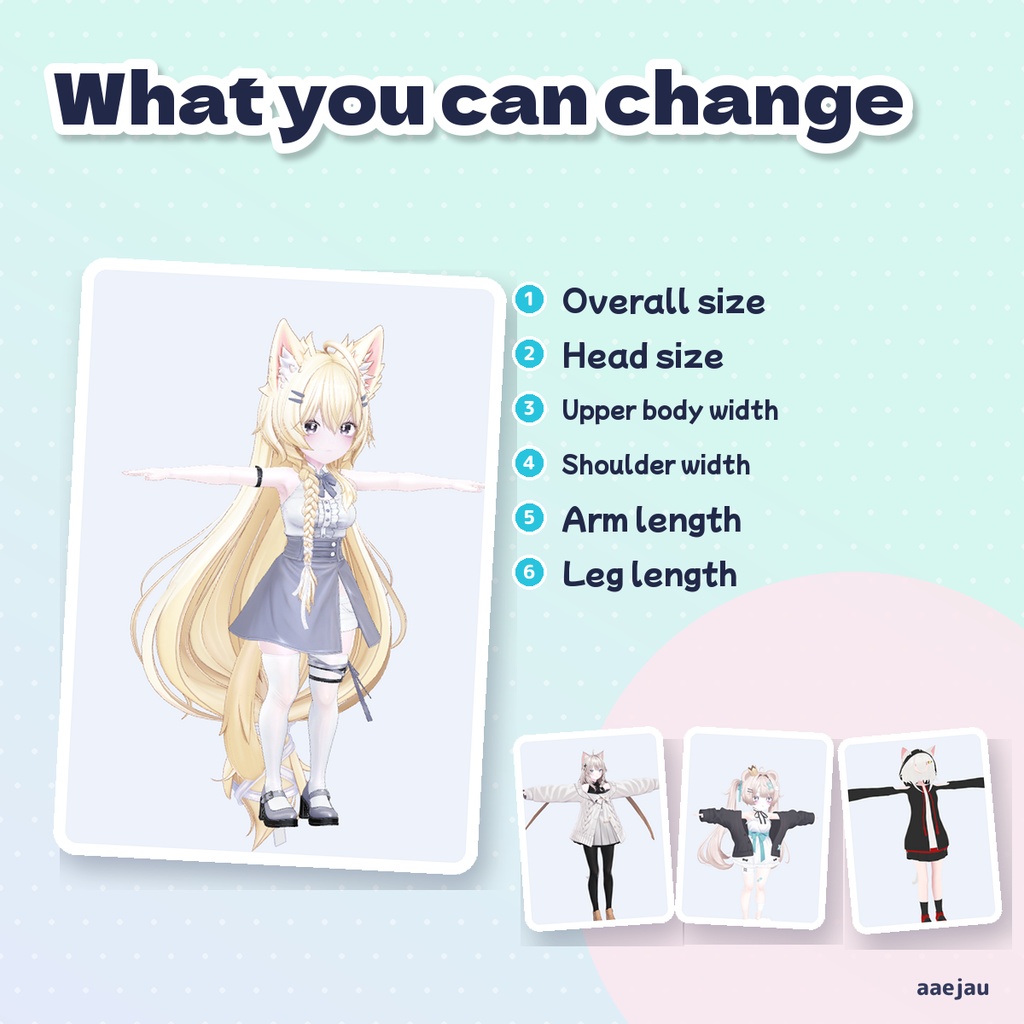
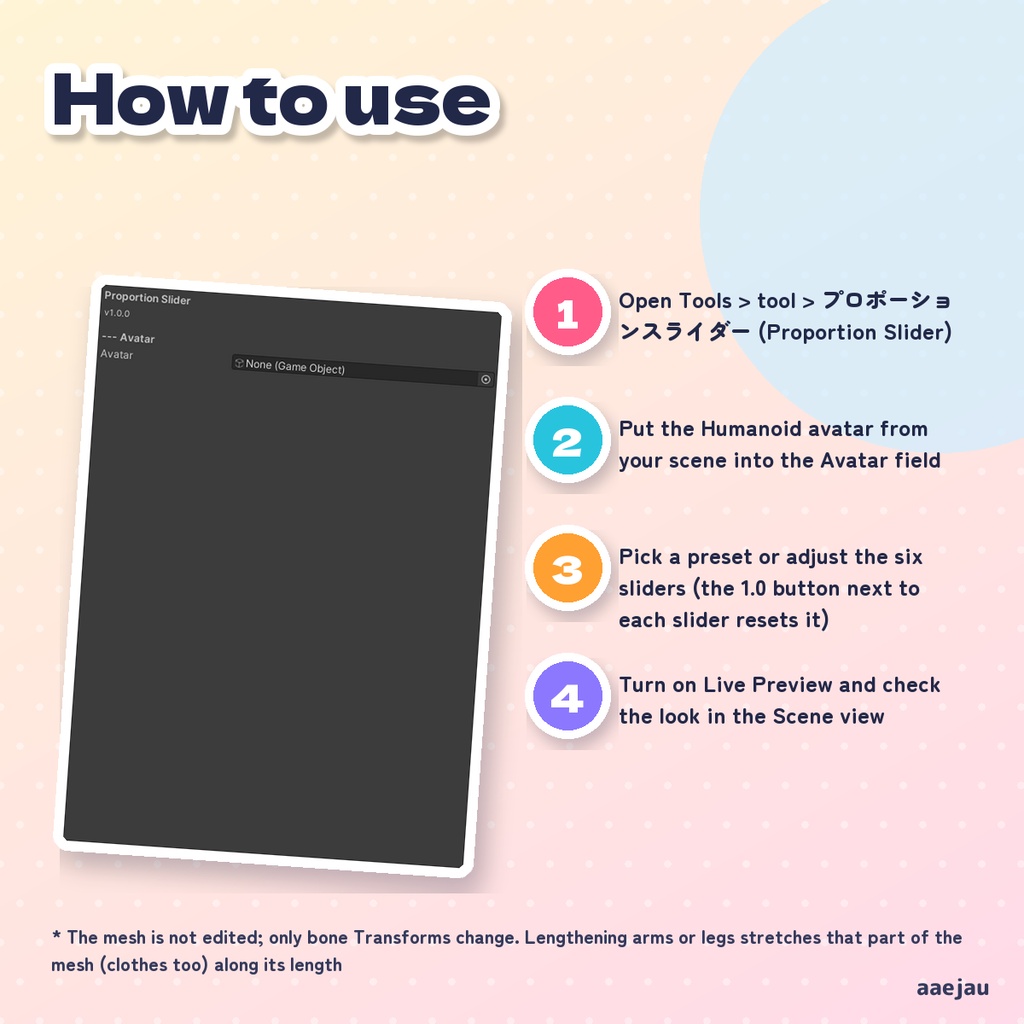
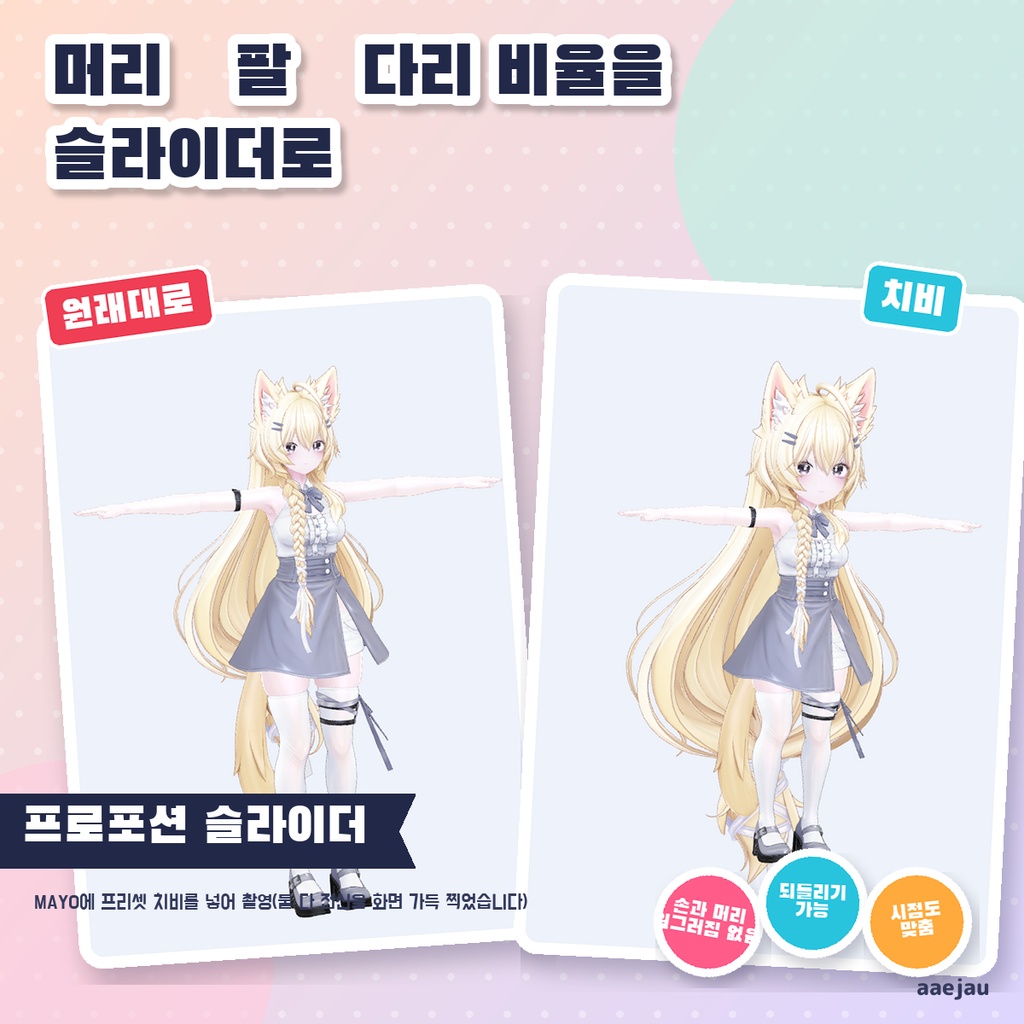
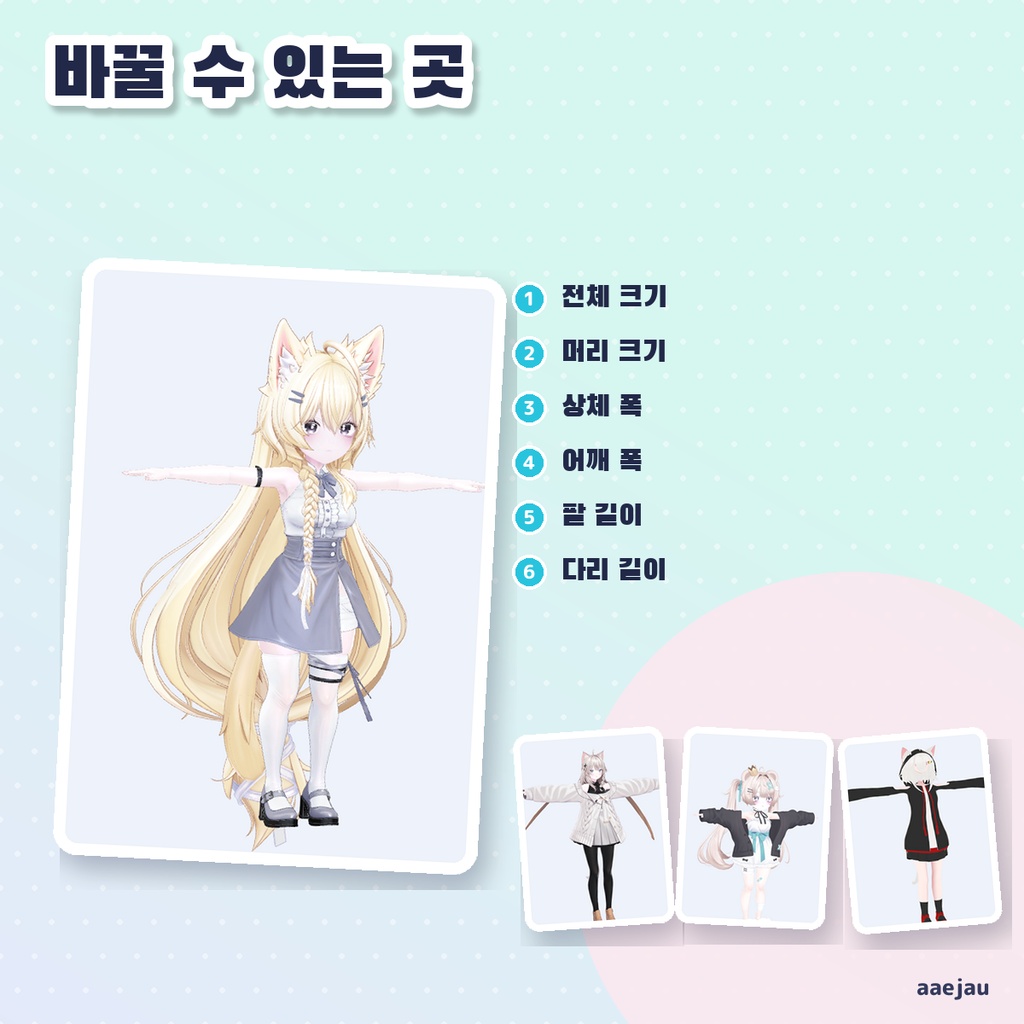
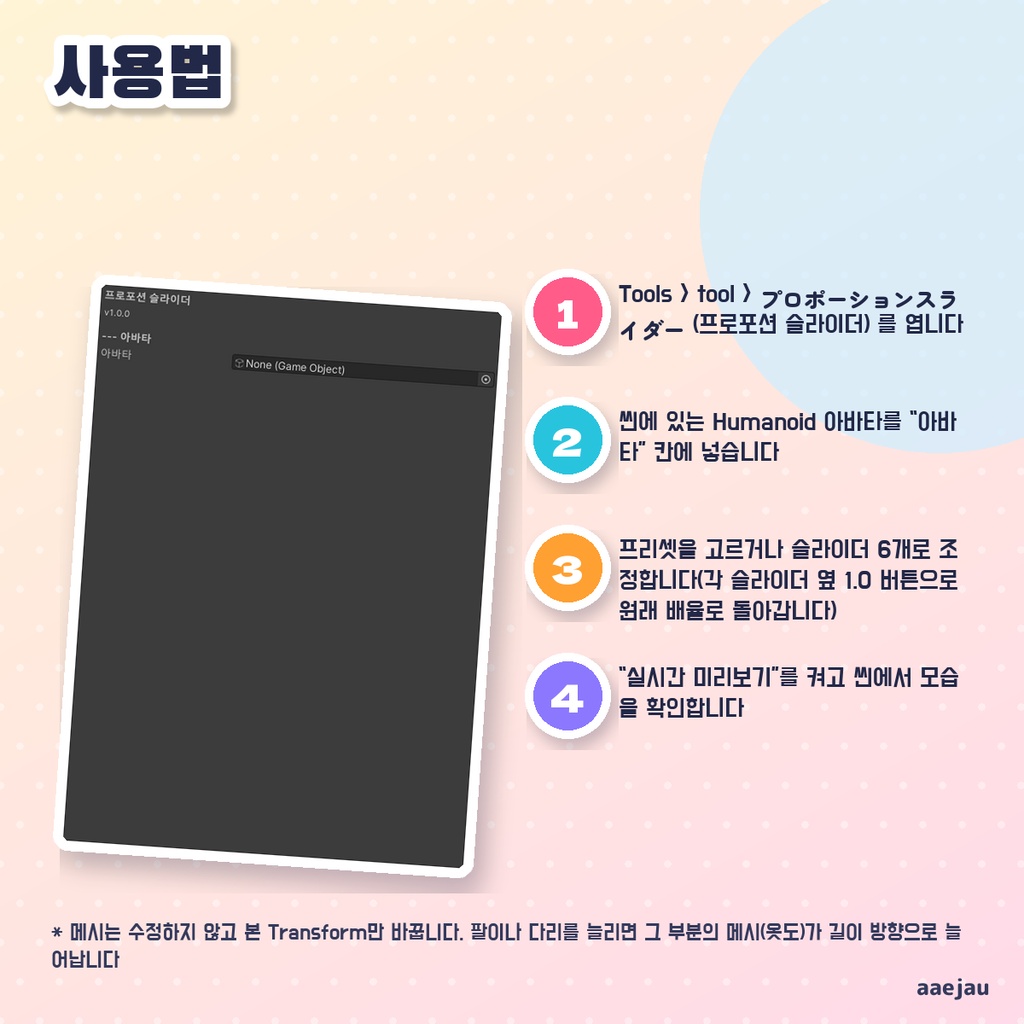


「頭や腕や脚のバランスを、変えてみたい。」 Blenderは使いません。Unityの中だけで終わります。 Humanoid アバターのボーンの Transform を変えて、全体の大きさ・頭の大きさ・上半身の幅・肩幅・腕の長さ・脚の長さを調整します。腕と脚は骨の長さの向きだけを伸ばし、ひじ・手首・ひざ・足首から先は元の大きさに戻すので、手や足先・指が引き伸ばされません。上半身の幅は左右の向きだけ広げ、首・頭・腕は元の太さのままです。脚の長さを変えたときは足が床の高さに来るように腰の高さを直し、VRChat の View Position も頭と一緒に動かします。低身長・長身・ちびキャラ・お姉さん・がっしりのプリセットから始めて、リアルタイムプレビューで確かめてから適用でき、適用は Undo で戻せます。 ◆ 使い方 1. Tools > tool > プロポーションスライダー を開く 2. シーン上の Humanoid アバターを「アバター」欄に入れる 3. プリセットを選ぶか、6本のスライダーで調整する(各スライダー横の 1.0 ボタンで元の倍率に戻せます) 4. 「リアルタイムプレビュー」をオンにしてシーンで見た目を確かめる 5. 「適用」で確定する。元に戻すときは「リセット」か Undo(Ctrl+Z) ◆ 必要環境 ・Unity 2022.3 ・Humanoid の Animator が付いたアバター ※ メッシュは変更せず、ボーンの Transform だけで形を変えます。腕や脚を伸ばすと、その部分のメッシュ(服も)は長さの向きに伸びます ※ 脚の長さを大きく縮める・伸ばすと、足の骨の向きによっては足先の形がわずかに斜めにゆがむことがあります ※ 足を床に戻すのと View Position の追従は Unity 上での調整です。VRChat の中の立ち位置はアバターの Humanoid 設定にも左右されるため、脚の長さを変えたらアップロード後に確かめてください ※ PhysBone やコライダーの大きさ・位置は調整しません ※ Humanoid として設定された Animator が必要です。Generic のアバターには使えません ※ しなので測りました: 腕1.3倍・脚1.2倍/0.8倍は骨の長さが指定どおりの倍率になり、手と頭は歪まず(3方向の比 1.000)、元に戻すとずれ 0 でした。脚を変えると足先が 7〜9 度傾きます。全体の大きさを変えると視点(ViewPosition)も頭の同じ点へ動かします 内容物: unitypackage / README / CHANGELOG / TEST_REPORT / LICENSE / 画面のスクリーンショット ━━━━━━━━━━━━━━━━━━━━ English ━━━━━━━━━━━━━━━━━━━━ Adjusts overall size, head size, torso width, shoulder width, arm length, and leg length by changing the bone Transforms of a Humanoid avatar. Arms and legs are stretched only along each bone's length, and everything from the elbow, wrist, knee and ankle on is put back to its original size, so hands, feet and fingers are not stretched. Torso width widens only left to right; the neck, head and arms keep their original thickness. When you change leg length, the hip height is corrected so the feet stay at floor level, and the VRChat View Position moves with the head. Start from a preset (Petite, Tall, Chibi, Mature, Sturdy), check with Live Preview, then apply; applied changes can be undone with Undo. ◆ How to use 1. Open Tools > tool > プロポーションスライダー (Proportion Slider) 2. Put the Humanoid avatar from your scene into the Avatar field 3. Pick a preset or adjust the six sliders (the 1.0 button next to each slider resets it) 4. Turn on Live Preview and check the look in the Scene view 5. Click Apply to commit. To go back, use Reset or Undo (Ctrl+Z) ◆ Requirements ・Unity 2022.3 ・An avatar with a Humanoid Animator * The mesh is not edited; only bone Transforms change. Lengthening arms or legs stretches that part of the mesh (clothes too) along its length * Large leg length changes can slightly skew the shape of the feet, depending on how the foot bones are oriented * Putting the feet back on the floor and moving the View Position happen in Unity. In VRChat the standing position also depends on the avatar's Humanoid setup, so check in game after changing leg length * PhysBone and collider sizes and positions are not adjusted * Requires an Animator set up as Humanoid. Generic avatars are not supported * Measured on Shinano: arms 1.3x and legs 1.2x/0.8x give exactly those bone length ratios, hands and head stay undistorted (axis ratio 1.000), and restoring leaves 0 difference. Changing legs tilts the feet by 7-9 degrees. Changing the overall size also moves the ViewPosition to the same point in the head Contents: unitypackage / README / CHANGELOG / TEST_REPORT / LICENSE / screenshot ━━━━━━━━━━━━━━━━━━━━ 한국어 ━━━━━━━━━━━━━━━━━━━━ Humanoid 아바타의 본 Transform을 바꿔 전체 크기·머리 크기·상체 폭·어깨 폭·팔 길이·다리 길이를 조정합니다. 팔과 다리는 본의 길이 방향으로만 늘리고, 팔꿈치·손목·무릎·발목부터 앞은 원래 크기로 되돌리므로 손·발끝·손가락이 늘어나지 않습니다. 상체 폭은 좌우 방향으로만 넓히고 목·머리·팔은 원래 굵기 그대로입니다. 다리 길이를 바꾸면 발이 바닥 높이에 오도록 허리 높이를 고치고, VRChat의 View Position도 머리와 함께 움직입니다. 작은 키·큰 키·꼬마 캐릭터·언니 체형·다부진 체형 프리셋에서 시작해 실시간 미리보기로 확인한 뒤 적용할 수 있고, 적용한 변경은 Undo로 되돌릴 수 있습니다. ◆ 사용법 1. Tools > tool > プロポーションスライダー (프로포션 슬라이더) 를 엽니다 2. 씬에 있는 Humanoid 아바타를 「아바타」 칸에 넣습니다 3. 프리셋을 고르거나 슬라이더 6개로 조정합니다(각 슬라이더 옆 1.0 버튼으로 원래 배율로 돌아갑니다) 4. 「실시간 미리보기」를 켜고 씬에서 모습을 확인합니다 5. 「적용」으로 확정합니다. 되돌릴 때는 「리셋」 또는 Undo(Ctrl+Z) ◆ 요구 환경 ・Unity 2022.3 ・Humanoid Animator가 달린 아바타 ※ 메시는 수정하지 않고 본 Transform만 바꿉니다. 팔이나 다리를 늘리면 그 부분의 메시(옷도)가 길이 방향으로 늘어납니다 ※ 다리 길이를 크게 줄이거나 늘리면 발 본의 방향에 따라 발끝 모양이 살짝 비스듬히 틀어질 수 있습니다 ※ 발을 바닥에 되돌리는 것과 View Position 추종은 Unity 안에서의 조정입니다. VRChat 안의 서 있는 위치는 아바타의 Humanoid 설정에도 좌우되므로, 다리 길이를 바꿨다면 업로드 후 확인해 주세요 ※ PhysBone이나 콜라이더의 크기·위치는 조정하지 않습니다 ※ Humanoid로 설정된 Animator가 필요합니다. Generic 아바타에는 사용할 수 없습니다 ※ 시나노로 측정했습니다: 팔 1.3배, 다리 1.2배/0.8배는 본 길이가 지정한 배율이 되고, 손과 머리는 일그러지지 않으며(3방향 비 1.000), 되돌리면 차이 0이었습니다. 다리를 바꾸면 발끝이 7~9도 기울어집니다. 전체 크기를 바꾸면 시점(ViewPosition)도 머리의 같은 점으로 옮깁니다 내용물: unitypackage / README / CHANGELOG / TEST_REPORT / LICENSE / 스크린샷