

【VRChat】【MA対応】Argentum Redact|文字入り検閲バーシェーダー【PC用】
- ダウンロード商品¥ 700
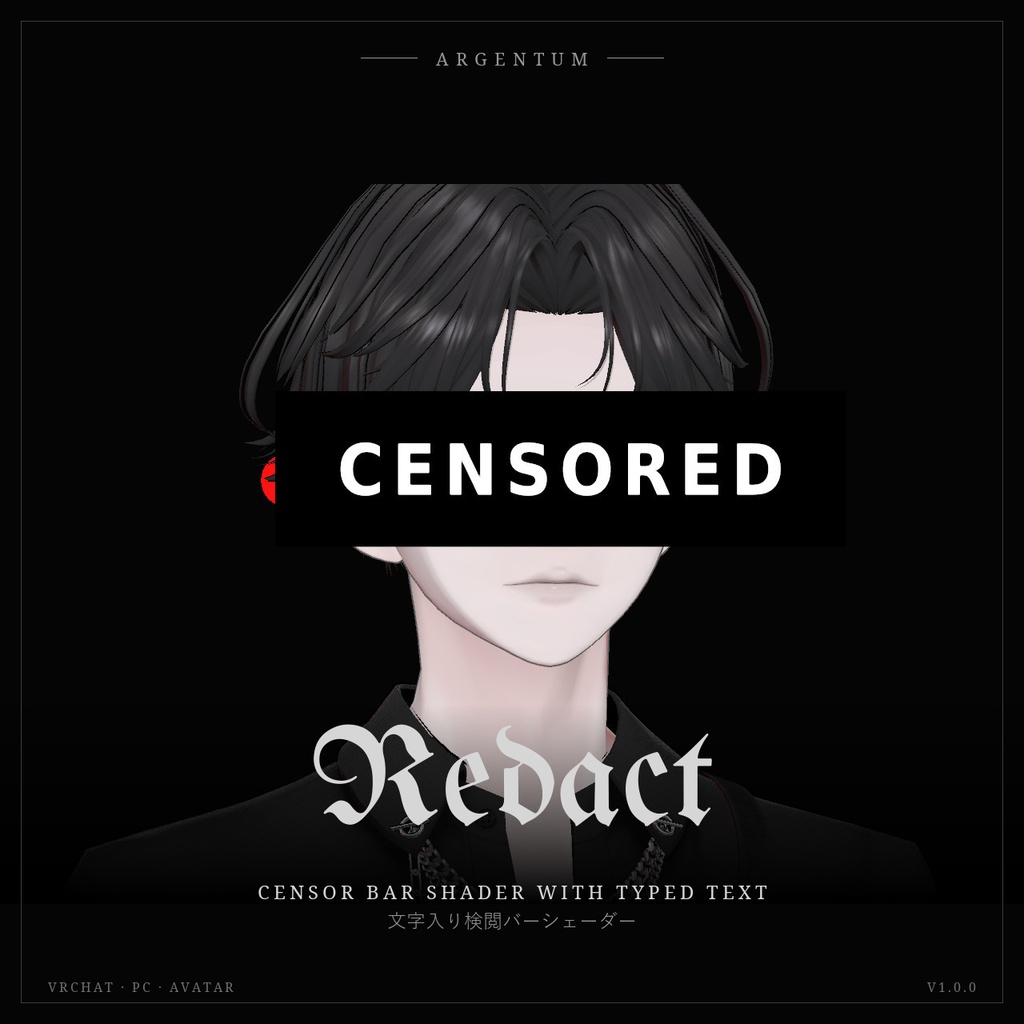
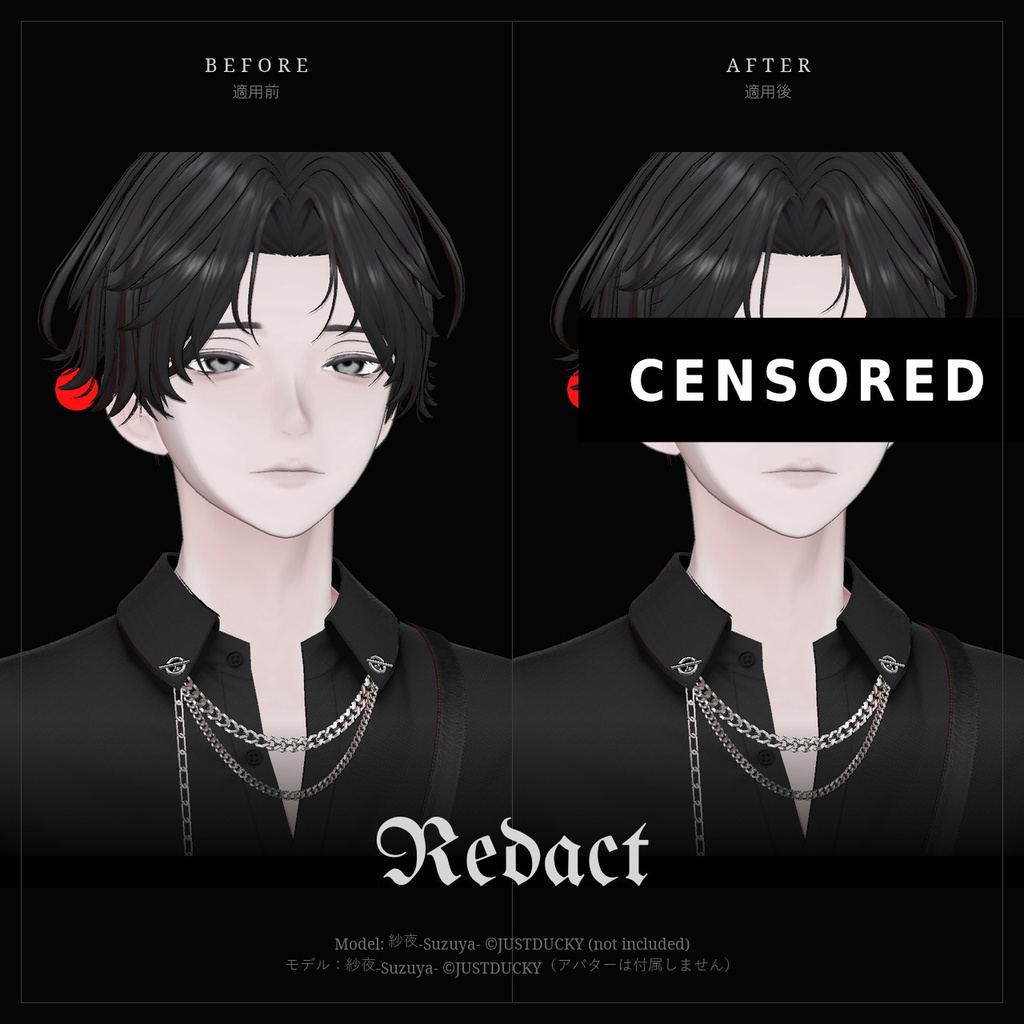
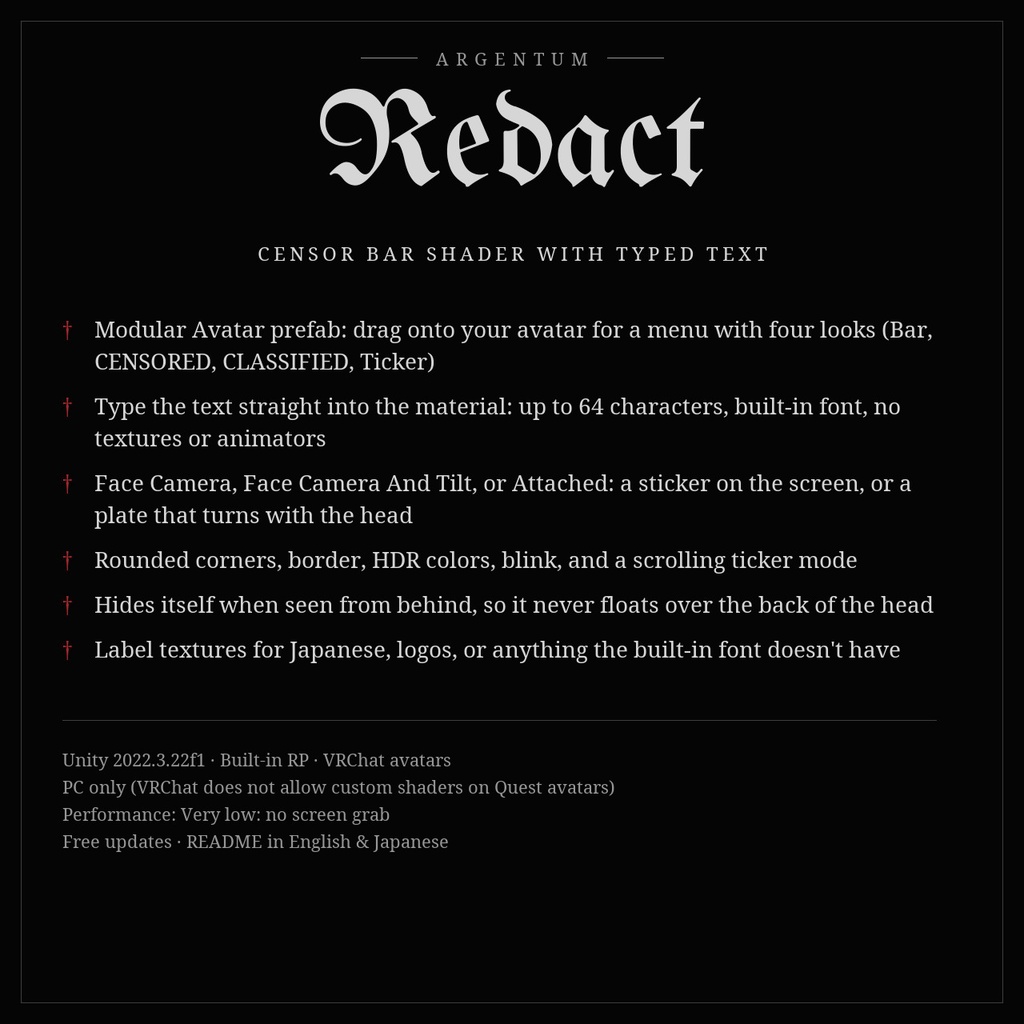
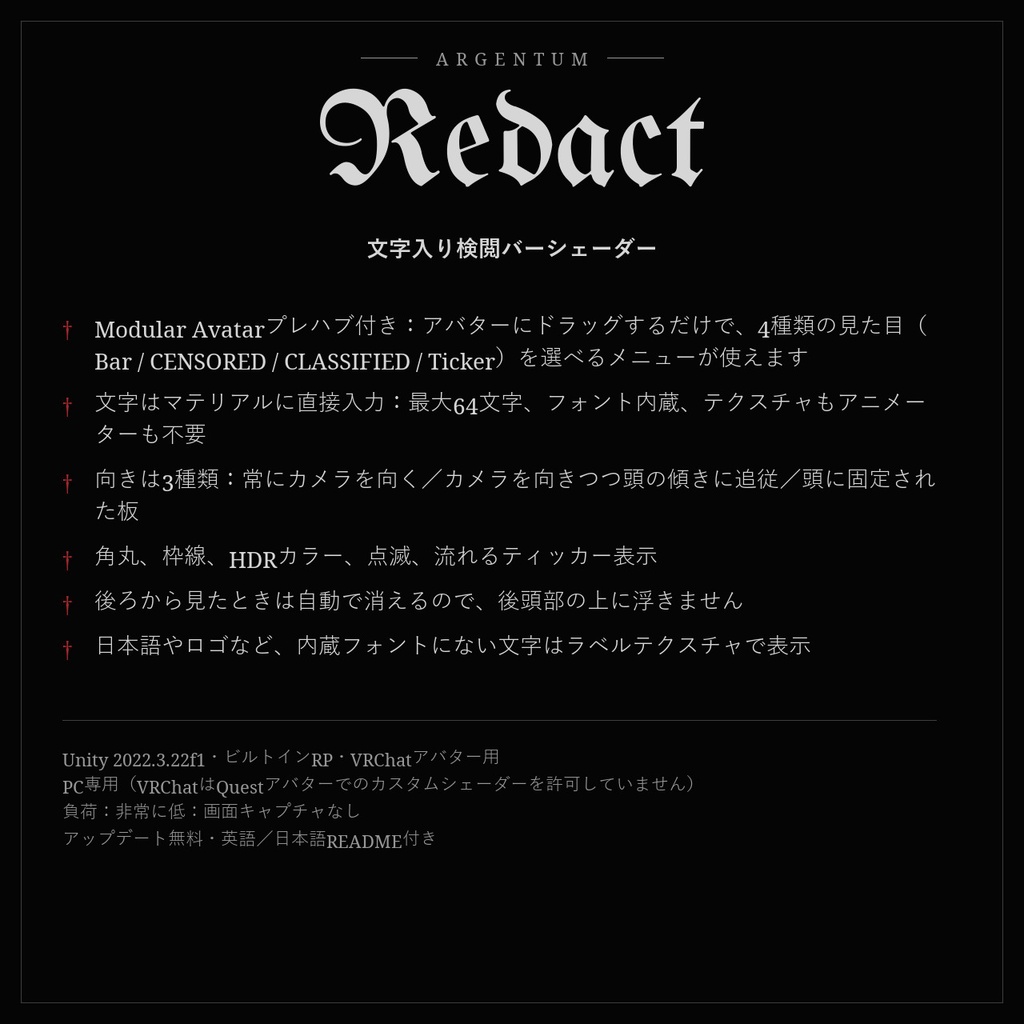
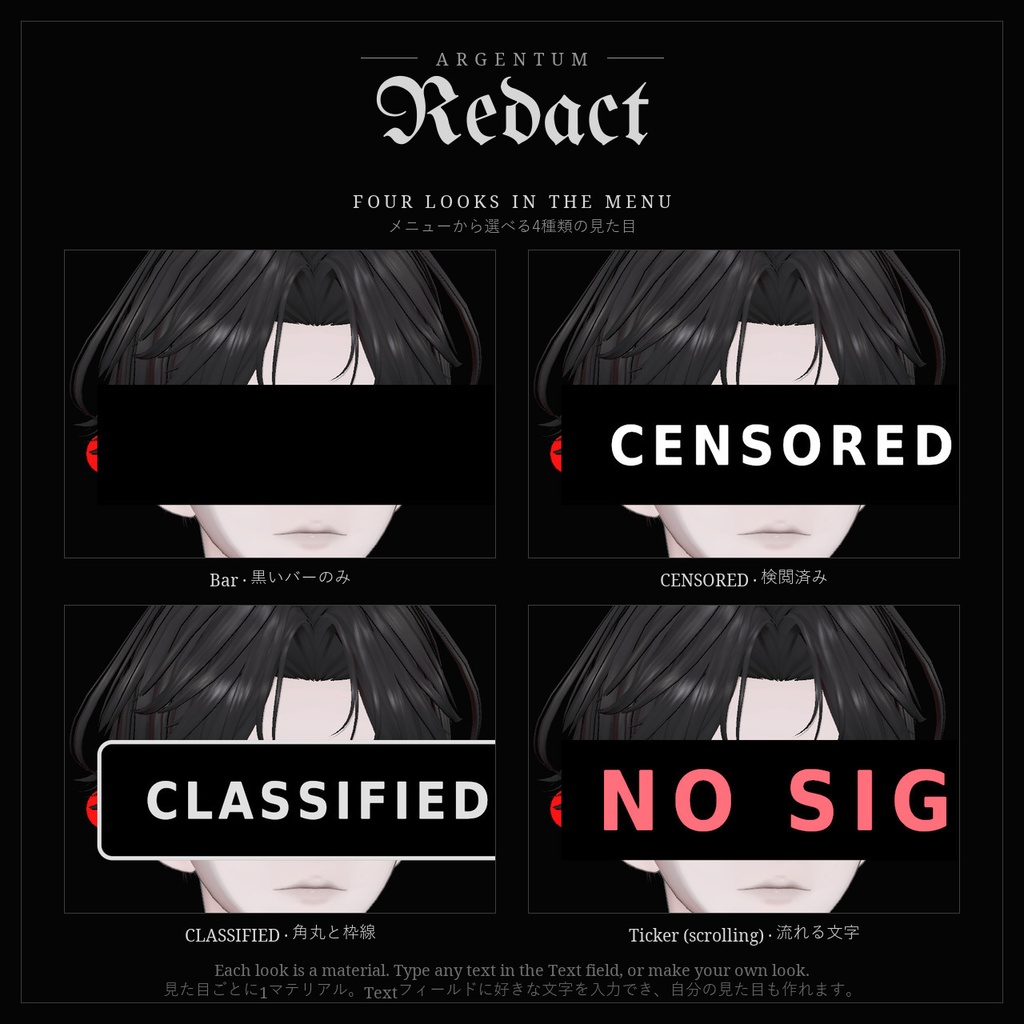
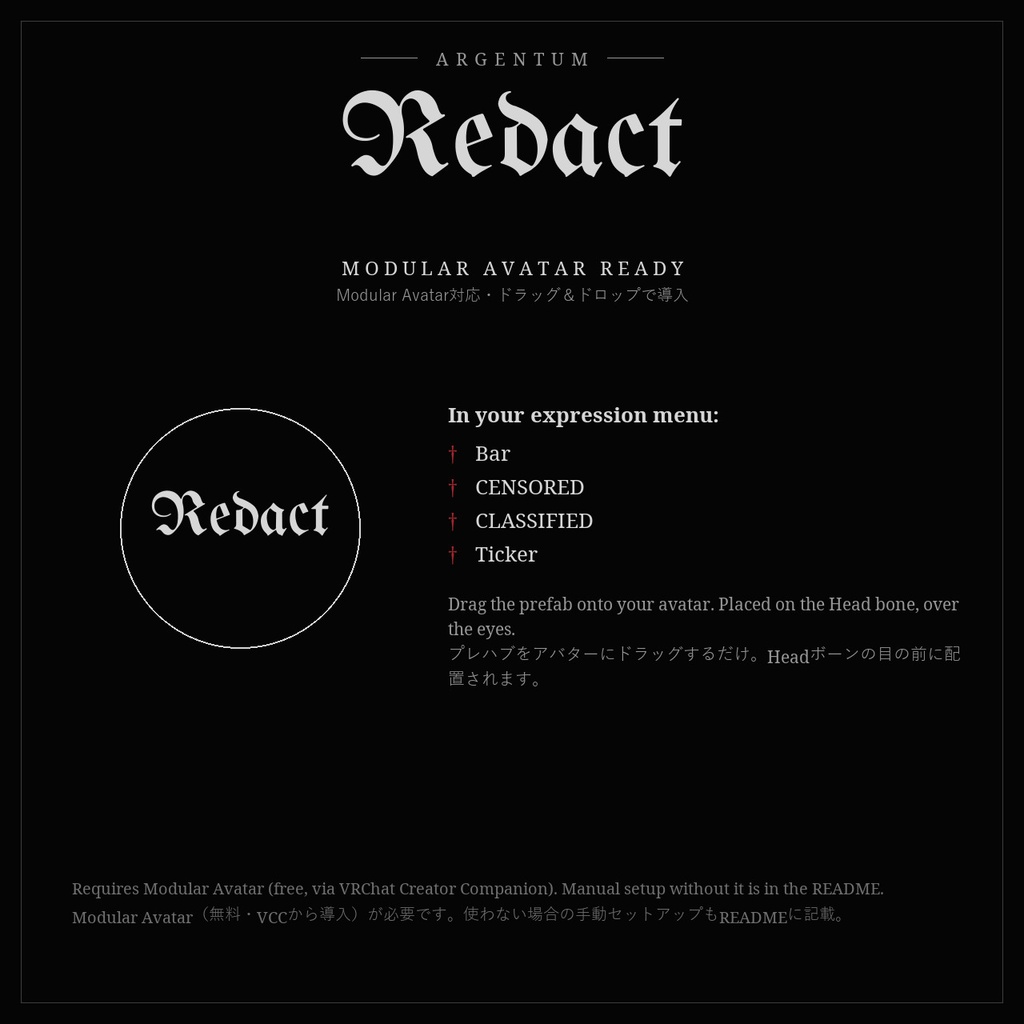


目元に、あるいはどこにでも置ける検閲バー。文字はマテリアルに直接入力できます。 ■ 特長 ・Modular Avatarプレハブ付き:アバターにドラッグするだけで、4種類の見た目(Bar / CENSORED / CLASSIFIED / Ticker)を選べるメニューが使えます ・文字はマテリアルに直接入力:インスペクターのText欄に最大64文字。フォント内蔵で、テクスチャもアニメーターも不要 ・向きは3種類:常にカメラを向く/カメラを向きつつ頭の傾きに追従/頭に固定された3Dの板 ・角丸、枠線、HDRカラー、点滅、電光掲示板のように流れるティッカー表示 ・後ろから見たときは自動で消えるので、カメラ向きのバーが後頭部の上に浮きません ・日本語やロゴなど、内蔵フォントにない文字は自作画像(ラベルテクスチャ)で表示できます ■ こんな用途に 身元非公開風の撮影、ドキュメンタリー・ファウンドフッテージ風、黒塗り資料風の演出、ネームタグやラベル、ネタ用に。 ■ 対応環境 ・Unity 2022.3.22f1(VRChatの現行バージョン)、ビルトインレンダーパイプライン ・VRChatアバター用、PC専用(VRChatはQuest / Androidのアバターでカスタムシェーダーを許可していません) ・アバターを問わず使用でき、他のシェーダーにも依存しません ・シングルパスステレオのVR、ミラー、VRChatカメラに対応 ・ドラッグ&ドロップのプレハブ/トグルにはModular Avatarが必要です(未使用の場合の手動セットアップもREADMEに記載) ■ 内容物 ・Argentum_Redact_v1.0.0.unitypackage ・Argentum/Redact シェーダー(内蔵フォント:ラテン文字・数字・記号・西欧のアクセント付き文字) ・Text欄付きのマテリアルインスペクター ・Modular Avatarプレハブ:アバターにドラッグするだけでExpressionメニューのトグルが付きます(Bar, CENSORED, CLASSIFIED, Ticker) ・プリセットマテリアル4種とメニュー用アイコン ・README(英語・日本語)、利用規約、更新履歴 ■ 負荷 非常に低:画面キャプチャなし。小さなクアッド1枚と約2MBのフォントテクスチャ1枚のみ ■ ご注意 ・文字はUnity上で設定します(ゲーム内では入力できません)。VRChat内で文字を切り替えたい場合は、文字ごとに見た目を作ってトグルで切り替えてください(プレハブがその例です)。 ・日本語などラテン文字以外は内蔵フォントに含まれていません。自作画像をラベルテクスチャとしてお使いください。 ■ アップデート 購入者は無料でアップデートを受け取れます。BOOTHのライブラリから再ダウンロードしてください。 画像のアバター:紗夜-Suzuya-(JUSTDUCKY様)※アバターは付属しません ──────────────────── English ──────────────────── Argentum Redact: Censor Bar Shader with Typed Text [VRChat / PC / Modular Avatar] A censor bar over the eyes, or over anything. Type the text straight into the material. ■ Features ・Modular Avatar prefab: drag onto your avatar for a menu with four looks (Bar, CENSORED, CLASSIFIED, Ticker) ・Type the text straight into the material: a Text field in the inspector, up to 64 characters, built-in font, no textures or animators needed ・Face Camera, Face Camera And Tilt, or Attached: a sticker flat on the screen, or a plate that turns with the head ・Rounded corners, border, HDR colors, blink, and a scrolling ticker mode ・Hides itself when seen from behind, so a camera-facing bar never floats over the back of the head ・Label textures for Japanese, logos, or anything the built-in font doesn't have ■ Use it for Mugshots and "identity withheld" shots, found-footage and documentary looks, redacted-file aesthetics, name tags and labels, memes. ■ Compatibility ・Unity 2022.3.22f1 (VRChat's current version), Built-in Render Pipeline ・VRChat avatars, PC only. VRChat does not allow custom shaders on Quest / Android avatars. ・Works with any avatar and doesn't depend on any other shader. ・Supports single-pass stereo VR, mirrors and the VRChat camera. ・Modular Avatar is needed for the drag-and-drop prefab / toggle. Manual setup without it is covered in the README. ■ What's included ・Argentum_Redact_v1.0.0.unitypackage ・Argentum/Redact shader with a built-in font (Latin letters, digits, punctuation, Western European accents) ・Material inspector with the Text field ・Modular Avatar prefab: drag onto your avatar for an expression-menu toggle (Bar, CENSORED, CLASSIFIED, Ticker) ・4 preset materials and a menu icon ・README (English / Japanese), terms of use, changelog ■ Performance Very low: no screen grab, one small quad and one 2 MB font texture ■ Notes ・The text is set in Unity, not in-game. To switch texts in VRChat, make a look per text and toggle between them (the prefab shows how). ・Japanese and other non-Latin scripts aren't in the built-in font: use your own image as a label texture. ■ Updates Free for buyers. Re-download from your BOOTH library. Avatar in the images: 紗夜-Suzuya- by JUSTDUCKY (not included)
Terms of Service
・○ アップロードするアバター・ワールドでの使用(個人・商用、配信・動画を含む) ・○ 自分用の改変。依頼で制作したアバターへの使用と代理アップロード(ファイルを渡さない場合) ・× ファイルの再配布・転売(改変の有無を問わず、アバターやワールドのパッケージへの同梱を含む) ・規約の全文はダウンロードデータに同梱しています ──────────────────── ・OK: use on avatars and worlds you upload, personal or commercial, including streams and videos. ・OK: modify for your own use; use on commissioned avatars you upload for a client, as long as the files aren't handed over. ・Not OK: redistributing or reselling the files, modified or not, including inside avatar or world packages. ・Full terms are included in the download.
Update information
・1.0.0 (2026-11-03): 初回リリース ・1.0.0 (2026-11-03): First release