

【VRChat】【Quest対応】Argentum Foil|玉虫色・ホログラム・クローム 箔シェーダー【PC用+Quest用マテリアル付き】
- ダウンロード商品¥ 1,200
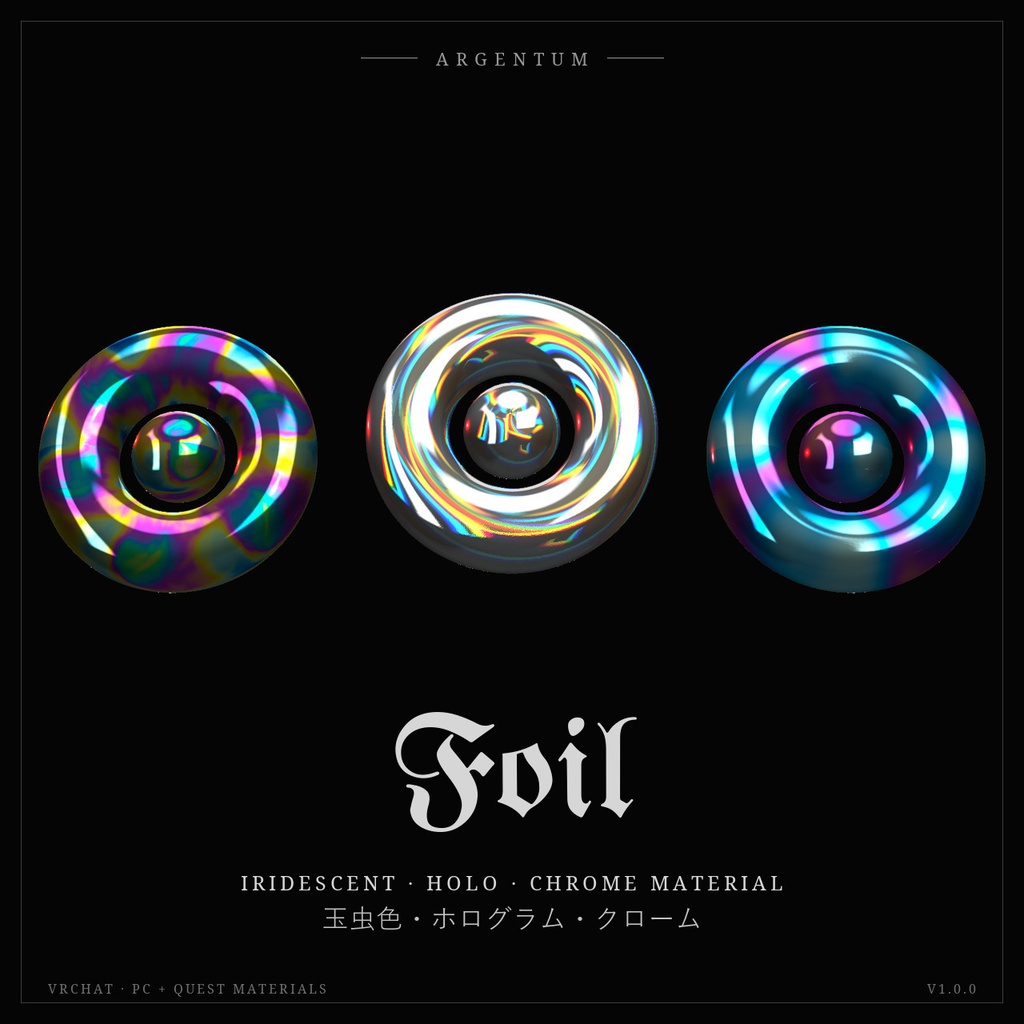
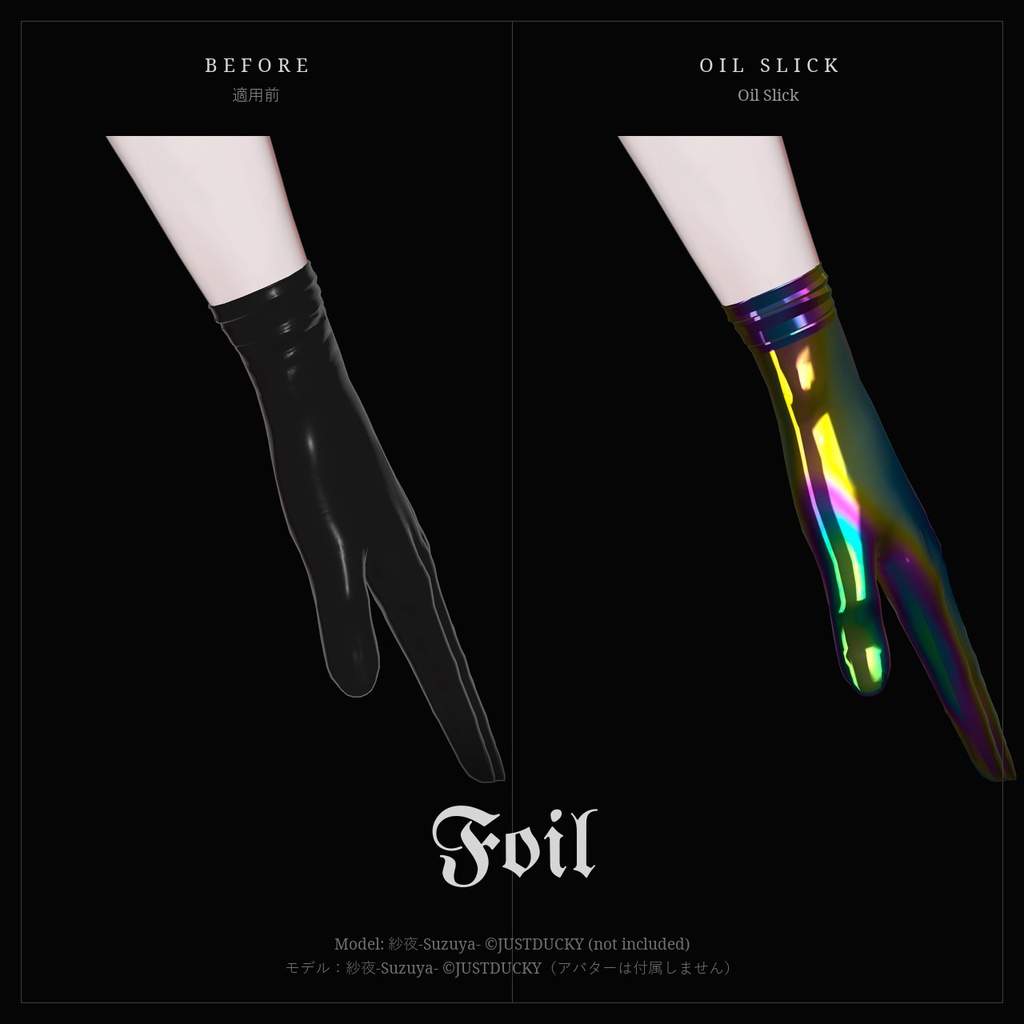
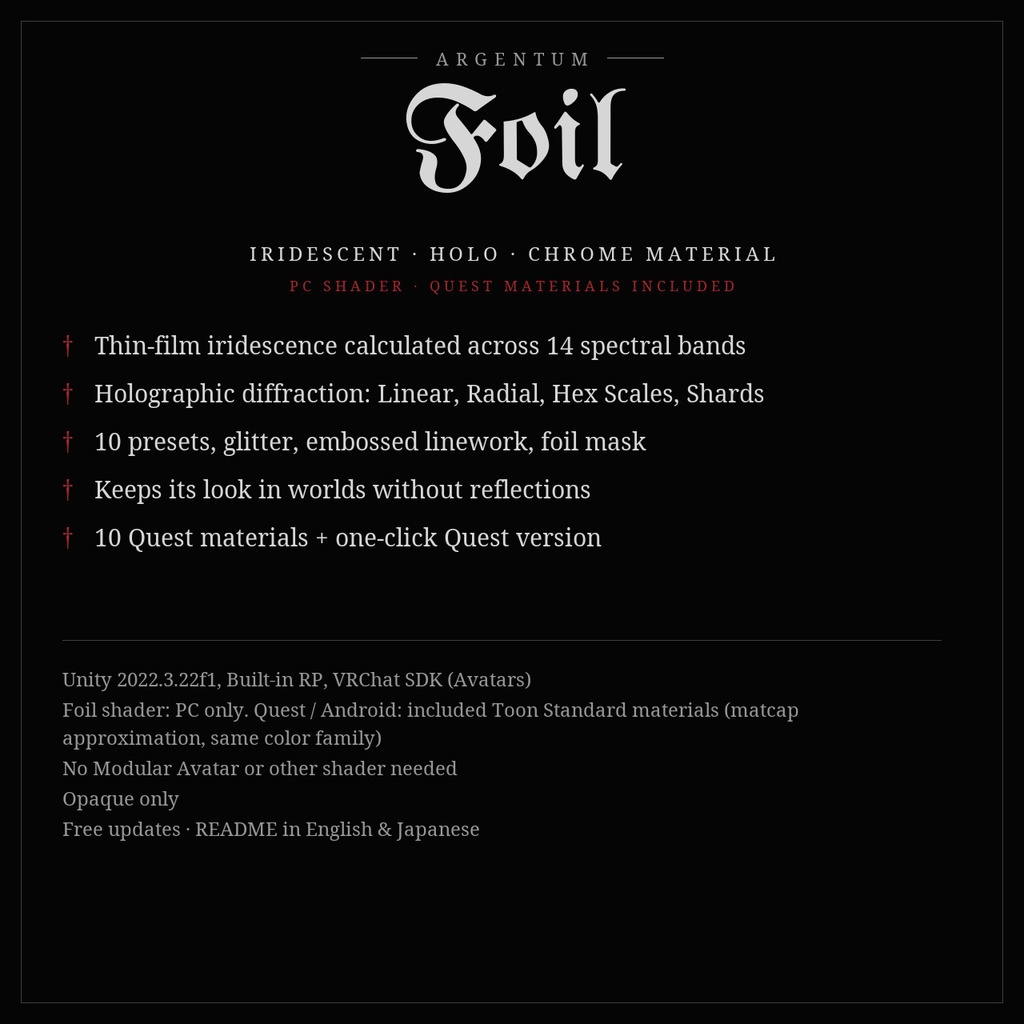
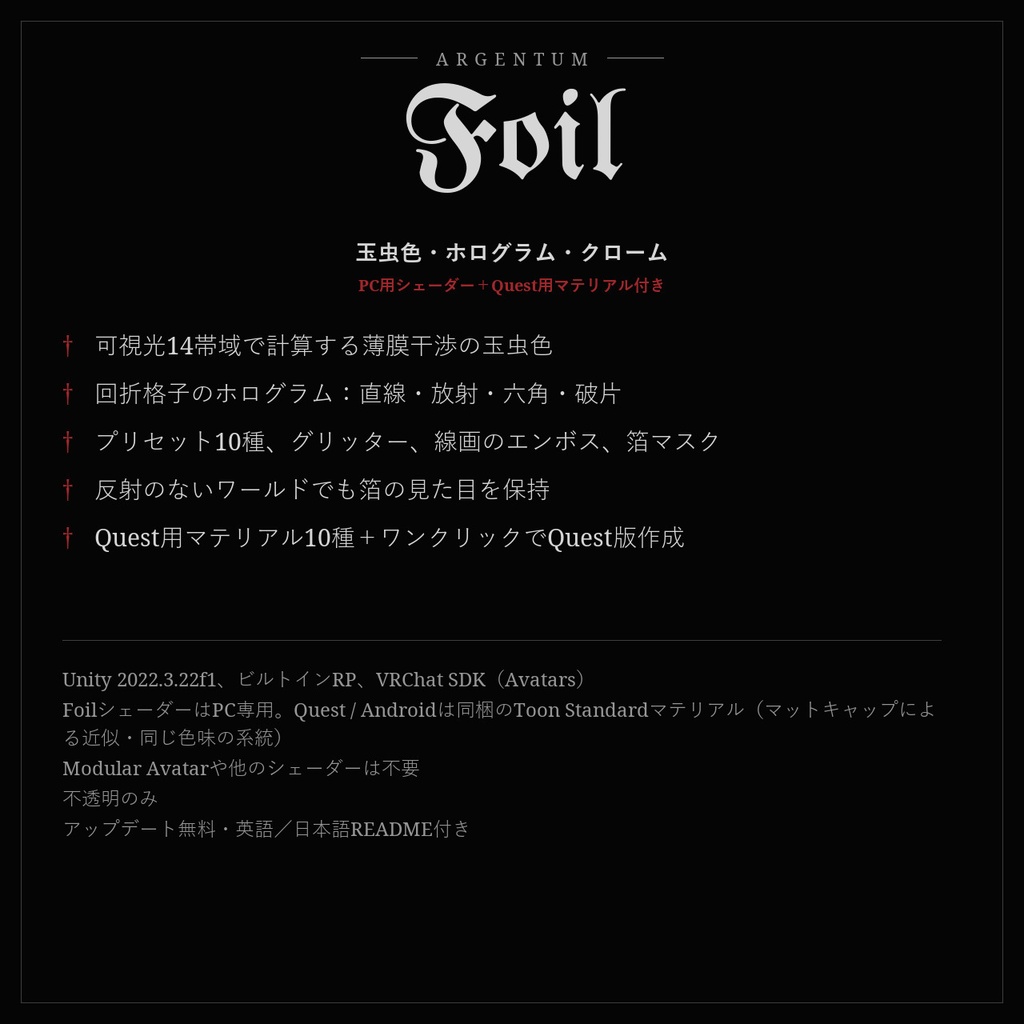
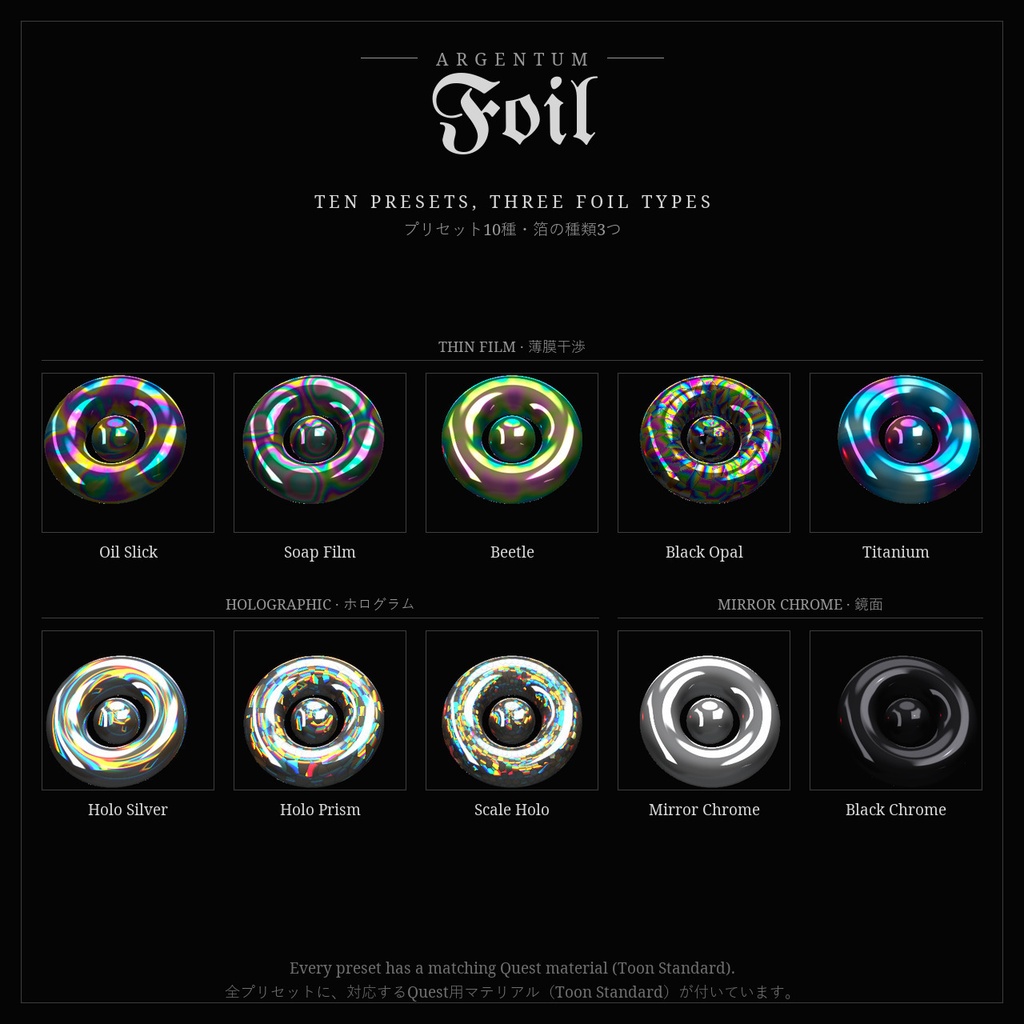
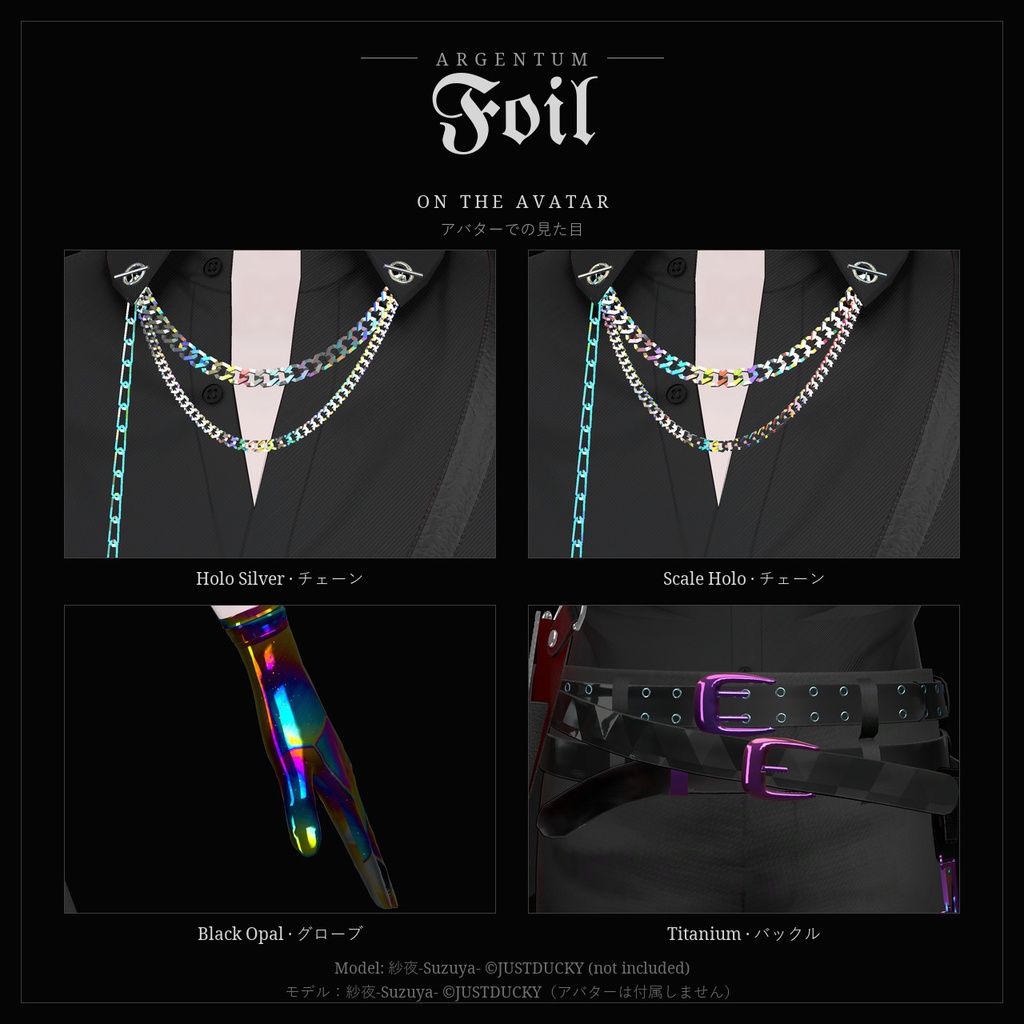
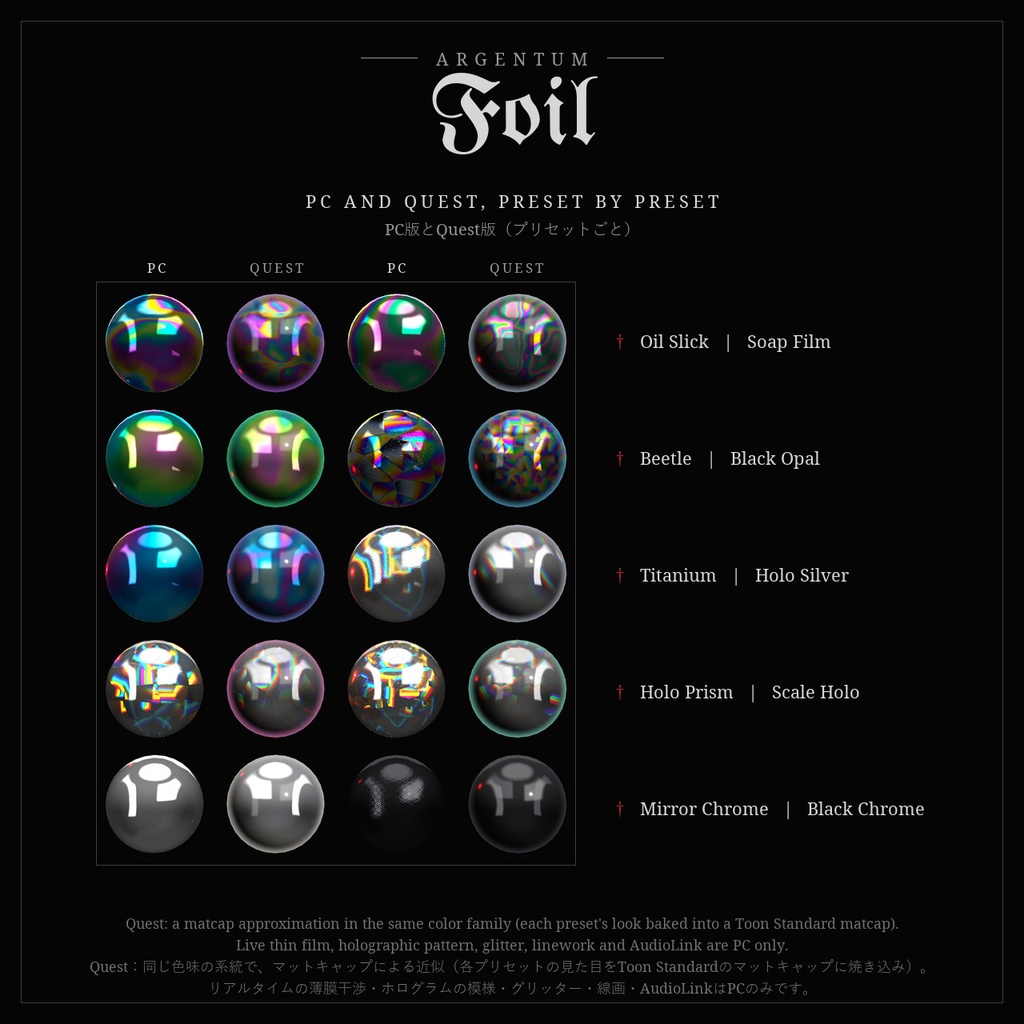
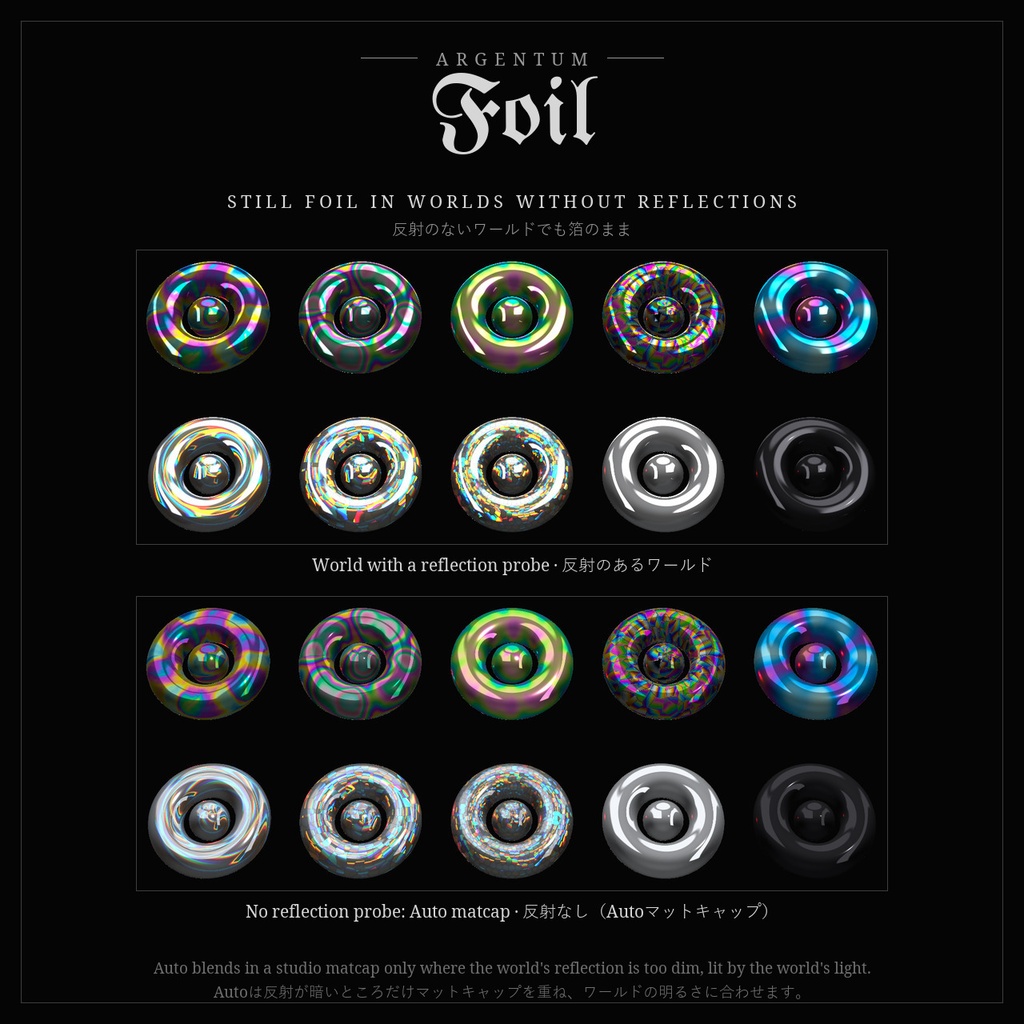
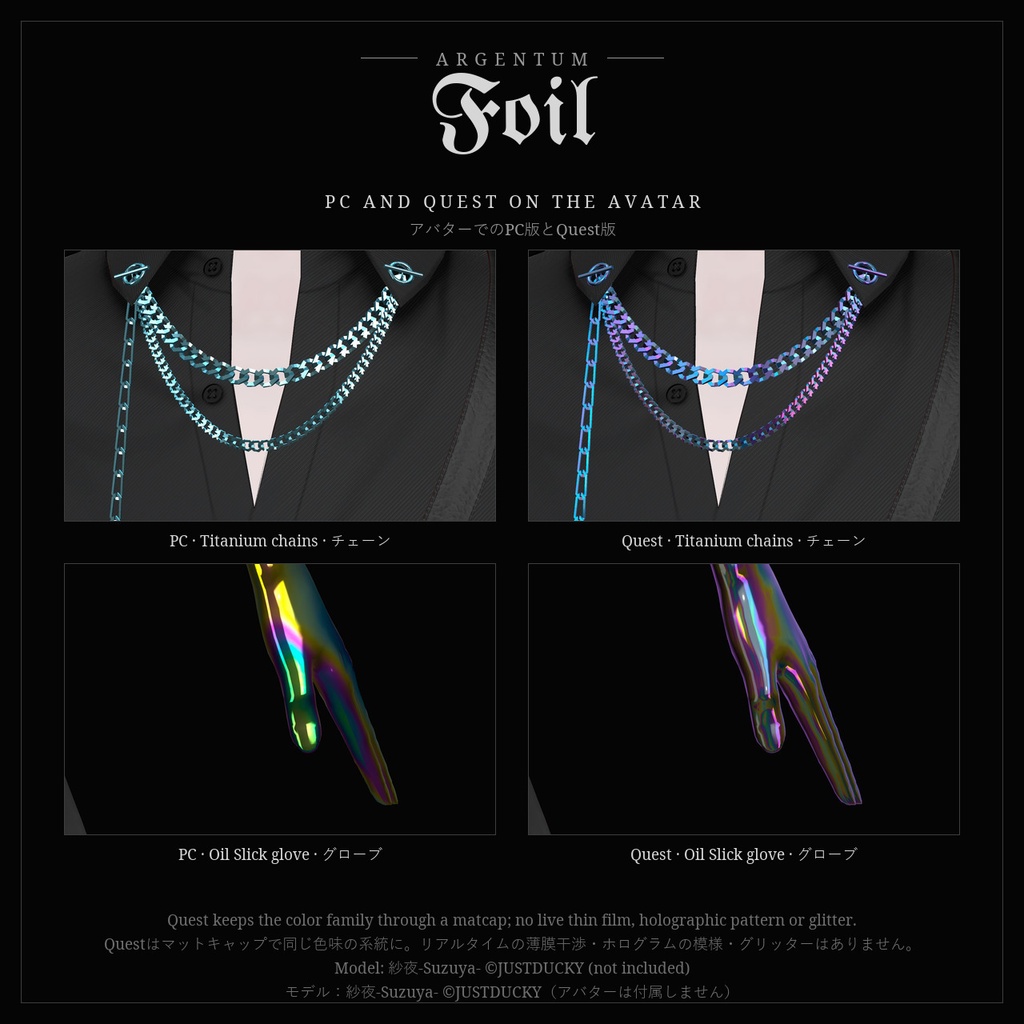


虹色を、計算で。薄膜干渉の玉虫色、光を七色に分けるホログラム箔、鏡のようなクローム。アクセサリーにも、衣装にも。 ■ 特長 ・3種類の箔:Thin Film(薄膜干渉の玉虫色)、Holographic(回折格子のホログラム)、Mirror Chrome(鏡面) ・Thin Filmは膜の厚さと見る角度から、可視光14帯域の干渉を計算。色は実物と同じ順に並び、動くと移り変わります。膜厚マップを使えば油膜のような模様に ・Holographicは回折格子の式で、ワールドのライトや明るい映り込みの縁を虹色に分けます。模様はLinear、Radial、Hex Scales、Shardsの4種 ・プリセット10種:Oil Slick、Soap Film、Beetle、Titanium、Holo Silver、Holo Prism、Scale Holo、Black Opal、Mirror Chrome、Black Chrome ・グリッター、エンボスまたはインクで描く線画(ギョーシェ、ラティス同梱。どんなグレースケール画像でも可)、箔マスク、ノーマルマップ ・反射のないワールドでも箔のまま:Autoモードでは反射が暗いときだけスタジオのマットキャップを重ね、ワールドの明るさに合わせるので暗い場所で光りません ・AudioLink:音楽に合わせて色が動くシマー。AudioLinkのないワールドでは指定したBPMで脈打ちます ・Quest / Android用:各プリセットの色をマットキャップに焼き込んだToon Standardマテリアル10種を同梱(同じ色味の系統で、マットキャップによる近似)。自作のマテリアルも、ボタン1つでQuest版を作成できます ・インスペクターは日本語・英語に対応。選んだ種類の設定だけを表示します ■ こんな用途に 指輪、ネイル、チェーン、ピアス、バックル、鎧、グローブ、衣装のパネルなど、玉虫色・オーロラ・ホログラム・クロームに見せたいものに。 ■ 対応環境 ・Unity 2022.3.22f1(VRChatの現行バージョン)、ビルトインレンダーパイプライン、VRChat SDK(Avatars) ・FoilシェーダーはPC用(VRChatはQuest / Androidのアバターでカスタムシェーダーを許可していません)。Questは同梱のToon Standardマテリアルで対応 ・UVのあるメッシュならどれでも使用可能。Modular Avatarや他のシェーダーは不要 ■ 内容物 ・Argentum_Foil_v1.0.0.unitypackage ・Argentum/Foil シェーダー、インスペクター(日本語・英語)、Quest版作成ツール ・プリセットマテリアル10種+Quest用マテリアル(Toon Standard)10種 ・膜厚マップ3種、線画マップ2種、スタジオ用マットキャップ1種、箔のマットキャップ10種、Toon Standard用の影ランプ1種 ・README(英語・日本語)、利用規約、更新履歴 ■ 負荷 ・不透明パス1つ(ライトごとの追加パスはStandardと同じ)。画面キャプチャなし、半透明なし。Standardより計算は多め(Thin Filmは14帯域の計算、Holographicは反射の読み込み6回)。アクセサリー程度の面積なら負荷はわずかです。 ・マテリアル1つにつきマテリアルスロット1つ。シェーダー自体はPerformance Rankに影響しません。 ■ ご注意 ・Questの見た目はToon Standardのマットキャップによる近似で、色味の系統はPC版と同じです。リアルタイムの薄膜干渉・ホログラムの模様・膜厚マップ・グリッター・線画・AudioLinkはPCのみです。 ・Quest用マテリアルを編集するときは、設定(黒のMain Color、加算のマットキャップ、Shadow Tint 0、Foil専用のランプ)はそのままにしてください。色の付いたライトで箔全体が染まるのを防いでいます。 ・シェーダーがブロックされている場合は、VRChatのToon Standardフォールバック(ベースカラーと箔のマットキャップ)で表示されます(表示はVRChatのクライアントが行うため、エディター上では確認できません)。 ・不透明のみ(半透明・カットアウトには非対応)。 ■ アップデート 購入者は無料でアップデートを受け取れます。BOOTHのライブラリから再ダウンロードしてください。 画像のアバター:紗夜-Suzuya-(JUSTDUCKY様)※アバターは付属しません ──────────────────── English ──────────────────── Argentum Foil: Iridescent · Holographic · Mirror-Chrome Material Shader [VRChat / PC + Quest materials] Rainbows, calculated. Thin-film iridescence, holographic foil that splits the light, and mirror chrome, for accessories and outfits. ■ Features ・3 foil types: Thin Film (iridescence), Holographic (diffraction grating), Mirror Chrome ・Thin Film calculates real interference across 14 bands of the visible spectrum from the film's thickness and the viewing angle: the colors appear in their true order and shift as you move. A thickness map swirls them like oil on water ・Holographic uses the grating equation to split the world's lights and the edges of bright reflections into a rainbow. 4 patterns: Linear, Radial, Hex Scales, Shards ・10 presets: Oil Slick, Soap Film, Beetle, Titanium, Holo Silver, Holo Prism, Scale Holo, Black Opal, Mirror Chrome, Black Chrome ・Glitter, embossed or ink-filled linework (Guilloche and Lattice included; any grayscale image works), foil mask, normal map ・Stays foil in worlds without reflections: Auto mode blends in a studio matcap only where the world's reflection is too dim, lit by the world's own light so it never glows in the dark ・AudioLink shimmer: colors shift with the music, with a BPM pulse in worlds without AudioLink ・Quest / Android: 10 ready-made Toon Standard materials with each preset's colors baked into a matcap (the same color family, as a matcap approximation), and a one-click Create Quest Version for your own materials ・Inspector in English and Japanese, showing only the settings for the chosen type ■ Use it for Rings, nails, chains, earrings, buckles, armor, gloves and outfit panels: anything that should look iridescent, holographic or chrome. ■ Compatibility ・Unity 2022.3.22f1 (VRChat's current version), Built-in Render Pipeline, VRChat SDK (Avatars) ・Foil shader: PC. VRChat does not allow custom shaders on Quest / Android avatars; the included Toon Standard materials cover Quest. ・Works on any mesh with UVs. No Modular Avatar or other shader needed. ■ What's included ・Argentum_Foil_v1.0.0.unitypackage ・Argentum/Foil shader, inspector (English / Japanese), Create Quest Version tool ・10 preset materials + 10 Quest materials (Toon Standard) ・3 thickness maps, 2 linework maps, 1 studio matcap, 10 foil matcaps, 1 Toon Standard shadow ramp ・README (English / Japanese), terms of use, changelog ■ Performance ・One opaque pass (plus the usual pass per extra light, like Standard). No screen grab, no transparency. More math than Standard (Thin Film: 14 spectral bands; Holographic: 6 extra reflection reads); small on accessory-sized areas. ・One material slot per material. The shader itself does not change the Performance Rank. ■ Notes ・On Quest the look is a matcap approximation in the same color family as PC: live thin film, the holographic pattern, thickness map, glitter, linework and AudioLink are PC only. ・Keep the Quest materials' setup (black Main Color, Additive matcap, Shadow Tint 0, Foil's own ramp) when you edit them; it stops colored lights tinting the whole foil. ・With shaders blocked, PC users see VRChat's Toon Standard fallback (base color and the foil matcap). VRChat's client draws it, so it can't be previewed in the editor. ・Opaque only (no transparency or cutout). ■ Updates Free for buyers. Re-download from your BOOTH library. Avatar in the images: Suzuya by JUSTDUCKY (not included).
Terms of Service
・○ アップロードするアバター・ワールドでの使用(個人・商用、配信・動画を含む) ・○ 自分用の改変。依頼で制作したアバターへの使用と代理アップロード(ファイルを渡さない場合) ・× ファイルの再配布・転売(改変の有無を問わず、アバターやワールドのパッケージへの同梱、テクスチャ・マットキャップ単体を含む) ・規約の全文はダウンロードデータに同梱しています ──────────────────── ・OK: use on avatars and worlds you upload, personal or commercial, including streams and videos. ・OK: modify for your own use; use on commissioned avatars you upload for a client, as long as the files aren't handed over. ・Not OK: redistributing or reselling the files, modified or not, including inside avatar or world packages, or the textures and matcaps on their own. ・Full terms are included in the download.
Update information
・1.0.0 (2026-11-04): 初回リリース ・1.0.0 (2026-11-04): First release