

ウェアトレース - 盛った体型に服を追従させて貫通を防ぐ【VRChat 衣装 追従 Blender不要】
- 日本語ダウンロード商品¥ 700
- Englishダウンロード商品¥ 700
- 한국어ダウンロード商品¥ 700
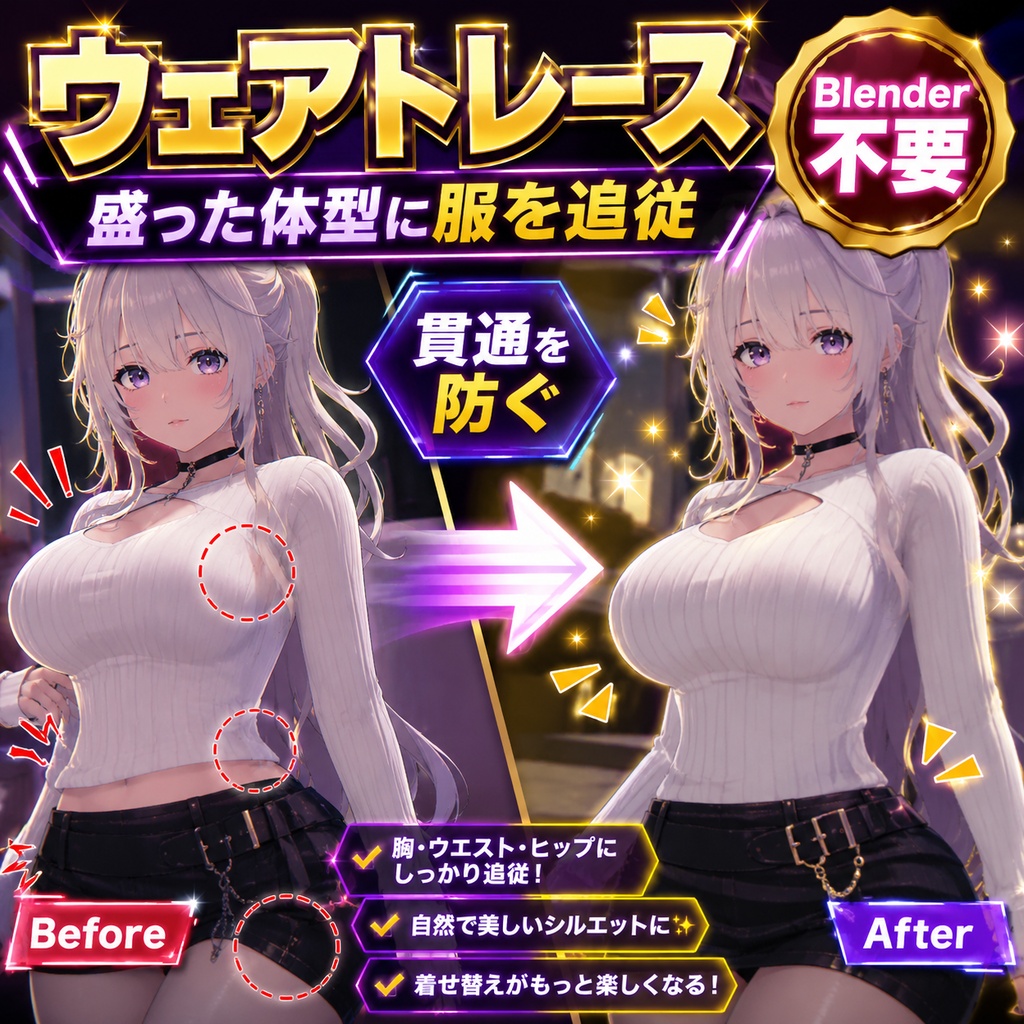
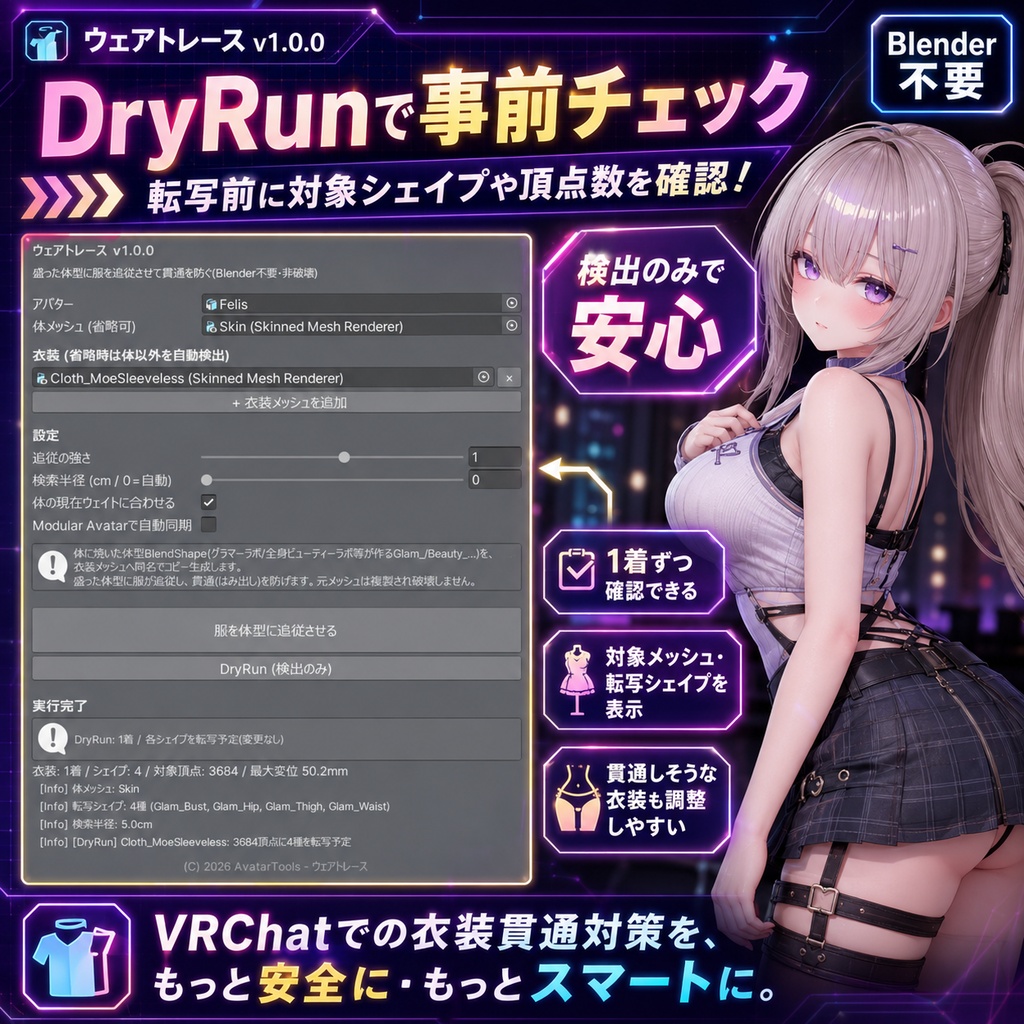
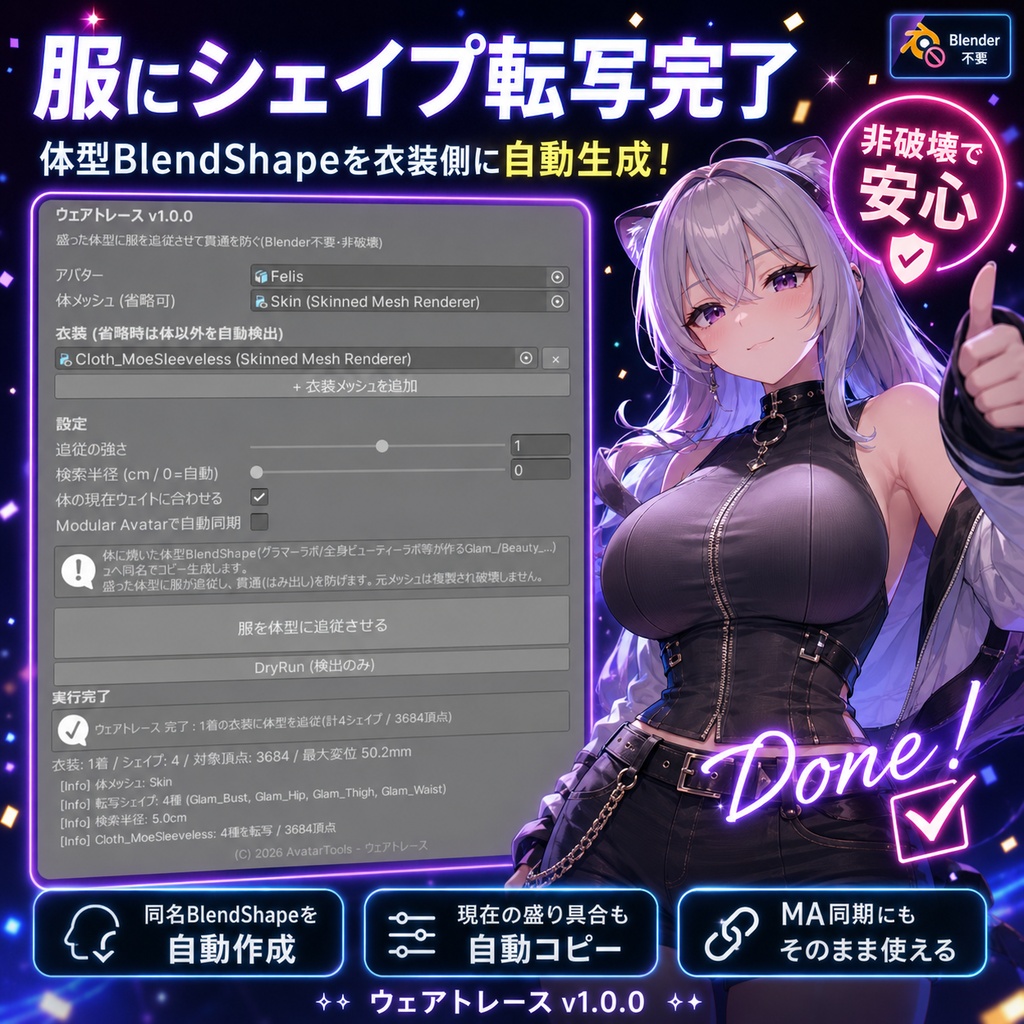
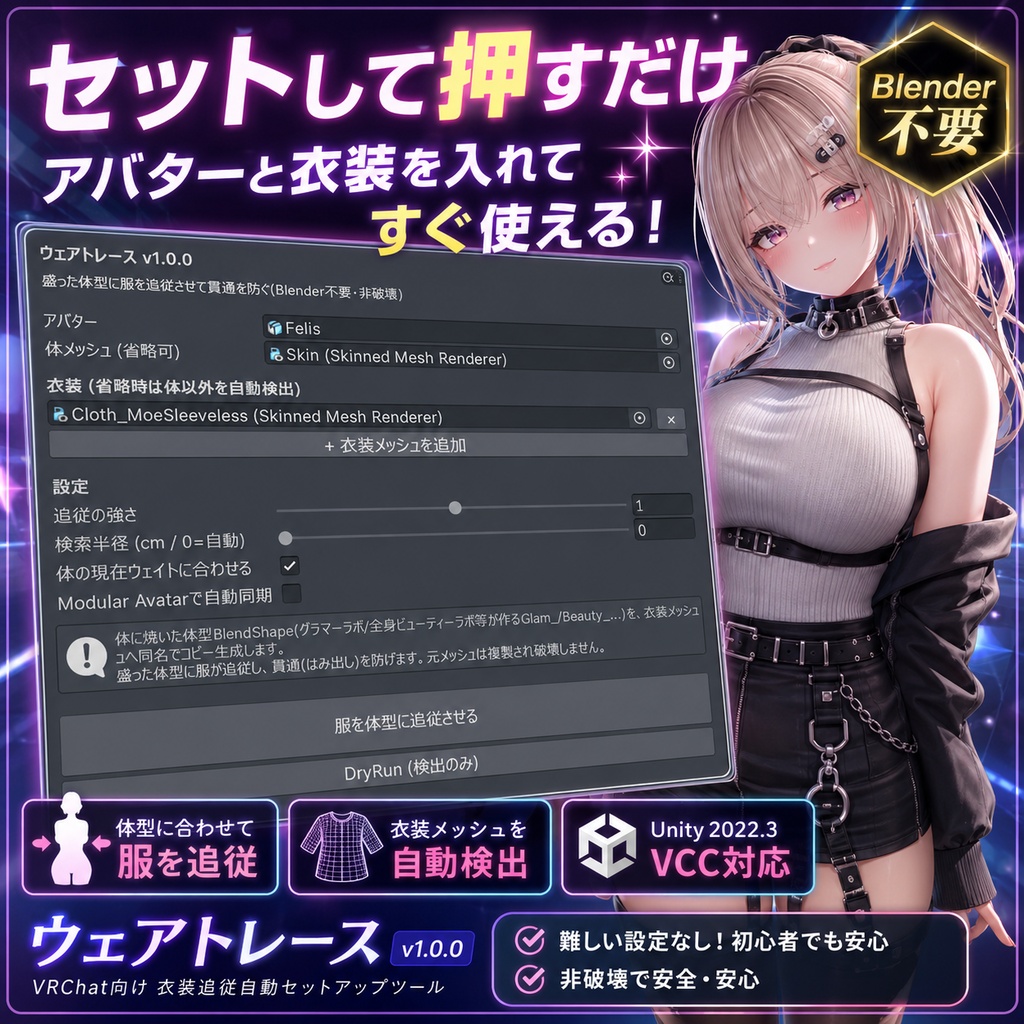


胸やお尻、太ももを盛ったら——服がそのままで体が突き抜けてしまう。VRChatの体型改変で必ずぶつかる「盛った後の貫通」。ウェアトレースは、体に作った体型のふくらみを服のメッシュにそのまま写し取って、服を体型に追従させるツールです。Blenderは要りません。 ◆ 何をするツール? 体型ツール(グラマーラボ・全身ビューティーラボ等)が体に作るBlendShape(Glam_Bust / Beauty_Hip など)を、衣装メッシュ側に同じ名前でコピー生成します。これまでBlenderで衣装シェイプを手作りしていた工程を、ワンクリックで肩代わりします。 ◆ 仕組み(ここが賢い) ・体の各頂点の動きを、近くにある服の頂点へ近接ラップで投影(体に沿って服がふくらむ) ・体から離れたアクセサリーや髪、裾の先などは自動で対象外(必要な所だけ動く) ・服のメッシュに体型と同名のBlendShapeを生成するので、体型スライダーとそのまま揃う ・「体の現在の盛り具合」を服にも自動コピー → 押した瞬間に見た目が一致 ・非破壊(元メッシュは複製)。VRChat SDKに依存しません ◆ Modular Avatar 連携(任意) チェックを入れると、衣装に Blend Shape Sync を自動付与。実機で体型スライダーを動かすと服も一緒に追従します(MA導入時のみ)。 ◆ こんな時に ・胸/お尻/太ももを盛ったら服から肌が飛び出した ・体型を変えるたびに、服のシェイプをBlenderで作り直すのが面倒 ・無料のMA Blend Shape Syncを使いたいが、そもそも服側に同名シェイプが無くて同期できない ← その“同名シェイプ”を作るのがこのツール ◆ 無料ツールとの違い Modular Avatar の Blend Shape Sync は「服に既に同じシェイプがある」前提で同期するだけ。肝心の服側シェイプはBlenderで自作が必要でした。ウェアトレースはそのシェイプ自体を自動生成します。生成物はそのままMA同期にも使えます。 ◆ 使い方 1. アバターを入れる(体・衣装は自動検出/手動指定も可) 2.「服を体型に追従させる」を押す 3. 強さや検索半径を微調整(基本そのままでOK) 4. アップロード ※ 体に体型BlendShape(例: Glam_Bust)が既にある状態で使います。服が素体とは別メッシュ(SkinnedMeshRenderer)のHumanoidアバター向け。Unity 2022.3 / VCC対応。 ━━━━━━━━━━━━━━━━━━━━ English ━━━━━━━━━━━━━━━━━━━━ You bump up the bust, hips, or thighs -- and the outfit stays put, so the body pokes right through. That "clipping after reshaping" is something every VRChat body edit runs into. Wear Trace copies the body bulges you baked onto your body straight onto the outfit mesh, so the clothing follows your new shape. No Blender. What it does It copies the BlendShapes your body tools bake onto the body (Glam_Bust / Beauty_Hip, etc., made by Glamour Lab / Full-Body Beauty Lab) onto the outfit mesh under the same names -- doing in one click the outfit-shape work you used to do by hand in Blender. How it works (the clever part) - Projects each body vertex's motion onto nearby outfit vertices via a proximity wrap, so the clothing swells along the body - Accessories, hair, and hem tips far from the body are automatically left untouched (only what should move, moves) - Generates outfit BlendShapes with the same names as the body shapes, so they line up with your body sliders - Auto-copies your body's current amount onto the outfit, so the look matches the instant you press the button - Non-destructive (duplicated mesh). No VRChat SDK dependency Modular Avatar (optional): tick the box and a Blend Shape Sync is added to the outfit, so moving the body slider in-game makes the outfit follow too (only when MA is installed). Why it's different: MA's Blend Shape Sync only syncs when the outfit already has a matching shape -- and making that shape still meant Blender. Wear Trace generates that shape itself, and the result drops straight into MA sync. How to use: 1) Drop in your avatar (body & outfit auto-detected). 2) Press "Make outfit follow the body." 3) Tweak strength / search radius if needed. 4) Upload. Use it when the body already has body-shape BlendShapes (e.g. Glam_Bust). For Humanoid avatars where clothing is a separate mesh (SkinnedMeshRenderer). Unity 2022.3 / VCC. ━━━━━━━━━━━━━━━━━━━━ 한국어 ━━━━━━━━━━━━━━━━━━━━ 가슴이나 엉덩이, 허벅지를 보정했더니 옷은 그대로라 몸이 삐져나온다 -- VRChat 체형 개변에서 누구나 한 번은 겪는 "보정 후 관통". 웨어 트레이스는 바디에 만든 체형의 볼륨을 옷 메쉬에 그대로 옮겨, 옷이 체형을 따라오게 하는 도구입니다. 블렌더는 필요 없습니다. 무엇을 하나요 체형 도구(글래머 랩·전신 뷰티 랩 등)가 바디에 만드는 BlendShape(Glam_Bust / Beauty_Hip 등)를 의상 메쉬에 동일한 이름으로 복사 생성합니다. 지금까지 블렌더로 직접 만들던 의상 셰이프 작업을 원클릭으로 대신합니다. 작동 방식 (핵심) - 바디 각 정점의 움직임을 근처 의상 정점에 근접 랩으로 투영(바디를 따라 옷이 부풀음) - 바디에서 먼 액세서리·머리카락·밑단 끝은 자동으로 제외(필요한 곳만 움직임) - 의상 메쉬에 체형과 동일한 이름의 BlendShape를 생성하므로 체형 슬라이더와 그대로 맞음 - "바디의 현재 보정량"을 옷에도 자동 복사 -> 누르는 순간 외형이 일치 - 비파괴(원본 메쉬는 복제). VRChat SDK에 의존하지 않음 Modular Avatar 연동(선택): 체크하면 의상에 Blend Shape Sync를 자동 추가. 실기에서 체형 슬라이더를 움직이면 옷도 함께 추종합니다(MA 도입 시). 무료 도구와의 차이: MA의 Blend Shape Sync는 "옷에 이미 같은 셰이프가 있는" 전제로 동기화할 뿐, 정작 그 셰이프는 블렌더로 직접 만들어야 했습니다. 웨어 트레이스는 그 셰이프 자체를 자동 생성하며, 결과물은 그대로 MA 동기화에도 사용할 수 있습니다. 사용법: 1) 아바타 투입(바디·의상 자동 검출). 2) "옷을 체형에 추종시키기" 클릭. 3) 강도·검색 반경 미세 조정(기본값으로 OK). 4) 업로드. 바디에 체형 BlendShape(예: Glam_Bust)가 이미 있는 상태에서 사용합니다. 옷이 소체와 별도 메쉬(SkinnedMeshRenderer)인 Humanoid 아바타용. Unity 2022.3 / VCC.