

Hair Retargeter - Fit any hairstyle onto any avatar【Head profiles / penetration fix / bone follow / see-through bangs / re-fit】
- ダウンロード商品¥ 1,600
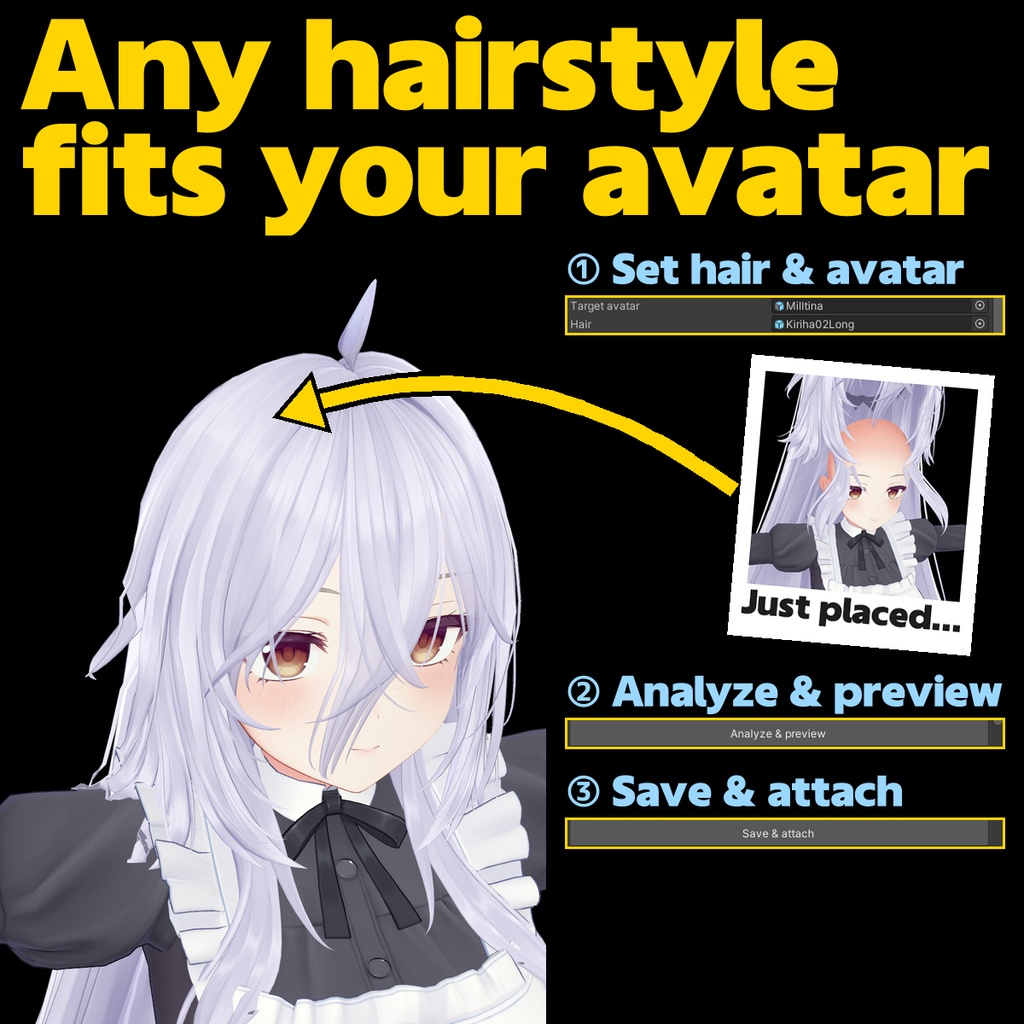
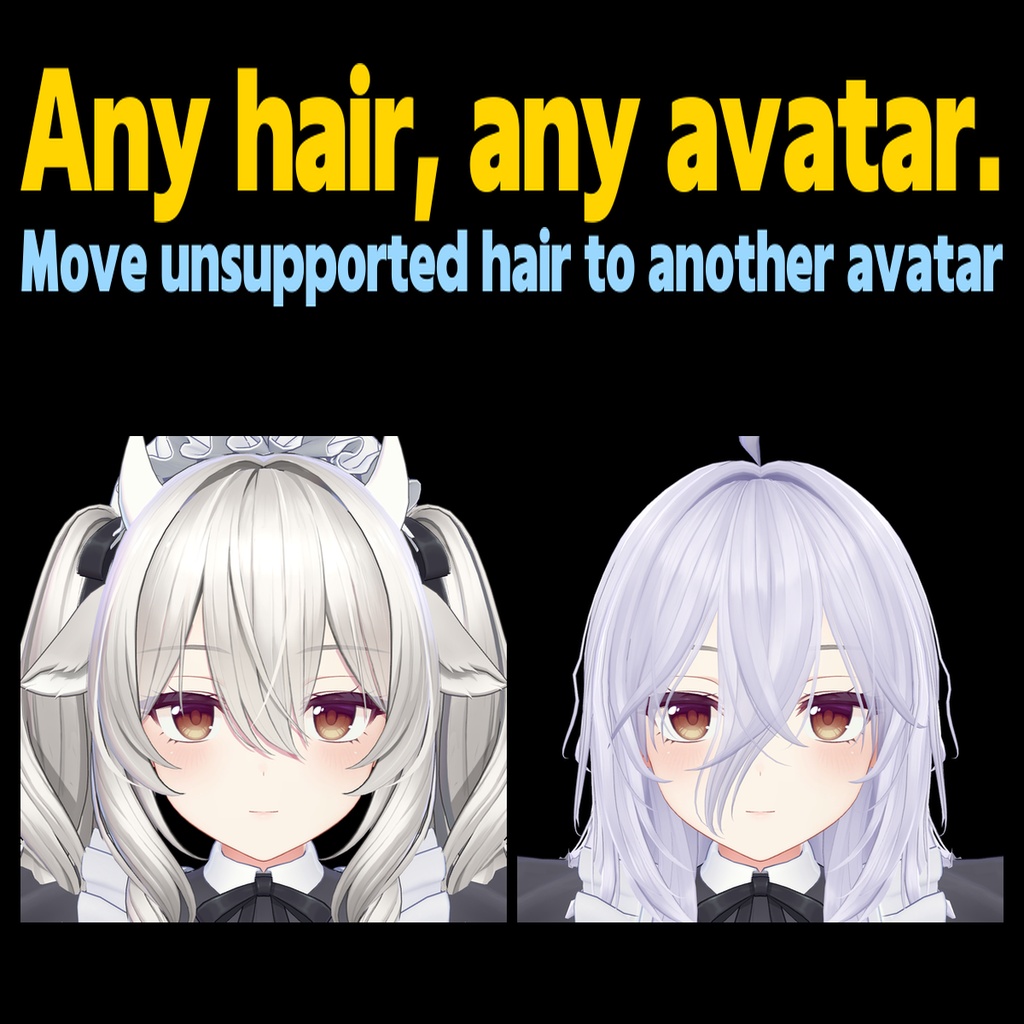
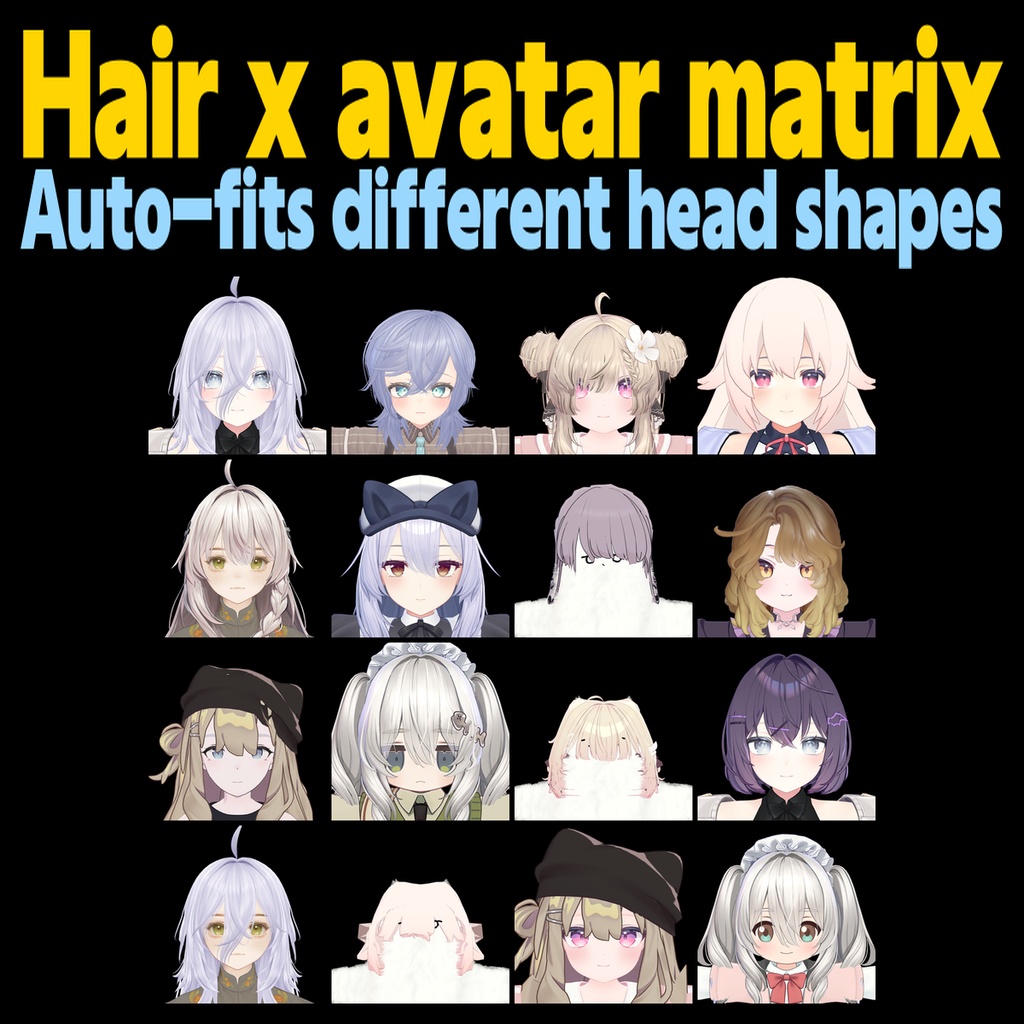


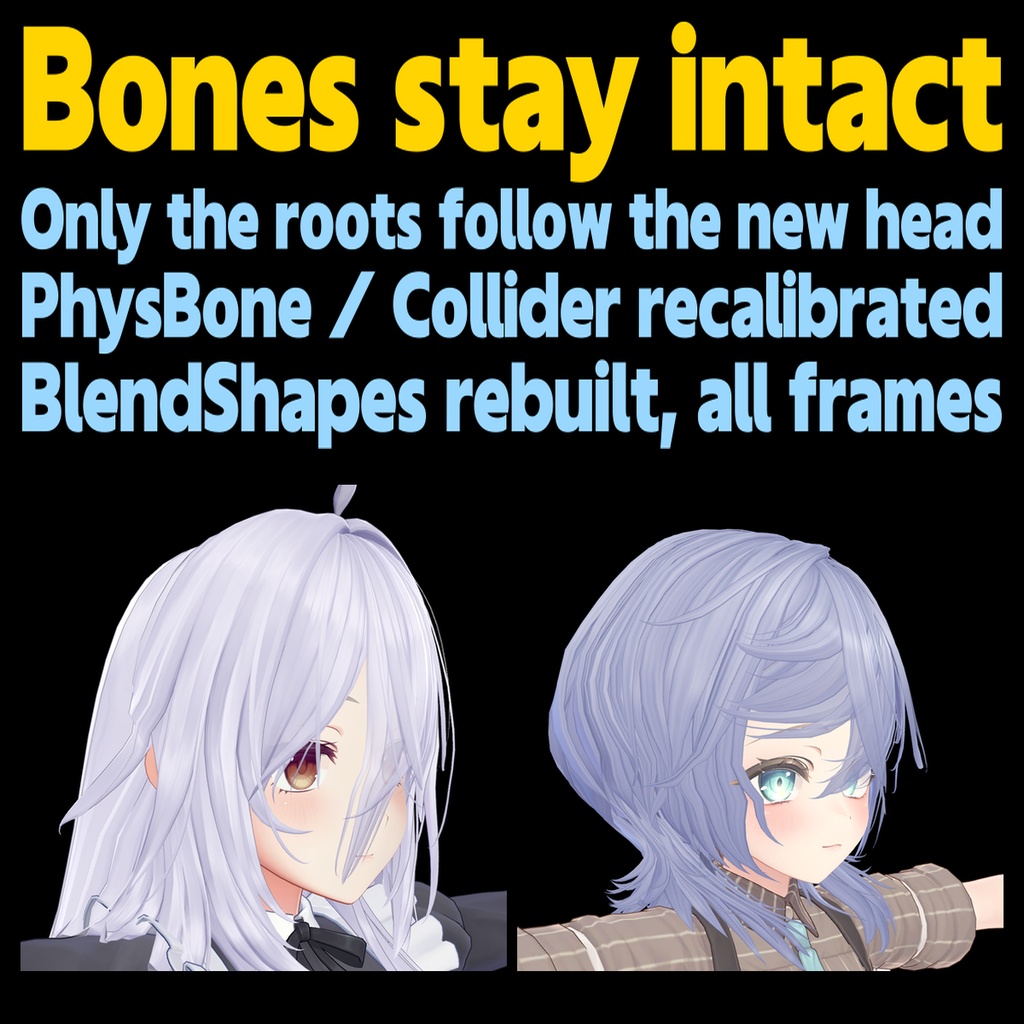
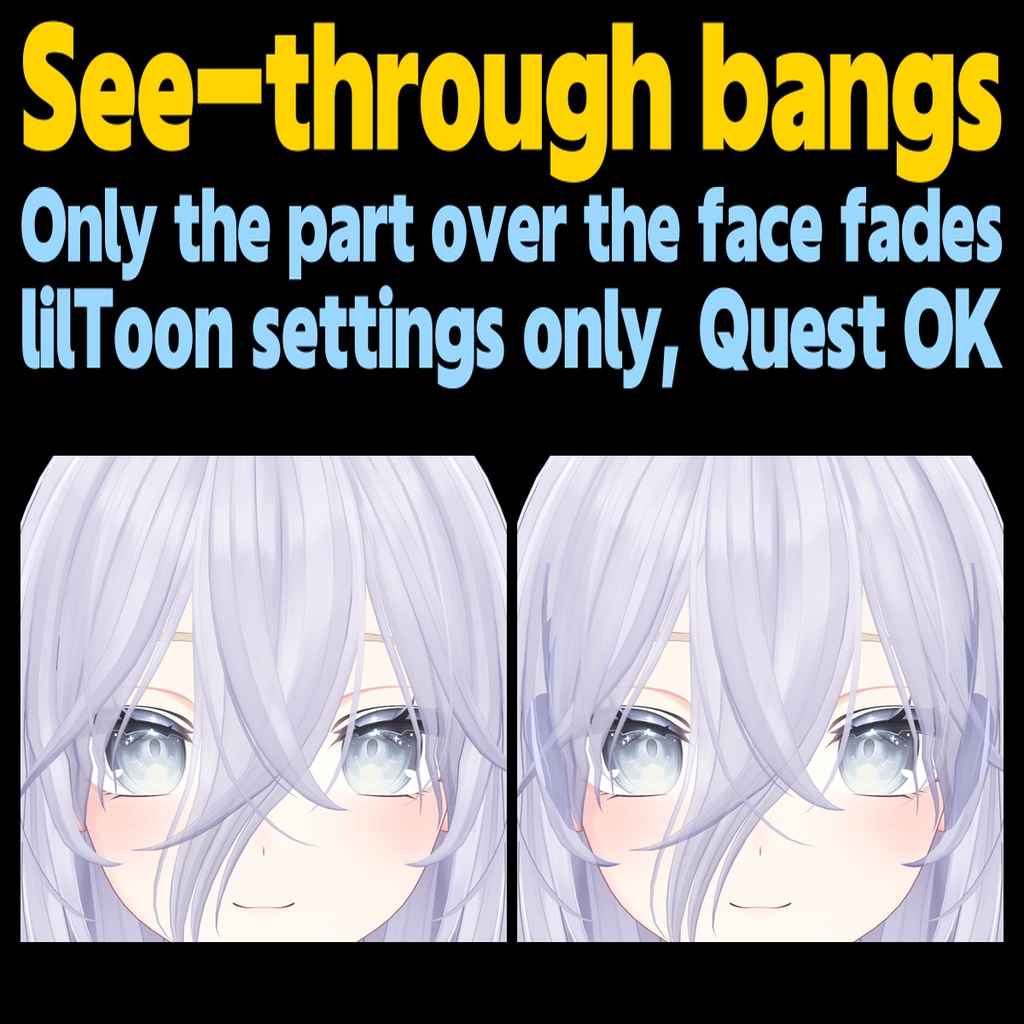
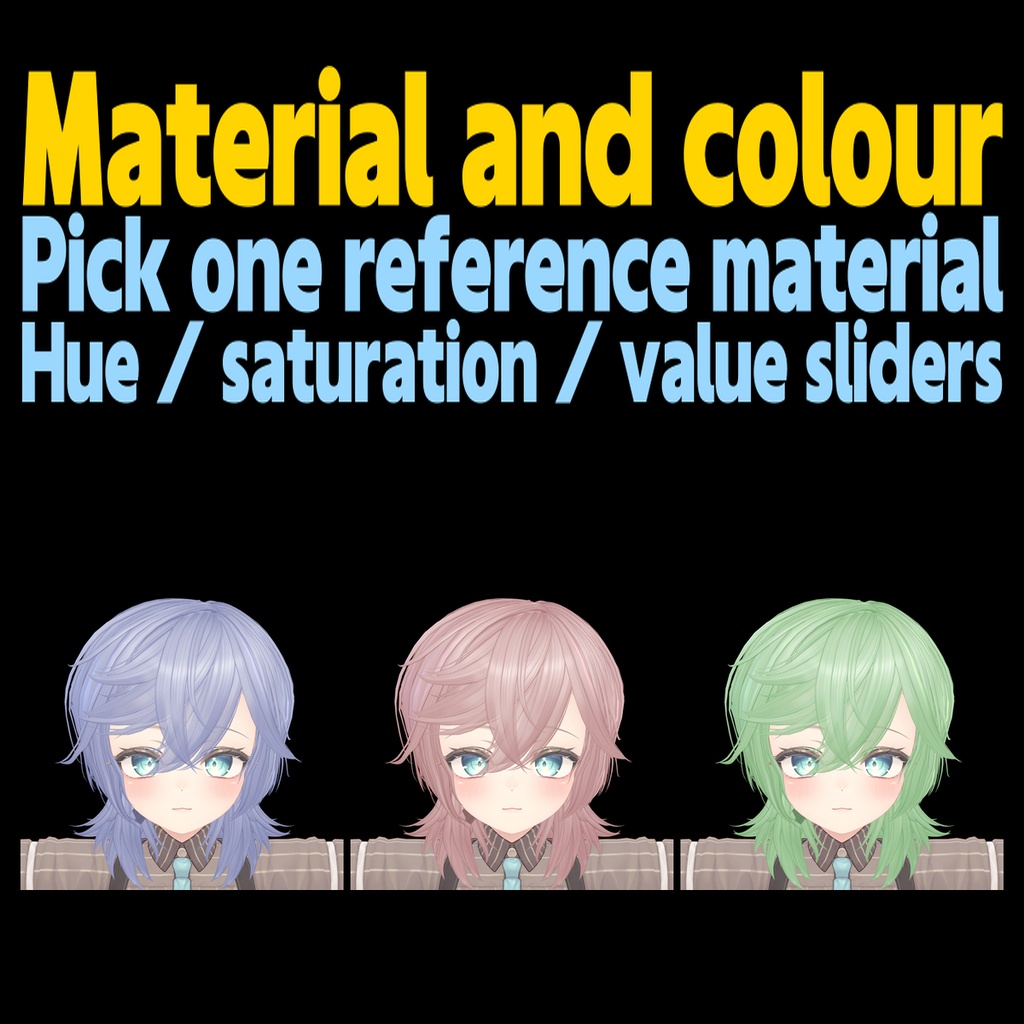
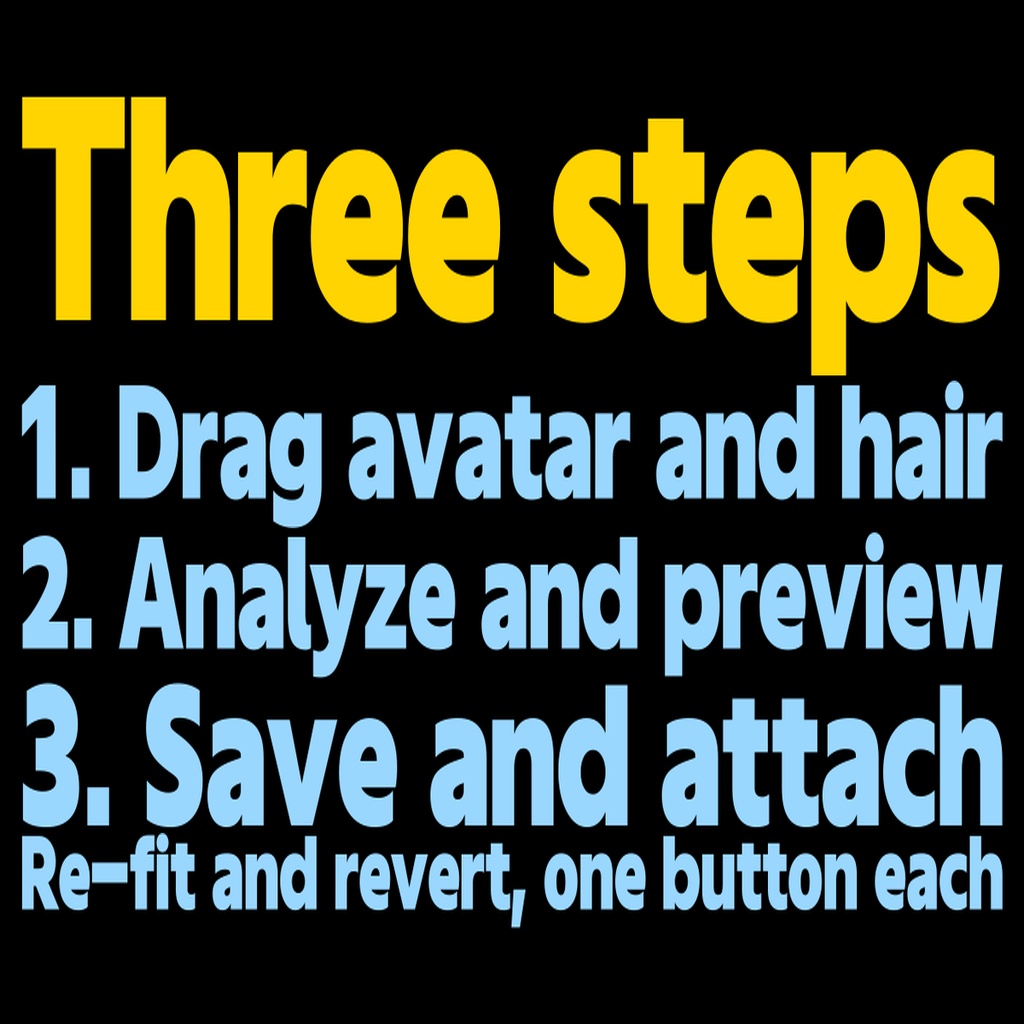
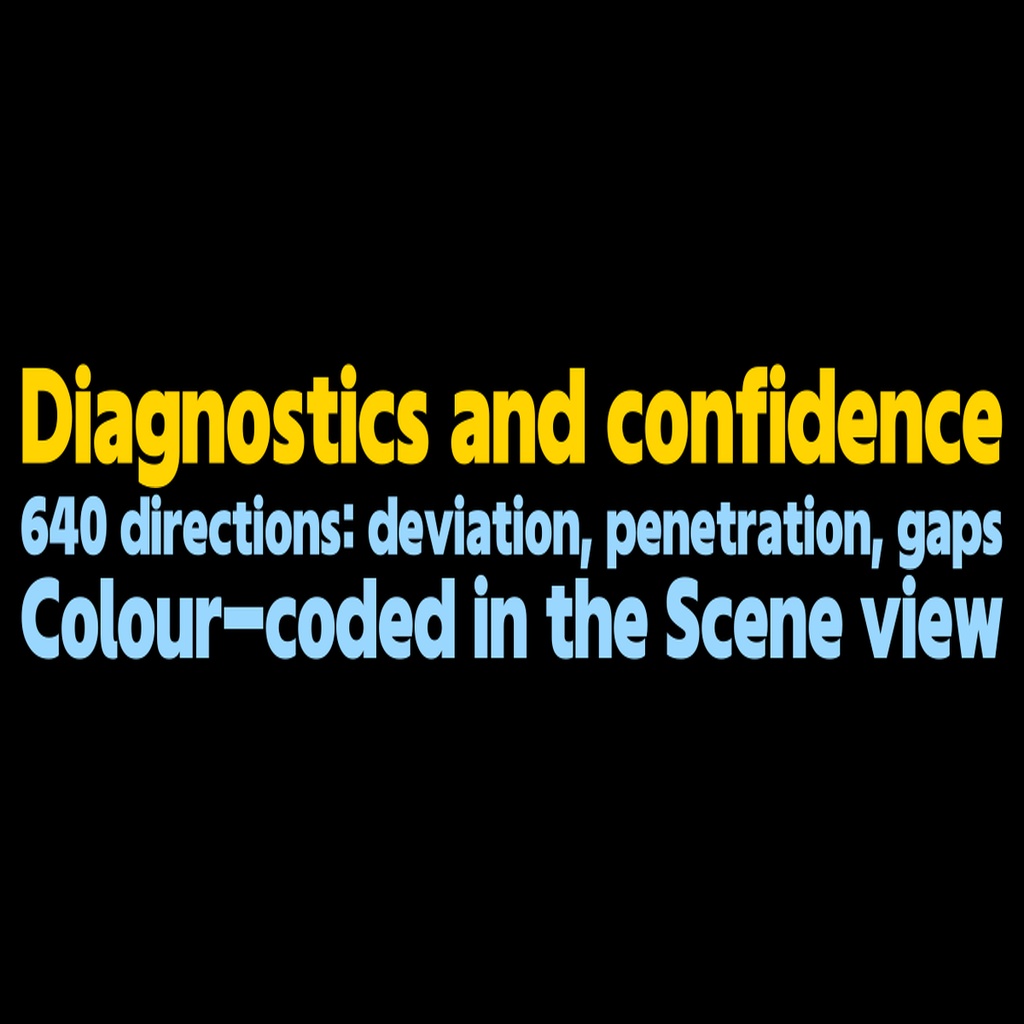
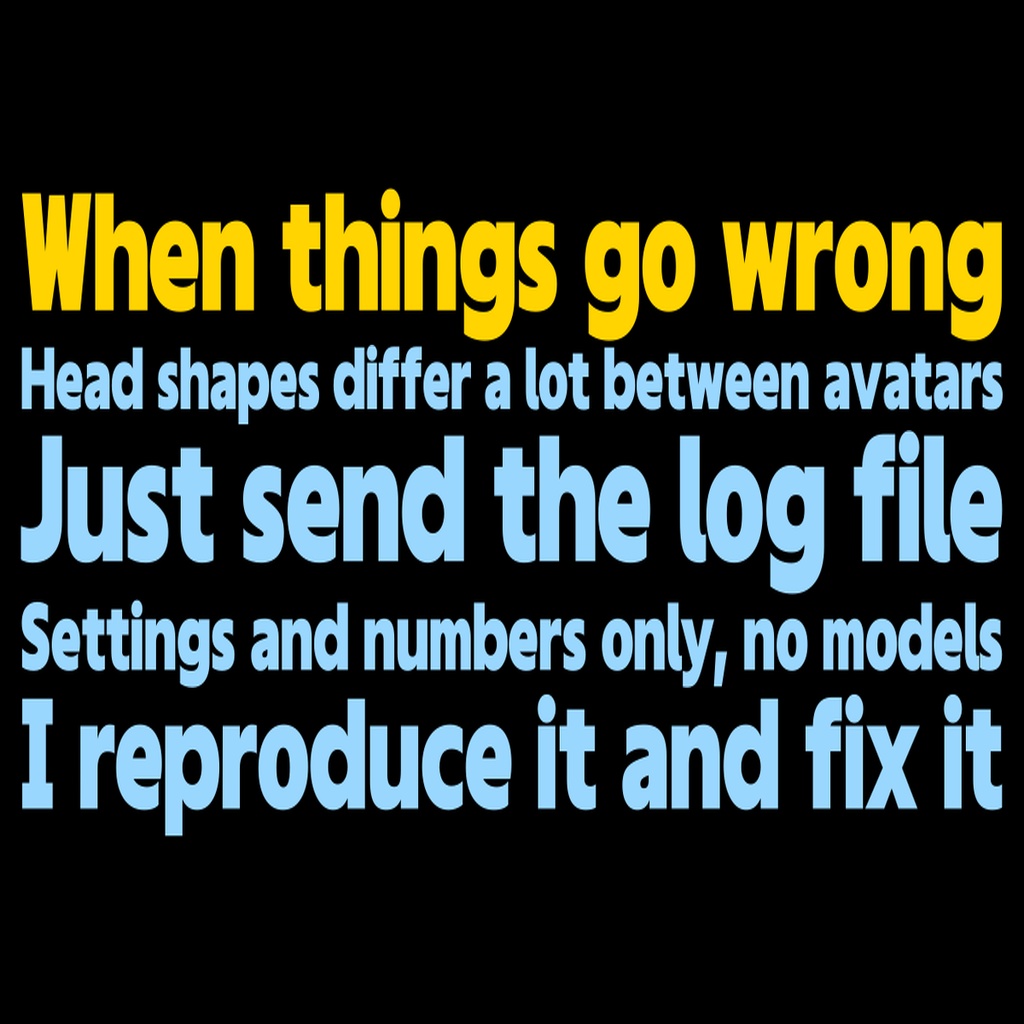
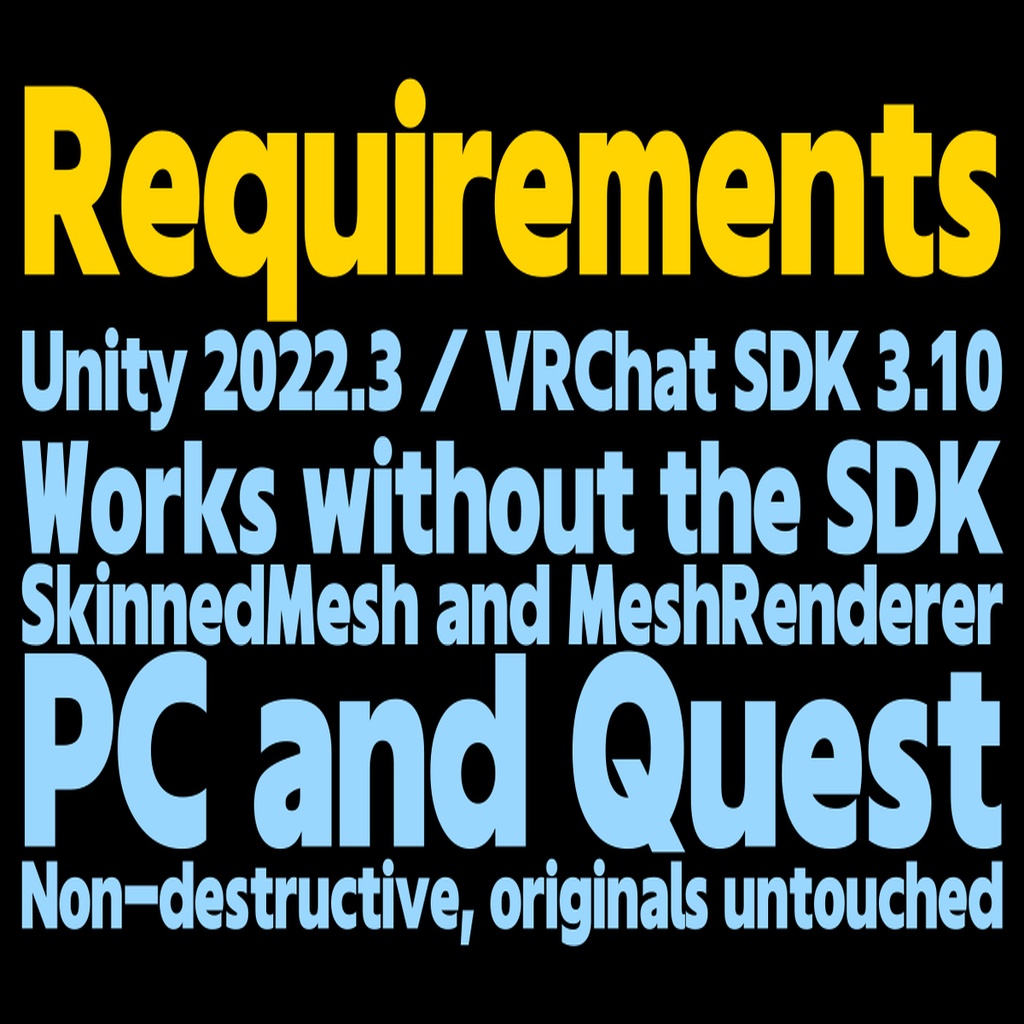



A Unity Editor extension that moves a hairstyle made for one avatar onto a different avatar's head. Put the target avatar and the hair in the scene and press one button: the head shape is read, the hair's position, size and silhouette are matched, strands are pushed out of the forehead and cheeks, and the hair's bones and PhysBones are recalibrated. With a "head profile" of the original avatar, that avatar does not even need to be in your project. ━━━━━━━━━━━━━━━━━━ ■ Three fit modes ・Hybrid (default): head profiles (head shape in 2,112 directions) give the initial transform, then the fit is refined against the real target head. Kikyo and Shinano profiles included ・Geometry: no profiles. Uses the source avatar in the scene, or estimates the head from the inside of the hair ・Profile: only the global transform between profiles ■ Fitting ・Make head profiles in one click from any avatar you own; export / import as JSON to share them ・Penetration fix: vertices sunk into the forehead, cheeks or temples are pushed to the surface; hidden inner faces are left alone ・Works with avatars that have no modelled scalp ・Bone roots follow the new head and tips keep their length; PhysBone Radius / Endpoint / Collider corrected per chain (with the VRChat SDK) ・BlendShapes rebuilt for the deformed shape (all frames) ・Take an avatar's own hair to another avatar, even when it is not a separate prefab ・Auto-hide the target's own hair, animal ears and horns (selectable, restored by "Revert") ■ After the fit (new in v1.2.0) ・Fine adjustment: size, depth, width and up / forward / right sliders. Releasing a slider recomputes the fit and re-runs the penetration fix ・Gap table: hair-to-head gap in mm for top, front, left, right and back, flagging regions that float or sink more than the rest ・Sculpt by hand: drag the hair in the Scene view (radius, spread along the surface, symmetry, undo). Saved as a blend shape or a new mesh and re-applied after Re-fit ・Hide exposed scalp: for avatars with an open head mesh, removes the rim that shows through gaps in the new hair, from a copy of the head mesh ・Presets: save a good fit as JSON and share it for the same avatar and hair ・Local fit as a blend shape: the head-following deformation goes into HR_HeadFit (0 to 100) ■ Checking ・Diagnostics in 640 directions (deviation from the original design, new penetration, uncovered directions), colour-coded in the Scene view ・Analyze & preview → Save & attach, and Re-fit from the saved inputs and settings ■ Finishing ・Copy one reference hair material's look and colour to the other hair parts; hue / saturation / value recolour, optionally baked ・See-through bangs: only the part over the face becomes semi-transparent (lilToon settings only, works on Quest) ■ Free Hair Retargeter Profile Maker (separate listing) Creates head profile JSON only, so hair and avatar authors can share profiles freely: https://jesusclub.booth.pm/items/8905203 ■ Requirements ・Unity 2022.3 (verified with 2022.3.22f1 / VRChat SDK 3.10) ・Hair as SkinnedMeshRenderer or MeshRenderer; hair FBX with Read/Write disabled is fine ・Works without the VRChat SDK (with it, PhysBone / Collider sizes are corrected too) ・Modular Avatar is optional; when installed, the hair can be attached non-destructively with a Bone Proxy ・See-through bangs need lilToon (incl. Multi); non-baked recolour needs lilToon (other shaders skip it) ・PC and Quest avatars (see-through bangs add one transparent material) ・UI in English and Japanese: switch with the 日本語 / English toggle at the top right of the window (defaults to your OS language). README in English ■ Installation 1. Import HairRetargeter_v1_2_6_EN.unitypackage (from v1.1.x / v1.2.x, just import over it) 2. Open Tools > Hair Retargeter > Open 3. Drag the target avatar and the hair. For Hybrid, choose the source profile 4. "Analyze & preview", then "Save & attach" ■ When things go wrong Every run writes a log to Assets/HairRetargeter/Logs/ (settings and numbers only). Send that file through a BOOTH message and I will reproduce and fix the problem. ■ Notes ・Diagnostic counts are not a "success rate"; always check the preview ・See-through bangs affect every material of the "face" renderer; if face and head share one, pick the renderer manually or split the materials ・"Hide exposed scalp" only removes triangles connected to an open rim. In our test of 30 combinations it found something to remove in one ・Do not install the old "Hair Fitter" in the same project. Back up your project before trying ・Images are samples. The bundled profiles are head-shape data only ・Not tested outside VRChat ■ Changelog ・v1.2.3-1.2.6 (2026-10-10): see-through works on lilToon Multi and alpha-masked bangs, no vanishing or floating strands or dark band, better face detection ・v1.2.1-1.2.2 (2026-10-05): fixed layer splits on Tokoto-like heads; "Bangs only" works with a shared back-hair material ・v1.2.0 (2026-10-01): fine adjustment, gap table, sculpt by hand, hide exposed scalp, presets, local fit as a blend shape, Modular Avatar attach, generated-asset cleanup, Read/Write-disabled hair. Fixed preview / save failing on hair with missing-script components, and hair floating when placed inside the target avatar. Added the English UI (日本語 / English switch) ・v1.0.0 – v1.1.2 (2026-09-26 – 10-01): first release, support log, obfuscated DLL, free Profile Maker ■ Contents ・HairRetargeter_v1_2_6_EN.zip: HairRetargeter_v1_2_6_EN.unitypackage (Editor DLL, Kikyo / Shinano profiles), README.md, LICENSE.txt, SHA256SUMS.txt ■ License Not open-source. By using it you agree to the bundled LICENSE.txt (EULA). You may use it for commercial or personal work and freely distribute what you make with it (never the tool itself). No redistribution, sharing, uploading, bundling, reverse engineering / de-obfuscation, AI training use, or clones of its algorithms. Provided AS IS, no warranty. Hairstyles, avatars and textures belong to their creators; follow their terms.