

【VRChat】【MA対応】Argentum Abyss|水中屈折・コースティクスシェーダー【PC用】
- ダウンロード商品¥ 700
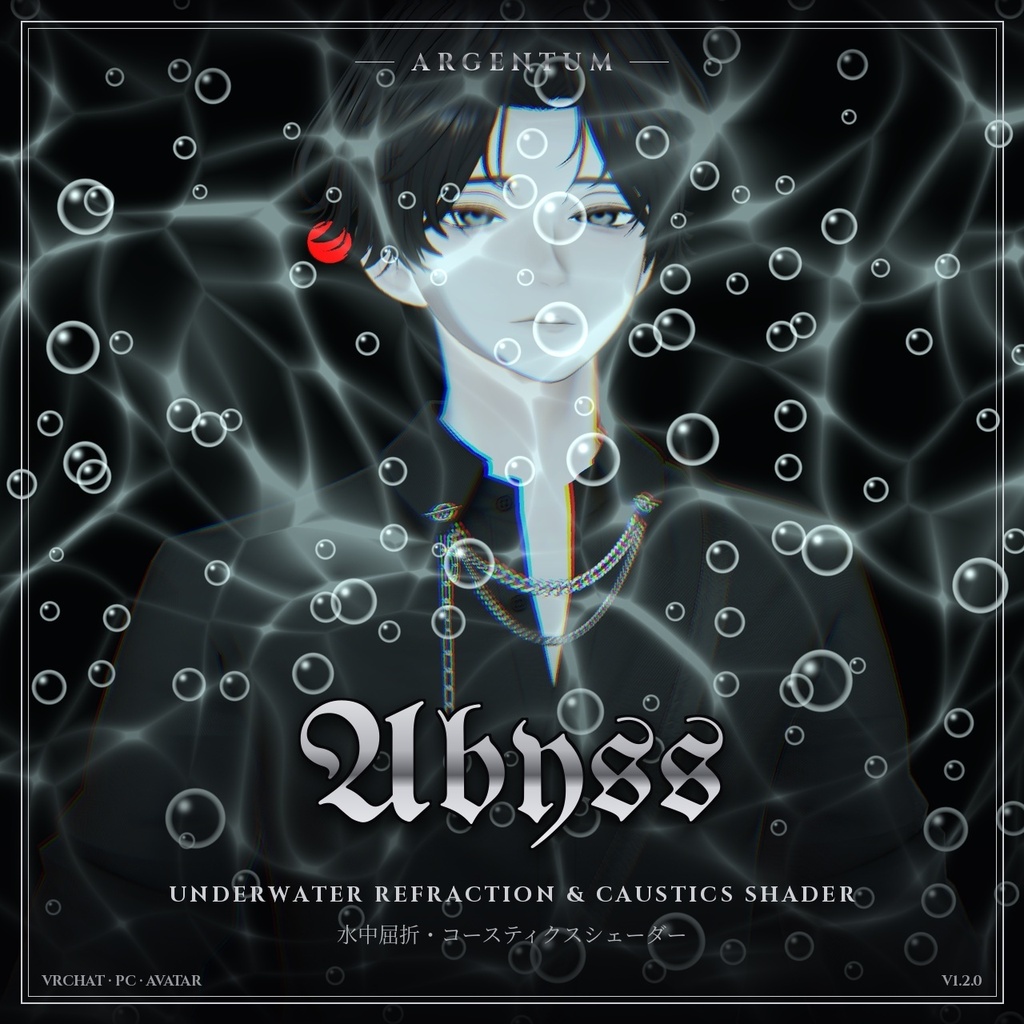
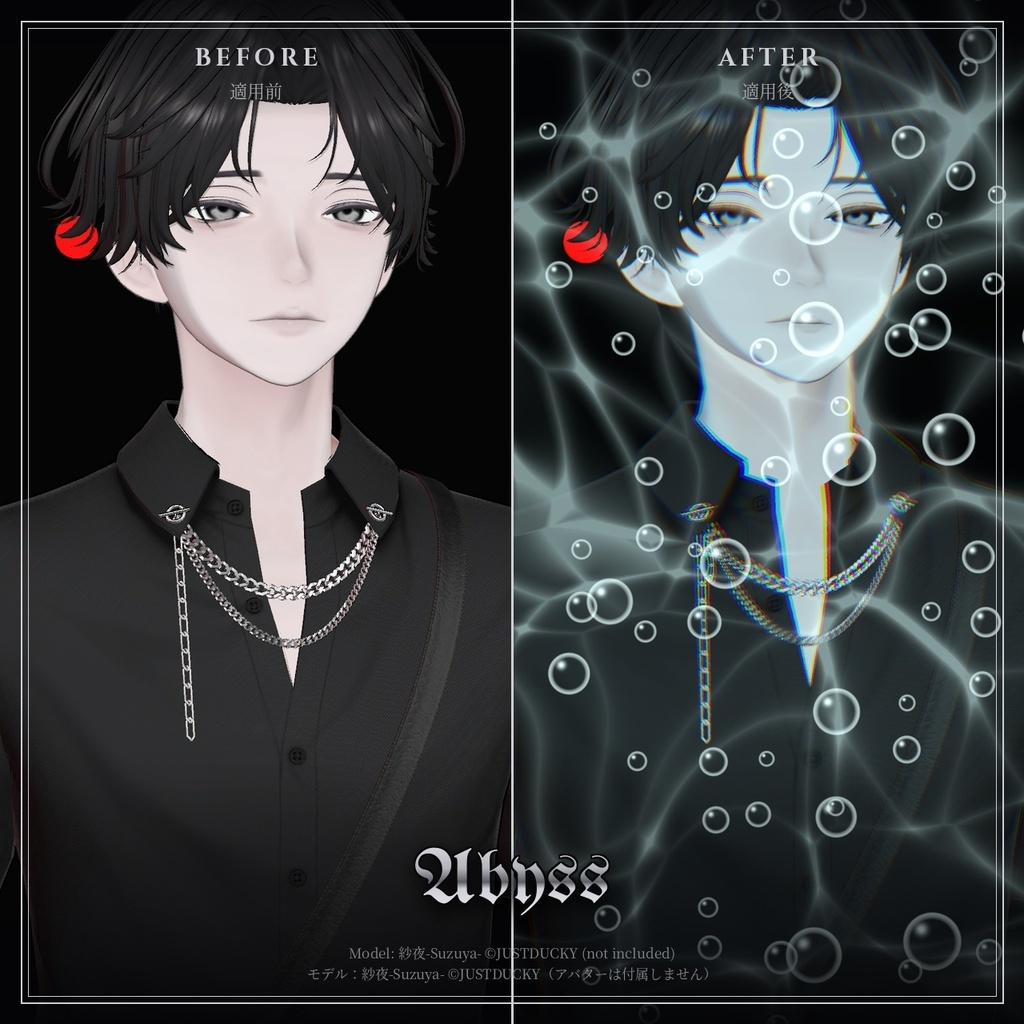
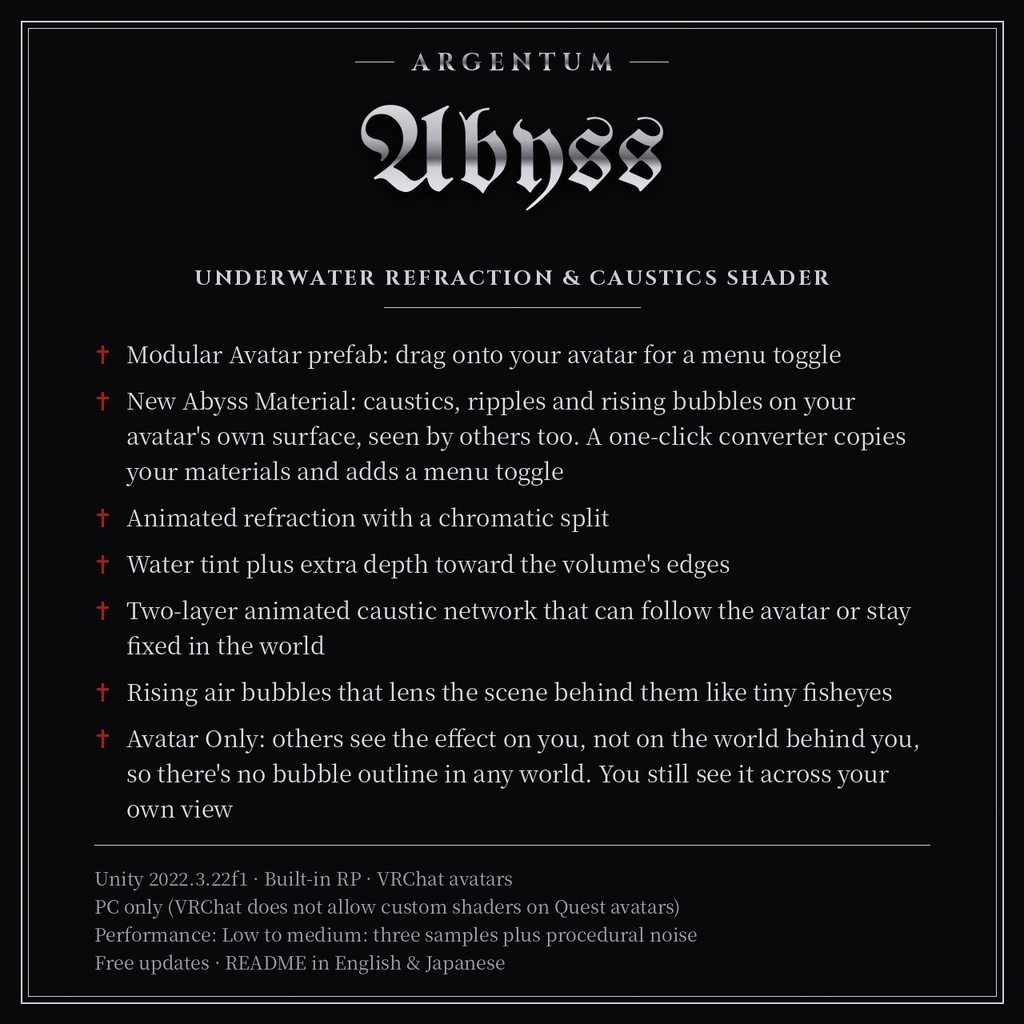
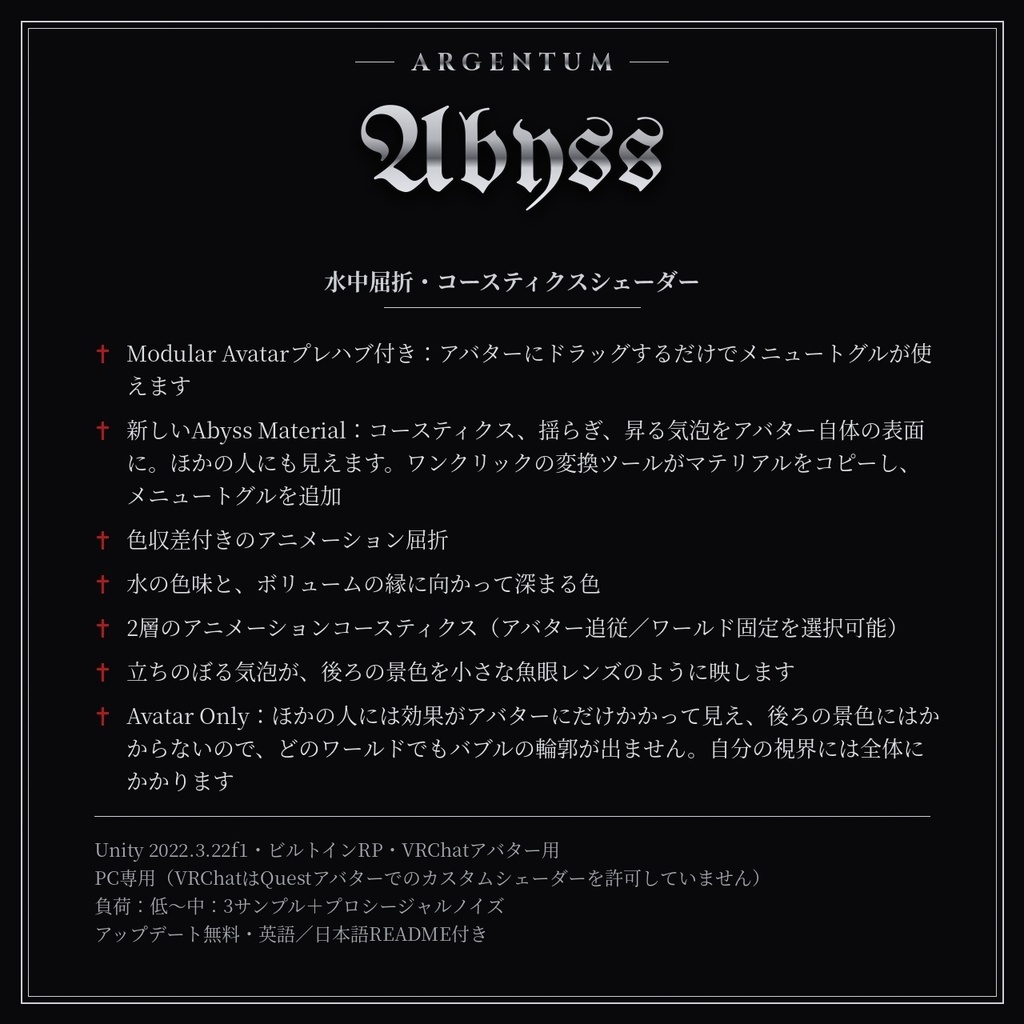
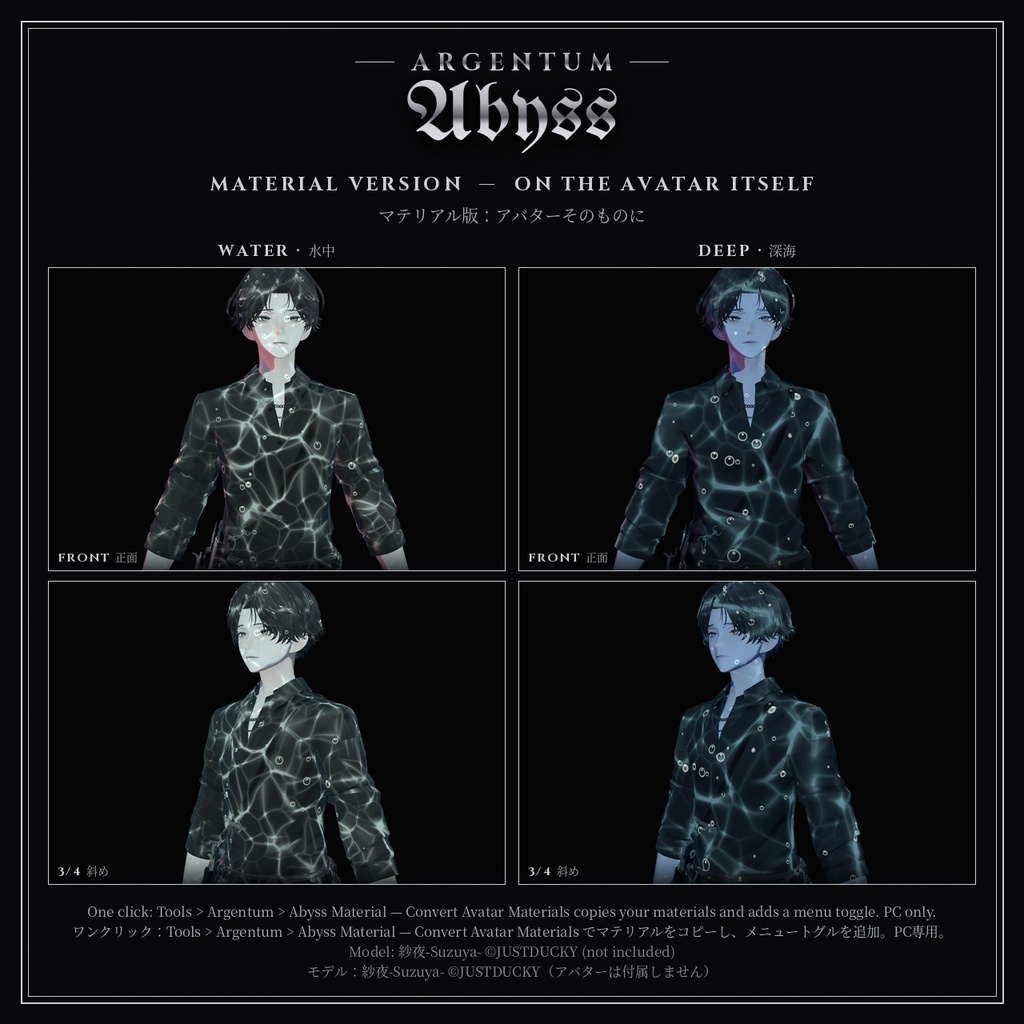
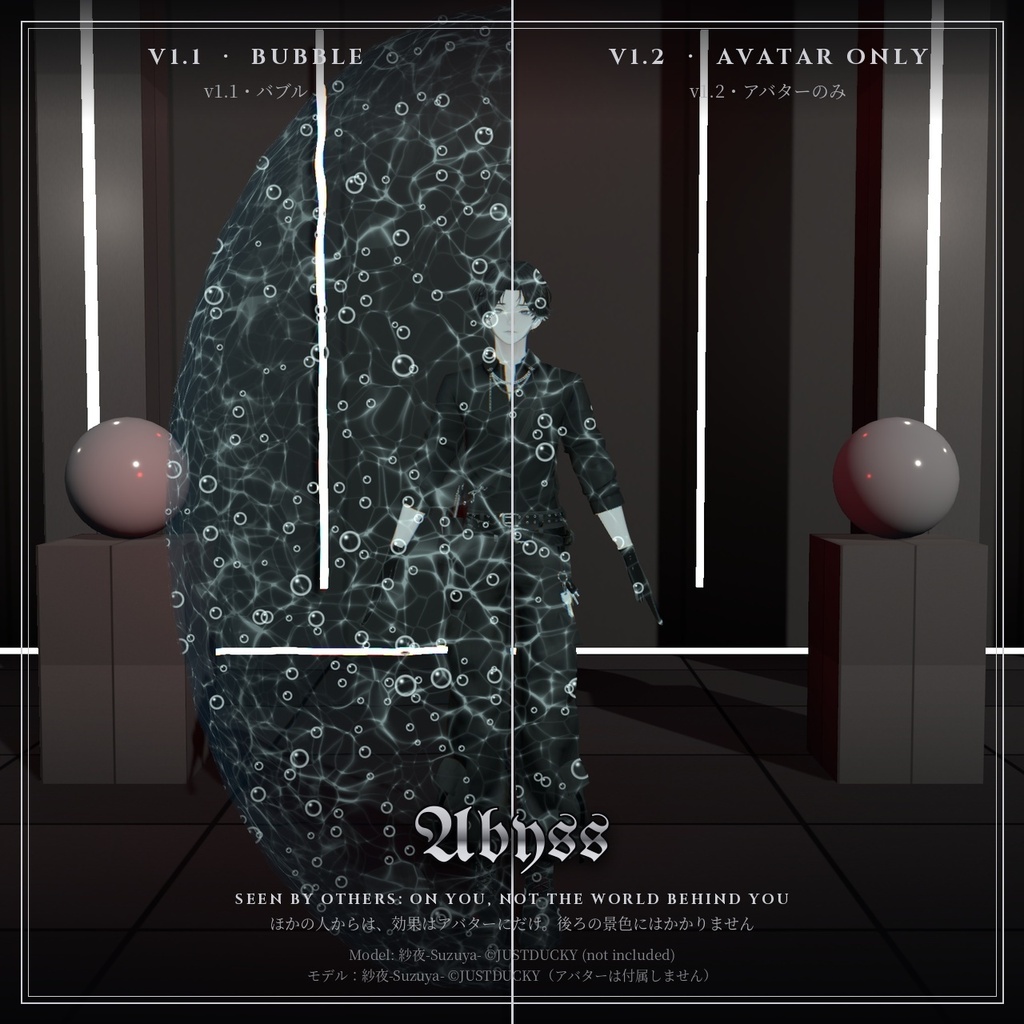
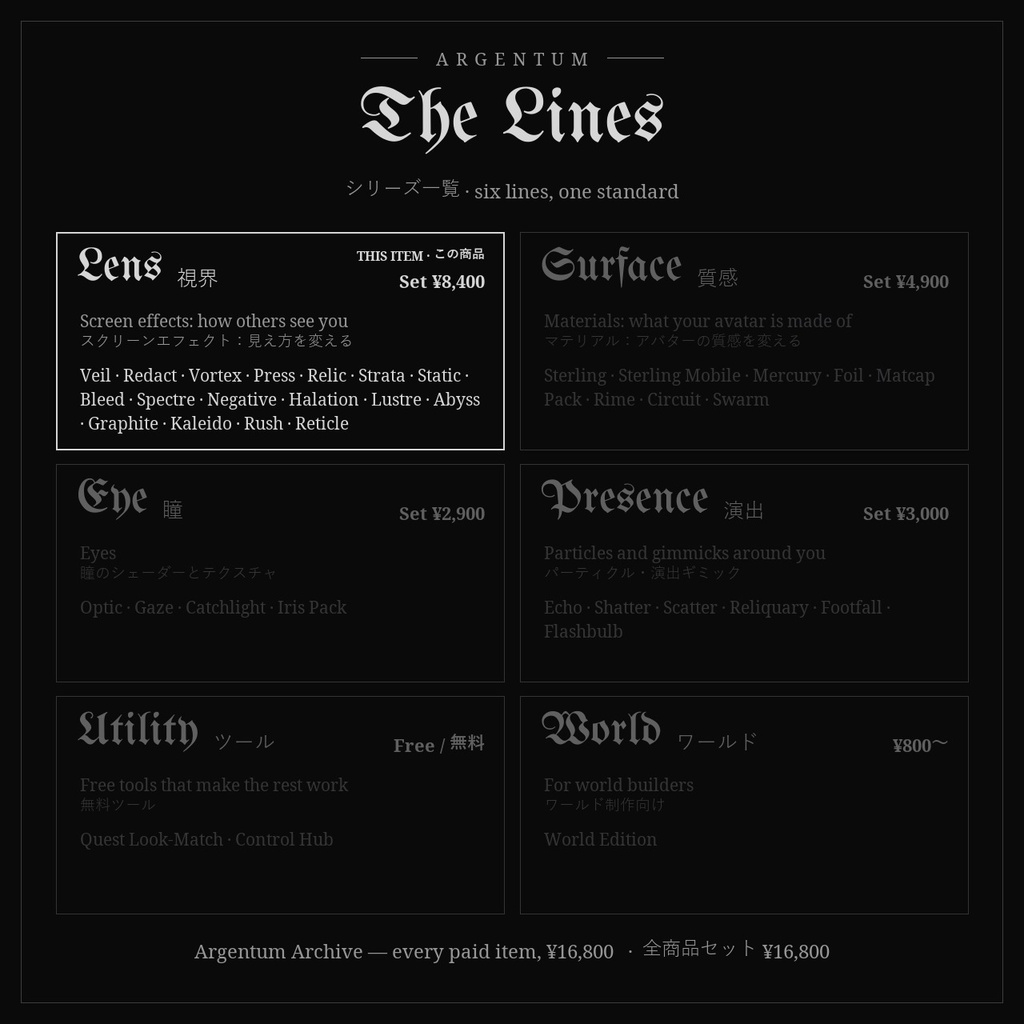


揺らめく屈折、水の色、漂うコースティクスを、メッシュの内側だけに。 ■ 特長 ・Modular Avatarプレハブ付き:アバターにドラッグするだけでメニュートグルが使えます ・新しいAbyss Material:コースティクス、揺らぎ、昇る気泡をアバター自体の表面に。ほかの人にも見えます。ワンクリックの変換ツールがマテリアルをコピーし、メニュートグルを追加 ・色収差付きのアニメーション屈折 ・水の色味と、ボリュームの縁に向かって深まる色 ・2層のアニメーションコースティクス(アバター追従/ワールド固定を選択可能) ・立ちのぼる気泡が、後ろの景色を小さな魚眼レンズのように映します ・Avatar Only:ほかの人には効果がアバターにだけかかって見え、後ろの景色にはかからないので、どのワールドでもバブルの輪郭が出ません。自分の視界には全体にかかります ■ Abyss Material(アバター用マテリアル) ・アバター自体が水中にいるような見た目に。ミラーやVRChatカメラを含め、ほかの人にも見えます。揺らめくコースティクス、色ずれを伴う揺らぎ、深い水の色に沈む輪郭、表面にとどまりながら昇る小さな気泡。 ・ワンクリックで導入:Tools > Argentum > Abyss Material — Convert Avatar Materials がマテリアルのAbyss Material版のコピーを作り(元のマテリアルは変更しません)、Modular Avatarのメニュートグル(同期1ビット)を追加します。見た目はWater、Deepの2種類。 ・PC専用。カスタムシェーダーがブロックされている場合は、通常のテクスチャで表示されます(VRChatのToonフォールバック)。揺らぐのはテクスチャで、輪郭は動きません。 ■ こんな用途に 水の泡、水中にいるような見た目、水槽風バイザー、夢の演出。 ■ 対応環境 ・Unity 2022.3.22f1(VRChatの現行バージョン)、ビルトインレンダーパイプライン ・VRChatアバター用、PC専用(VRChatはQuest / Androidのアバターでカスタムシェーダーを許可していません) ・アバターを問わず使用でき、他のシェーダーにも依存しません ・シングルパスステレオのVR、ミラー、VRChatカメラに対応 ・ドラッグ&ドロップのプレハブ/トグルにはModular Avatarが必要です(未使用の場合の手動セットアップもREADMEに記載) ■ 内容物 ・Argentum_Abyss_v1.2.0.unitypackage ・Argentum/Abyss、Argentum/Abyss Material シェーダー ・Modular Avatarプレハブ:アバターにドラッグするだけでExpressionメニューのトグルが付きます(Water(水中)) ・ワンクリックセットアップツール(Tools > Argentum > Abyss Material — Convert Avatar Materials)。Modular Avatarのトグルも自動で追加 ・プリセットマテリアルとメニュー用アイコン ・README(英語・日本語)、利用規約、更新履歴 ■ 負荷 低〜中:3サンプル+プロシージャルノイズ Abyss Material:画面コピーなし。メッシュやマテリアルスロットを増やさないため、パフォーマンスランクは変わりません。 ■ アップデート 購入者は無料でアップデートを受け取れます。BOOTHのライブラリから再ダウンロードしてください。 画像のアバター:紗夜-Suzuya-(JUSTDUCKY様)※アバターは付属しません ──────────────────── English ──────────────────── Argentum Abyss: Underwater Refraction & Caustics Shader [VRChat / PC / Modular Avatar] Rippling refraction, water color and drifting caustics, held inside a mesh. ■ Features ・Modular Avatar prefab: drag onto your avatar for a menu toggle ・New Abyss Material: caustics, ripples and rising bubbles on your avatar's own surface, seen by others too. A one-click converter copies your materials and adds a menu toggle ・Animated refraction with a chromatic split ・Water tint plus extra depth toward the volume's edges ・Two-layer animated caustic network that can follow the avatar or stay fixed in the world ・Rising air bubbles that lens the scene behind them like tiny fisheyes ・Avatar Only: others see the effect on you, not on the world behind you, so there's no bubble outline in any world. You still see it across your own view ■ Abyss Material (avatar material) ・Your avatar itself underwater, so others see it too, in mirrors and the VRChat camera: drifting caustics, a rippling texture with a chromatic split, deep-water edges and small air bubbles that cling and rise. ・One-click setup: Tools > Argentum > Abyss Material — Convert Avatar Materials makes Abyss Material copies of your materials (your originals are never changed) and adds a Modular Avatar menu toggle (1 synced bit). Looks: Water, Deep. ・PC only. With custom shaders blocked, viewers see your normal textures (VRChat Toon fallback). The ripple moves the texture, not your outline. ■ Use it for Water bubbles, submerged looks, aquarium visors, dream sequences. ■ Compatibility ・Unity 2022.3.22f1 (VRChat's current version), Built-in Render Pipeline ・VRChat avatars, PC only. VRChat does not allow custom shaders on Quest / Android avatars. ・Works with any avatar and doesn't depend on any other shader. ・Supports single-pass stereo VR, mirrors and the VRChat camera. ・Modular Avatar is needed for the drag-and-drop prefab / toggle. Manual setup without it is covered in the README. ■ What's included ・Argentum_Abyss_v1.2.0.unitypackage ・Argentum/Abyss and Argentum/Abyss Material shaders ・Modular Avatar prefab: drag onto your avatar for an expression-menu toggle (Water) ・One-click setup tool (Tools > Argentum > Abyss Material — Convert Avatar Materials) that adds a Modular Avatar toggle ・Preset materials and a menu icon ・README (English / Japanese), terms of use, changelog ■ Performance Low to medium: three samples plus procedural noise Abyss Material: no screen copy. It adds no meshes or material slots, so your Performance Rank doesn't change. ■ Updates Free for buyers. Re-download from your BOOTH library. Avatar in the images: 紗夜-Suzuya- by JUSTDUCKY (not included) ━━━━━━━━━━ ▼ シリーズ / Line: Argentum LENS(視界) スクリーンエフェクト:見え方を変える / Screen effects: how others see you 同じシリーズ / Same line: Veil・Redact・Vortex・Press・Relic・Strata・Static・Bleed・Spectre・Negative・Halation・Lustre・Graphite・Kaleido・Rush・Reticle https://booth.pm/ja/items?tags%5B%5D=Argentum%20LENS ▼ セット / Bundles LENS Complete:Lensシリーズ全17種 ¥8,400(単品合計 ¥12,400) All 17 Lens products, ¥8,400 instead of ¥12,400 https://argentumdesigns.booth.pm/items/9056024 Argentum Archive:全商品(有料36種)¥16,800(単品合計 ¥30,600) All 36 paid items, ¥16,800 instead of ¥30,600 https://argentumdesigns.booth.pm/items/9140406 ▼ 最新情報 / Updates https://x.com/argentumdesigns Discord: https://discord.gg/sBVpTZwwZ4
Terms of Service
・○ アップロードするアバター・ワールドでの使用(個人・商用、配信・動画を含む) ・○ 自分用の改変。依頼で制作したアバターへの使用と代理アップロード(ファイルを渡さない場合) ・× ファイルの再配布・転売(改変の有無を問わず、アバターやワールドのパッケージへの同梱を含む) ・規約の全文はダウンロードデータに同梱しています ──────────────────── ・OK: use on avatars and worlds you upload, personal or commercial, including streams and videos. ・OK: modify for your own use; use on commissioned avatars you upload for a client, as long as the files aren't handed over. ・Not OK: redistributing or reselling the files, modified or not, including inside avatar or world packages. ・Full terms are included in the download.
Update information
・1.2.0 (2026-11-07) - 新機能:Abyss Material(Argentum/Abyss Material)。効果をアバター自体のマテリアルにかけ、ミラーやカメラを含めてほかの人にも見えます。ワンクリックの変換ツール(Tools > Argentum > Abyss Material — Convert Avatar Materials)がマテリアルのコピーを作り(元のマテリアルは変更しません)、Modular Avatarのメニュートグル(同期1ビット)を追加します。プリセット:Water、Deep。PC専用です。 - Avatar Only:ボリュームの外にいる人には、効果がアバターにだけかかって見えるようになり、バブルの輪郭が出なくなりました。深度テクスチャのあるワールドでは足元の床も除外され、ないワールドでは効果の下の部分がやわらかくフェードします。初期値はオンで、マテリアルでオフにすると以前のバブルの見た目に戻せます。 - すべてのArgentumエフェクト共通の、改良した乱数を使うようになりました。見た目は同じで、泡の配置などのランダムな部分の出方だけが変わります。 - エフェクトの範囲が床と接するあたりに、周りの人から細い点線状に効果が見えることがある問題を修正しました。 ・1.1.0 (2026-11-03) - 立ちのぼる気泡を追加しました(Bubbles、Size、Rise Speed、Highlight Color、Lensing)。2層で、気泡ひとつひとつが後ろの景色をレンズのように映します。プレハブの「Water」ではオンです。 - 「Wearer Sees It」(装着者にも表示)を追加しました。自分の視界にも効果がかかります(以前はほかの人・ミラー・カメラにだけ表示)。バブルの外から見る人には、これまでどおり1層だけ表示されます。初期値はオンで、マテリアルごとにオフにできます。 - マテリアルの「Cull」設定は「Wearer Sees It」に置き換わったため削除しました。 ・1.0.0 (2026-10-27): 初回リリース ・1.2.0 (2026-11-07) - New: Abyss Material (Argentum/Abyss Material). The effect on your avatar's own materials, seen by others too, in mirrors and cameras. A one-click tool (Tools > Argentum > Abyss Material — Convert Avatar Materials) makes copies of your materials (originals untouched) and adds a Modular Avatar menu toggle (1 synced bit). Presets: Water, Deep. PC only. - Avatar Only: people outside the effect volume now see the effect only on your avatar, not on the world behind you, so the bubble outline is gone. In worlds with a depth texture the floor under you is left out; in worlds without one the lower part fades out softly. On by default; turn it off on the material for the old bubble look. - Uses the improved random generator shared by all Argentum effects. Same look; random details such as bubble placement are drawn differently. - Fixed a faint dotted line of the effect that others could see on the floor where the effect's area meets it. ・1.1.0 (2026-11-03) - New rising air bubbles (Bubbles, Size, Rise Speed, Highlight Color, Lensing): two layers, each bubble lensing the scene behind it. On in the prefab's Water look. - Added Wearer Sees It. You now see the effect in your own view too; before, it only showed to other people, mirrors and cameras. Everyone outside the bubble still sees exactly one layer. On by default, and it can be switched off per material. - The Cull setting was removed from the material; Wearer Sees It replaces it. ・1.0.0 (2026-10-27): First release.