

【VRChat】【MA対応】Argentum Optic|サイバー義眼シェーダー(モード切替・リアクション付き)【PC用】
- ダウンロード商品¥ 1,600
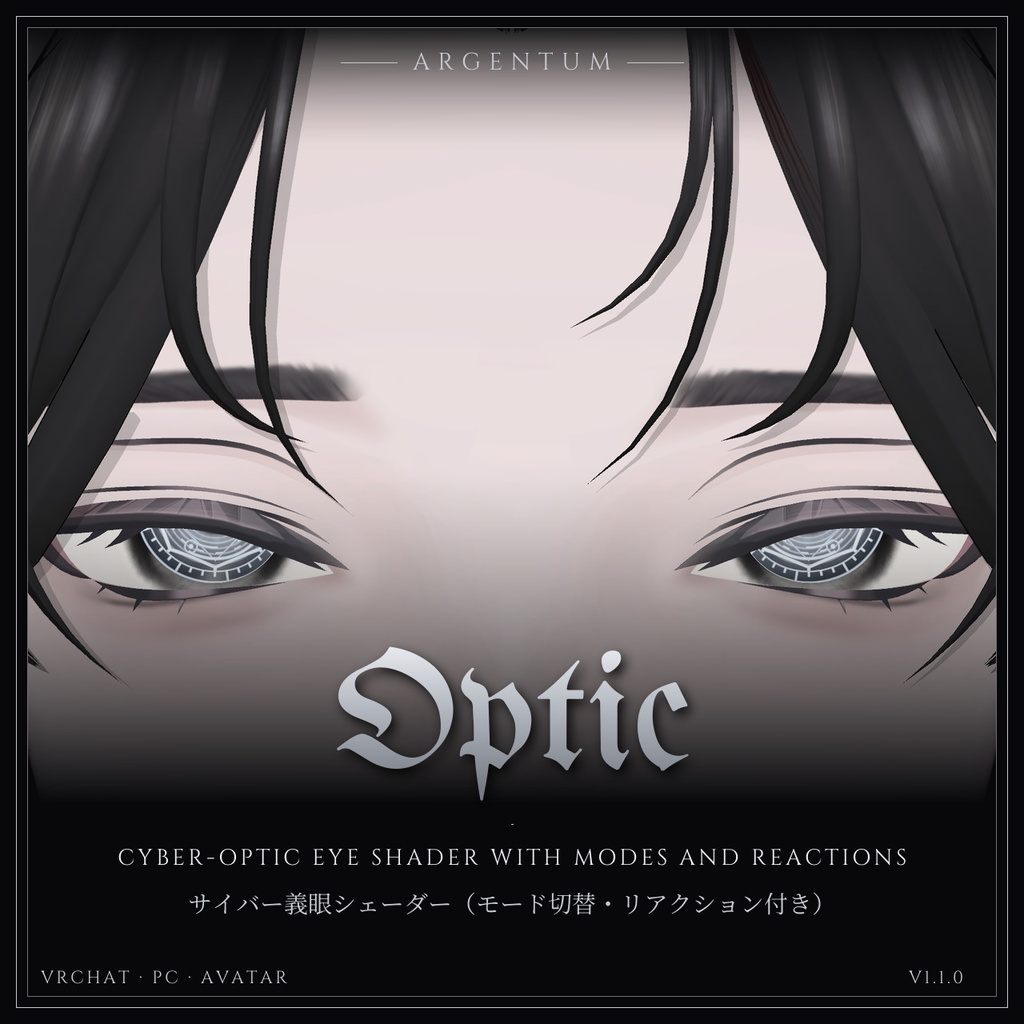
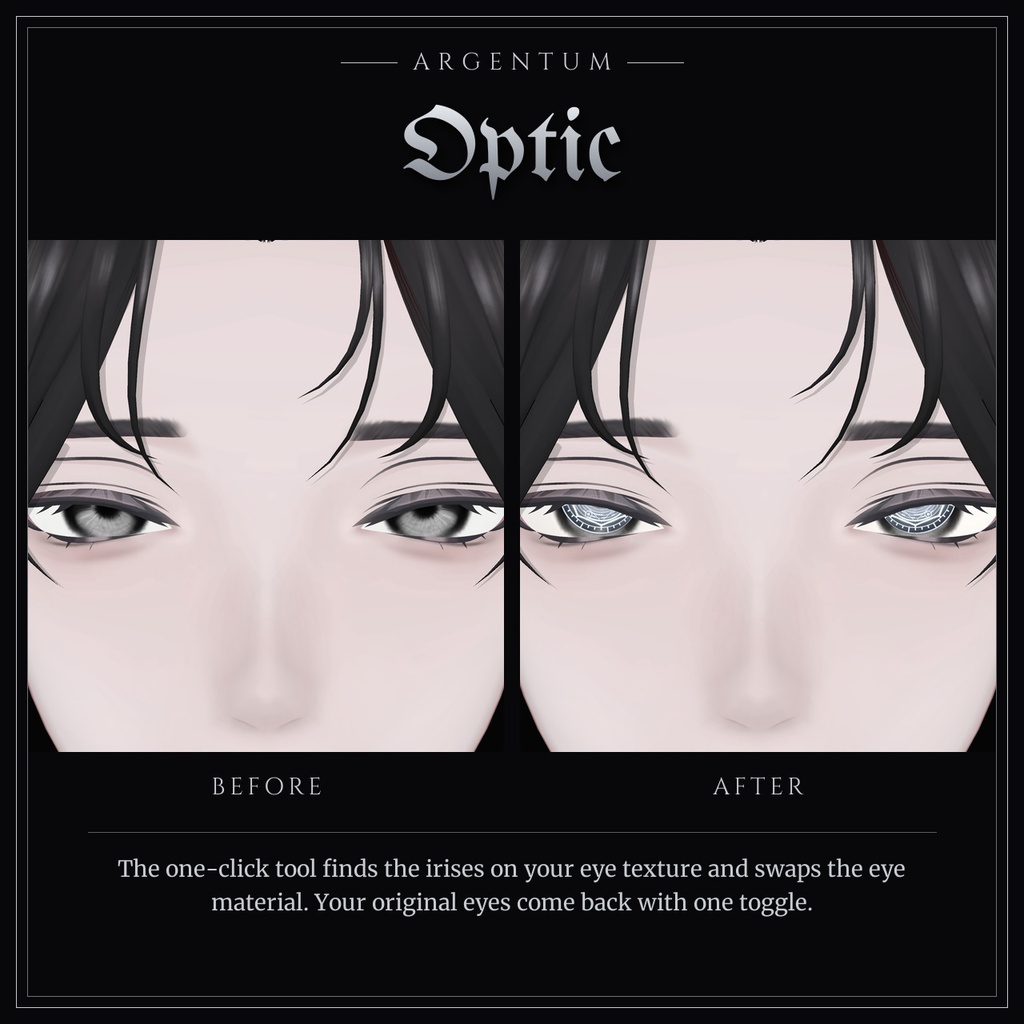
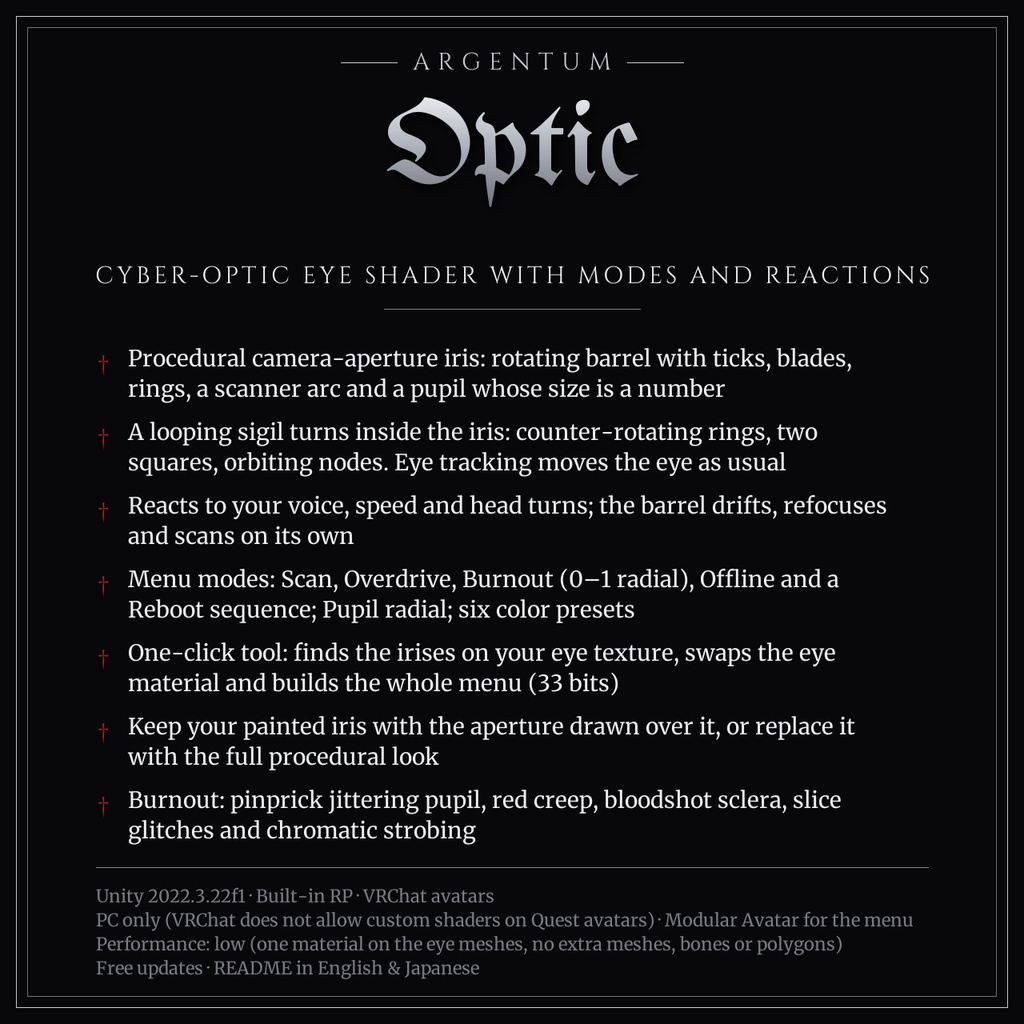
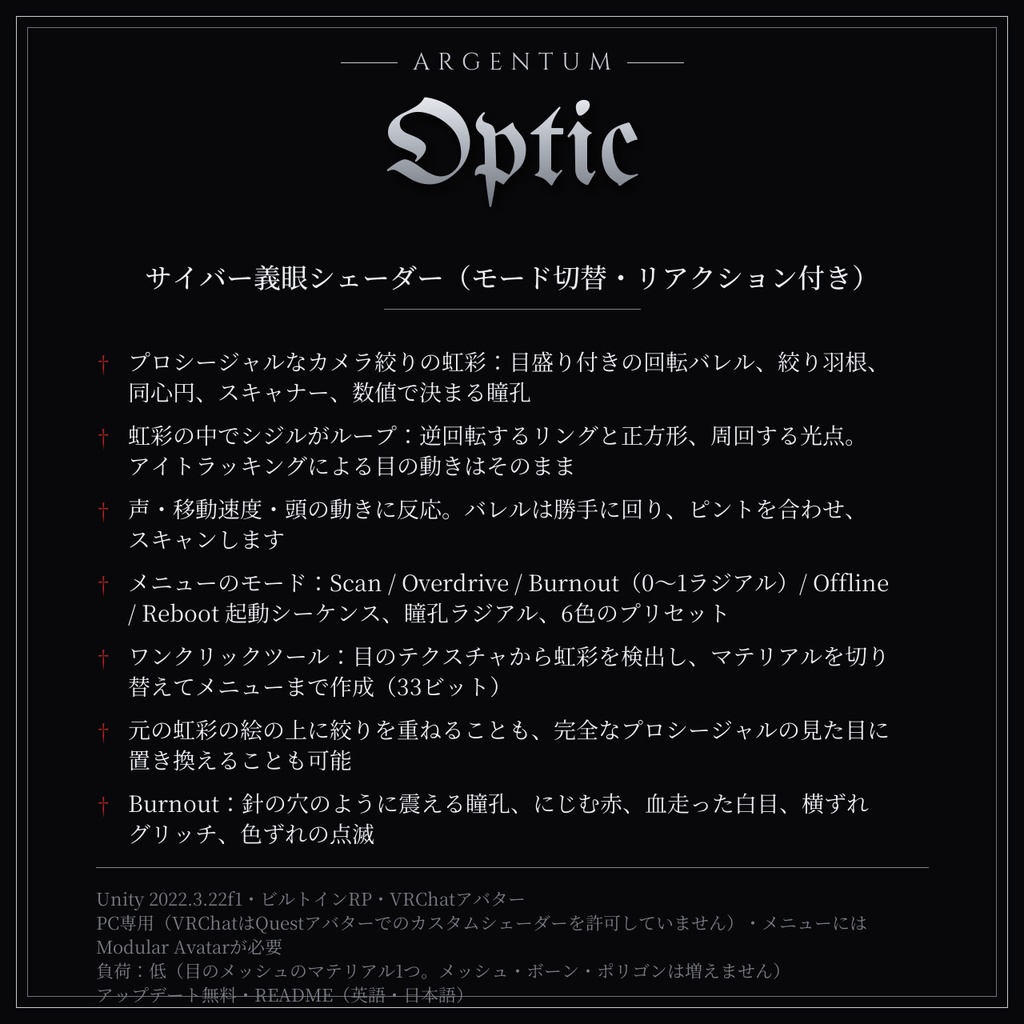
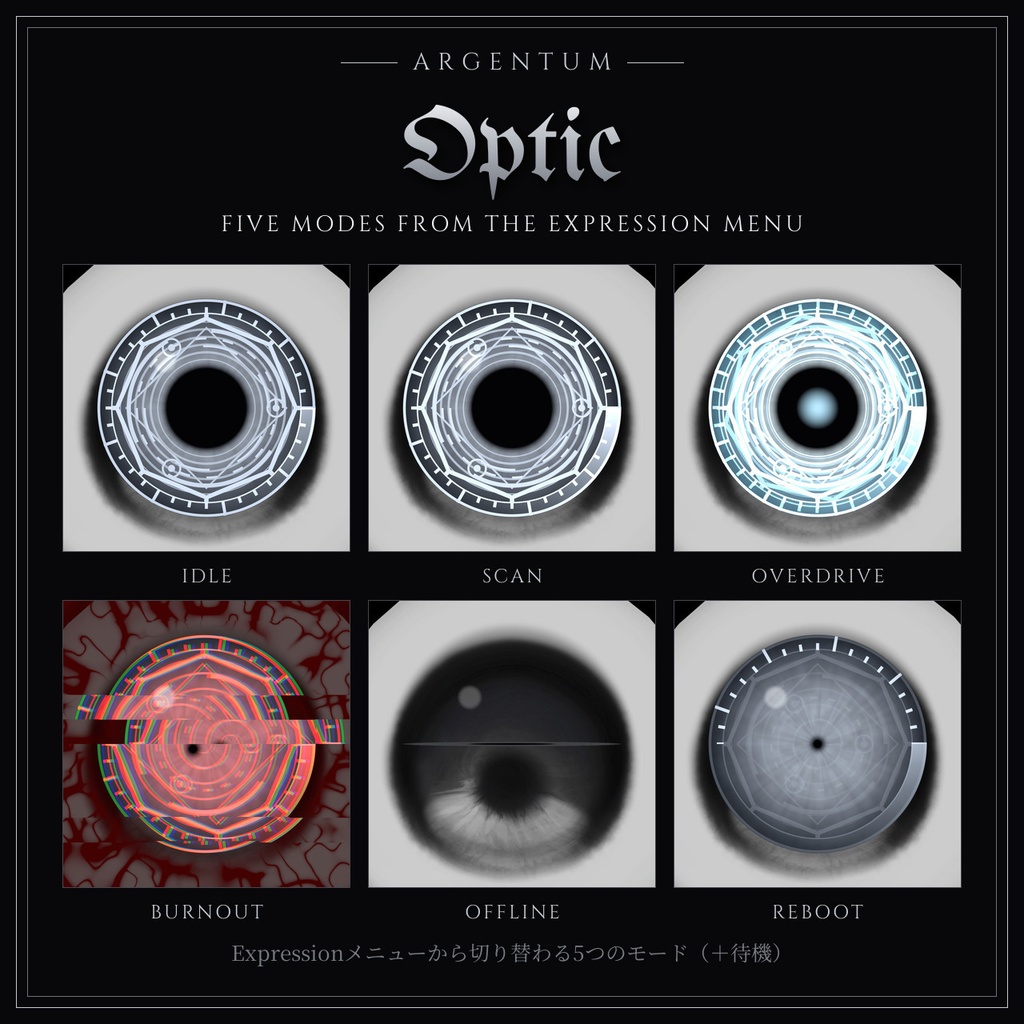
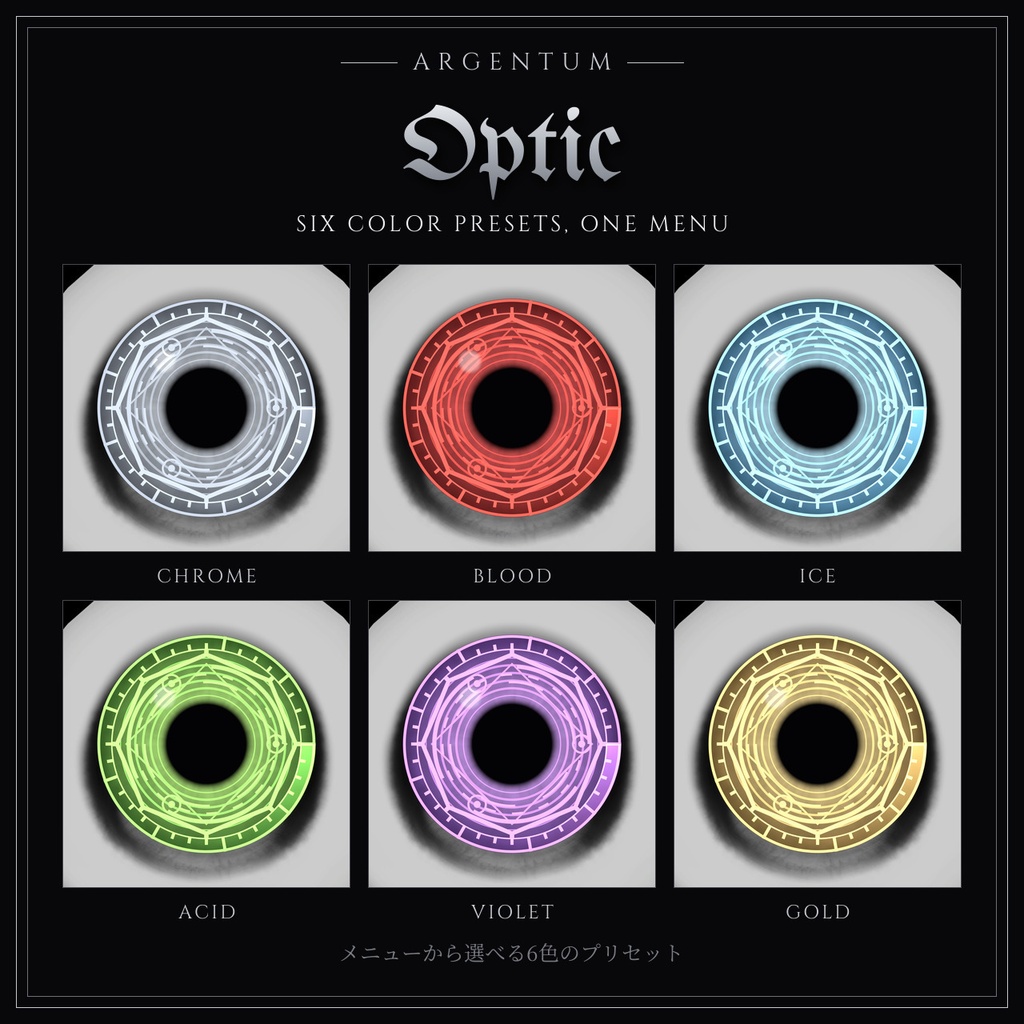
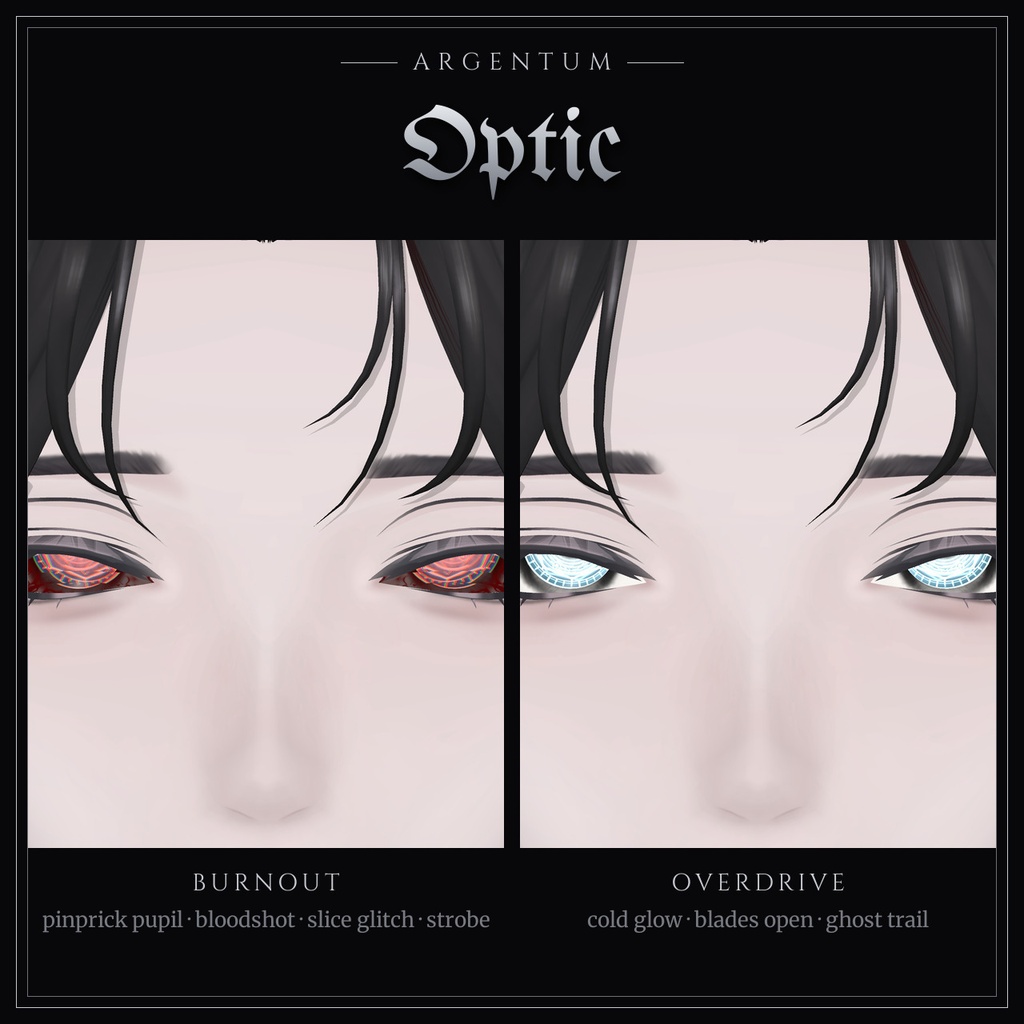
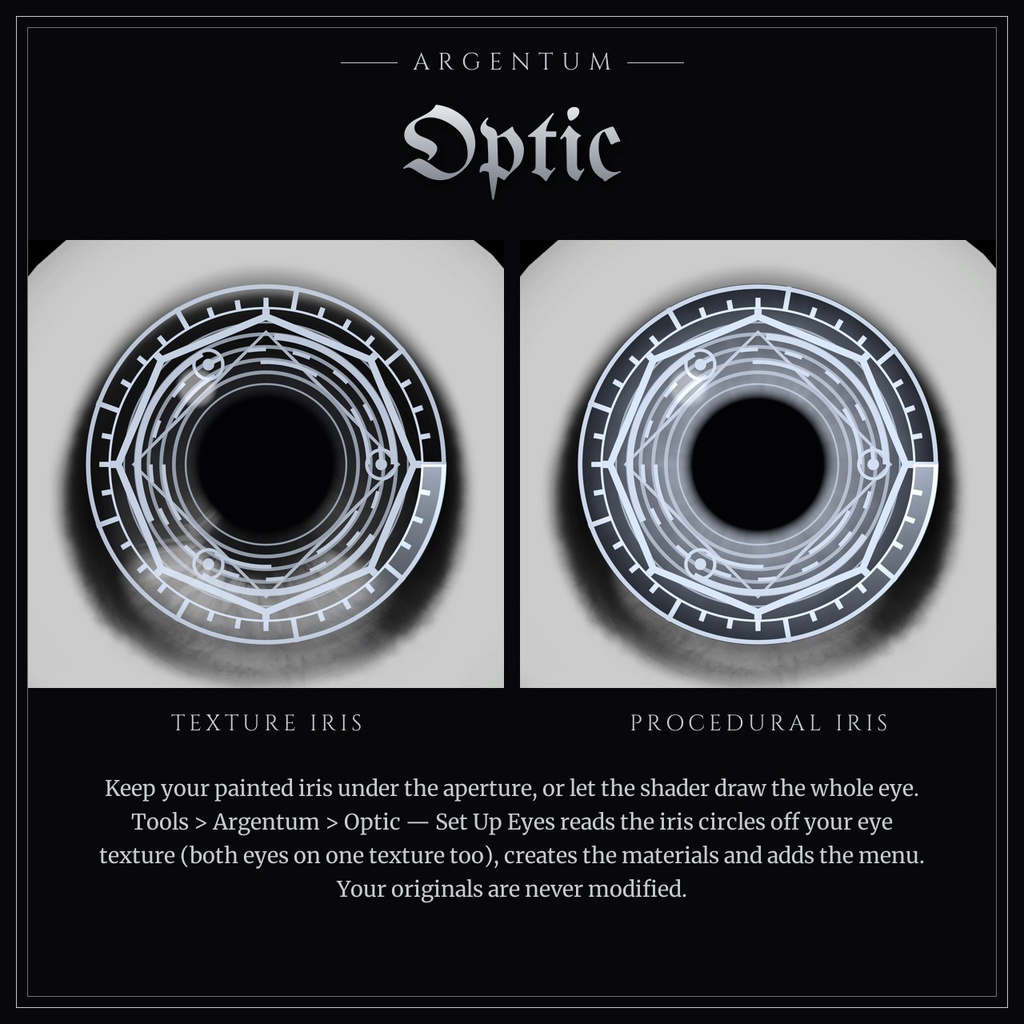
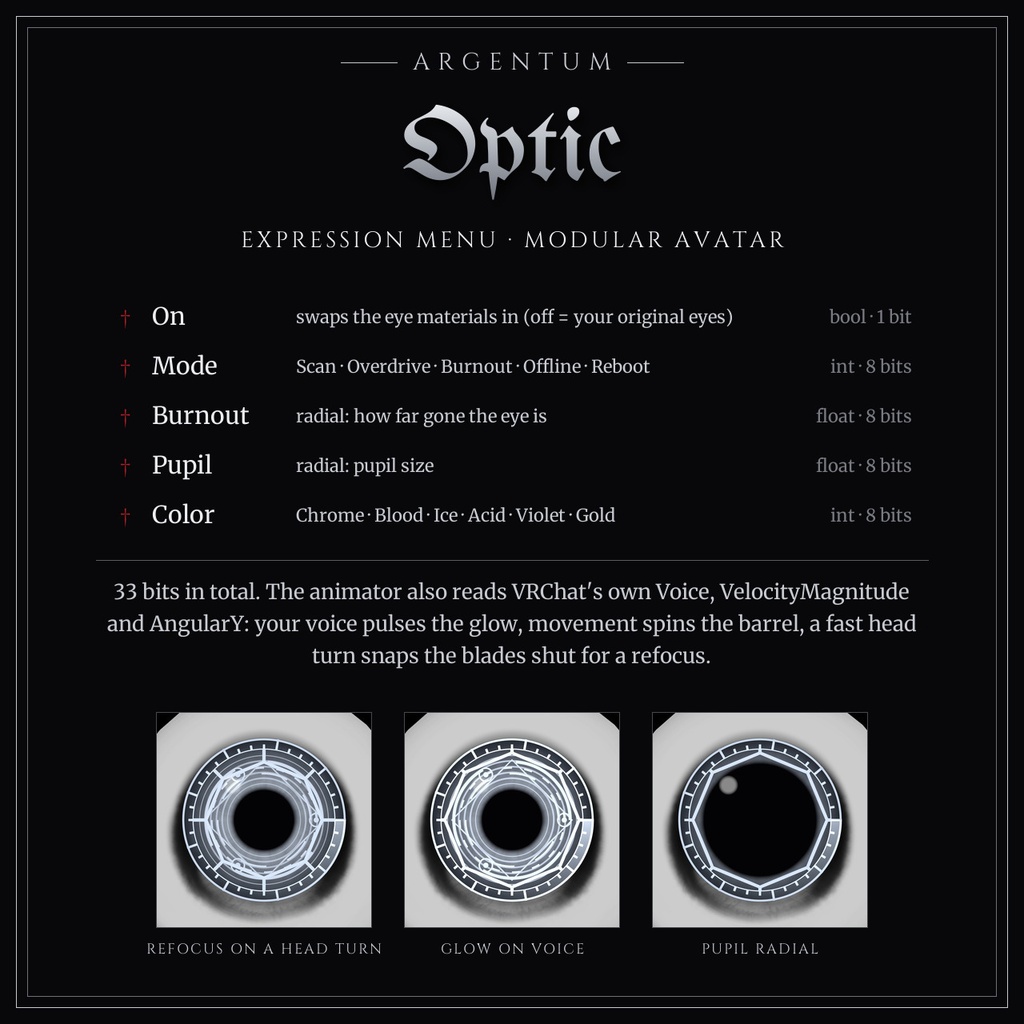


虹彩がカメラの絞りに。待機中も勝手に動いてピントを合わせ、声・移動・頭の動きに反応し、メニューひとつで焼き切れます。 ■ 特長 ・ワンクリックツール:目のテクスチャから虹彩を検出し、Opticマテリアルを作成してModular Avatar経由でExpressionメニューまで丸ごと作成(33ビット) ・プロシージャルな絞りの虹彩:同心円、絞り羽根、目盛り付きバレル、スキャナー、数値で決まる瞳孔。元の虹彩の絵を下に残すことも、目全体をシェーダーで描くことも可能 ・待機アニメーション:ループするシジル(逆向きに回る破線リング、正方形と八芒星を行き来する2つの正方形、周回するノード)、回るバレル、数秒ごとのピント合わせ、ときどき一周するスキャナー。虹彩の中で動くので、アイトラッキングや目のボーンによる目の動きはそのまま使えます ・VRChat標準の値に反応(メニュー不要):声で発光が脈打ち、移動でバレルの回転が速まり、素早く頭を振ると羽根が閉じてピントを合わせ直します ・モード:Scan、Overdrive、Burnout(0〜1のラジアル。針の穴のように震える瞳孔、にじむ赤、血走った白目、横ずれグリッチ、色ずれの点滅)、Offline(模様が一本の線に潰れてレンズが消灯)、Reboot(バレルに再び灯が入る起動シーケンス) ・瞳孔ラジアルと6色のプリセット:Chrome / Blood / Ice / Acid / Violet / Gold ・視差による奥行き、角膜のハイライトとリム、血管、白目の色味 ・状態はすべてマテリアルのプロパティなので、自作アニメーションやフェイストラッキングからも操作できます ■ こんな用途に サイバーウェア・義眼、アンドロイドや人造人間、スキャナーや照準の演出、ホラーや暴走の演出、MV風の演出。 ■ 対応環境 ・Unity 2022.3.22f1(VRChatの現行バージョン)、ビルトインレンダーパイプライン ・VRChatアバター用、PC専用(VRChatはQuest / Androidのアバターでカスタムシェーダーを許可していません) ・目が独立したマテリアルで、虹彩がテクスチャに描かれているアバター(ほとんどのアバター)で使用できます。両目が1枚のテクスチャでも、マテリアルが左右別でも対応。虹彩の位置はツールがテクスチャから検出し、プレビューをクリックして指定することもできます ・シングルパスステレオのVR、ミラー、VRChatカメラに対応 ・ワンクリックのメニュー作成にはModular Avatarが必要です(未使用の場合の手動セットアップもREADMEに記載) ■ 内容物 ・Argentum_Optic_v1.1.0.unitypackage ・Argentum/Optic シェーダー ・ワンクリックセットアップツール(Tools > Argentum > Optic — Set Up Eyes)。虹彩のフィット具合をプレビューで確認できます ・プリセットマテリアル6種とメニュー用アイコン ・README(英語・日本語)、利用規約、更新履歴 ■ 負荷 低。目のメッシュのマテリアル1つだけで、メッシュ・ボーン・ポリゴンは増えません。負荷は目が画面に映る大きさに比例します。 ■ アップデート 購入者は無料でアップデートを受け取れます。BOOTHのライブラリから再ダウンロードしてください。 画像のアバター:紗夜-Suzuya-(JUSTDUCKY様)※アバターは付属しません ──────────────────── English ──────────────────── Argentum Optic: Cyber-Optic Eye Shader with Modes and Reactions [VRChat / PC / Modular Avatar] A camera aperture for an iris. It drifts, refocuses and scans on its own, reacts to your voice, speed and head turns, and burns out on command. ■ Features ・One-click tool that finds the irises on your eye texture, creates the Optic materials and builds the whole expression menu through Modular Avatar (33 bits) ・Procedural aperture iris: rings, blades, barrel ticks, a scanner arc and a pupil whose size is a number. Keep your painted iris under it, or let the shader draw the whole eye ・Idle animation: a looping sigil layer (dashed rings turning in opposite directions, two squares swinging between a square and an eight-point star, orbiting nodes), barrel drift, a focus hunt every few seconds, the occasional scanner sweep. It runs inside the iris, so eye tracking and eye bones move the eye as usual ・Reactions from VRChat's own values, no menu needed: your voice pulses the glow, moving spins the barrel, a fast head turn snaps the blades shut for a refocus ・Modes: Scan, Overdrive, Burnout (a 0–1 radial: jittering pinprick pupil, red creep, bloodshot sclera, slice glitches, chromatic strobing), Offline (the pattern collapses to a line and the lens goes dead) and Reboot (a boot sequence that lights the barrel back up) ・Pupil radial and six color presets: Chrome, Blood, Ice, Acid, Violet, Gold ・Parallax depth, cornea highlight and rim, bloodshot veins, sclera tint ・Every state is a material property, so your own animations and face-tracking setups can drive it too ■ Use it for Cyberware and augmented eyes, androids and synths, scanner and targeting looks, horror and burnout sequences, music videos. ■ Compatibility ・Unity 2022.3.22f1 (VRChat's current version), Built-in Render Pipeline ・VRChat avatars, PC only. VRChat does not allow custom shaders on Quest / Android avatars. ・Works with avatars whose eyes have their own material with the iris painted on a texture (most avatars). Both eyes on one texture or on separate materials are both fine. The tool reads the iris position off the texture; you can also place it by clicking in the preview. ・Supports single-pass stereo VR, mirrors and the VRChat camera. ・Modular Avatar is needed for the one-click menu. Manual setup without it is covered in the README. ■ What's included ・Argentum_Optic_v1.1.0.unitypackage ・Argentum/Optic shader ・One-click setup tool (Tools > Argentum > Optic — Set Up Eyes) with an iris-fit preview ・Six preset materials and a menu icon ・README (English / Japanese), terms of use, changelog ■ Performance Low. One material on the eye meshes, no extra meshes, bones or polygons, and the cost scales with how big the eyes are on screen. ■ Updates Free for buyers. Re-download from your BOOTH library. Avatar in the images: 紗夜-Suzuya- by JUSTDUCKY (not included)
Terms of Service
・○ アップロードするアバター・ワールドでの使用(個人・商用、配信・動画を含む) ・○ 自分用の改変。依頼で制作したアバターへの使用と代理アップロード(ファイルを渡さない場合) ・× ファイルの再配布・転売(改変の有無を問わず、アバターやワールドのパッケージへの同梱を含む) ・規約の全文はダウンロードデータに同梱しています ──────────────────── ・OK: use on avatars and worlds you upload, personal or commercial, including streams and videos. ・OK: modify for your own use; use on commissioned avatars you upload for a client, as long as the files aren't handed over. ・Not OK: redistributing or reselling the files, modified or not, including inside avatar or world packages. ・Full terms are included in the download.
Update information
・1.1.0 (2026-11-03) - シジルレイヤーを追加しました(Sigil Layer、Sigil Speed)。逆向きに回る破線リング、正方形と八芒星を行き来する2つの正方形、周回するノードが12秒で継ぎ目なくループします。アイトラッキングへの影響はありません。 - バレルの初期回転速度を毎秒2度から6度に変更しました(設定済みのマテリアルはそのままです)。 ・1.0.0 (2026-11-03): 初回リリース ・1.1.0 (2026-11-03) - New sigil layer (Sigil Layer, Sigil Speed): dashed rings turning in opposite directions, two squares swinging between a square and an eight-point star, and orbiting nodes, in a seamless 12-second loop. Eye tracking is unaffected. - Default barrel drift raised from 2 to 6 degrees per second (materials you already set keep their value). ・1.0.0 (2026-11-03): First release