

【VRChat】【MA対応】【Quest対応】Argentum Shatter|銀の破片に砕けて消える・組み上がって戻る演出ギミック
- ダウンロード商品¥ 900
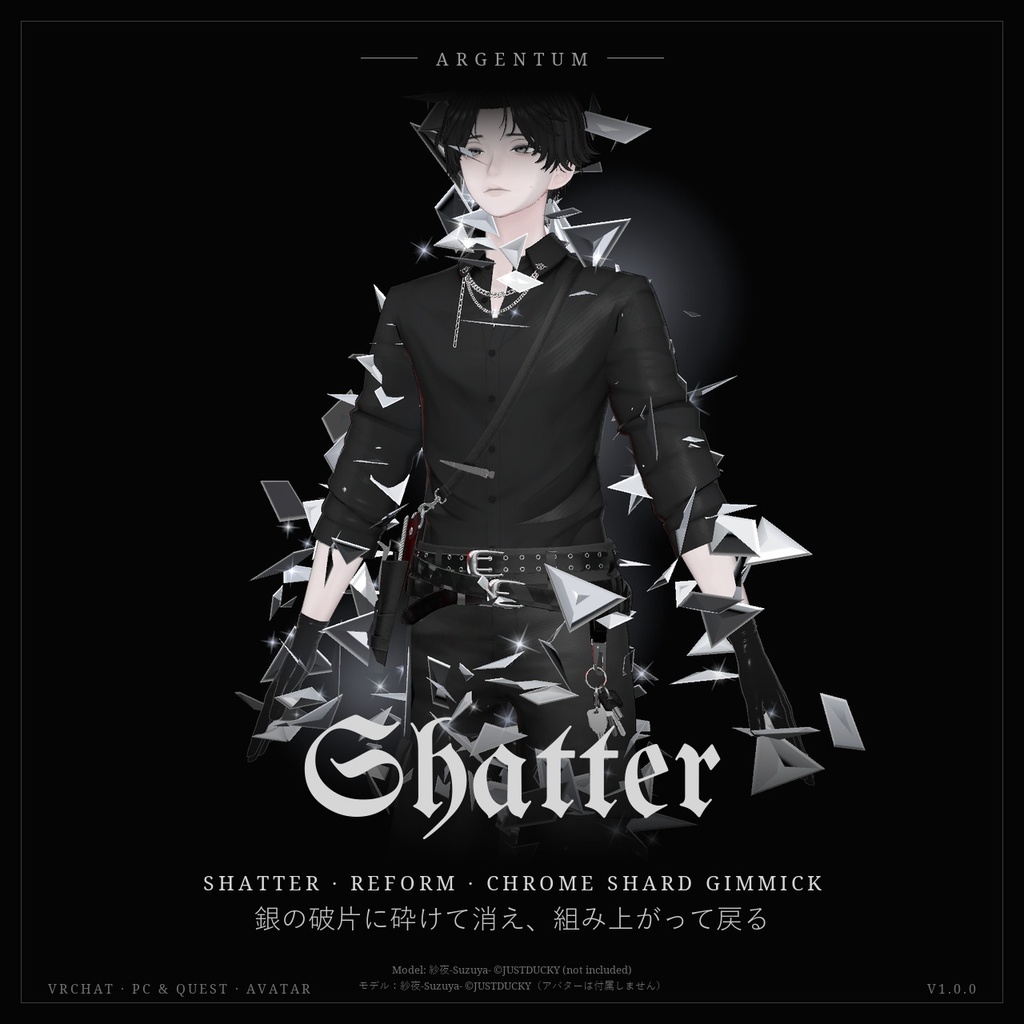
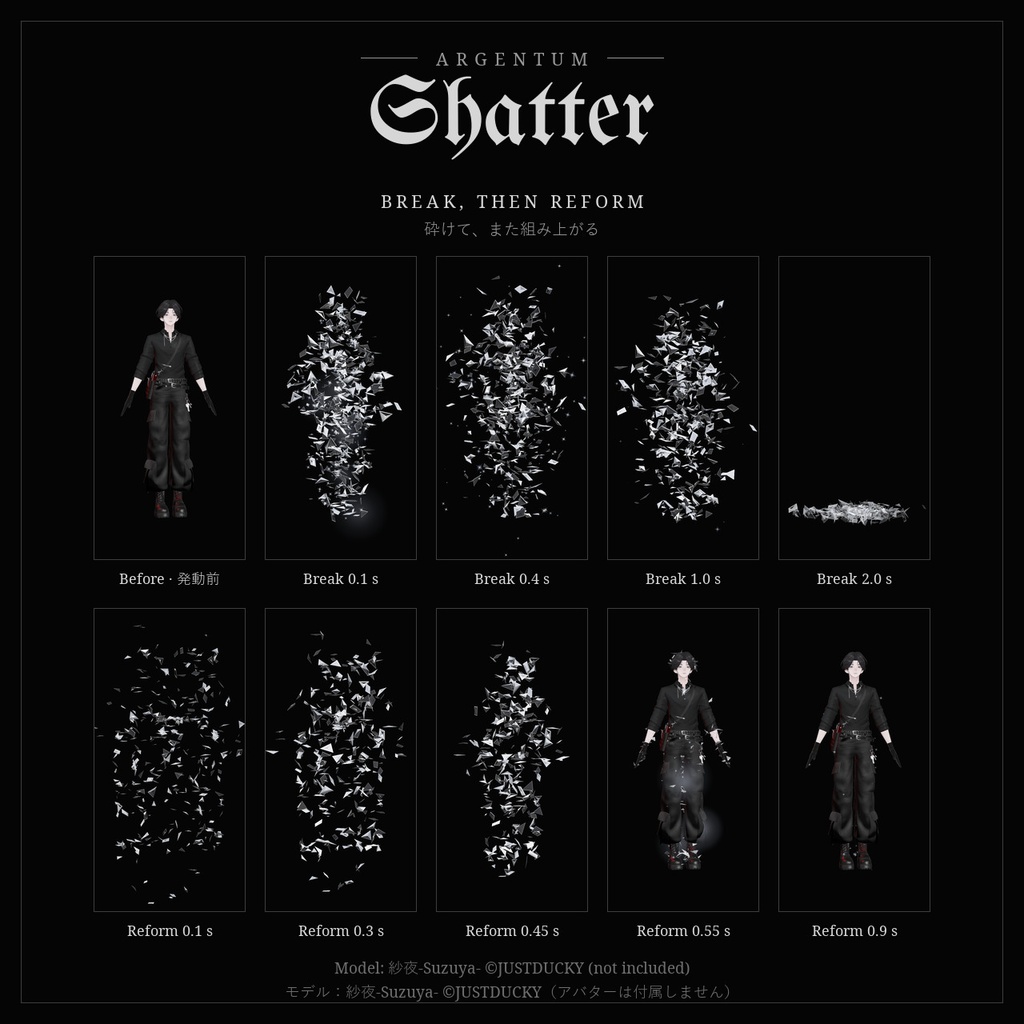
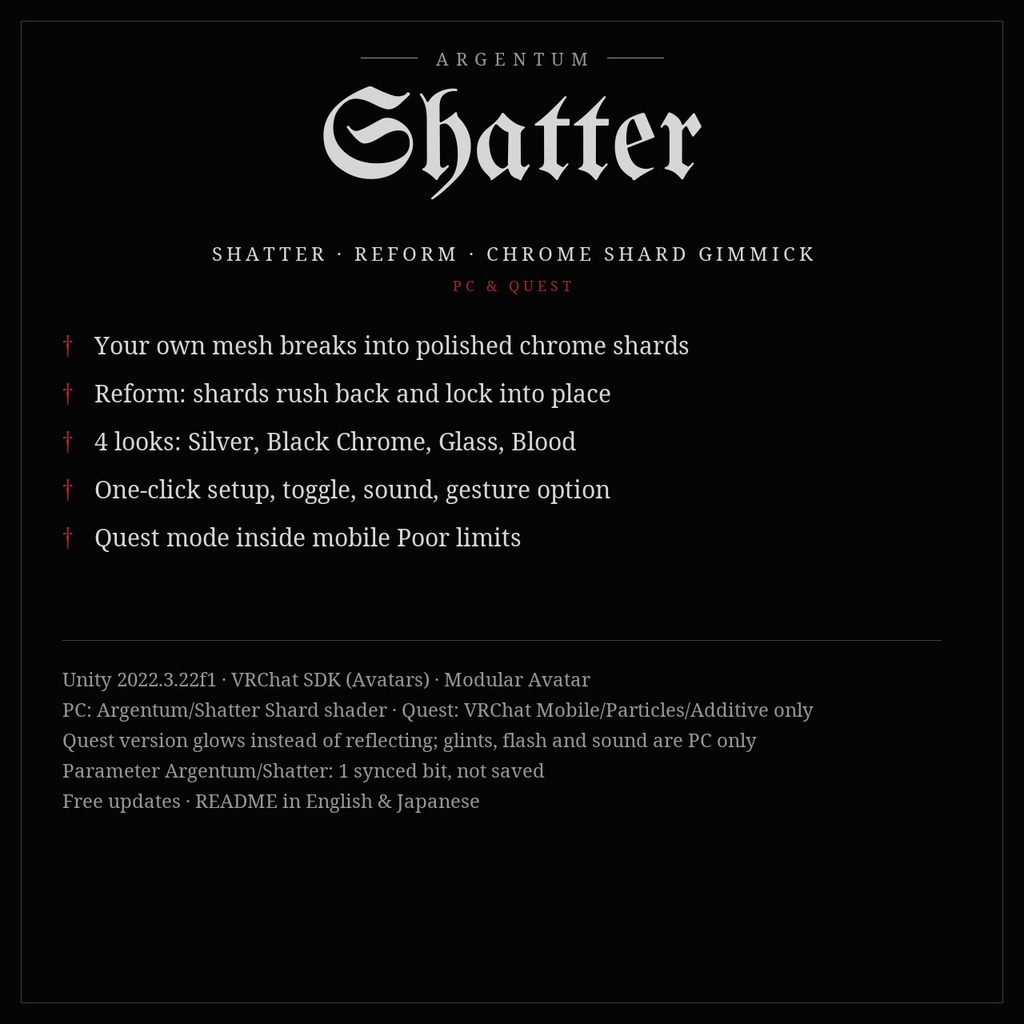
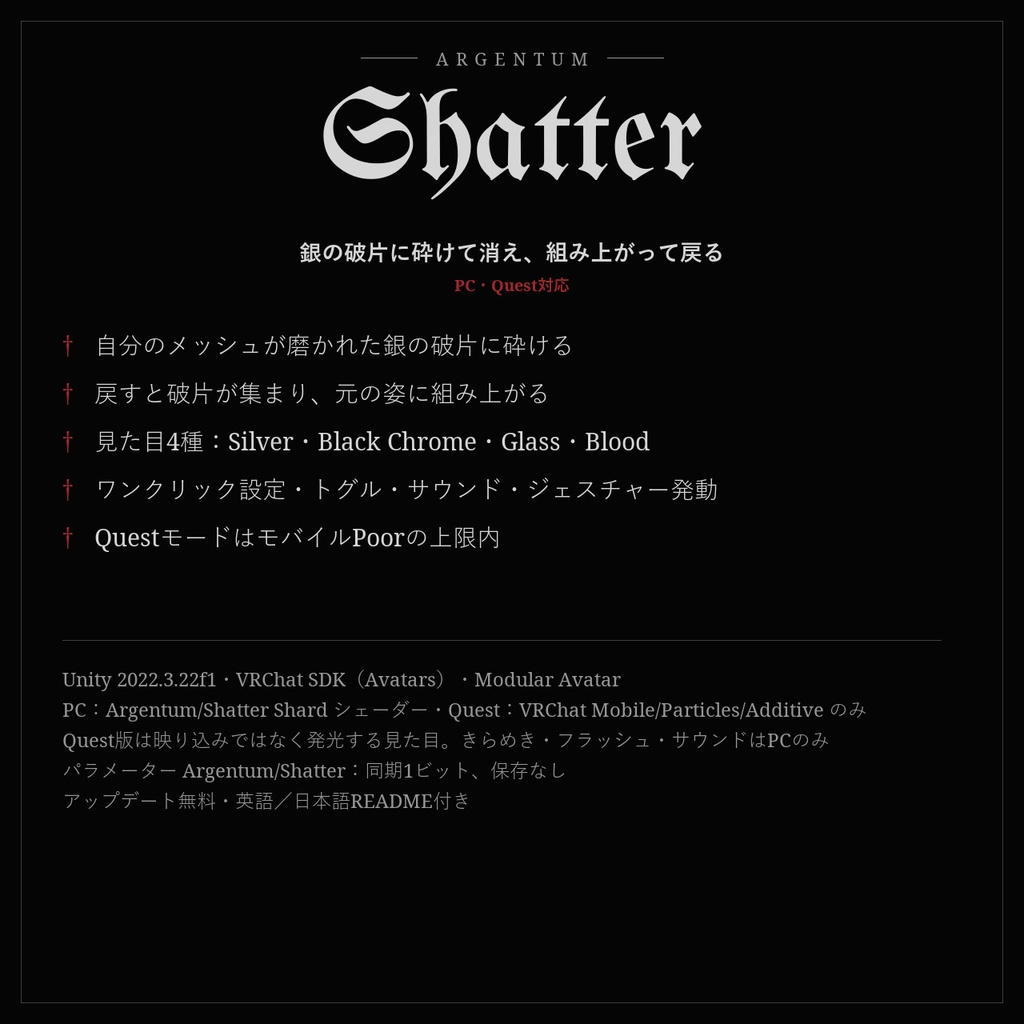
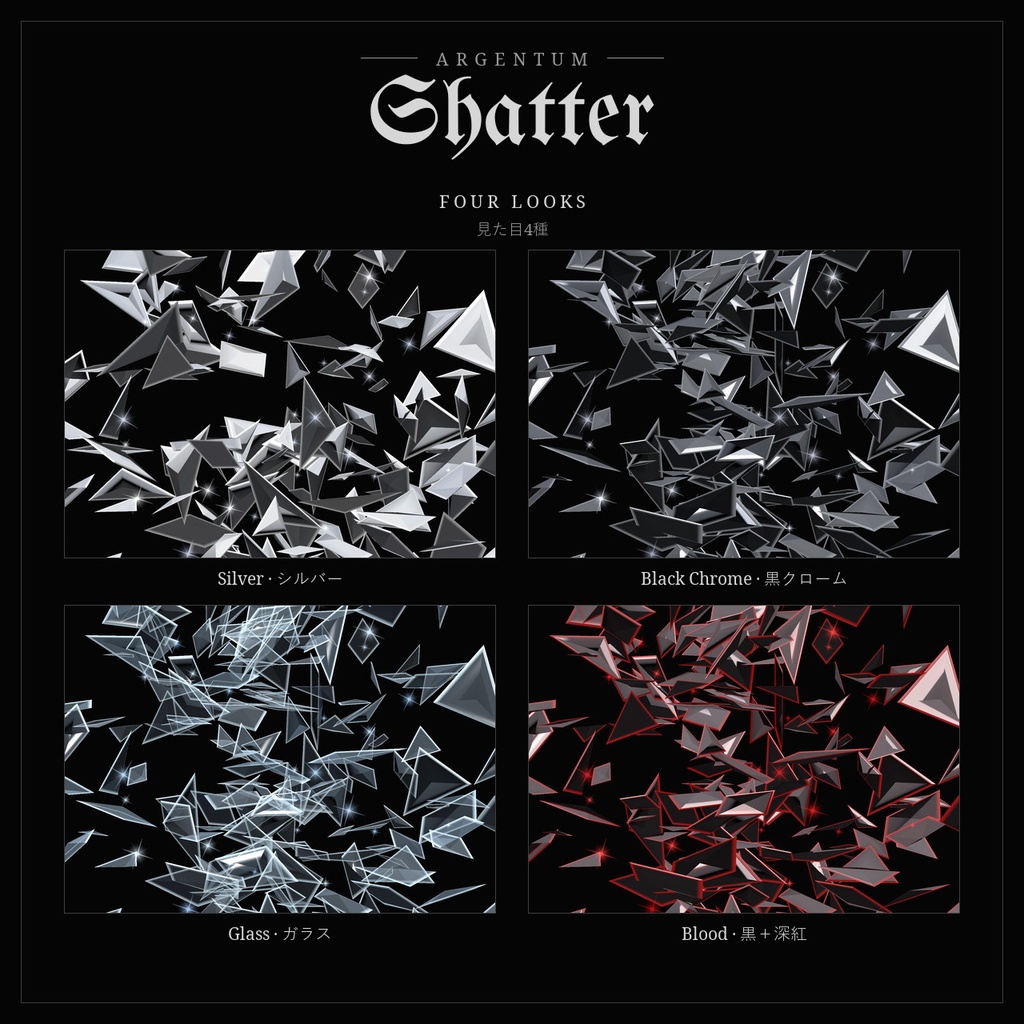
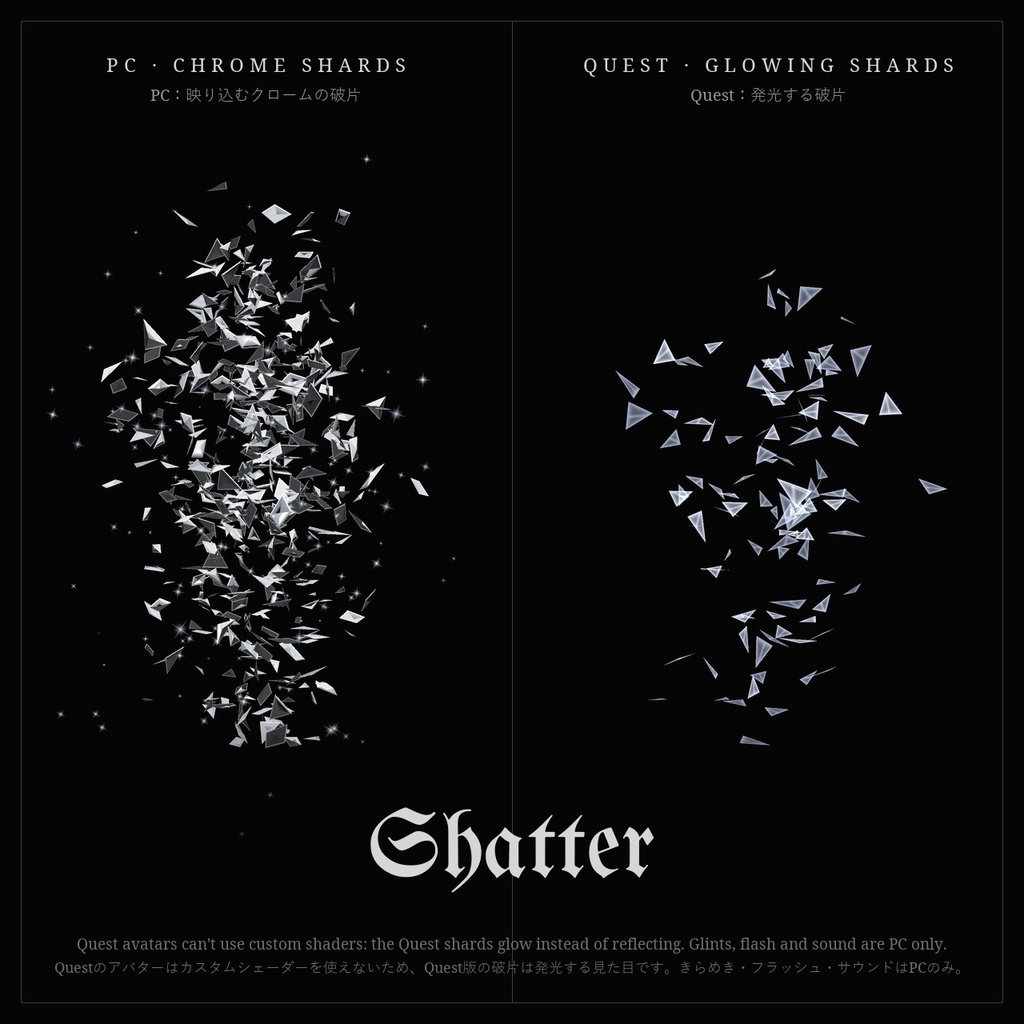
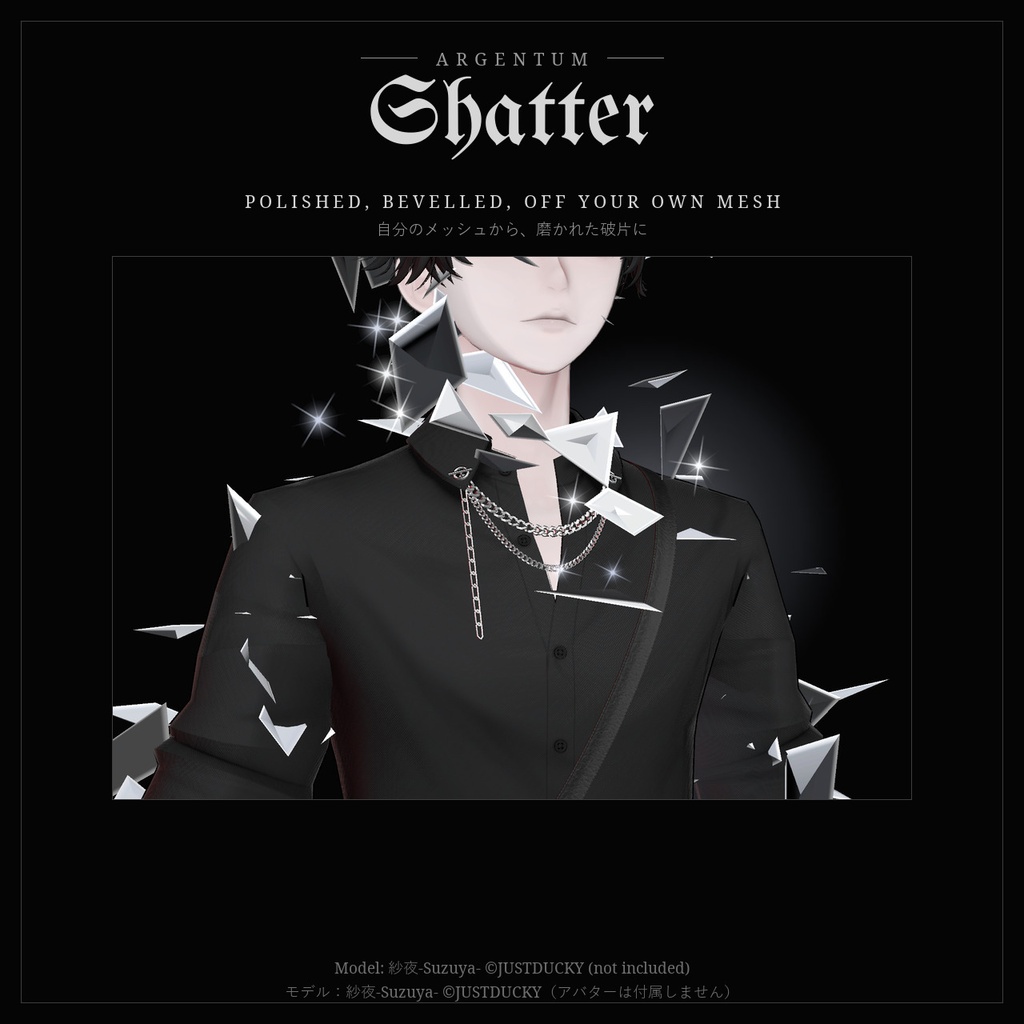


トグル1つで、アバターが磨かれた銀の破片になって砕け散る。もう一度押せば、破片が集まって元の姿に組み上がる。 ■ 特長 ・破片はアバターのメッシュそのものから出るので、ただの爆発ではなく「体が砕ける」ように見えます ・磨いたクロームの破片:面取りした縁が光り、回るたびにきらめきます(PC専用シェーダー Argentum/Shatter Shard) ・4種類の見た目:Silver(シルバー)、Black Chrome(黒クローム)、Glass(ガラス)、Blood(黒+深紅) ・砕ける → 宙に止まる → 足もとへ落ちて消える。戻すと破片が加速しながら集まり、体の上で組み上がります ・ガラスと金属が割れる音と、巻き戻すように戻る音付き(本製品のために制作。立体音響・近距離のみ) ・ワンクリック設定ツール(英語・日本語)が、パーティクル・アニメーター・Shatterトグルを作成 ・ハンドジェスチャーを1秒キープして発動するオプション付き ・Questモード:パーティクルシステム2つ・粒子200・ポリゴン200で、モバイルのPoorの上限内に収まるQuest版を作成 ・表示中は衣装のトグルに干渉しません ■ こんな用途に 退場と登場、テレポート、ホラーや決めの演出、写真・動画のトランジションに。 ■ 対応環境 ・Unity 2022.3.22f1(VRChatの現行バージョン) ・VRChatアバター用、PC・Quest / Android両対応 ・PC:Argentum/Shatter Shard シェーダー。Quest:VRChat純正の Mobile/Particles/Additive のみ使用(Questのアバターはカスタムシェーダーを使えないため、Quest版の破片は映り込みではなく発光する見た目になります。きらめき・フラッシュ・サウンドはPCのみ) ・アバターを問わず使用できます ・トグルとアニメーターにはModular Avatarが必要です ■ 内容物 ・Argentum_Shatter_v1.0.0.unitypackage ・設定ツール:Tools > Argentum > Shatter — Set Up ・破片シェーダー、マテリアル(4種+Quest用)、マットキャップ、スプライト ・サウンド2種(割れる音・戻る音) ・メニュー用アイコン ・README(英語・日本語)、利用規約、更新履歴 ■ 負荷 ・表示中は何も動きません。Shatterをオンにするまでパーティクルは停止しています。 ・PC(初期設定・量1):パーティクルシステム8つ、粒子は最大1,192個、メッシュパーティクルのポリゴン3,600で、パーティクルのランクはPoor。量0.5ならMedium。 ・Quest:パーティクルシステム2つ、粒子200、メッシュパーティクルのポリゴン200で、モバイルのPoorの範囲内です。 ・ライト・トレイルなし。着地には平面とのパーティクル衝突を使用(ワールドとの当たり判定はなし)。 ■ ご注意 ・パラメーター:Argentum/Shatter(bool、同期1ビット、保存なし。砕けたままワールドに入ることはありません)。 ・衣装を変えたらツールを再実行してください。新しいメッシュも一緒に消えるようになります。 ・破片は足もとの平面に着地します(ワールドの実際の床ではありません)。 ■ アップデート 購入者は無料でアップデートを受け取れます。BOOTHのライブラリから再ダウンロードしてください。 画像のアバター:紗夜-Suzuya-(JUSTDUCKY様)※アバターは付属しません ──────────────────── English ──────────────────── Argentum Shatter: Shatter / Reform Exit Gimmick [VRChat / PC & Quest / Modular Avatar] One toggle and your avatar breaks into polished silver shards. Toggle it back and the shards rush in and you reassemble. ■ Features ・Shards come off your avatar's own mesh, so it reads as your body breaking, not a generic explosion ・Polished chrome shards with bevelled edges that glint as they turn (PC shader Argentum/Shatter Shard) ・4 looks: Silver, Black Chrome, Glass, Blood ・Break, hang, fall to your feet and fade. Toggle back: shards accelerate inward and lock into place on your body ・Glass / metal break and reverse "reform" sounds, made for this product (spatial, short range) ・One-click setup tool (English / Japanese) builds the particle systems, the animator and a Shatter toggle ・Optional trigger: hold a hand gesture for 1 second ・Quest mode: a Quest version with 2 particle systems, 200 particles and 200 mesh-particle polygons, within the mobile Poor limits ・Leaves your outfit toggles alone while visible ■ Use it for Exits and entrances, teleports, horror and hero moments, photo and video transitions. ■ Compatibility ・Unity 2022.3.22f1 (VRChat's current version) ・VRChat avatars, PC and Quest / Android ・PC: the Argentum/Shatter Shard shader. Quest: only VRChat's Mobile/Particles/Additive (Quest avatars can't use custom shaders, so Quest shards glow instead of reflecting; glints, flash and sound are PC only) ・Works with any avatar. ・Modular Avatar is needed for the toggle and animator. ■ What's included ・Argentum_Shatter_v1.0.0.unitypackage ・Setup tool: Tools > Argentum > Shatter — Set Up ・Shard shader, materials (4 looks + Quest), matcaps, sprites ・2 sounds (break, reform) ・Menu icon ・README (English / Japanese), terms of use, changelog ■ Performance ・While visible nothing runs: the particle systems are off until you toggle Shatter. ・PC (default, amount 1): 8 particle systems, up to 1,192 particles, 3,600 mesh-particle polygons: Poor for particles. Medium at amount 0.5. ・Quest: 2 particle systems, 200 particles, 200 mesh-particle polygons: within mobile Poor. ・No lights or trails. The landing uses particle collision with a plane (no world collision). ■ Notes ・Parameter: Argentum/Shatter (bool, 1 synced bit, not saved, so you never load in shattered). ・Run the tool again after changing outfits so new meshes vanish too. ・Shards land on a flat plane at your feet, not on the world's real floor. ■ Updates Free for buyers. Re-download from your BOOTH library. Avatar in the images: Suzuya by JUSTDUCKY (not included).
Terms of Service
・○ アップロードするアバター・ワールドでの使用(個人・商用、配信・動画を含む) ・○ 自分用の改変。依頼で制作したアバターへの使用と代理アップロード(ファイルを渡さない場合) ・× ファイルの再配布・転売(改変の有無を問わず、アバターやワールドのパッケージへの同梱を含む) ・導入ツールがアバターごとに生成するファイル(メッシュ、マテリアル、アニメーター)も本製品の一部として扱います ・規約の全文はダウンロードデータに同梱しています ──────────────────── ・OK: use on avatars and worlds you upload, personal or commercial, including streams and videos. ・OK: modify for your own use; use on commissioned avatars you upload for a client, as long as the files aren't handed over. ・Not OK: redistributing or reselling the files, modified or not, including inside avatar or world packages. ・The files the setup tool generates for an avatar (meshes, materials, animator) count as part of the product. ・Full terms are included in the download.
Update information
・1.0.0 (2026-11-04): 初回リリース ・1.0.0 (2026-11-04): First release