

【VRChatワールド用】プールの底にゆれる光のシェーダー「水紋」【PC/Quest対応】
- ダウンロード商品¥ 600
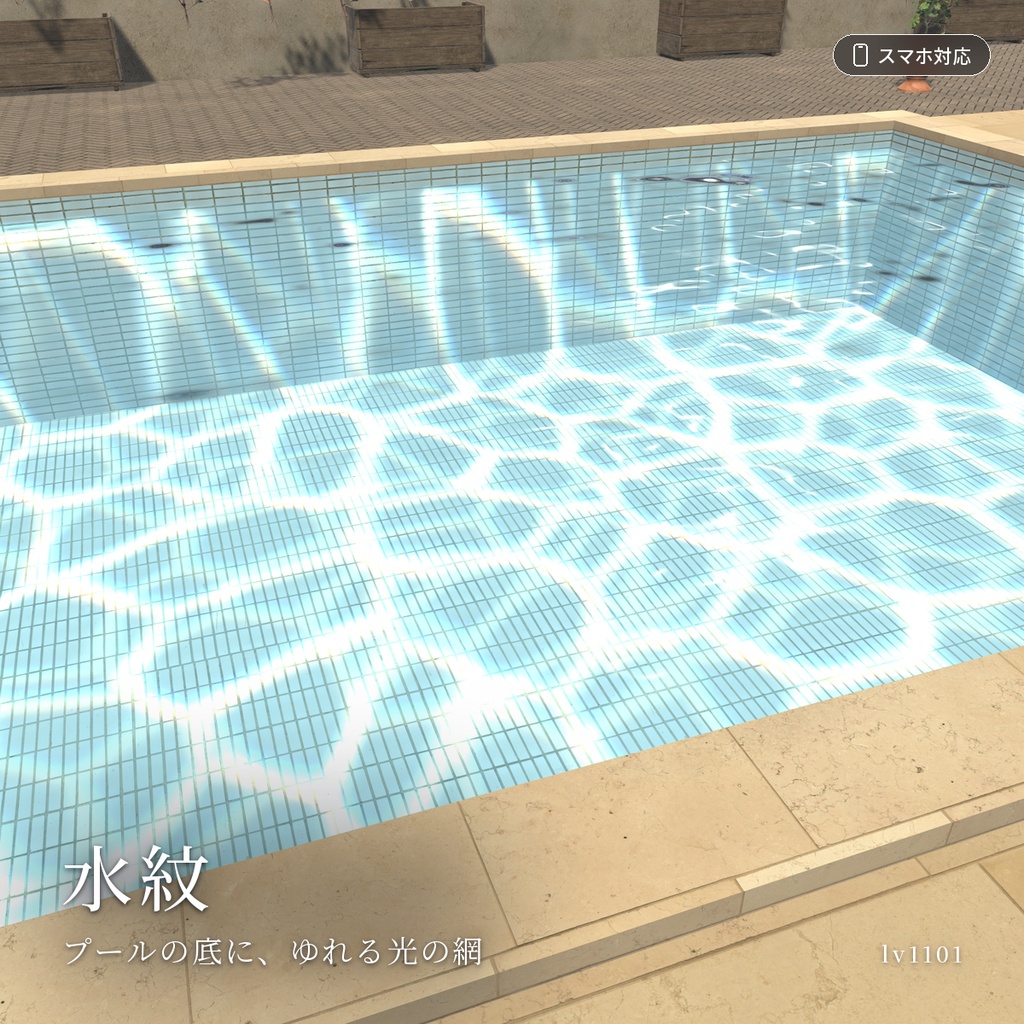
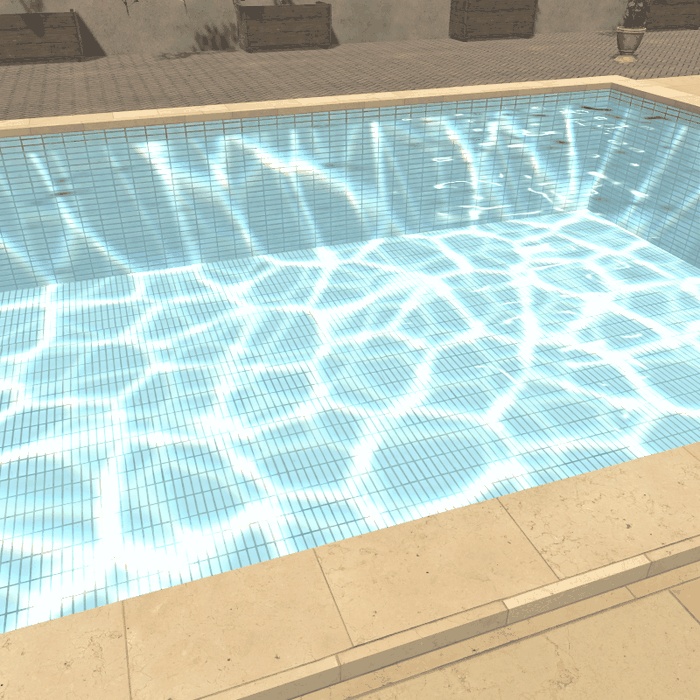
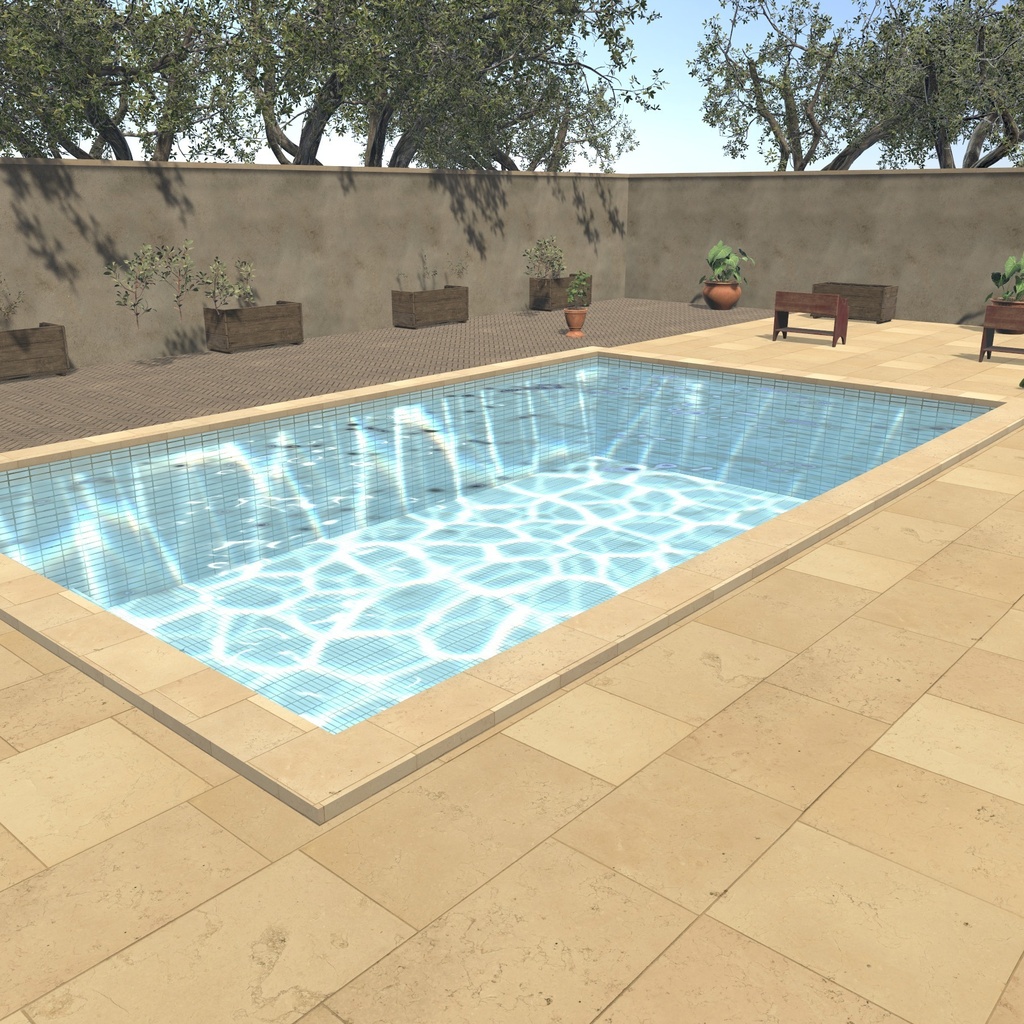
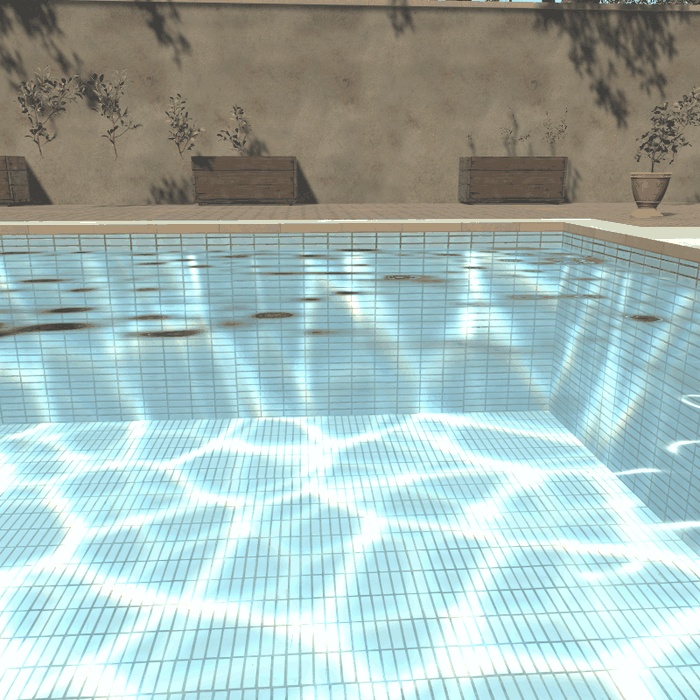
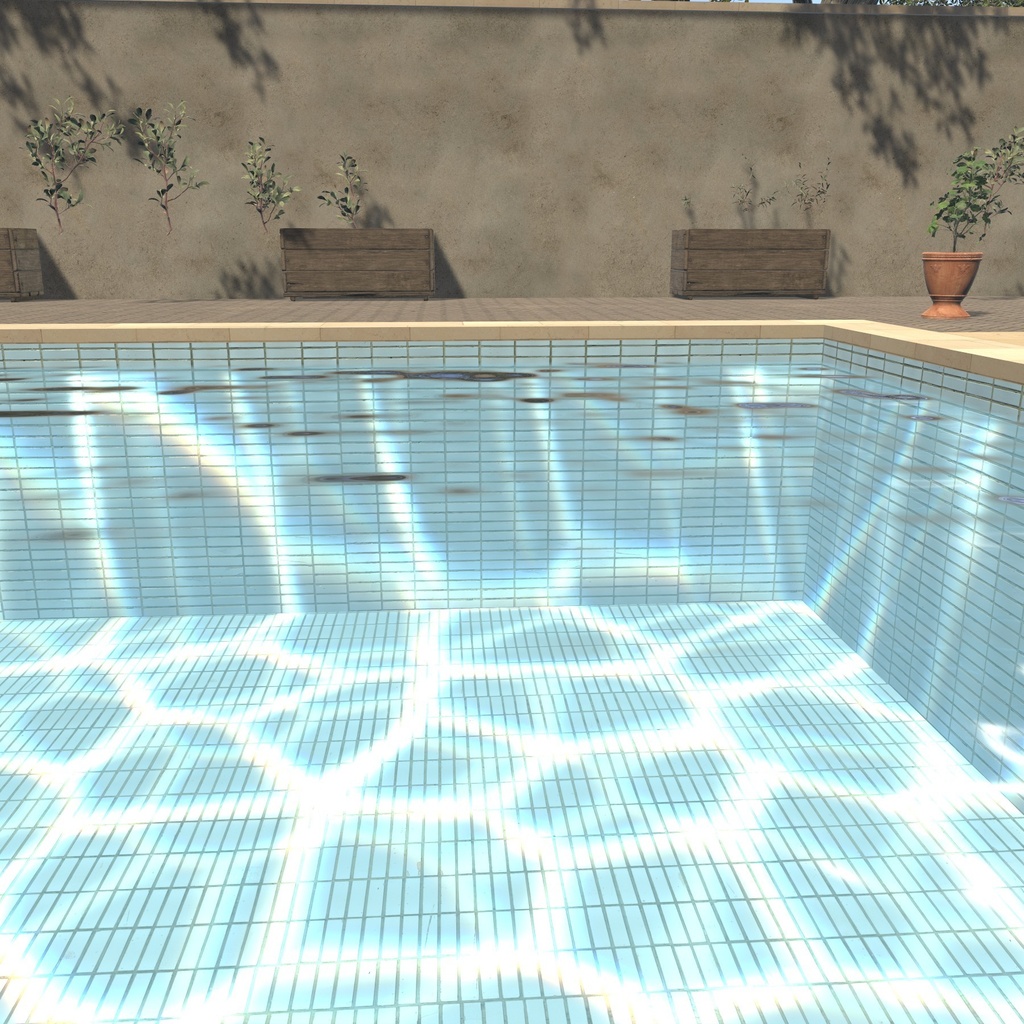
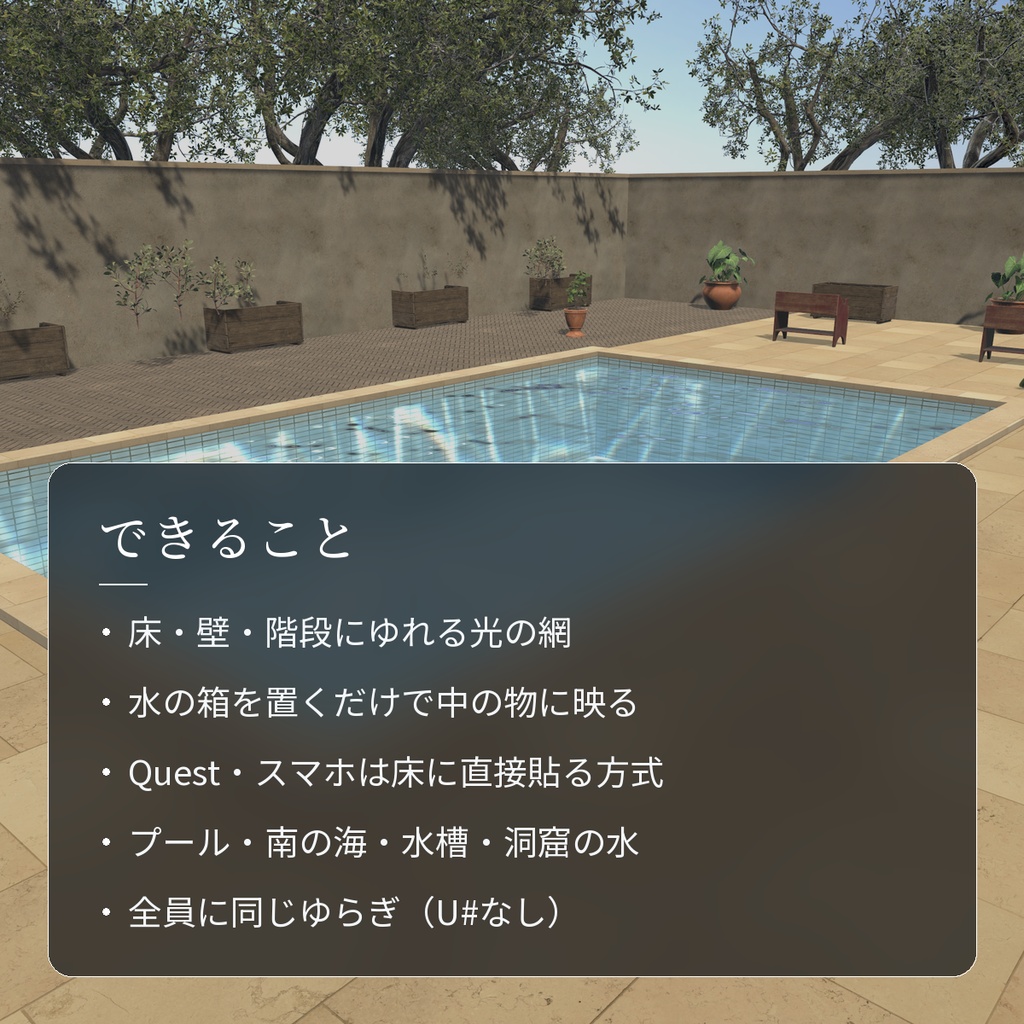
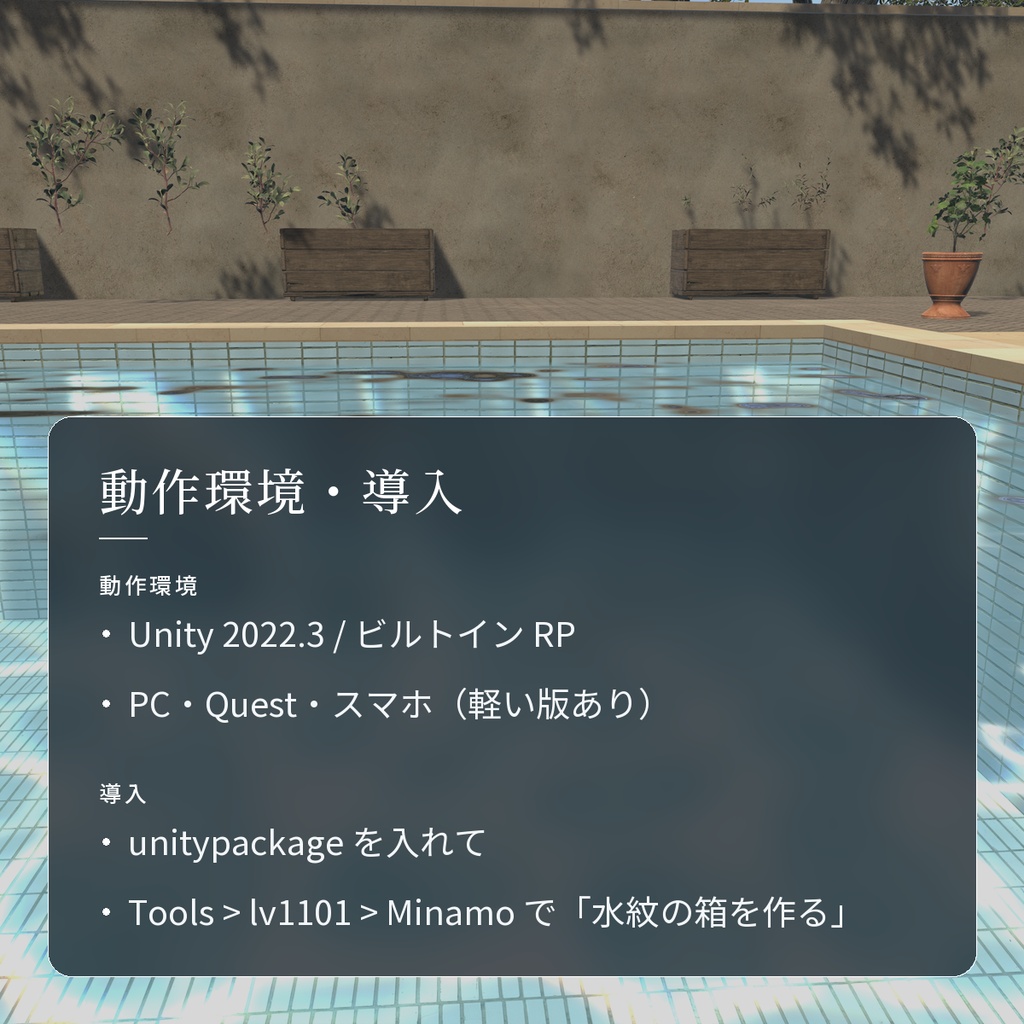
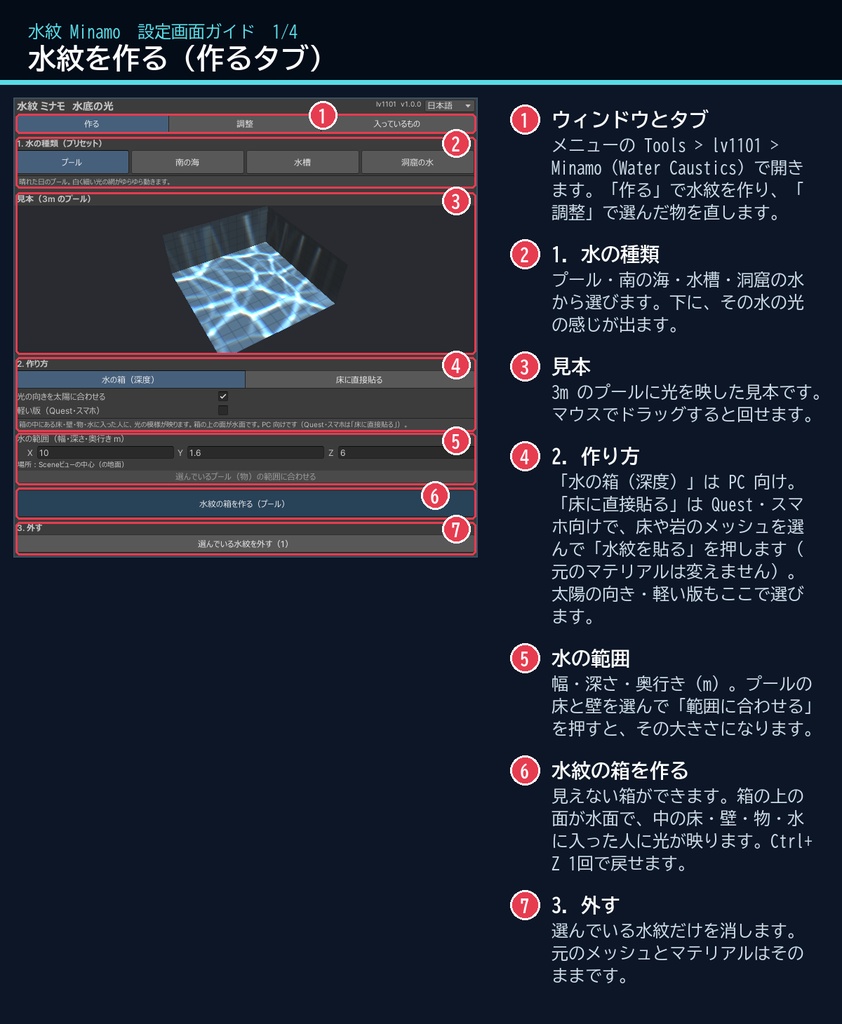
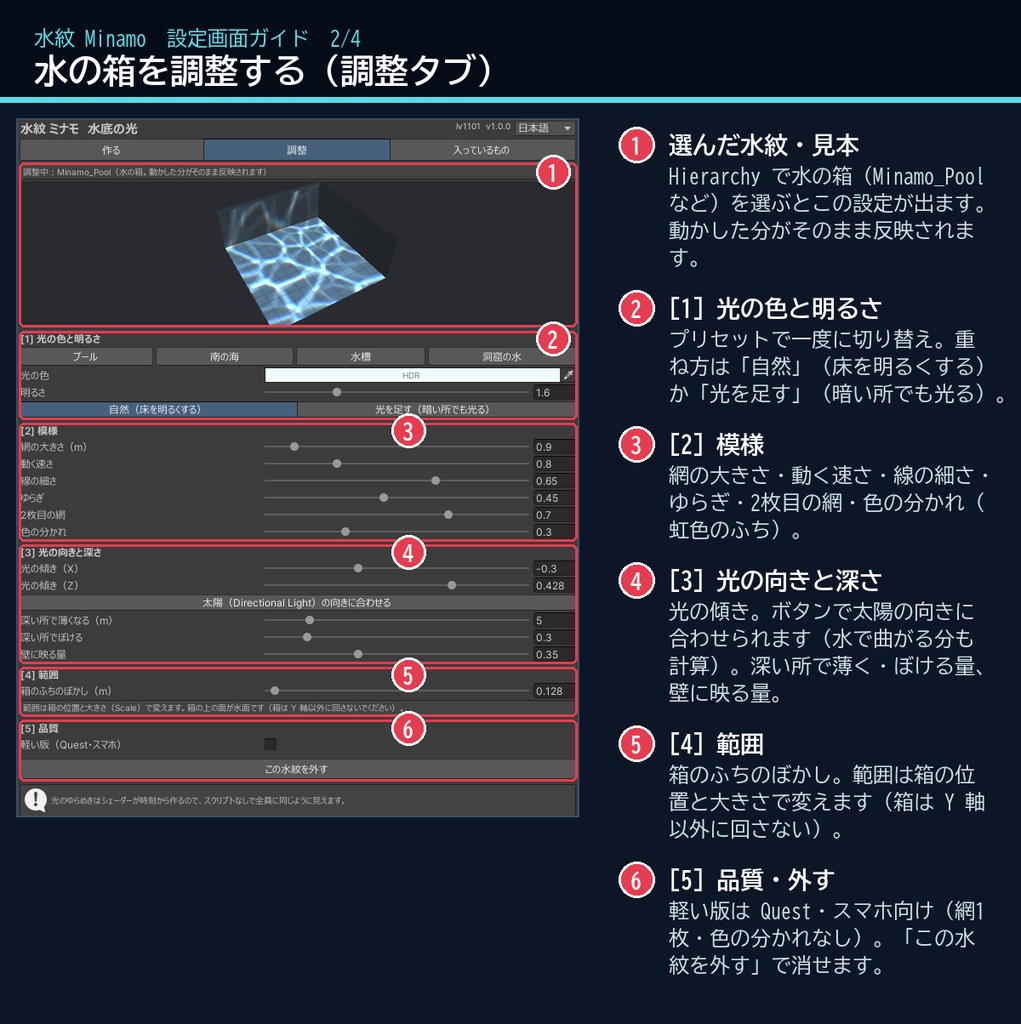
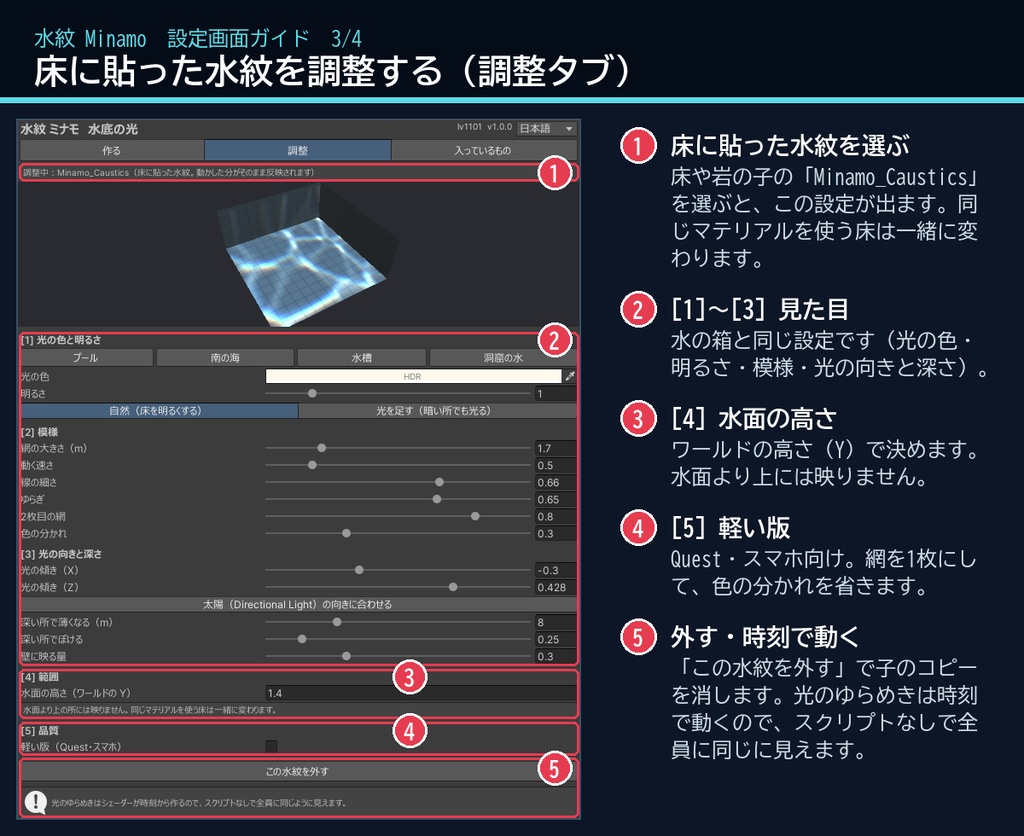
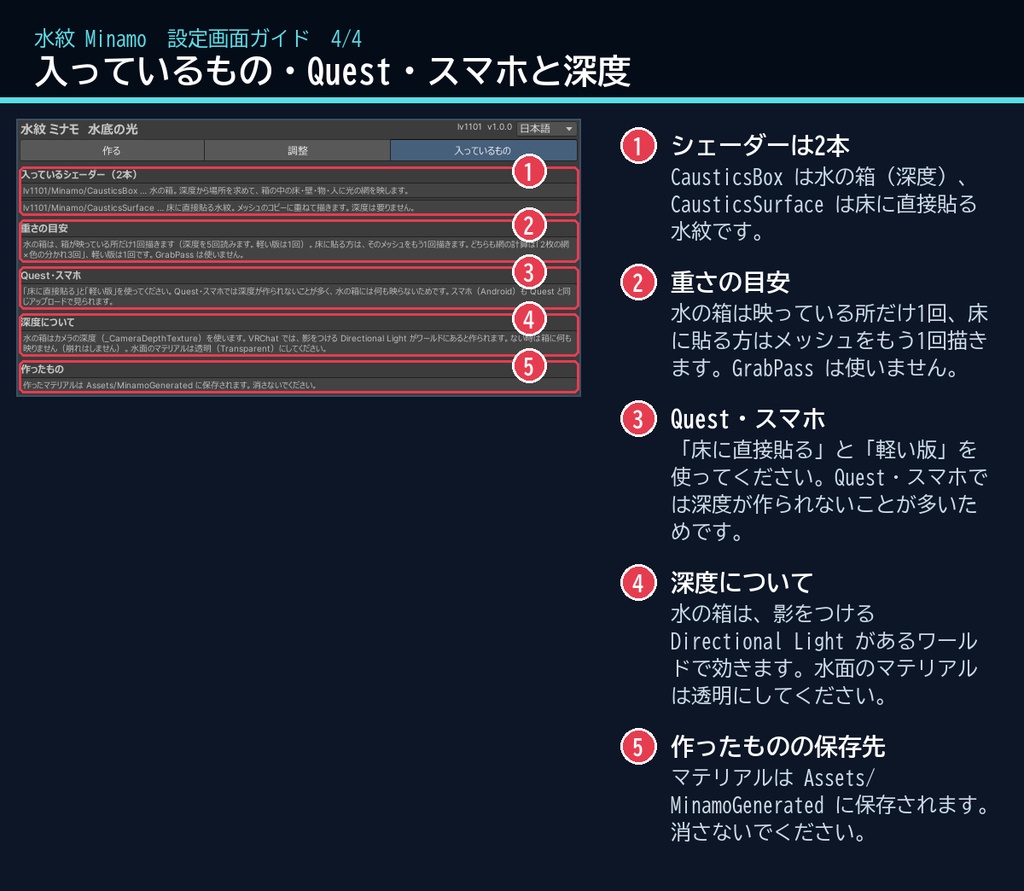
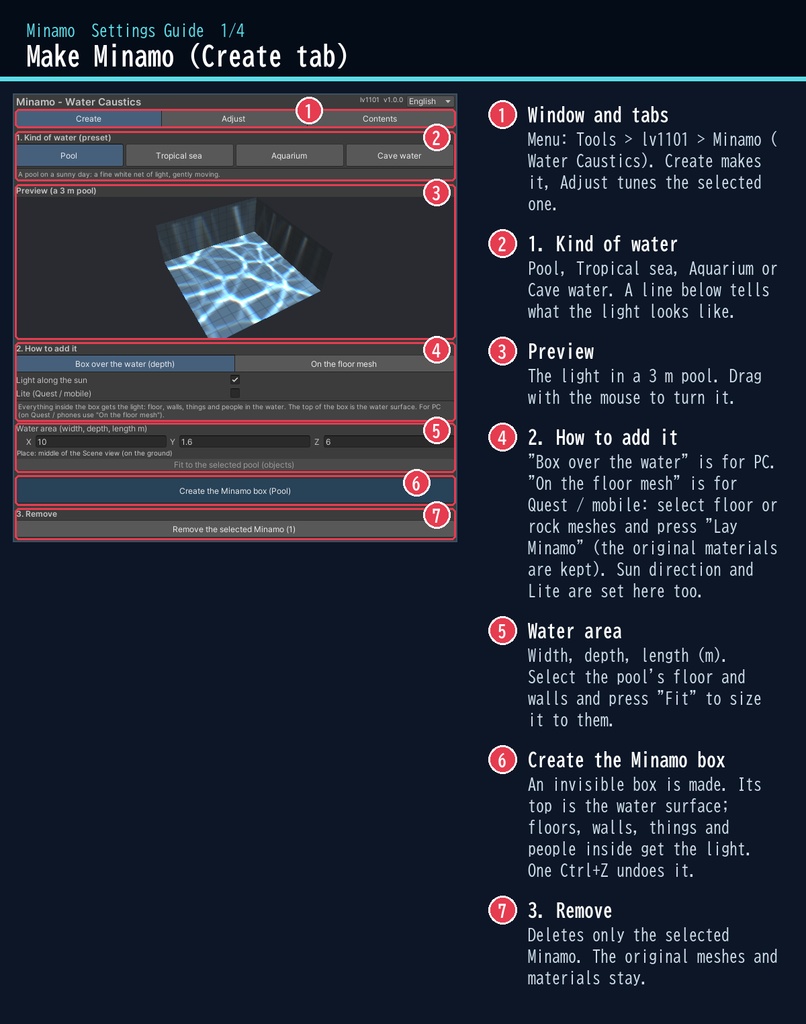
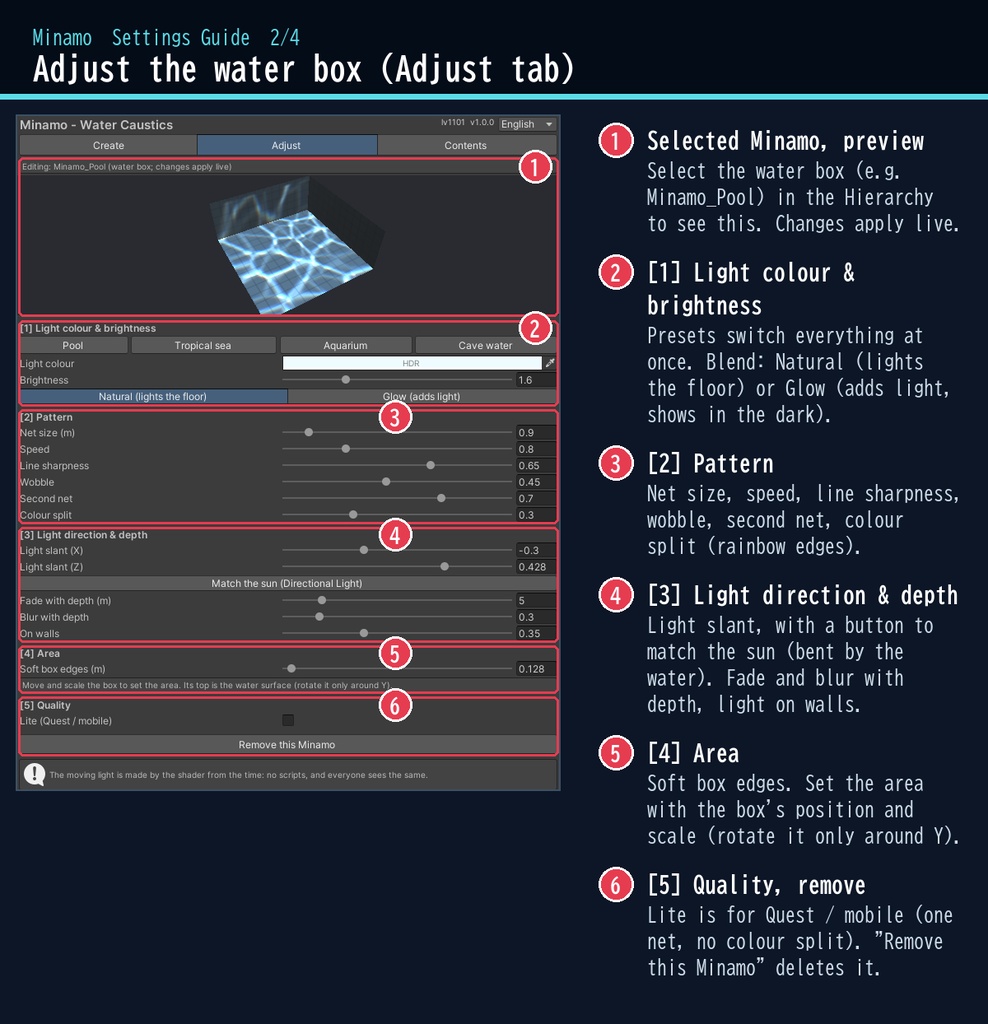
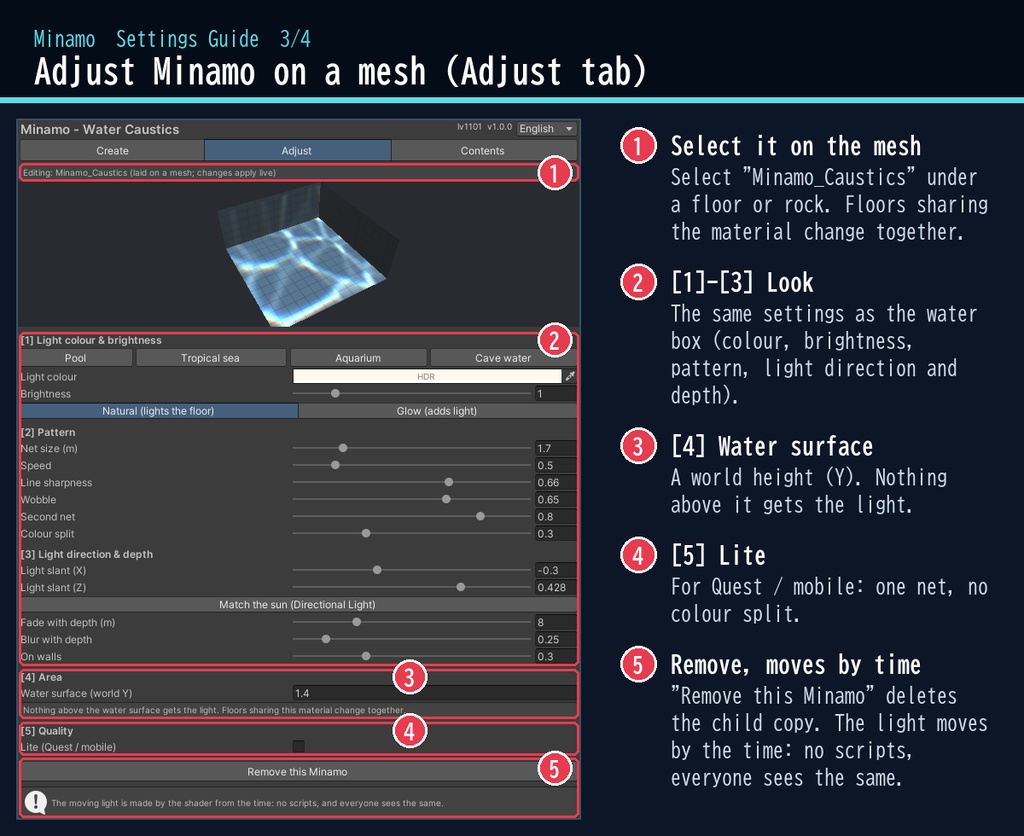
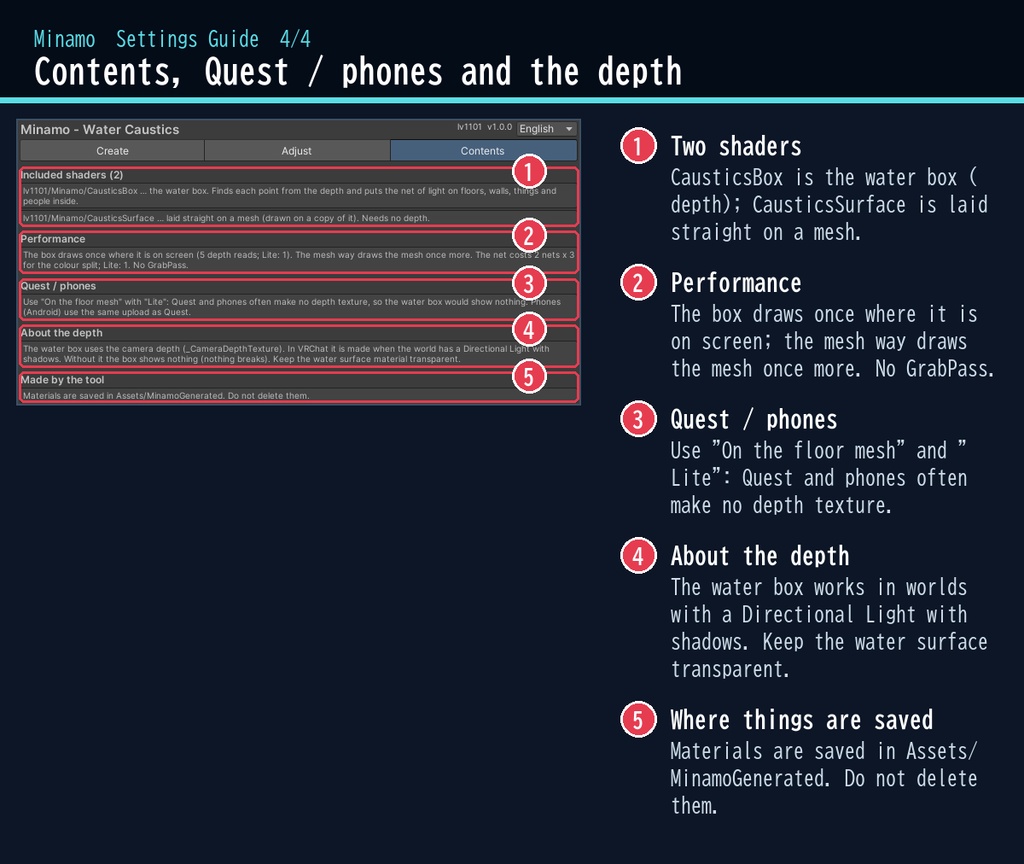


晴れた日のプールの底で、光の網がゆらゆら動く。 「水紋」は、水の底にゆれる光(コースティクス)を映すシェーダーです。 プールに「水の箱」を置くだけで、床・壁・階段から、水に入った人にまで光の網が映ります。網はゆっくり曲がりながら流れて、ワールドにいる全員に同じように見えます。 ■ ポイント ・2枚の網が重なってゆらぐ、白く細い光の線(ふちはほんのり虹色) ・水の箱を置くだけで、中の床・壁・物に映る ・Quest・スマホ向けに、床に直接貼る方式も入っています ・プール/南の海/水槽/洞窟の水のプリセット ・日本語の設定画面(English にも切り替えられます) ↓ 動きは2枚目の GIF、くわしくは下へ。 ■ くわしく ・揺れる光の網:2枚の網が重なり、交わる所が強く光ります。水面のうねりで網がゆっくり曲がります ・色の分かれ:光の線のふちが、ほんのり虹色に分かれます ・深さで変わる:深い所ほど網が広がってぼけ、薄くなります ・光の向き:斜め上から差す光。太陽(Directional Light)の向きに合わせるボタン付き(水の中で曲がる分も計算) ・2つの方式:水の箱(深度・PC 向け)/ 床に直接貼る(深度なし・Quest・スマホ向け。元のマテリアルは変えません) ・重ね方:自然(床を明るくする)/ 光を足す(暗い洞窟でも光る) ・ボタン1つで作成、Ctrl+Z 1回で戻せます。「外す」ボタン付き ※水面のシェーダーは入っていません(水面は透明なマテリアルにしてください)。光は物の影を作りません。 ※「水の箱」は、影をつける Directional Light があるワールドで効きます(深度を使うため)。 ※アバター向けではなく、ワールド向けのシェーダーです。 ■ 動作環境 ・Unity 2022.3(VRChat で使うバージョン)・ビルトイン レンダーパイプライン ・PC / Quest(Android)/ スマホ。Quest・スマホは「床に直接貼る」と「軽い版」をお使いください ・スマホ(Android)は Quest と同じアップロードで見られます(OpenGL ES 3 / Vulkan で確認) ・VRChat SDK3 Worlds(なくても動きます) ■ 導入 1. unitypackage を Unity にドラッグ&ドロップ 2. メニューの Tools > lv1101 > Minamo (Water Caustics) でウィンドウを開く 3. 水の種類を選び、プールを選んで「水紋の箱を作る」(または床を選んで「水紋を貼る」) 使い方は同梱の README_ja.txt に、設定画面の説明は商品画像の「設定画面ガイド」(日本語・英語)にあります。ウィンドウ右上で 日本語 / English を切り替えられます(Auto は PC の言語に合わせます)。 ■ 重さの目安 ・光のゆらめきはシェーダーが時刻から作るので、スクリプト(U#)は使いません ・水の箱はカメラの深度を使います。深度を使わない「床に直接貼る」方式と、Quest・スマホ向けの「軽い版」があります ■ 内容物 ・Minamo_1.0.1.unitypackage(README_ja.txt / README_en.txt 入り) ・利用規約.txt / TermsOfUse_en.txt ■ 利用規約(概要) ・VRChat のワールド(Public/商用・有料イベントを含む)で使えます ・改変できます ・シェーダー・スクリプトの再配布、転売はできません(改変したものも含む) ・クレジット表記は任意です(書いていただけると嬉しいです) くわしくは同梱の 利用規約.txt をご覧ください。 ※商品画像の背景(プールの床・壁・デッキ・植木・空・水面)は撮影用で、商品には含みません。 背景の素材:Poly Haven(CC0)。商品には含みません。 ■ English Minamo is a water caustics shader for VRChat worlds (Built-in RP, Unity 2022.3). It throws a gently moving net of light on pool floors and walls, or on the sand and rocks under the water — placed and tuned from a dedicated editor window. No Udon / U# needed: the light is driven by time, so every player sees the same. Place one "water box" and everything inside gets the light: floor, walls, steps, things and even people in the water (it reads the scene depth; works in worlds with a shadowed Directional Light). For Quest and mobile, lay it straight on the floor and rock meshes instead (no depth needed; the original materials are kept). Two overlapping nets, rainbow colour split, softer and dimmer with depth, light direction matched to the sun (bent by the water). Presets: Pool / Tropical sea / Aquarium / Cave water. Lite setting for Quest and mobile. Phones (Android) use the same upload as Quest; checked on OpenGL ES 3 and Vulkan. • Full English UI: switch Auto / 日本語 / English at the top right of the window • English README (README_en.txt) and Terms of Use (TermsOfUse_en.txt) included • English settings guide images are included in the product images Install: import the unitypackage, open Tools > lv1101 > Minamo (Water Caustics), pick a kind of water, select your pool and press "Create the Minamo box" (or select the floor and press "Lay Minamo"). Terms (summary): usable in VRChat worlds including public / commercial worlds and paid events; modification allowed; redistribution or resale of the shader / scripts (including modified versions) is not allowed; credit is optional. ■ 更新履歴 / Version history 1.0.1 Linear 色空間(VRChat と同じ)で光が弱く見えていたのを修正・ミラーの中でも水の箱の光が映るように / Fixed the light looking weak in Linear colour space (as in VRChat); the water box now also shows in mirrors 1.0.0 最初の版 / First release