

【VRChat】前髪越しに目が見える 透髪 スカシガミ Sukashigami See-through Bangs(アバター向け)
- ダウンロード商品¥ 500
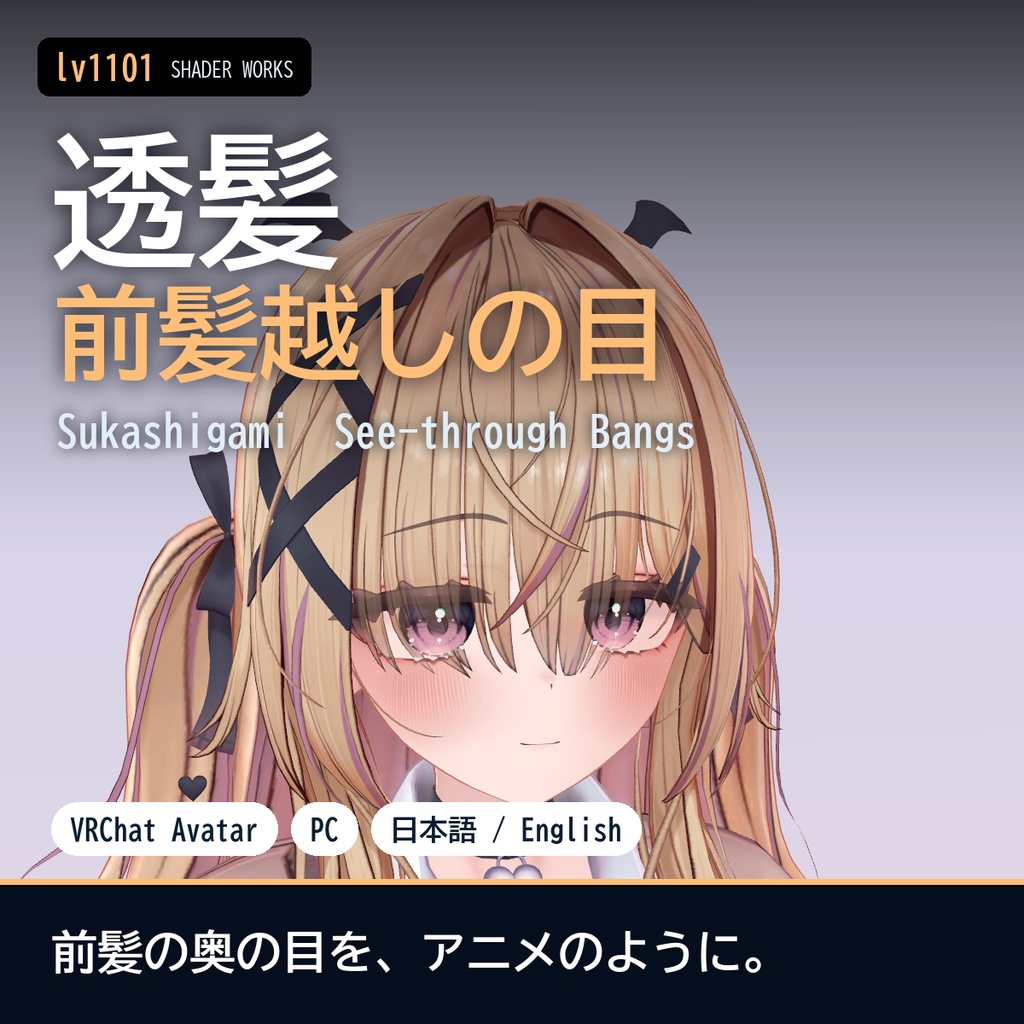
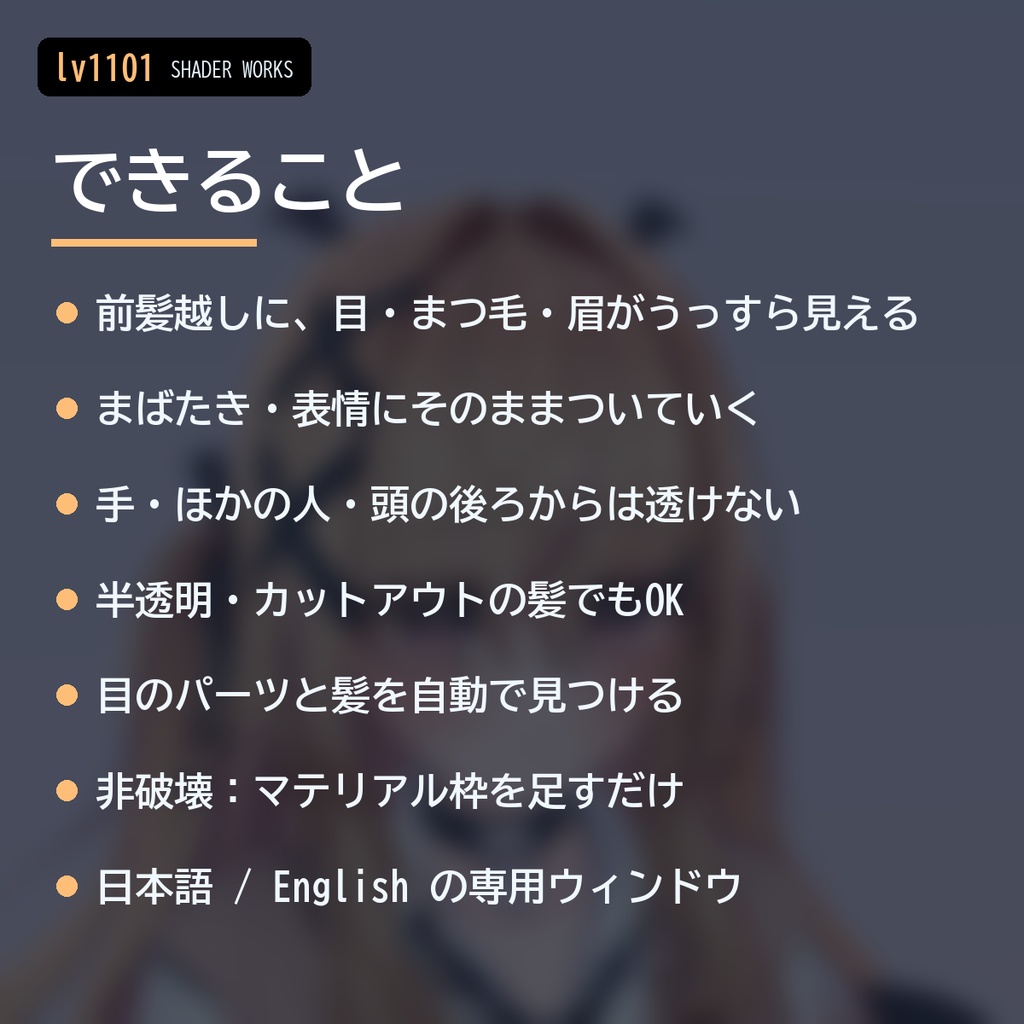
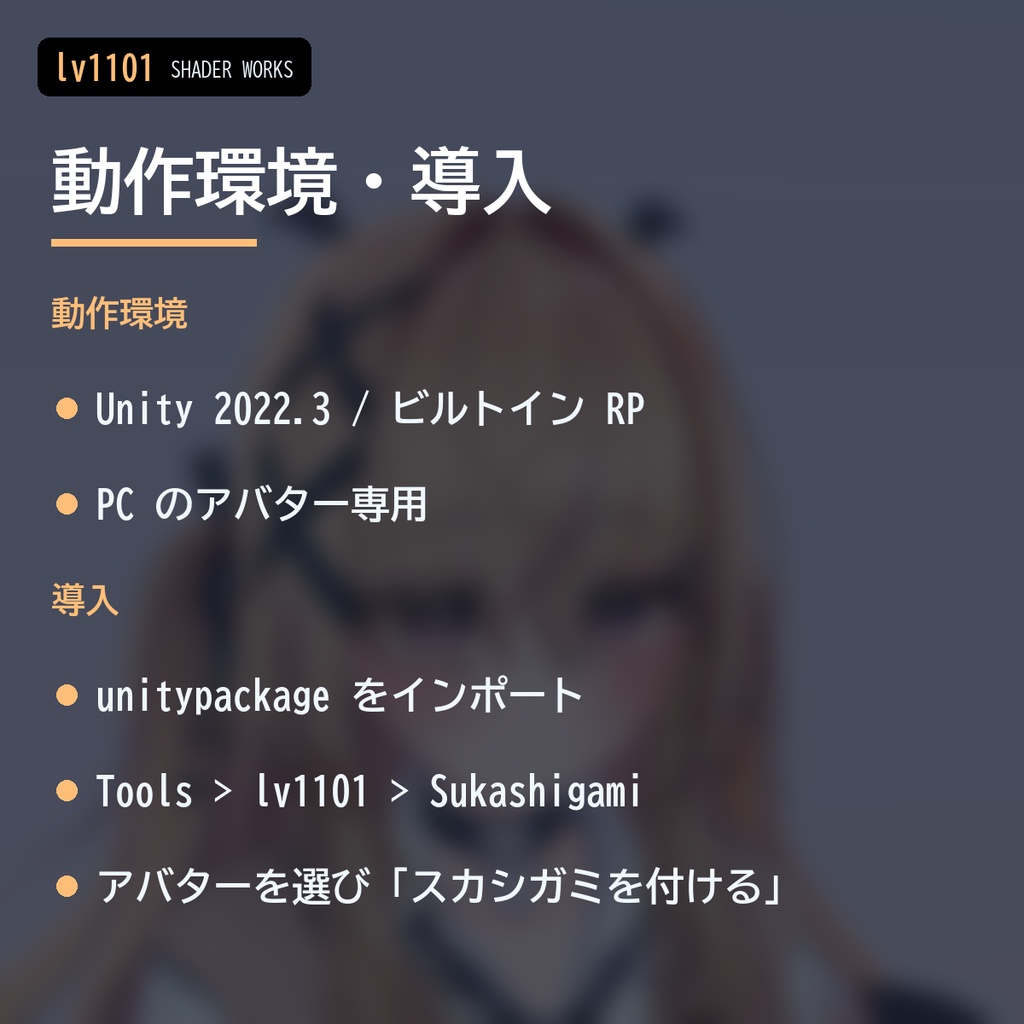
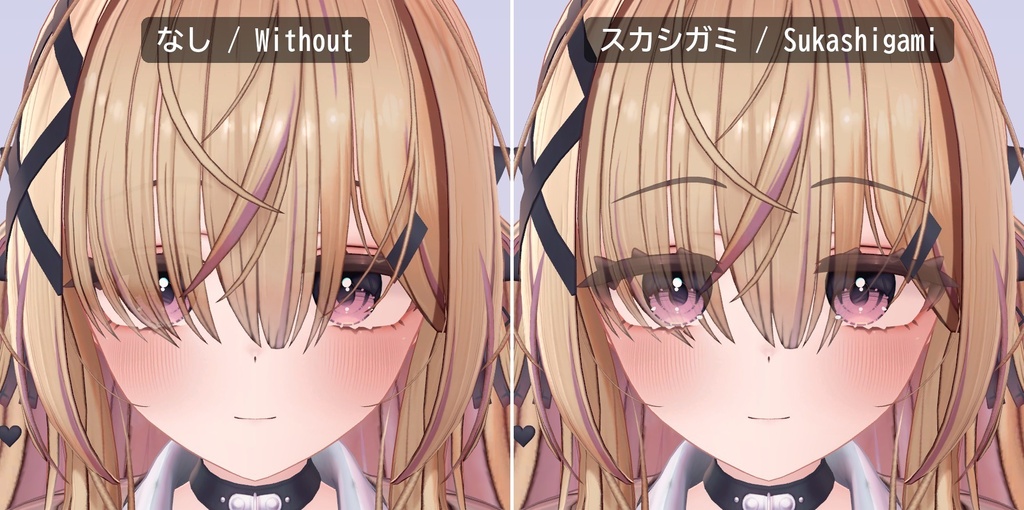
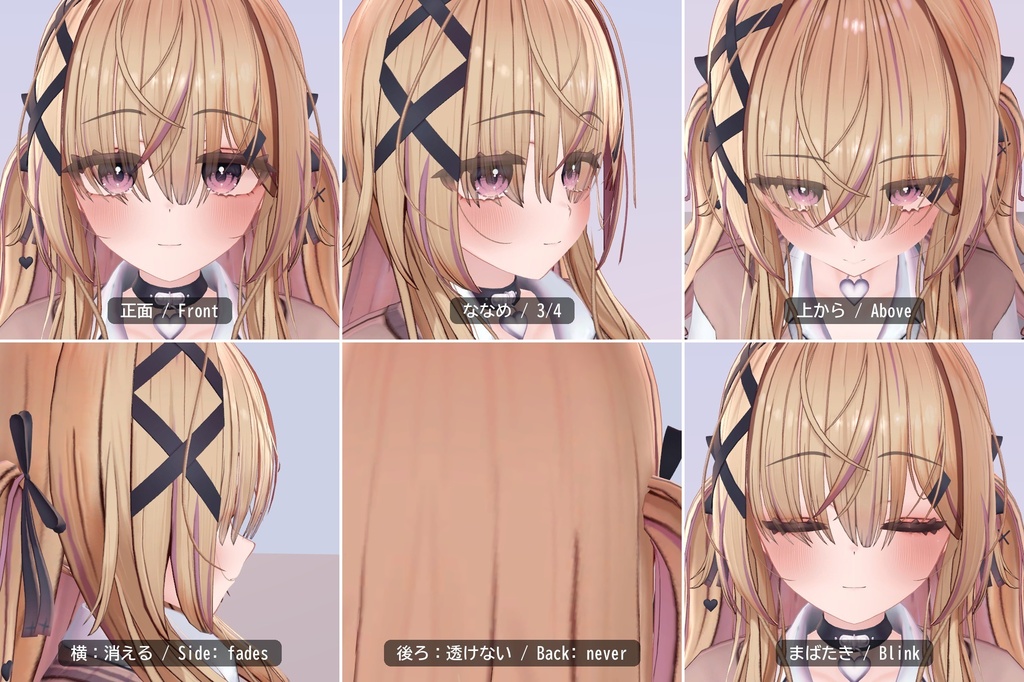
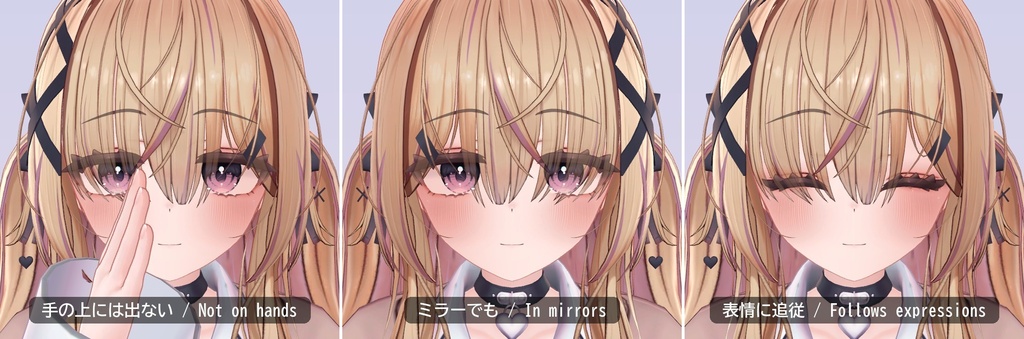
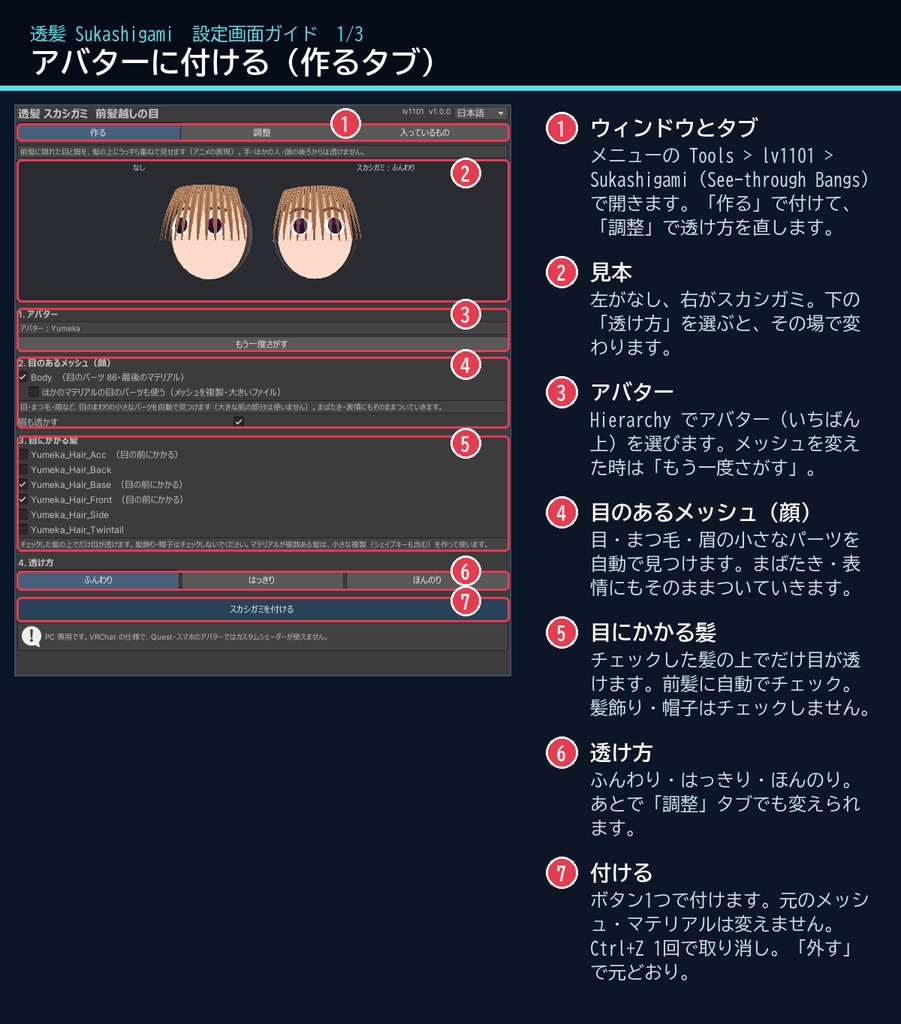
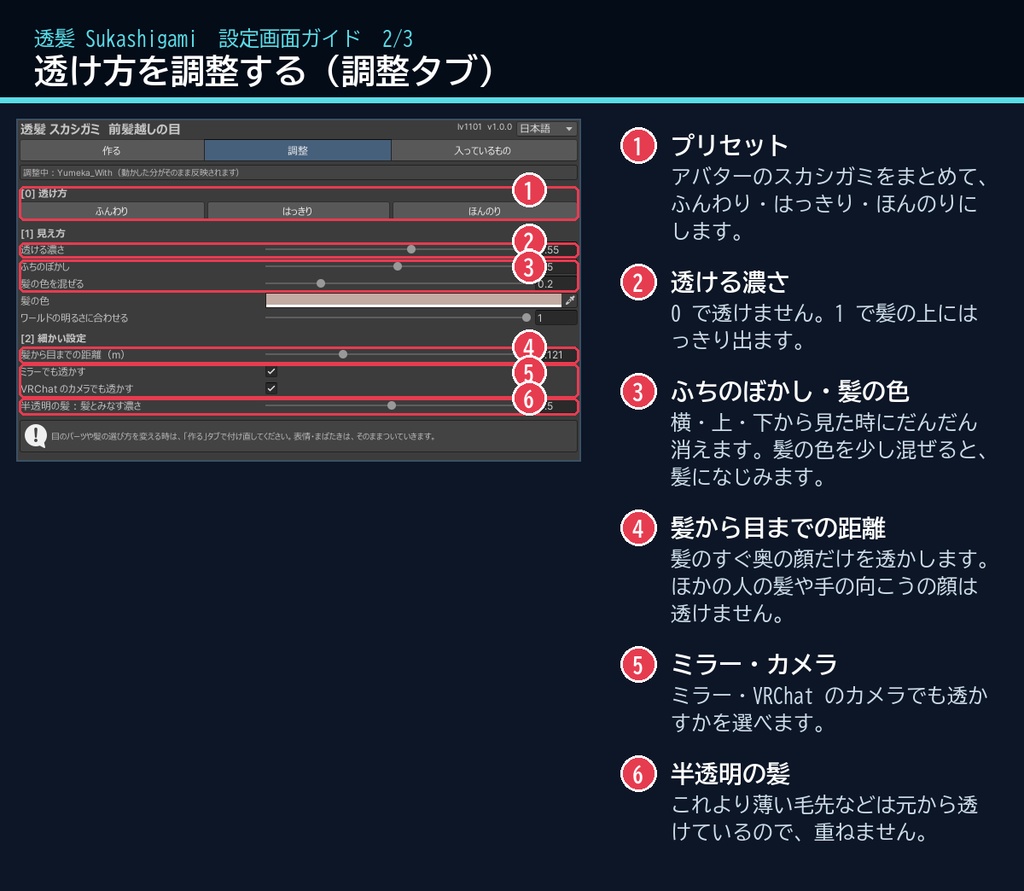
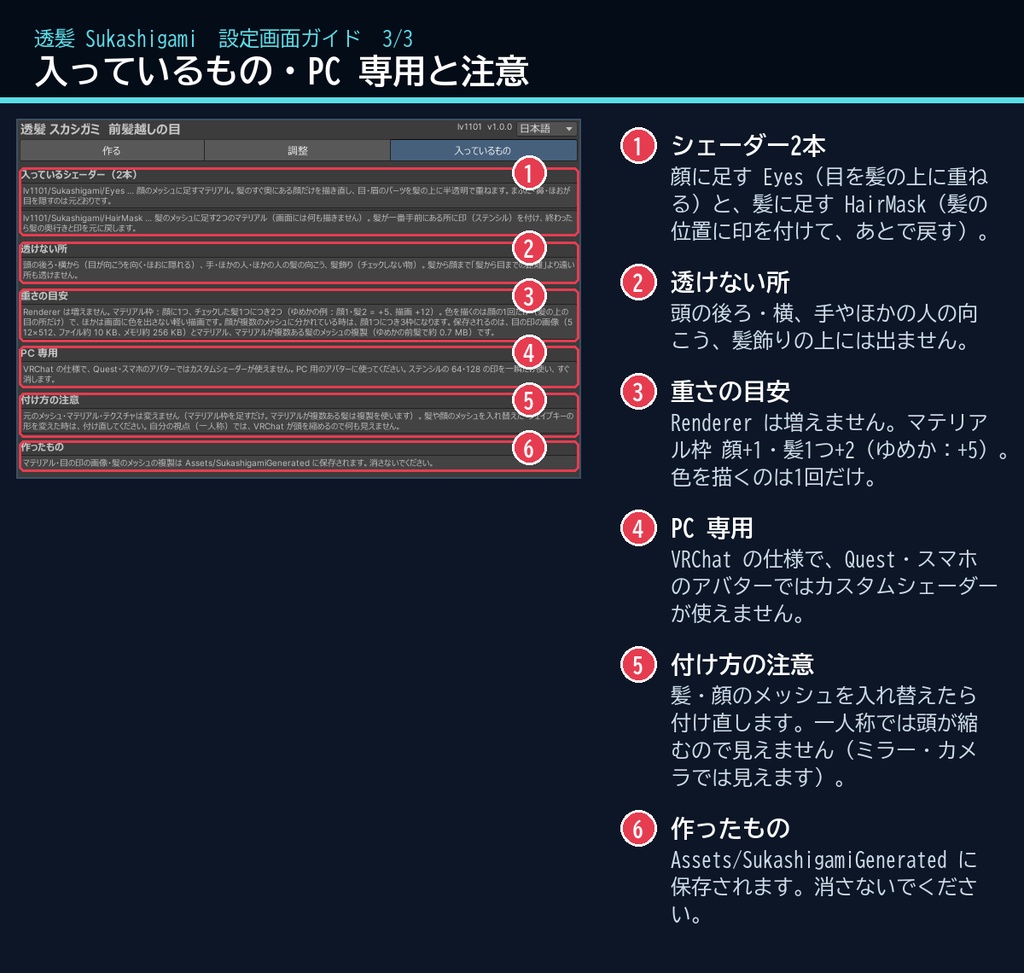
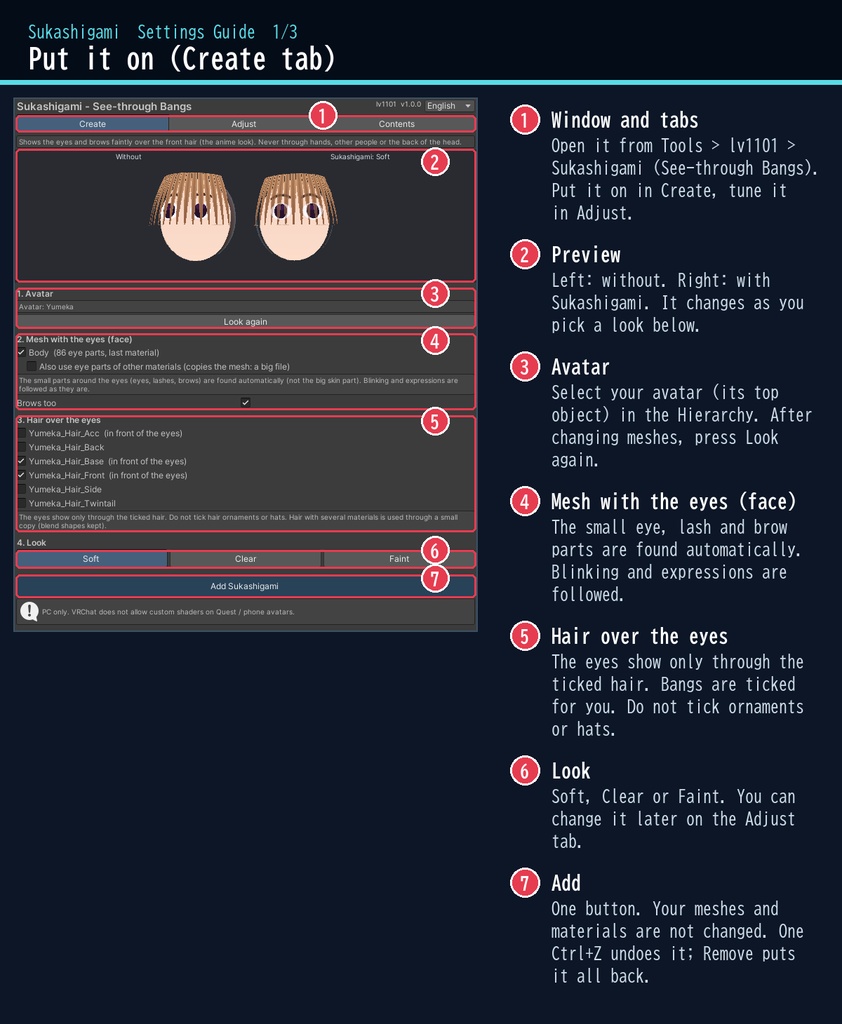
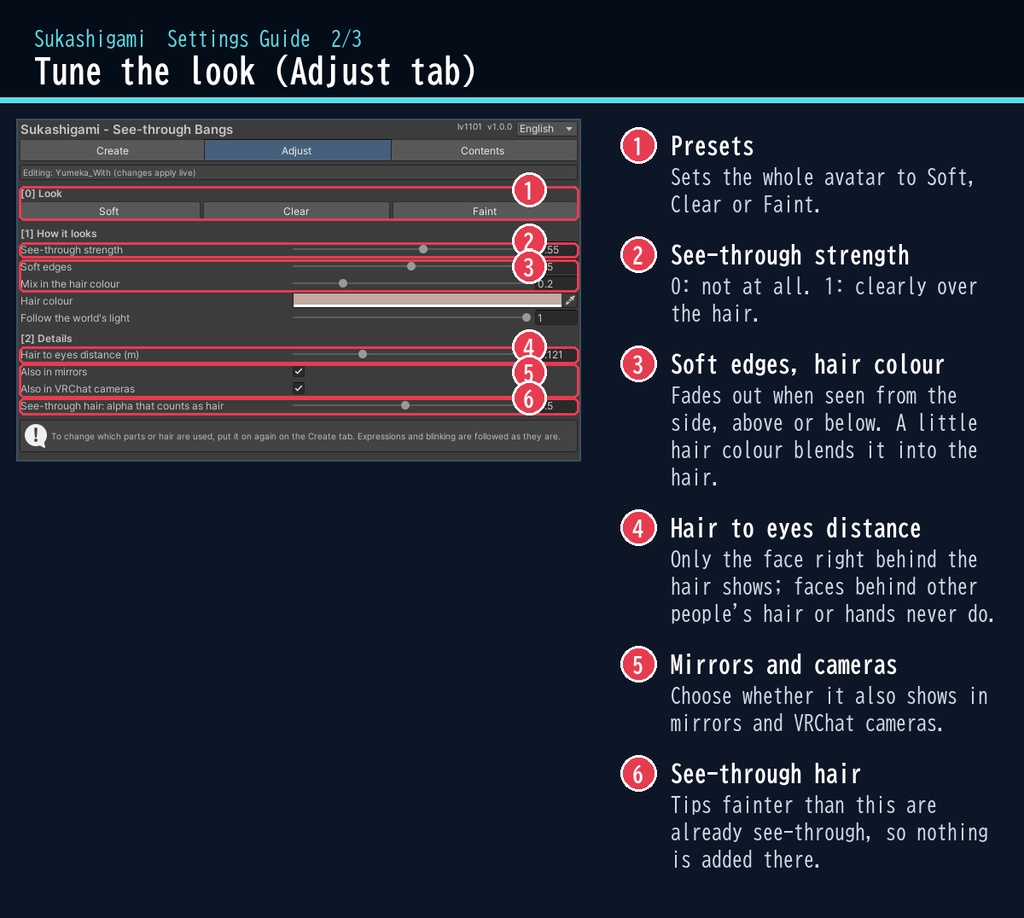
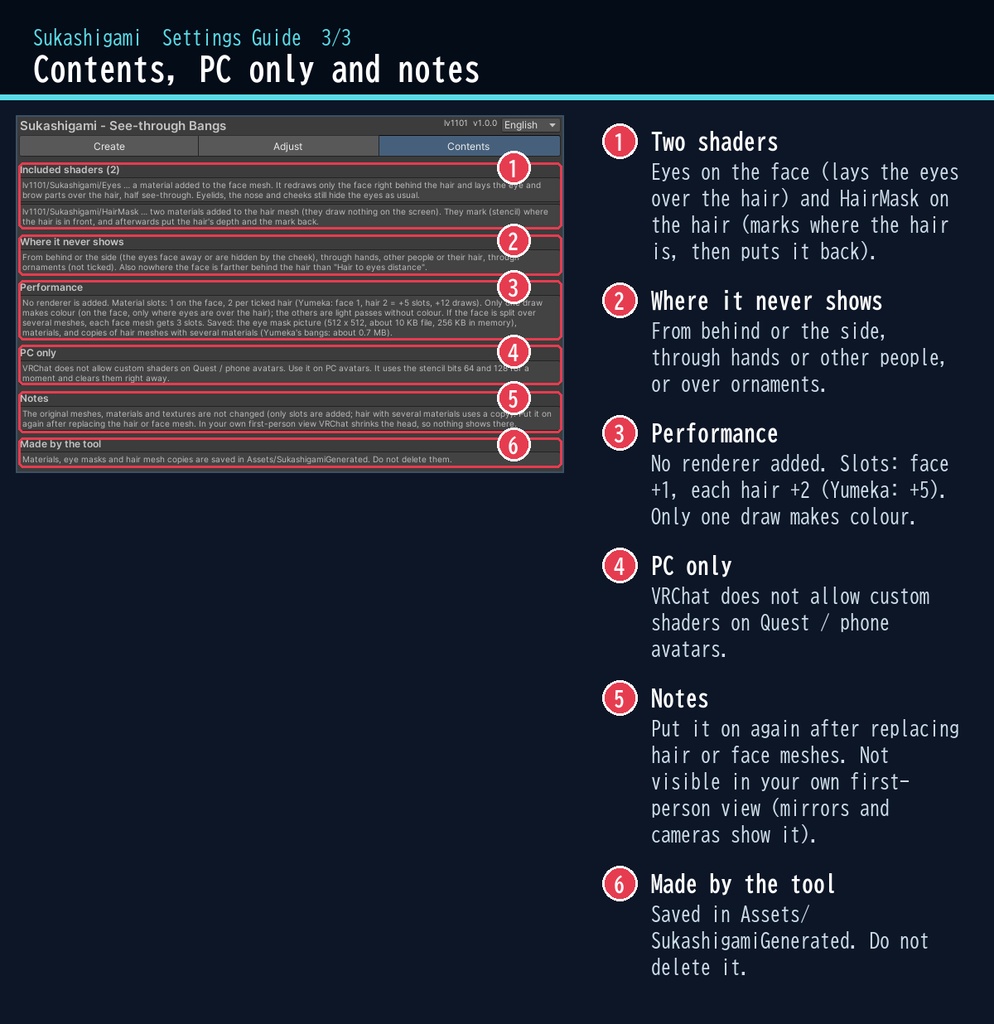


VRChat アバター向けの、前髪越しに目と眉が見えるシェーダーです。PC のアバター専用です。 アニメのように、前髪に隠れた目・まつ毛・眉を、髪の上にうっすら重ねて見せます。 まばたき・表情のシェイプキーにそのままついていき、閉じた目は髪越しでも閉じたままです。 手・ほかの人・ほかの人の髪・頭の後ろからは透けません。横・真上から見ると自然に薄く消えます。 スクリプト(U#)なしで、見ている全員に同じ見え方になります。 日本語 / English の専用ウィンドウで、アバターを選んでボタン1つで付けられます。 ■ できること ・前髪越しの目:目・まつ毛・眉を髪の上に半透明で重ねます(透ける濃さ・ふちのぼかし・髪の色を混ぜる) ・プリセット:ふんわり / はっきり / ほんのり ・まばたき・表情:顔のメッシュにマテリアル枠を足す方式なので、シェイプキーにそのままついていきます ・正しく隠れる:閉じたまぶた・鼻・ほおに隠れた目は、髪越しでも隠れたまま。頭の後ろからは見えません ・透けない所:手・ほかの人・その髪の向こうの顔は透けません(髪のすぐ奥の顔だけを描きます) ・半透明の髪・カットアウトの髪・ふつうの髪のどれでも使えます(lilToon で確認) ・自動:目のまわりの小さなパーツ(目・まつ毛・眉)と、目にかかる髪を自動で見つけます。チェックで直せます ・ミラー・VRChat のカメラでも見えます(それぞれオフにもできます) ・非破壊:元のメッシュ・マテリアル・テクスチャは変えません。「外す(元に戻す)」で全部元どおり。付けるのも Ctrl+Z 1回で取り消せます ■ 動作環境 ・Unity 2022.3(VRChat で使うバージョン) ・ビルトイン レンダーパイプライン ・PC 専用(VRChat の仕様で、Quest・スマホのアバターではカスタムシェーダーが使えません) ・VRChat SDK3 Avatars(なくてもコンパイルできます。Modular Avatar も不要です) ・顔・髪のシェーダーは何でもかまいません(lilToon 2.3.4 で確認) ・深度テクスチャは使わないので、どのワールドでも同じように見えます ■ 導入 1. unitypackage を Unity にドラッグ&ドロップしてインポート 2. メニューの Tools > lv1101 > Sukashigami (See-through Bangs) でウィンドウを開く 3. Hierarchy でアバターを選び、「スカシガミを付ける」を押す(顔と髪には自動でチェックが付きます) 詳しい使い方は同梱の README_ja.txt をご覧ください。 設定画面の説明は、商品画像の「設定画面ガイド」(日本語・英語)にあります。 ウィンドウ右上で 日本語 / English を切り替えられます(Auto は PC の言語に合わせます)。 ■ 重さの目安 Renderer は増えません。マテリアル枠が顔に1つ・チェックした髪1つにつき2つ増えます(パフォーマンスランクのマテリアル数に入ります)。 例:ゆめかでは マテリアル枠 +5、描画 +12。色を描くのは1回(髪の上の目だけ)で、ほかは画面に色を出さない軽い描画です。 マテリアルが複数ある髪は小さな複製を作って使います(ゆめかの前髪で約 0.7 MB)。 ■ 内容物 ・Sukashigami_1.0.0.unitypackage(README_ja.txt / README_en.txt 入り) ・利用規約.txt / TermsOfUse_en.txt ※商品ページの画像に映っているアバター・衣装などは商品に含みません。 ※画像のアバター:ゆめか Yumeka(©Arka_X / https://booth.pm/ja/items/8672657 )。商品には含みません。画像では、ゆめかの前髪を長くするシェイプキーを使っています。 ※目のパーツは自動で見つけます。アバターによっては、目が透けない・肌が少し透けることがあります。チェックや「眉も透かす」を見直して付け直してください。 ※目のパーツが顔のメッシュの最後のマテリアルに無いアバターでは、顔のメッシュを複製します(シェイプキーも全部コピーするので、プロジェクトのファイルが大きくなります。アップロードの大きさは変わりません)。 ※自分の視点(一人称)では、VRChat が頭を縮めるので見えません(ミラー・カメラでは見えます)。 ※ステンシルの 64・128 を描く間だけ使って消します。ほかのステンシルを使うシェーダーと、ごくまれに重なることがあります。 ■ 利用規約(概要) ・VRChat のアバター(Public/商用・有料イベントでの使用を含む)で使えます ・改変できます ・シェーダー・スクリプトの再配布、転売はできません(改変したものも含む) ・クレジット表記は任意です(書いていただけると嬉しいです) 詳しくは同梱の 利用規約.txt をご覧ください。 ―――――――――――――――― ■ English Sukashigami lets the eyes and brows of a VRChat avatar show through the front hair, like in anime (PC only, Built-in RP, Unity 2022.3). The eyes, lashes and brows hidden by the bangs are laid faintly over the hair. Blinking and expression blend shapes are followed as they are, and closed eyes stay closed under the hair. Nothing shows through hands, other people, their hair or the back of the head, and it fades out when seen from the side or straight above. No Udon / U# needed: everyone sees the same. Select your avatar in the dedicated window and press one button: the eye parts (eyes, lashes, brows) and the hair over the eyes are found automatically. Works with opaque, cutout and see-through hair (checked with lilToon). It is non-destructive: material slots are added (hair with several materials uses a small copy); your meshes, materials and textures are not changed. "Remove" puts everything back. Adjust the strength, soft edges and hair colour mix. Presets: Soft / Clear / Faint. Also in mirrors and VRChat cameras (each can be switched off). PC avatars only: VRChat does not allow custom shaders on Quest / mobile avatars. No depth texture is used, so it looks the same in every world. Performance: no renderer is added; +1 material slot on the face and +2 per ticked hair mesh (Yumeka: +5 slots, +12 draws; only one of them draws colour, the others are light passes without colour). • Full English UI: switch Auto / 日本語 / English at the top right of the window • English README (README_en.txt) and Terms of Use (TermsOfUse_en.txt) included • English settings guide images are included in the product images • Avatar in the images: Yumeka (©Arka_X), not included. Install: import the unitypackage, open Tools > lv1101 > Sukashigami (See-through Bangs), select your avatar and press "Add Sukashigami". Terms (summary): usable on VRChat avatars, including public use, commercial use and paid events; modification allowed; redistribution or resale of the shader / scripts (including modified versions) is not allowed; credit is optional. ■ 更新履歴 / Version history 1.0.0 最初の版 / First release