

おすそわけドレス - 非対応衣装を別アバターへ合わせる【JA,EN,KO】
- ダウンロード商品¥ 700
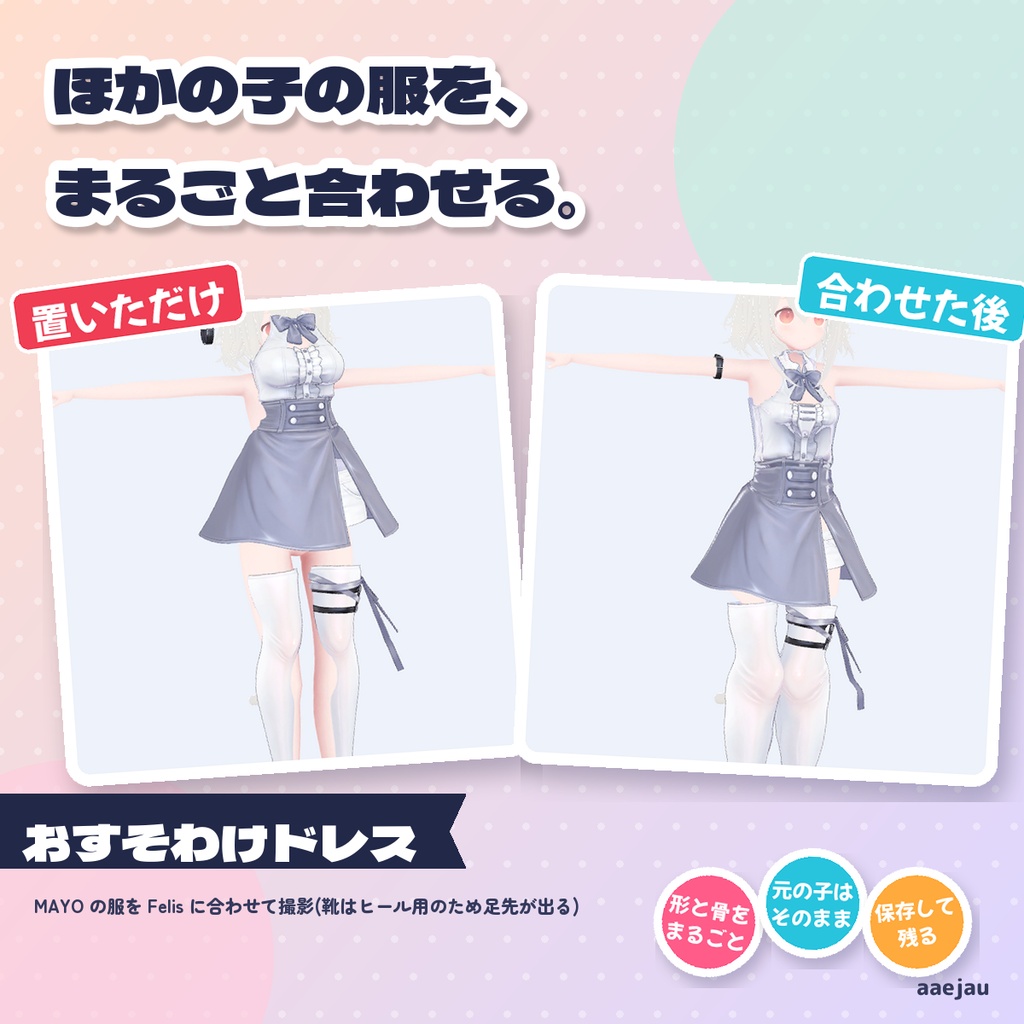
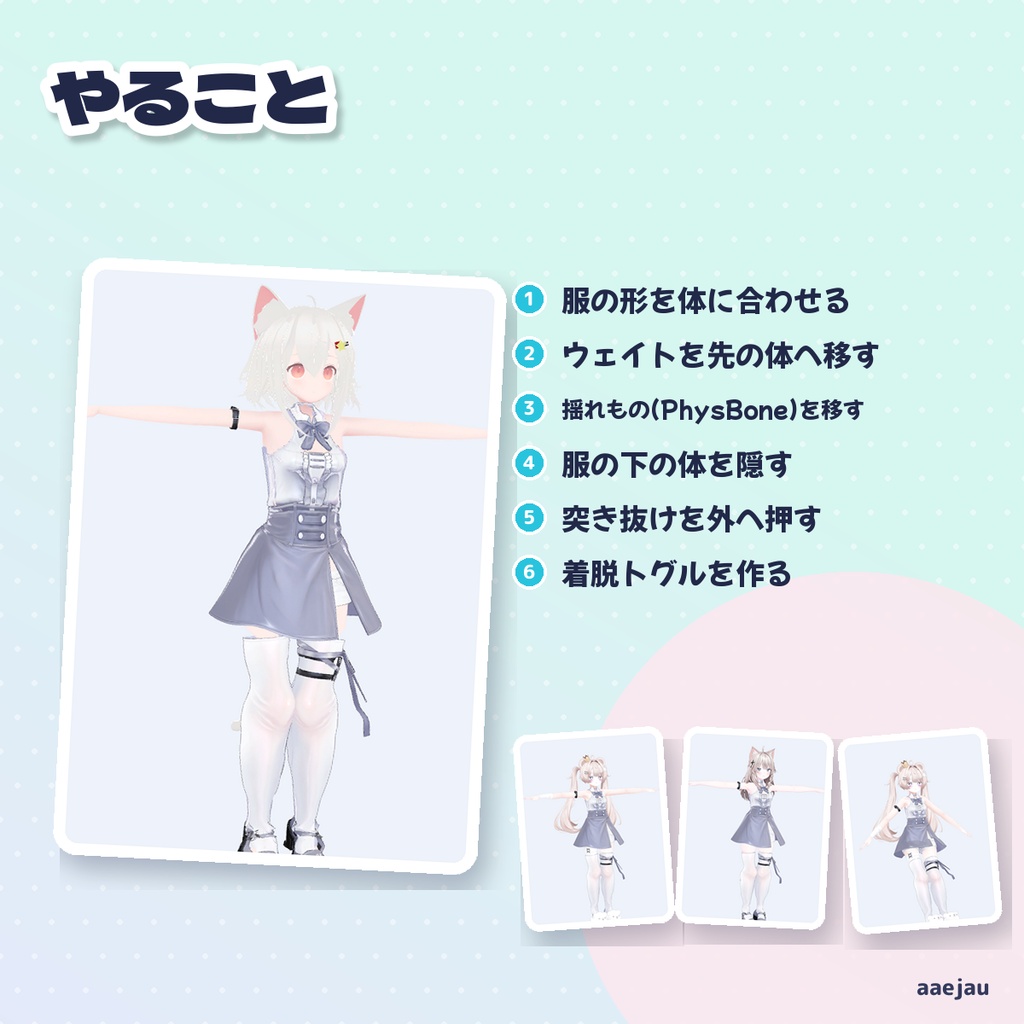
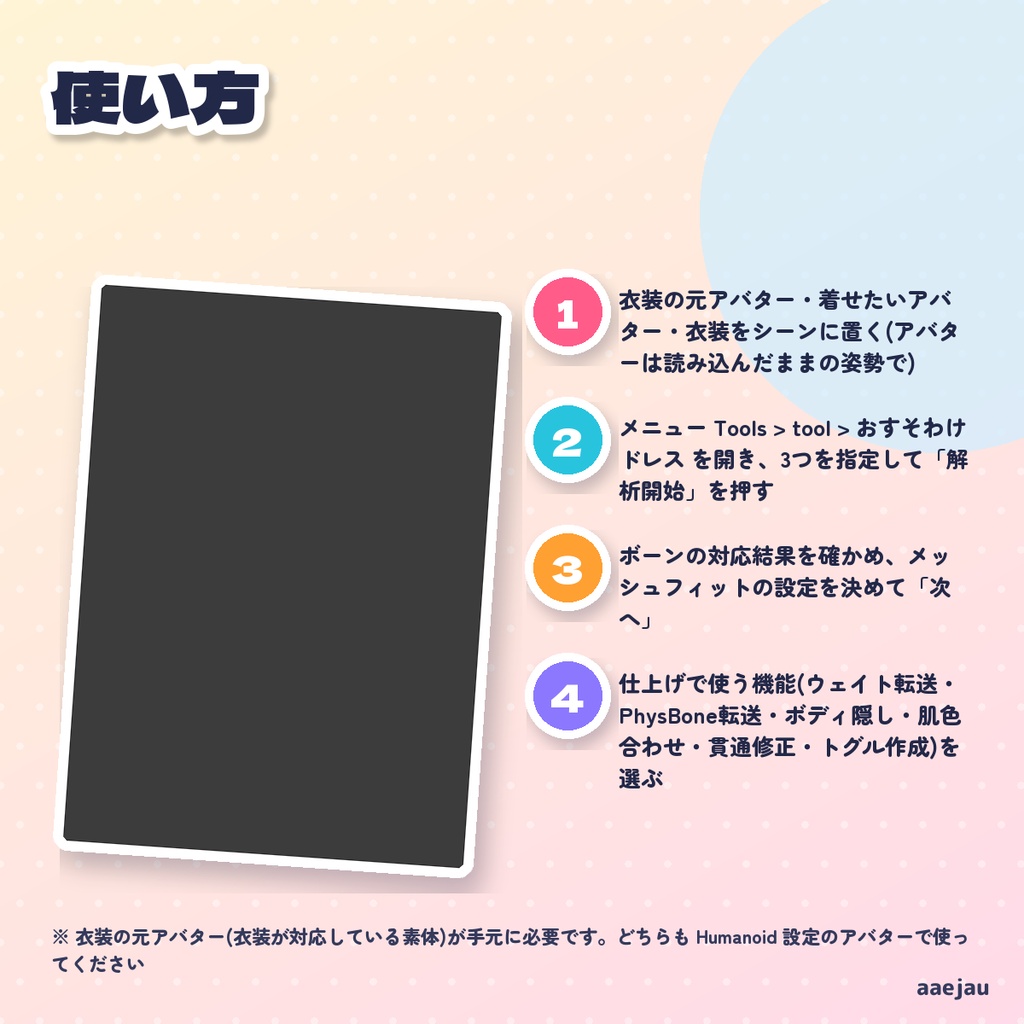
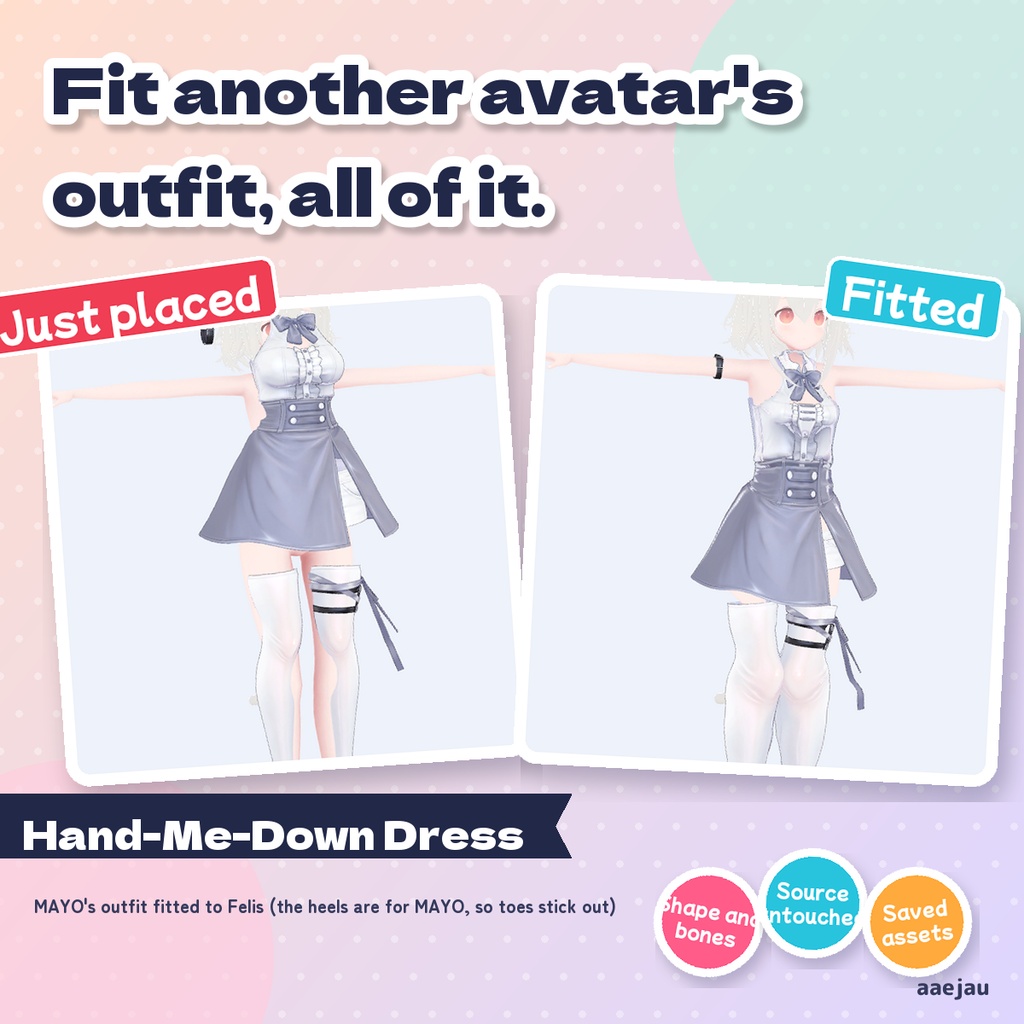
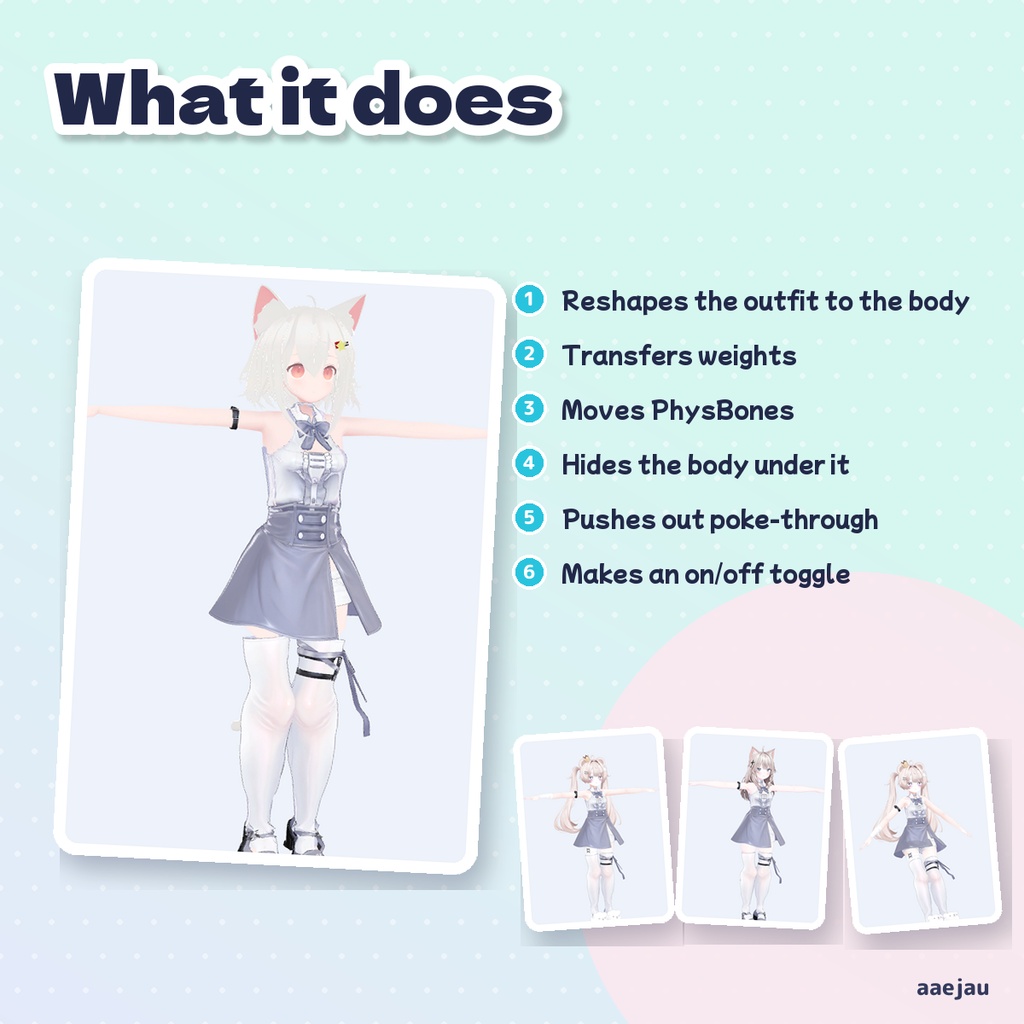
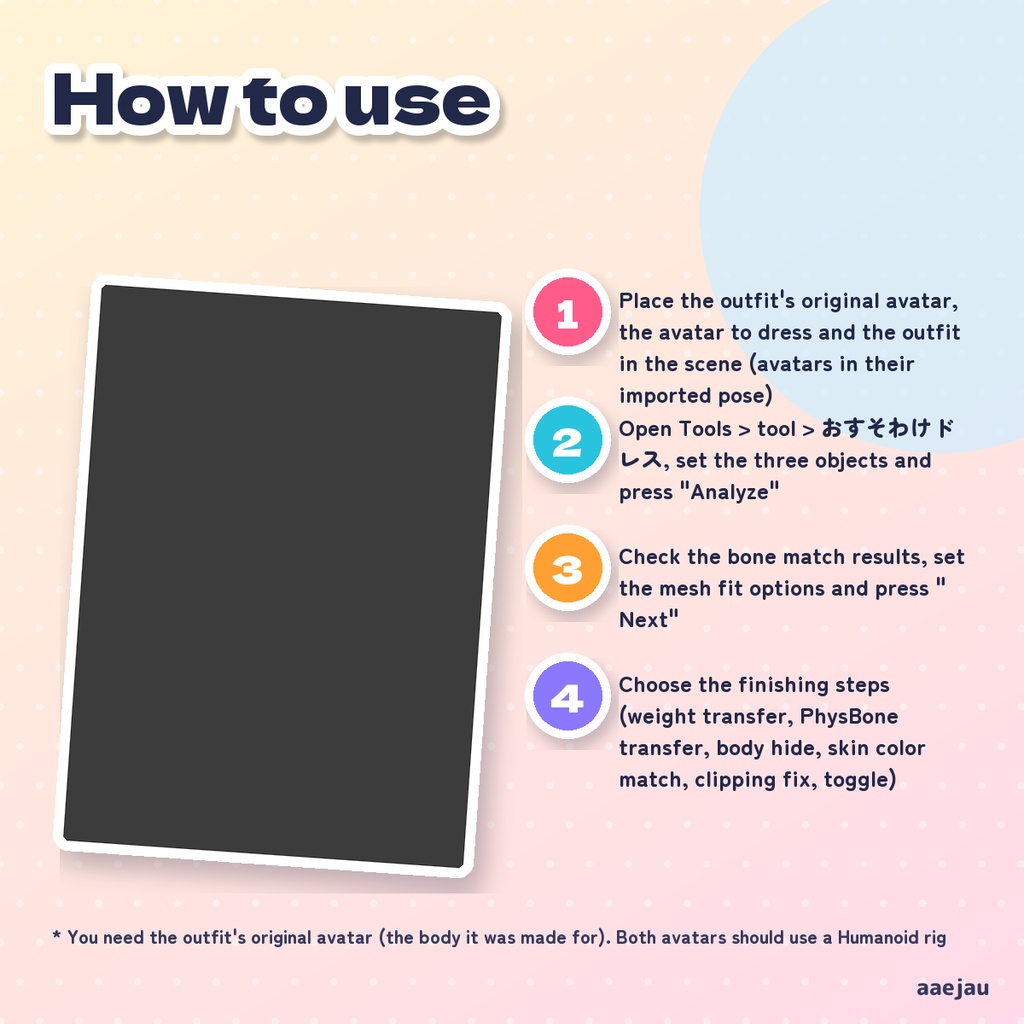
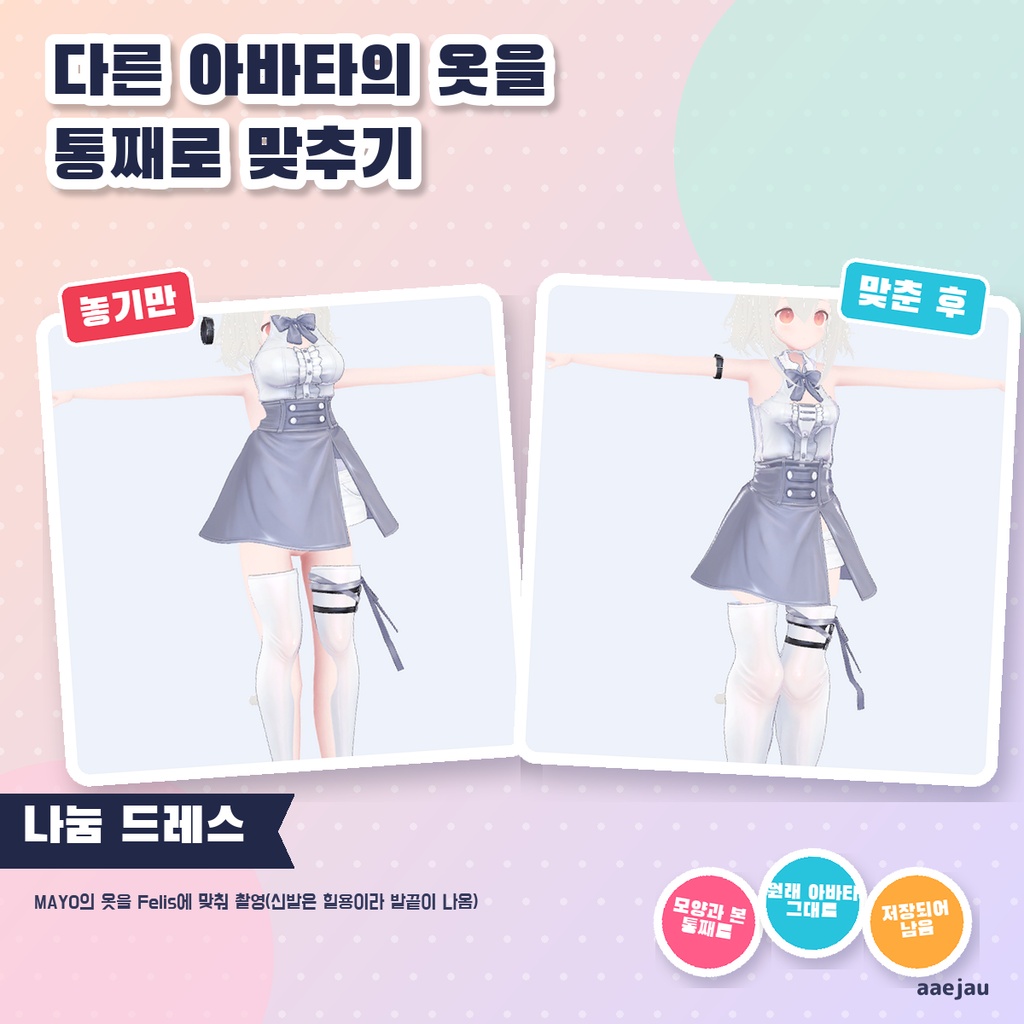
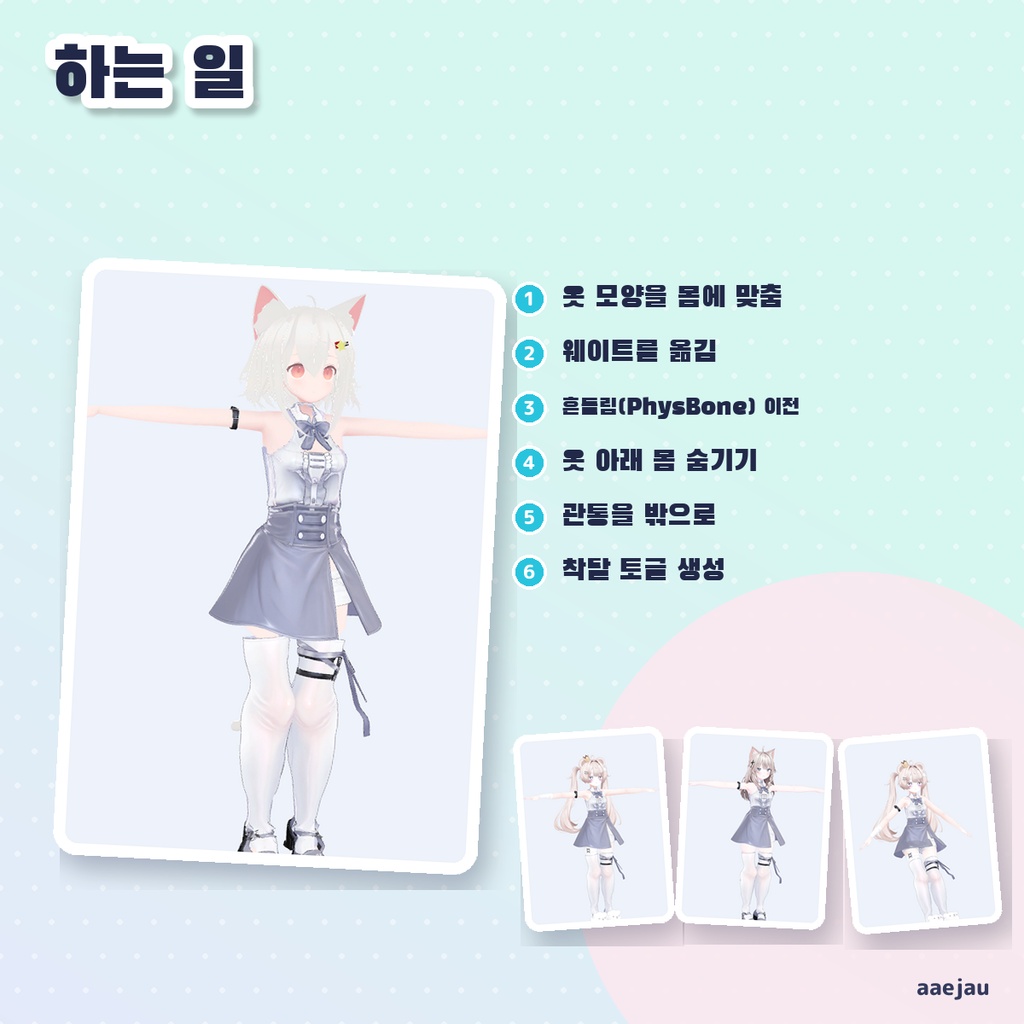
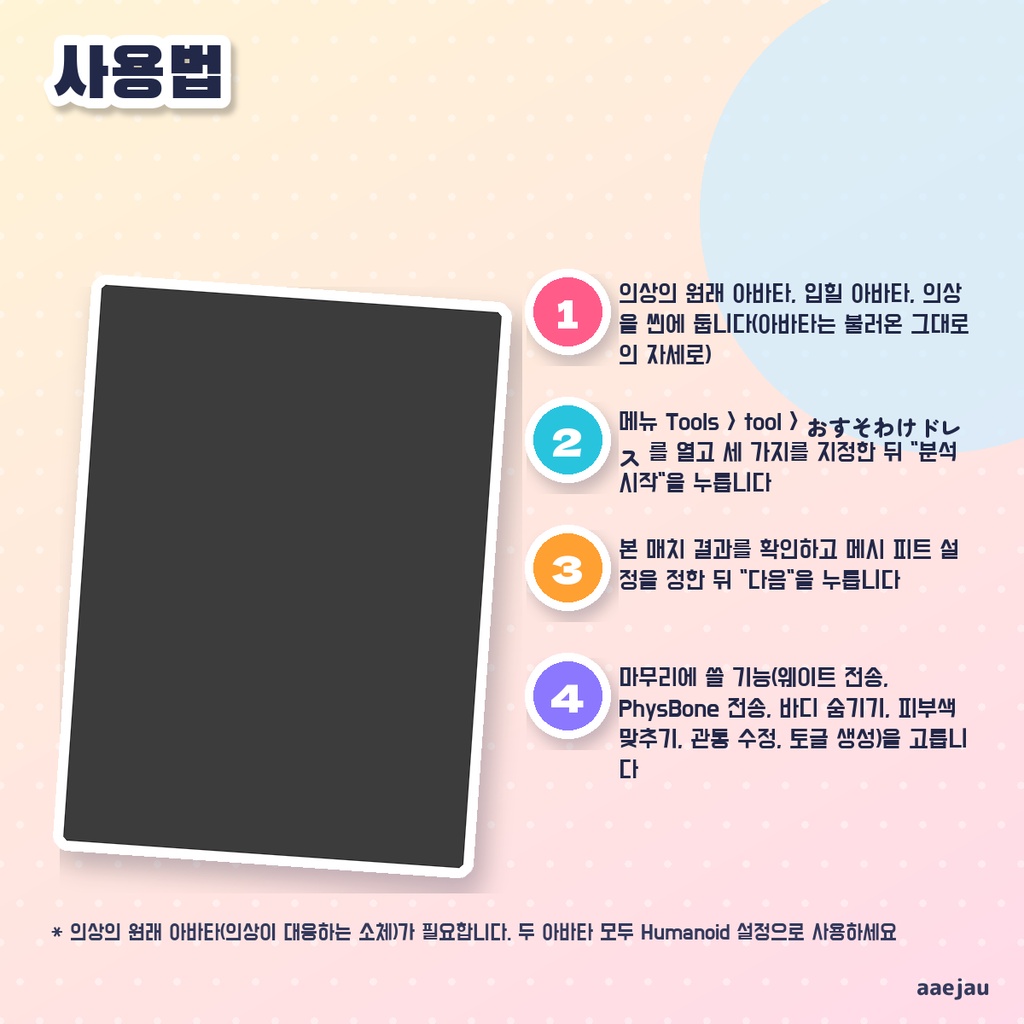


「ほかの子の服を、自分のアバターに着せたい。」 Blenderは使いません。Unityの中だけで終わります。 ある素体向けの衣装を、別の素体に着せるための作業を順番に行うUnityエディタ拡張です。腕と脚は関節の位置と骨の向き(AポーズとTポーズの差)で、胴は全体の大きさと骨の高さで合わせ、残った体型の差は体の表面どうしの差から衣装へ移します。そのあと衣装を着せたいアバターの骨で動くようにし(ウェイトとバインドポーズを体からそろえる)、PhysBoneの移植・隠れる肌の押し込み・肌色合わせ・貫通修正・ON/OFFトグル作成を、使う物だけ選んで実行できます。作ったメッシュとマテリアルは Assets/aaejau/OsusowakeDress/Generated に保存されます。 ◆ 使い方 1. 衣装の元アバター・着せたいアバター・衣装をシーンに置く(アバターは読み込んだままの姿勢で) 2. メニュー Tools > tool > おすそわけドレス を開き、3つを指定して「解析開始」を押す 3. ボーンの対応結果を確かめ、メッシュフィットの設定を決めて「次へ」 4. 仕上げで使う機能(ウェイト転送・PhysBone転送・ボディ隠し・肌色合わせ・貫通修正・トグル作成)を選ぶ 5. 「まるごとフィッティング実行!」を押し、結果を見て必要なら手で直す。戻すときは Ctrl+Z ◆ 必要環境 ・Unity 2022.3 ・VRChat SDK Avatars 3.5.0 以上(PhysBone転送・トグル作成に使用) ・衣装の元アバターと着せたいアバター(Humanoid) ※ 衣装の元アバター(衣装が対応している素体)が手元に必要です。どちらも Humanoid 設定のアバターで使ってください ※ 体型の差を移す量には上限があります(最大変位、既定 8cm)。デザインが大きく違う素体どうしでは崩れることがあります。仕上がりは確認と手直しが前提です ※ 胴は前後・左右には動かしません(腰の骨の置き方が素体ごとに違い、動かすと服全体がずれるため)。高さだけ骨に合わせます ※ ウェイト転送をすると、衣装は着せたいアバターの体の骨で動きます。スカートや袖などの衣装自身の揺れる骨は使われなくなり、その部分は揺れません ※ PhysBone移植とトグルには VRChat SDK が必要です。トグルは今の FX にレイヤーを1枚足します(メニューが満杯なら足しません) ※ 肌色合わせは、マテリアル名に skin・肌 などを含むマテリアルだけが対象です。元のマテリアルは変えず、複製を作って衣装に入れます ※ MAYO の服をミルフィ・しなの・Felis に合わせて確かめました。胴の体が服の外へ出る頂点は ミルフィ 1,686→868・しなの 1,010→527 に減り、腕を40度下げ太ももを30度曲げても服は崩れず、元の MAYO は変わらず、生成したメッシュは開き直しても残りました ※ ヒールの靴など足の形がちがう素体どうしでは、足先が靴から出ます(MAYO のヒールをしなの・Felis に合わせたとき)。靴は元の素体用の物を使うか、非表示にしてください 内容物: unitypackage / README / CHANGELOG / TEST_REPORT / LICENSE / 画面のスクリーンショット ━━━━━━━━━━━━━━━━━━━━ English ━━━━━━━━━━━━━━━━━━━━ A Unity editor extension that walks through the steps of putting an outfit made for one avatar onto a different avatar. Arms and legs are matched by joint positions and bone directions (A-pose vs T-pose), the torso by overall size and bone heights, and the remaining body shape difference is carried over from the difference between the two body surfaces. The outfit is then made to move with the new avatar's bones (weights and bind poses taken from its body), and you can pick which finishing steps to run: PhysBone transfer, hiding covered body skin, skin color matching, clipping fix and an ON/OFF toggle. Generated meshes and materials are saved in Assets/aaejau/OsusowakeDress/Generated. ◆ How to use 1. Place the outfit's original avatar, the avatar to dress and the outfit in the scene (avatars in their imported pose) 2. Open Tools > tool > おすそわけドレス, set the three objects and press "Analyze" 3. Check the bone match results, set the mesh fit options and press "Next" 4. Choose the finishing steps (weight transfer, PhysBone transfer, body hide, skin color match, clipping fix, toggle) 5. Press "Run fitting!", check the result and fix by hand if needed. Undo with Ctrl+Z ◆ Requirements ・Unity 2022.3 ・VRChat SDK Avatars 3.5.0 or later (for PhysBone transfer and toggles) ・The outfit's original avatar and the avatar to dress (Humanoid) * You need the outfit's original avatar (the body it was made for). Both avatars should use a Humanoid rig * The amount of body shape difference carried over is capped (Max displacement, 8 cm by default). It can break between very different body designs. Expect to check and touch up the result * The torso is not moved forward/back or sideways (hip bone placement differs between avatars and moving it shifts the whole outfit). Only its height follows the bones * With weight transfer, the outfit moves with the new avatar's body bones. The outfit's own swing bones (skirt, sleeves) are no longer used, so those parts do not sway * PhysBone transfer and the toggle need the VRChat SDK. The toggle adds one layer to your current FX (not added to a full menu) * Skin color match only applies to materials whose names contain words such as skin or 肌. The original material is not changed; a copy is made and put on the outfit * Checked by fitting MAYO's outfit to Milfy, Shinano and Felis: torso vertices outside the outfit dropped Milfy 1,686→868 and Shinano 1,010→527, the outfit held when arms were lowered 40 degrees and thighs bent 30 degrees, the source MAYO was unchanged, and generated meshes remained after reopening * Between bodies with different foot shapes (such as heels), toes stick out of the shoes (MAYO's heels on Shinano or Felis). Use shoes made for the target body or hide them Contents: unitypackage / README / CHANGELOG / TEST_REPORT / LICENSE / screenshot ━━━━━━━━━━━━━━━━━━━━ 한국어 ━━━━━━━━━━━━━━━━━━━━ 어떤 소체용으로 만들어진 의상을 다른 소체에 입히는 작업을 순서대로 진행하는 Unity 에디터 확장입니다. 팔과 다리는 관절 위치와 본의 방향(A포즈와 T포즈의 차이)으로, 몸통은 전체 크기와 본의 높이로 맞추고, 남은 체형 차이는 두 몸 표면의 차이에서 의상으로 옮깁니다. 그 뒤 의상이 입힐 아바타의 본으로 움직이도록 하고(웨이트와 바인드 포즈를 몸에서 맞춤), PhysBone 이식, 가려지는 피부 숨기기, 피부색 맞추기, 관통 수정, ON/OFF 토글 생성 중 필요한 것만 골라 실행할 수 있습니다. 만든 메시와 머티리얼은 Assets/aaejau/OsusowakeDress/Generated 에 저장됩니다. ◆ 사용법 1. 의상의 원래 아바타, 입힐 아바타, 의상을 씬에 둡니다(아바타는 불러온 그대로의 자세로) 2. 메뉴 Tools > tool > おすそわけドレス 를 열고 세 가지를 지정한 뒤 "분석 시작"을 누릅니다 3. 본 매치 결과를 확인하고 메시 피트 설정을 정한 뒤 "다음"을 누릅니다 4. 마무리에 쓸 기능(웨이트 전송, PhysBone 전송, 바디 숨기기, 피부색 맞추기, 관통 수정, 토글 생성)을 고릅니다 5. "피팅 실행!"을 누르고 결과를 확인한 뒤 필요하면 직접 수정합니다. 되돌릴 때는 Ctrl+Z ◆ 요구 환경 ・Unity 2022.3 ・VRChat SDK Avatars 3.5.0 이상 (PhysBone 전송, 토글 생성에 사용) ・의상의 원래 아바타와 입힐 아바타(Humanoid) ※ 의상의 원래 아바타(의상이 대응하는 소체)가 필요합니다. 두 아바타 모두 Humanoid 설정으로 사용하세요 ※ 옮기는 체형 차이에는 상한이 있습니다(최대 변위, 기본 8cm). 디자인이 크게 다른 소체끼리는 모양이 무너질 수 있습니다. 결과 확인과 수정이 전제입니다 ※ 몸통은 앞뒤·좌우로 움직이지 않습니다(허리 본의 위치가 소체마다 달라 움직이면 의상 전체가 어긋나기 때문). 높이만 본에 맞춥니다 ※ 웨이트 전송을 하면 의상은 입힐 아바타의 몸 본으로 움직입니다. 스커트나 소매 등 의상 자체의 흔들리는 본은 쓰이지 않게 되어 그 부분은 흔들리지 않습니다 ※ PhysBone 이전과 토글에는 VRChat SDK가 필요합니다. 토글은 지금 FX에 레이어를 1장 추가합니다(메뉴가 가득 차면 추가하지 않음) ※ 피부색 맞추기는 머티리얼 이름에 skin, 肌 등이 들어간 머티리얼만 대상입니다. 원래 머티리얼은 바꾸지 않고 복제를 만들어 의상에 넣습니다 ※ MAYO의 옷을 밀피·시나노·Felis에 맞춰 확인했습니다. 몸통이 옷 밖으로 나온 정점은 밀피 1,686→868, 시나노 1,010→527로 줄었고, 팔을 40도 내리고 허벅지를 30도 굽혀도 옷이 무너지지 않았으며, 원래 MAYO는 바뀌지 않았고, 생성한 메시는 다시 열어도 남았습니다 ※ 힐 신발 등 발 모양이 다른 소체끼리는 발끝이 신발 밖으로 나옵니다(MAYO의 힐을 시나노·Felis에 맞췄을 때). 신발은 대상 소체용을 쓰거나 숨겨 주세요 내용물: unitypackage / README / CHANGELOG / TEST_REPORT / LICENSE / 스크린샷