

ぴこぴこしっぽ耳 - 別売りのしっぽ・耳を揺らして動かす【JA,EN,KO】
- 日本語ダウンロード商品¥ 700
- Englishダウンロード商品¥ 700
- 한국어ダウンロード商品¥ 700
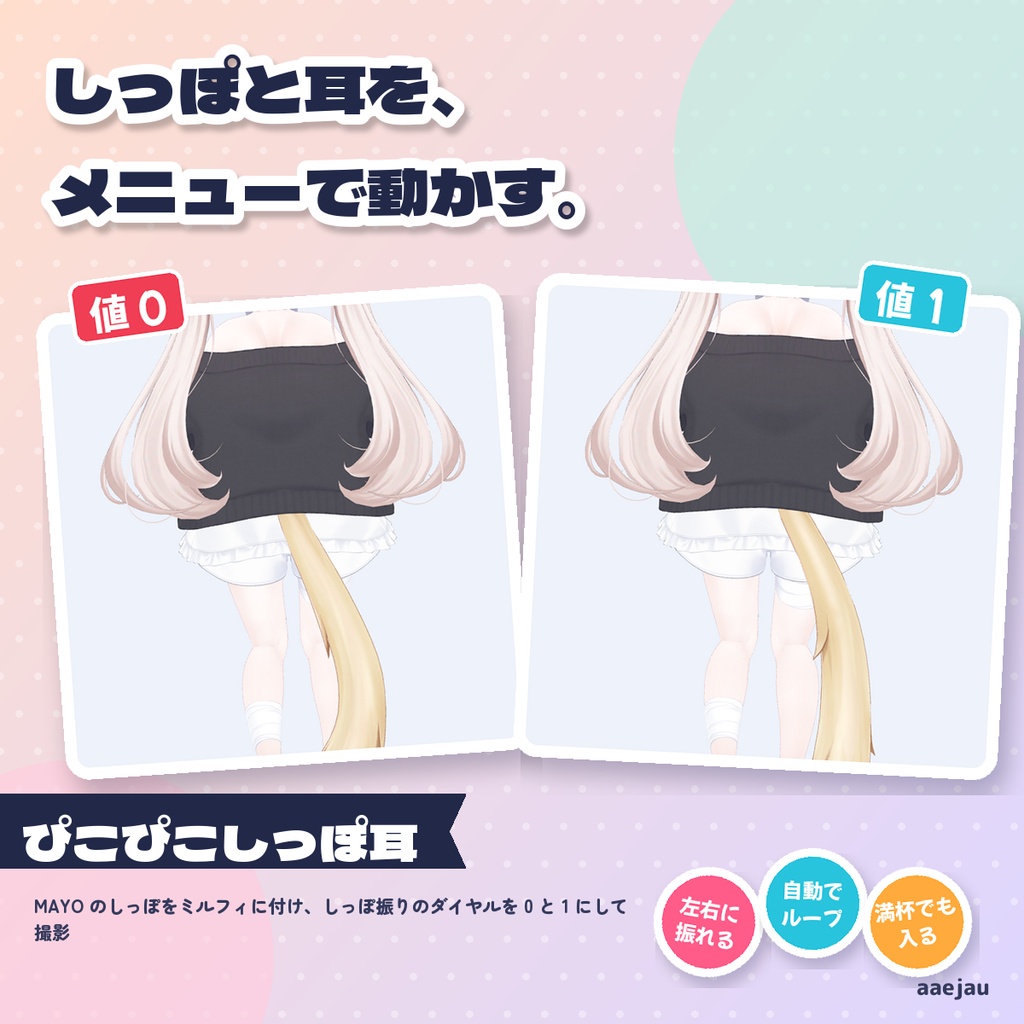
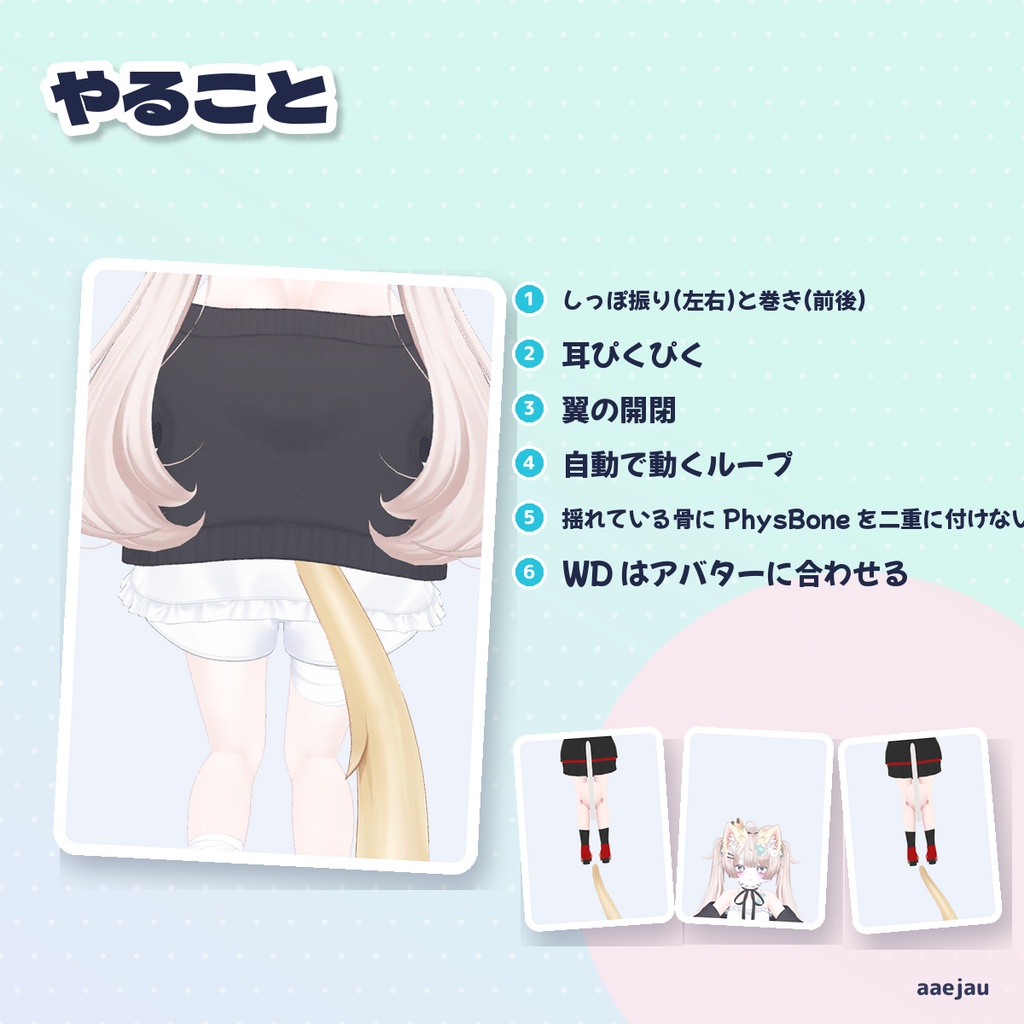
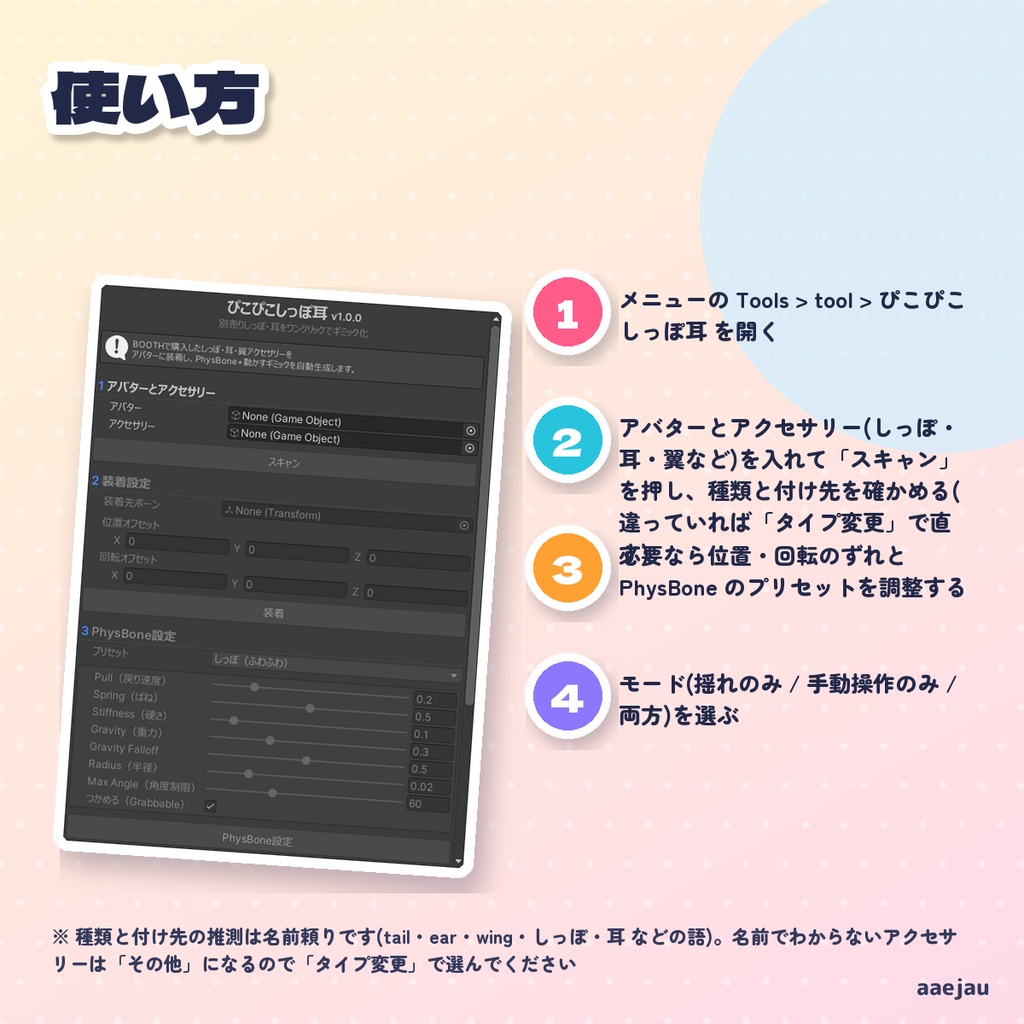
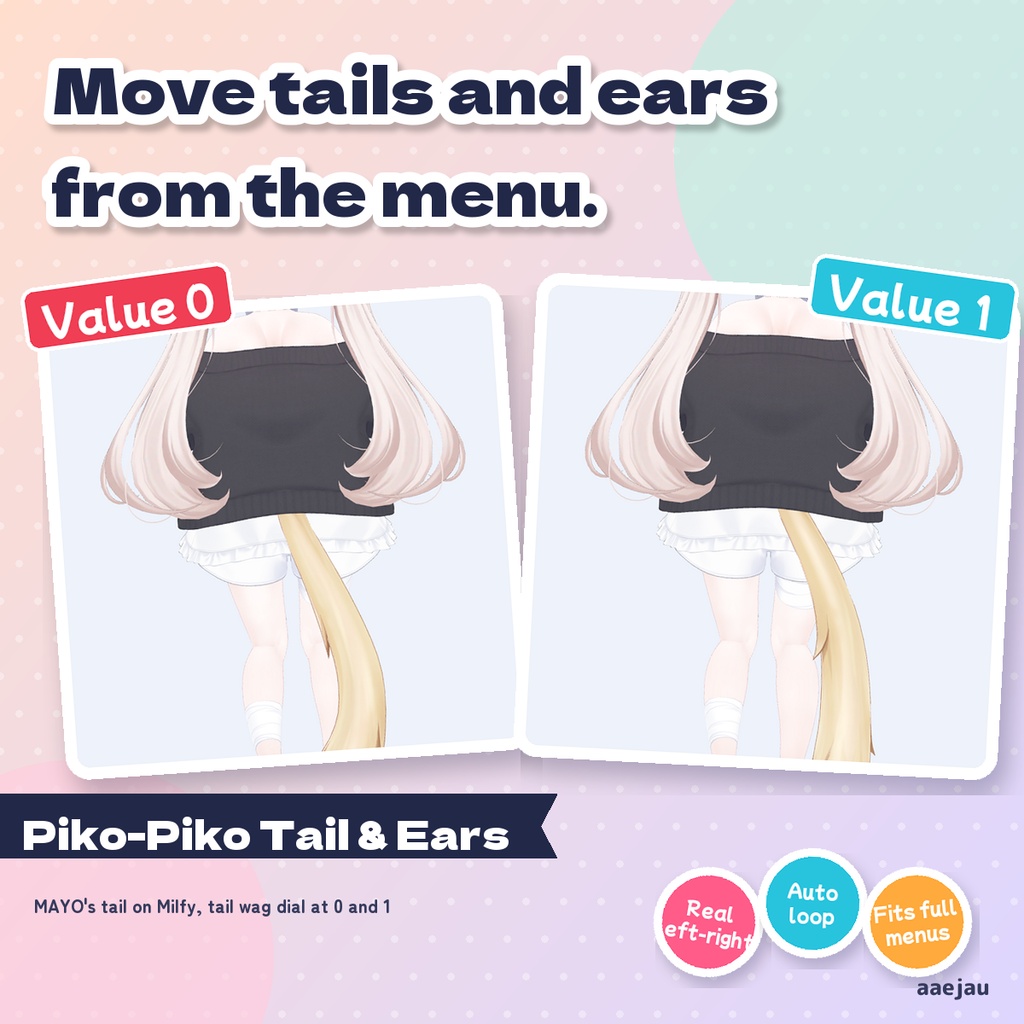
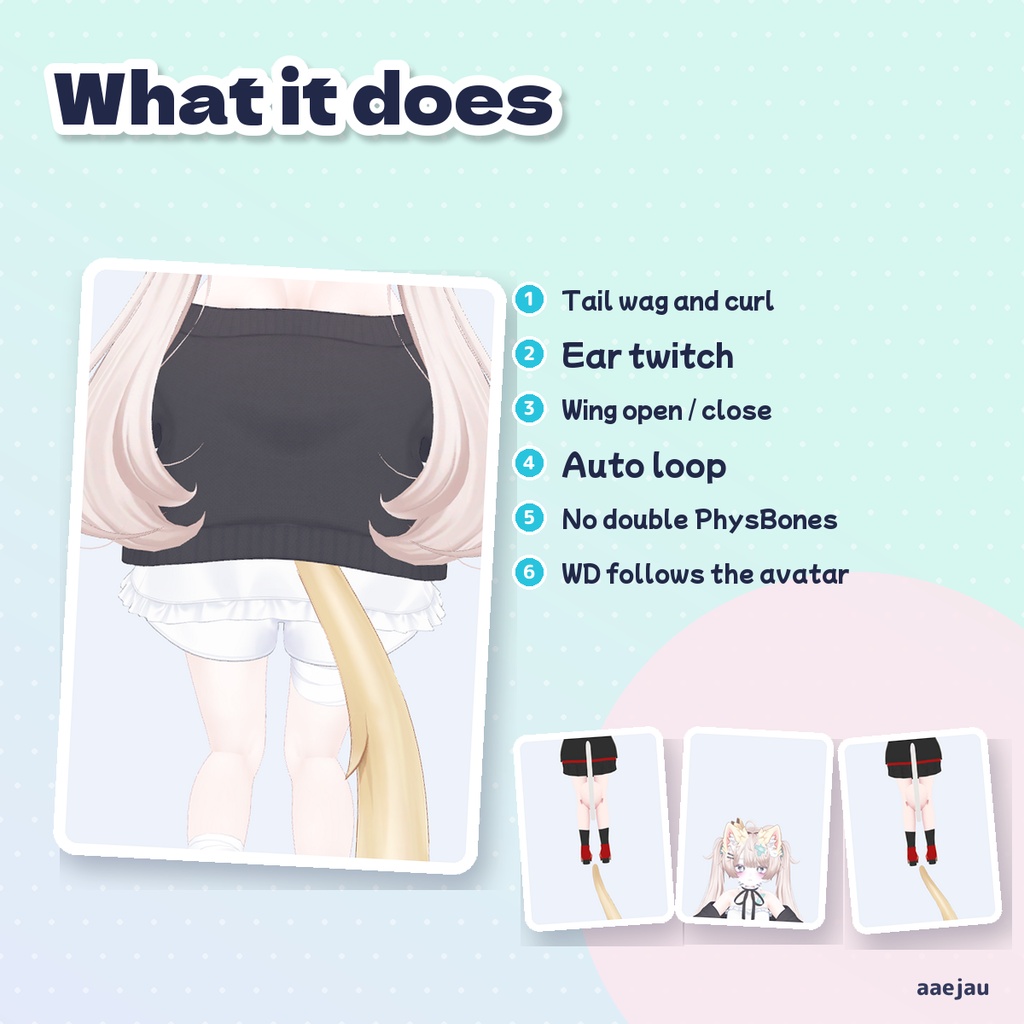
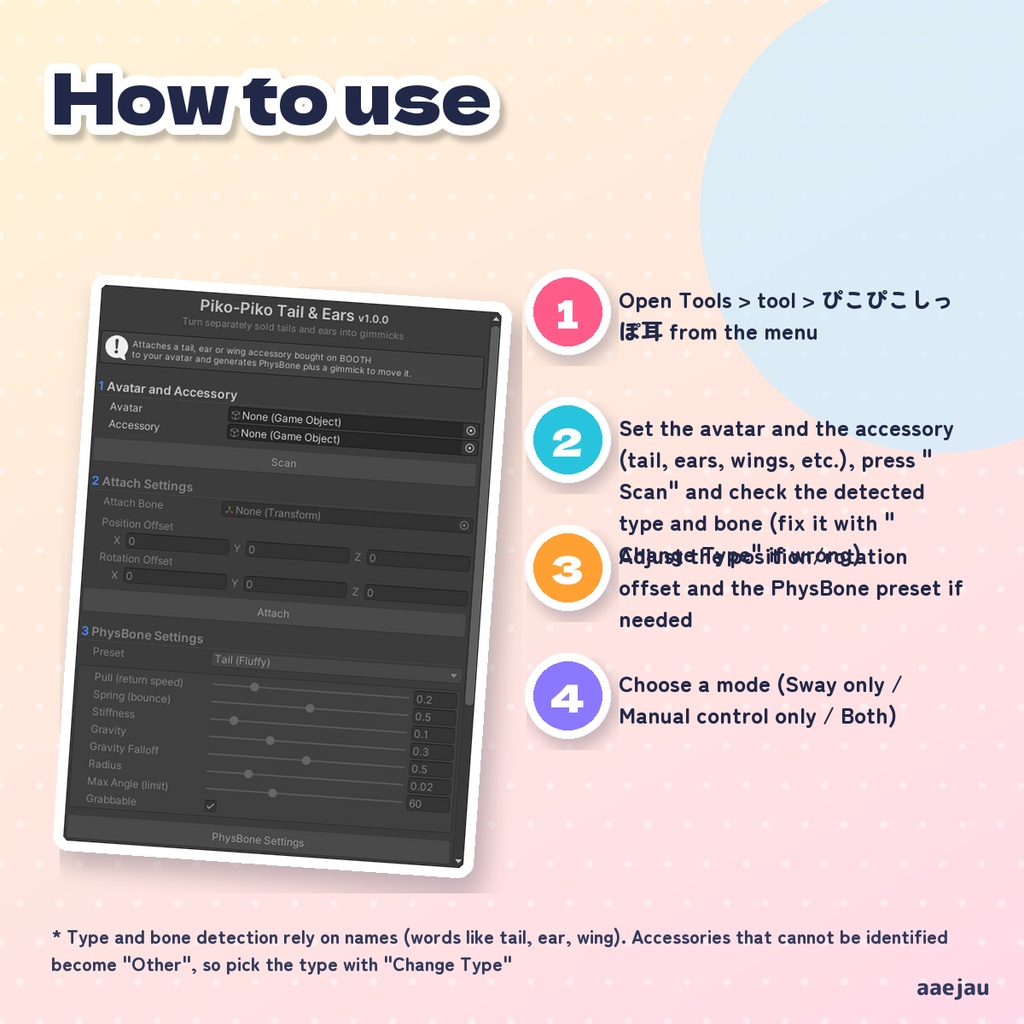
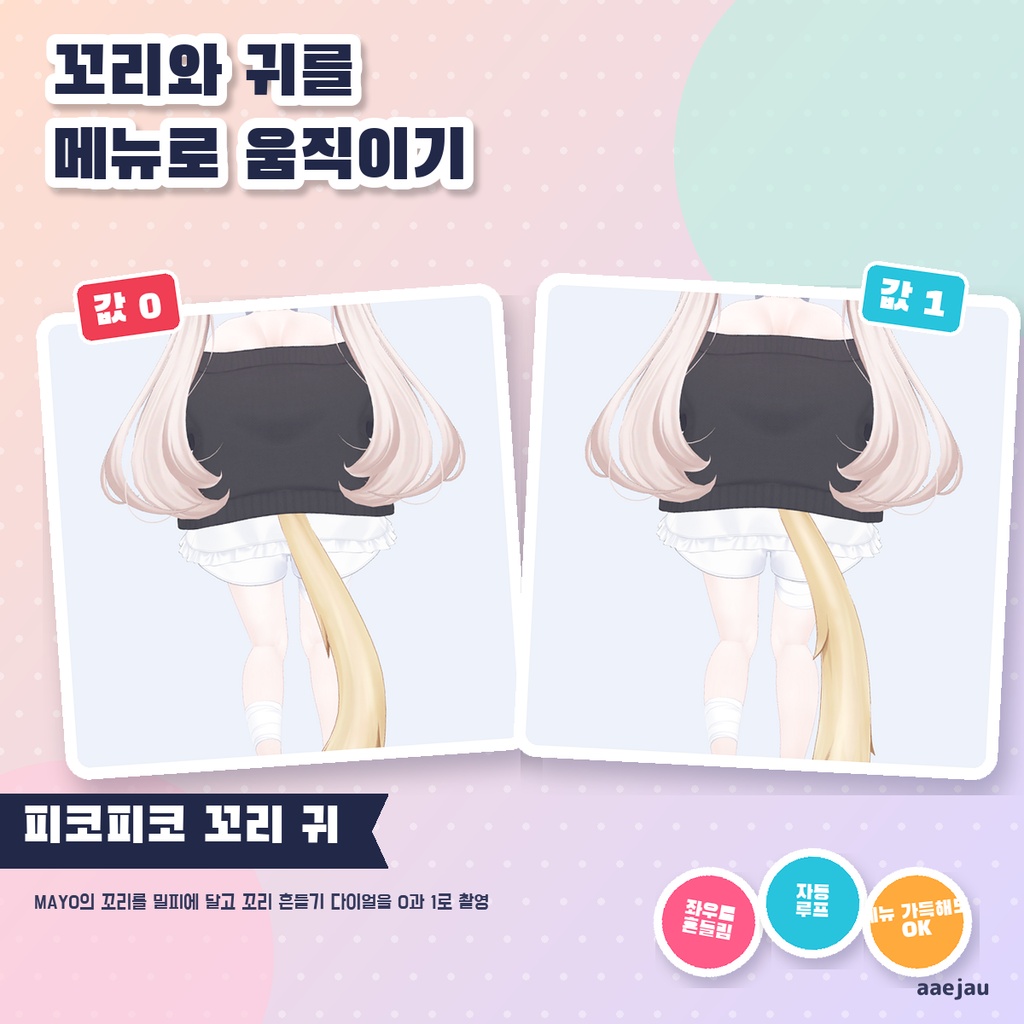
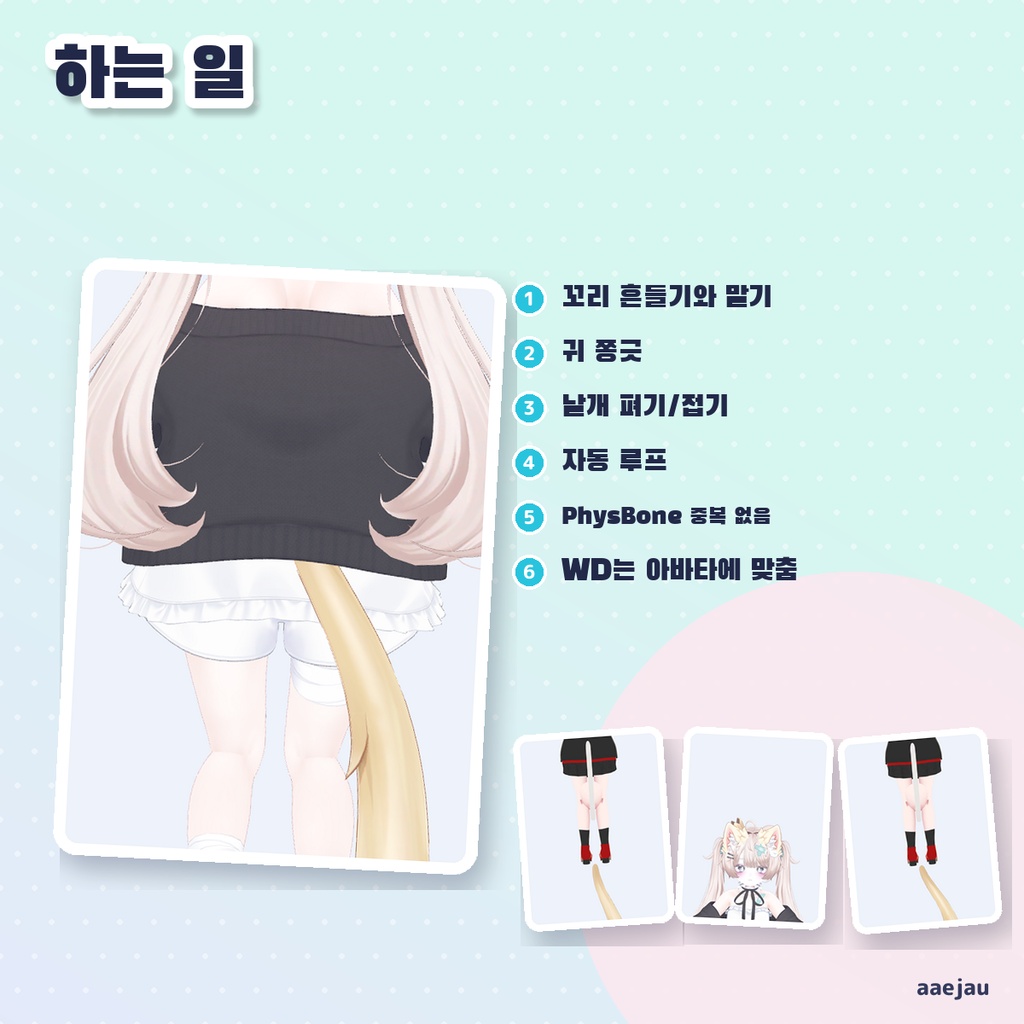
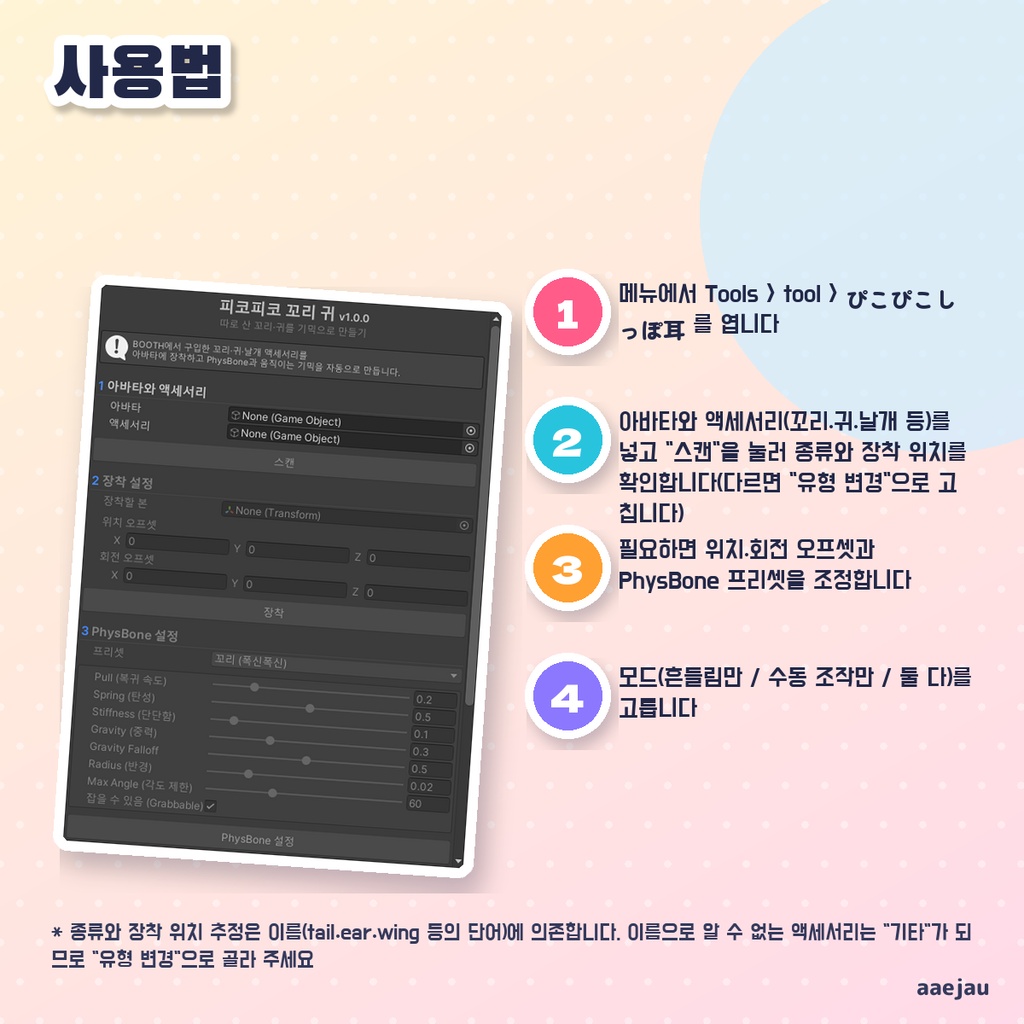


「しっぽや耳を、メニューから動かしたい。」 Blenderは使いません。Unityの中だけで終わります。 別売りのしっぽ・耳・翼をアバターに付け、PhysBone の揺れと、メニューから動かすアニメーションをまとめて作ります。しっぽは左右に振る・上下に巻く、耳は前後にぴくぴく、翼は広げる・畳むを Radial Puppet で動かせ、「自動で動かす」を ON にすると振り続けます。回す向きはアバターの上・右・前から決めるので、骨の軸の向きが違うアクセサリーでもねじれずに振れます。 ◆ 使い方 1. メニューの Tools > tool > ぴこぴこしっぽ耳 を開く 2. アバターとアクセサリー(しっぽ・耳・翼など)を入れて「スキャン」を押し、種類と付け先を確かめる(違っていれば「タイプ変更」で直す) 3. 必要なら位置・回転のずれと PhysBone のプリセットを調整する 4. モード(揺れのみ / 手動操作のみ / 両方)を選ぶ 5. 「セットアップ実行」を押す。Expression Menu にアクセサリーの名前のサブメニューができます ◆ 必要環境 ・Unity 2022.3 ・VRChat SDK3 Avatars(PhysBone とメニューの追加に使います) ・しっぽ・耳・翼などのボーン入りアクセサリー ※ 種類と付け先の推測は名前頼りです(tail・ear・wing・しっぽ・耳 などの語)。名前でわからないアクセサリーは「その他」になるので「タイプ変更」で選んでください ※ 動きは種類ごとに決まった回転だけです(しっぽは振る・巻く、耳は前後、翼は開く・畳む)。形を変えるアニメーションは作りません ※ Expression Menu の一番上に 1 つ空きが要り、パラメーターを しっぽ 17 ビット / 耳・翼 9 ビット使います。足りない時は何も作らずに知らせます ※ その骨を既に揺らしている PhysBone がある時は新しく足さず、数値も書き換えません(isAnimated だけ有効にします)。体の骨から揺らしている PhysBone の場合は警告を出します ※ VRChat SDK が無い環境では、PhysBone とメニュー・パラメーターの追加は行われません(アニメーションは作ります) ※ MAYO のしっぽと耳をミルフィ・Felis・しなのに付けて確かめました。しっぽ振りは値0〜1で先端が左右に約20cm、巻きで前後に動き、自動ループは左右に振れます。耳は前後に約3.5cm。もう揺れている骨に PhysBone を二重に付けず、表情メニューの一番上が満杯なら空きのあるサブメニューへ入れます 内容物: unitypackage / README / CHANGELOG / TEST_REPORT / LICENSE / 画面のスクリーンショット ━━━━━━━━━━━━━━━━━━━━ English ━━━━━━━━━━━━━━━━━━━━ Attaches a separately sold tail, ears or wings to your avatar and sets up PhysBone sway plus animations you can control from the menu. Radial Puppets wag and curl the tail, twitch the ears front and back, and spread or fold the wings, and "Auto Motion" keeps them moving. The rotation directions come from the avatar's up, right and forward, so accessories with differently oriented bones wag instead of twisting. ◆ How to use 1. Open Tools > tool > ぴこぴこしっぽ耳 from the menu 2. Set the avatar and the accessory (tail, ears, wings, etc.), press "Scan" and check the detected type and bone (fix it with "Change Type" if wrong) 3. Adjust the position/rotation offset and the PhysBone preset if needed 4. Choose a mode (Sway only / Manual control only / Both) 5. Press "Run Setup". A submenu named after the accessory is added to the Expression Menu ◆ Requirements ・Unity 2022.3 ・VRChat SDK3 Avatars (used for PhysBones and menu items) ・A tail, ear or wing accessory with bones * Type and bone detection rely on names (words like tail, ear, wing). Accessories that cannot be identified become "Other", so pick the type with "Change Type" * Motions are fixed rotations per type (tail: wag and curl, ears: front/back, wings: spread/fold). No shape-changing animations are made * One free slot in the top Expression Menu is needed, and parameters use 17 bits for a tail or 9 bits for ears/wings. If there is not enough room, nothing is created and you are told why * If a PhysBone already moves those bones, no new one is added and its values are not changed (only isAnimated is turned on). A warning is shown when that PhysBone starts from a body bone * Without the VRChat SDK, PhysBones, menu items and parameters are not added (animations are still made) * Checked by attaching MAYO's tail and ears to Milfy, Felis and Shinano. Tail wag moves the tip about 20cm left-right over values 0-1, curl moves it front-back, and the auto loop swings left-right. Ears move about 3.5cm front-back. No second PhysBone on bones that already swing; if the top of the expression menu is full, it goes into a submenu with space Contents: unitypackage / README / CHANGELOG / TEST_REPORT / LICENSE / screenshot ━━━━━━━━━━━━━━━━━━━━ 한국어 ━━━━━━━━━━━━━━━━━━━━ 따로 판매되는 꼬리·귀·날개를 아바타에 붙이고, PhysBone 흔들림과 메뉴에서 움직이는 애니메이션을 함께 만듭니다. Radial Puppet으로 꼬리는 좌우로 흔들고 위아래로 말며, 귀는 앞뒤로 쫑긋, 날개는 펴고 접을 수 있고, "자동으로 움직이기"를 켜면 계속 움직입니다. 회전 방향은 아바타의 위·오른쪽·앞을 기준으로 정하므로, 본 축 방향이 다른 액세서리도 비틀리지 않고 흔들립니다. ◆ 사용법 1. 메뉴에서 Tools > tool > ぴこぴこしっぽ耳 를 엽니다 2. 아바타와 액세서리(꼬리·귀·날개 등)를 넣고 "스캔"을 눌러 종류와 장착 위치를 확인합니다(다르면 "유형 변경"으로 고칩니다) 3. 필요하면 위치·회전 오프셋과 PhysBone 프리셋을 조정합니다 4. 모드(흔들림만 / 수동 조작만 / 둘 다)를 고릅니다 5. "설정 실행"을 누릅니다. Expression Menu에 액세서리 이름의 하위 메뉴가 생깁니다 ◆ 요구 환경 ・Unity 2022.3 ・VRChat SDK3 Avatars(PhysBone과 메뉴 추가에 사용) ・본이 들어 있는 꼬리·귀·날개 등의 액세서리 ※ 종류와 장착 위치 추정은 이름(tail·ear·wing 등의 단어)에 의존합니다. 이름으로 알 수 없는 액세서리는 "기타"가 되므로 "유형 변경"으로 골라 주세요 ※ 움직임은 종류마다 정해진 회전뿐입니다(꼬리는 흔들기·말기, 귀는 앞뒤, 날개는 펴기·접기). 모양을 바꾸는 애니메이션은 만들지 않습니다 ※ Expression Menu 맨 위에 빈칸 1개가 필요하고, 파라미터를 꼬리 17비트 / 귀·날개 9비트 사용합니다. 부족하면 아무것도 만들지 않고 알려 줍니다 ※ 그 본을 이미 흔드는 PhysBone이 있으면 새로 추가하지 않고 수치도 바꾸지 않습니다(isAnimated만 켭니다). 몸의 본에서 흔드는 PhysBone이면 경고를 냅니다 ※ VRChat SDK가 없는 환경에서는 PhysBone과 메뉴·파라미터가 추가되지 않습니다(애니메이션은 만듭니다) ※ MAYO의 꼬리와 귀를 밀피·Felis·시나노에 달아 확인했습니다. 꼬리 흔들기는 값 0~1에서 끝이 좌우로 약 20cm, 말기는 앞뒤로 움직이고, 자동 루프는 좌우로 흔들립니다. 귀는 앞뒤로 약 3.5cm. 이미 흔들리는 본에 PhysBone을 중복으로 달지 않고, 표정 메뉴 맨 위가 가득 차면 빈자리가 있는 서브메뉴에 넣습니다 내용물: unitypackage / README / CHANGELOG / TEST_REPORT / LICENSE / 스크린샷