

ヘアおすそわけ - 別アバター用の髪を自分の頭へ合わせる【JA,EN,KO】
- 日本語ダウンロード商品¥ 700
- Englishダウンロード商品¥ 700
- 한국어ダウンロード商品¥ 700
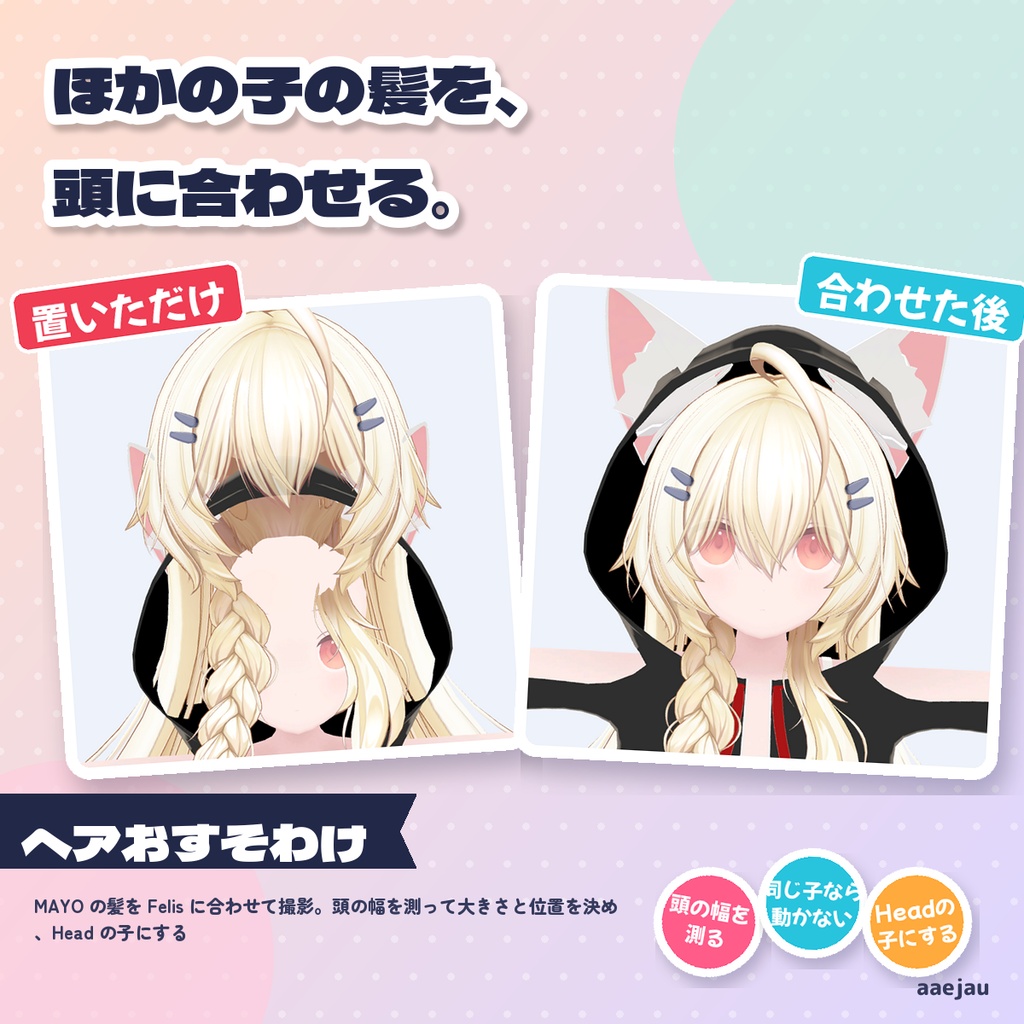
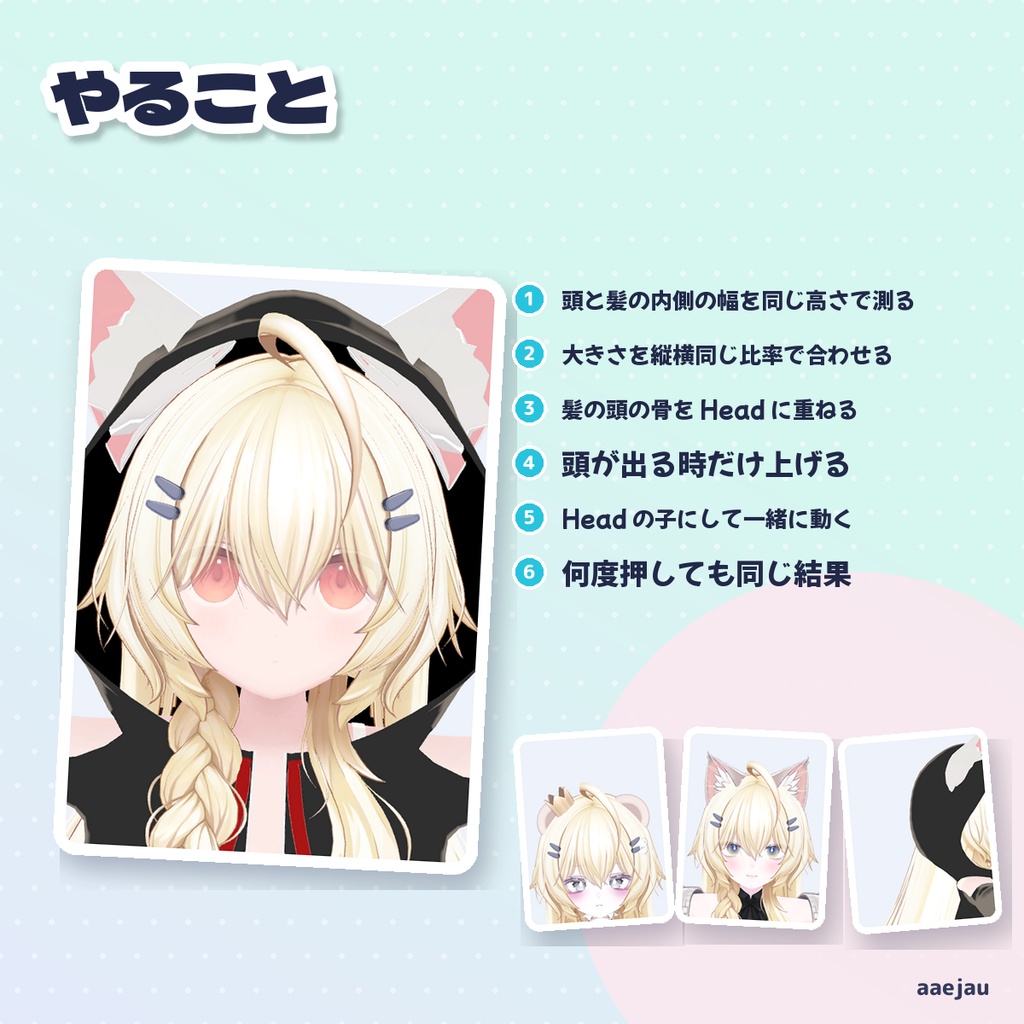
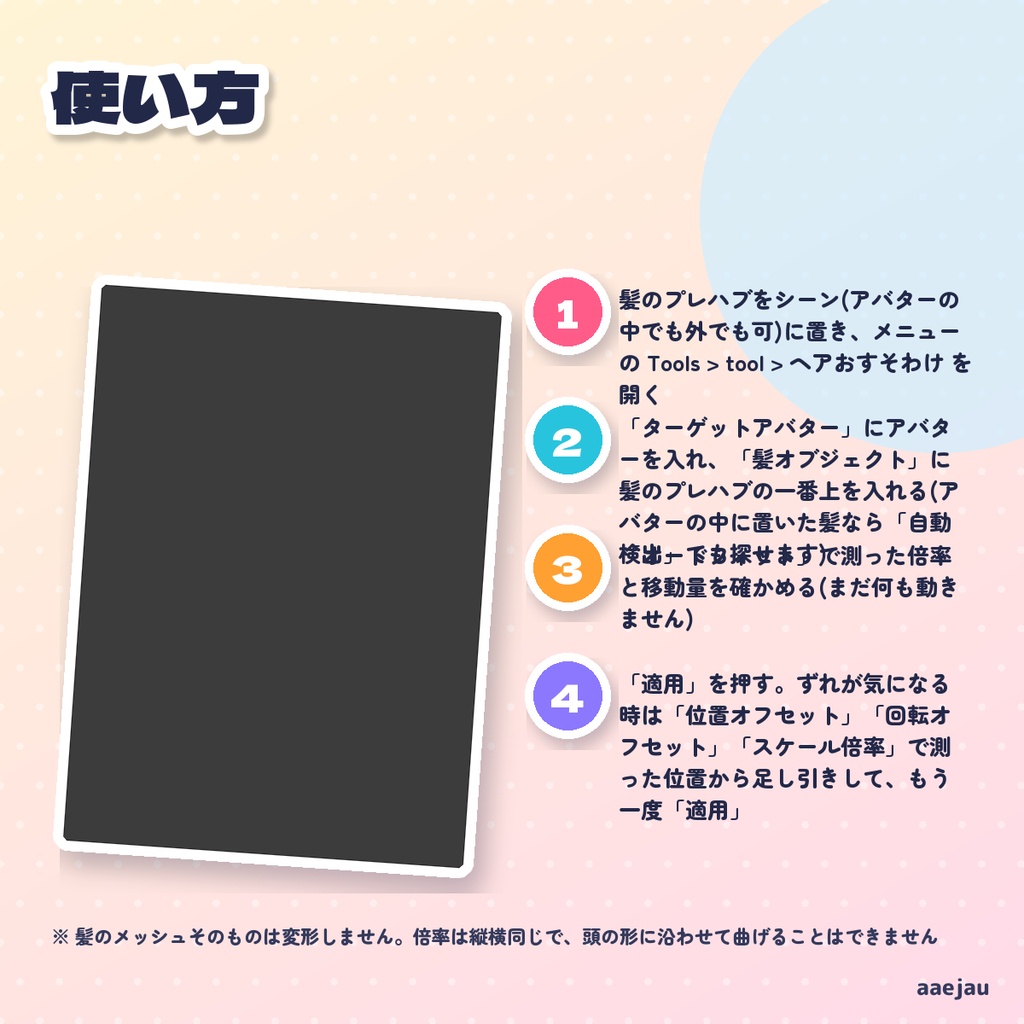
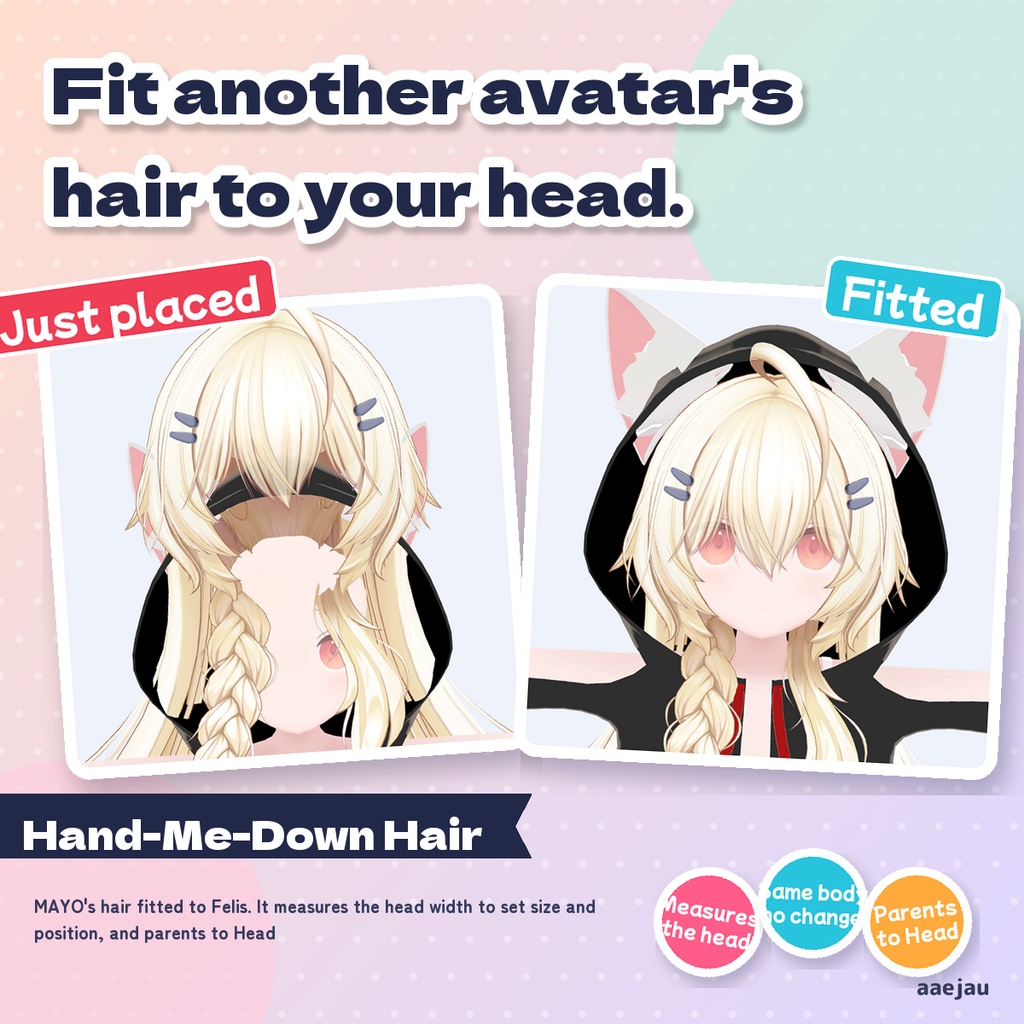
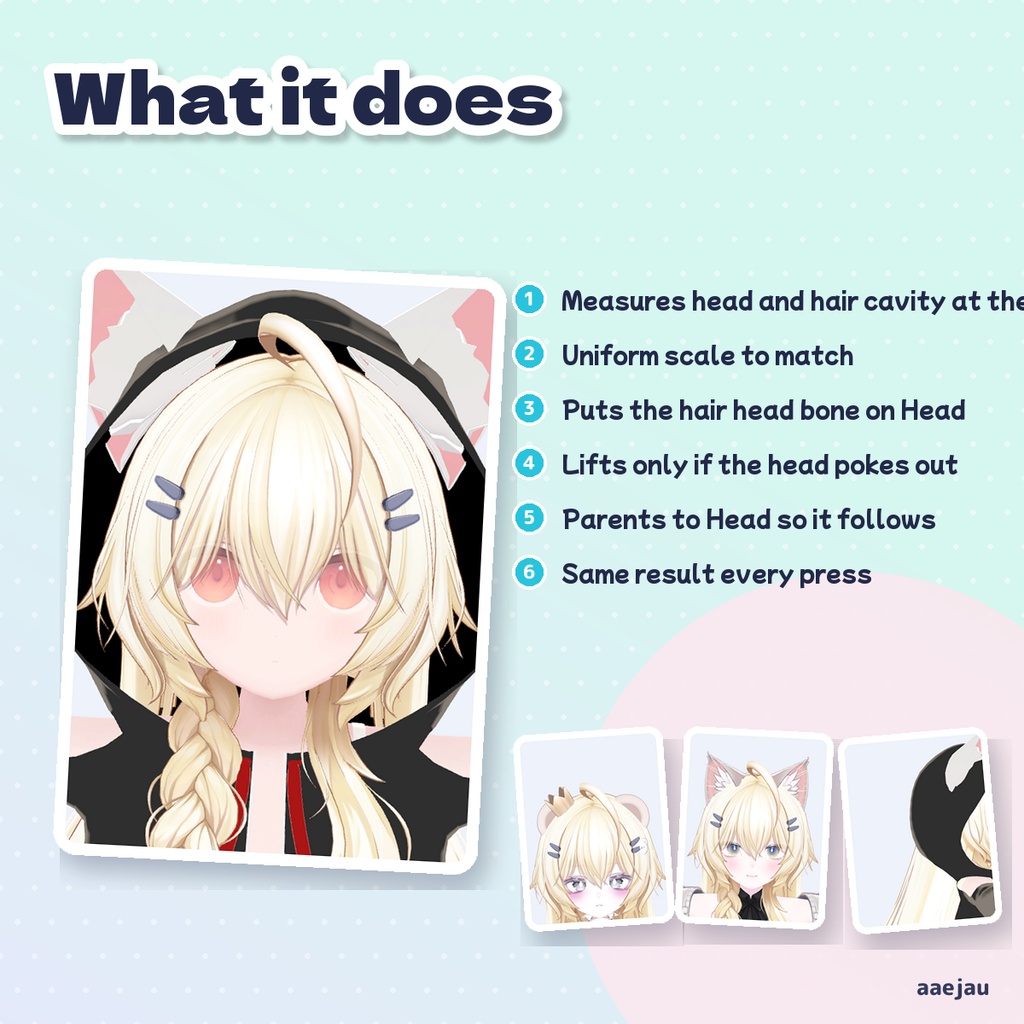
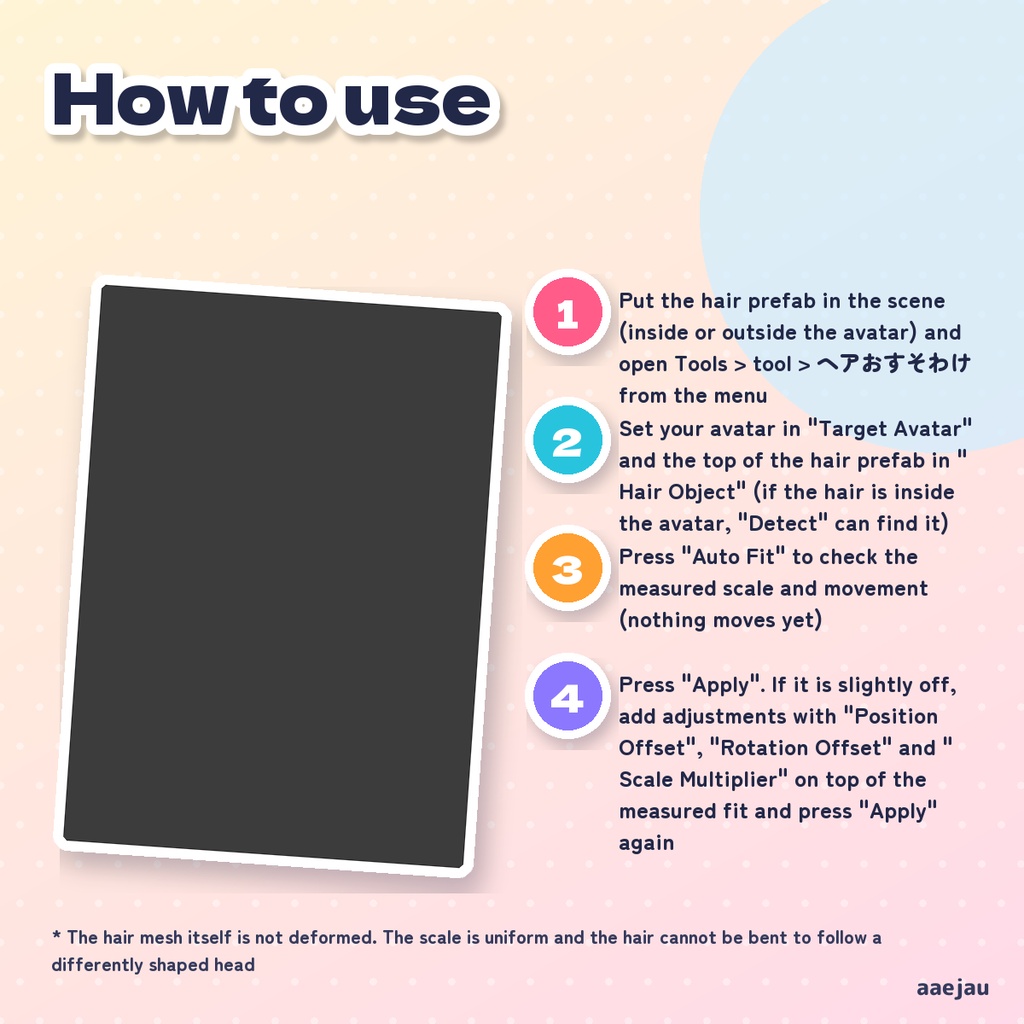
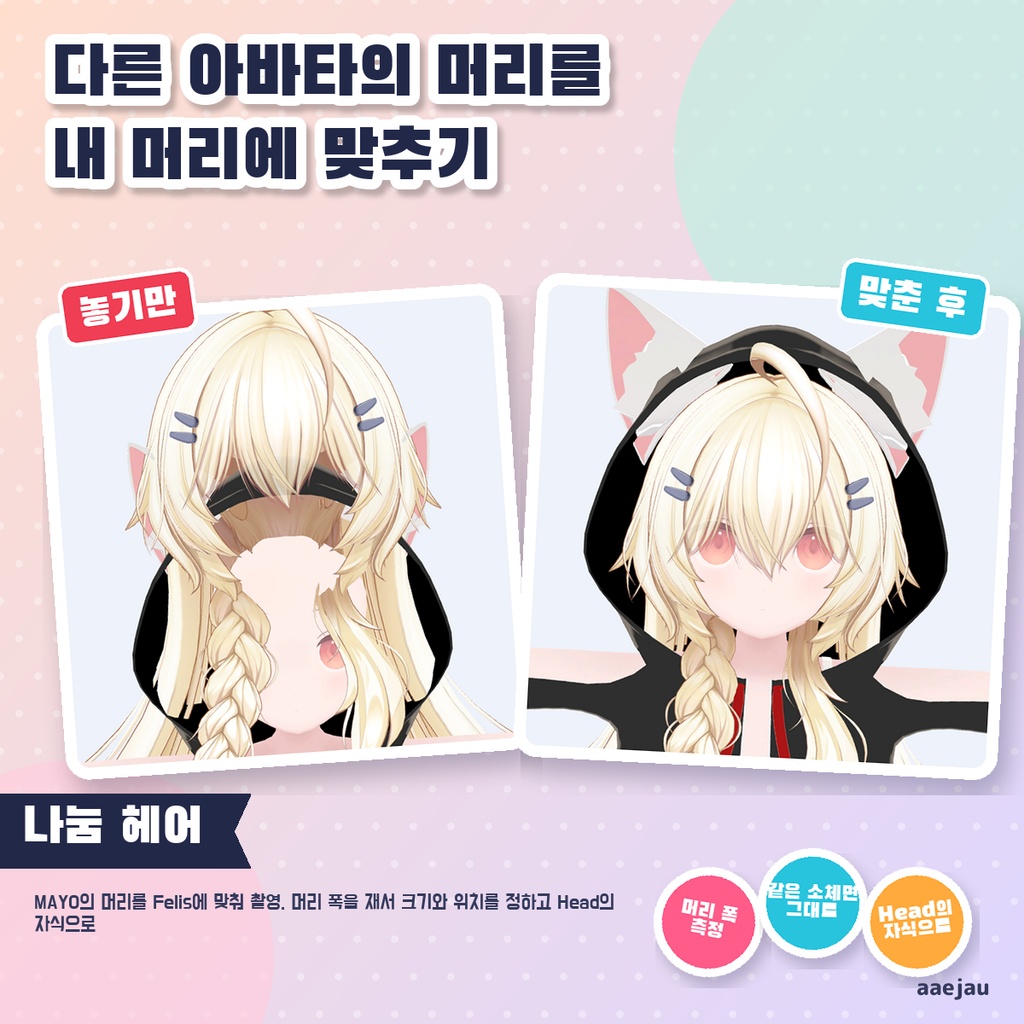
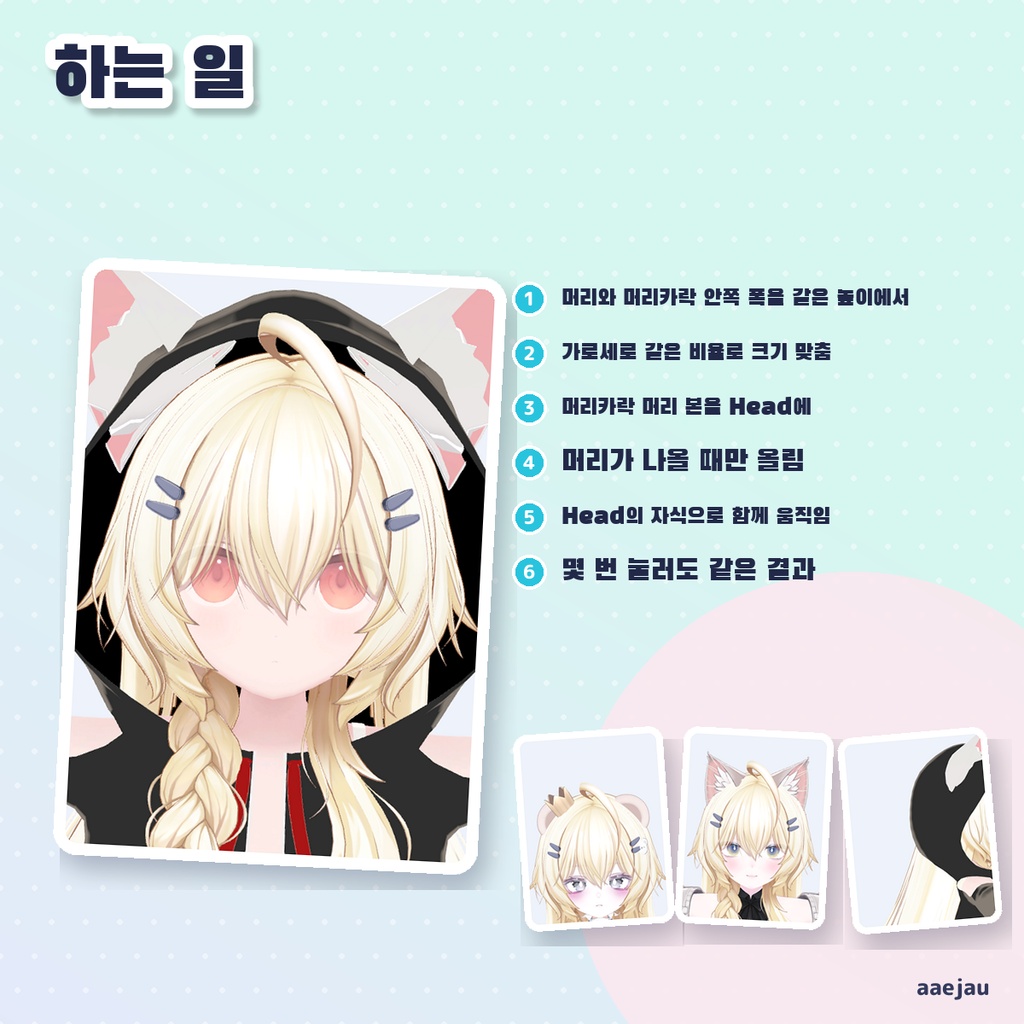
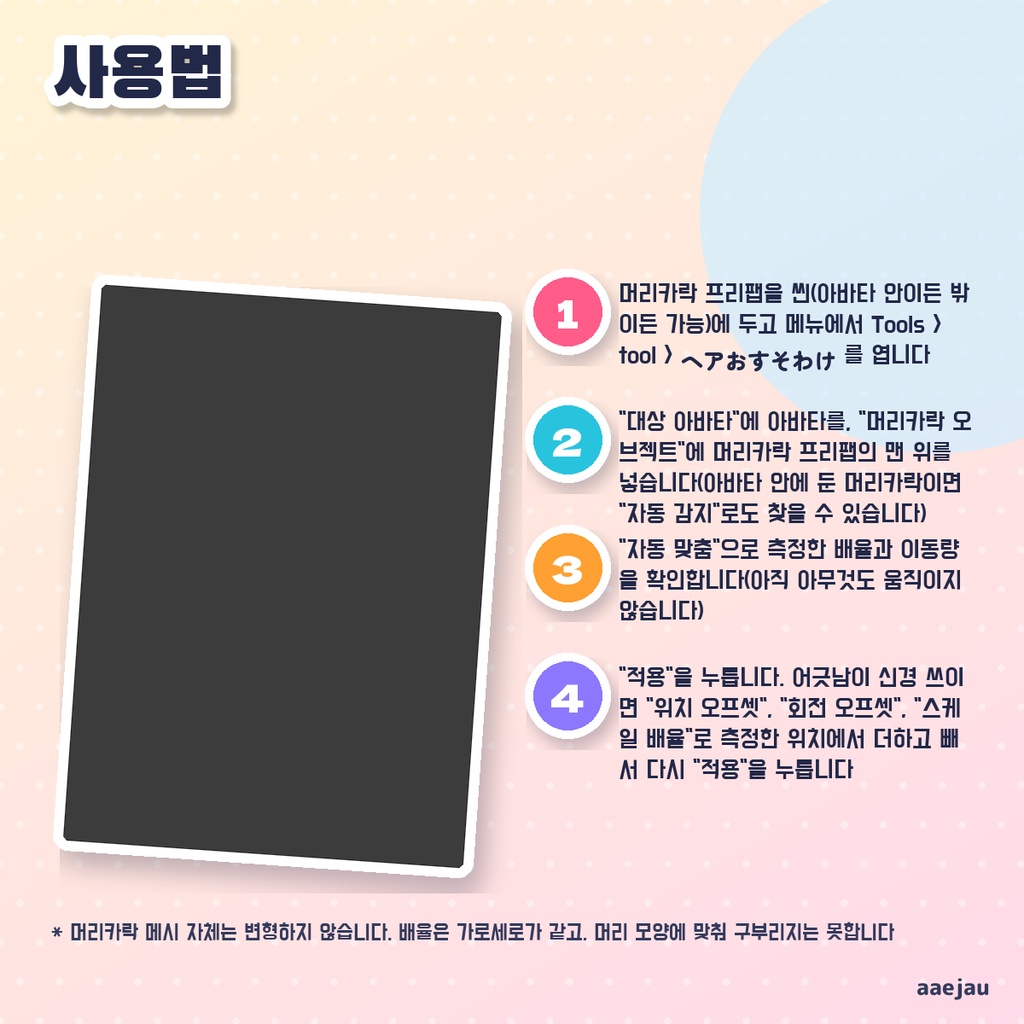


「ほかの子の髪を、自分の頭に合わせたい。」 Blenderは使いません。Unityの中だけで終わります。 別のアバター向けに作られた髪を、自分のアバターの頭に載せ替えるための道具です。アバターの頭のメッシュと髪の内側を測り、頭の幅に合わせて髪の大きさを決め、髪の内側のてっぺんを頭のてっぺんへ合わせます。髪の中の頭の骨をアバターの Head の子にするので、髪は頭の動きについてきます。何度「適用」を押しても同じ位置に置き直します。 ◆ 使い方 1. 髪のプレハブをシーン(アバターの中でも外でも可)に置き、メニューの Tools > tool > ヘアおすそわけ を開く 2. 「ターゲットアバター」にアバターを入れ、「髪オブジェクト」に髪のプレハブの一番上を入れる(アバターの中に置いた髪なら「自動検出」でも探せます) 3. 「オートフィット」で測った倍率と移動量を確かめる(まだ何も動きません) 4. 「適用」を押す。ずれが気になる時は「位置オフセット」「回転オフセット」「スケール倍率」で測った位置から足し引きして、もう一度「適用」 5. 元の髪は自分で非表示にしてください(この道具は元の髪を消しません) ◆ 必要環境 ・Unity 2022.3 ・Humanoid 設定で Head ボーンがあるアバター ・骨(Armature)入りの髪、または骨の無い髪のメッシュ ・VRChat SDK は不要です ※ 髪のメッシュそのものは変形しません。倍率は縦横同じで、頭の形に沿わせて曲げることはできません ※ 髪の内側の形を頂点から測るので、頭を包む部分が無い髪(付け毛・ポニーテールだけ等)は測れないか、位置がずれます。その時は手動調整で合わせてください ※ アバターの頭は Head ボーンに半分以上乗った頂点で測ります。名前に hair・髪 が入っていない髪や、頭に乗った帽子・リボンも頭として数えます ※ 髪の中の頭の骨は Head・頭 などの名前で探します。見つからない時は髪の骨の根元を Head の子にします(警告が出ます) ※ PhysBone の数値やウェイトは変えません。髪のプレハブは中の骨を動かすために展開(Unpack)します ※ MAYO の髪を MAYO・ミルフィ・しなの・Felis に合わせて確かめました。同じ素体なら倍率 1.00・移動 0 で何も動かしません。頭の大きさが違う Felis では、頭が髪から突き抜ける頂点が 10%→1.6% に減りました。しなのでは前髪が目に少しかかります(位置・大きさの微調整で直せます)。2回目に押すと数 mm 動くことがあります 内容物: unitypackage / README / CHANGELOG / TEST_REPORT / LICENSE / 画面のスクリーンショット ━━━━━━━━━━━━━━━━━━━━ English ━━━━━━━━━━━━━━━━━━━━ A tool for moving hair made for a different avatar onto your avatar's head. It measures your avatar's head mesh and the inside of the hair, scales the hair to your head width, and places the inner top of the hair on the top of your head. The hair's own head bone is parented under your avatar's Head, so the hair follows head movement. Pressing Apply again puts it back in the same place. ◆ How to use 1. Put the hair prefab in the scene (inside or outside the avatar) and open Tools > tool > ヘアおすそわけ from the menu 2. Set your avatar in "Target Avatar" and the top of the hair prefab in "Hair Object" (if the hair is inside the avatar, "Detect" can find it) 3. Press "Auto Fit" to check the measured scale and movement (nothing moves yet) 4. Press "Apply". If it is slightly off, add adjustments with "Position Offset", "Rotation Offset" and "Scale Multiplier" on top of the measured fit and press "Apply" again 5. Hide your avatar's original hair yourself (this tool does not remove it) ◆ Requirements ・Unity 2022.3 ・An avatar with a Head bone in its Humanoid rig ・Hair with bones (an armature), or a hair mesh without bones ・VRChat SDK is not required * The hair mesh itself is not deformed. The scale is uniform and the hair cannot be bent to follow a differently shaped head * The inside of the hair is measured from its vertices, so hair without a part that wraps the head (extensions, a ponytail alone, etc.) cannot be measured or ends up offset. Adjust it by hand in that case * Your avatar's head is measured from vertices weighted at least half to the Head bone. Hair without hair in its name, and hats or ribbons weighted to the head, count as head * The hair's head bone is found by names such as Head. If none is found, the root of the hair bones is parented under Head (with a warning) * PhysBone values and weights are not changed. The hair prefab is unpacked so its bones can be moved * Checked by fitting MAYO's hair to MAYO, Milfy, Shinano and Felis. On the same body it changes nothing (scale 1.00, move 0). On Felis, with a different head size, head vertices poking through the hair dropped from 10% to 1.6%. On Shinano the bangs cover the eyes a little (fix with the position / scale offsets). Pressing a second time can move it a few mm Contents: unitypackage / README / CHANGELOG / TEST_REPORT / LICENSE / screenshot ━━━━━━━━━━━━━━━━━━━━ 한국어 ━━━━━━━━━━━━━━━━━━━━ 다른 아바타용으로 만들어진 머리카락을 내 아바타의 머리에 옮겨 얹기 위한 도구입니다. 아바타의 머리 메시와 머리카락 안쪽을 측정해 머리 폭에 맞춰 크기를 정하고, 머리카락 안쪽의 꼭대기를 머리 꼭대기에 맞춥니다. 머리카락 안의 머리 본을 아바타의 Head 자식으로 넣으므로 머리 움직임을 따라갑니다. 「적용」을 여러 번 눌러도 같은 위치에 다시 놓습니다. ◆ 사용법 1. 머리카락 프리팹을 씬(아바타 안이든 밖이든 가능)에 두고 메뉴에서 Tools > tool > ヘアおすそわけ 를 엽니다 2. "대상 아바타"에 아바타를, "머리카락 오브젝트"에 머리카락 프리팹의 맨 위를 넣습니다(아바타 안에 둔 머리카락이면 "자동 감지"로도 찾을 수 있습니다) 3. "자동 맞춤"으로 측정한 배율과 이동량을 확인합니다(아직 아무것도 움직이지 않습니다) 4. "적용"을 누릅니다. 어긋남이 신경 쓰이면 "위치 오프셋", "회전 오프셋", "스케일 배율"로 측정한 위치에서 더하고 빼서 다시 "적용"을 누릅니다 5. 원래 머리카락은 직접 숨겨 주세요(이 도구는 원래 머리카락을 지우지 않습니다) ◆ 요구 환경 ・Unity 2022.3 ・Humanoid 설정에 Head 본이 있는 아바타 ・본(Armature)이 들어 있는 머리카락, 또는 본이 없는 머리카락 메시 ・VRChat SDK는 필요 없습니다 ※ 머리카락 메시 자체는 변형하지 않습니다. 배율은 가로세로가 같고, 머리 모양에 맞춰 구부리지는 못합니다 ※ 머리카락 안쪽 모양을 정점으로 측정하므로, 머리를 감싸는 부분이 없는 머리카락(붙임머리·포니테일만 등)은 측정하지 못하거나 위치가 어긋납니다. 그때는 수동 조정으로 맞춰 주세요 ※ 아바타의 머리는 Head 본에 절반 이상 실린 정점으로 측정합니다. 이름에 hair가 없는 머리카락이나 머리에 실린 모자·리본도 머리로 셉니다 ※ 머리카락 안의 머리 본은 Head 등의 이름으로 찾습니다. 찾지 못하면 머리카락 본의 뿌리를 Head의 자식으로 넣습니다(경고가 나옵니다) ※ PhysBone 수치와 웨이트는 바꾸지 않습니다. 본을 옮기기 위해 머리카락 프리팹은 풀어(Unpack) 둡니다 ※ MAYO의 머리를 MAYO·밀피·시나노·Felis에 맞춰 확인했습니다. 같은 소체면 배율 1.00·이동 0으로 아무것도 움직이지 않습니다. 머리 크기가 다른 Felis에서는 머리가 머리카락을 뚫고 나오는 정점이 10%→1.6%로 줄었습니다. 시나노에서는 앞머리가 눈에 조금 걸립니다(위치·크기 미세 조정으로 고칠 수 있음). 두 번째로 누르면 몇 mm 움직일 수 있습니다 내용물: unitypackage / README / CHANGELOG / TEST_REPORT / LICENSE / 스크린샷