

ワンタップゆれもの - まだ揺れていない揺れ物の骨を探してPhysBoneを付ける【JA,EN,KO】
- 日本語ダウンロード商品¥ 700
- Englishダウンロード商品¥ 700
- 한국어ダウンロード商品¥ 700
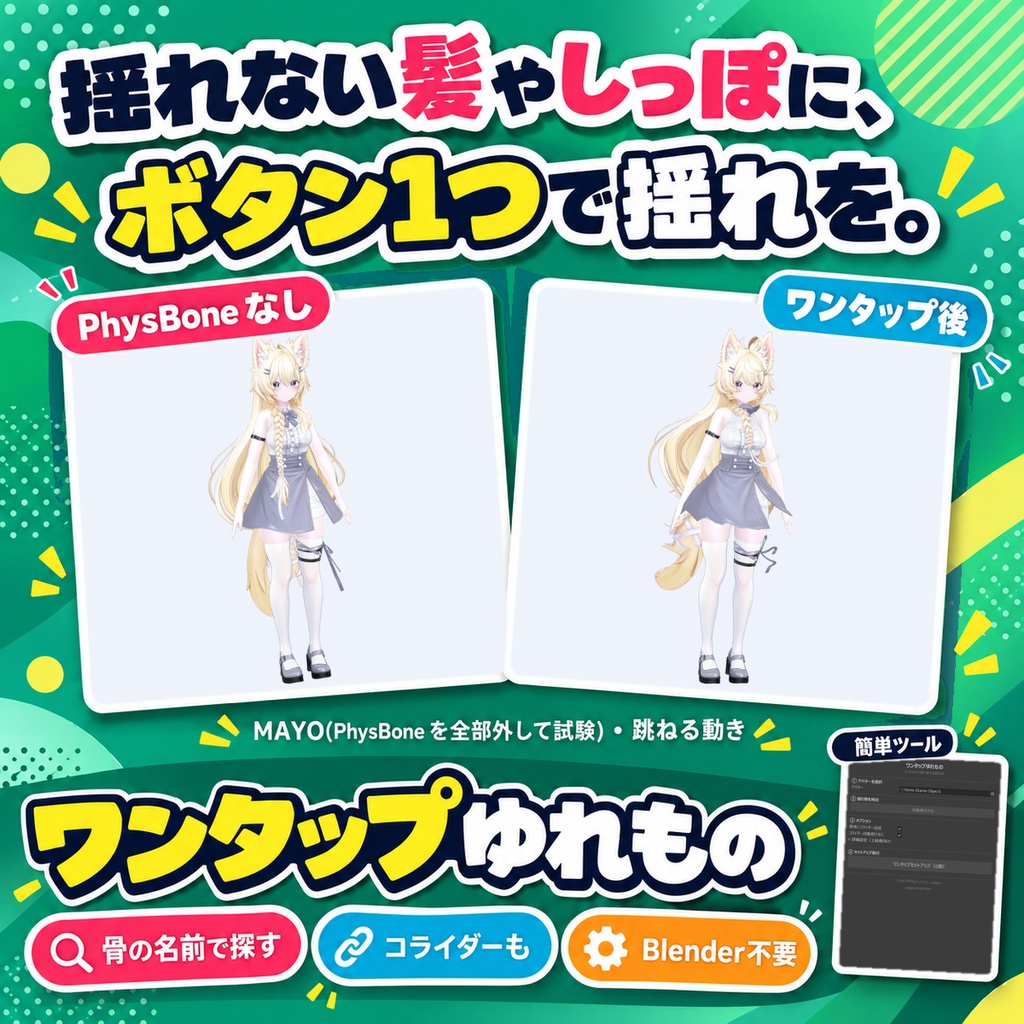
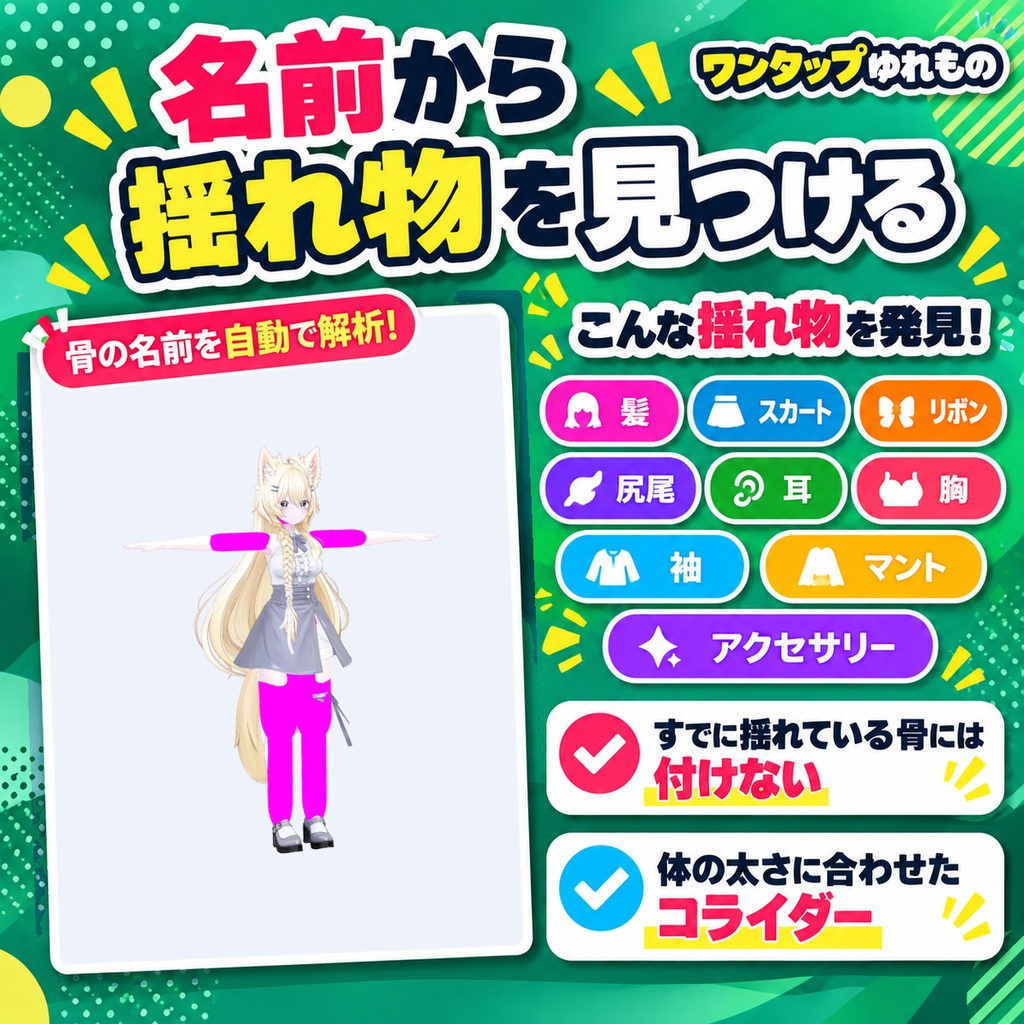
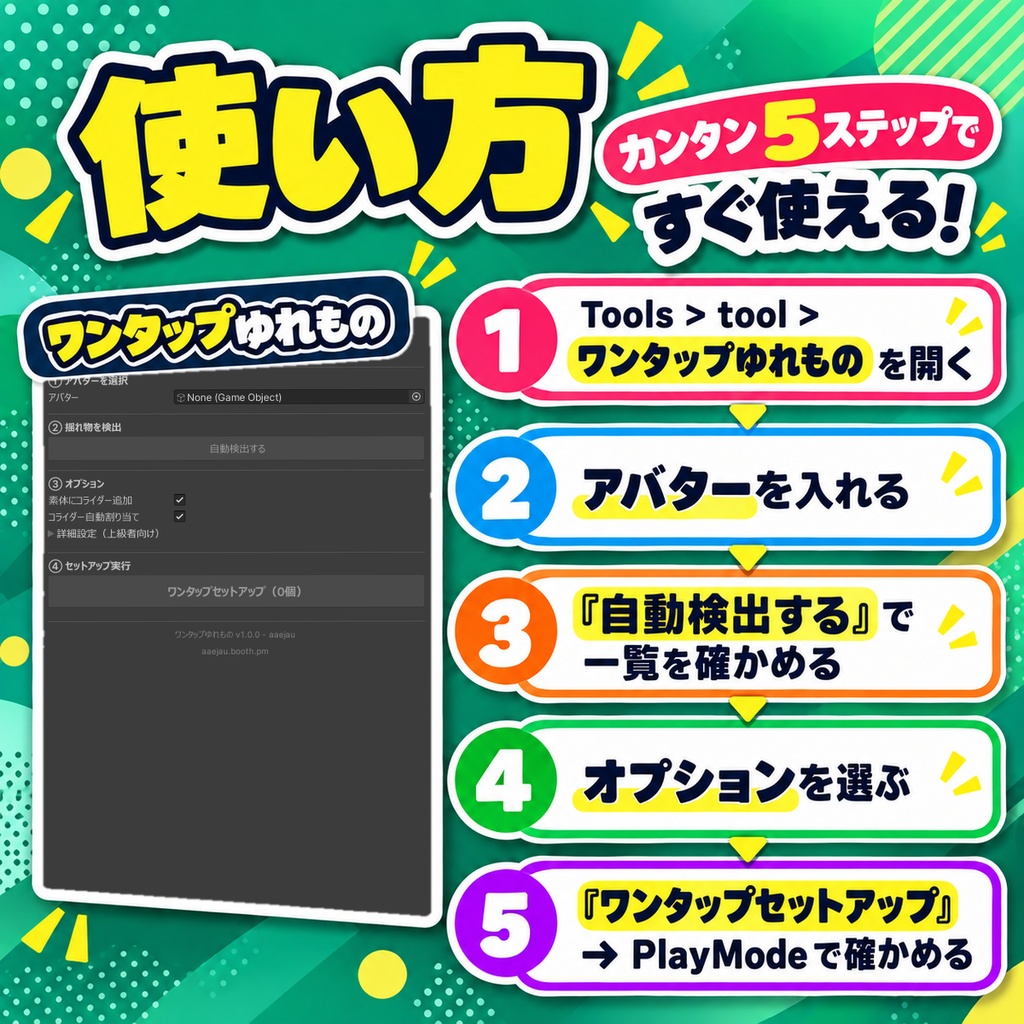
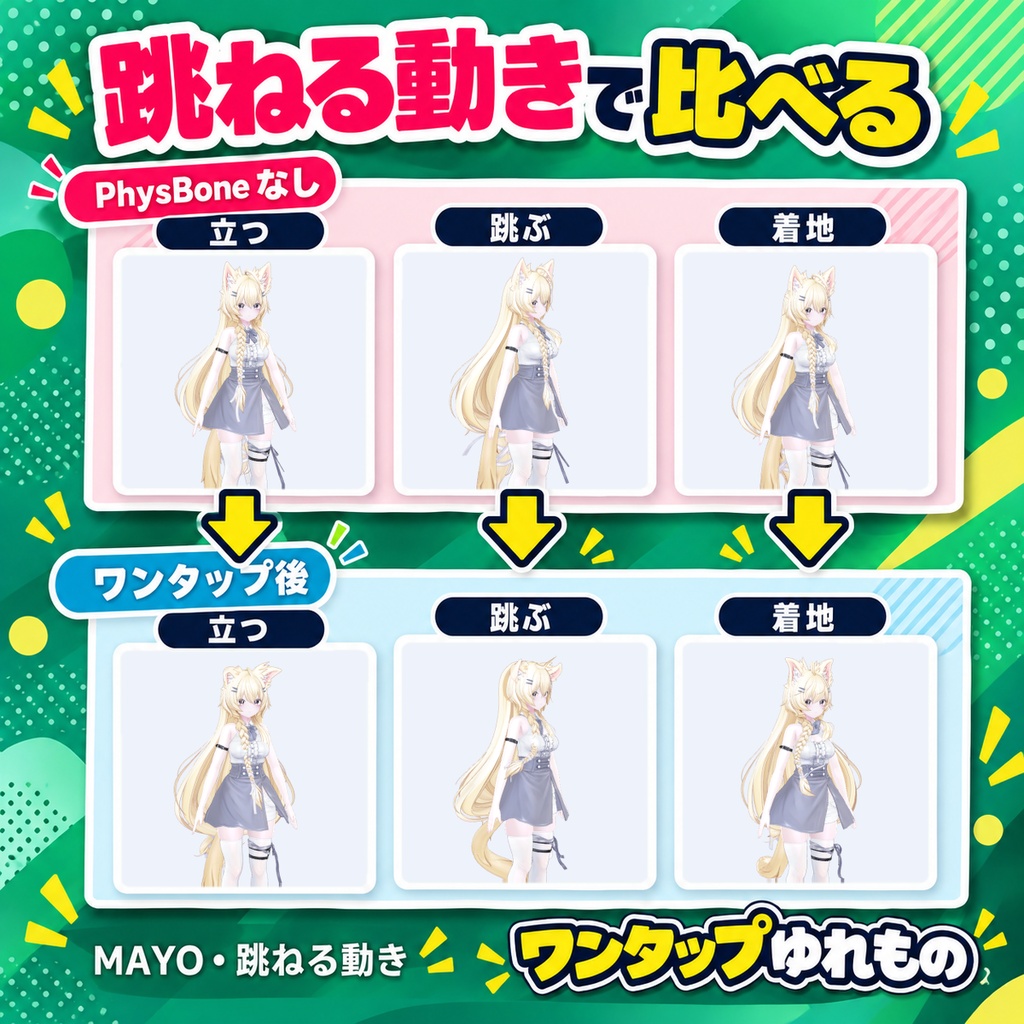
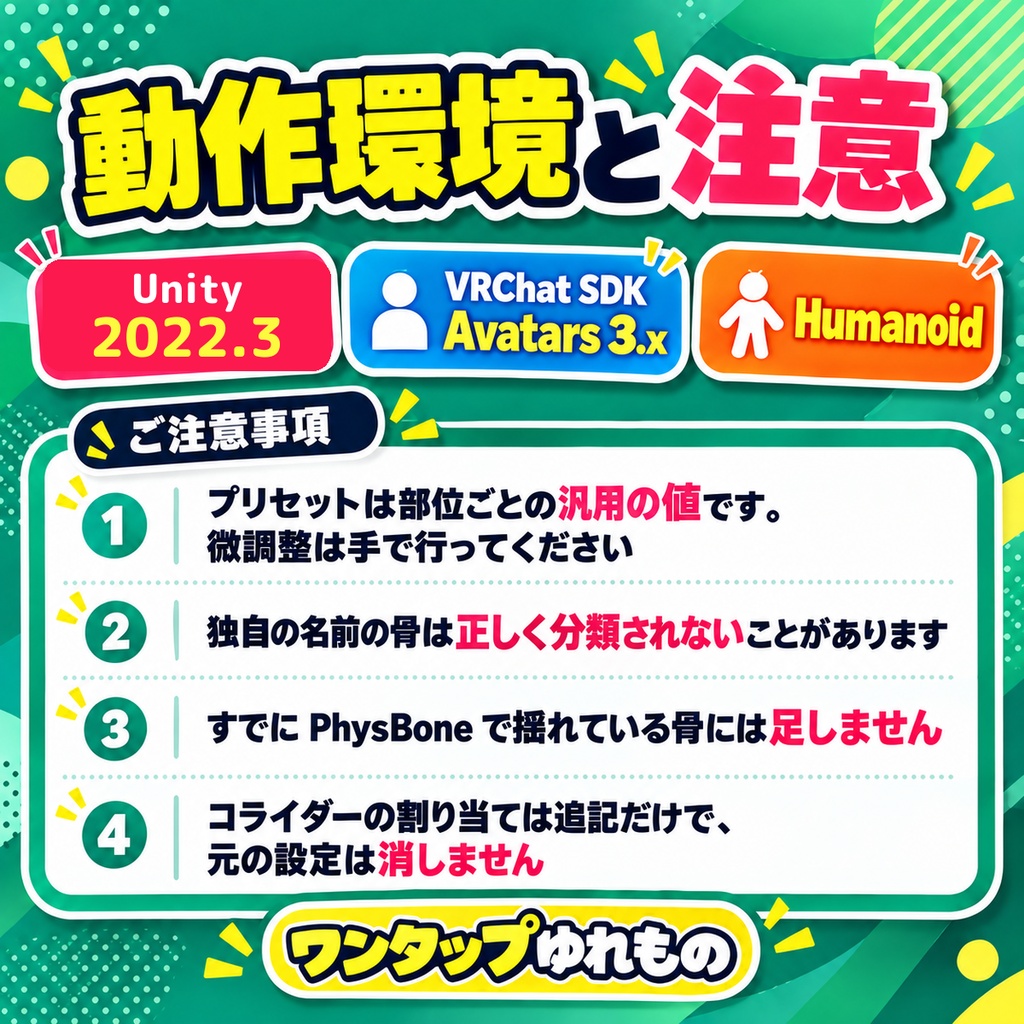
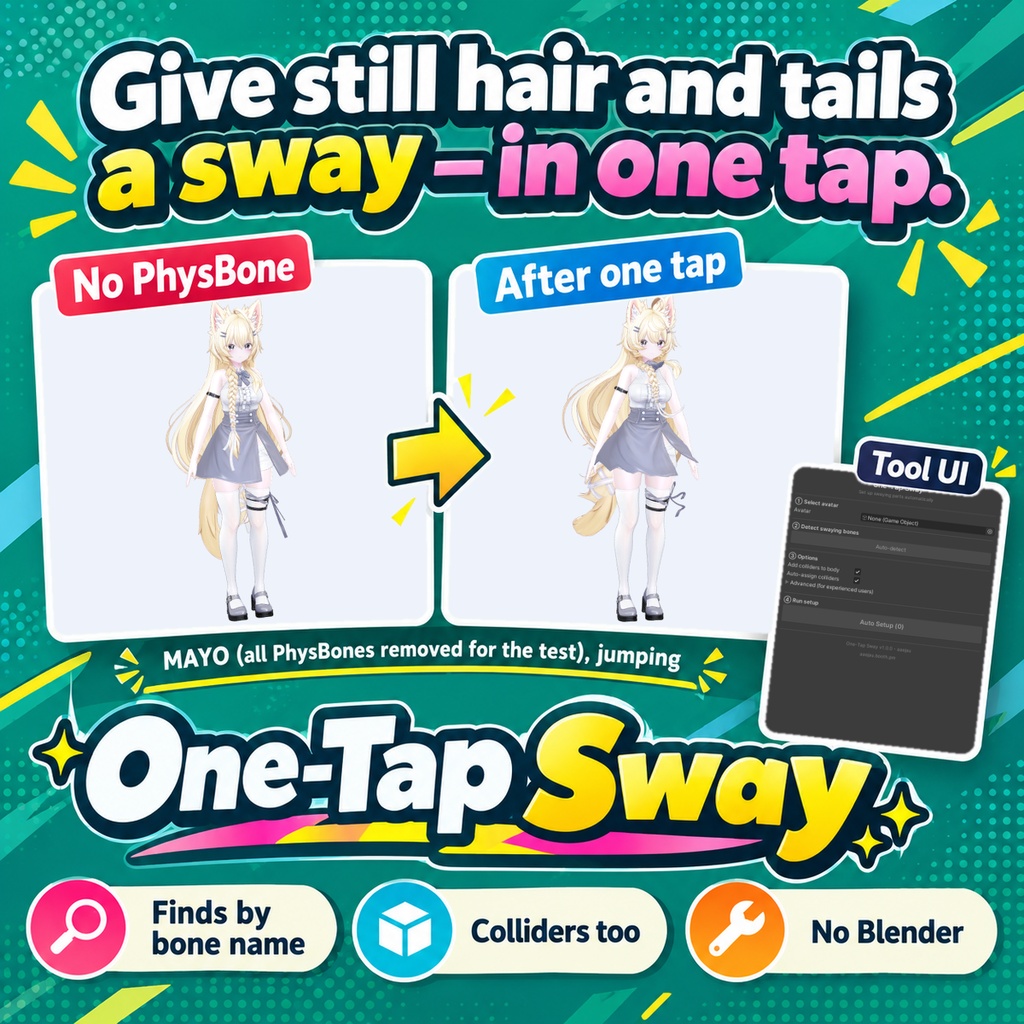
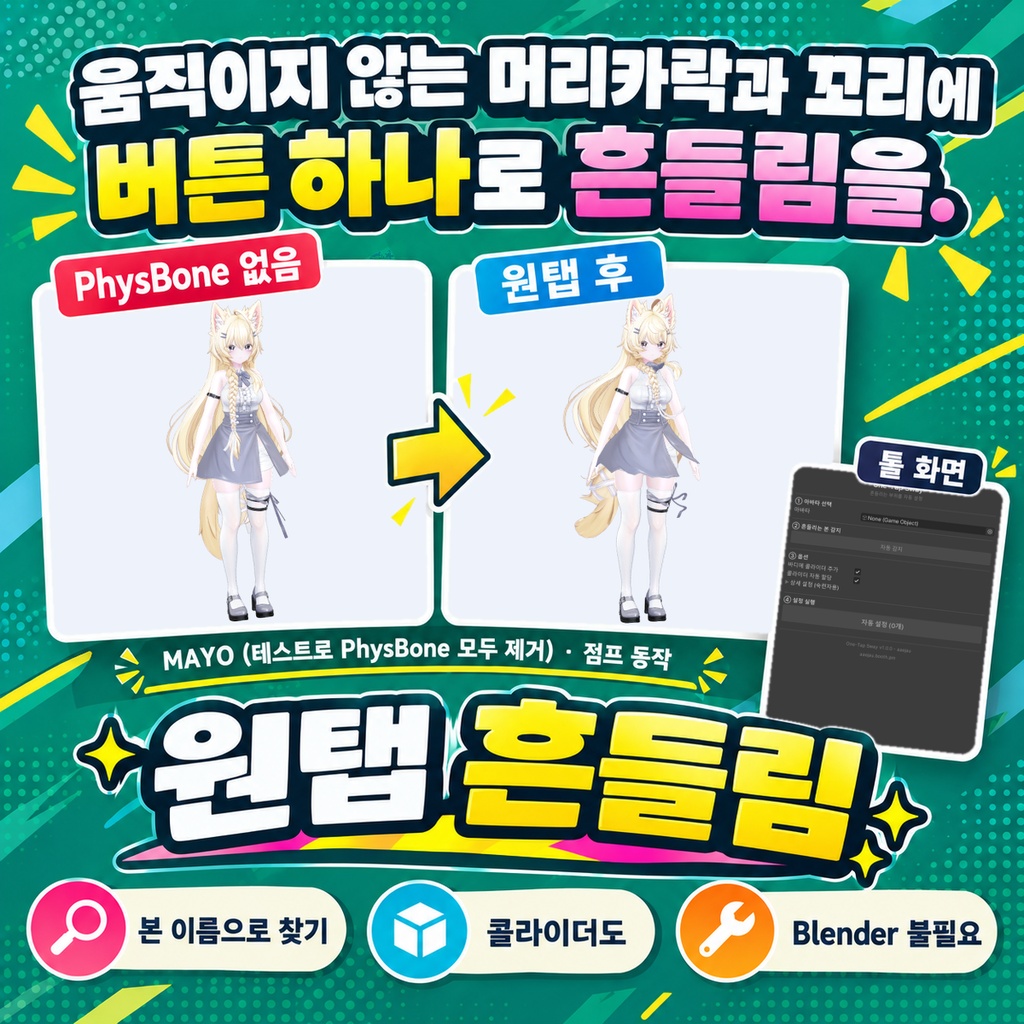


「髪やしっぽに、揺れの設定を入れるのがめんどう。」 Blenderは使いません。Unityの中だけで終わります。 アバターの骨の名前から、髪・スカート・リボン・尻尾・耳・胸・袖・マント・アクセサリーの揺れ物を探し、部位ごとのプリセット値でVRC PhysBoneを付けるUnityエディタ拡張です。HairFront・TailRoot・EarL のような名前も語に分けて読みます。すでにPhysBoneで揺れている骨には付けません。体のメッシュの太さに合わせたコライダー(頭・胸・腰・上腕・太もも・すね)を置き、このツールで付けたPhysBoneと、元からある髪・スカート・しっぽ・耳のPhysBoneへ追記で登録します。 ◆ 使い方 1. メニュー Tools > tool > ワンタップゆれもの を開く 2. 「アバター」に VRC Avatar Descriptor の付いたアバターを入れる 3. 「自動検出する」を押し、一覧で不要な骨のチェックを外す。部位の分類はプルダウンで変えられる。名前から部位が分からない枝はチェックが外れた状態で出るので、揺らしたい物だけチェックを入れる 4. オプション(素体にコライダー追加・コライダー自動割り当て)を選ぶ 5. 「ワンタップセットアップ」を押し、PlayModeで揺れ方を確かめてInspectorで調整する ◆ 必要環境 ・Unity 2022.3 ・VRChat SDK Avatars 3.x ・VRC Avatar Descriptor の付いたHumanoidアバター ※ プリセットは部位ごとの汎用の値です。アバターに合わせた微調整は手で行ってください ※ 骨の名前で判断するため、独自の名前の骨は正しく分類されないことがあります ※ すでにPhysBoneで揺れている骨(別の物に付いてrootTransformで指している場合も含む)と、その上の骨、Humanoidの骨、指の骨は対象外です ※ 子の無い骨には、親から伸びる向きに短い先端(Endpoint Position)を付けて揺れるようにします ※ コライダーの自動割り当ては追記だけで、元からあるPhysBoneのコライダー欄を消したり置き換えたりしません。胸・お尻の揺れのPhysBoneには入れません ※ 置いた時点で骨がすでにコライダーの中にある組み合わせは登録しません(最初から押し出されるため) ※ 胸と腰のコライダーは横向きのカプセル1本で近似します。胸のコライダーは胸の揺れ骨の付け根を飲み込まない太さまで細くします ※ このツールのコライダーは OTS_ で始まる名前で置かれ、もう一度実行すると作り直さずに形だけ合わせ直します ※ MAYO の PhysBone を全部外した状態で入れると、髪・しっぽ・スカート・リボンの 12 か所に PhysBone が付き、跳ねる動きで実際に揺れました。市販のアバターのように元から揺れている骨には足しません(しなの・MAYO は 0 か所、Felis・ミルフィは 1 か所) 内容物: unitypackage / README / CHANGELOG / TEST_REPORT / LICENSE / 画面のスクリーンショット ━━━━━━━━━━━━━━━━━━━━ English ━━━━━━━━━━━━━━━━━━━━ A Unity editor extension that finds swaying parts (hair, skirt, ribbon, tail, ears, chest, sleeves, cape, accessories) from the avatar's bone names and adds VRC PhysBones with a preset for each part. Names like HairFront, TailRoot and EarL are split into words before matching. Bones already moved by a PhysBone are skipped. It also places colliders fitted to the body mesh (head, chest, hips, upper arms, thighs, shins) and adds them to the PhysBones made by this tool and to existing hair, skirt, tail and ear PhysBones. ◆ How to use 1. Open Tools > tool > ワンタップゆれもの from the menu 2. Put an avatar with a VRC Avatar Descriptor in "Avatar" 3. Press "Auto-detect" and uncheck bones you do not want. You can change the part type in the dropdown. Branches whose part cannot be told from the name are listed unchecked; check only the ones you want to sway 4. Choose options (Add colliders to body, Auto-assign colliders) 5. Press "Auto Setup", check the sway in Play Mode and fine-tune in the Inspector ◆ Requirements ・Unity 2022.3 ・VRChat SDK Avatars 3.x ・Humanoid avatar with a VRC Avatar Descriptor * Presets are general values per part. Fine-tune them for your avatar by hand * Detection is based on bone names, so bones with unusual names may be misclassified * Bones already moved by a PhysBone (including ones targeted through rootTransform from another object), bones above them, Humanoid bones and finger bones are skipped * A bone with no children gets a short endpoint (Endpoint Position) pointing away from its parent so that it can sway * Auto-assign only adds colliders. It never clears or replaces the collider list of existing PhysBones, and breast / butt jiggle PhysBones are not touched * A pair where the bones are already inside the collider at rest is not registered (it would push them out from the start) * Chest and hips colliders are one horizontal capsule each. The chest collider is made thin enough not to swallow the breast bone roots * Colliders from this tool are named with OTS_; running again reshapes them instead of adding new ones * On MAYO with all PhysBones removed, it added PhysBones to 12 places (hair, tail, skirt, ribbons) and they swung in a hopping motion. It does not add to bones that already swing, as on stock avatars (0 places on Shinano and MAYO, 1 on Felis and Milfy) Contents: unitypackage / README / CHANGELOG / TEST_REPORT / LICENSE / screenshot ━━━━━━━━━━━━━━━━━━━━ 한국어 ━━━━━━━━━━━━━━━━━━━━ 아바타의 본 이름으로 머리카락, 스커트, 리본, 꼬리, 귀, 가슴, 소매, 망토, 액세서리 같은 흔들리는 부위를 찾아 부위별 프리셋 값으로 VRC PhysBone을 추가하는 Unity 에디터 확장입니다. HairFront, TailRoot, EarL 같은 이름도 단어로 나눠 읽습니다. 이미 PhysBone으로 흔들리는 본에는 추가하지 않습니다. 바디 메시 두께에 맞춘 콜라이더(머리, 가슴, 허리, 위팔, 허벅지, 정강이)를 배치하고, 이 툴로 추가한 PhysBone과 원래 있던 머리카락, 스커트, 꼬리, 귀 PhysBone에 추가로 등록합니다. ◆ 사용법 1. 메뉴 Tools > tool > ワンタップゆれもの 을 엽니다 2. "아바타"에 VRC Avatar Descriptor가 있는 아바타를 넣습니다 3. "자동 감지"를 누르고 목록에서 필요 없는 본의 체크를 해제합니다. 부위 분류는 드롭다운으로 바꿀 수 있습니다. 이름으로 부위를 알 수 없는 가지는 체크가 해제된 상태로 나오니 흔들고 싶은 것만 체크합니다 4. 옵션(바디에 콜라이더 추가, 콜라이더 자동 할당)을 고릅니다 5. "자동 설정"을 누르고 PlayMode에서 흔들림을 확인한 뒤 Inspector에서 조정합니다 ◆ 요구 환경 ・Unity 2022.3 ・VRChat SDK Avatars 3.x ・VRC Avatar Descriptor가 있는 Humanoid 아바타 ※ 프리셋은 부위별 범용 값입니다. 아바타에 맞춘 미세 조정은 직접 해 주세요 ※ 본 이름으로 판단하므로 독자적인 이름의 본은 잘못 분류될 수 있습니다 ※ 이미 PhysBone으로 흔들리는 본(다른 오브젝트에서 rootTransform으로 지정한 경우 포함)과 그 위의 본, Humanoid 본, 손가락 본은 대상에서 제외됩니다 ※ 자식이 없는 본에는 부모에서 뻗는 방향으로 짧은 끝점(Endpoint Position)을 넣어 흔들리게 합니다 ※ 콜라이더 자동 할당은 추가만 하며, 원래 있던 PhysBone의 콜라이더 목록을 지우거나 바꾸지 않습니다. 가슴, 엉덩이 흔들림 PhysBone에는 넣지 않습니다 ※ 배치 시점에 본이 이미 콜라이더 안에 있는 조합은 등록하지 않습니다(처음부터 밀려나기 때문) ※ 가슴과 허리 콜라이더는 가로 캡슐 하나로 근사합니다. 가슴 콜라이더는 가슴 흔들림 본의 뿌리를 삼키지 않을 만큼 가늘게 합니다 ※ 이 툴의 콜라이더는 OTS_로 시작하는 이름으로 배치되며, 다시 실행하면 새로 만들지 않고 모양만 다시 맞춥니다 ※ MAYO의 PhysBone을 전부 뺀 상태에서 넣으면 머리·꼬리·스커트·리본 12곳에 PhysBone이 붙고, 뛰는 동작에서 실제로 흔들렸습니다. 판매 아바타처럼 원래 흔들리는 본에는 추가하지 않습니다(시나노·MAYO 0곳, Felis·밀피 1곳) 내용물: unitypackage / README / CHANGELOG / TEST_REPORT / LICENSE / 스크린샷